15

超写实电影感国际旅行海报
Enlarge

超写实电影感国际旅行海报

Prompt
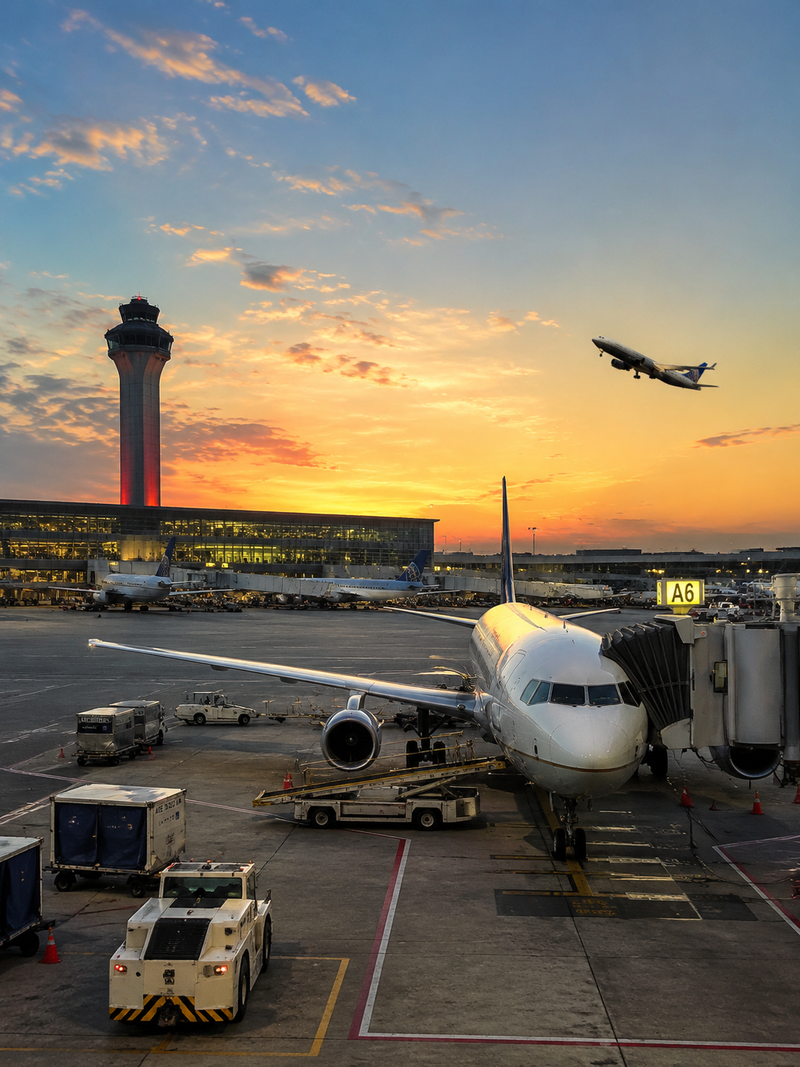
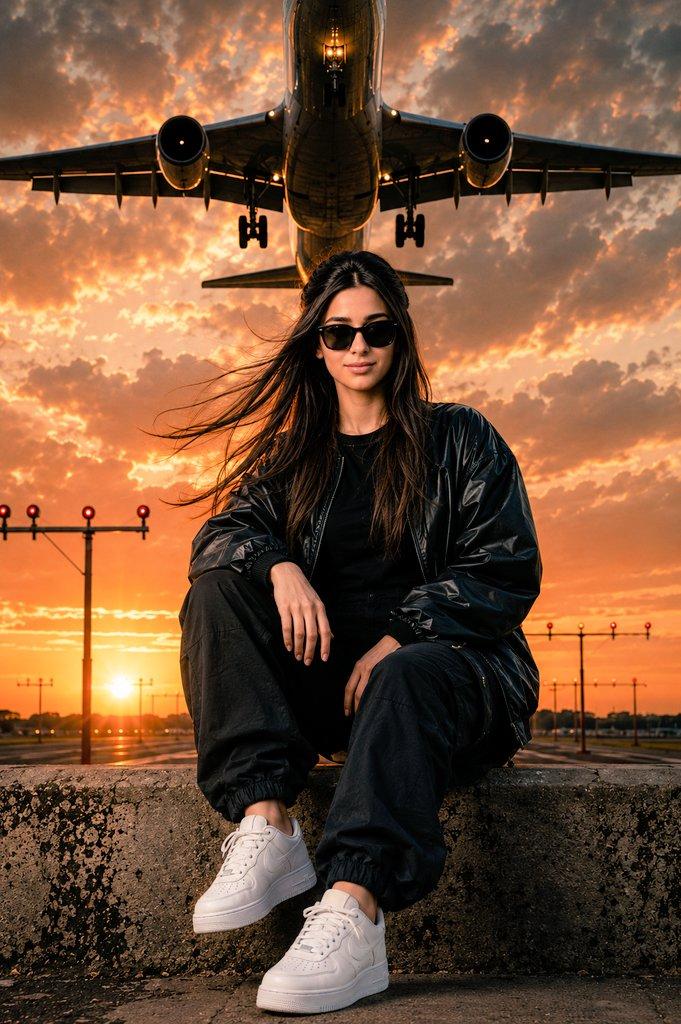
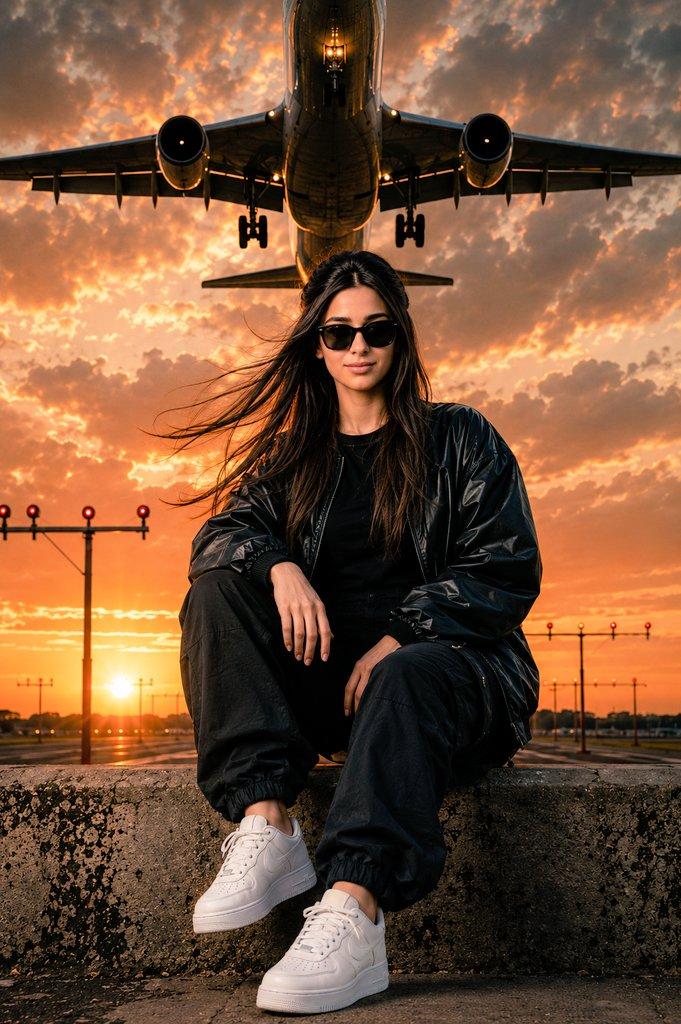
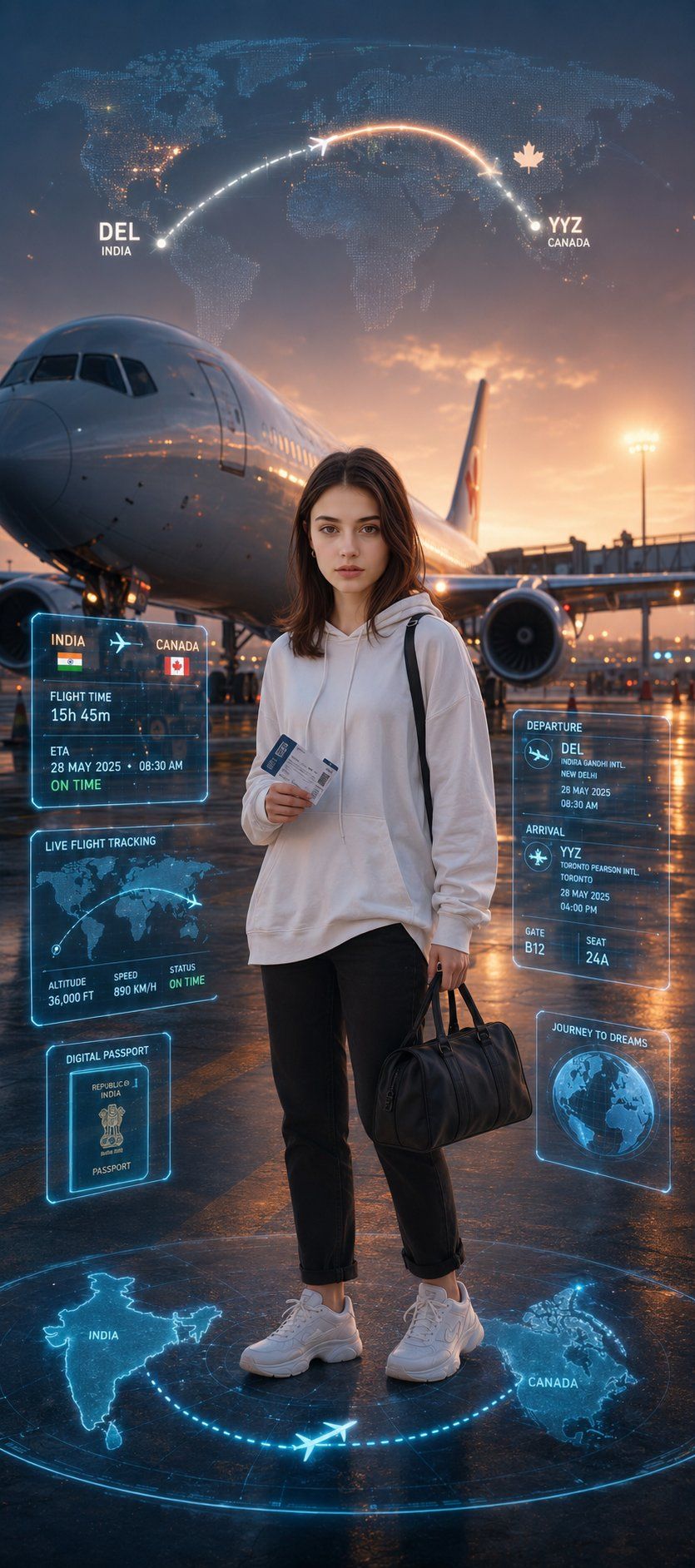
Ultra-realistic cinematic travel poster using my uploaded photo as the main subject. Keep the EXACT same face, hairstyle, beard, skin tone, facial structure, and body proportions — no face change or beautification. Scene: I am standing confidently at a modern international airport runway during golden hour, holding a boarding pass and small travel bag, with a large passenger airplane behind me preparing for takeoff from India to Canada. The airplane should look realistic and premium with glowing runway lights, soft fog, and cinematic atmosphere. Outfit: stylish modern travel look — white oversized shirt or hoodie, black jeans, trendy sneakers, luxury streetwear aesthetic. Background: giant futuristic travel route visualization in the sky and on the ground showing a glowing neon flight path from India to Canada. Add holographic Maps-style UI elements floating around me: “India → Canada” ETA / flight duration panel Departure & arrival icons Live flight tracking interface Glowing world map projection Digital passport/travel holograms Blue and orange cinematic lighting reflections Add subtle emotional vibe of dreams, success, and international journey. Make the scene feel inspirational and cinematic like a Netflix movie poster. Ultra-detailed, photorealistic, depth of field, volumetric lighting, realistic shadows, premium color grading, 8K quality.
Category
Charts & Infographics
Model
ChatGPT
Views78
Source ID
15998
Published
Jun 16, 2026

Guide

About "超写实电影感国际旅行海报"

What is this prompt for?

"超写实电影感国际旅行海报" AI image prompt for ChatGPT (Charts & Infographics). 超写实的电影感旅行海报,以我上传的照片为主要主体。保持完全相同的面部、发型、胡须、肤色、面部结构和身体比例——不进行变脸或美化。场景:在黄金时段,我自信地站在现代国际机场跑道上,拿着…

The full copyable prompt and example visuals above are ready for AI image generation or one-click recreate in Picva.

How to use this prompt

  1. Step 1

    Open the prompt detail

    Review the example visuals, category, and full prompt text for "超写实电影感国际旅行海报".

  2. Step 2

    Copy the prompt

    Copy the prompt body from this page, or load it directly in Studio.

  3. Step 3

    Pick a model (ChatGPT)

    Prefer ChatGPT. If you switch models, keep subject and composition and tweak style terms.

  4. Step 4

    Generate and export

    Recreate the look in Picva, or export into your workflow for editing and publishing.

FAQ

What is the "超写实电影感国际旅行海报" prompt?
It is an AI image-generation prompt for ChatGPT in the Charts & Infographics category. This page includes the full prompt text, example visuals, and a one-click recreate path in Picva.
How do I use this prompt to generate an image?
Copy the prompt from this page, or use Generate / Studio. Paste it into a compatible image model, or recreate the look in Picva with optional reference images.
Which model is this prompt for?
This page lists ChatGPT. Most descriptive prompts also transfer to nearby image models such as GPT Image, Flux, or Midjourney with light style tweaks.
Can I use the result commercially?
You can usually copy the prompt for creation, but commercial use of the final image depends on the model terms, reference-image rights, and the generated content. Follow the source author and platform rules.