18

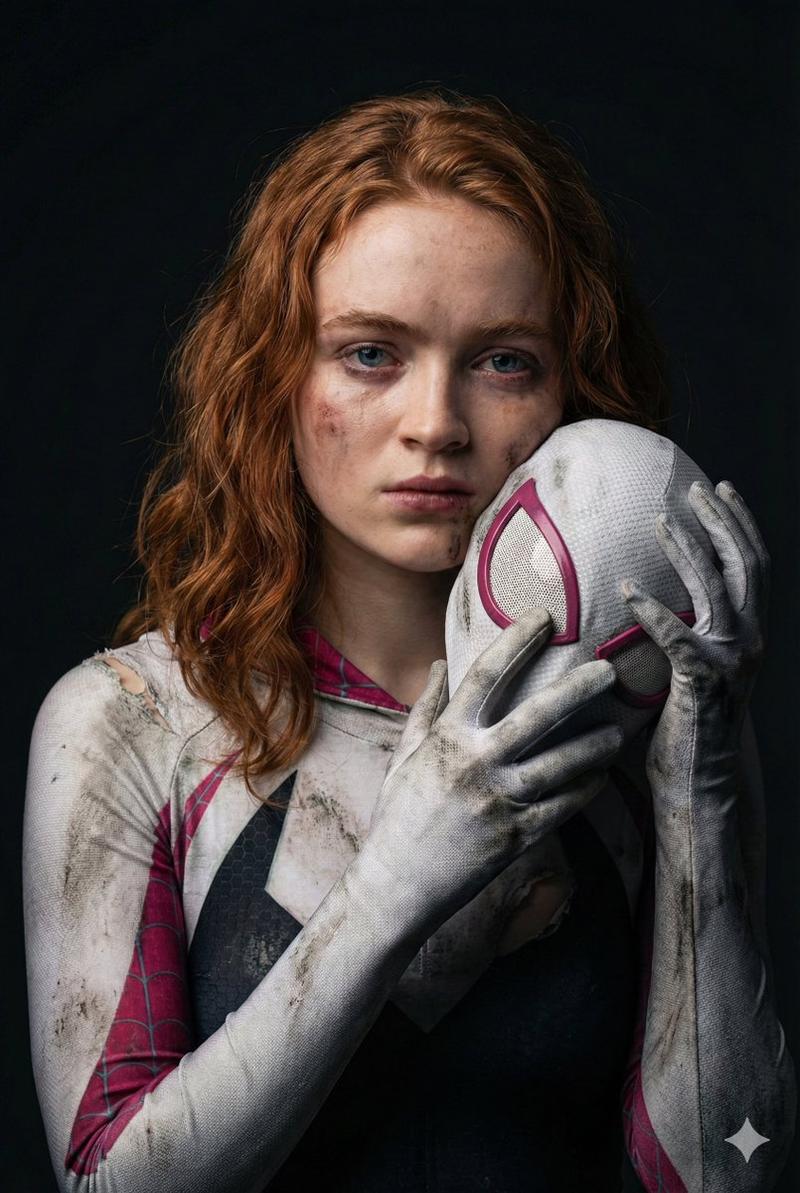
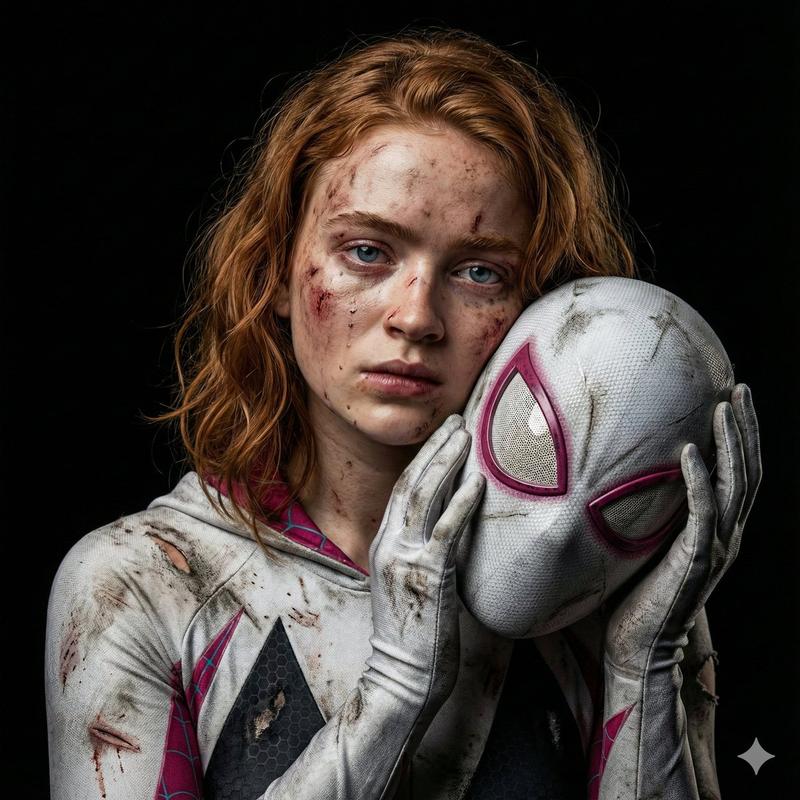
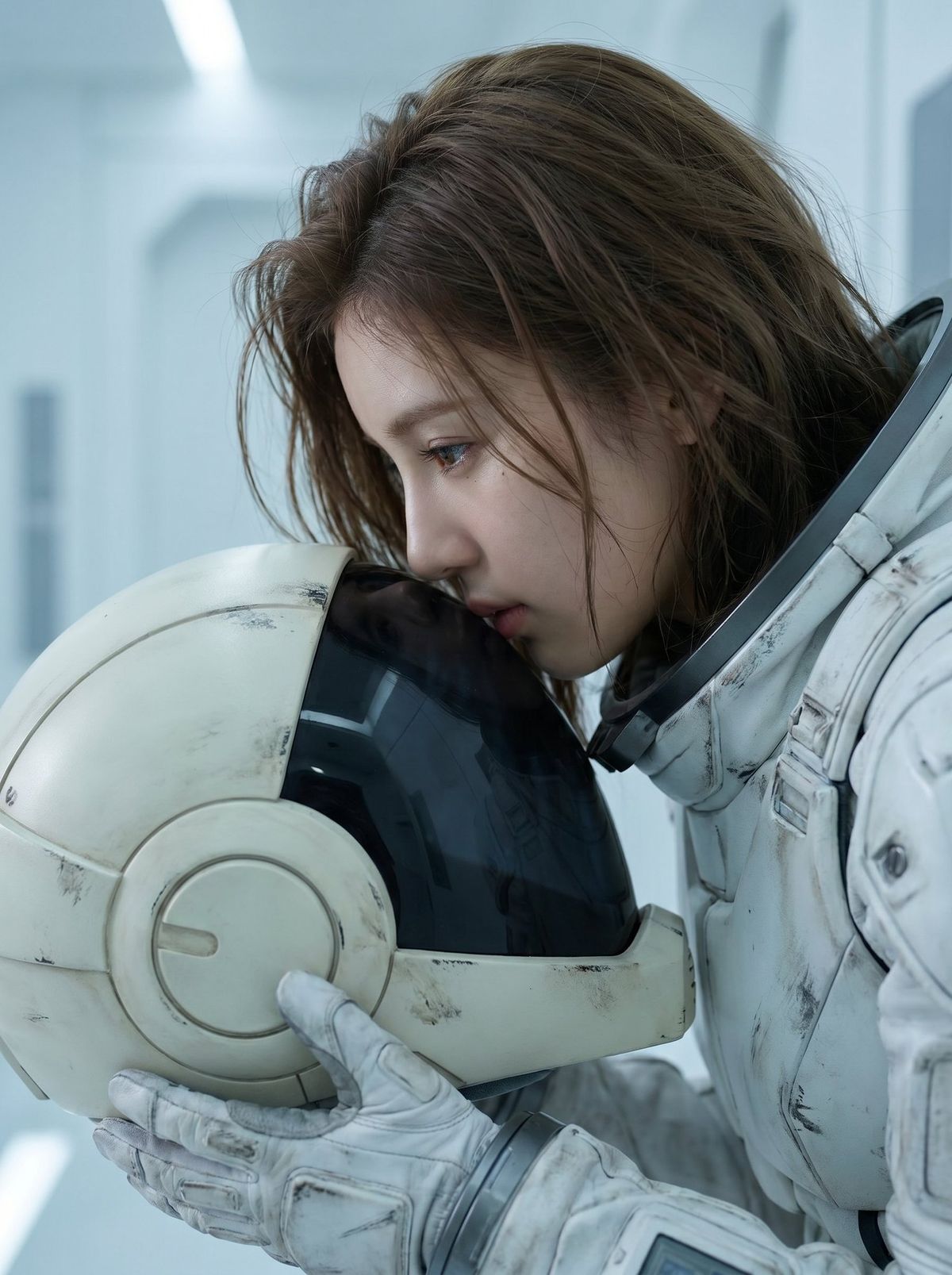
电影感女性机师头盔侧颜特写
Enlarge

Example images

电影感女性机师头盔侧颜特写

Prompt
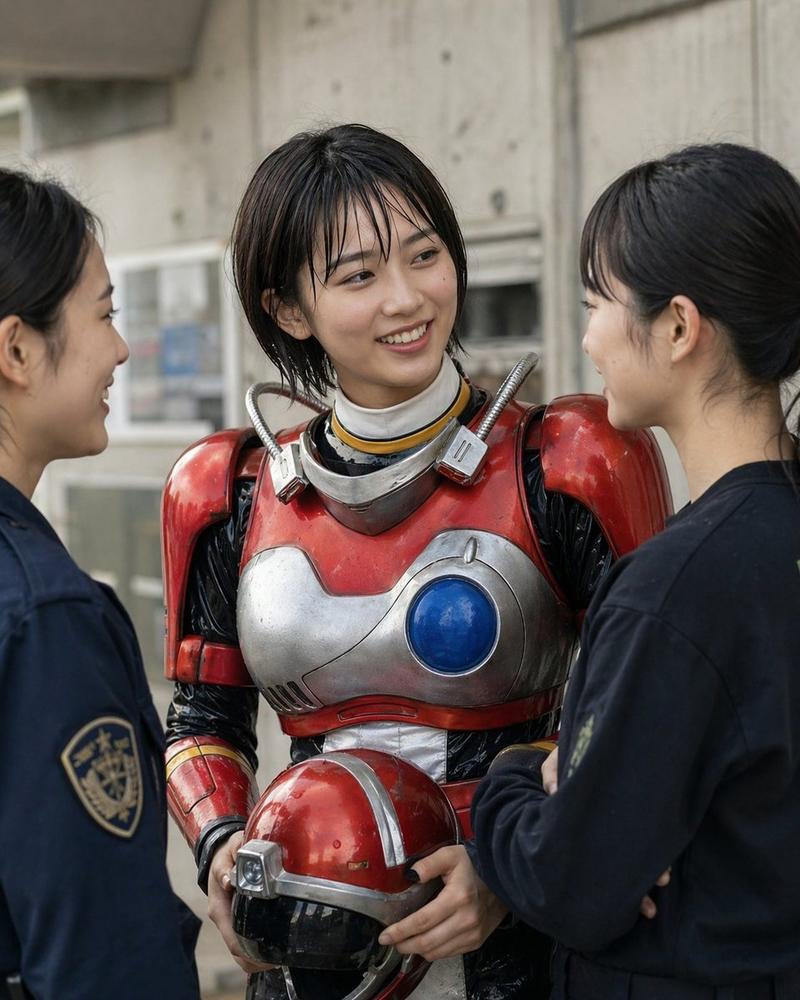
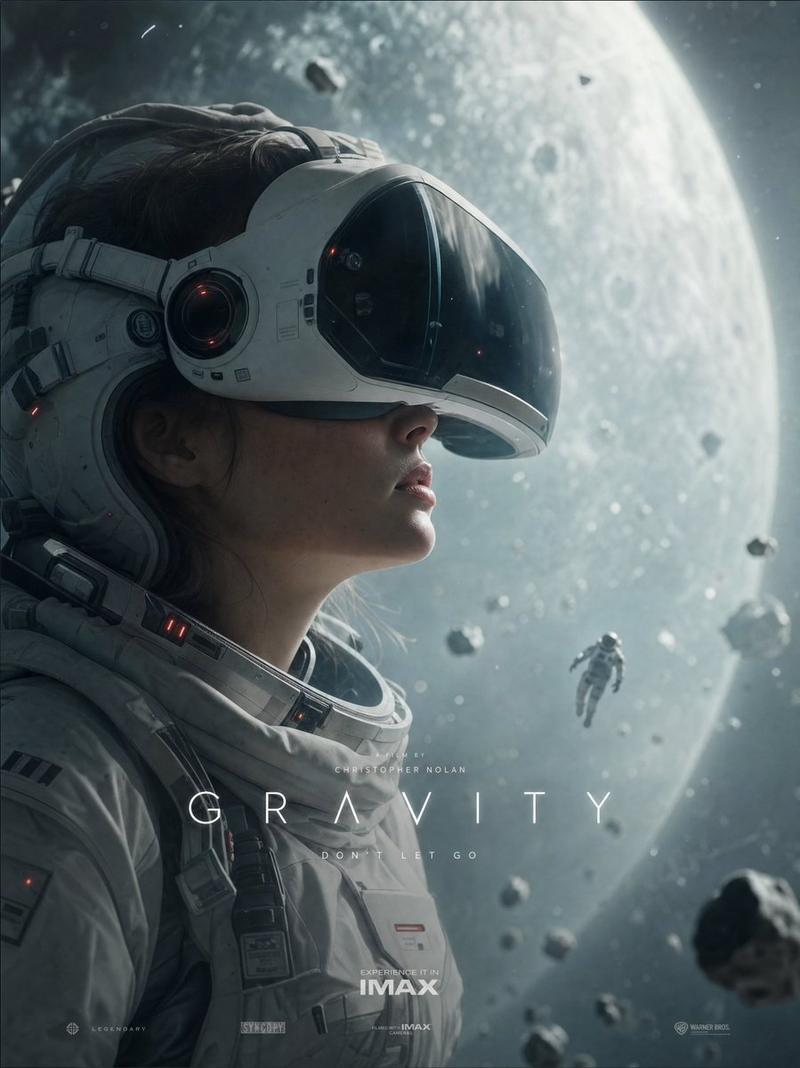
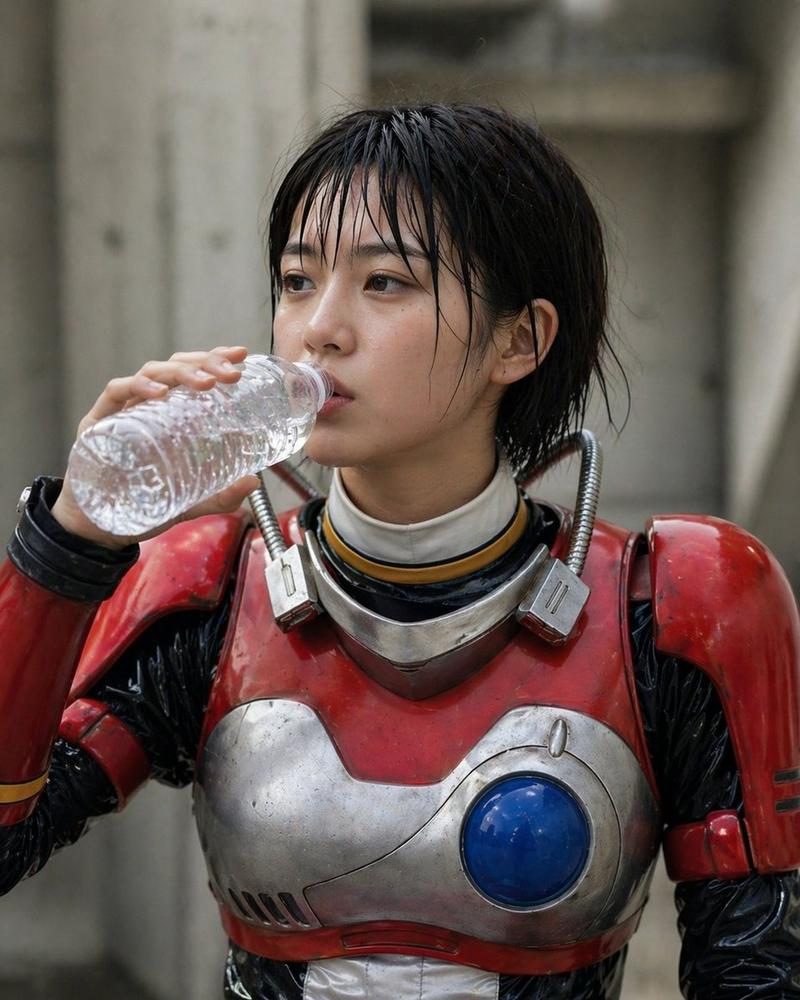
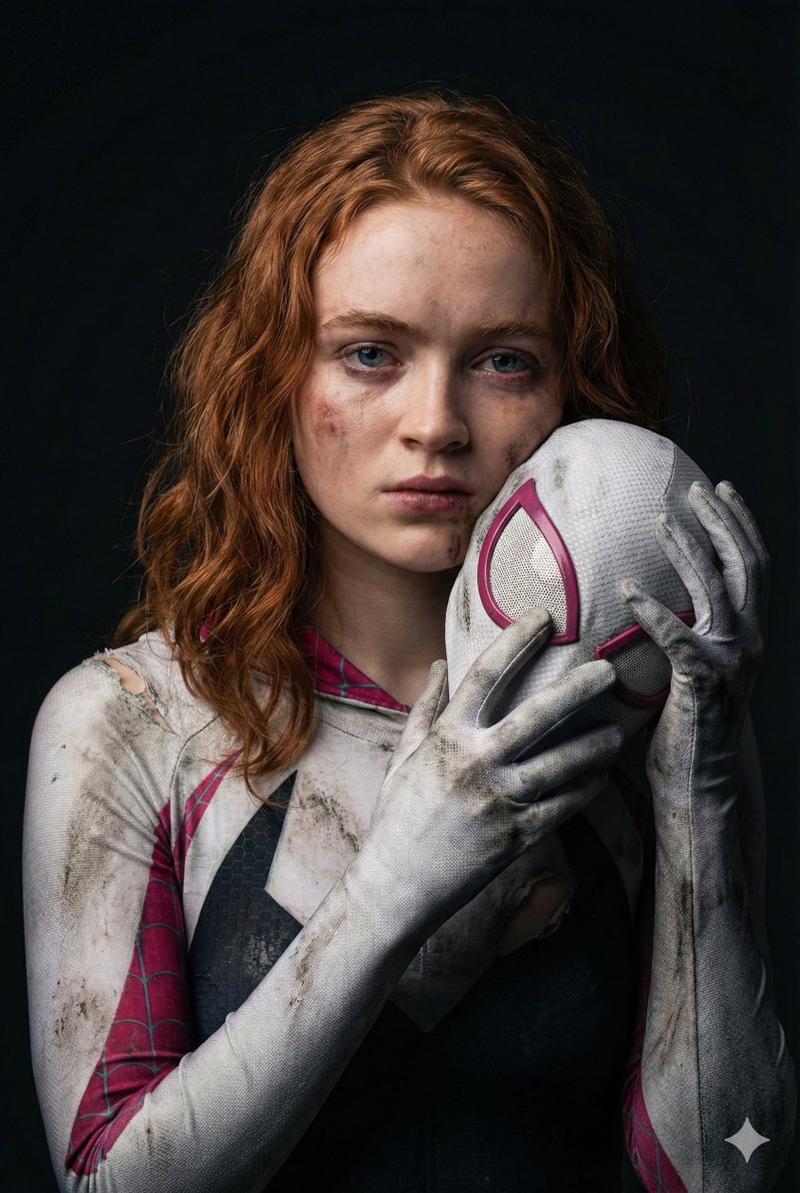
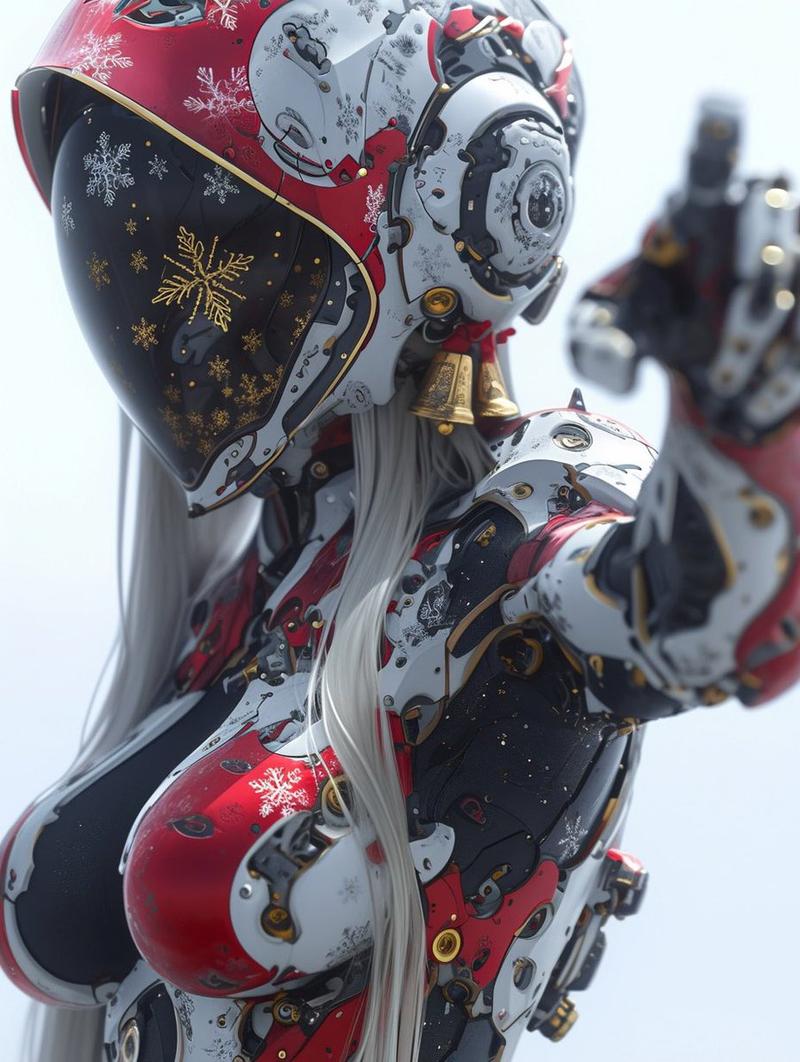
A cinematic, medium close-up shot of a young woman as in <<<image_1>>> standing in profile, gently resting her forehead against the metallic black visor of an off-white, mobile suit pilot helmet held in her gloved hands. She wears a detailed, futuristic white mobile suit pilot suit with subtle signs of wear and tear, including scuffs and grime textures. The lighting is soft, cool, and diffused, creating a melancholic and introspective mood with a palette of pale blues, stark whites, and pops of muted grey. The background is a blurred, minimalist sci-fi interior with sterile, light-toned architecture. Shot on a 85mm lens with a shallow depth of field, focusing sharply on her face and the texture of the helmet, high-quality digital photography, hyper-realistic, intricate details, soft cinematic highlights, ethereal atmosphere. Loose messy hair style. Visor should have no reflection of the photographer.
Category
Charts & Infographics
Model
Nano banana pro
Creator
@SakiH_AI
Views35
Source ID
15826
Published
Jun 11, 2026

Guide

About "电影感女性机师头盔侧颜特写"

What is this prompt for?

"电影感女性机师头盔侧颜特写" AI image prompt for Nano banana pro (Charts & Infographics). 一张电影感的、如 >>中年轻女性的侧面中景特写镜头,她正轻轻地将额头靠在双手戴着手套握着的米白色机动战士飞行员头盔的金属黑色面罩上。她穿着一件细节丰富的未来感白色机…

The full copyable prompt and example visuals above are ready for AI image generation or one-click recreate in Picva.

How to use this prompt

  1. Step 1

    Open the prompt detail

    Review the example visuals, category, and full prompt text for "电影感女性机师头盔侧颜特写".

  2. Step 2

    Copy the prompt

    Copy the prompt body from this page, or load it directly in Studio.

  3. Step 3

    Pick a model (Nano banana pro)

    Prefer Nano banana pro. If you switch models, keep subject and composition and tweak style terms.

  4. Step 4

    Generate and export

    Recreate the look in Picva, or export into your workflow for editing and publishing.

FAQ

What is the "电影感女性机师头盔侧颜特写" prompt?
It is an AI image-generation prompt for Nano banana pro in the Charts & Infographics category. This page includes the full prompt text, example visuals, and a one-click recreate path in Picva.
How do I use this prompt to generate an image?
Copy the prompt from this page, or use Generate / Studio. Paste it into a compatible image model, or recreate the look in Picva with optional reference images.
Which model is this prompt for?
This page lists Nano banana pro. Most descriptive prompts also transfer to nearby image models such as GPT Image, Flux, or Midjourney with light style tweaks.
Can I use the result commercially?
You can usually copy the prompt for creation, but commercial use of the final image depends on the model terms, reference-image rights, and the generated content. Follow the source author and platform rules.