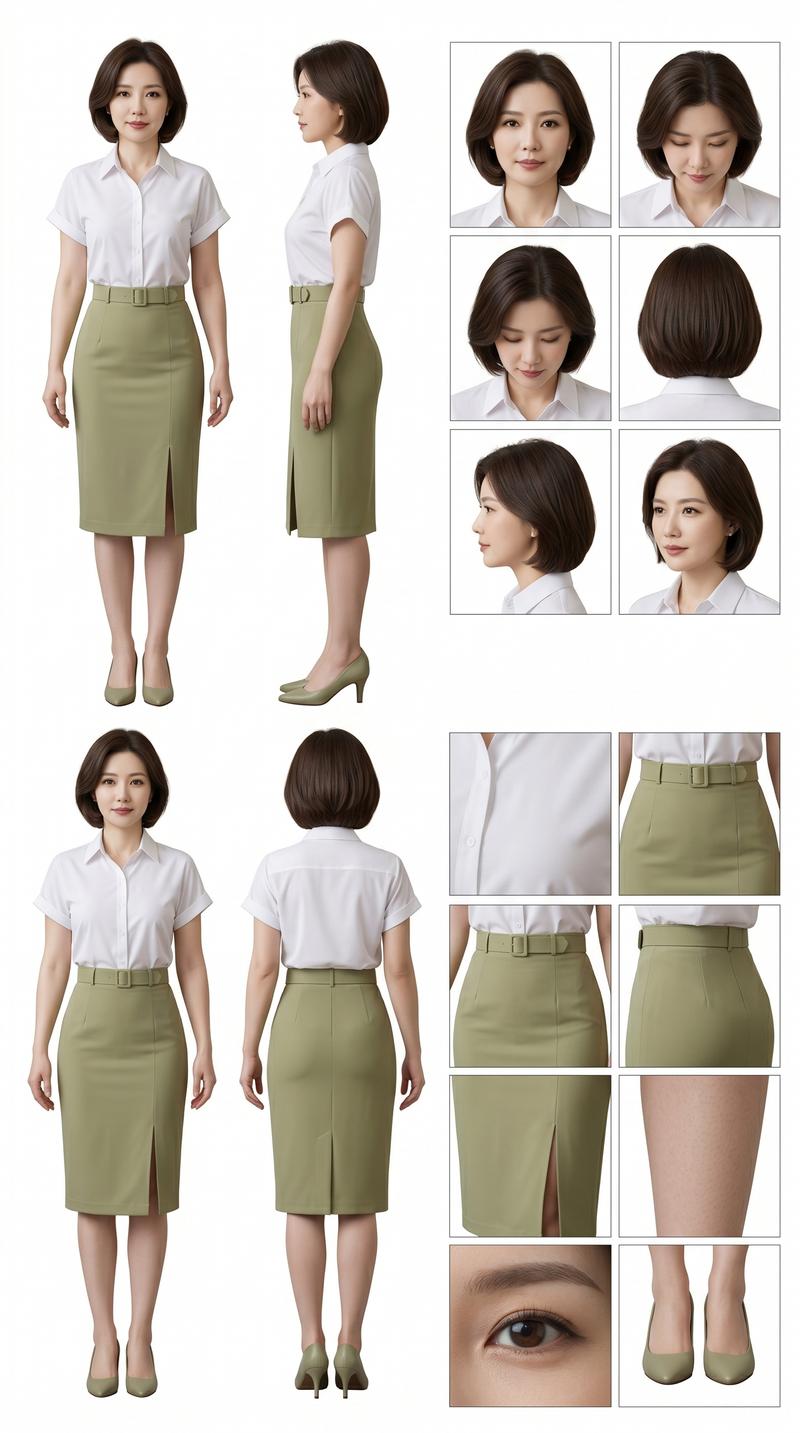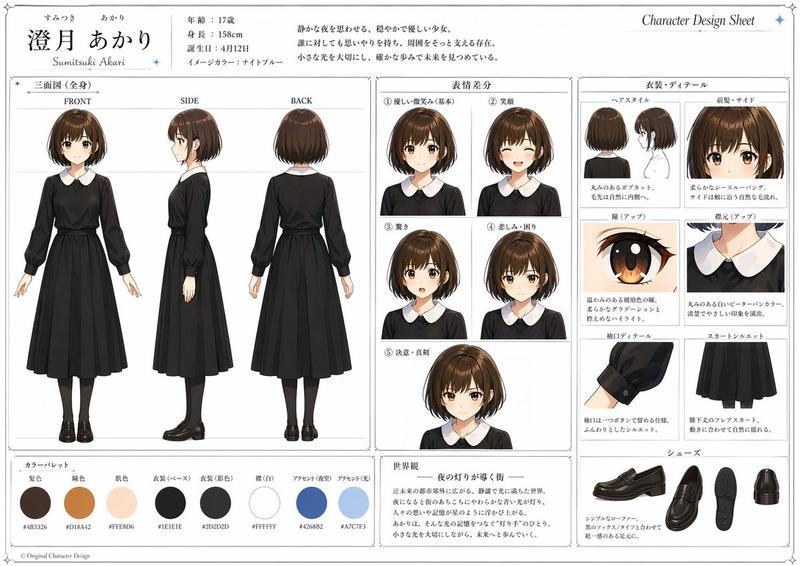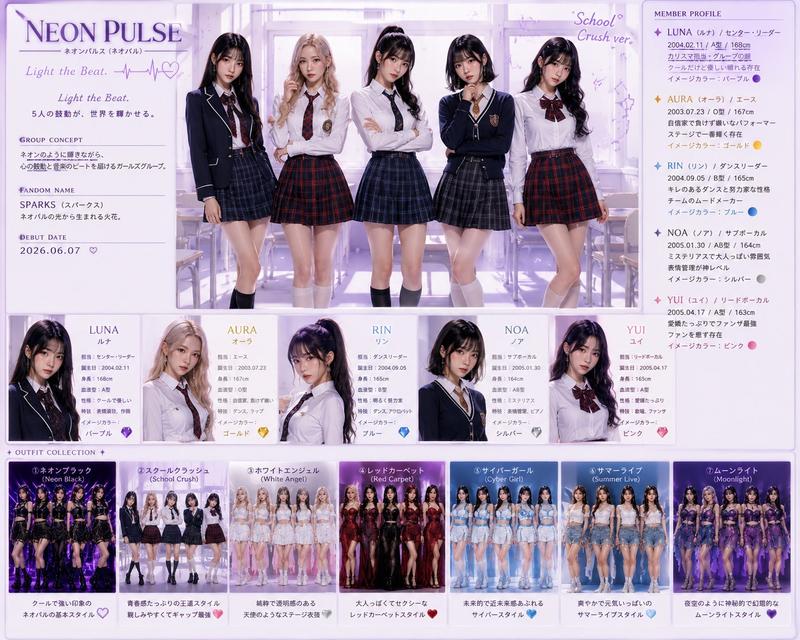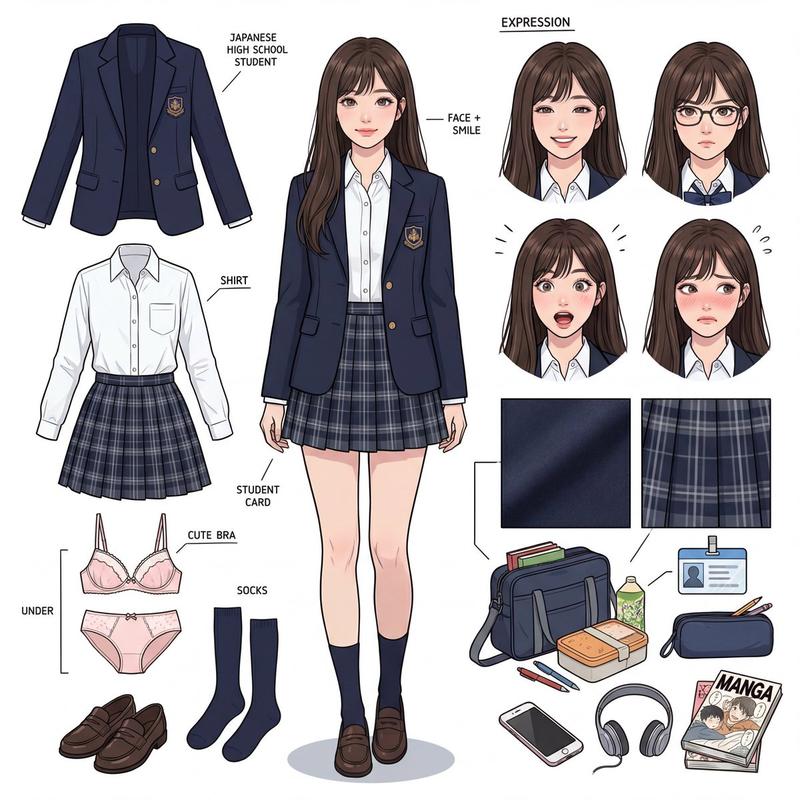
王家卫风格电影级女性角色参考图表
Prompt
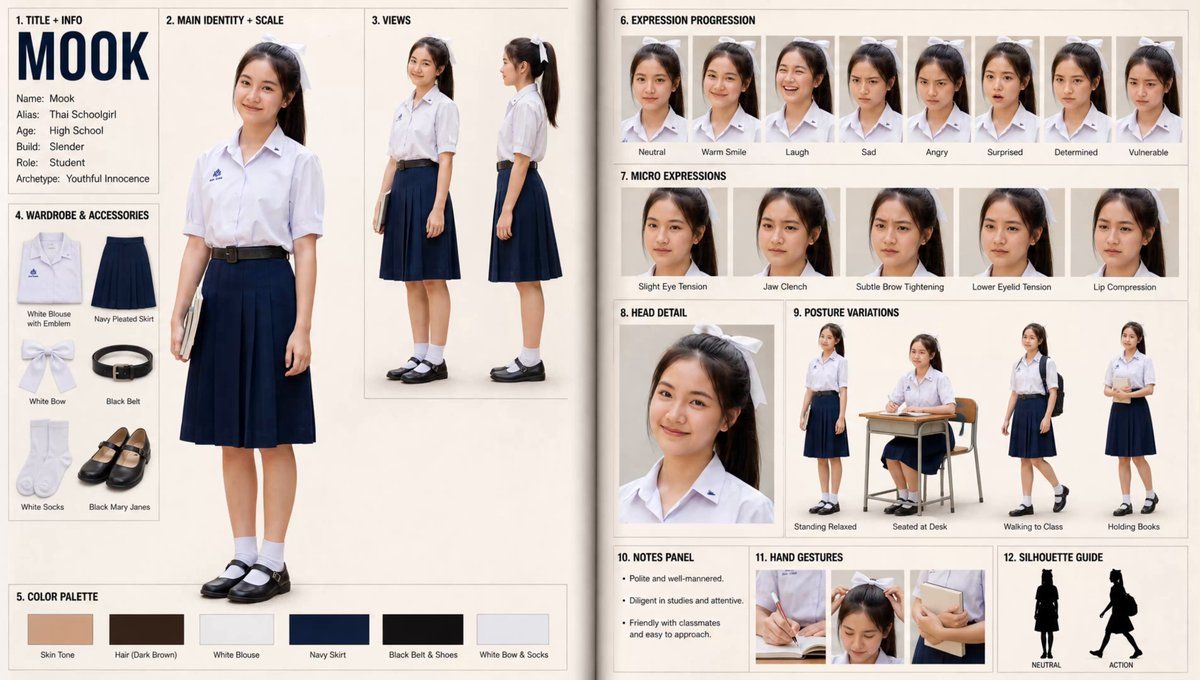
[STYLE]: cinematic realism, Wong Kar-Wai atmosphere, high contrast, film grain, warm humid haze, 35mm anamorphic feel [LAYOUT]: single unified MASTER CHARACTER REFERENCE SHEET, two-page-spread feel, neutral off-white background, sections clearly separated with bold headers [CHARACTER]: - Name: Mira - Alias / role: The Woman - Age descriptor: young adult - Build: slender, natural proportions - Face: warm brown skin, natural beauty, no makeup, subtle imperfections, sweat sheen, half-lidded eyes, slightly parted lips - Hair: messy ponytail, tortoiseshell claw clip - Wardrobe: faded sage-green T-shirt, clinging, damp at collarbone, casual shorts - Props: none - Distinguishing features: sweat on temples and neck, natural skin texture - Personality (drives micro-expressions): intensely seductive, confident, teasing, deliberate [LEFT PAGE]: [SECTION 1 — TITLE + INFO BLOCK, top-left]: large character name header + 6 short stat lines (Name / Alias / Height / Build / Role / Archetype). Sans-serif, each line under 20 words. [SECTION 2 — MAIN IDENTITY + SCALE, dominant left column]: full-body front view, neutral pose, even lighting. THIS PANEL DOMINATES. [SECTION 3 — VIEWS, top-right]: 3/4 angle and full side view, two figures side by side, identical outfit/lighting [SECTION 4 — WARDROBE & ACCESSORIES, mid-left]: each item on flat surface with short label [SECTION 5 — COLOR PALETTE, bottom-left]: 6 horizontal swatches — skin / hair / shirt / shorts / clip / accent — each with short label [RIGHT PAGE]: [SECTION 6 — EXPRESSION PROGRESSION, top row]: 8 head shots — neutral / warm smile / laugh / sad / angry / surprised / determined / vulnerable. Single-word emotion tags. [SECTION 7 — MICRO EXPRESSIONS, second row]: 5 head shots showing subtle muscle changes — slight eye tension / jaw clench / subtle brow tightening / lower eyelid tension / lip compression [SECTION 8 — HEAD DETAIL, third row left]: one large close-up, chest up. Most detailed shot. [SECTION 9 — POSTURE VARIATIONS, third row right]: 4 small full-body in characteristic postures — standing relaxed, seated alert, mid-action, walking with intent [SECTION 10 — NOTES PANEL, fourth row left]: short text block (max 3 lines, each under 20 words) describing behavior [SECTION 11 — HAND GESTURES, fourth row center]: 3 close-ups of hands in characteristic poses [SECTION 12 — SILHOUETTE GUIDE, fourth row right]: 2 black silhouettes side by side — NEUTRAL and ACTION, pure black on white [CONSTRAINTS]: same character, face, outfit pieces, proportions across all sections. MAIN IDENTITY + SCALE must dominate. Final image should look like a premium production visual bible matching the selected style. [CONSTRAINTS]: no watermark, no extra unspecified text, natural realistic body proportions, identical body shape across all panels.
- Category
- Charts & Infographics
- Model
- ChatGPT
- Creator
- @mxvdxn
- Source ID
- 15448
- Published
- Jun 7, 2026
Views7