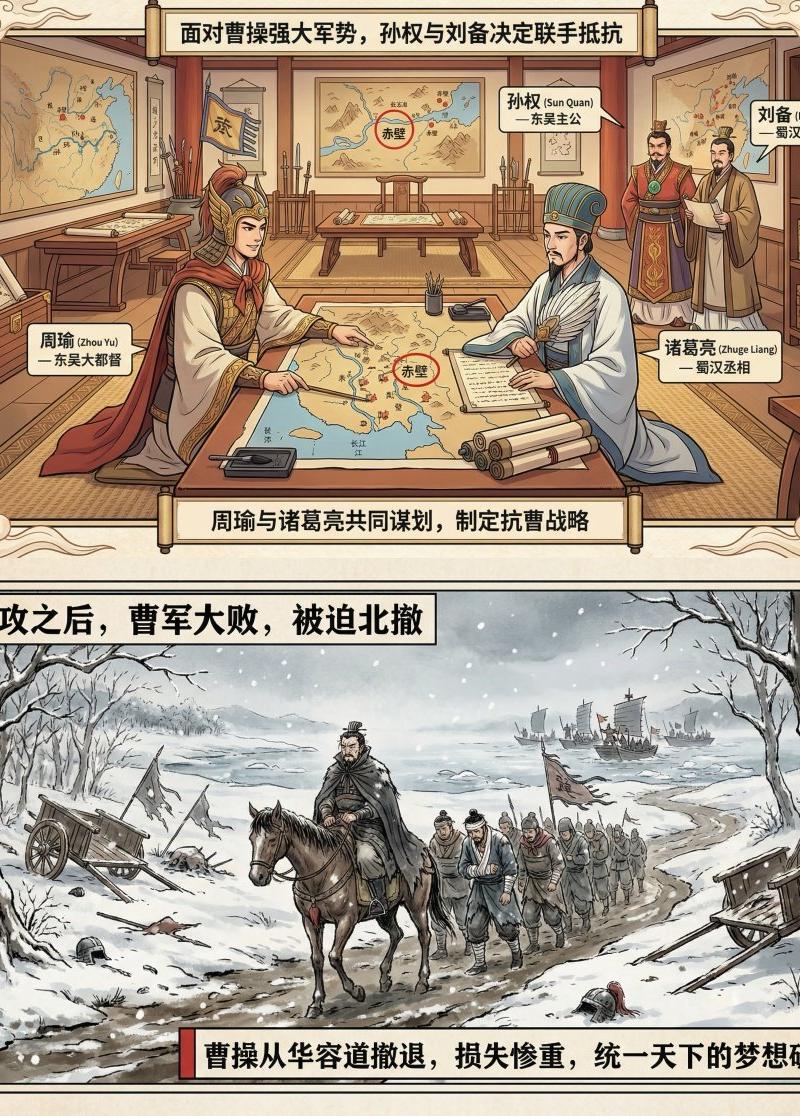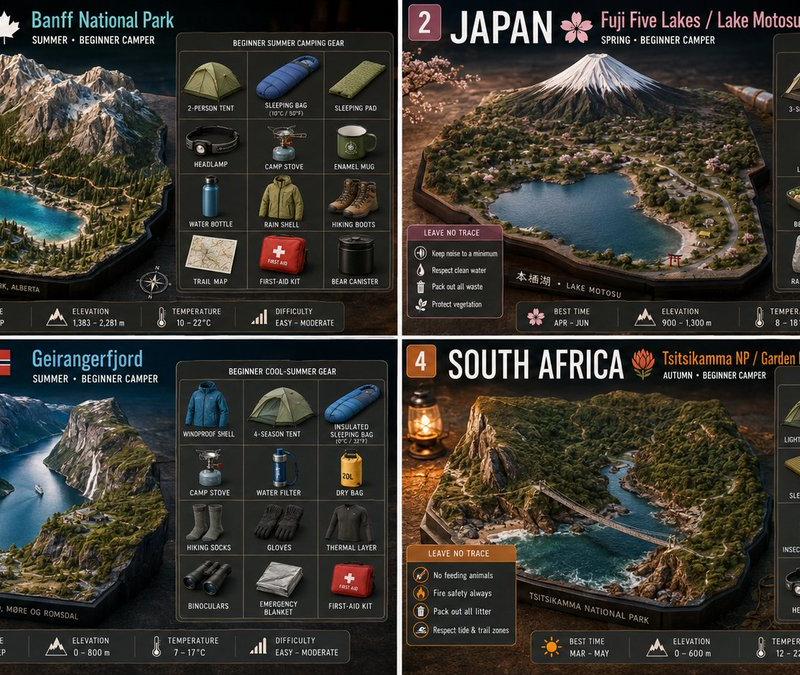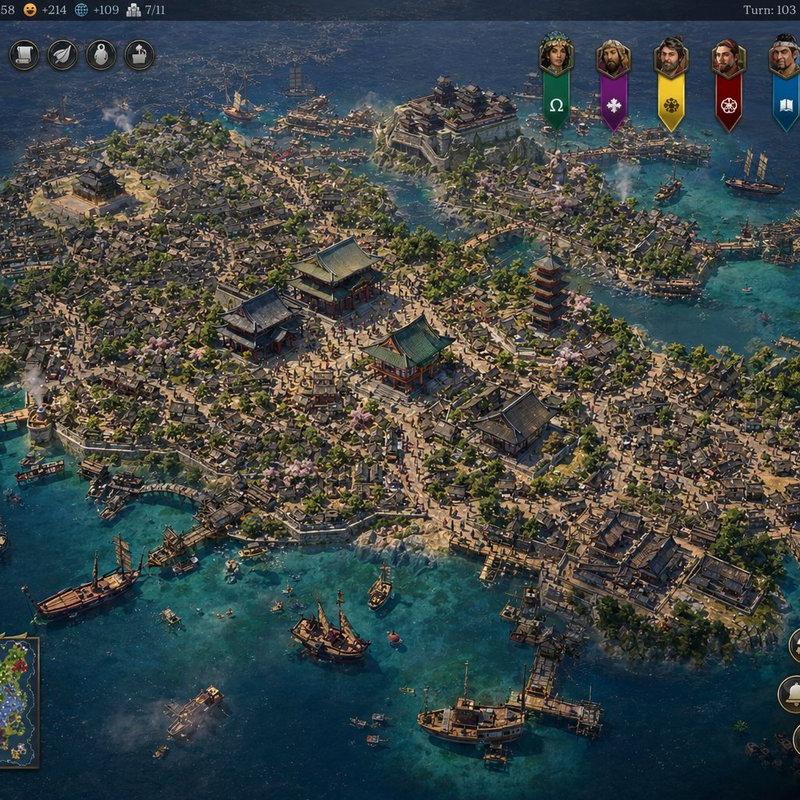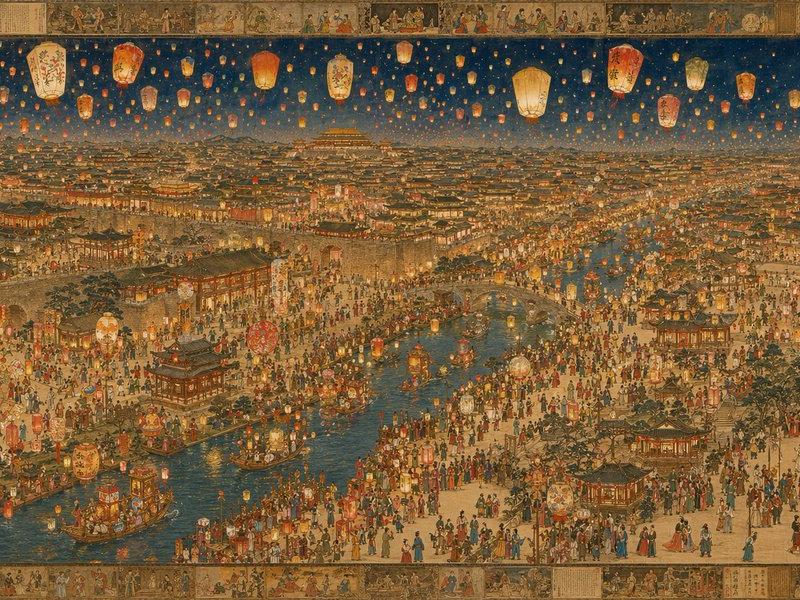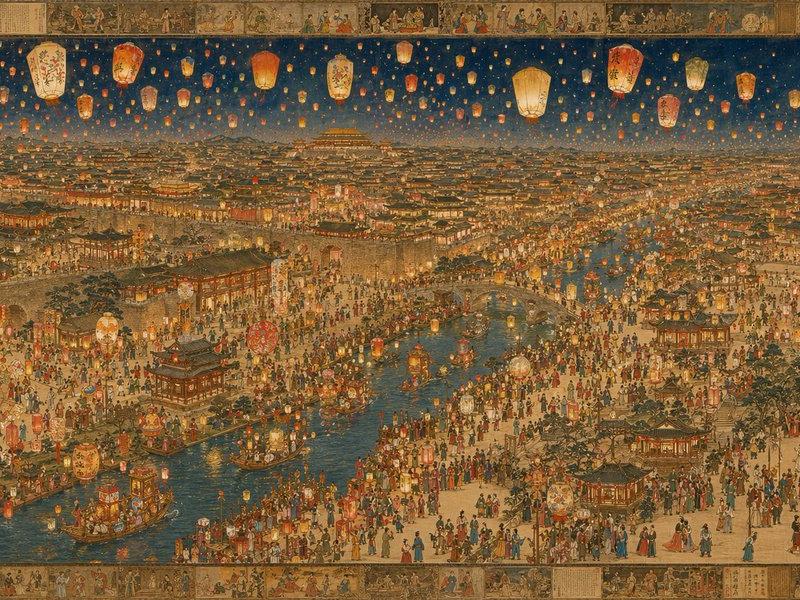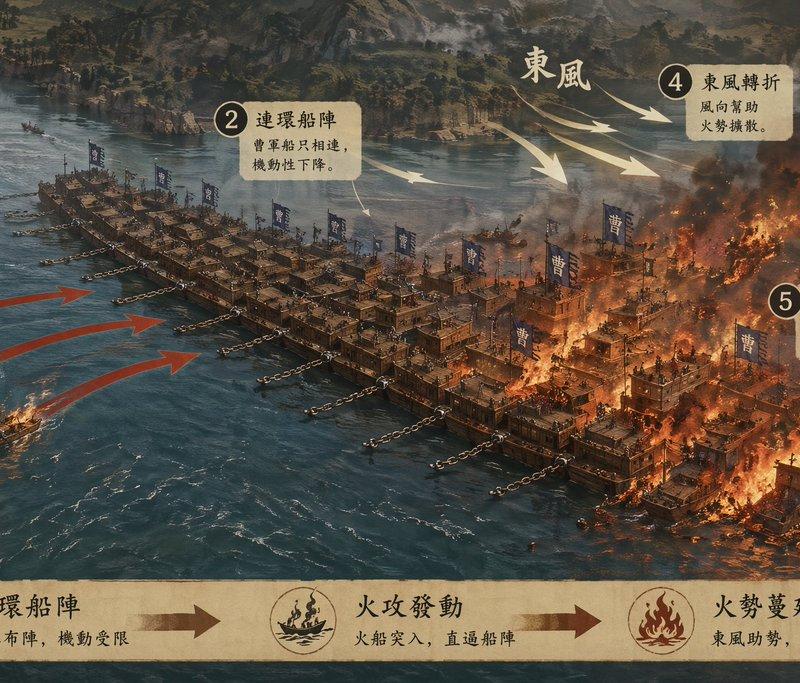
经典战役可视化科普长卷
Prompt
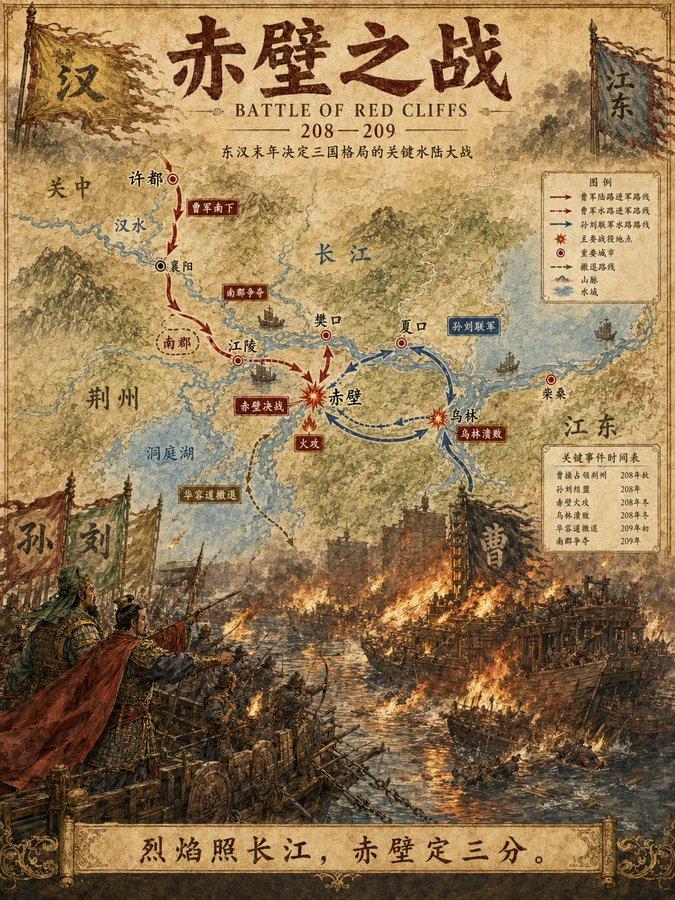
Generate a [Classic Battle Visualization Long Scroll], single complete image, no collage, no multi-grid, no columns, horizontal 3:1.

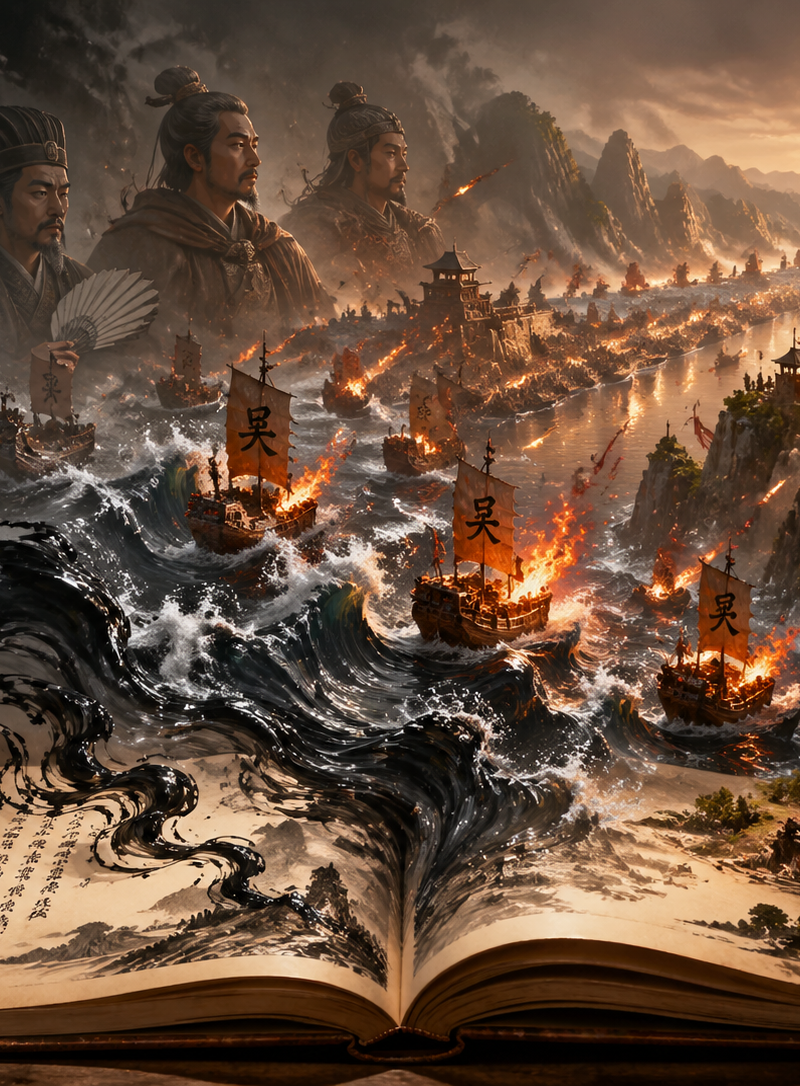
Battle Theme: [Battle of Red Cliffs / Battle of Guandu / Battle of Fei River / Battle of Julu / Custom]
Title: [Fill in battle name]
Subtitle: [One sentence summarizing key turning point]
Core Content: [Battlefield terrain / Both camps / Main attack route / Flanking route / Retreat route / Key nodes / Battle results]
Style: [History museum battle exhibition board / Battlefield deduction infographic / Sand table visualization]
Color Palette: [Earth yellow / Blue gray / Dark red / Orange highlights]

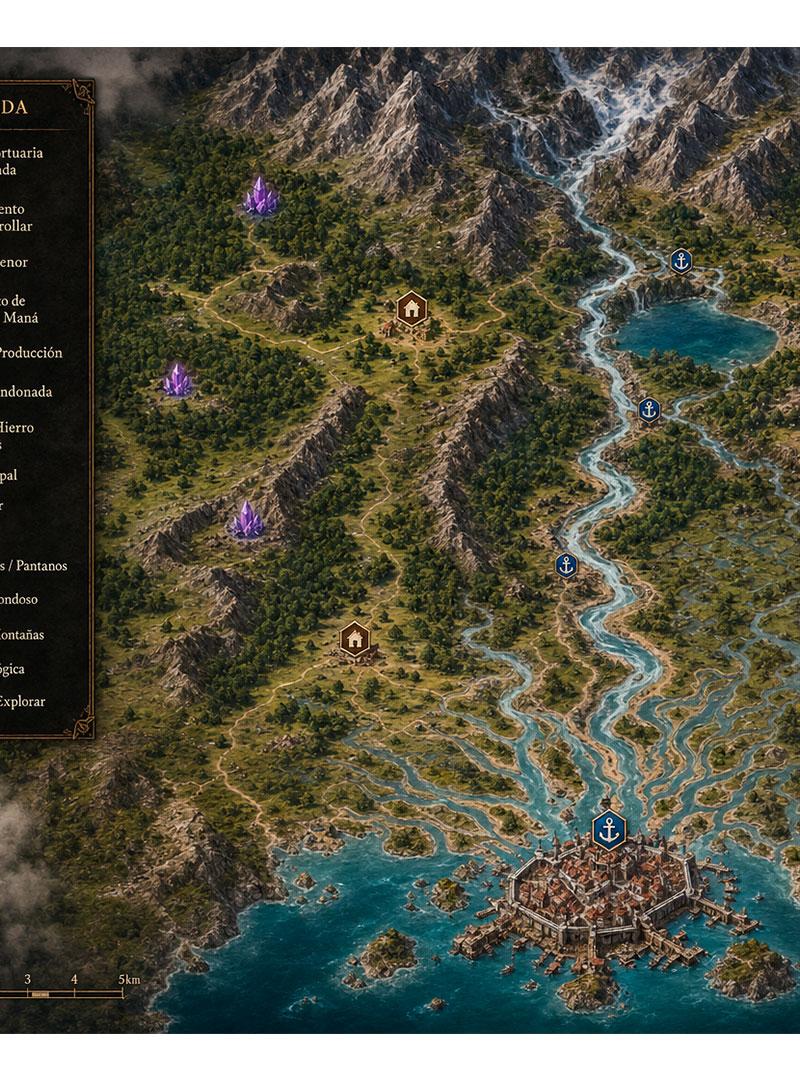
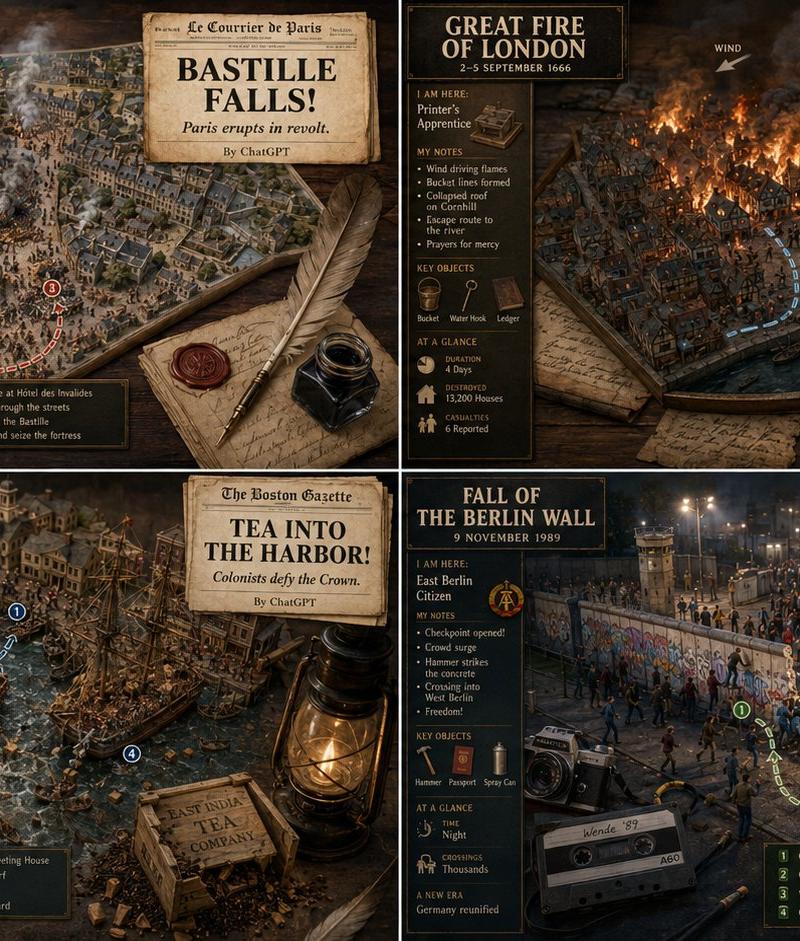
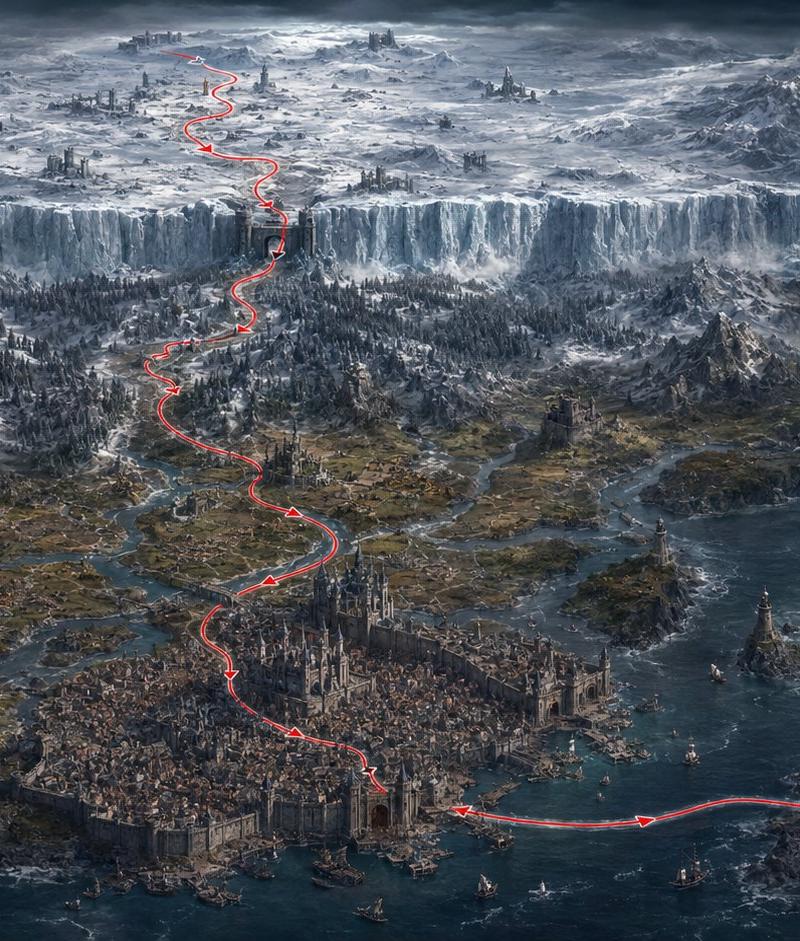
The image adopts a semi-overhead sand table battlefield perspective; the focus is not on characters fighting, but on clearly placing terrain, formations, attack routes, key turning points, and results into a single image.
Graphics are primary, text is secondary. Include a small number of numbers, arrows, labels, and very short descriptions; no long paragraphs of text, no dense crowding.

A lightweight battle progression line can be added at the bottom to give the whole image more of a sense of tactical deduction.

The overall effect is like a readable, understandable, and collectible historical battle popular science long scroll.

Avoid gore, grand brawls, characters being too large, overfilled text, too many arrows, structural confusion, collage feel, multi-grid, low resolution.
- Category
- Charts & Infographics
- Model
- ChatGPT
- Creator
- @MrLarus
- Source language
- zh-CN
- Source ID
- 16860
- Published
- Jun 28, 2026
Views10

![A hyper-realistic 3D world guide infographic poster for [SHOW]](https://whqgdndlpxjbwosvipip.supabase.co/storage/v1/render/image/public/prompt-source-media/promptsref/work-2519/image-1-c923c74e9444681d.png?width=800&quality=75)