14

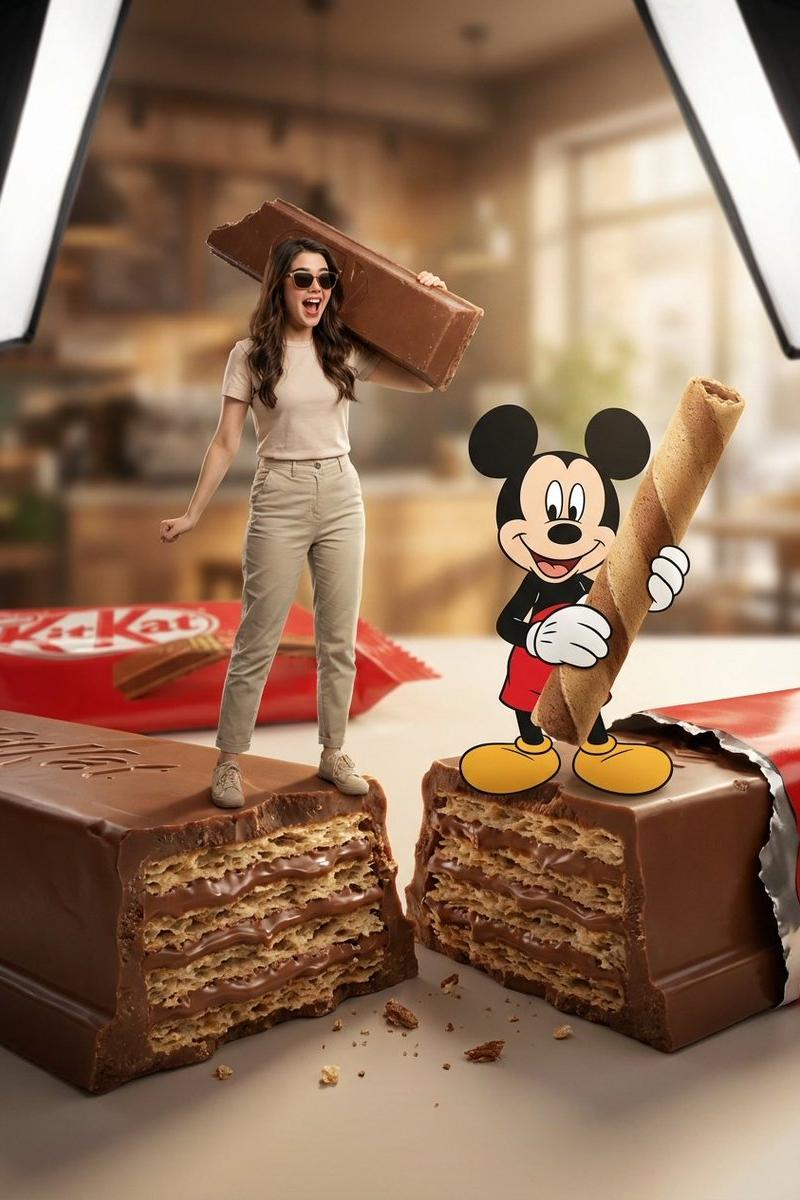
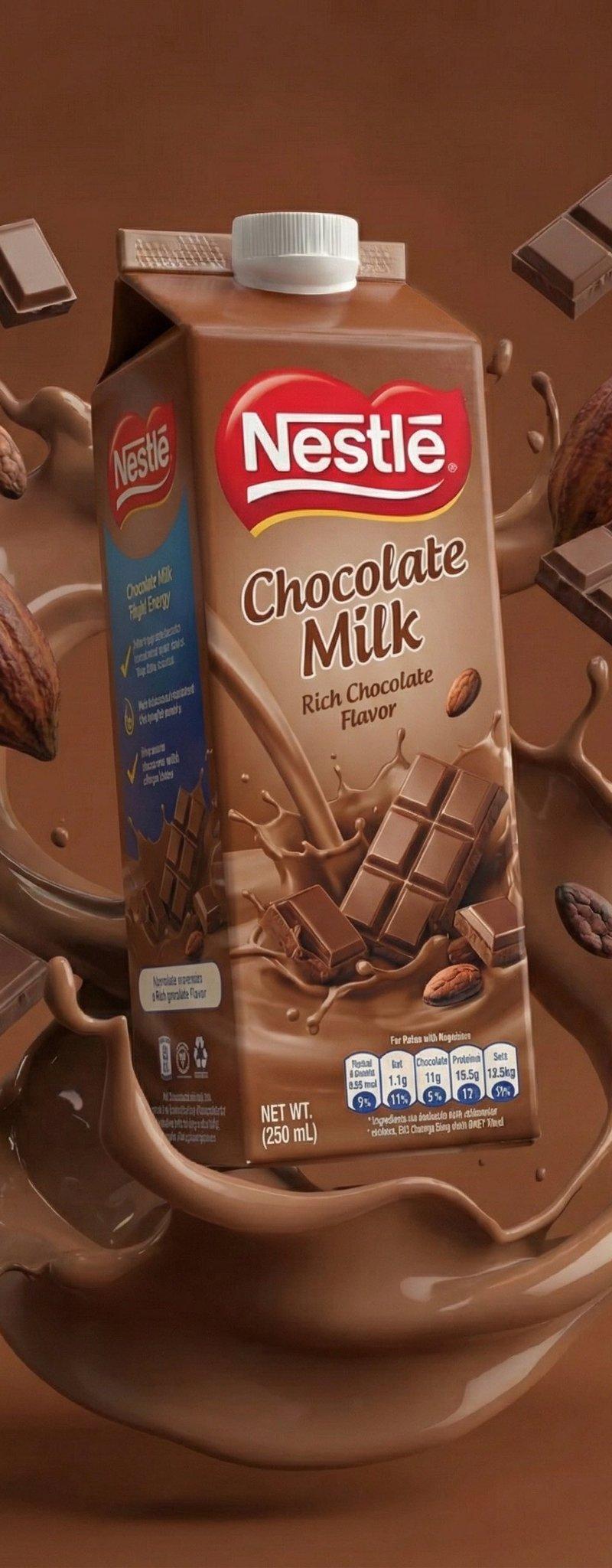
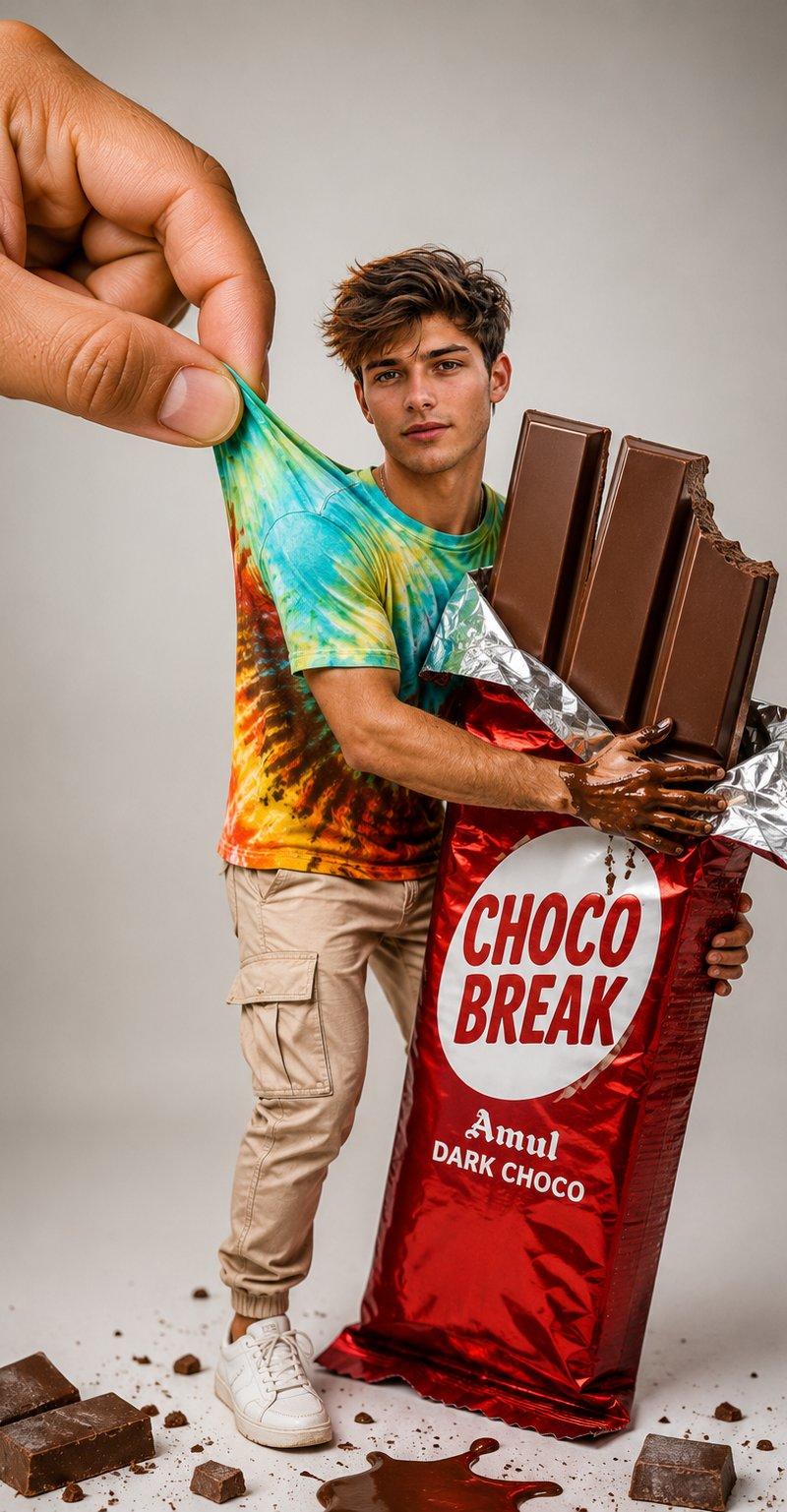
创意巧克力包装人像摄影
Enlarge

Example images

创意巧克力包装人像摄影

Prompt
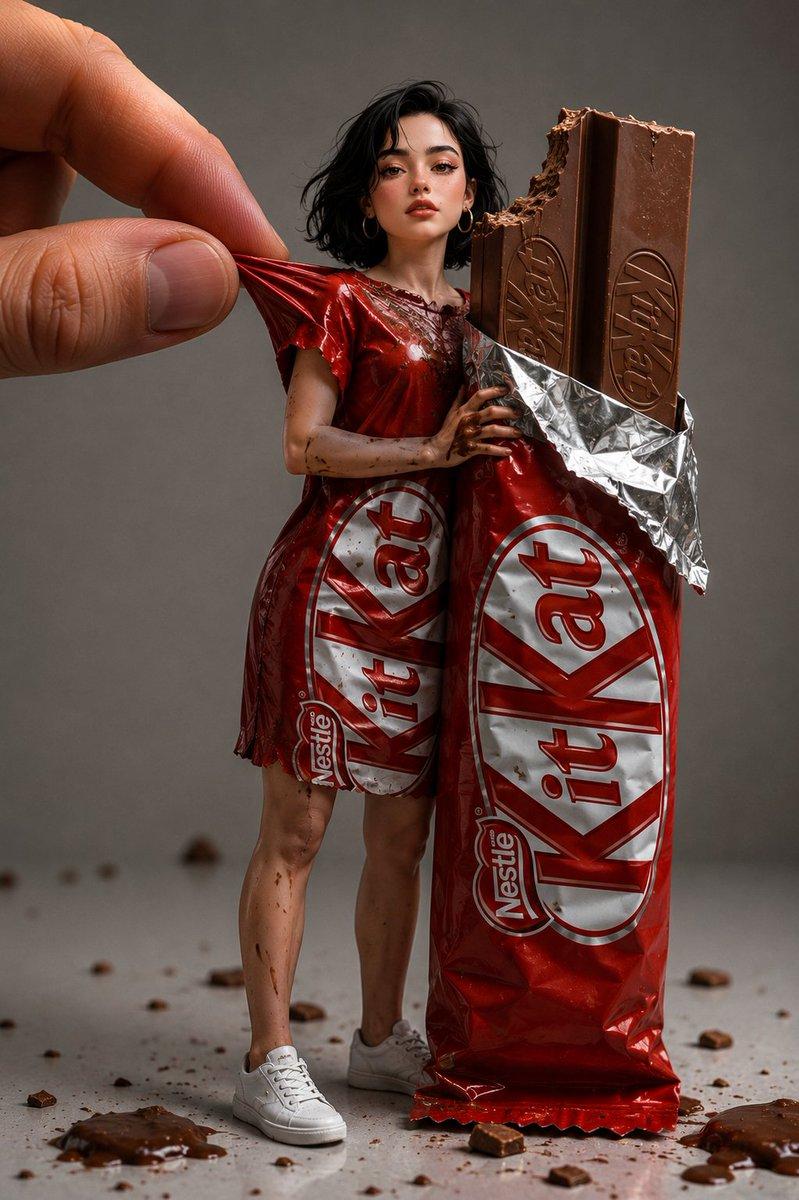
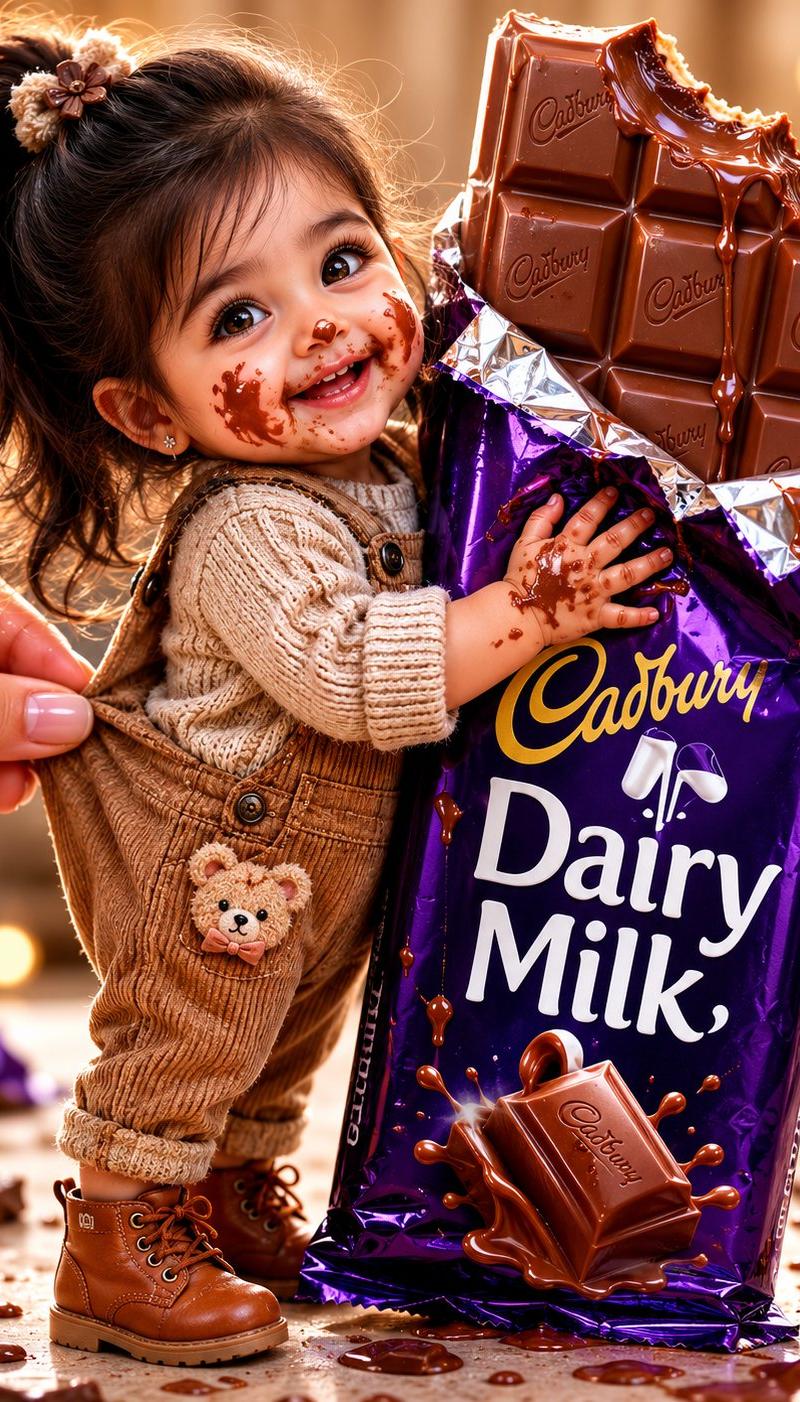
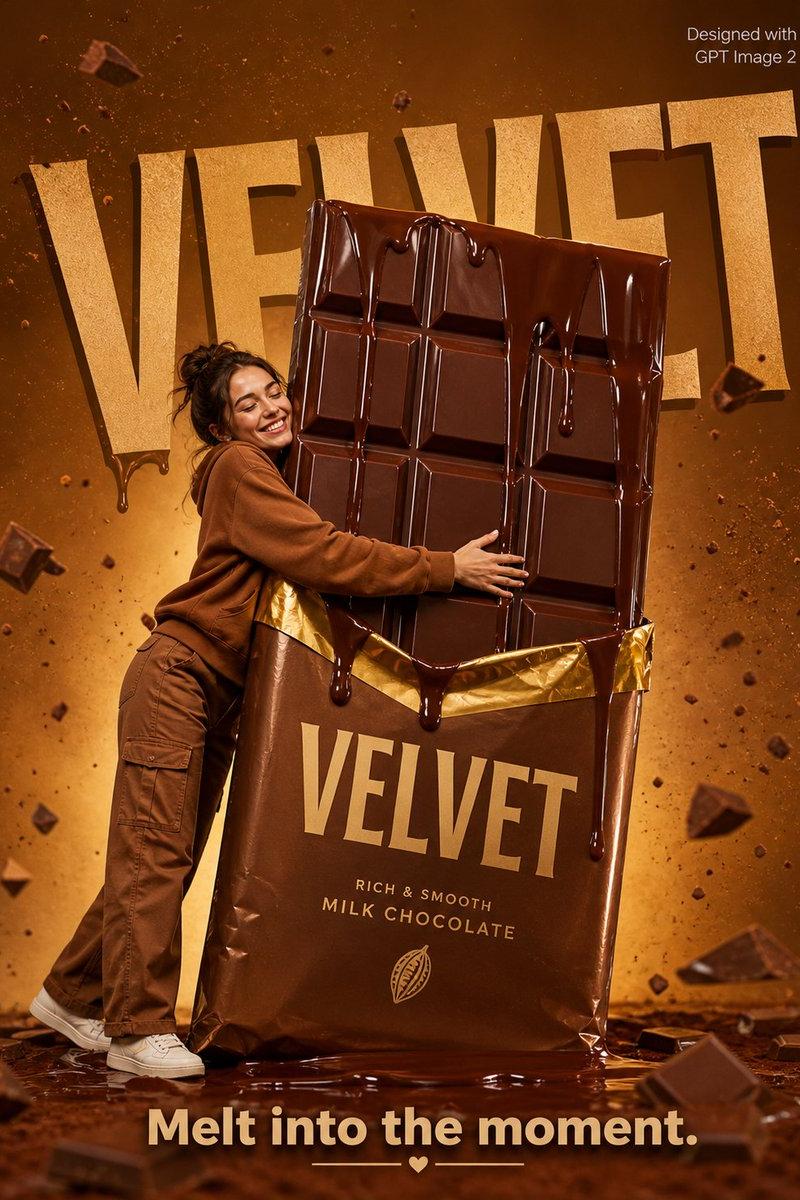
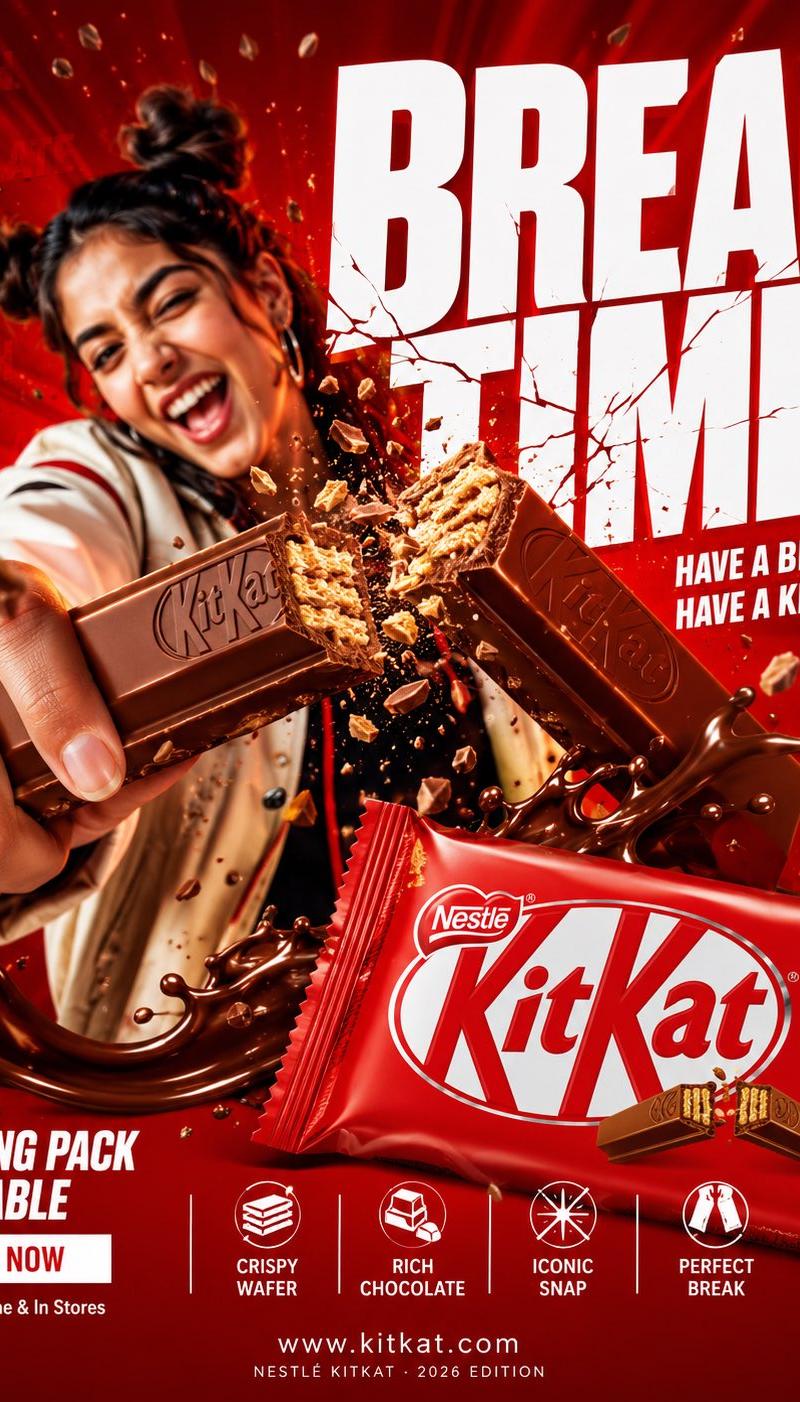
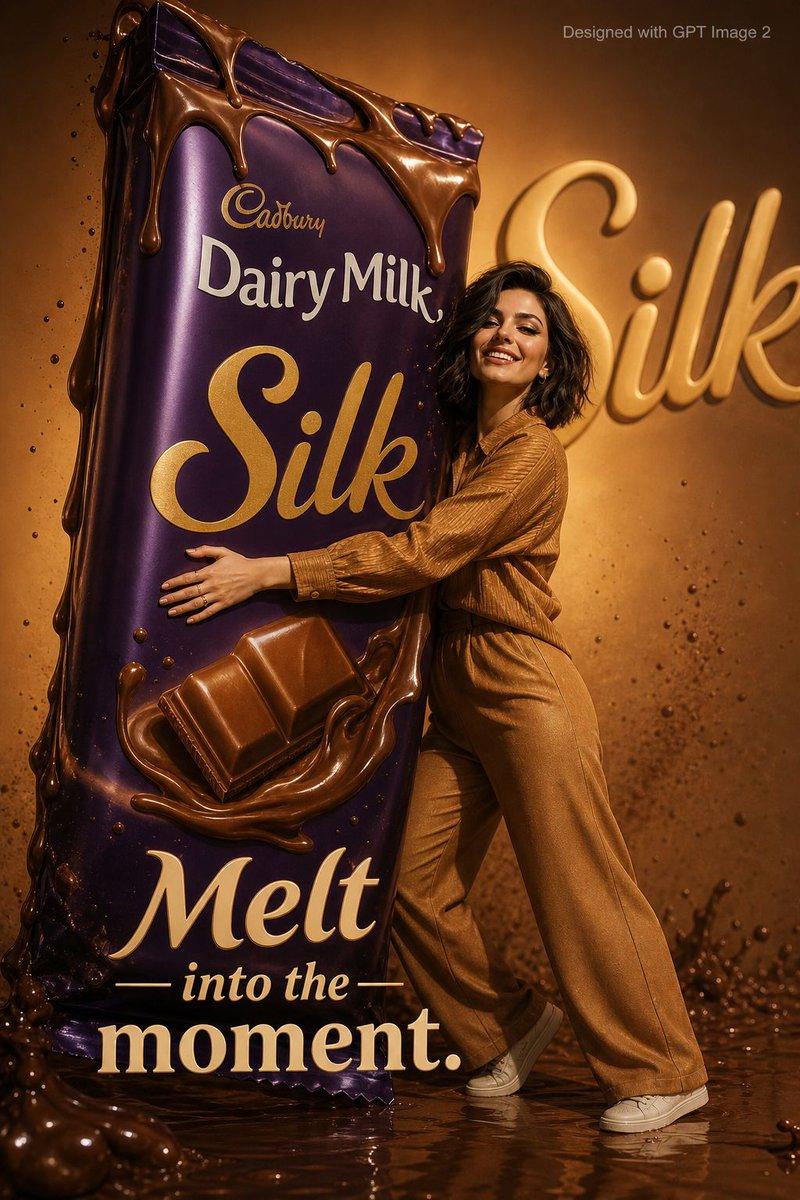
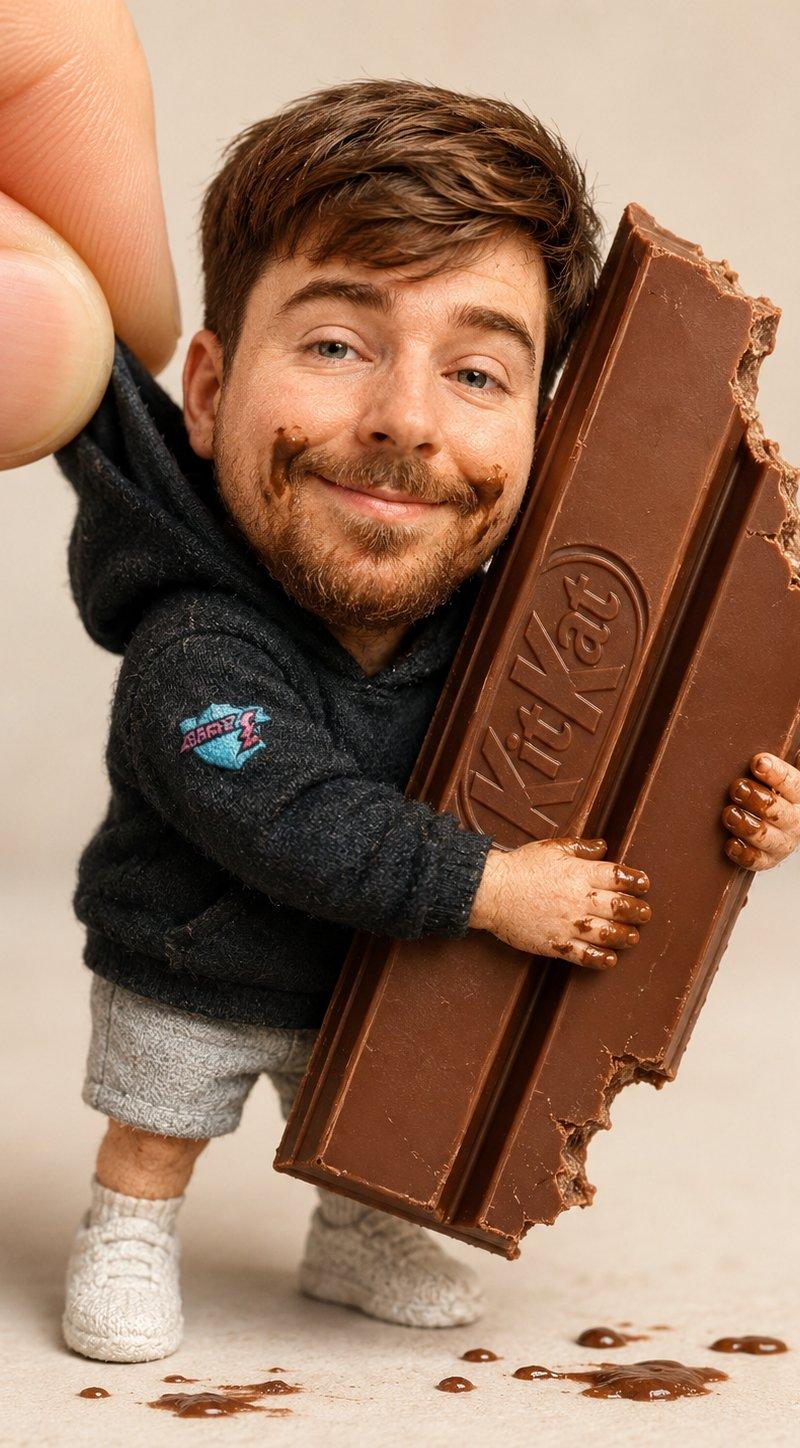
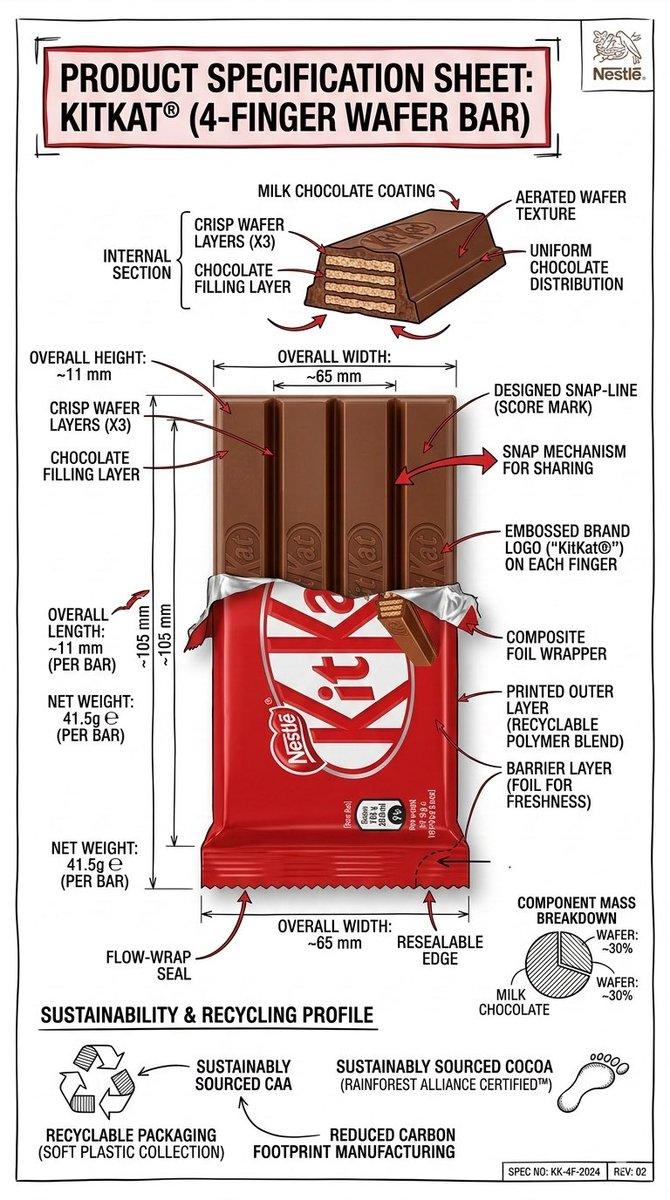
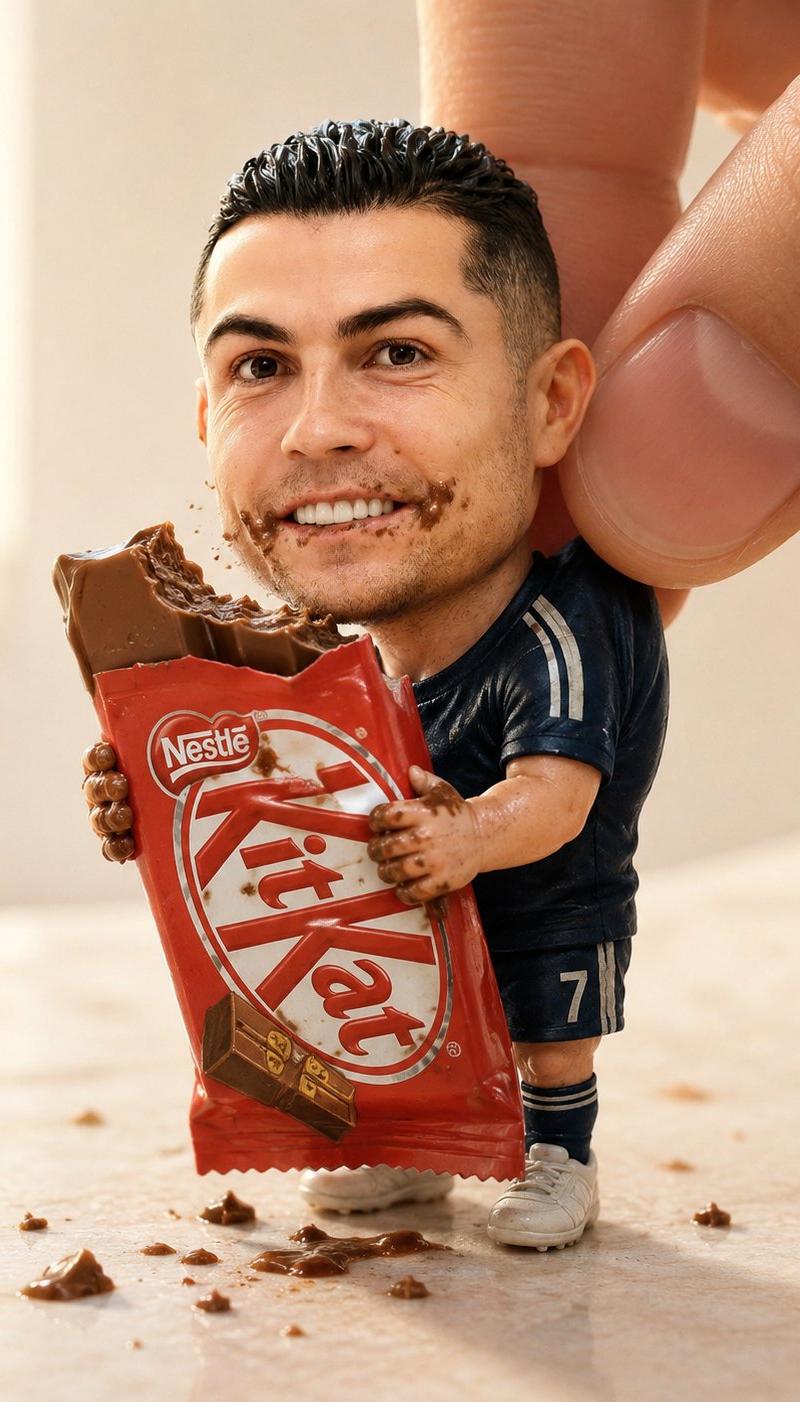
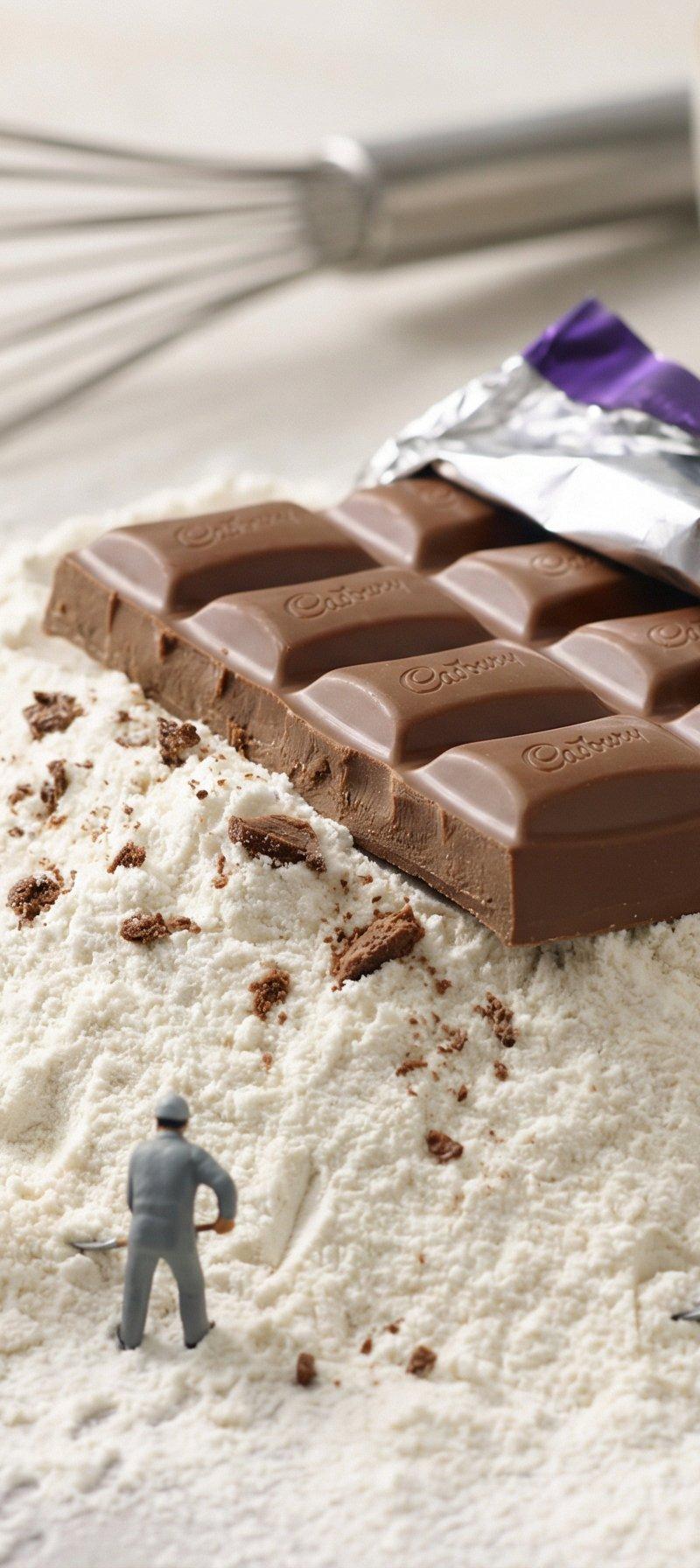
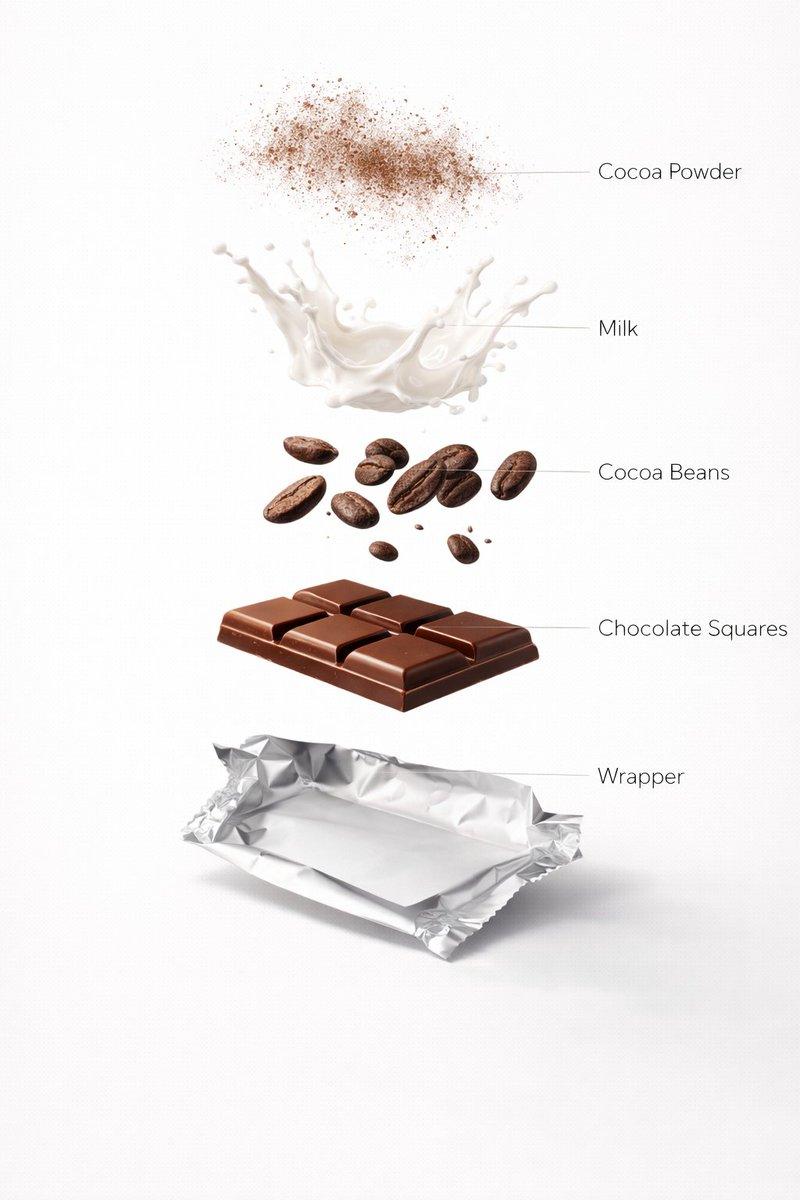
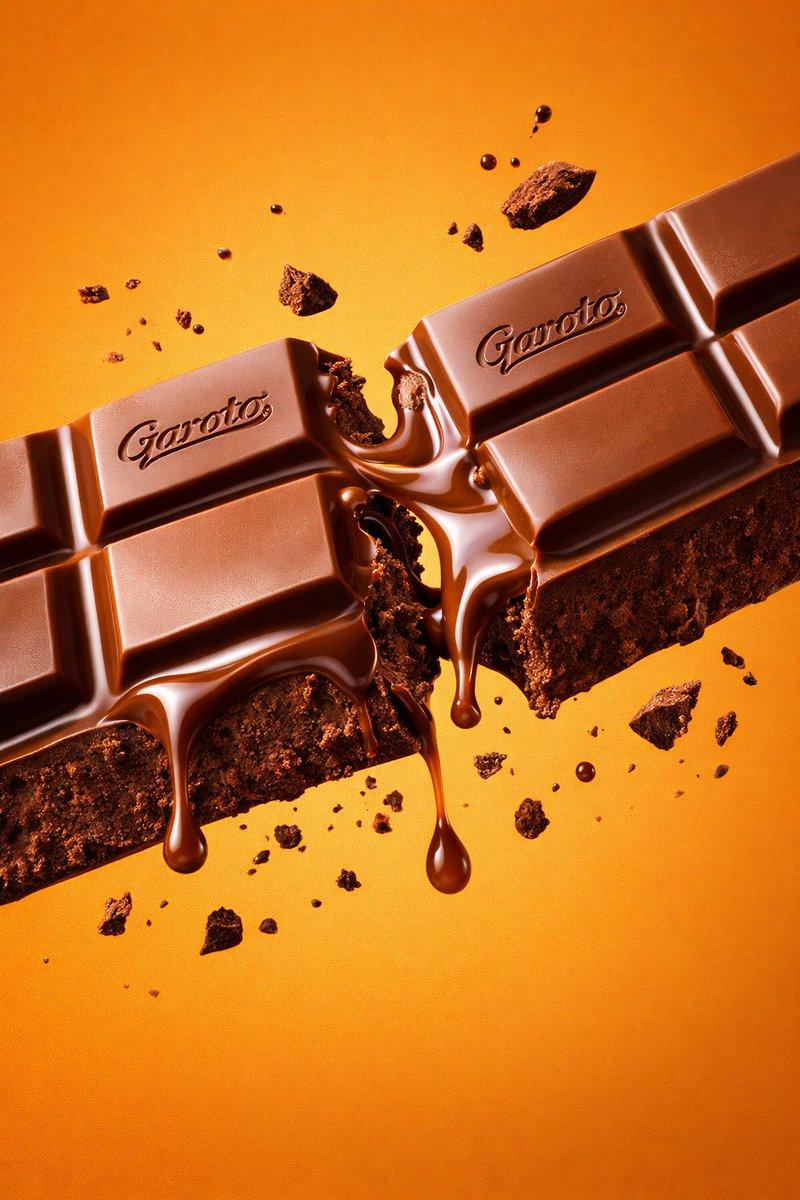
A creative forced-perspective studio portrait of a young man emerging from a giant chocolate bar wrapper, holding an oversized dark chocolate bar. A large hand in the foreground appears to pinch and pull the man's colorful tie-dye T-shirt, creating a miniature illusion effect. Red metallic chocolate packaging with realistic foil texture, melted chocolate splashes on the floor, scattered chocolate pieces, playful advertising-style concept. Professional commercial product photography, ultra-realistic, sharp focus, soft studio lighting, clean gray background, high detail, vibrant colors, 85mm lens, shallow depth of field, surreal scale manipulation, premium chocolate campaign, photorealistic, 8K.
Category
Charts & Infographics
Model
ChatGPT
Creator
@OrhanGhazi65942
Source language
zh-CN
Views12
Source ID
16803
Published
Jun 25, 2026
Studio

Guide

About "创意巧克力包装人像摄影"

What is this prompt for?

"创意巧克力包装人像摄影" AI image prompt for ChatGPT (Charts & Infographics). 一个富有创意的强制透视影棚肖像,一名年轻人从巨大的巧克力棒包装中走出来,手里拿着一块超大的黑巧克力棒。前景中一只巨大的手似乎在捏拉该男子色彩鲜艳的扎染 T 恤,营造出一种微型错觉效果。…

The full copyable prompt and example visuals above are ready for AI image generation or one-click recreate in Picva.

How to use this prompt

  1. Step 1

    Open the prompt detail

    Review the example visuals, category, and full prompt text for "创意巧克力包装人像摄影".

  2. Step 2

    Copy the prompt

    Copy the prompt body from this page, or load it directly in Studio.

  3. Step 3

    Pick a model (ChatGPT)

    Prefer ChatGPT. If you switch models, keep subject and composition and tweak style terms.

  4. Step 4

    Generate and export

    Recreate the look in Picva, or export into your workflow for editing and publishing.

FAQ

What is the "创意巧克力包装人像摄影" prompt?
It is an AI image-generation prompt for ChatGPT in the Charts & Infographics category. This page includes the full prompt text, example visuals, and a one-click recreate path in Picva.
How do I use this prompt to generate an image?
Copy the prompt from this page, or use Generate / Studio. Paste it into a compatible image model, or recreate the look in Picva with optional reference images.
Which model is this prompt for?
This page lists ChatGPT. Most descriptive prompts also transfer to nearby image models such as GPT Image, Flux, or Midjourney with light style tweaks.
Can I use the result commercially?
You can usually copy the prompt for creation, but commercial use of the final image depends on the model terms, reference-image rights, and the generated content. Follow the source author and platform rules.