18

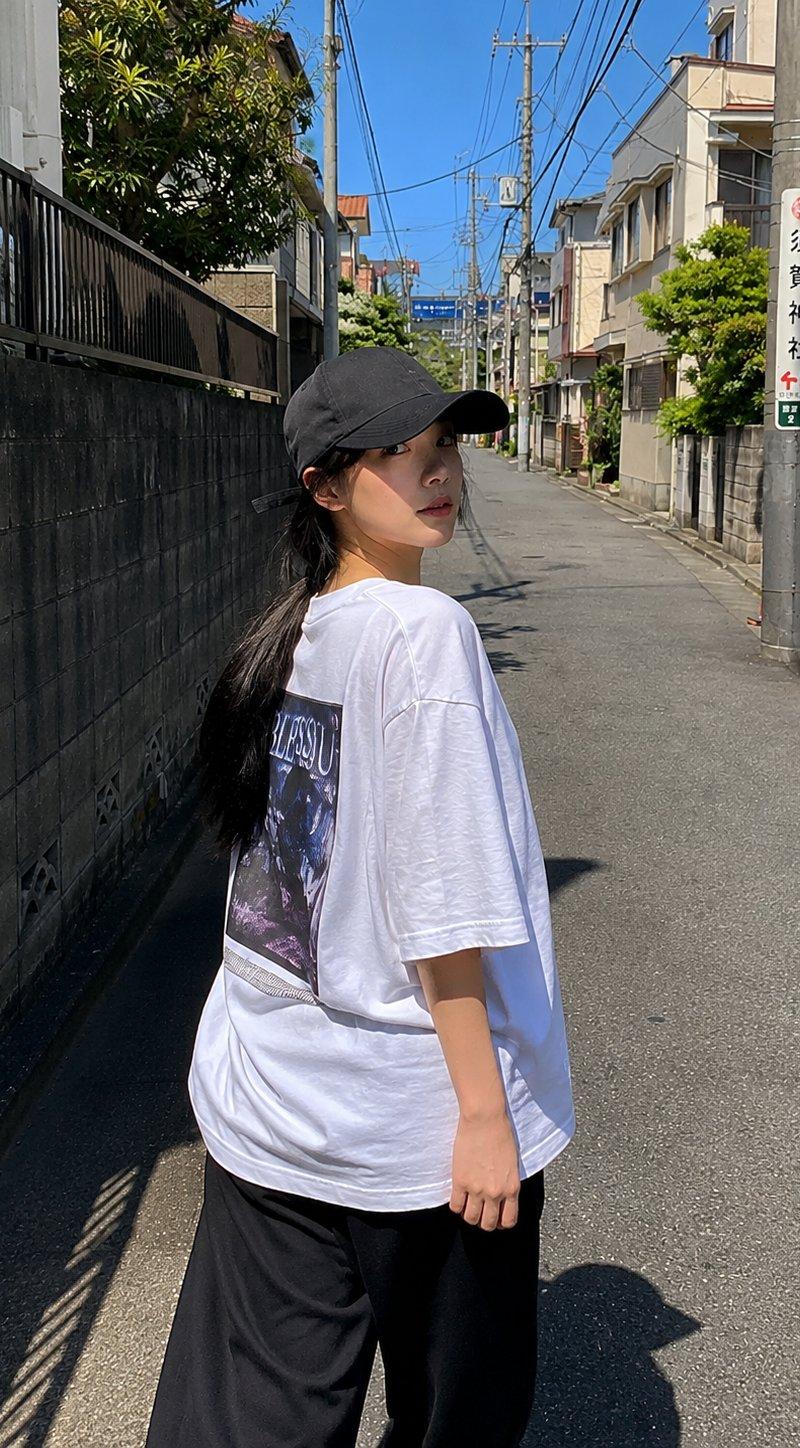
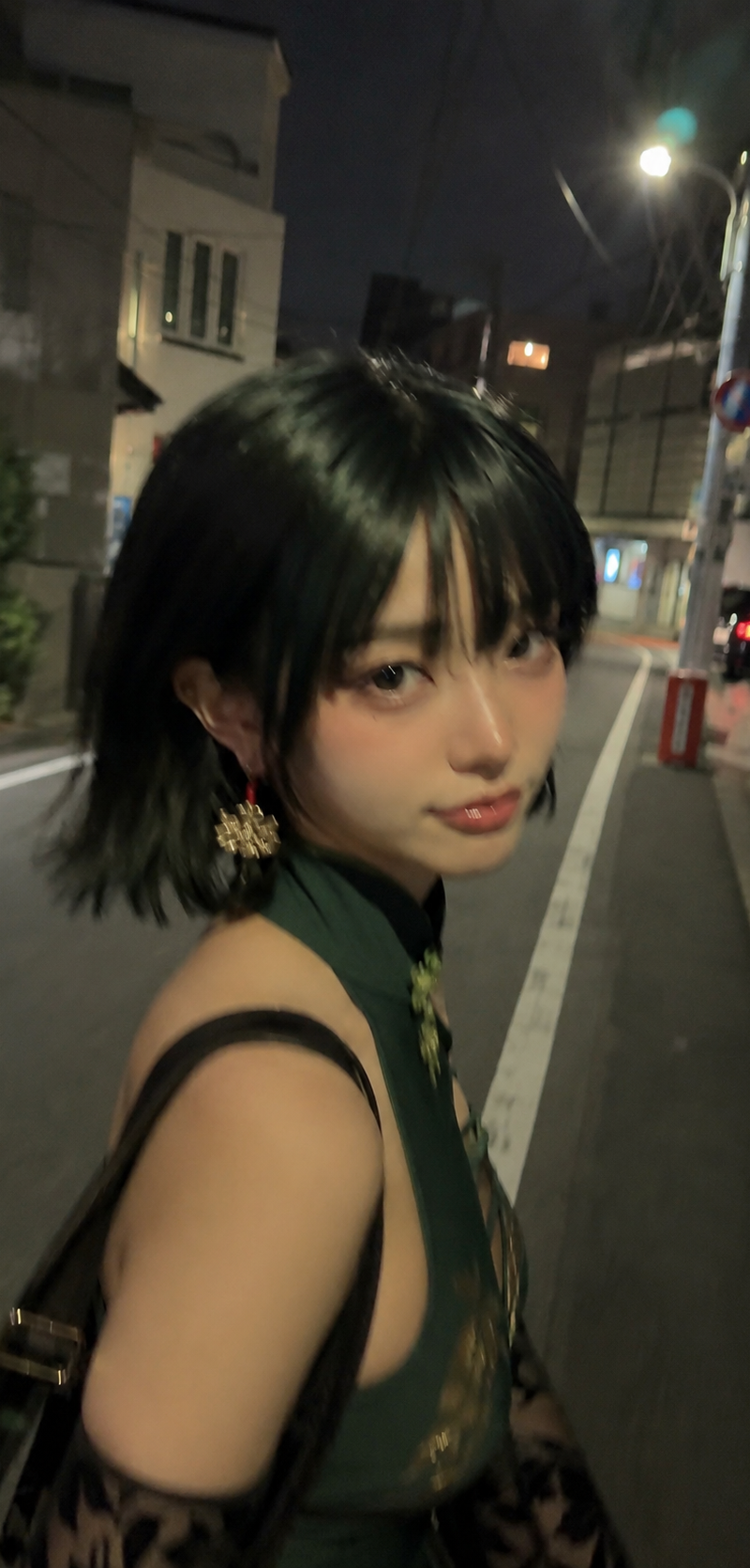
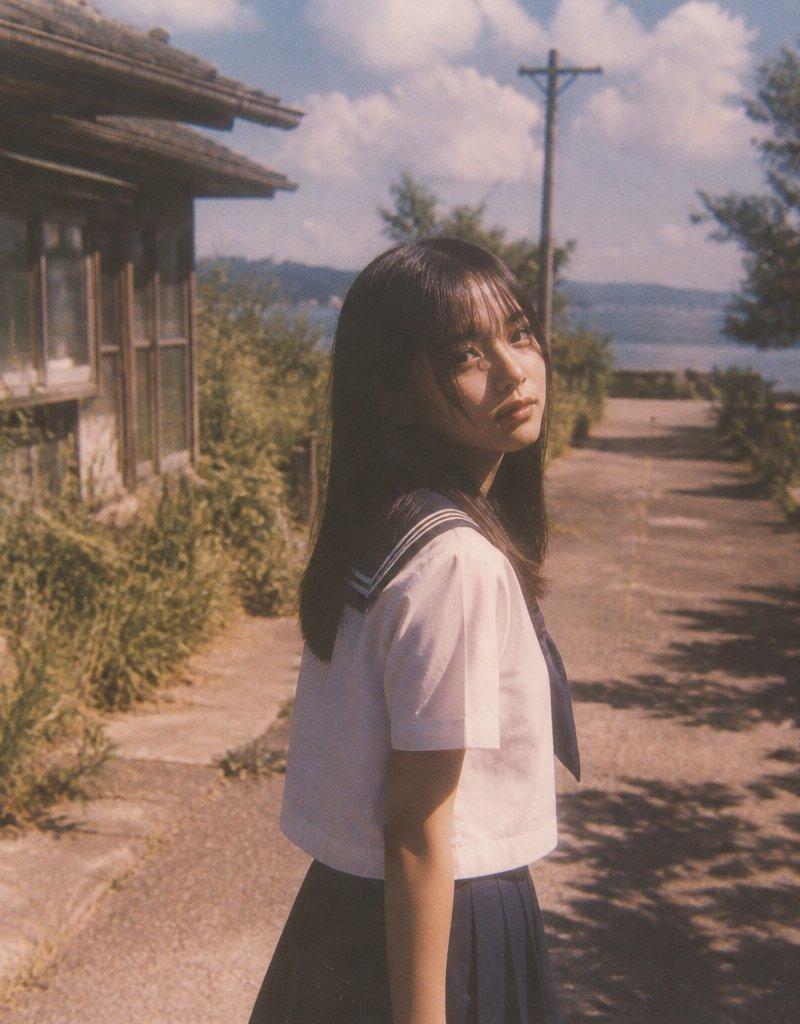
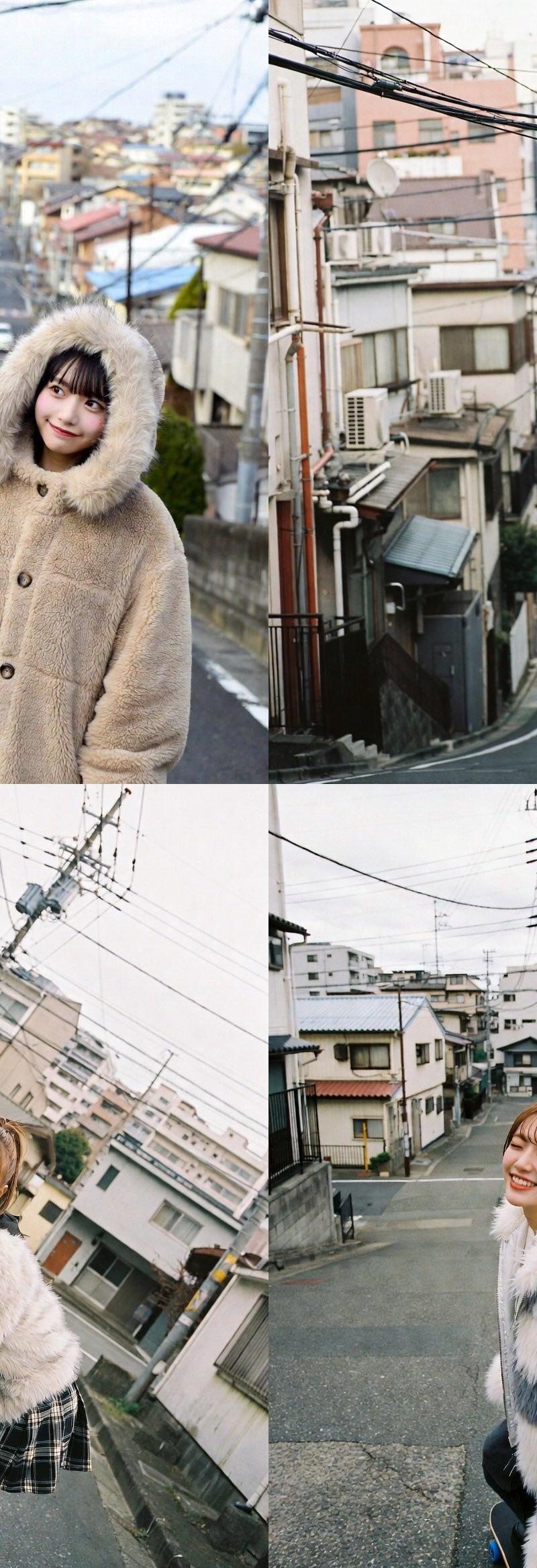
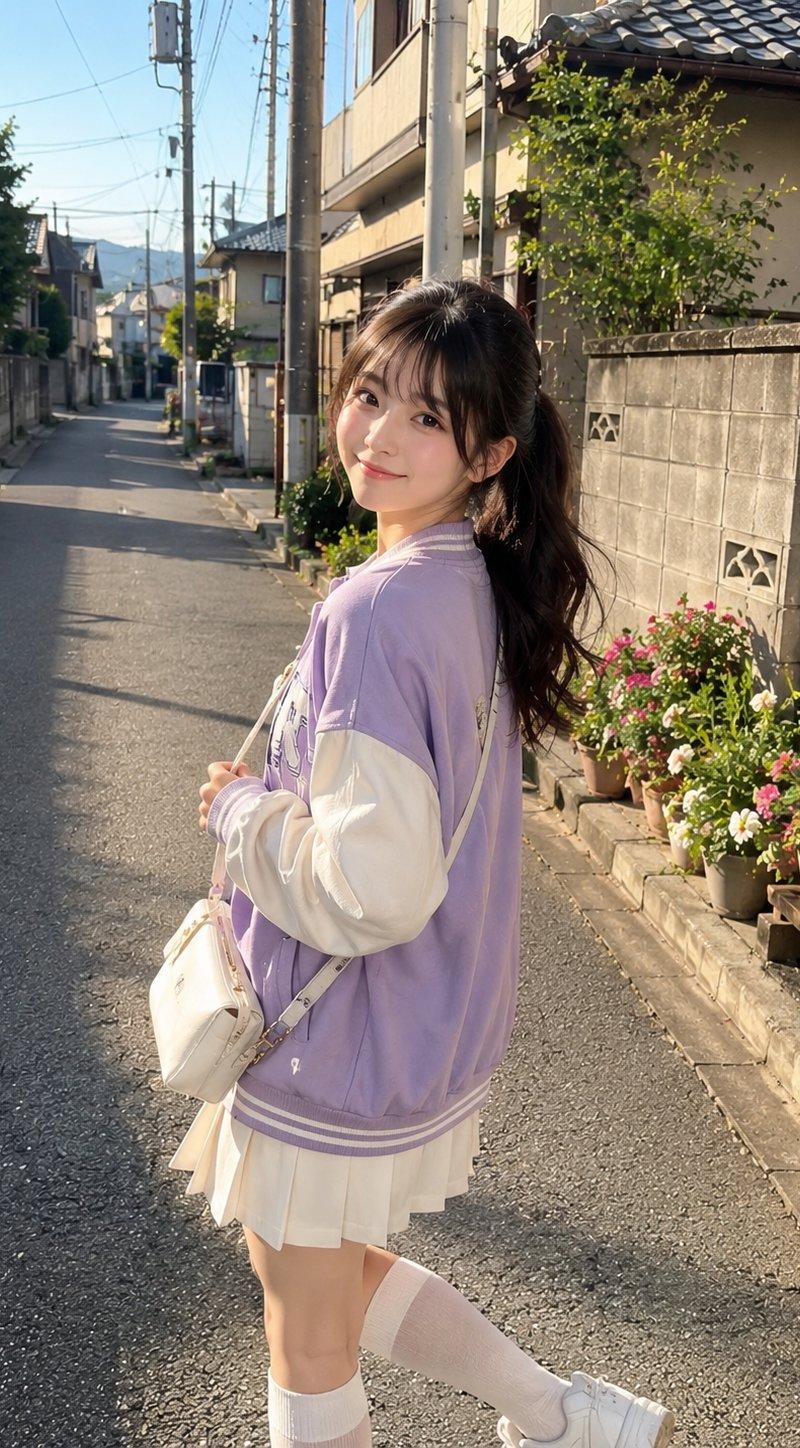
阳光街头淡紫色夹克可爱日系少女
Enlarge

Example images

阳光街头淡紫色夹克可爱日系少女

Prompt
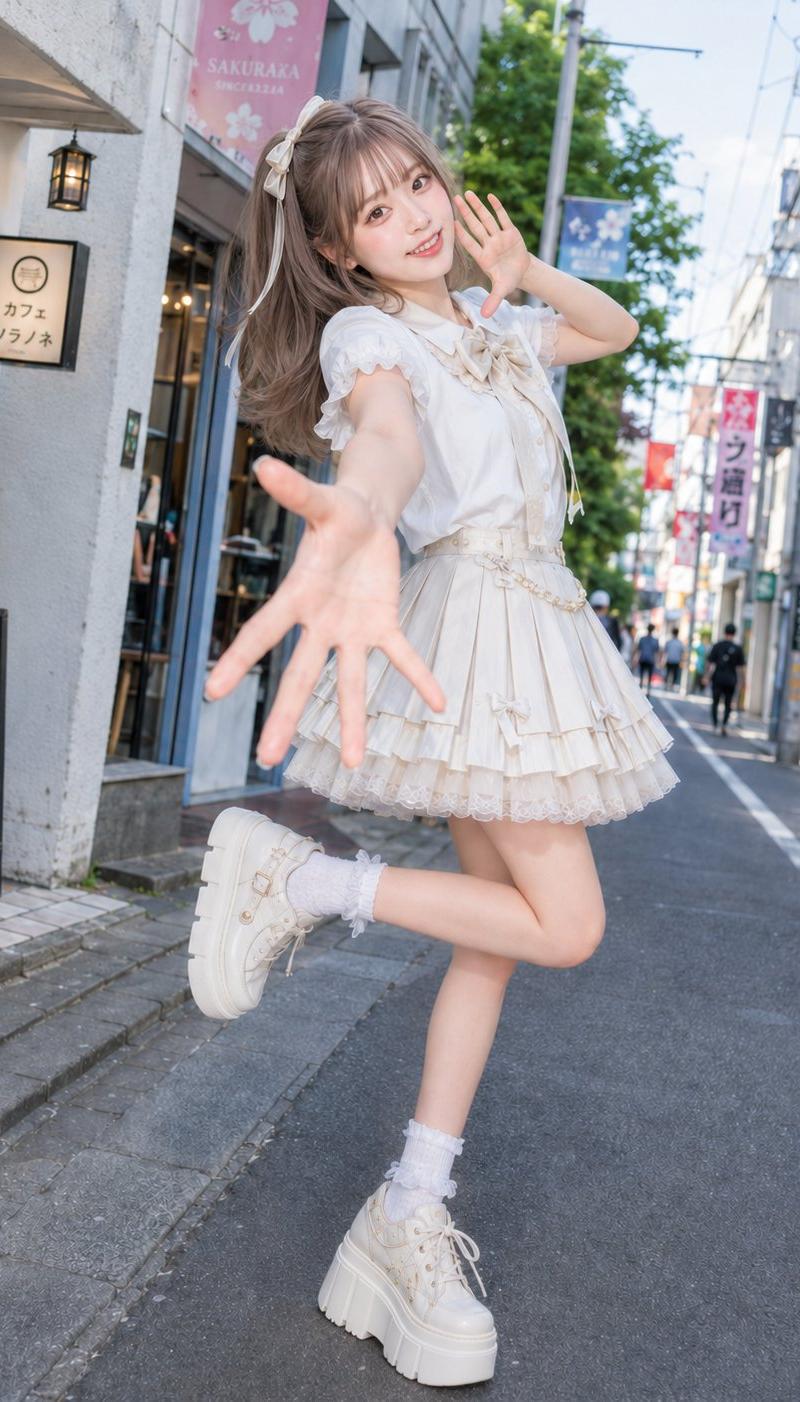
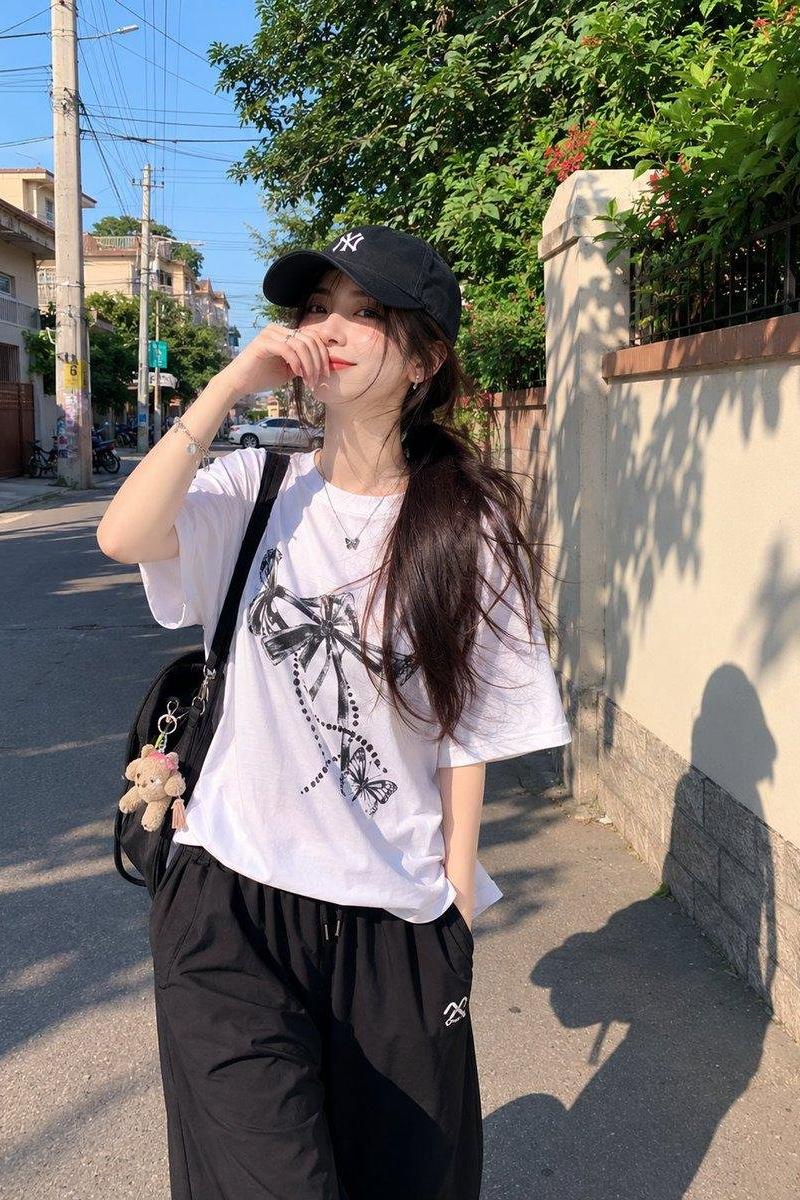
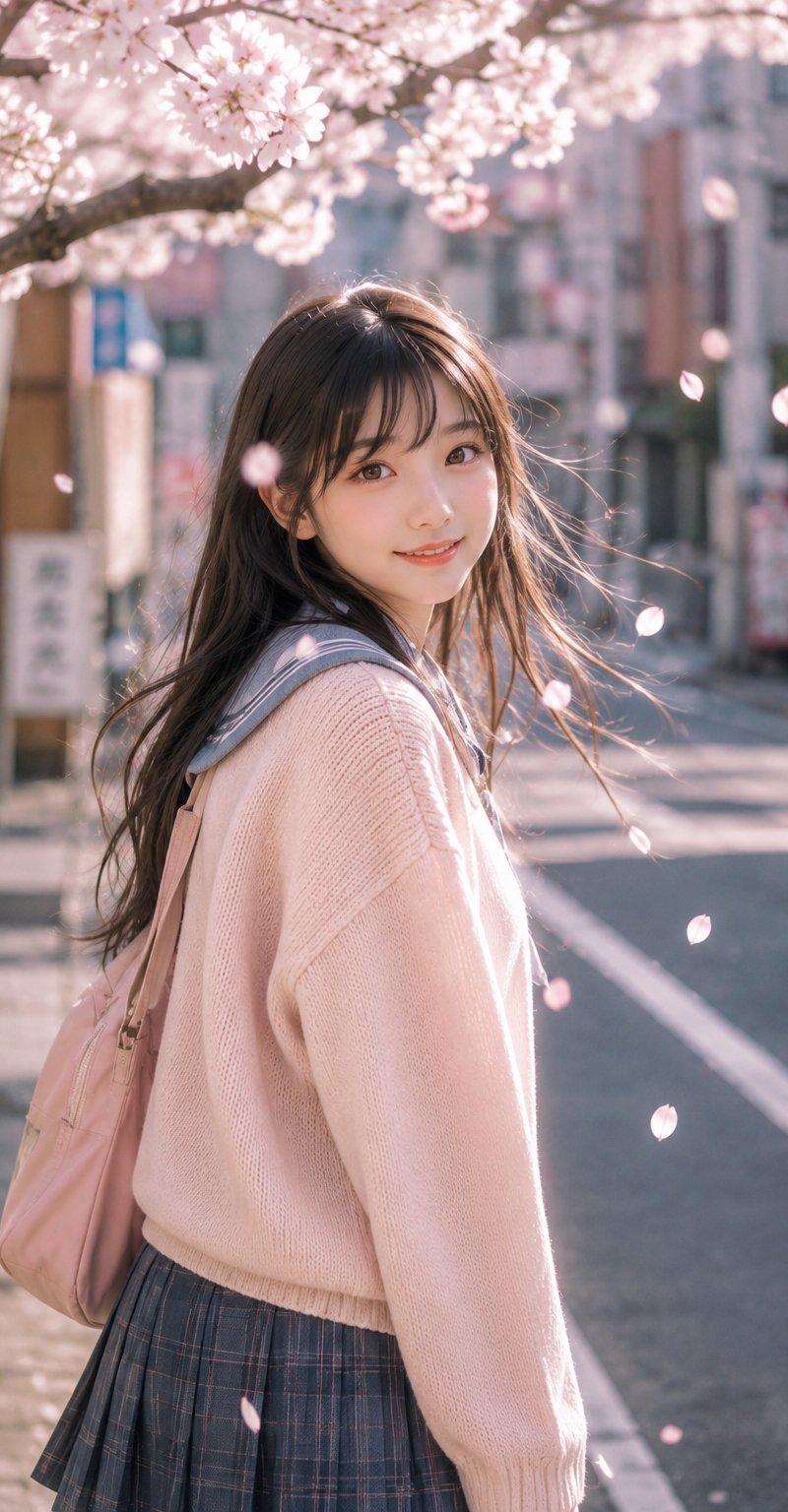
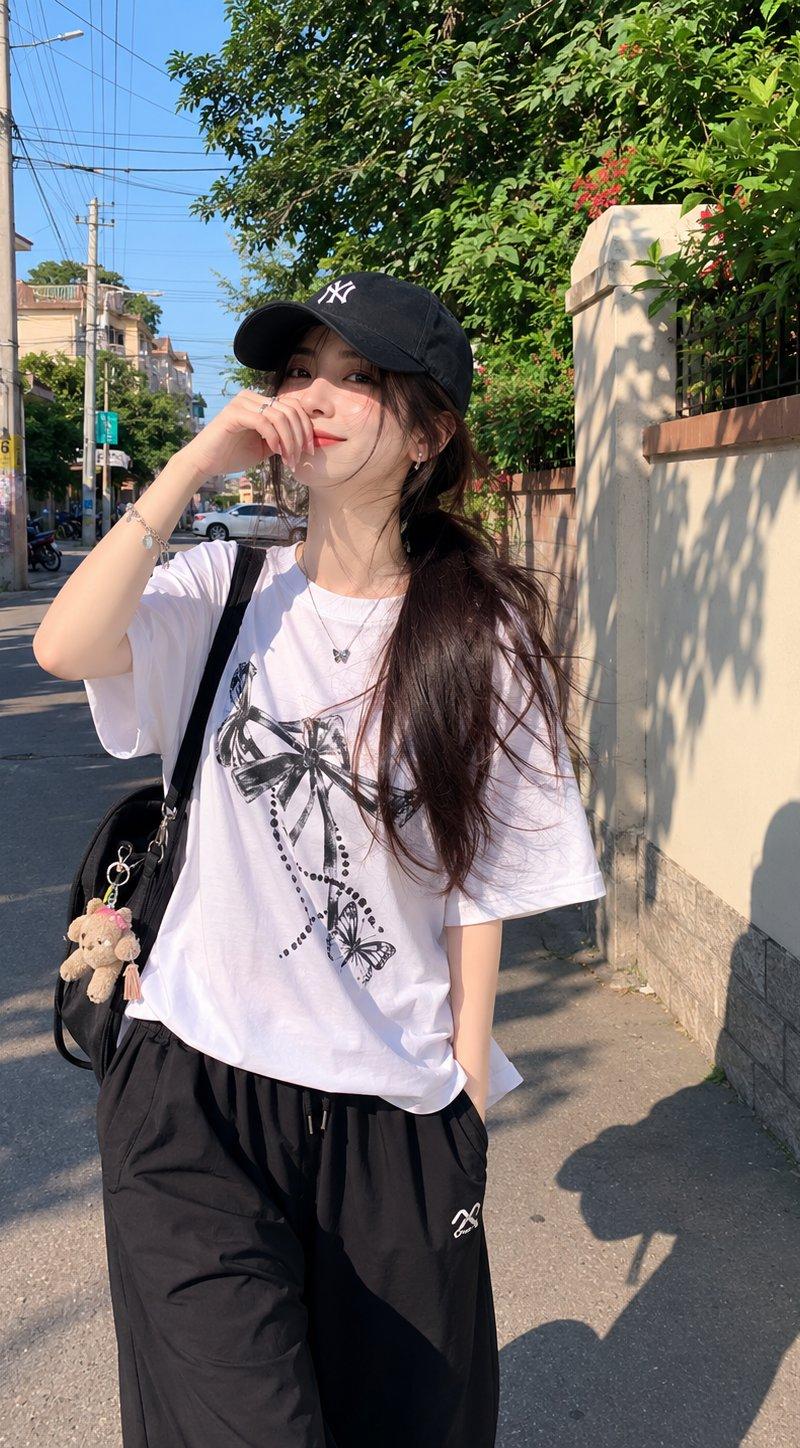
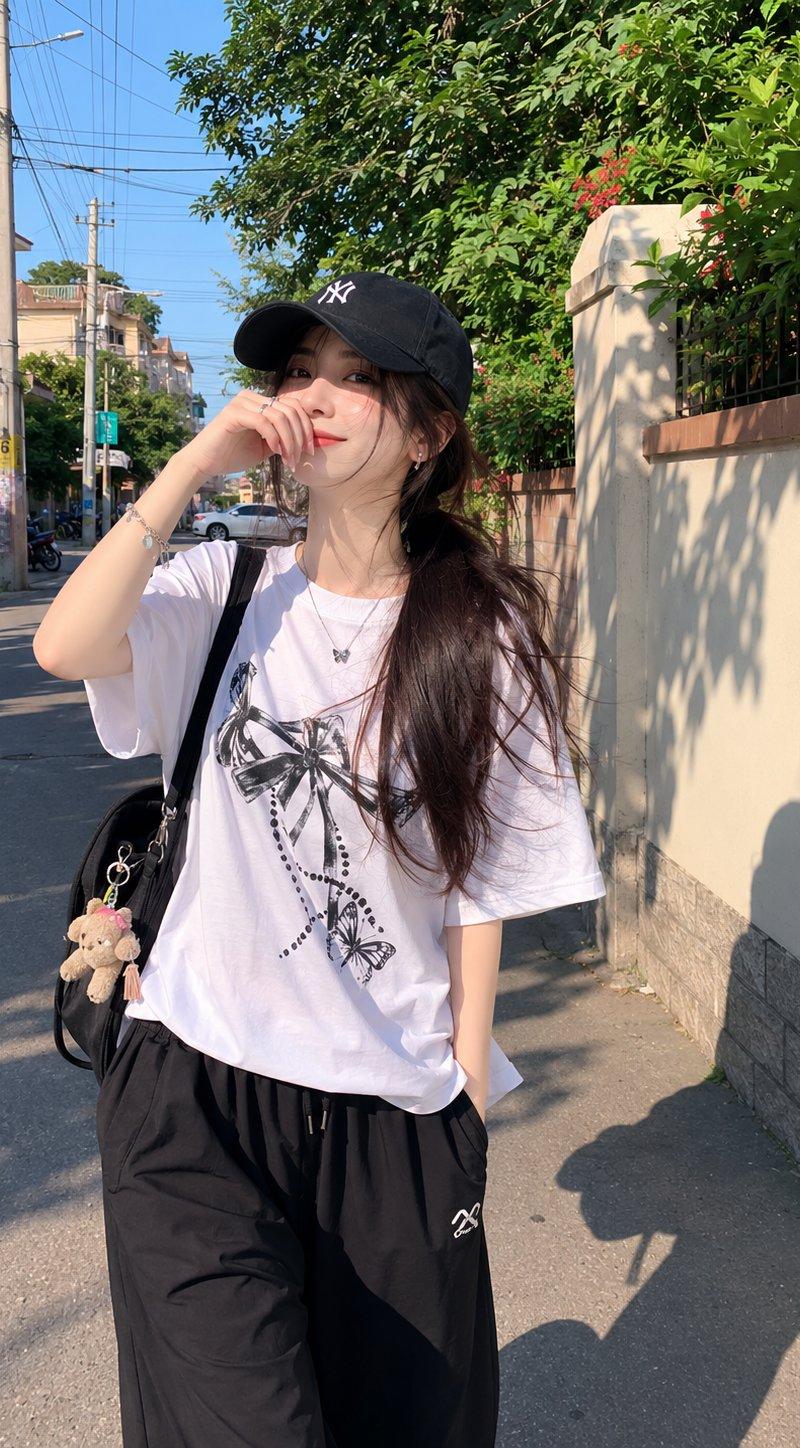
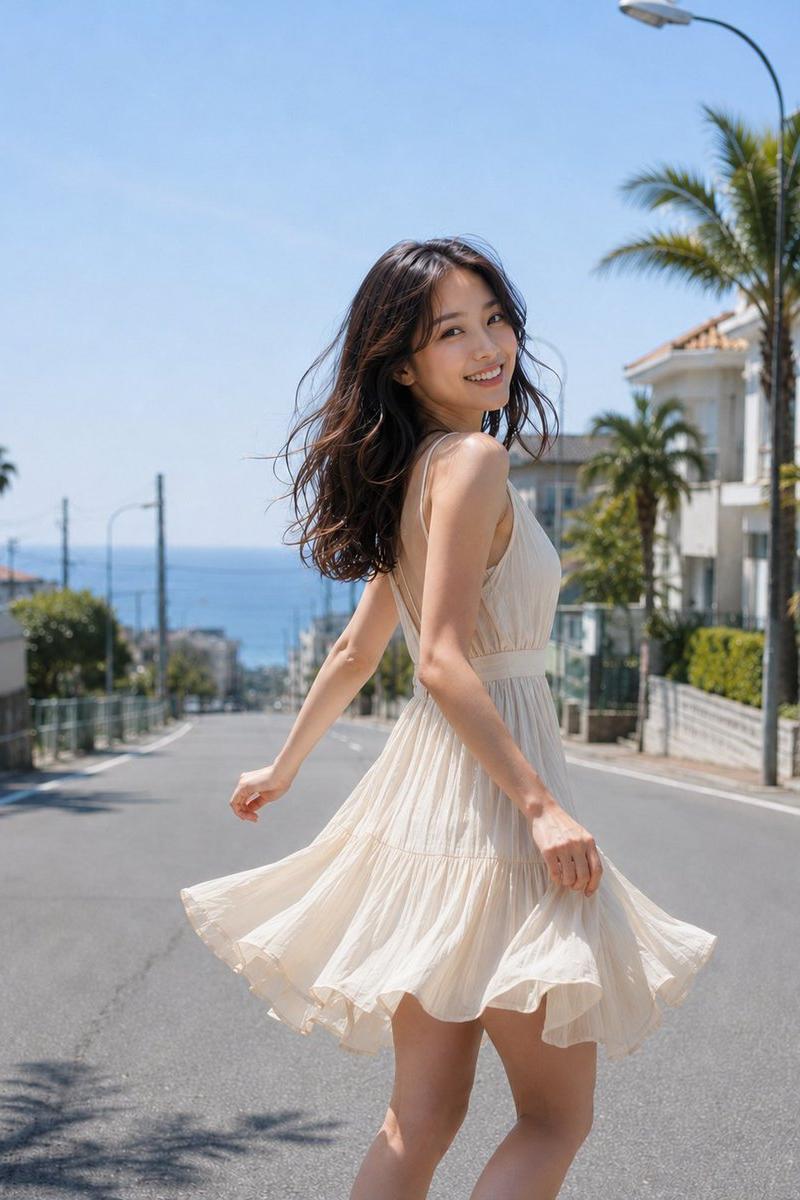
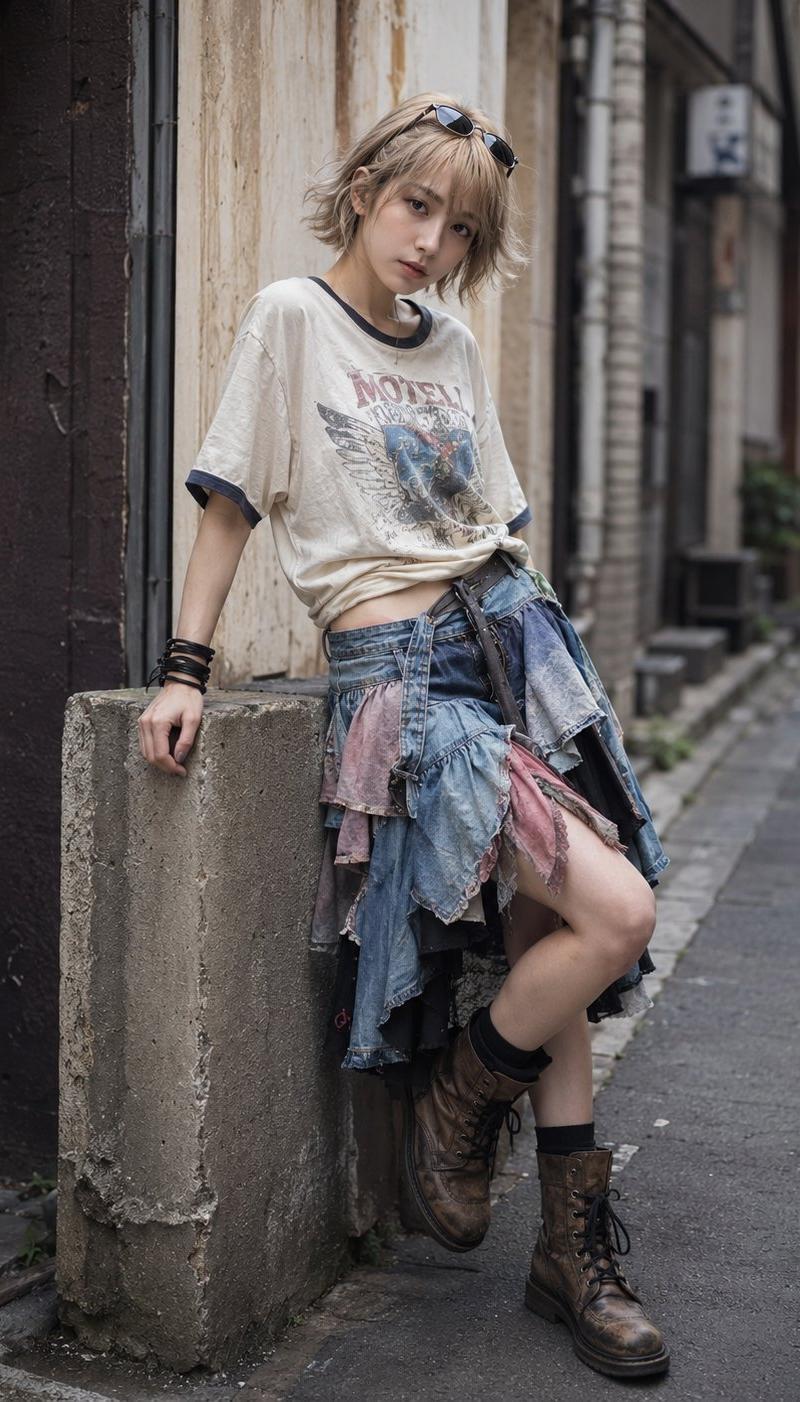
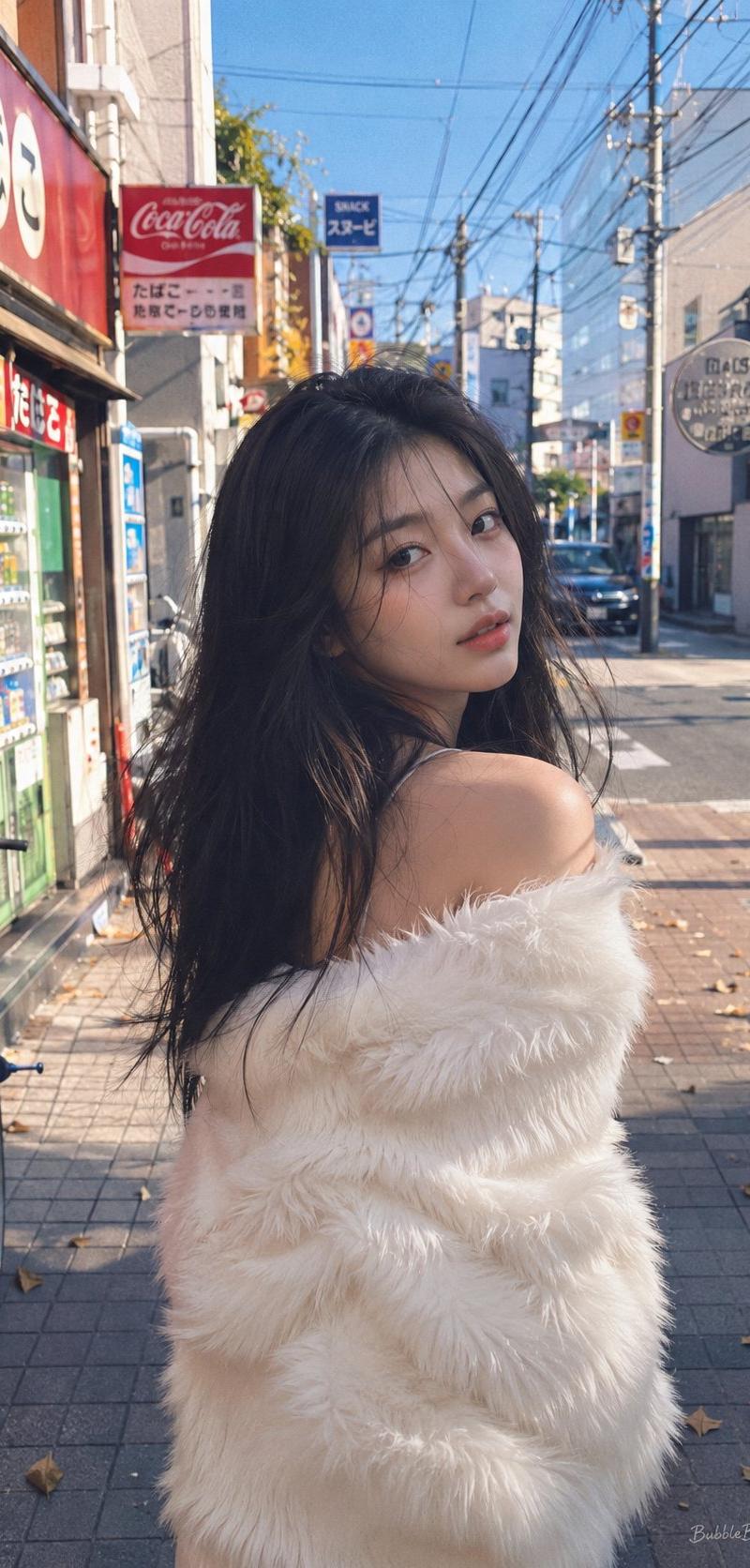
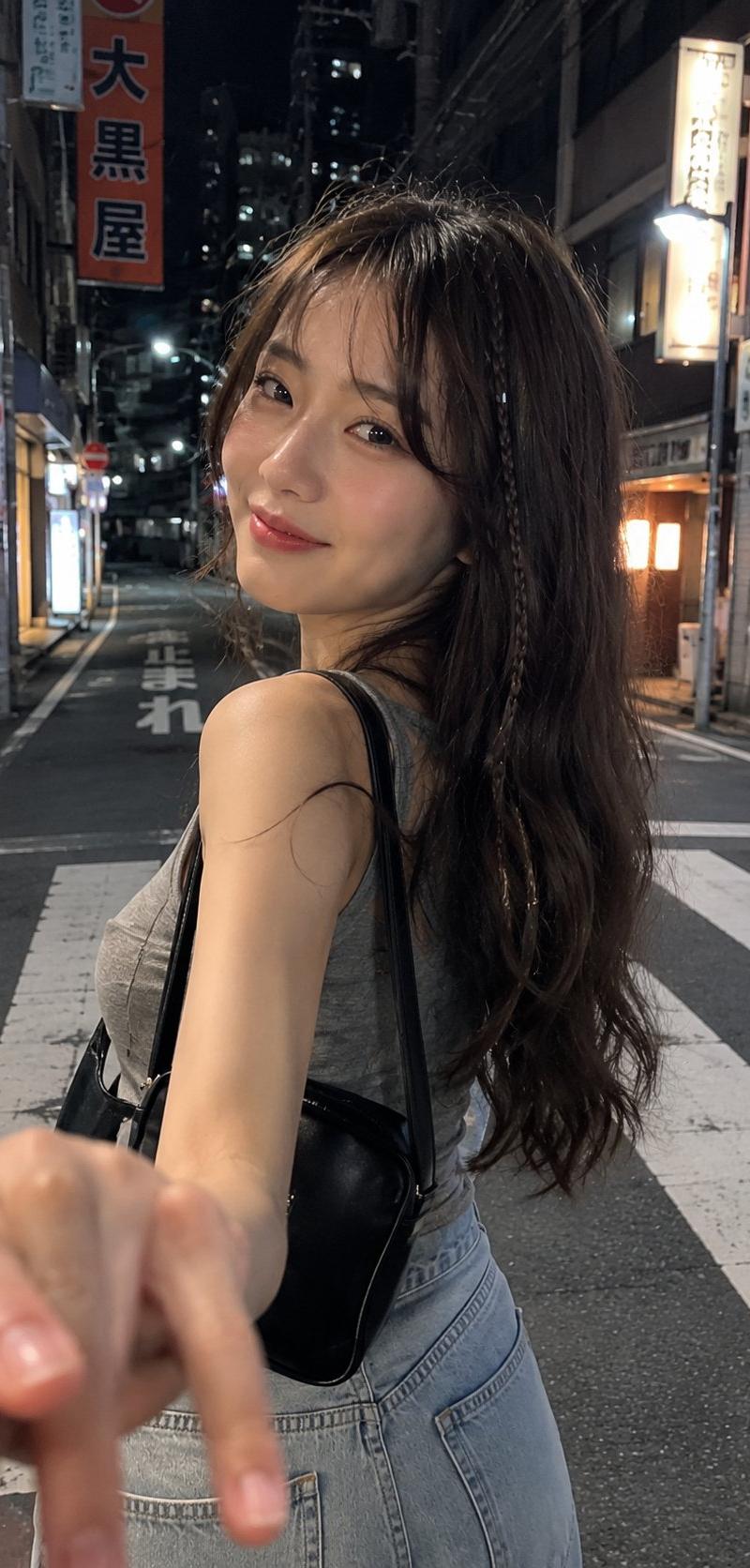
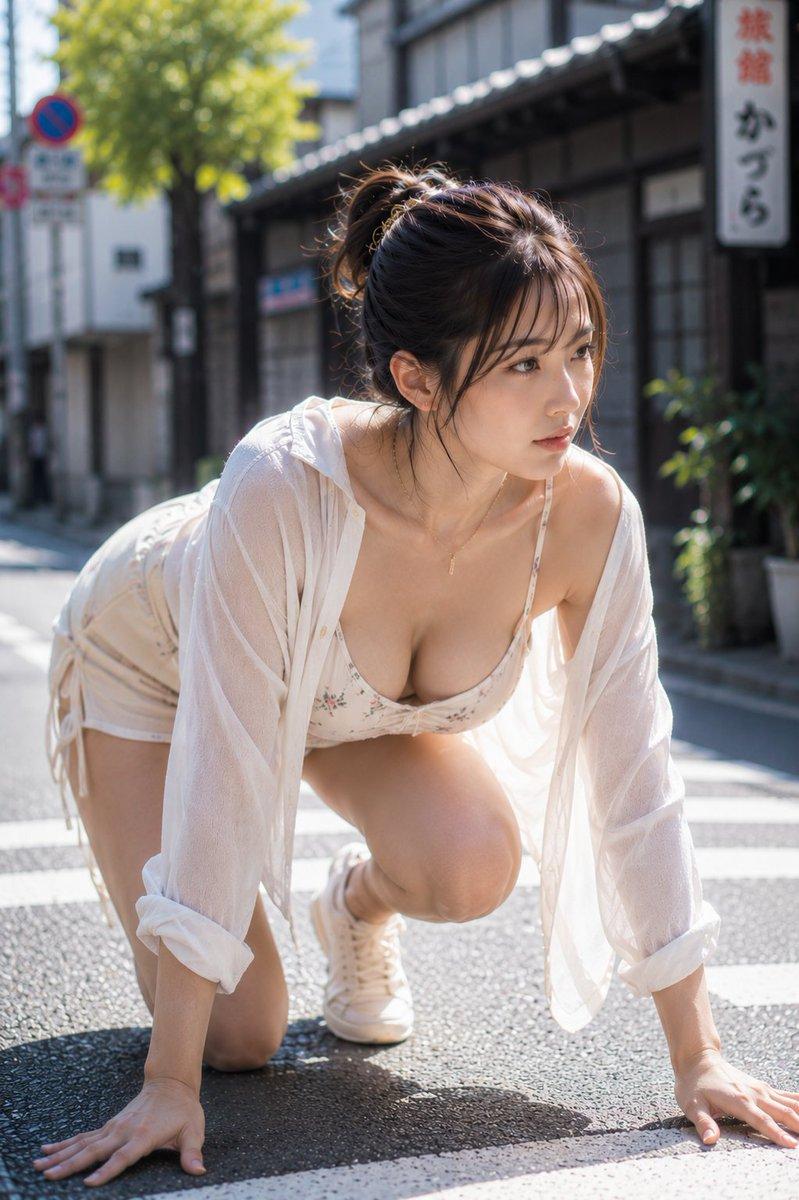
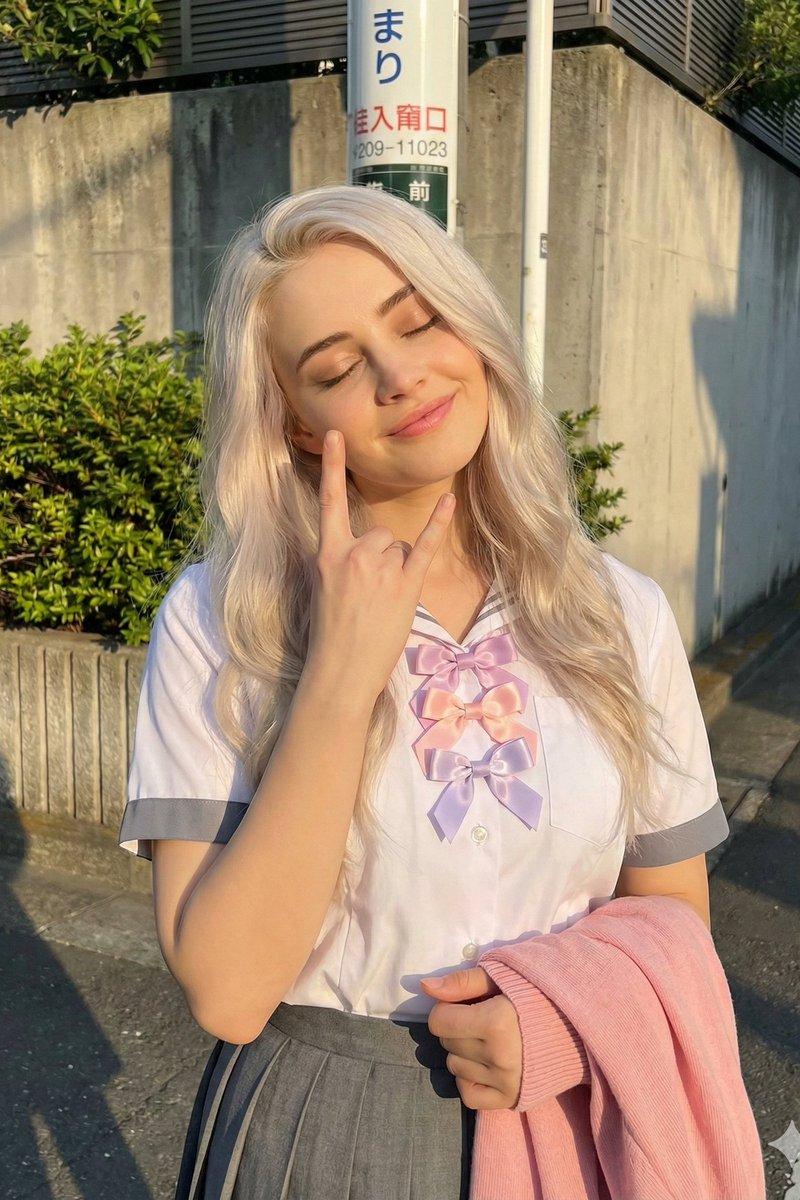
Adorably cute Japanese girl with fair skin, soft blush, fluffy wispy bangs, and a long dark ponytail. Wearing an oversized pastel lavender varsity jacket over a cream pleated mini skirt, white knee-high socks, and chunky sneakers. A small crossbody bag hangs at her side as she walks through a quiet sunlit neighborhood with a bright, playful smile. 

One hand lightly holding the bag strap, the other tucked behind her back. Cozy residential street, flower pots, tiny gardens, utility poles, warm afternoon sunlight, realistic shadows. Captured as a candid iPhone snapshot with natural HDR, authentic skin texture, slightly imperfect framing, charming kawaii street-fashion aesthetic, effortless everyday vibe, photorealistic mobile photography.
Category
Charts & Infographics
Model
ChatGPT
Creator
@MissDelulu9
Source language
zh-CN
Views121
Source ID
16487
Published
Jun 21, 2026
Studio

Guide

About "阳光街头淡紫色夹克可爱日系少女"

What is this prompt for?

"阳光街头淡紫色夹克可爱日系少女" AI image prompt for ChatGPT (Charts & Infographics). 非常可爱的日本少女,拥有白皙的皮肤、淡淡的腮红、蓬松的空气刘海和长长的黑色马尾。穿着一件宽松的淡紫色棒球夹克,内搭奶油色百褶超短裙、白色及膝袜和厚底运动鞋。一个小斜挎包挂在她身…

The full copyable prompt and example visuals above are ready for AI image generation or one-click recreate in Picva.

How to use this prompt

  1. Step 1

    Open the prompt detail

    Review the example visuals, category, and full prompt text for "阳光街头淡紫色夹克可爱日系少女".

  2. Step 2

    Copy the prompt

    Copy the prompt body from this page, or load it directly in Studio.

  3. Step 3

    Pick a model (ChatGPT)

    Prefer ChatGPT. If you switch models, keep subject and composition and tweak style terms.

  4. Step 4

    Generate and export

    Recreate the look in Picva, or export into your workflow for editing and publishing.

FAQ

What is the "阳光街头淡紫色夹克可爱日系少女" prompt?
It is an AI image-generation prompt for ChatGPT in the Charts & Infographics category. This page includes the full prompt text, example visuals, and a one-click recreate path in Picva.
How do I use this prompt to generate an image?
Copy the prompt from this page, or use Generate / Studio. Paste it into a compatible image model, or recreate the look in Picva with optional reference images.
Which model is this prompt for?
This page lists ChatGPT. Most descriptive prompts also transfer to nearby image models such as GPT Image, Flux, or Midjourney with light style tweaks.
Can I use the result commercially?
You can usually copy the prompt for creation, but commercial use of the final image depends on the model terms, reference-image rights, and the generated content. Follow the source author and platform rules.