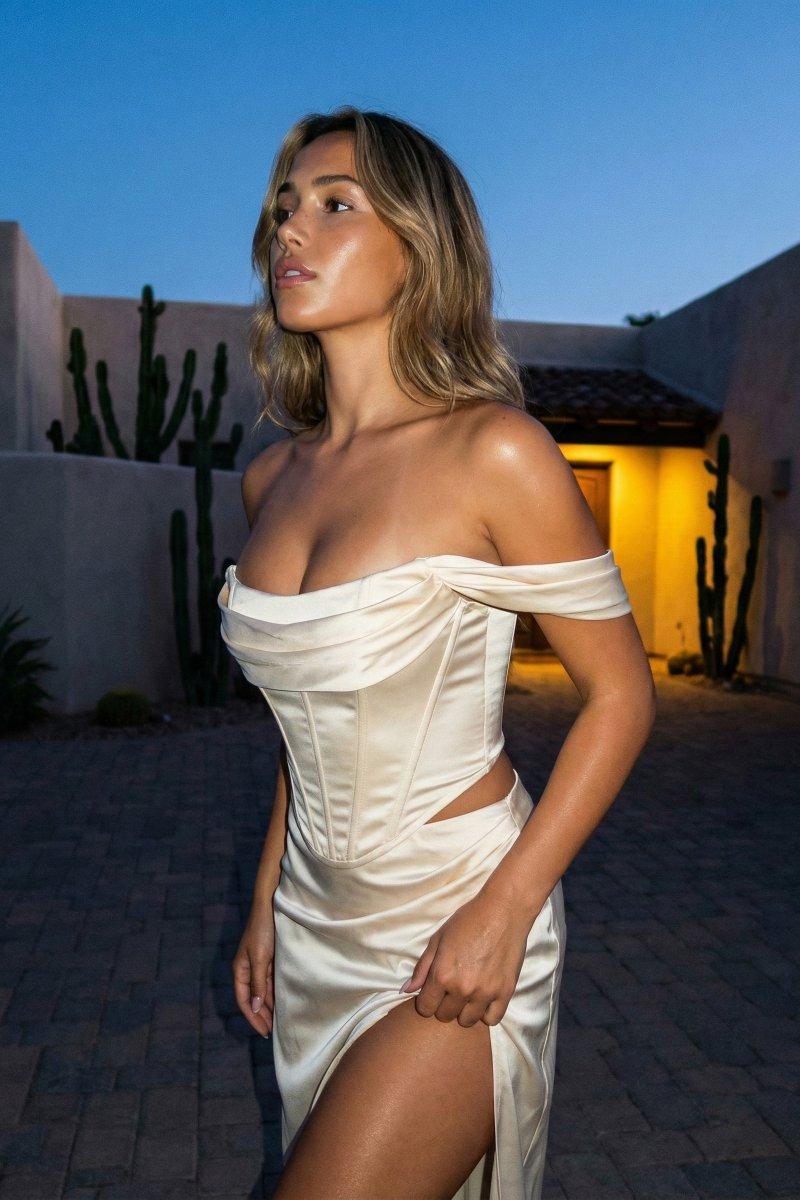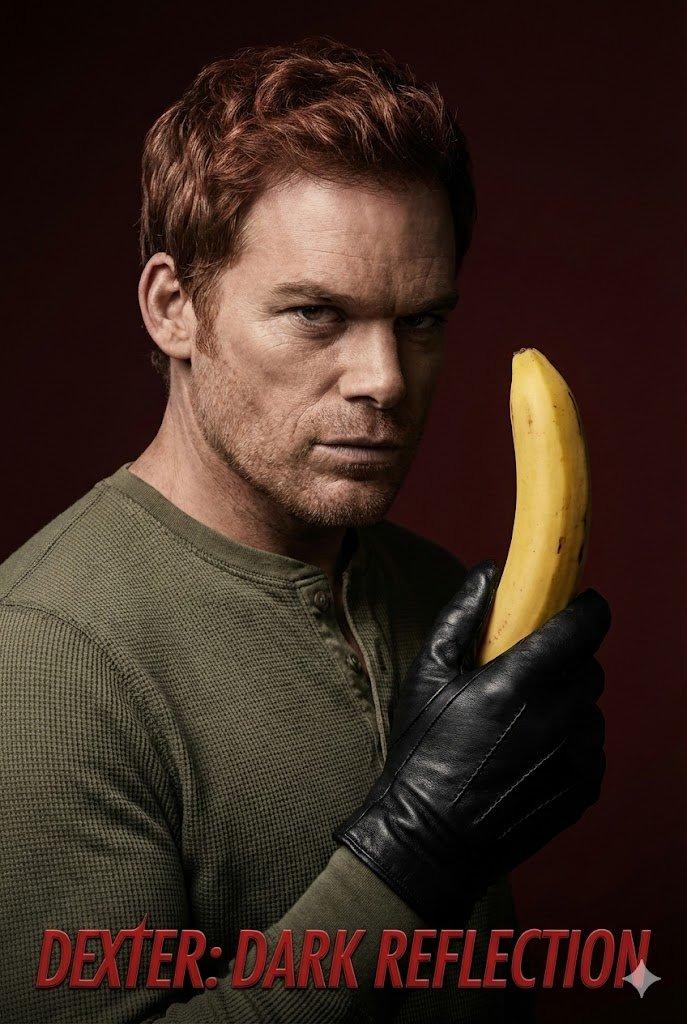
16K超清嗜血法医风格暗黑惊悚人像
Prompt
{ "image_type": "Studio Portrait, Editorial Campaign for TV Series", "shot": "Medium Close-Up (Torso Shot)", "shot_details": "Vertical orientation, high confrontation, subject turned slightly left but looking frontal into the camera with unsettling intensity.", "style": "Hyper-photorealism, Cinematic, High Drama, Psychological Thriller Aesthetic, TV Series Key Art", "quality": "16K UHD, Editorial Quality, Extreme Textural Fidelity, Poster Print Standard", "color_grade": "Heavy contrast, reduced color palette focusing on deep browns, olives, blacks, and skin tones. Cool tones dominate the shadows, with slightly warm, clinical highlights on skin and the object.", "meta": { "aspect_ratio": "2:3", "resolution": "16K UHD" }, "camera": { "device": "Professional DSLR (Sony A1 or Canon EOS R5)", "lens": "85mm to 105mm prime lens (Medium Telephoto)", "aperture": "f/2.8 to f/4.0", "distance": "Close", "angle": "Slightly below eye level (to convey dominance and unease)", "framing": "Torso Shot", "pov": "Confrontational direct stare into the lens", "focus": "Extreme sharpness on eyes, stubble, the texture of the leather glove, and the waxy surface of the banana peel.", "lens_effect": "Soft, creamy bokeh background, shallow depth of field." }, "lighting": { "description": "Extreme Low-Key Lighting for maximum psychological intensity, adapting the classic 'Dexter' look.", "type": "Hard, directional studio light setup.", "source": "Key Light (Beauty Dish or tightly gridded reflector), Rim Light (Strip box or snoot).", "primary": "Hard Key Light positioned high and front-left, creating a deep Split Lighting/Rembrandt shadow mix, heavily obscuring the right side of the face, emphasizing facial structure.", "secondary": "Bright, precise Rim Light from the rear-right, sharply defining the contours of the head, jawline, and the shoulder.", "highlights": "Slightly warm, glossy sheen on the skin and the waxy texture of the banana.", "shadows": "Deep, dramatic, cool-toned shadows hiding details in the periphery." }, "scene": { "location": "Professional Photography Studio", "environment": "Minimalist background in deep Mahogany or blood-red Burgundy, transitioning into dark brown/black via a strong vignette.", "atmosphere": "Heavy, intense, dangerous, secretive, with a touch of dark irony." }, "subject": { "specific_character": "Michael C. Hall as Dexter Morgan", "gender": "Male", "age": "Mid 40s (during series run)", "ethnicity": "European", "appearance": "Intense demeanor, recognizable facial structure of Michael C. Hall, athletic build hinted at under clothes.",- Category
- Charts & Infographics
- Model
- Nano banana pro
- Creator
- @iamdomprompt
- Source language
- zh-CN
- Source ID
- 7903
- Published
- Mar 21, 2026
Views12