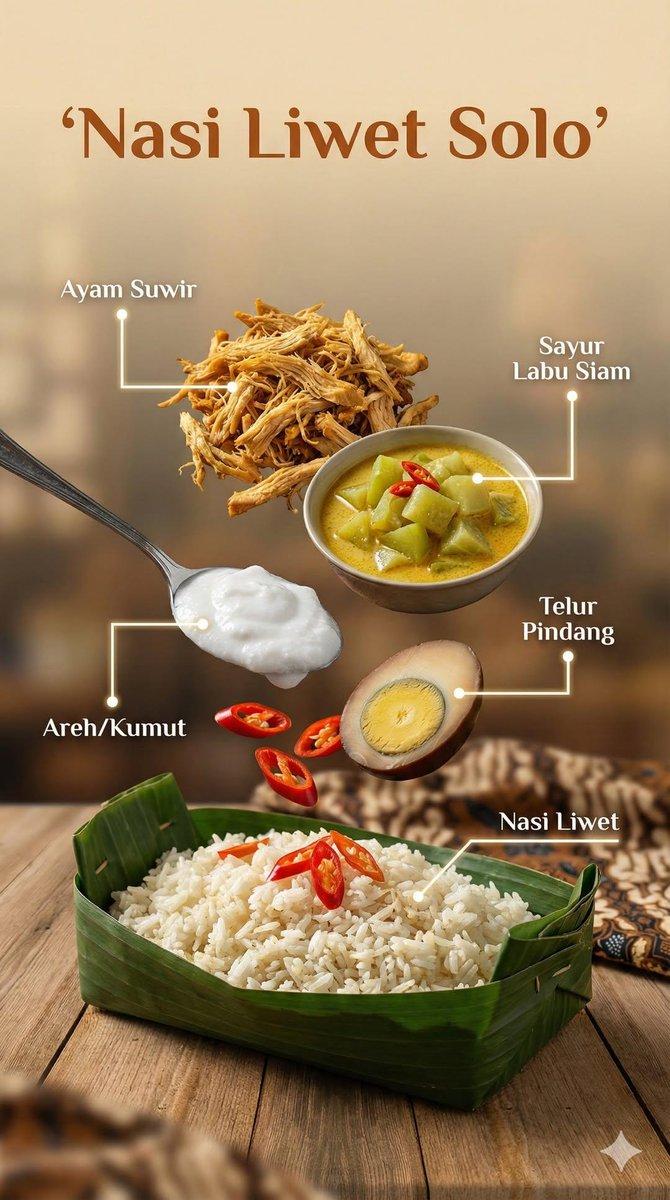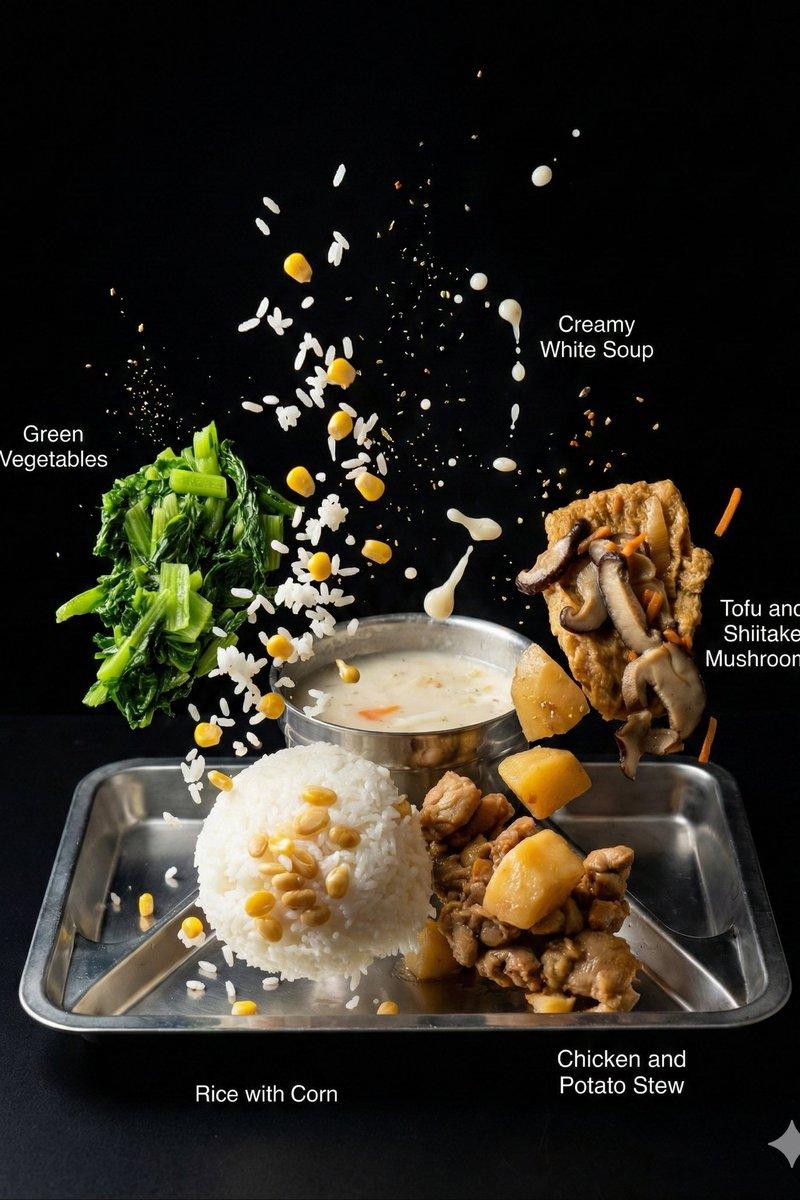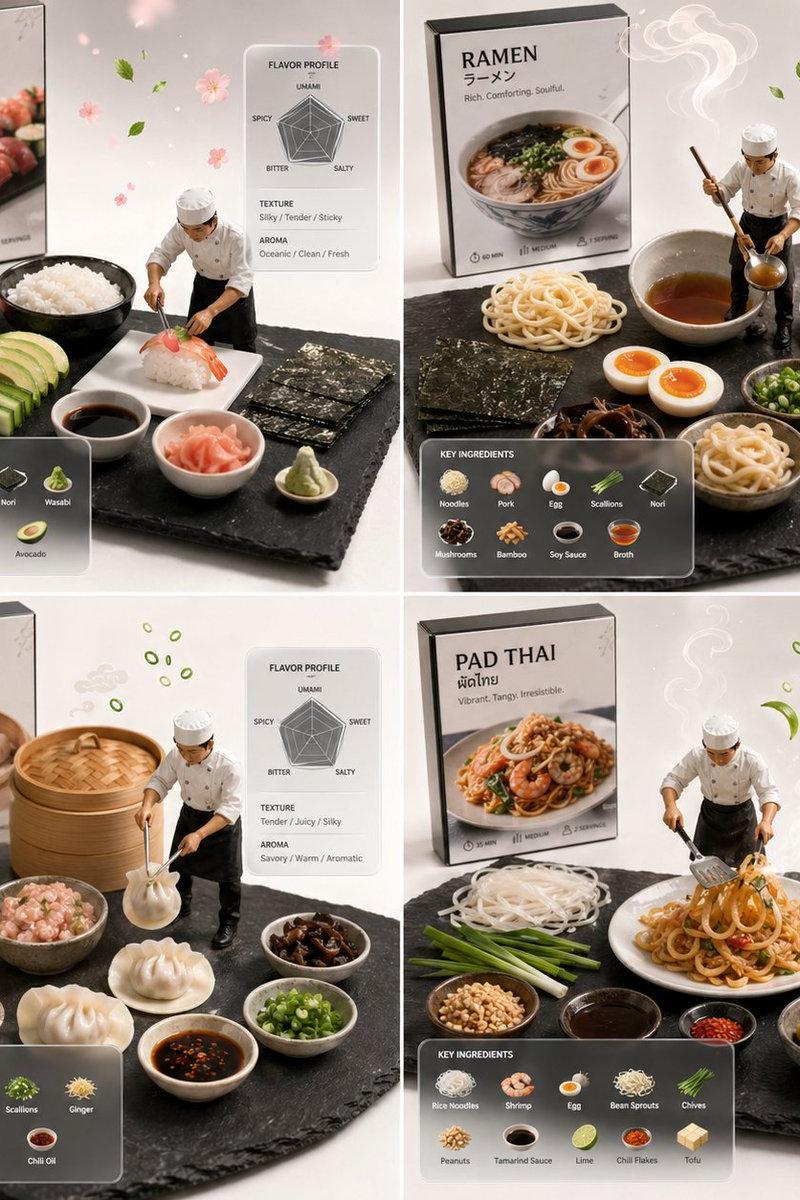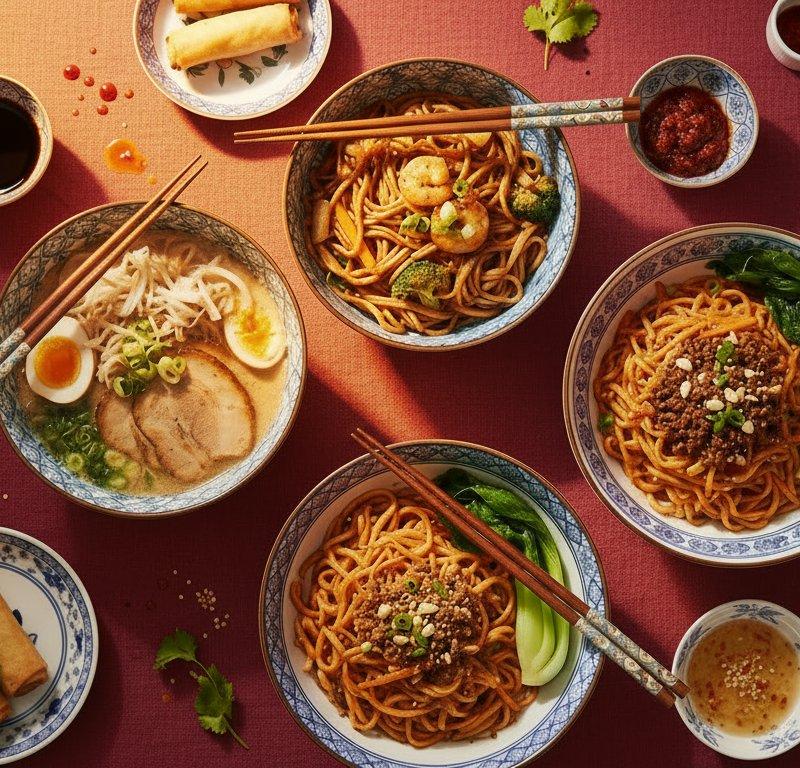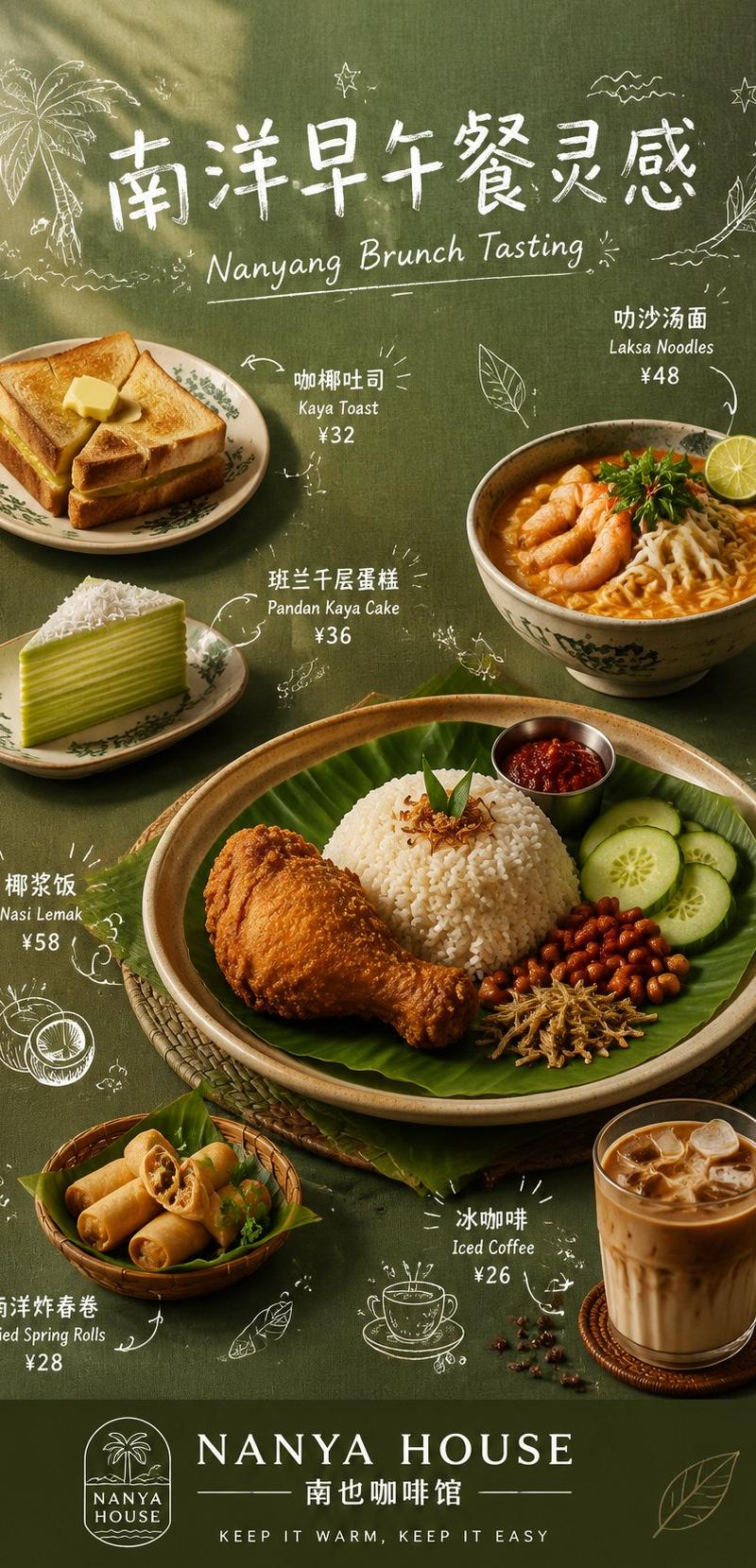
餐饮手绘菜单海报提示词
Prompt
【Theme Name】:
【Brand Name】:
【Main Title】:
【English Subtitle】:
【Main Color Tone】:
【Background Material】:
【Main Dish】:
【Side Dishes】:
【Brand Slogan】:
【Aspect Ratio】: 9:16

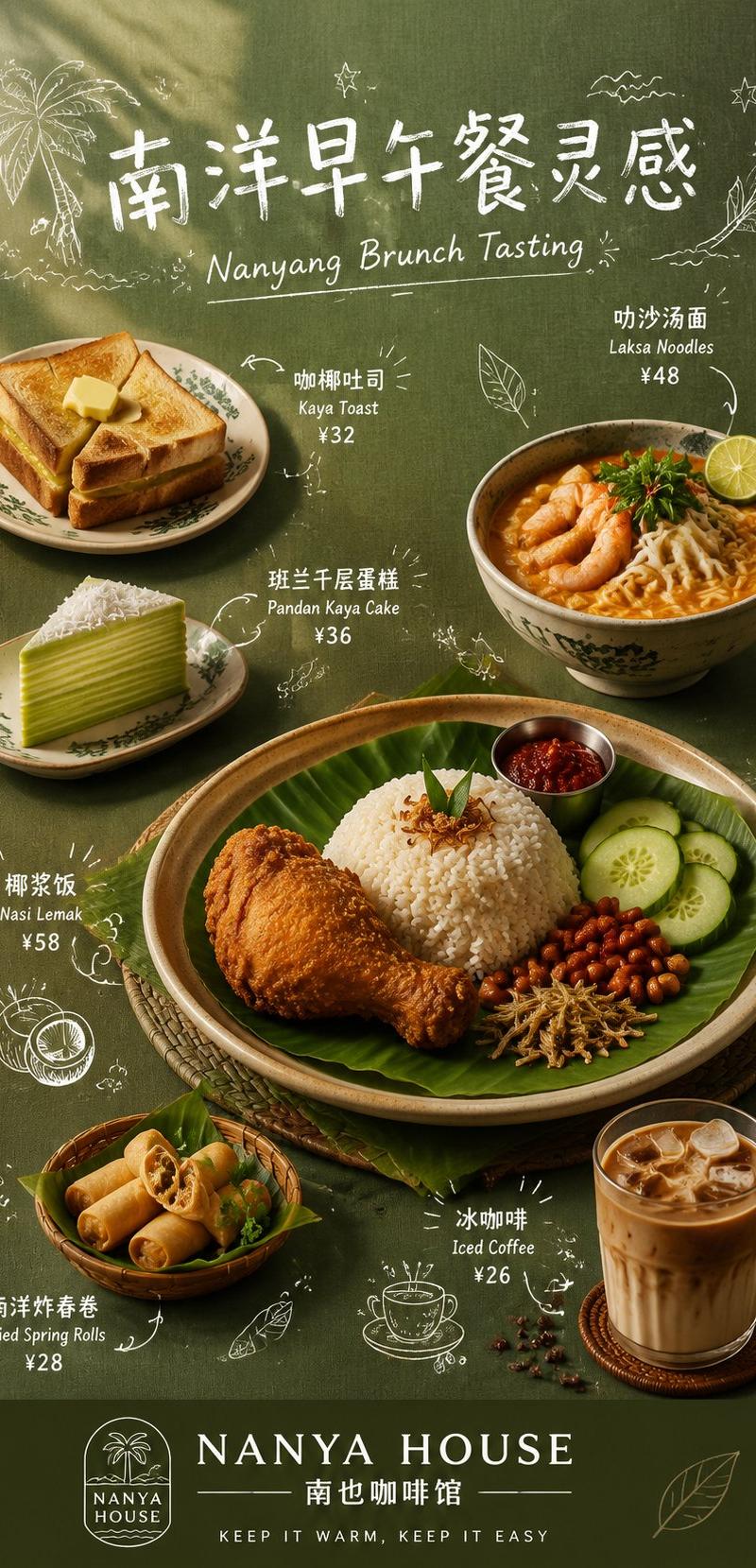
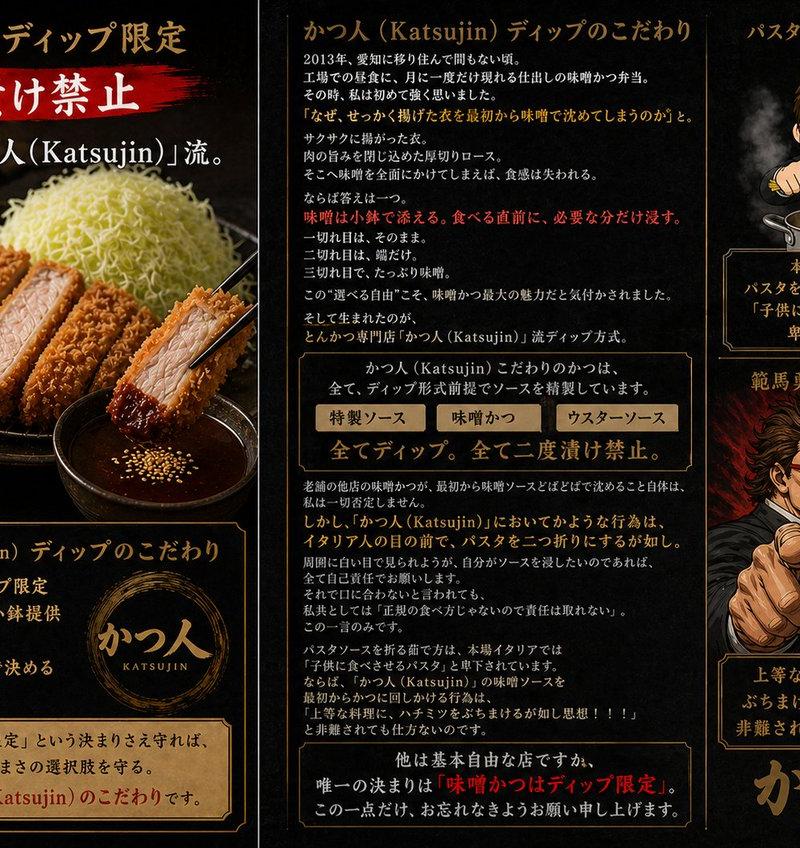
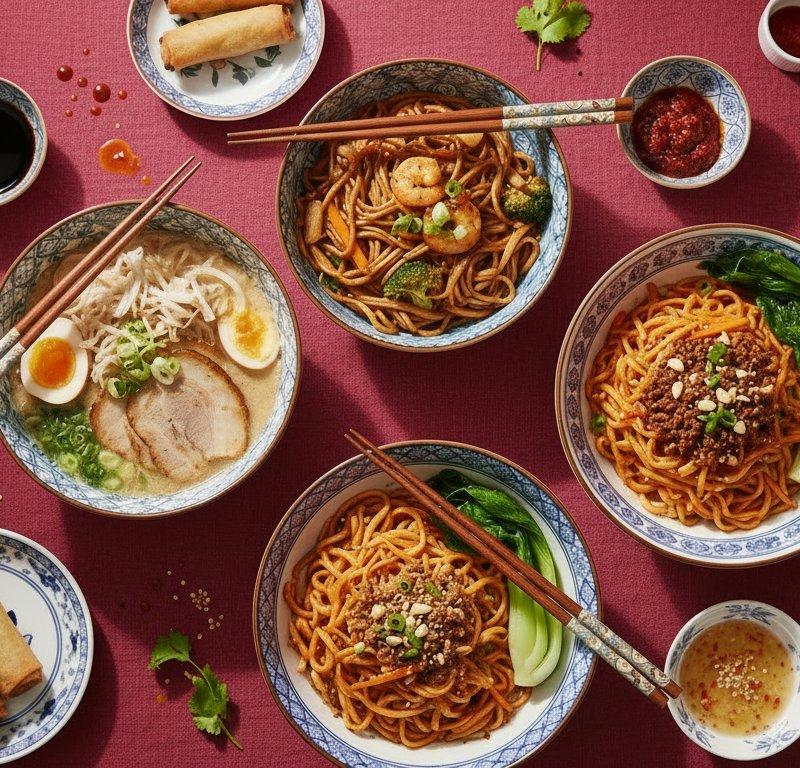
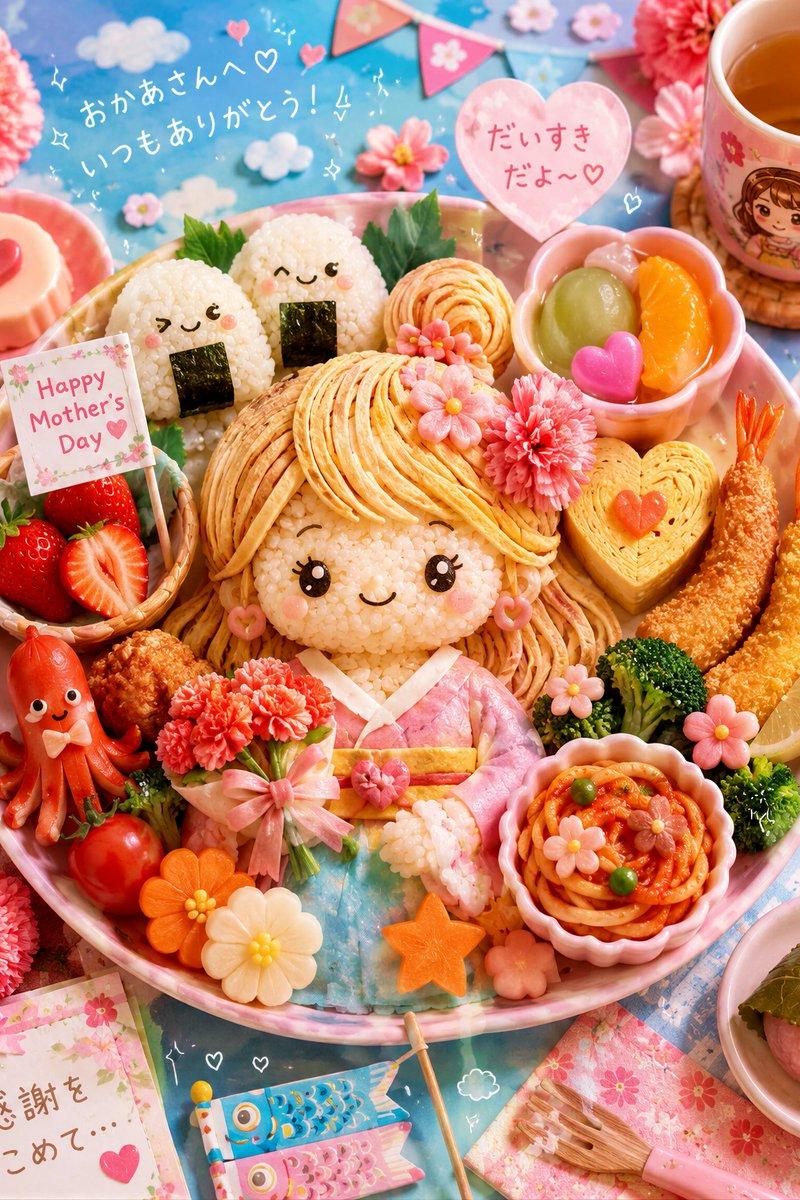
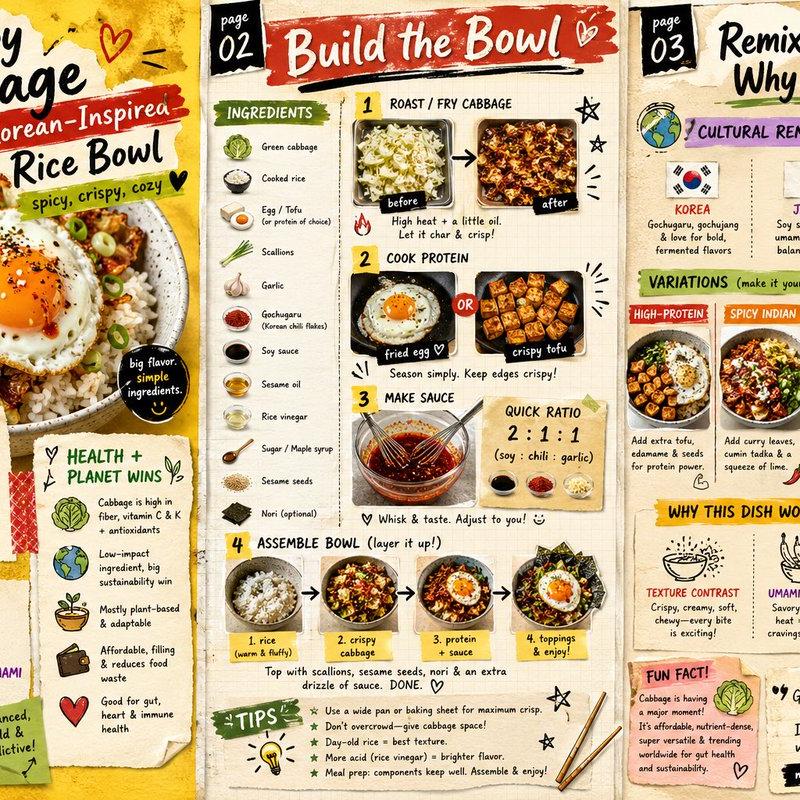
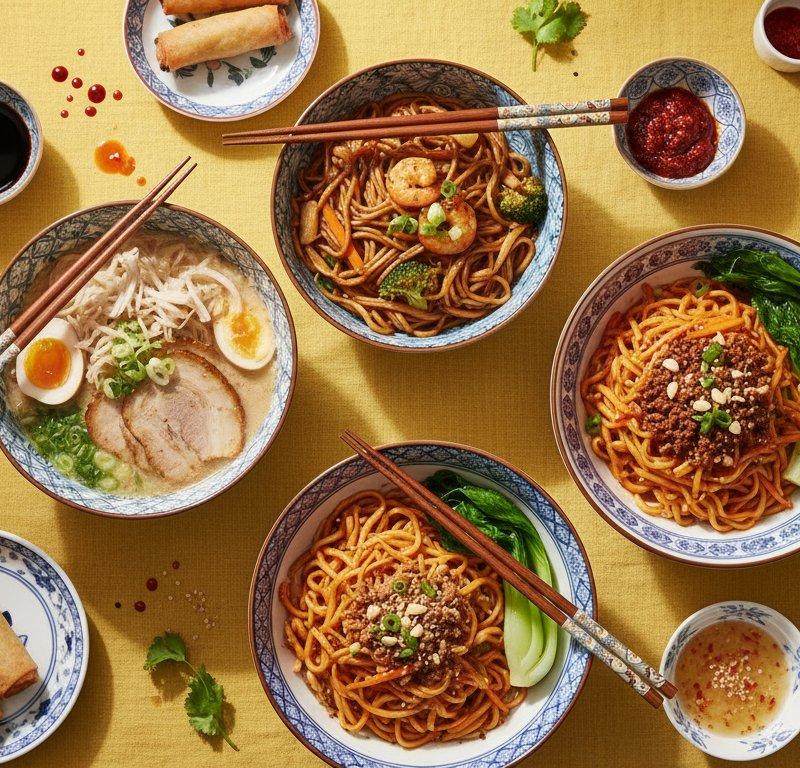
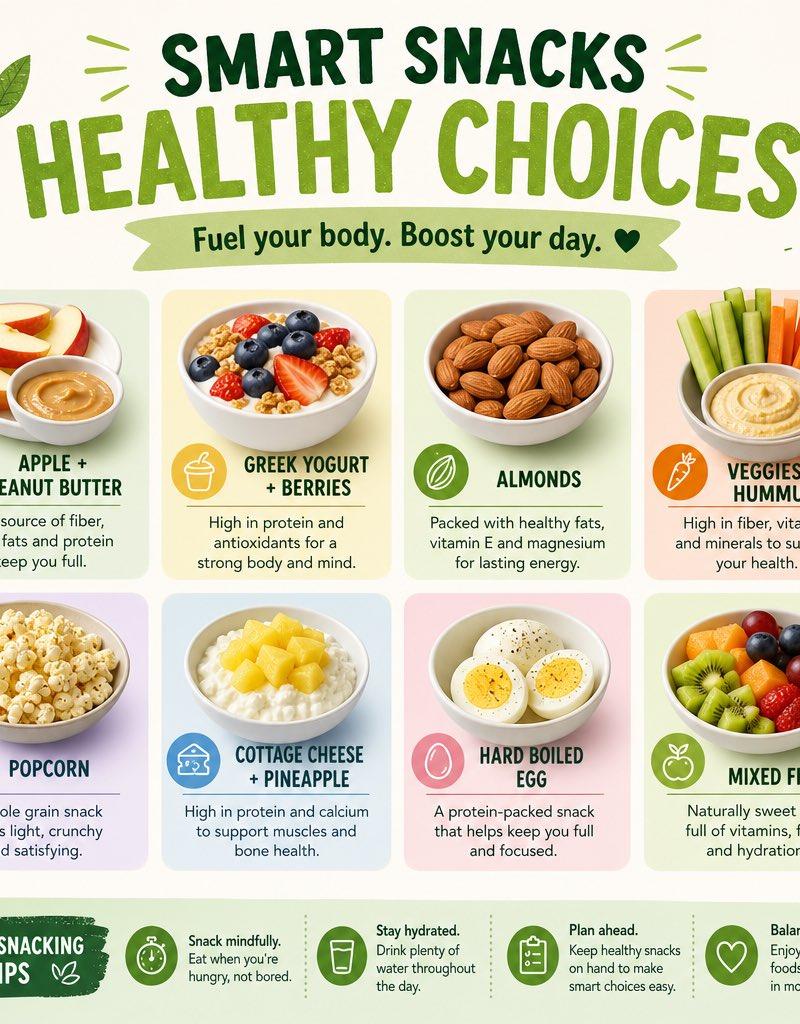
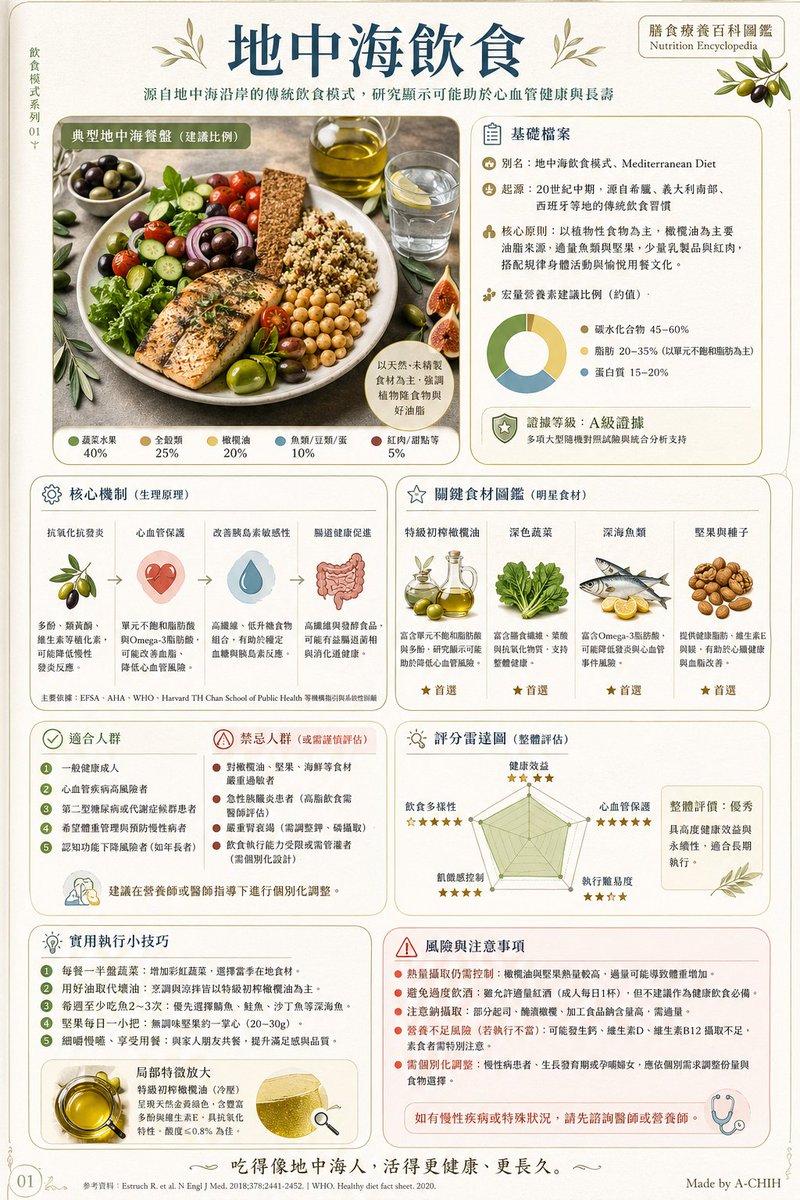
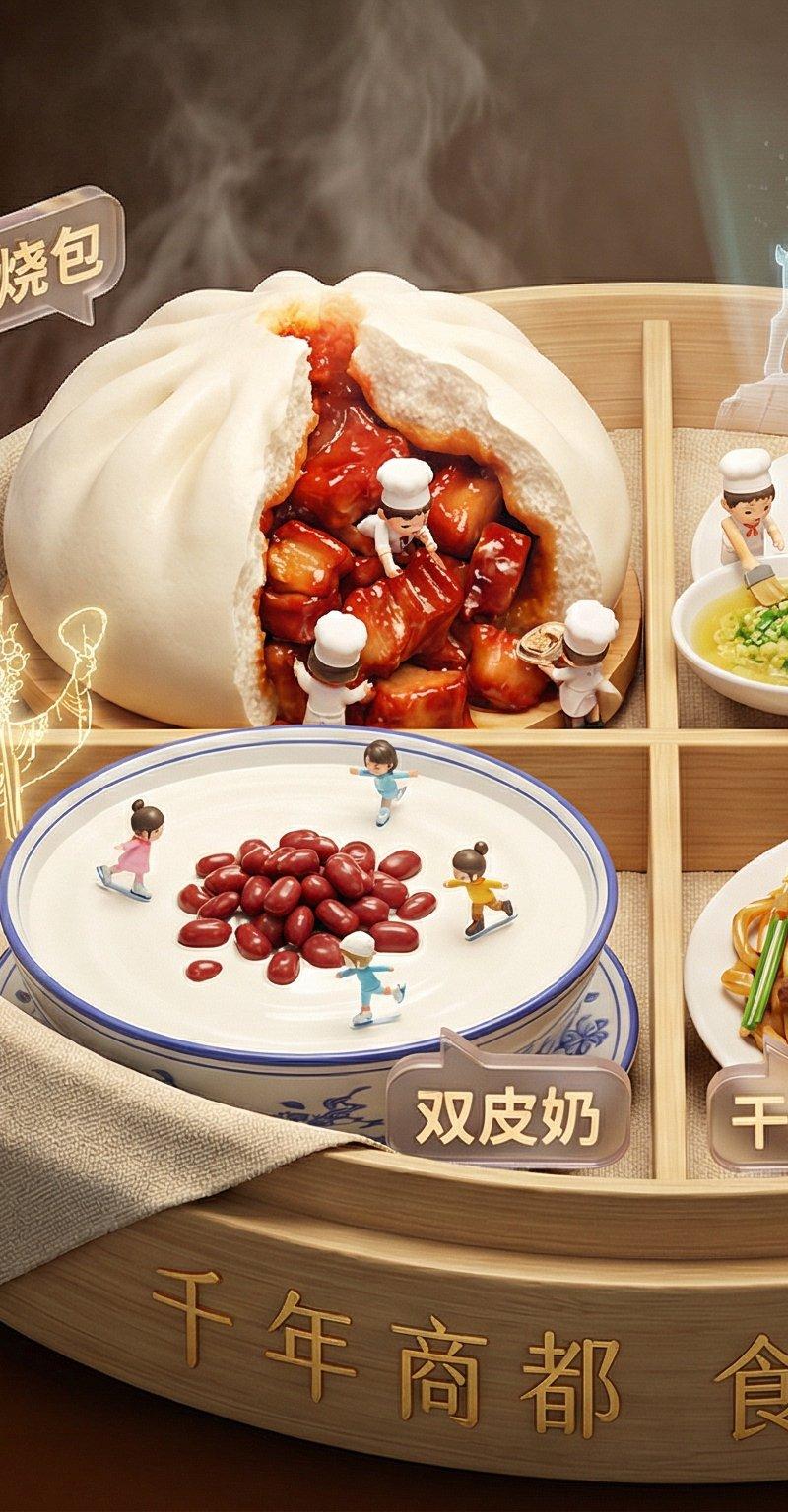
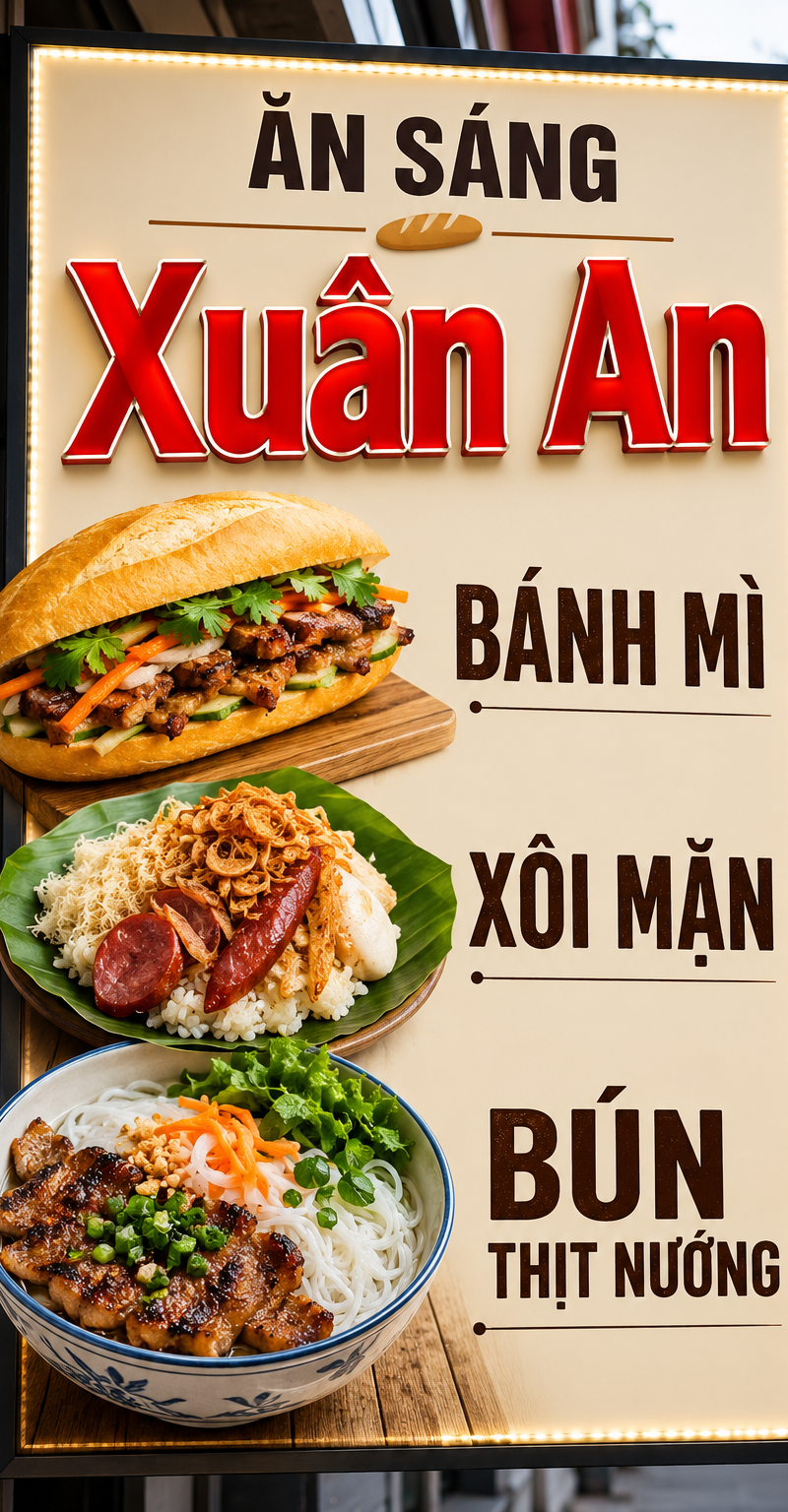
Generate an exquisite 9:16 vertical dining hand-drawn menu poster, the theme is 【Theme Name】, and the brand name is 【Brand Name】.

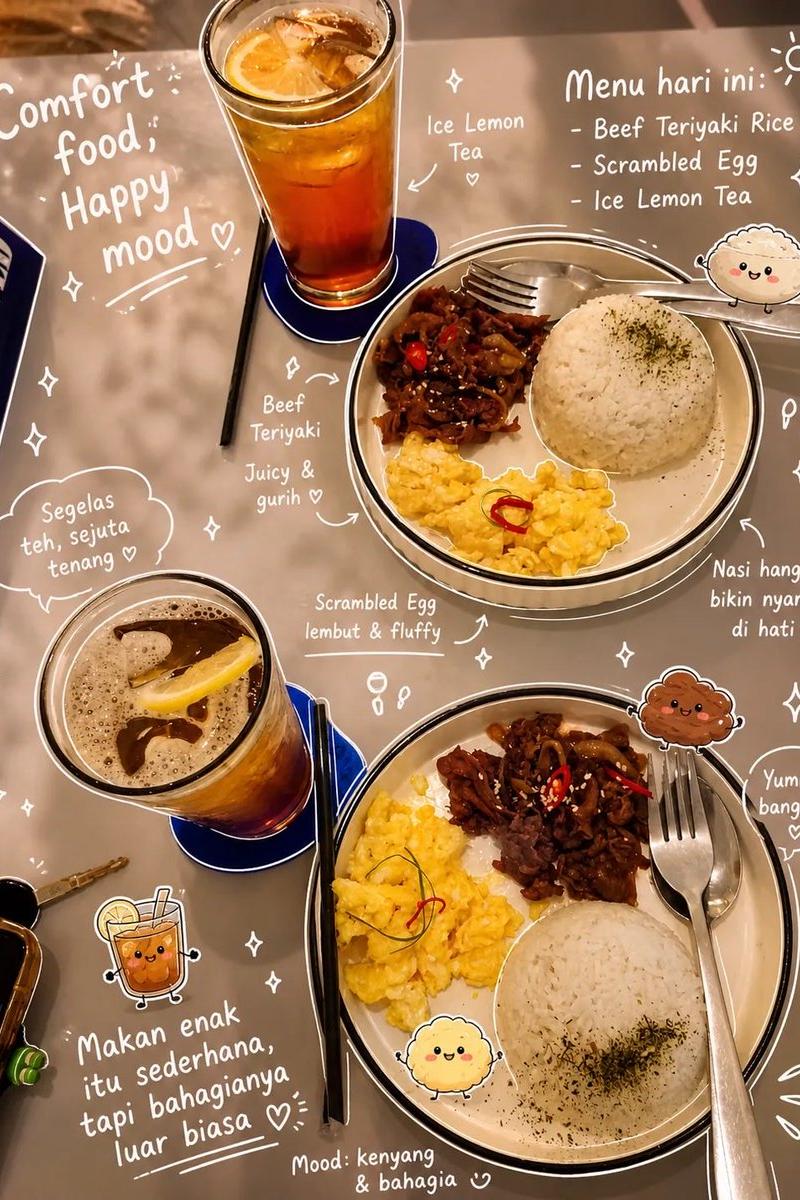
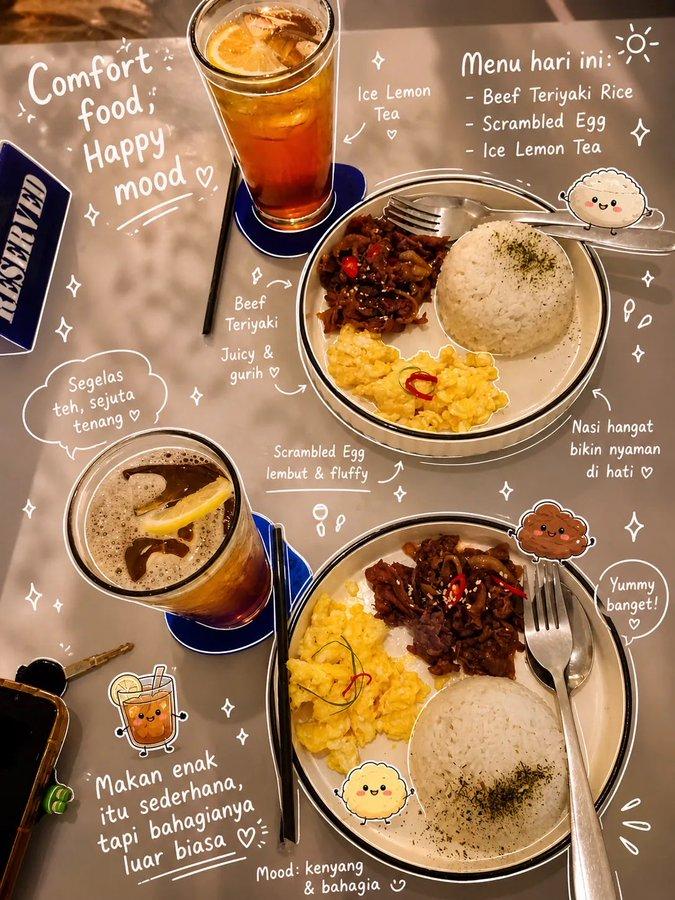
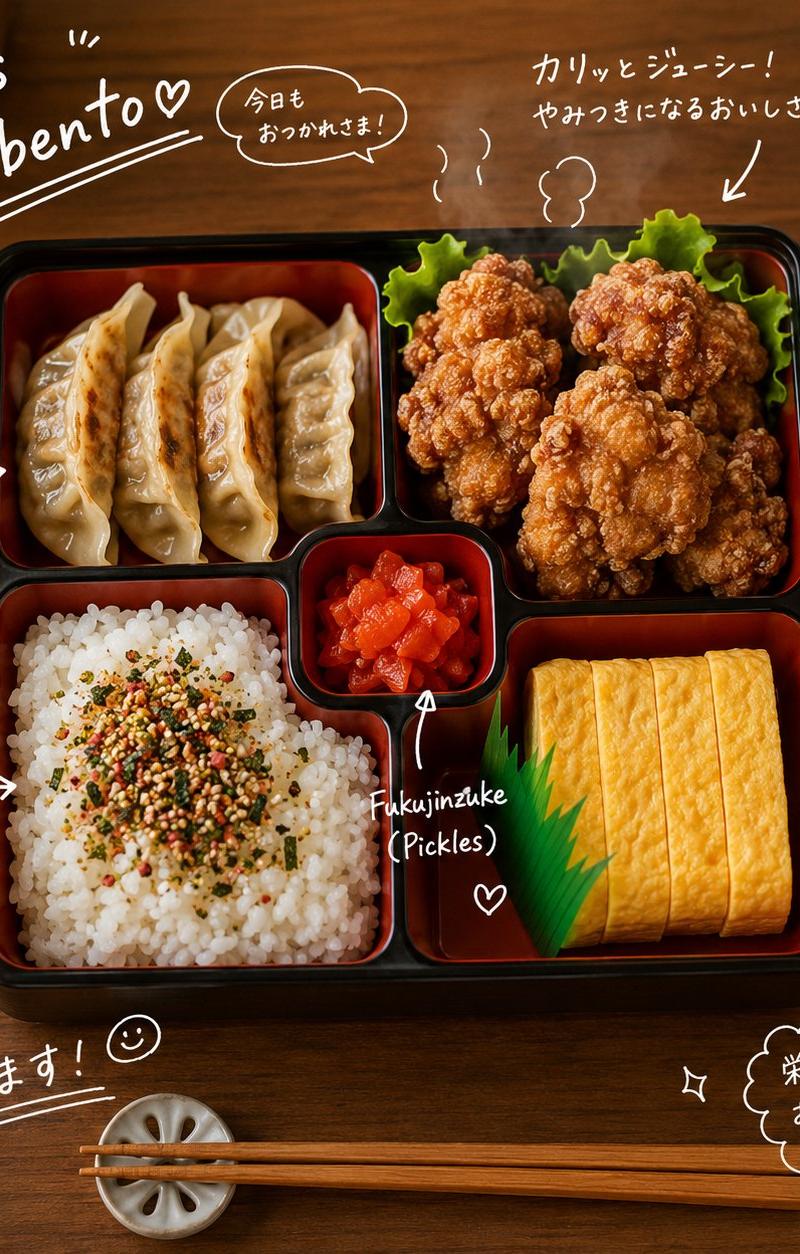
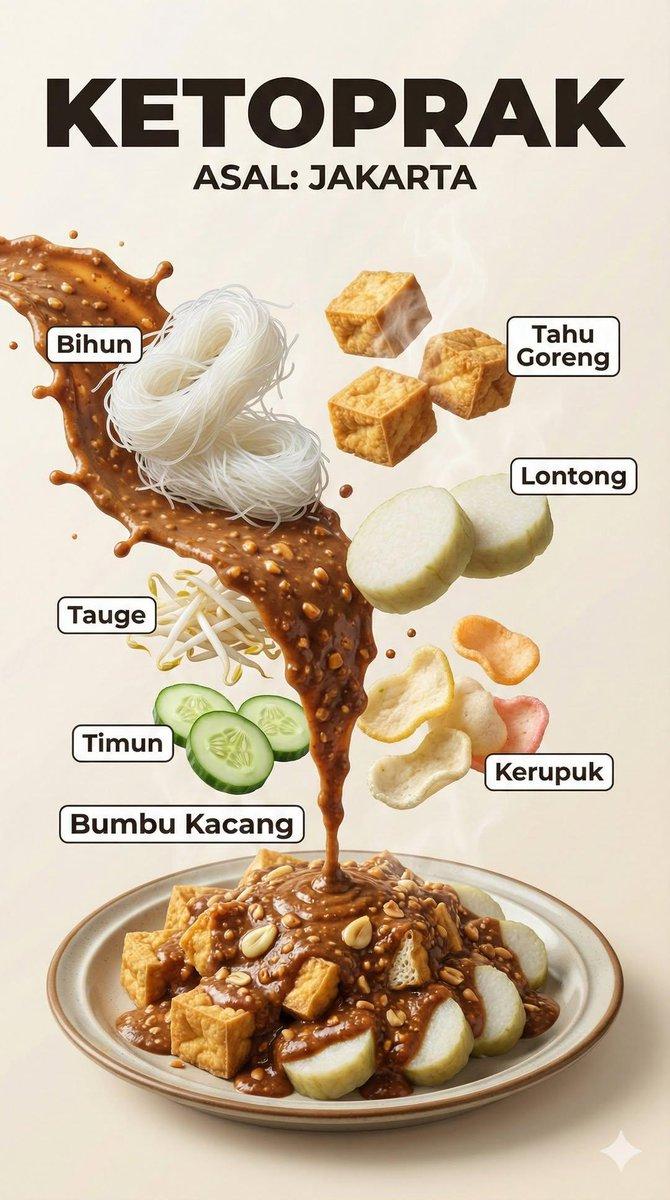
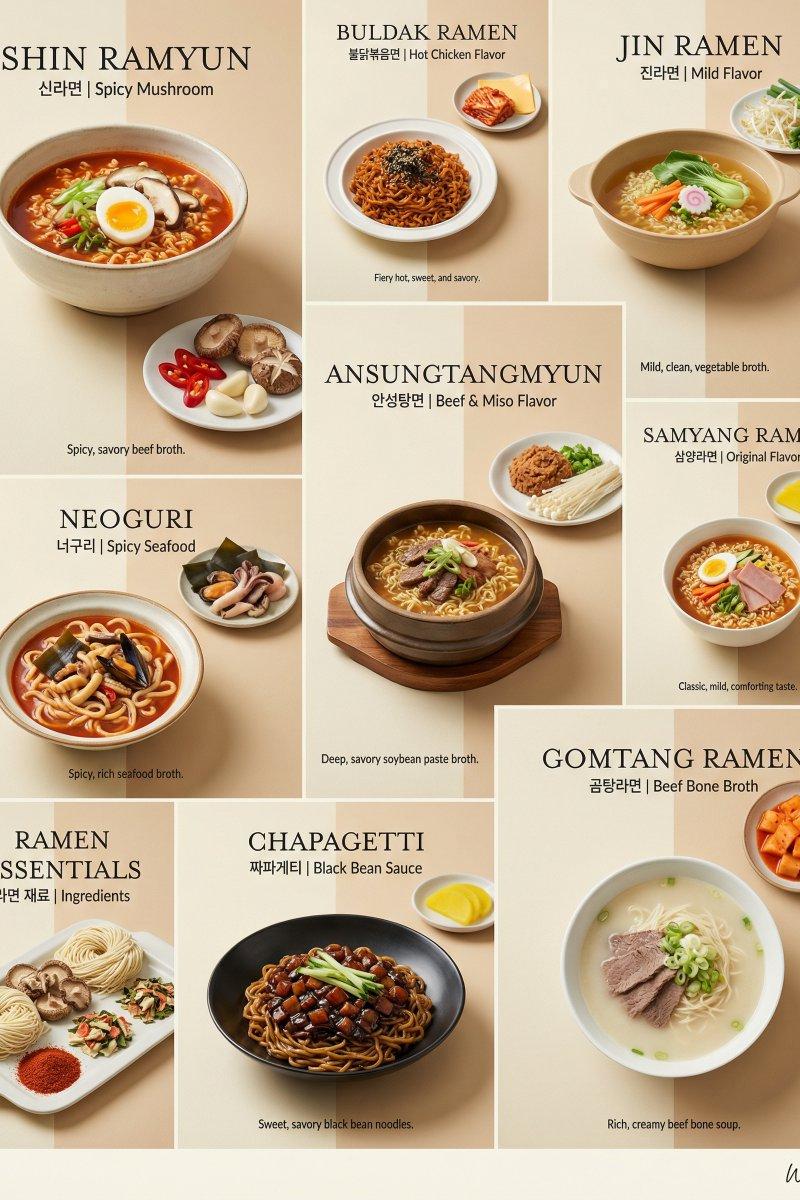
The overall style is a collage of real food photography + white hand-drawn line annotations + relaxed and cozy hand-drawn large titles + exquisite brand menu layout. The background uses 【Main Color Tone】 【Background Material】, with fine texture, soft light and shadow, and natural graininess; the overall feel is high-end, clean, and high-quality.

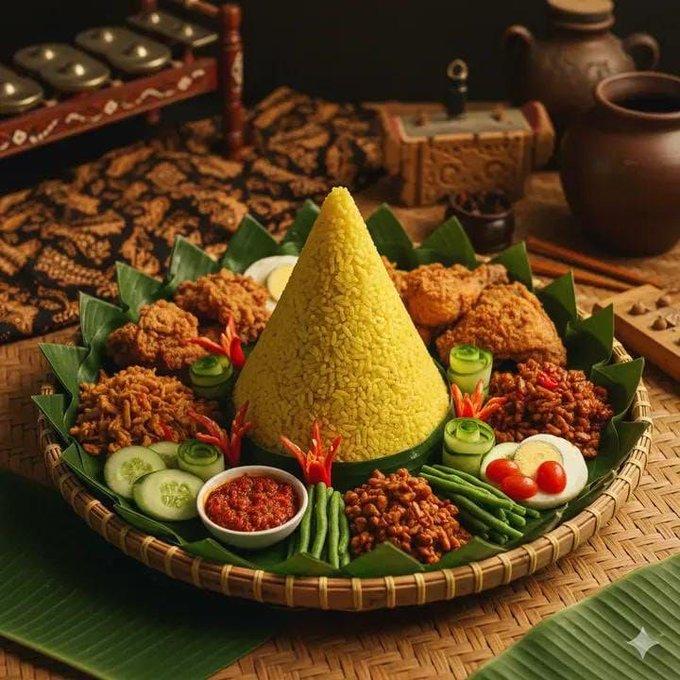
Place the hand-drawn Chinese main title 【Main Title】 and English subtitle 【English Subtitle】 at the top; the titles should be relaxed, natural, and exquisite, with a handmade feel, not messy. In the middle, display 1 main dish + 4–5 side dishes, with 【Main Dish】 as the primary visual focus and 【Side Dishes】 distributed around it. Dishes should have real photographic texture, natural shadows, clear ingredients, accurate tableware, and obvious primary-secondary relationships.

Beside each dish, add white hand-drawn dish names, English names, prices, or flavor keywords, and perform lightweight labeling using arrows, circles, dashes, dots, and small ingredient line drawings. Keep text within 2–3 lines, information should not be too dense, and hand-drawn lines should be restrained and have a sense of design.

Set a simple brand bar at the bottom, placing 【Brand Name】 and the slogan 【Brand Slogan】. The overall look should be like a set of dining new product campaign posters, slender, refreshing, exquisite, and with a sense of social media communication.

Avoid: rough backgrounds, messy titles, overly dense information, deformed food, deformed plates, inconsistent shadows, flat screens, messy graffiti, low resolution, cheap menu feel.
- Category
- Charts & Infographics
- Model
- ChatGPT
- Creator
- @MrLarus
- Source language
- zh-CN
- Source ID
- 16753
- Published
- Jun 25, 2026
Views81