20

Example images

梦幻情人节花园红发少女与三猫

Prompt
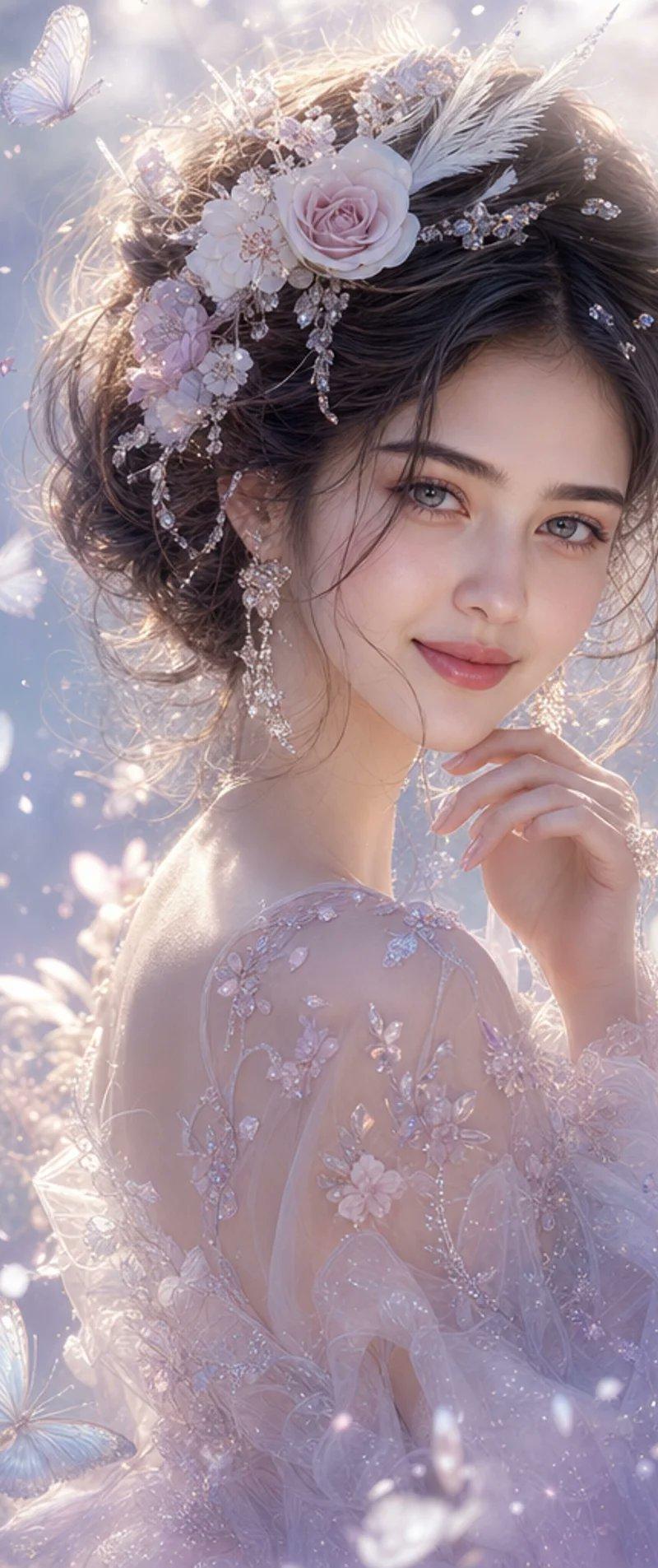
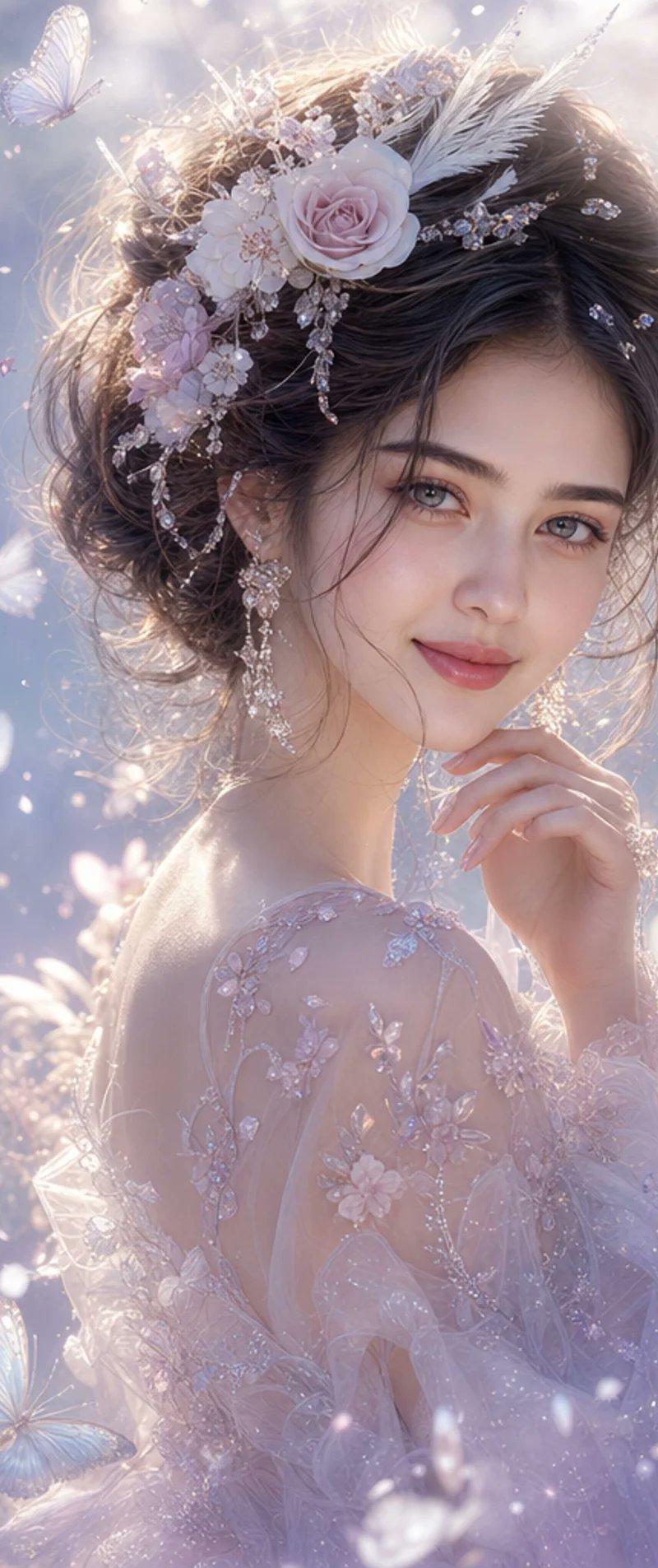
A beautiful young adult redhead stands at the center of a surreal Valentine’s garden, framed in an intimate portrait composition. Her copper waves fall softly over her shoulders, glowing under warm rose and blush lighting. She looks down tenderly at three cats gathered close to her, a snow-white cat with pearly reflections, a warm ginger cat with golden highlights, and a sleek black cat edged in soft magenta light. The entire environment is fully immersive and floral: translucent heart-shaped blossoms in saturated pink, coral, and ruby tones surround her on every side. Foreground flowers are slightly blurred for depth, while the background dissolves into glowing bokeh hearts and floating golden particles. Thin ribbons of soft luminous light arc gently between her and the cats, symbolizing affection.
Category
Video Prompts
Model
Seedance 2.0
Creator
@NayaVerseee
Source language
zh-CN
Views569
Source ID
3091
Published
Mar 21, 2026
Studio

Guide

About "梦幻情人节花园红发少女与三猫"

What is this prompt for?

"梦幻情人节花园红发少女与三猫" AI image prompt for Seedance 2.0 (Video Prompts). 一位美丽的年轻红发女子站在一个超现实情人节花园的中心,采用亲密的肖像构图框架。她的铜色波浪卷发柔和地垂在肩头,在温暖的玫瑰色和绯红色灯光下熠熠生辉。她温柔地俯视着紧紧围在她身边的三只猫…

The full copyable prompt and example visuals above are ready for AI image generation or one-click recreate in Picva.

How to use this prompt

  1. Step 1

    Open the prompt detail

    Review the example visuals, category, and full prompt text for "梦幻情人节花园红发少女与三猫".

  2. Step 2

    Copy the prompt

    Copy the prompt body from this page, or load it directly in Studio.

  3. Step 3

    Pick a model (Seedance 2.0)

    Prefer Seedance 2.0. If you switch models, keep subject and composition and tweak style terms.

  4. Step 4

    Generate and export

    Recreate the look in Picva, or export into your workflow for editing and publishing.

FAQ

What is the "梦幻情人节花园红发少女与三猫" prompt?
It is an AI image-generation prompt for Seedance 2.0 in the Video Prompts category. This page includes the full prompt text, example visuals, and a one-click recreate path in Picva.
How do I use this prompt to generate an image?
Copy the prompt from this page, or use Generate / Studio. Paste it into a compatible image model, or recreate the look in Picva with optional reference images.
Which model is this prompt for?
This page lists Seedance 2.0. Most descriptive prompts also transfer to nearby image models such as GPT Image, Flux, or Midjourney with light style tweaks.
Can I use the result commercially?
You can usually copy the prompt for creation, but commercial use of the final image depends on the model terms, reference-image rights, and the generated content. Follow the source author and platform rules.