17

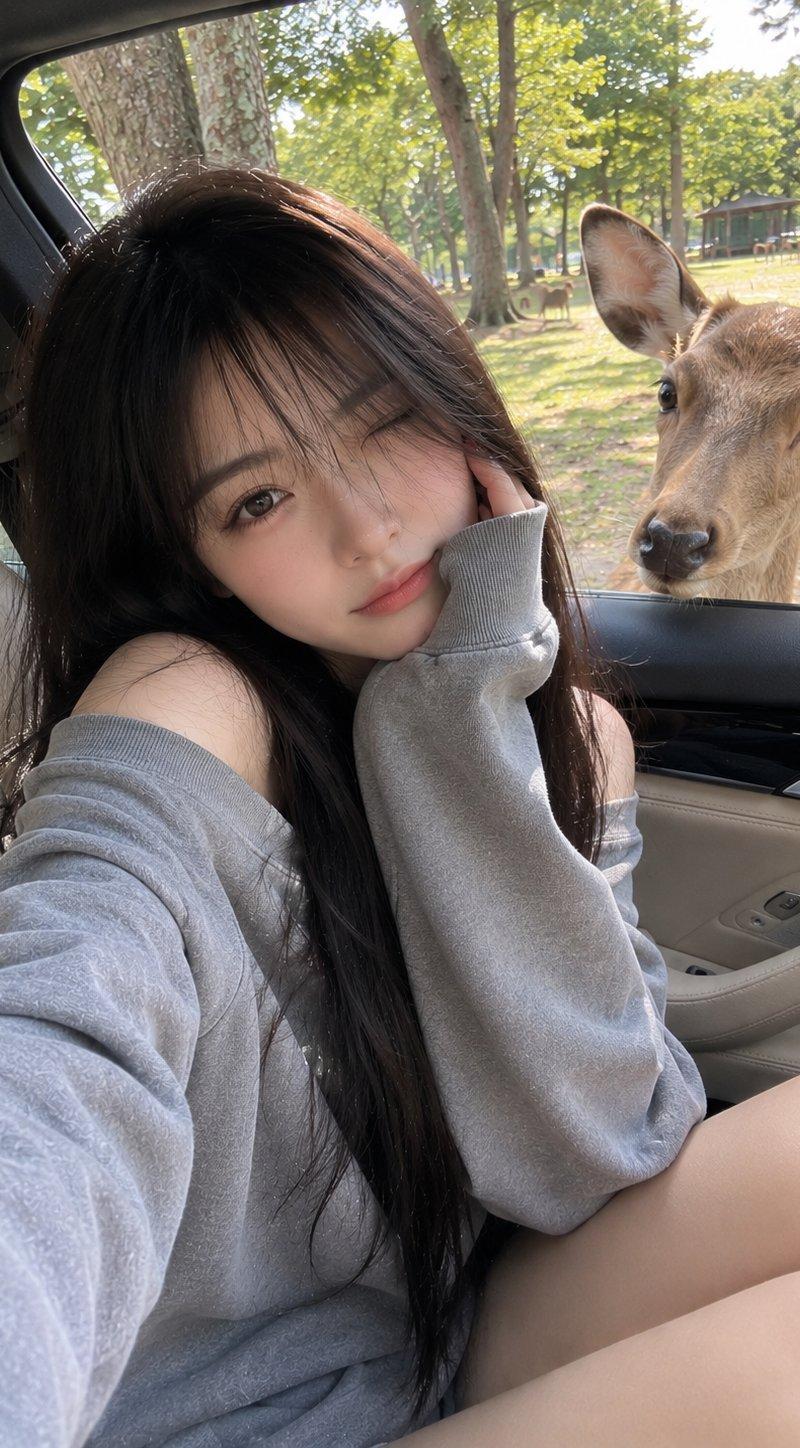
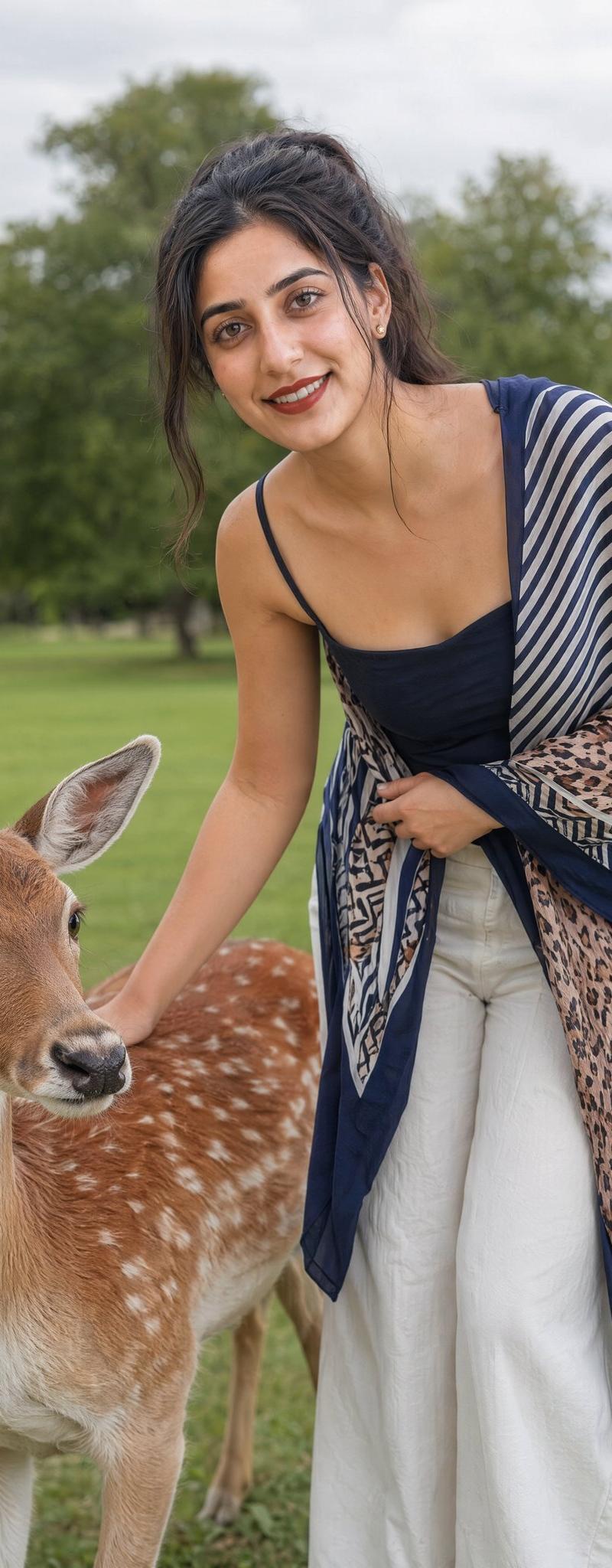
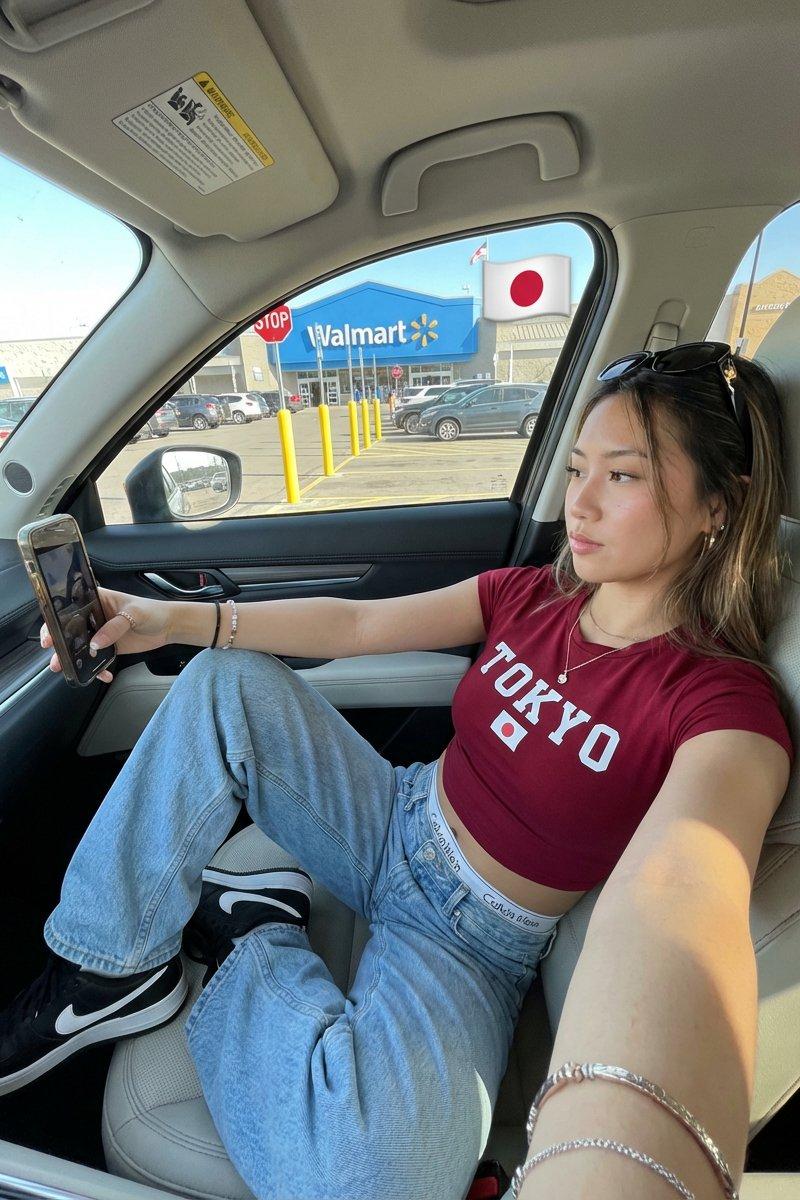
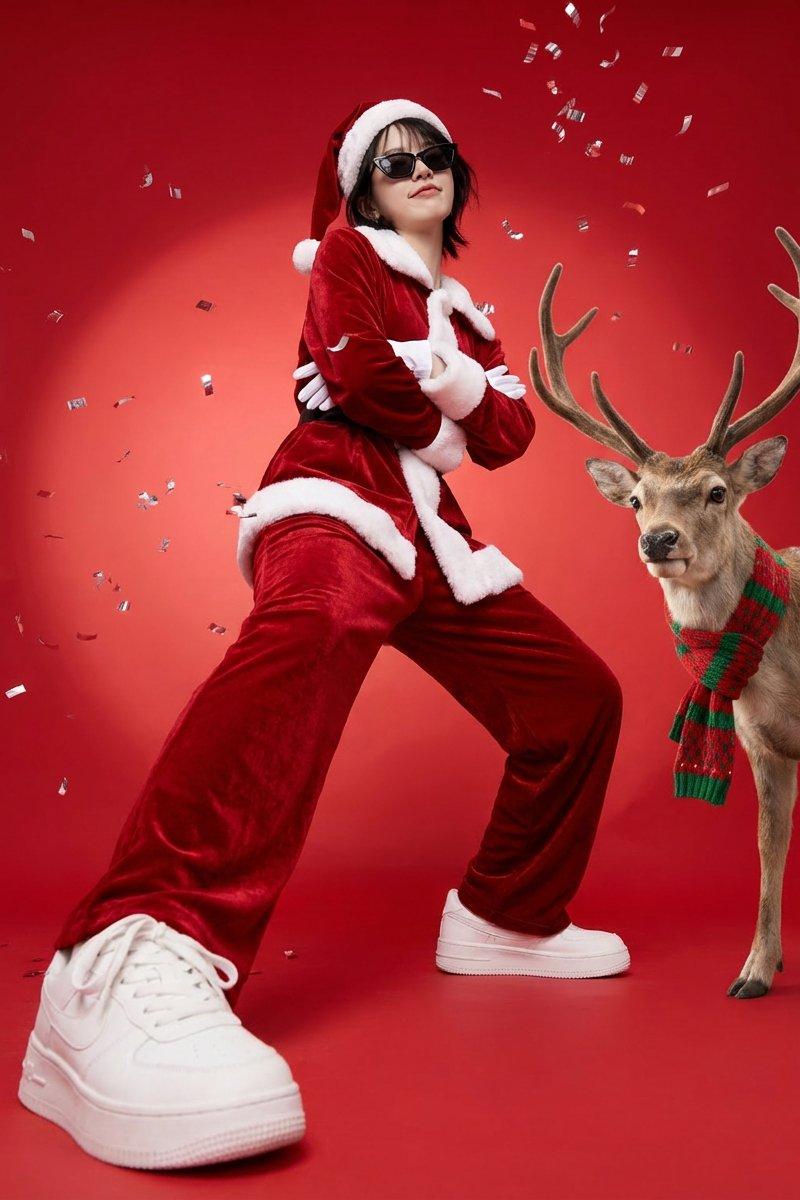
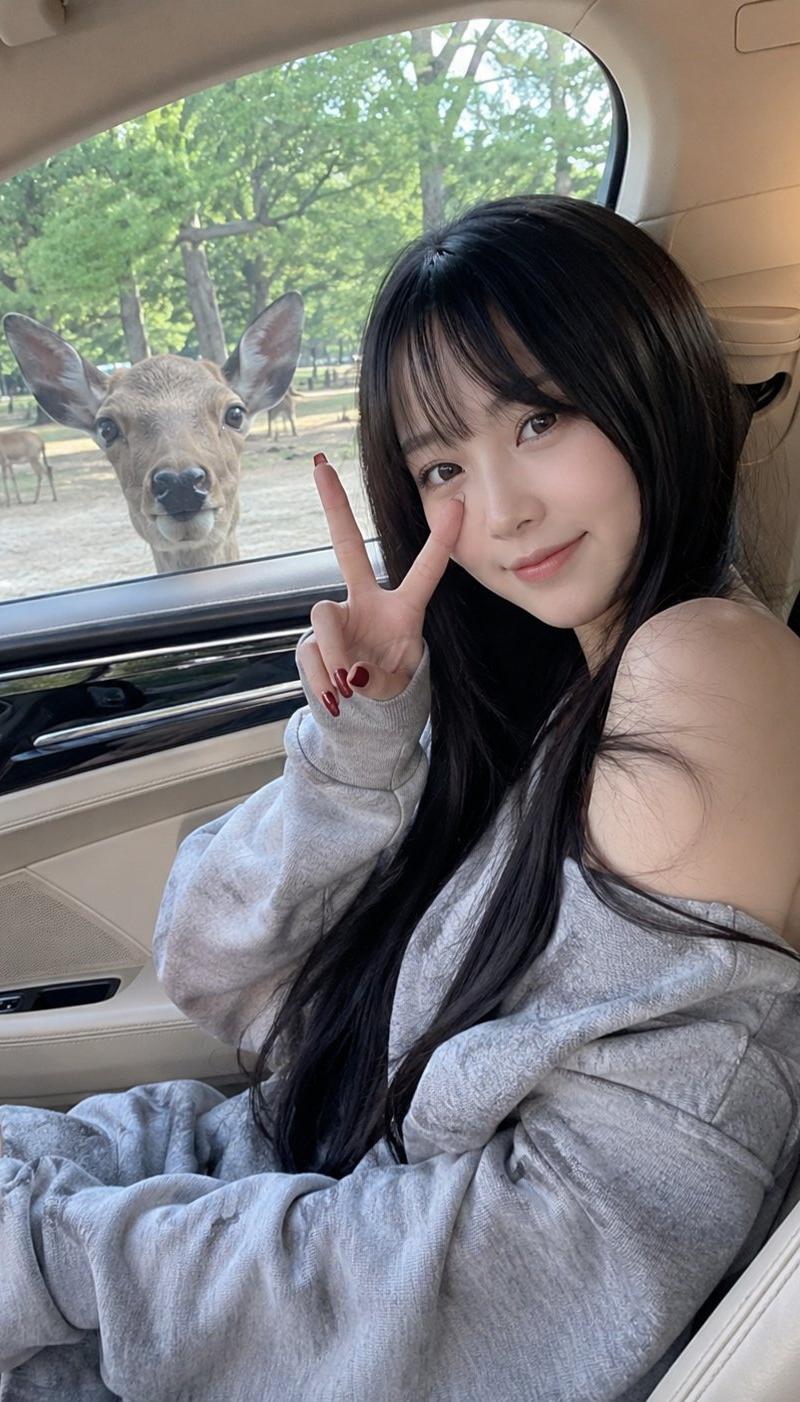
豪车副驾少女与窗外好奇小鹿
Enlarge

Example images

豪车副驾少女与窗外好奇小鹿

Prompt
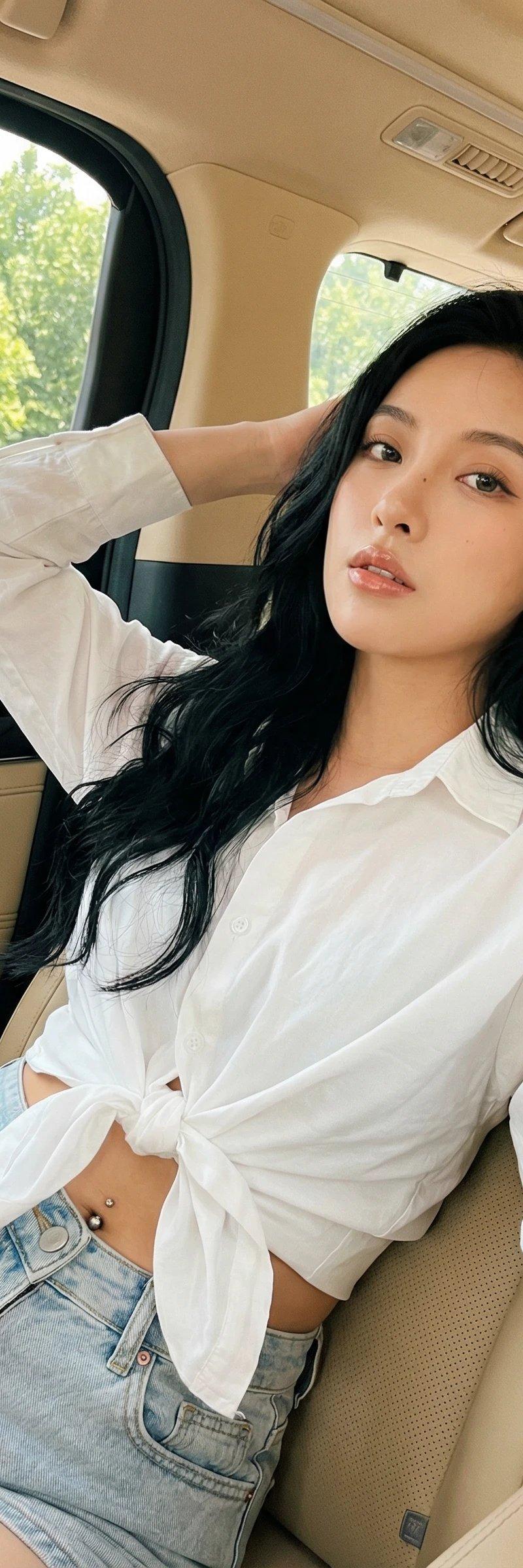
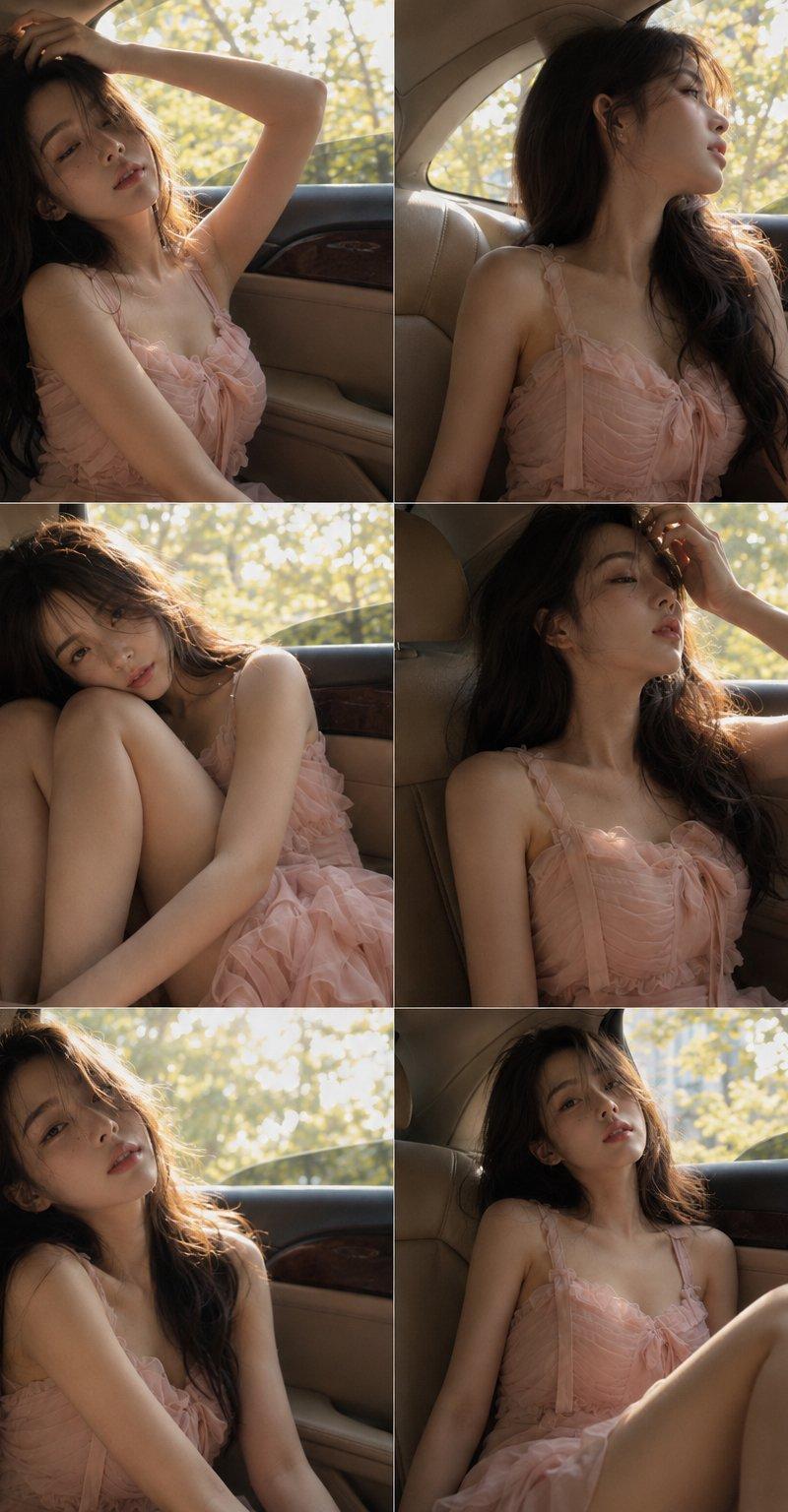
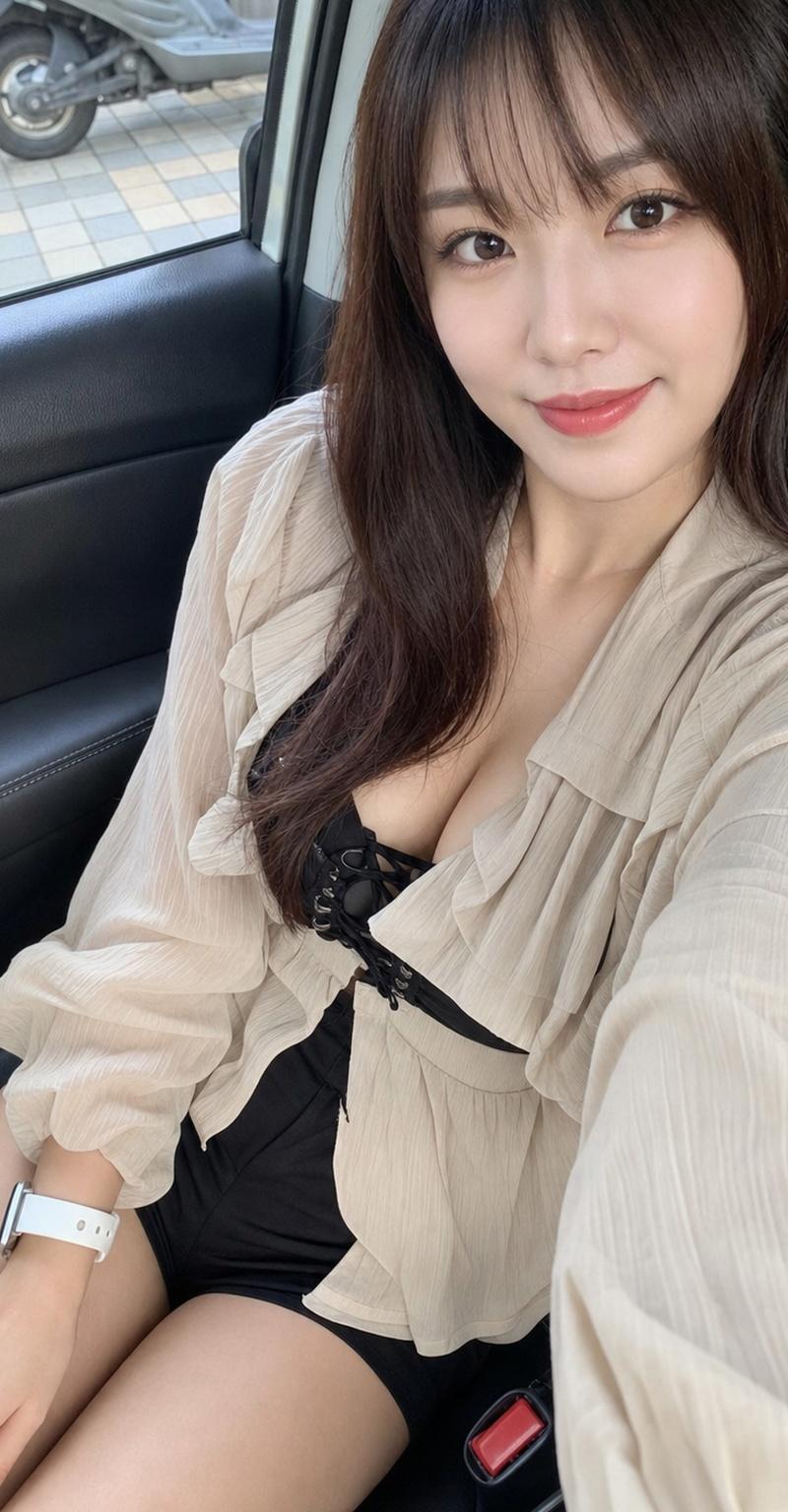
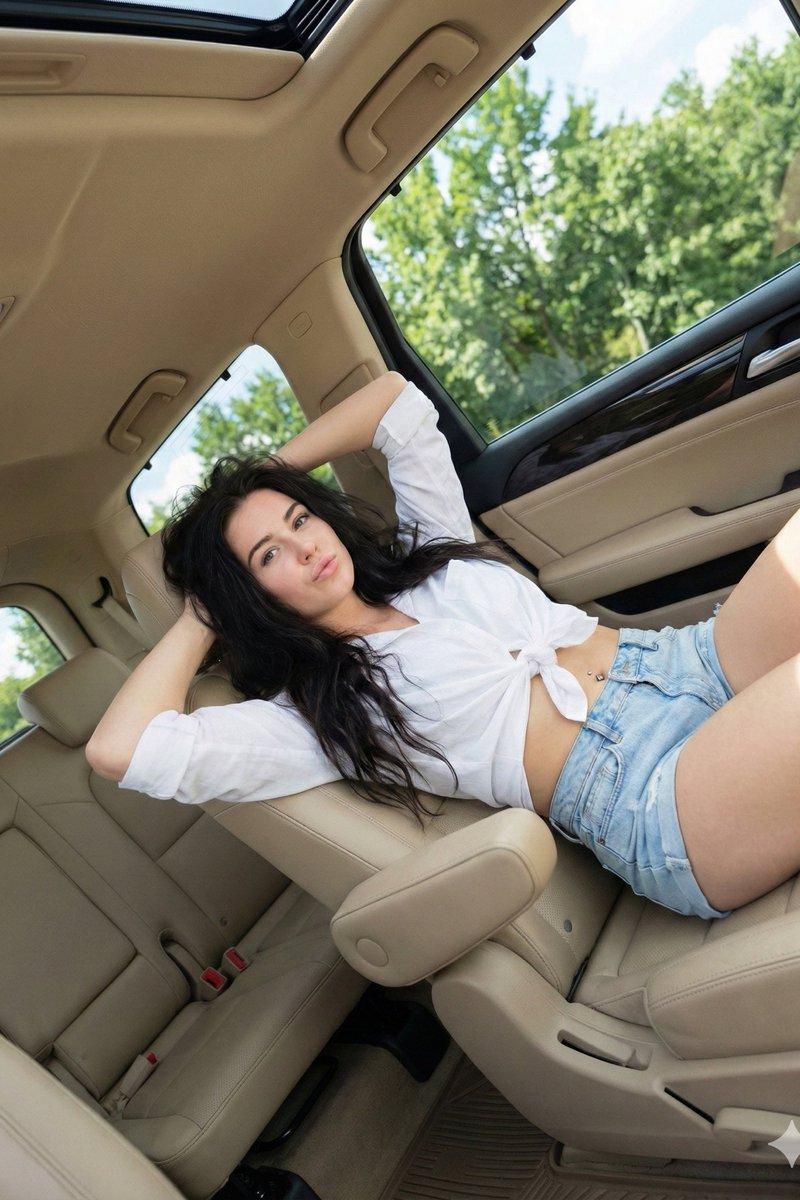
Young East Asian woman with long silky black hair and soft wispy bangs, sitting casually in the front passenger seat of a luxury car with beige leather interior. She wears an oversized light gray off-shoulder sweatshirt, revealing one shoulder, with a relaxed and cozy aesthetic. Natural soft smile, flawless glowing skin, subtle makeup, looking directly at the camera while making a peace sign near her eye. Long dark red manicure. Outside the car window, a curious deer stands close to the glass and looks inside, with several other deer and a green park filled with trees in the background. Natural daylight, soft shadows, candid smartphone photography, ultra-realistic, high detail, shallow depth of field, warm and peaceful atmosphere, lifestyle portrait, quality, photorealistic, charming and wholesome mood.
Category
Charts & Infographics
Model
ChatGPT
Creator
@AmeliaAi12
Source language
zh-CN
Views75
Source ID
16418
Published
Jun 20, 2026
Studio

Guide

About "豪车副驾少女与窗外好奇小鹿"

What is this prompt for?

"豪车副驾少女与窗外好奇小鹿" AI image prompt for ChatGPT (Charts & Infographics). 年轻的东亚女性,留着黑色丝滑长发和柔软的空气刘海,随意地坐在配有米色皮革内饰的豪华轿车副驾驶座上。她穿着一件大廓形浅灰色露肩卫衣,露出一侧肩膀,展现出轻松舒适的美感。自然柔和的笑容…

The full copyable prompt and example visuals above are ready for AI image generation or one-click recreate in Picva.

How to use this prompt

  1. Step 1

    Open the prompt detail

    Review the example visuals, category, and full prompt text for "豪车副驾少女与窗外好奇小鹿".

  2. Step 2

    Copy the prompt

    Copy the prompt body from this page, or load it directly in Studio.

  3. Step 3

    Pick a model (ChatGPT)

    Prefer ChatGPT. If you switch models, keep subject and composition and tweak style terms.

  4. Step 4

    Generate and export

    Recreate the look in Picva, or export into your workflow for editing and publishing.

FAQ

What is the "豪车副驾少女与窗外好奇小鹿" prompt?
It is an AI image-generation prompt for ChatGPT in the Charts & Infographics category. This page includes the full prompt text, example visuals, and a one-click recreate path in Picva.
How do I use this prompt to generate an image?
Copy the prompt from this page, or use Generate / Studio. Paste it into a compatible image model, or recreate the look in Picva with optional reference images.
Which model is this prompt for?
This page lists ChatGPT. Most descriptive prompts also transfer to nearby image models such as GPT Image, Flux, or Midjourney with light style tweaks.
Can I use the result commercially?
You can usually copy the prompt for creation, but commercial use of the final image depends on the model terms, reference-image rights, and the generated content. Follow the source author and platform rules.