19

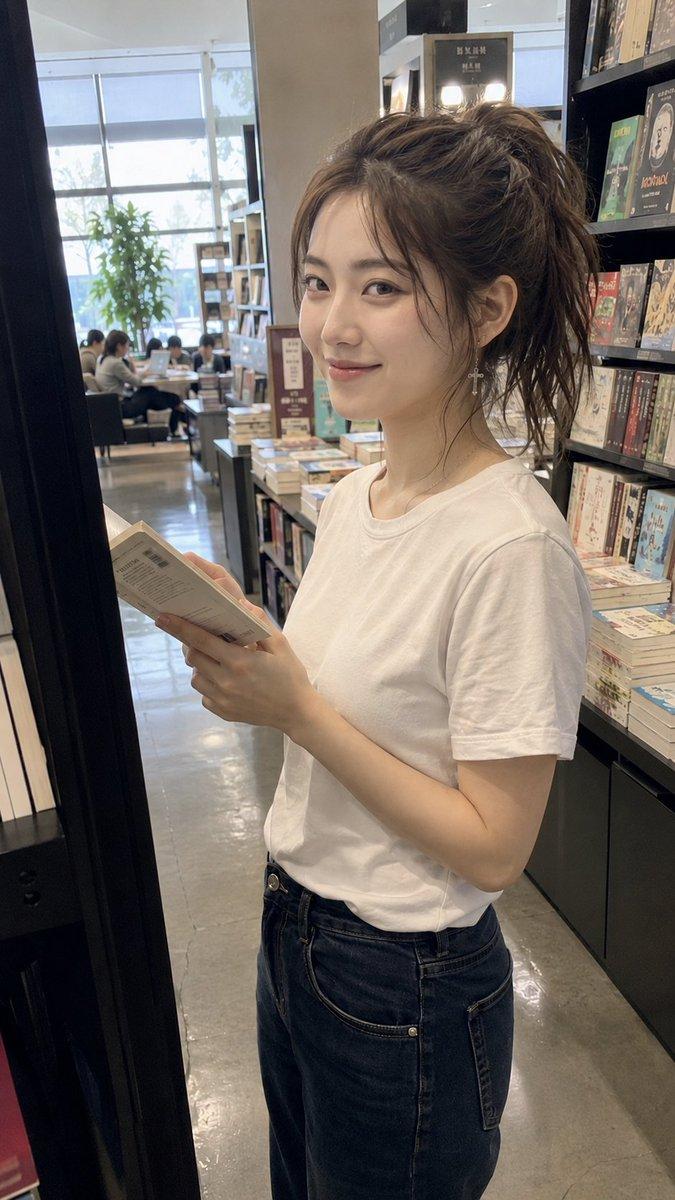
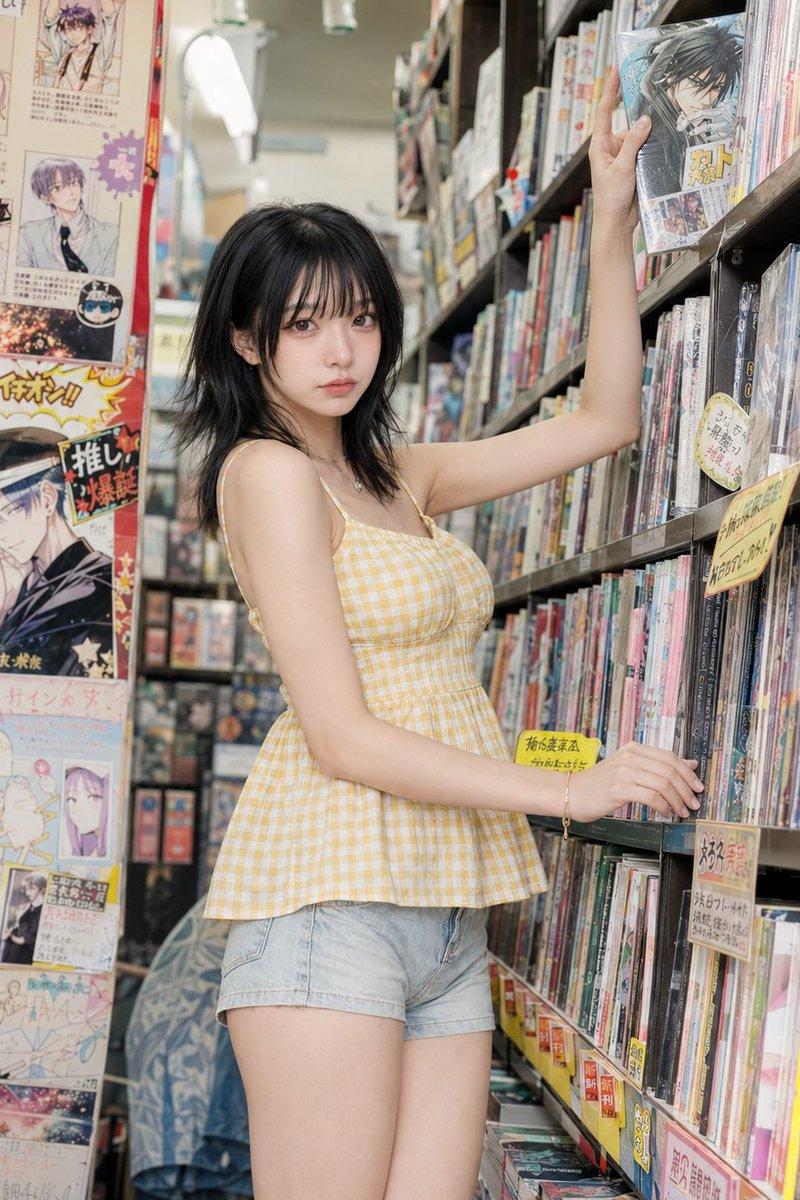
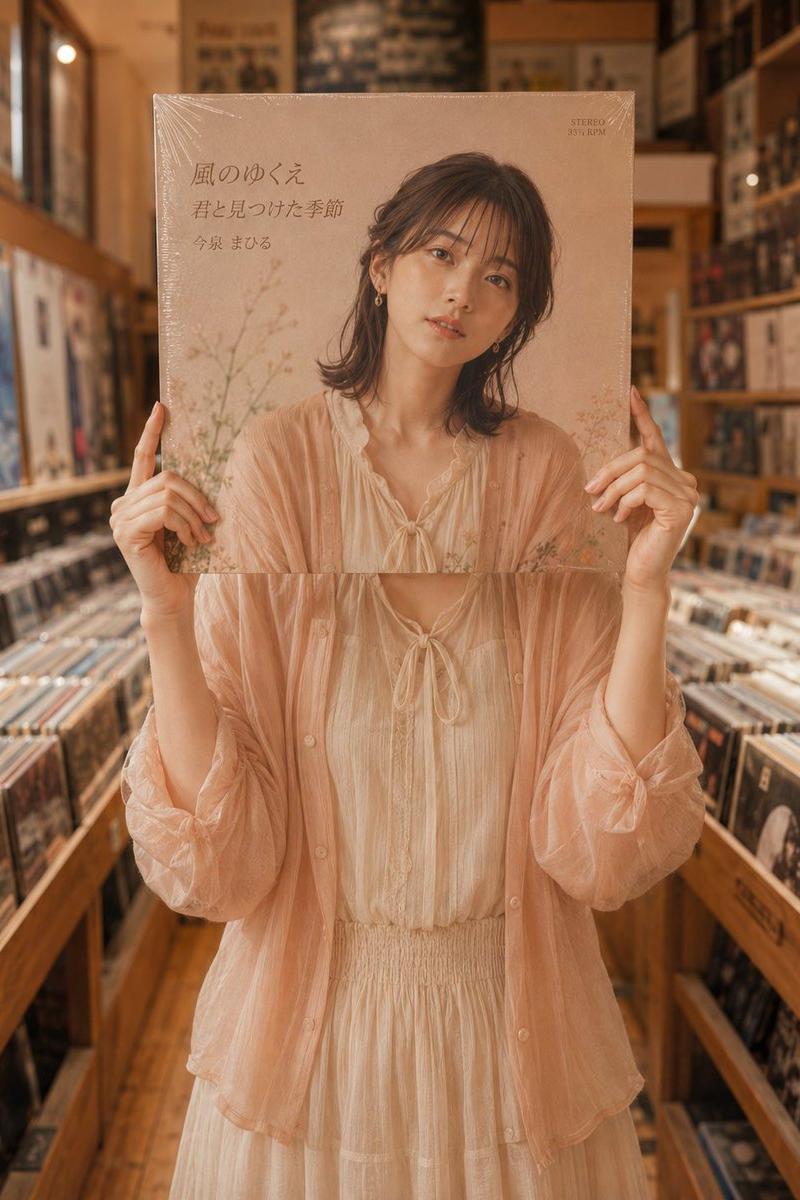
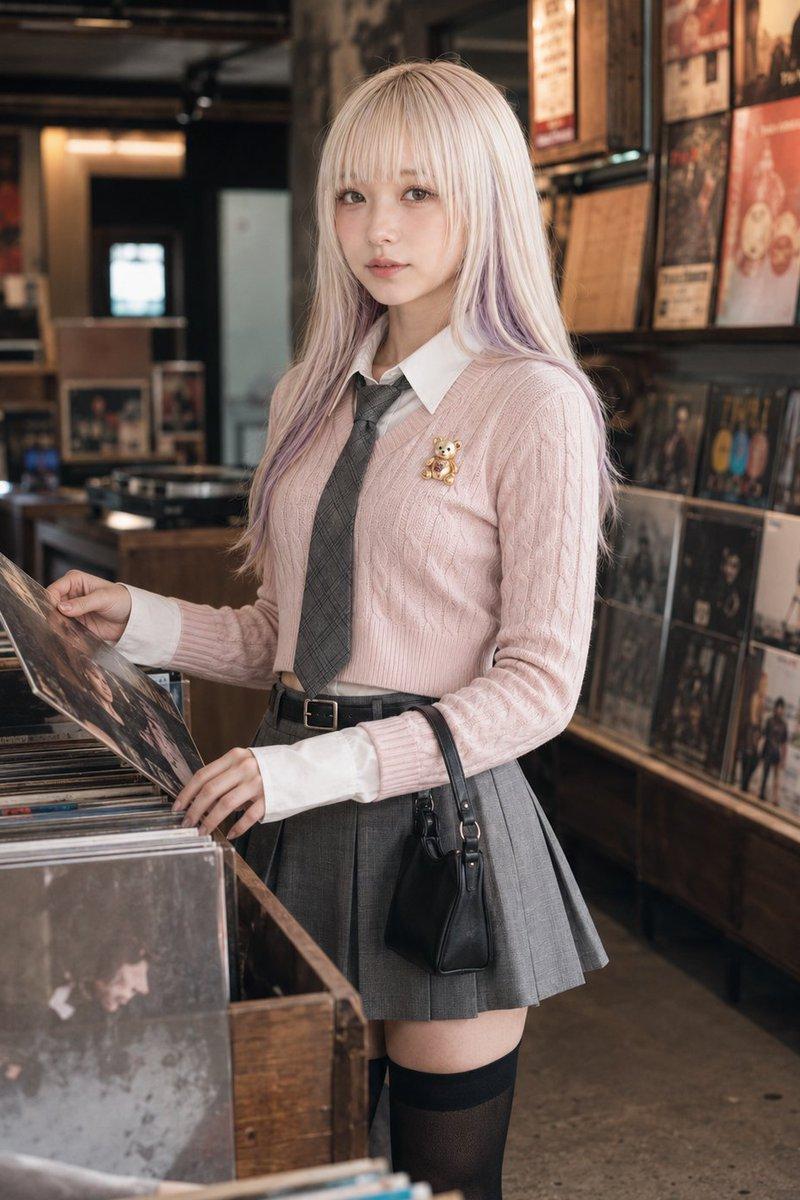
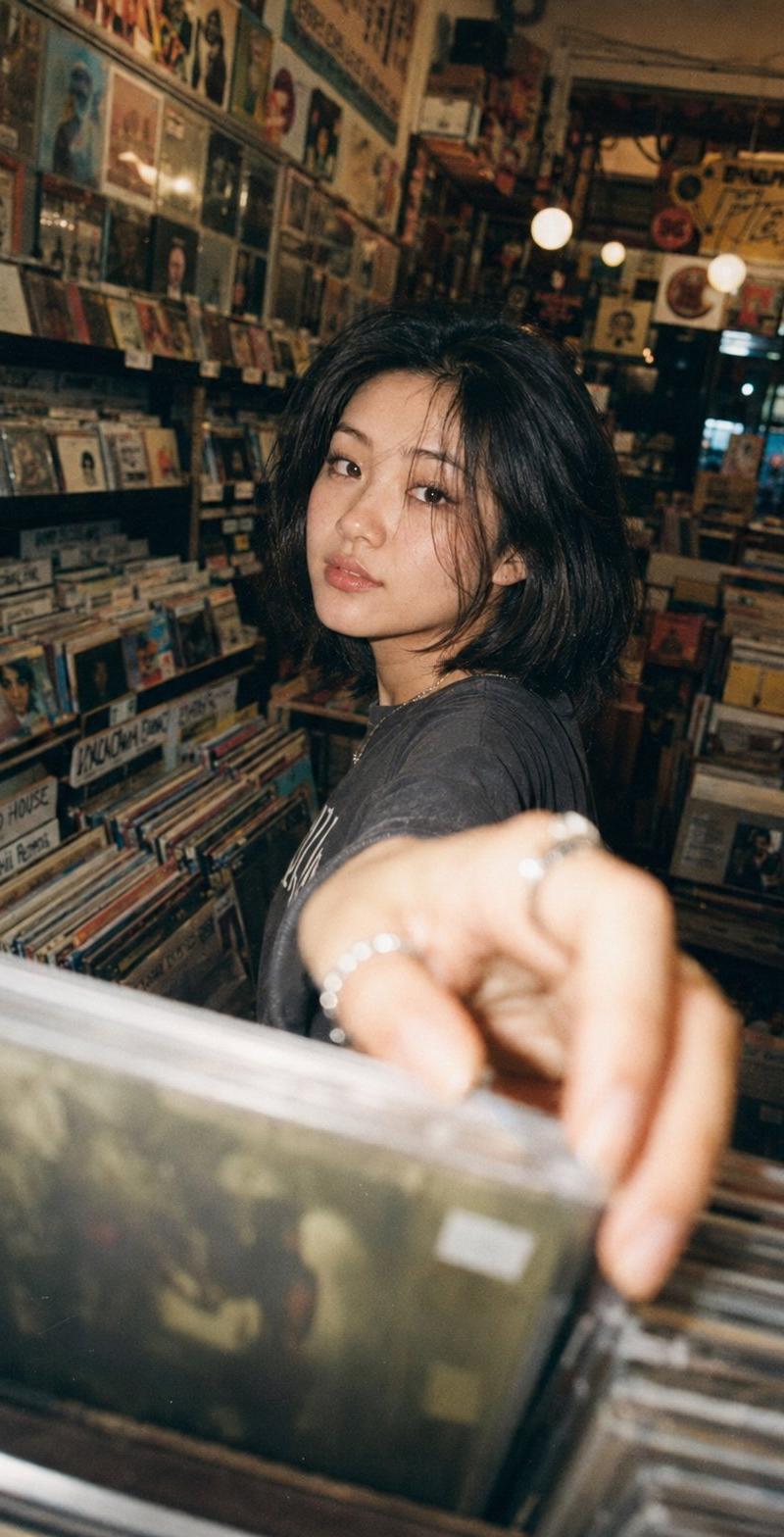
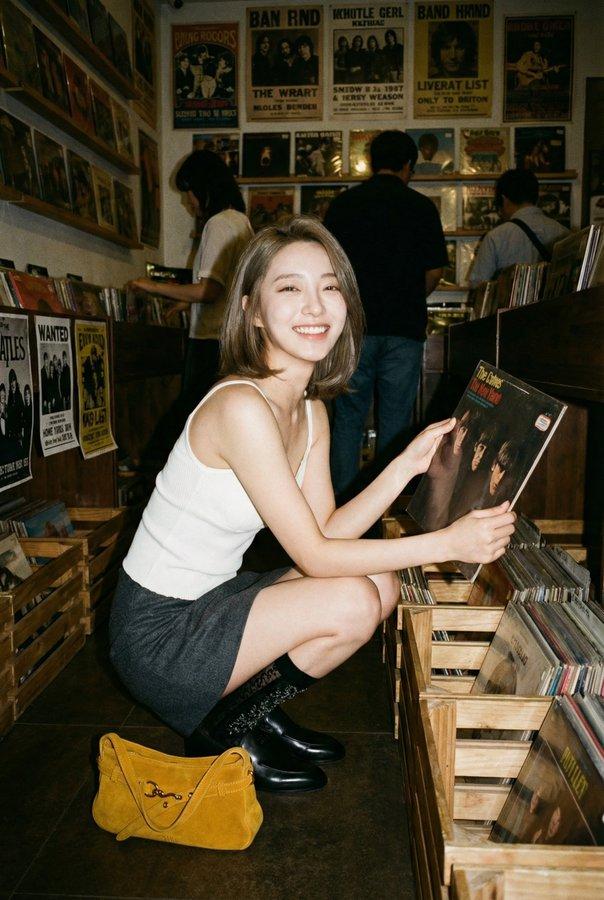
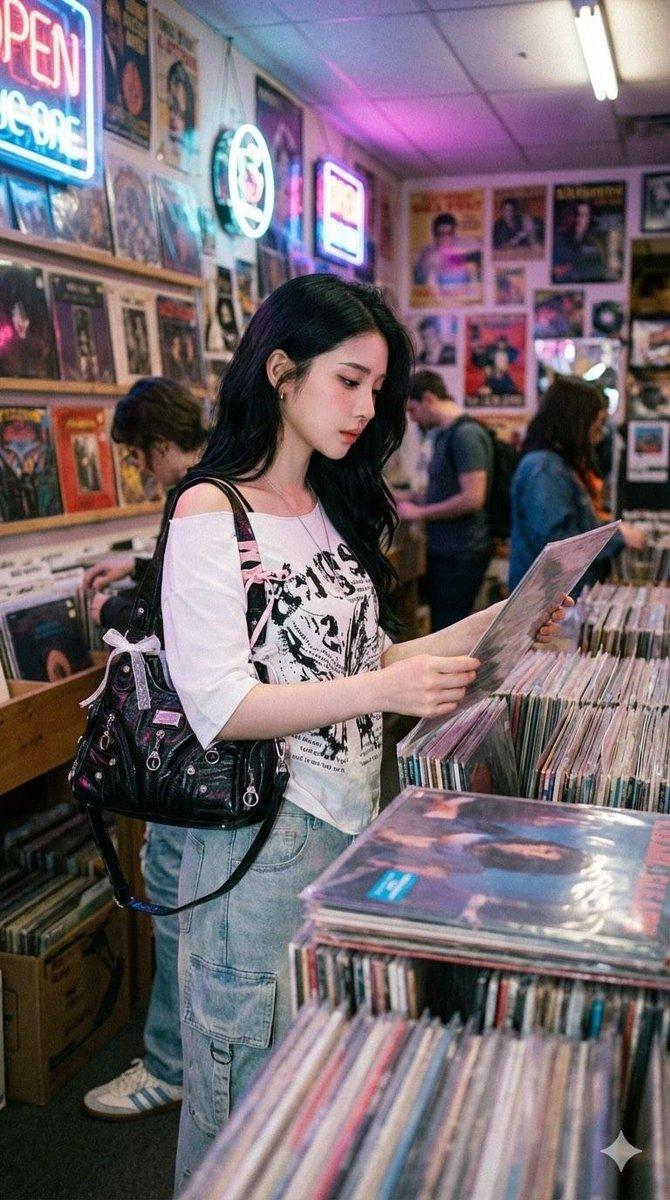
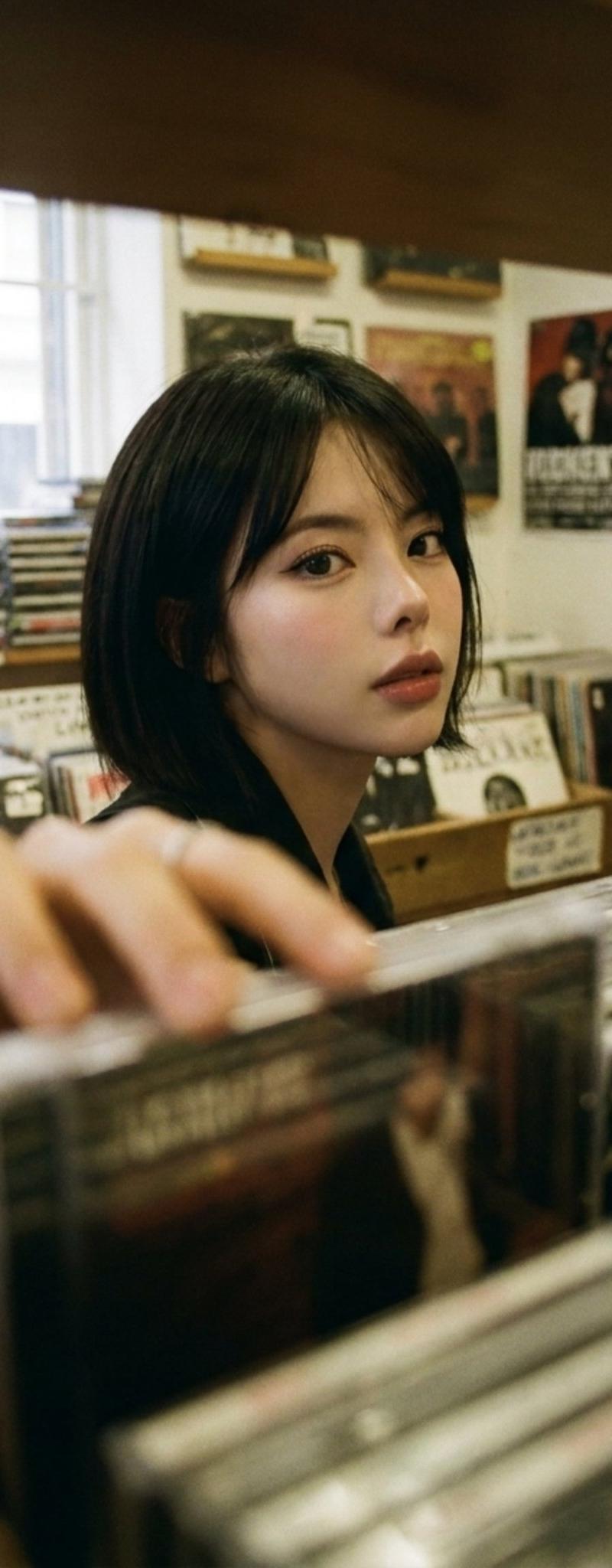
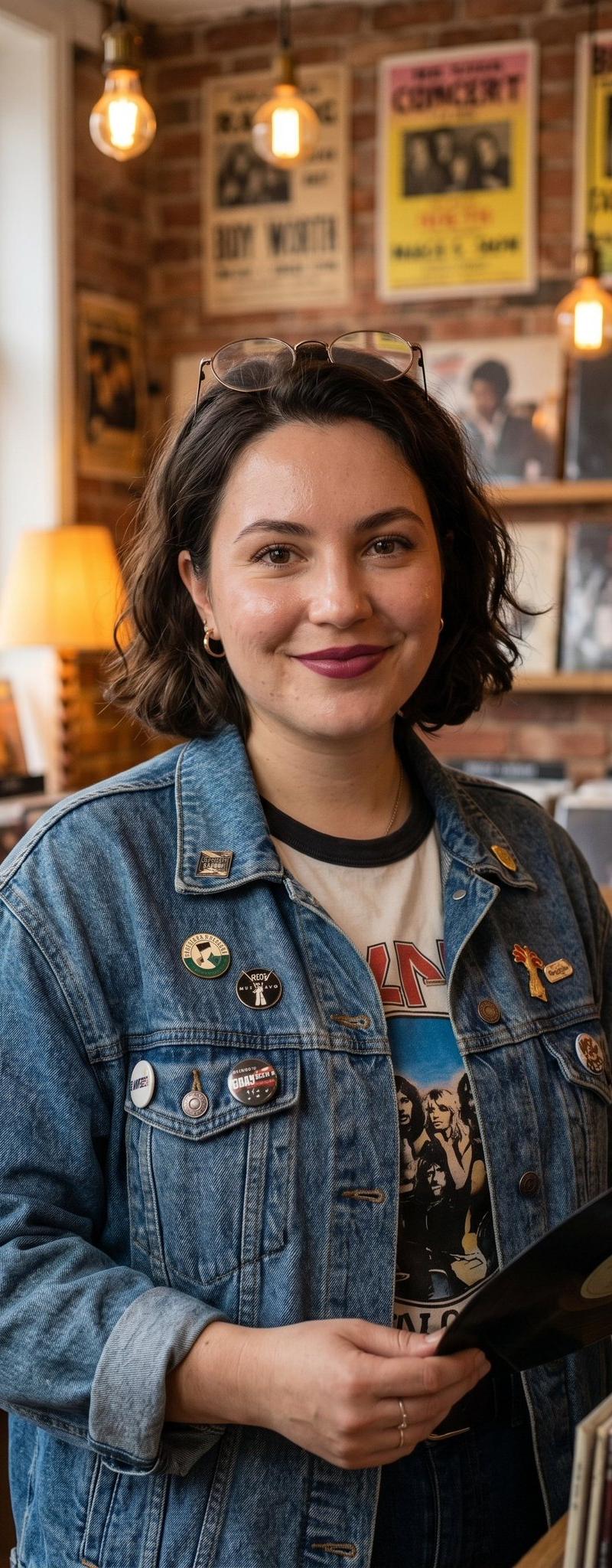
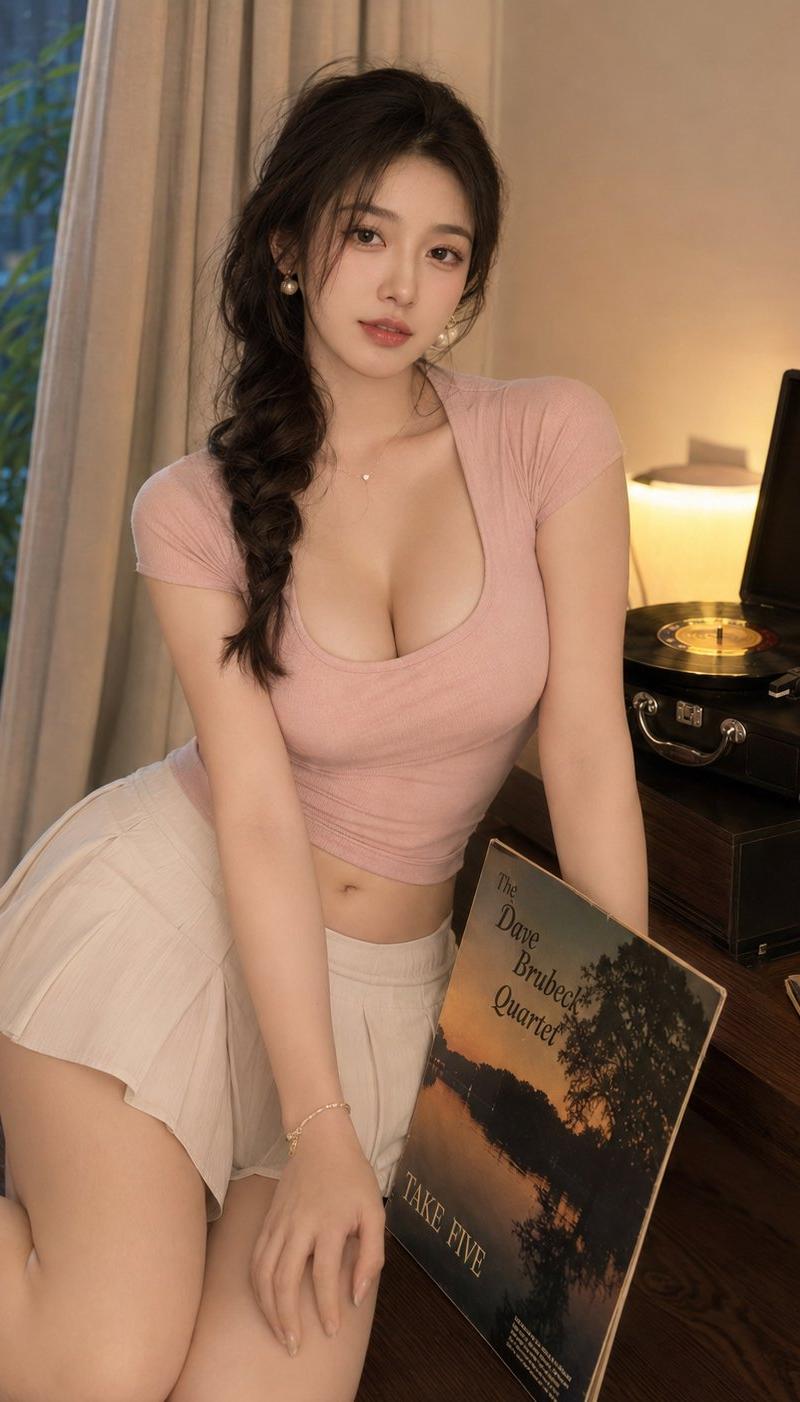
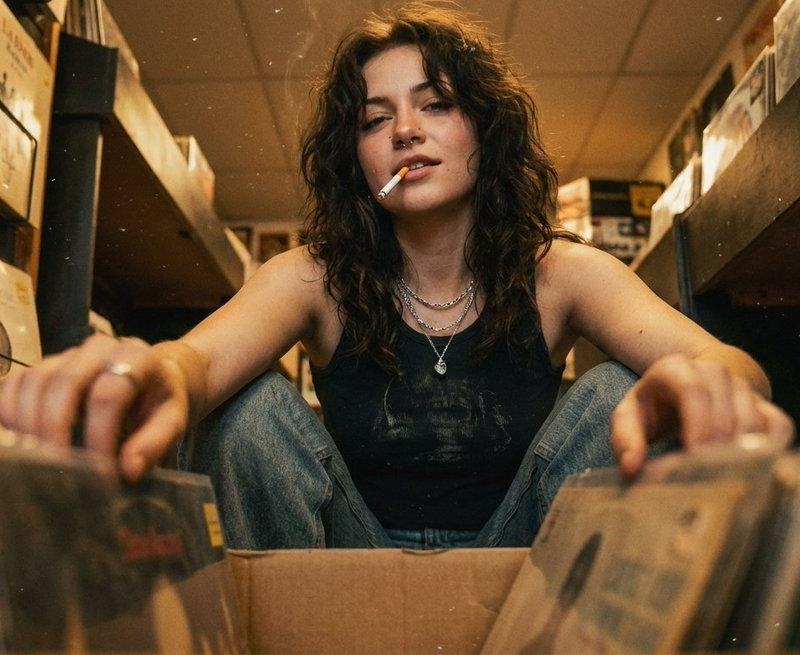
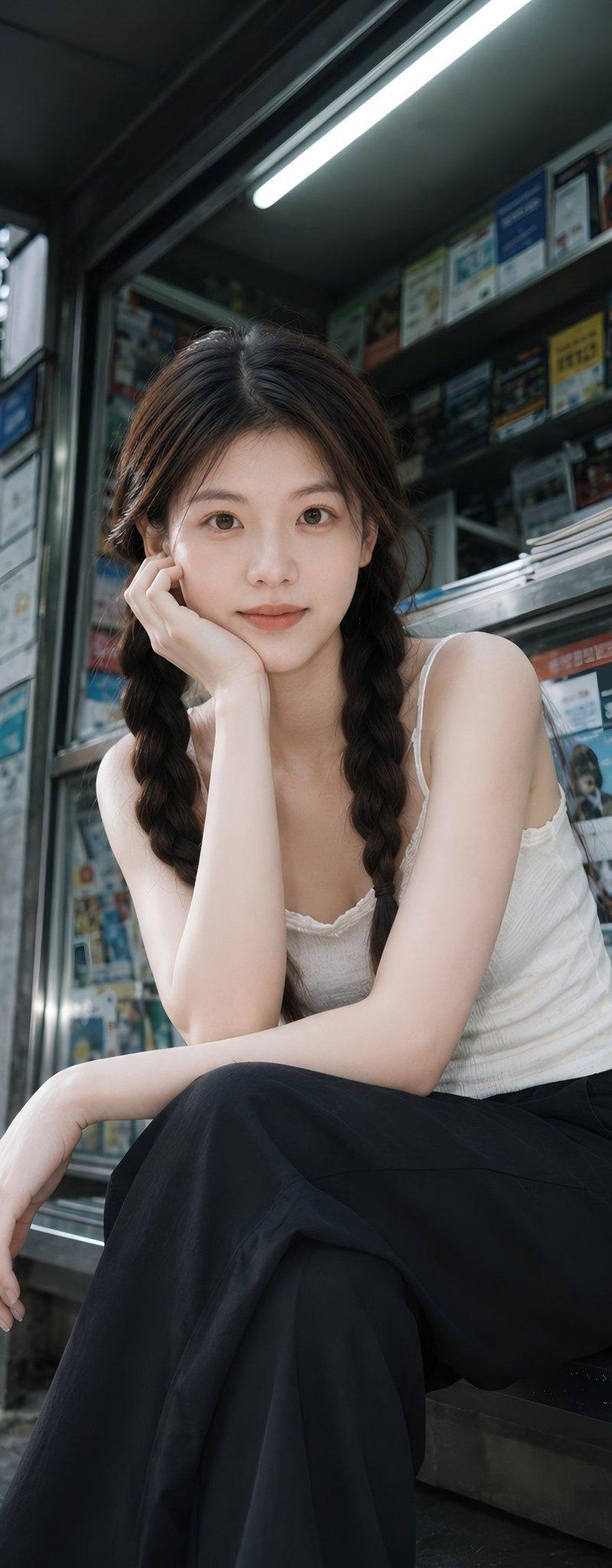
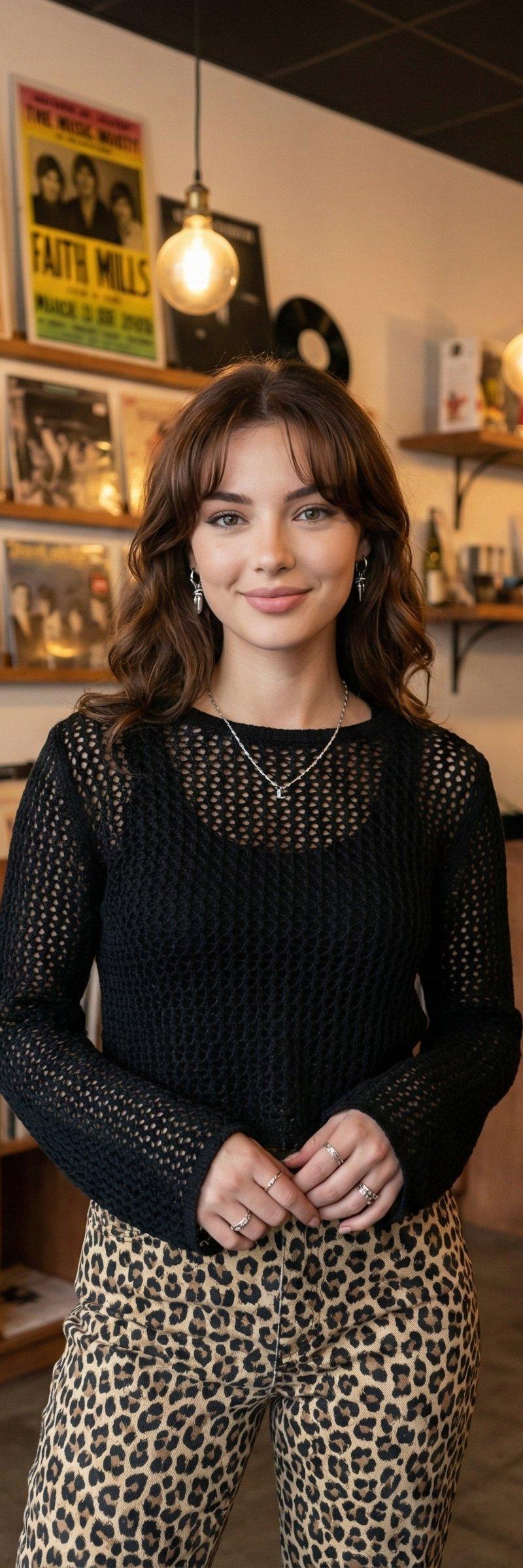
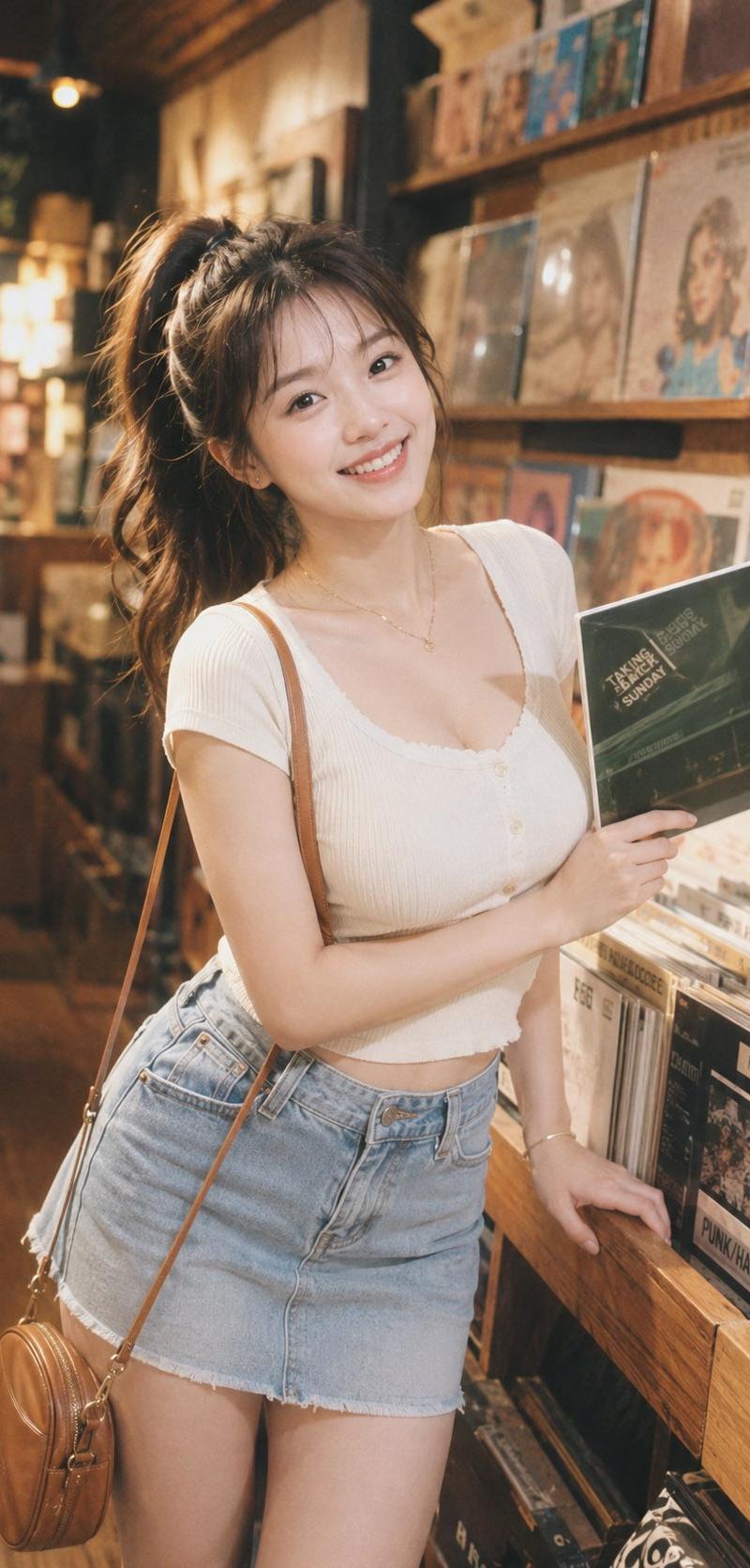
元气文艺唱片店柔光CCD人像
Enlarge

Example images

元气文艺唱片店柔光CCD人像

Prompt
Photography Style: Soft light CCD style
Portrait Direction: Artistic life portrait
Scene Direction: Independent record store / In front of vinyl wall / Beside CD rack
Clothing Direction: Slim-fit knit short-sleeve + denim mini skirt + vintage small bag
Temperament Labels: Energetic, artistic, relaxed, natural, healing, bright
Facial Features Direction: Girl-next-door energetic face
Facial Details: Small oval face, round eyes, obvious smiling eyes, natural aegyo-sal, corners of the mouth turned up, overall durable and approachable
Hairstyle Direction: High ponytail
Hairstyle Details: Voluminous hair, slightly curled ends, natural stray hairs, overall refreshing
Body Shape Direction: Plump natural curves
Line Emphasis: Medium to strong
Lens Direction: Upper body close-up
Pose/Action: One hand holding a vinyl record, the other hand naturally resting on the waist or the side of the record rack, looking at the camera relaxedly
Light Atmosphere: Indoor warm light + soft flash
Filter Effect: Milky white highlights + soft glow + light grain + millennial CCD colors
Aspect Ratio: 9:16
Additional Requirements: Like a frame captured casually in a record store, artistic but not dull, a bit of vintage life feeling in the energy, highlighting body curves
Category
Charts & Infographics
Model
ChatGPT
Creator
@liyue_ai
Source language
zh-CN
Views135
Source ID
16640
Published
Jun 23, 2026
Studio

Guide

About "元气文艺唱片店柔光CCD人像"

What is this prompt for?

"元气文艺唱片店柔光CCD人像" AI image prompt for ChatGPT (Charts & Infographics). 摄影风格:柔光CCD风 写真方向:文艺生活写真 场景方向:独立唱片店 / 黑胶墙前 / CD架旁 服装方向:修身针织短袖 + 牛仔短裙 + 复古小包 气质标签:元气、文艺、轻松、…

The full copyable prompt and example visuals above are ready for AI image generation or one-click recreate in Picva.

How to use this prompt

  1. Step 1

    Open the prompt detail

    Review the example visuals, category, and full prompt text for "元气文艺唱片店柔光CCD人像".

  2. Step 2

    Copy the prompt

    Copy the prompt body from this page, or load it directly in Studio.

  3. Step 3

    Pick a model (ChatGPT)

    Prefer ChatGPT. If you switch models, keep subject and composition and tweak style terms.

  4. Step 4

    Generate and export

    Recreate the look in Picva, or export into your workflow for editing and publishing.

FAQ

What is the "元气文艺唱片店柔光CCD人像" prompt?
It is an AI image-generation prompt for ChatGPT in the Charts & Infographics category. This page includes the full prompt text, example visuals, and a one-click recreate path in Picva.
How do I use this prompt to generate an image?
Copy the prompt from this page, or use Generate / Studio. Paste it into a compatible image model, or recreate the look in Picva with optional reference images.
Which model is this prompt for?
This page lists ChatGPT. Most descriptive prompts also transfer to nearby image models such as GPT Image, Flux, or Midjourney with light style tweaks.
Can I use the result commercially?
You can usually copy the prompt for creation, but commercial use of the final image depends on the model terms, reference-image rights, and the generated content. Follow the source author and platform rules.