夸张风格SaaS产品设计师3D插画
Prompt
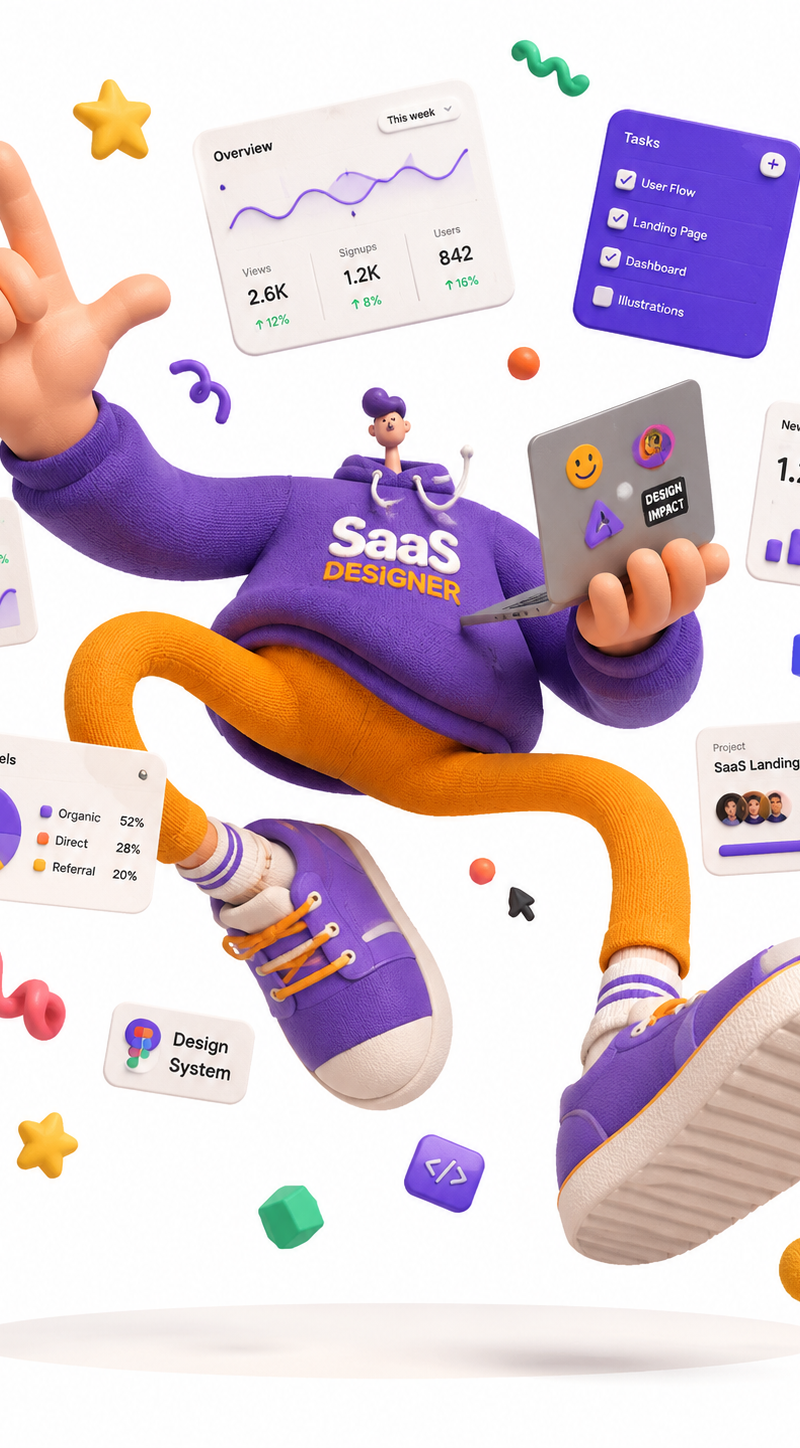
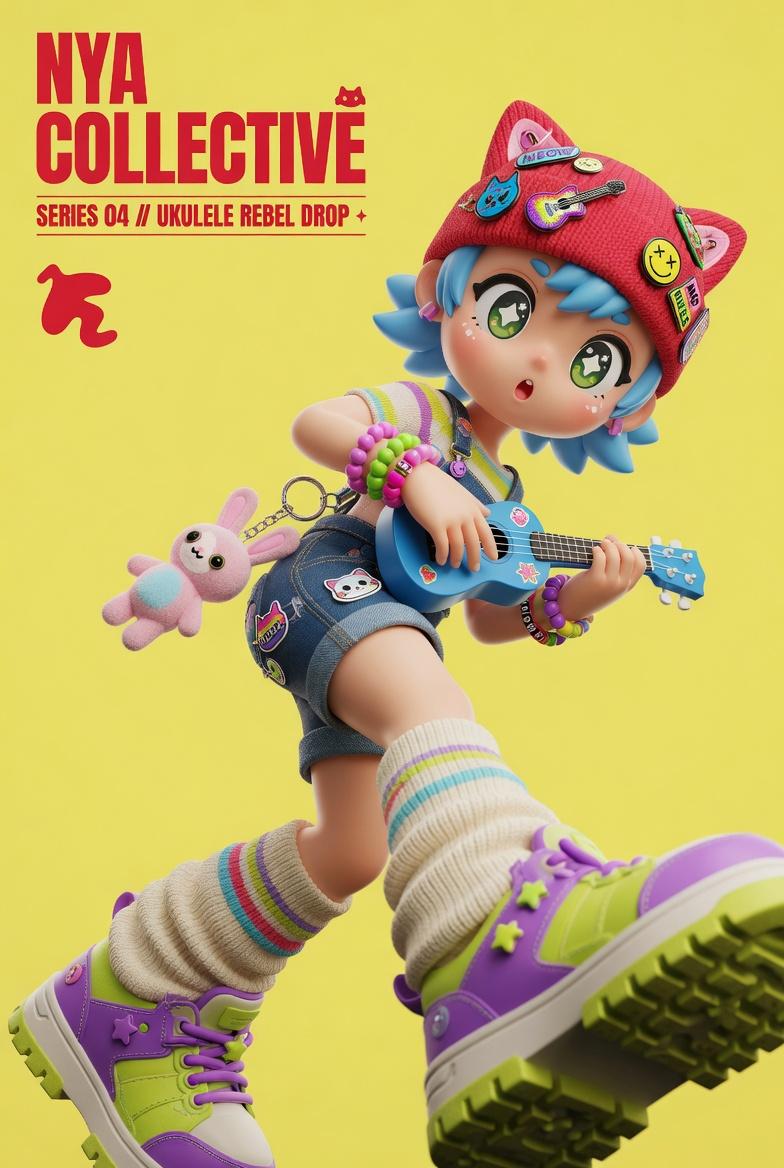
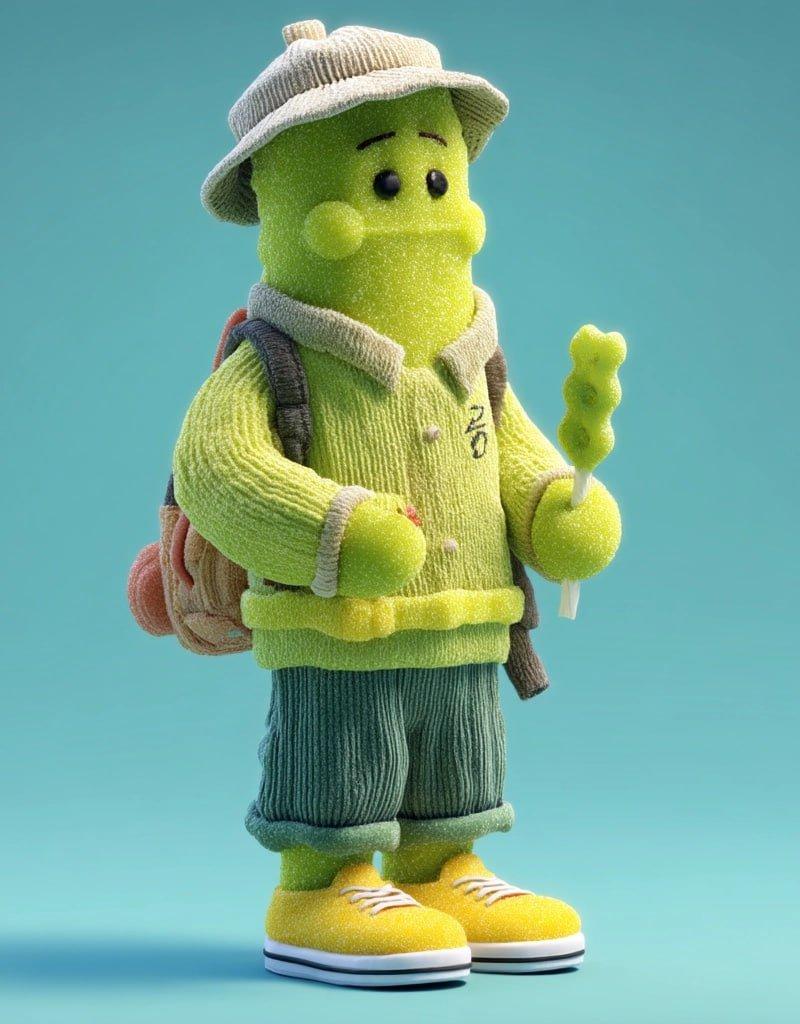
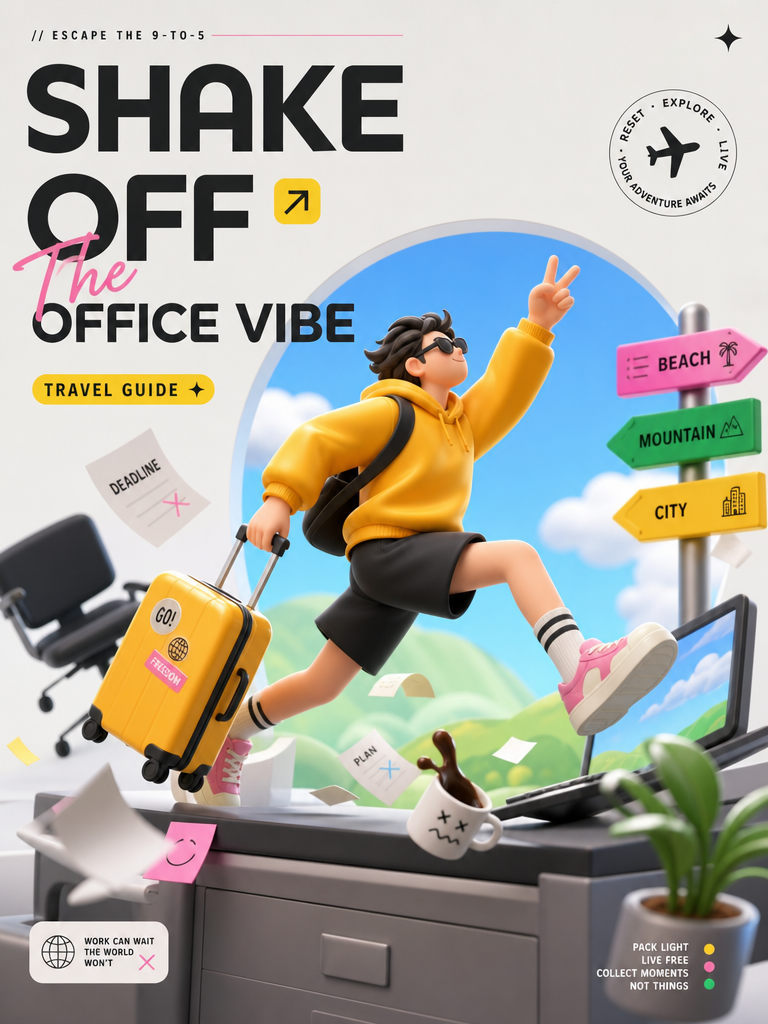
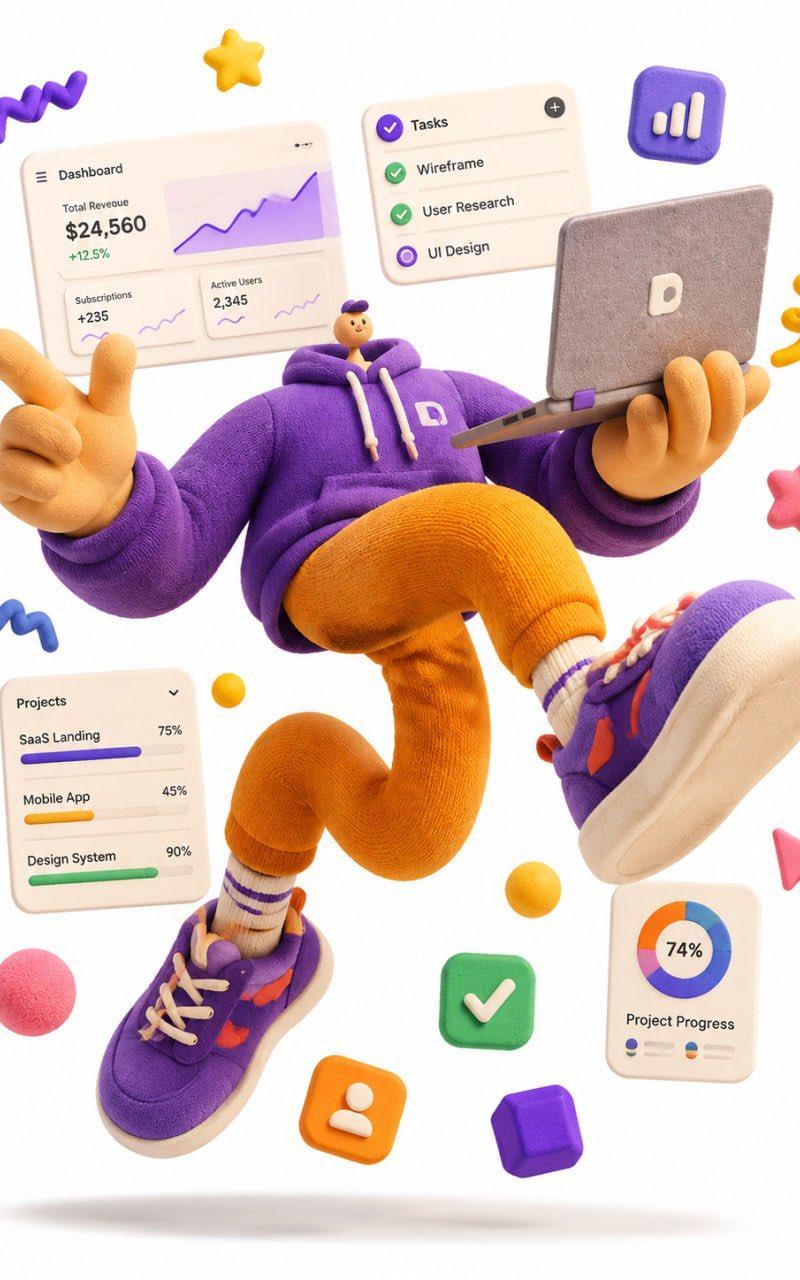
A complete single 3D illustration, exaggerated artistic editorial illustration style, not storyboard, not a collage layout.

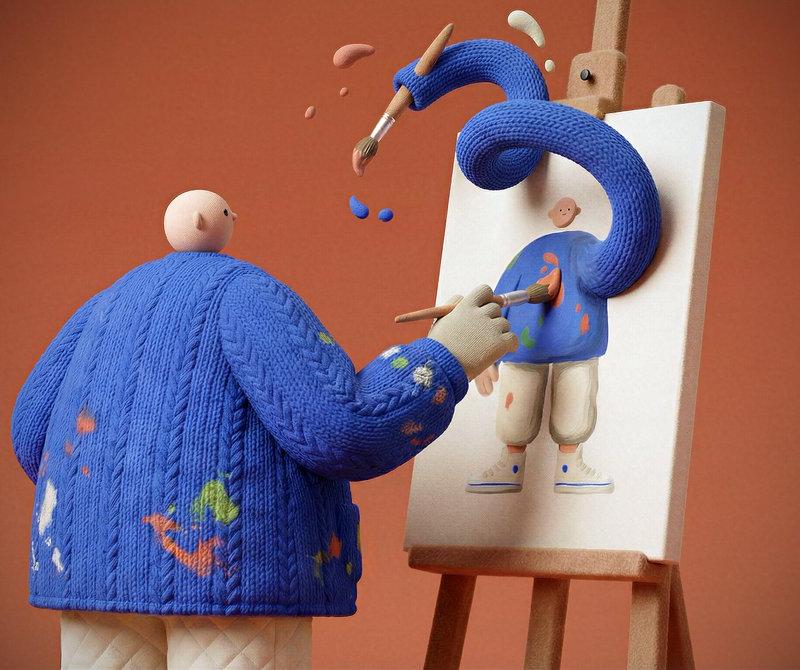
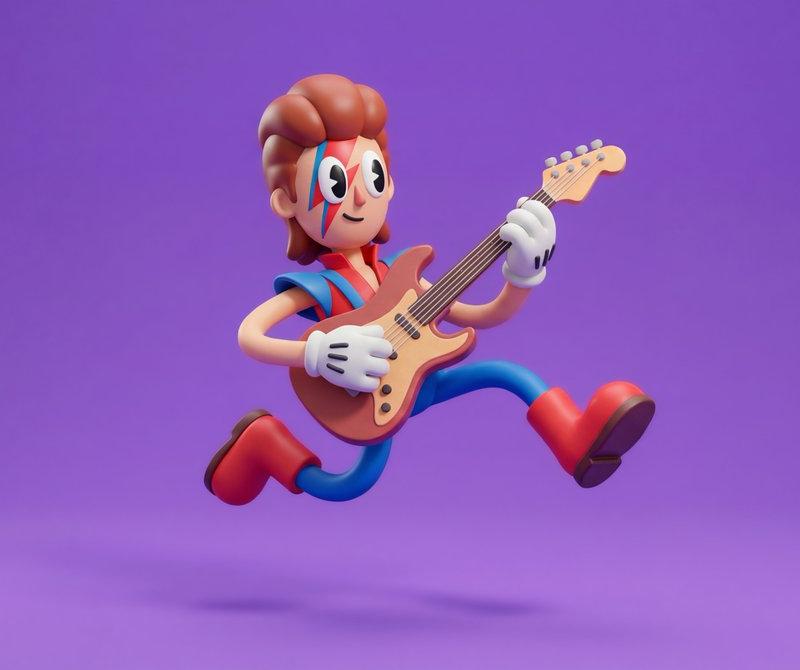
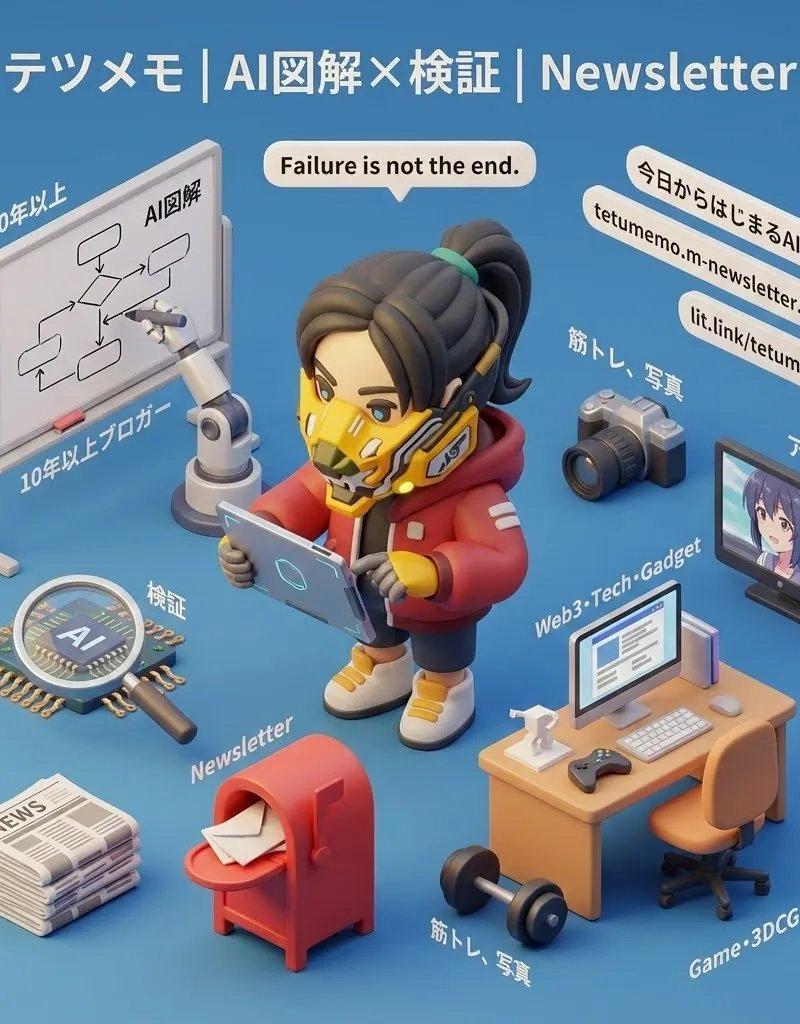
The subject is an exaggerated cartoon character with a tiny head, round chubby body, extremely elongated limbs, oversized hands and oversized shoes, off-balance center of gravity, frozen mid-air in a dramatic jumping pose, with strong tension and comedic energy.

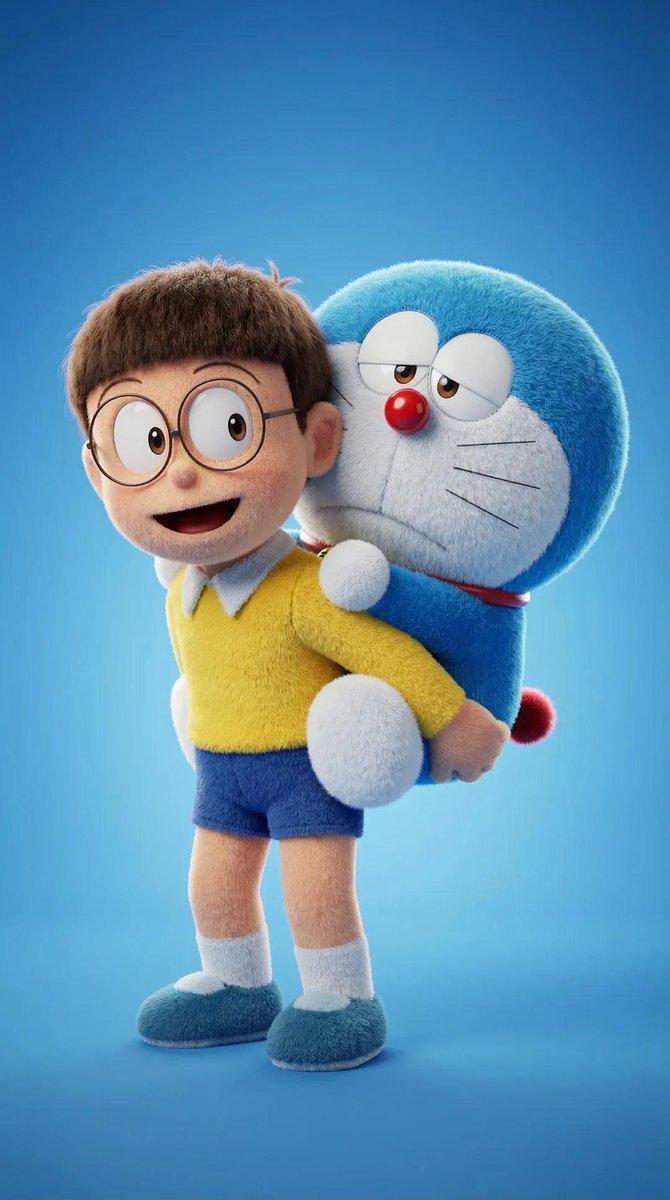
Overall form looks like a soft sculpture toy — round, chunky, bouncy, exaggerated — not anatomically correct.

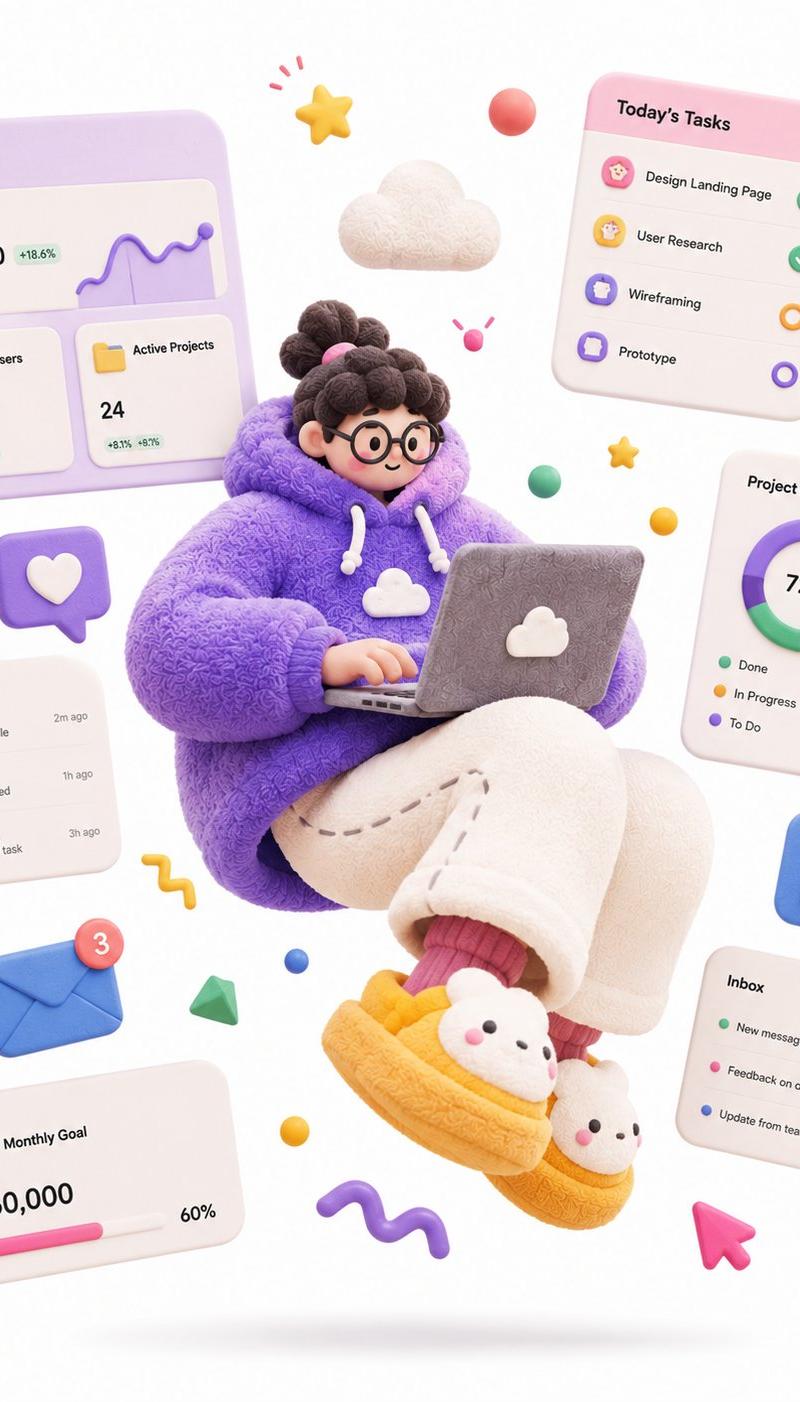
Materials are matte soft rubber, fuzzy fabric, knitted texture, plasticine feel, with fine fiber details, slight grain, hand-sculpted touch — avoid glossy plastic toy look, avoid translucent glass look, avoid high reflections.

High-saturation dopamine color palette, bold color clashes, large flat color blocks, bright but not over-glowing.

Clean white background, minimal space, only a soft oval shadow on the ground, no complex scene.

Floating abstract graphic elements around the character: stars, squiggle lines, balls, cubes, icons, symbols — all rendered as soft rubber or paper props to enhance motion and design feel.

Soft studio lighting, global illumination, soft shadows, low contrast, clean commercial render.

C4D / Blender 3D illustration, stylized soft sculpture, matte clay material, fuzzy fabric texture, knitted surface detail, playful editorial 3D illustration, high quality.

— Theme: a SaaS-hoodie product designer floating with a laptop, surrounded by dashboard UI cards, charts and task widgets, hero illustration for a SaaS
- Category
- Charts & Infographics
- Model
- ChatGPT
- Creator
- @im_shahid7
- Source language
- zh-CN
- Source ID
- 16368
- Published
- Jun 20, 2026
Views39