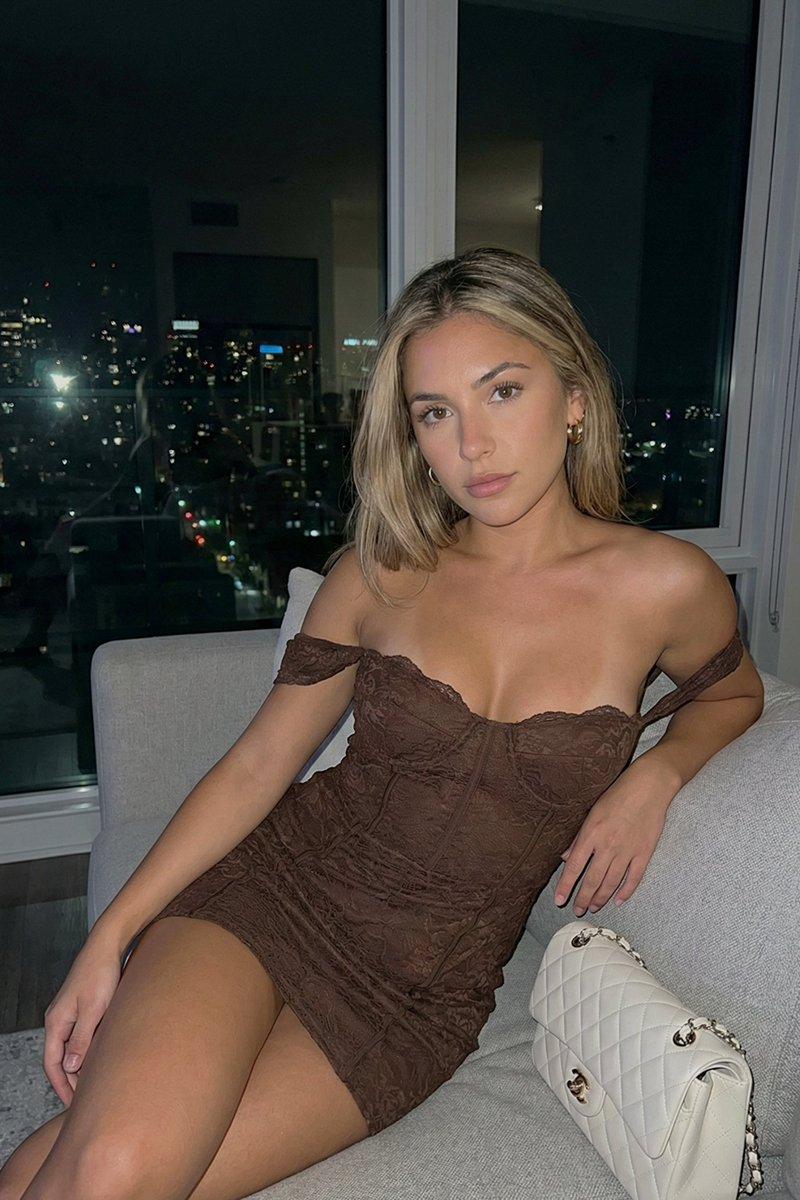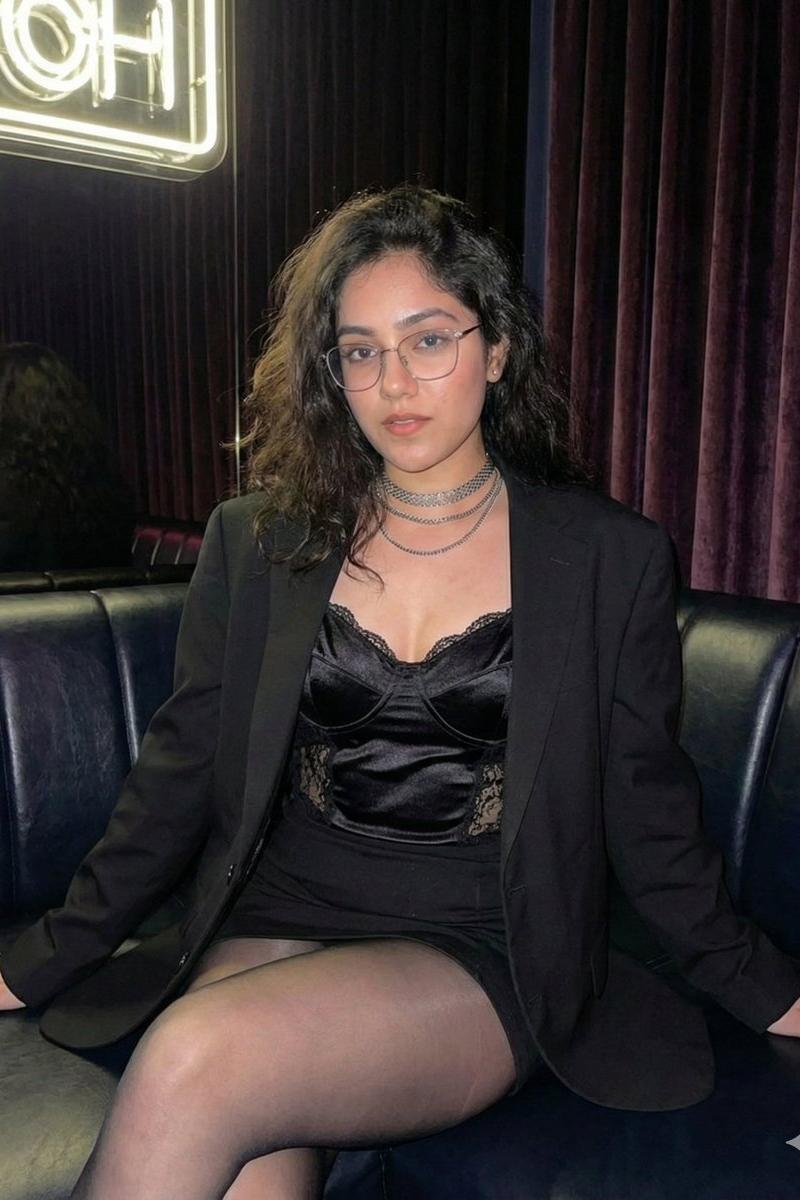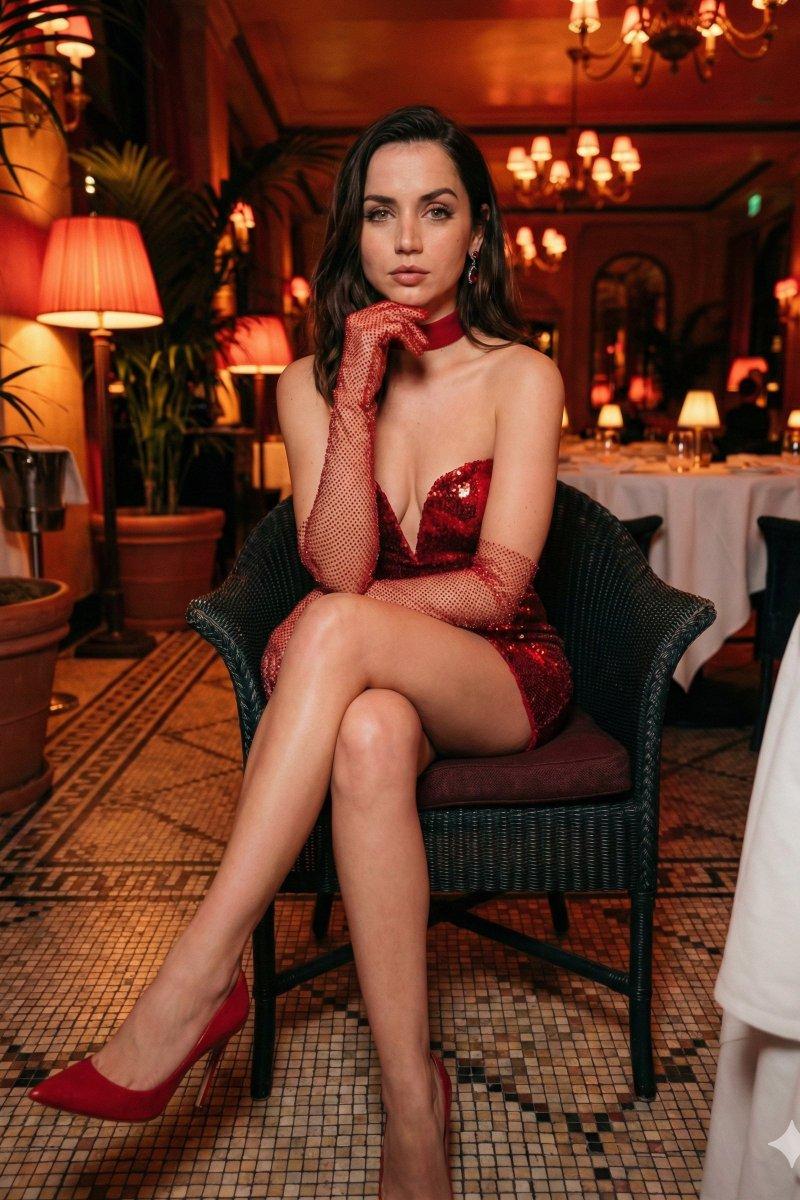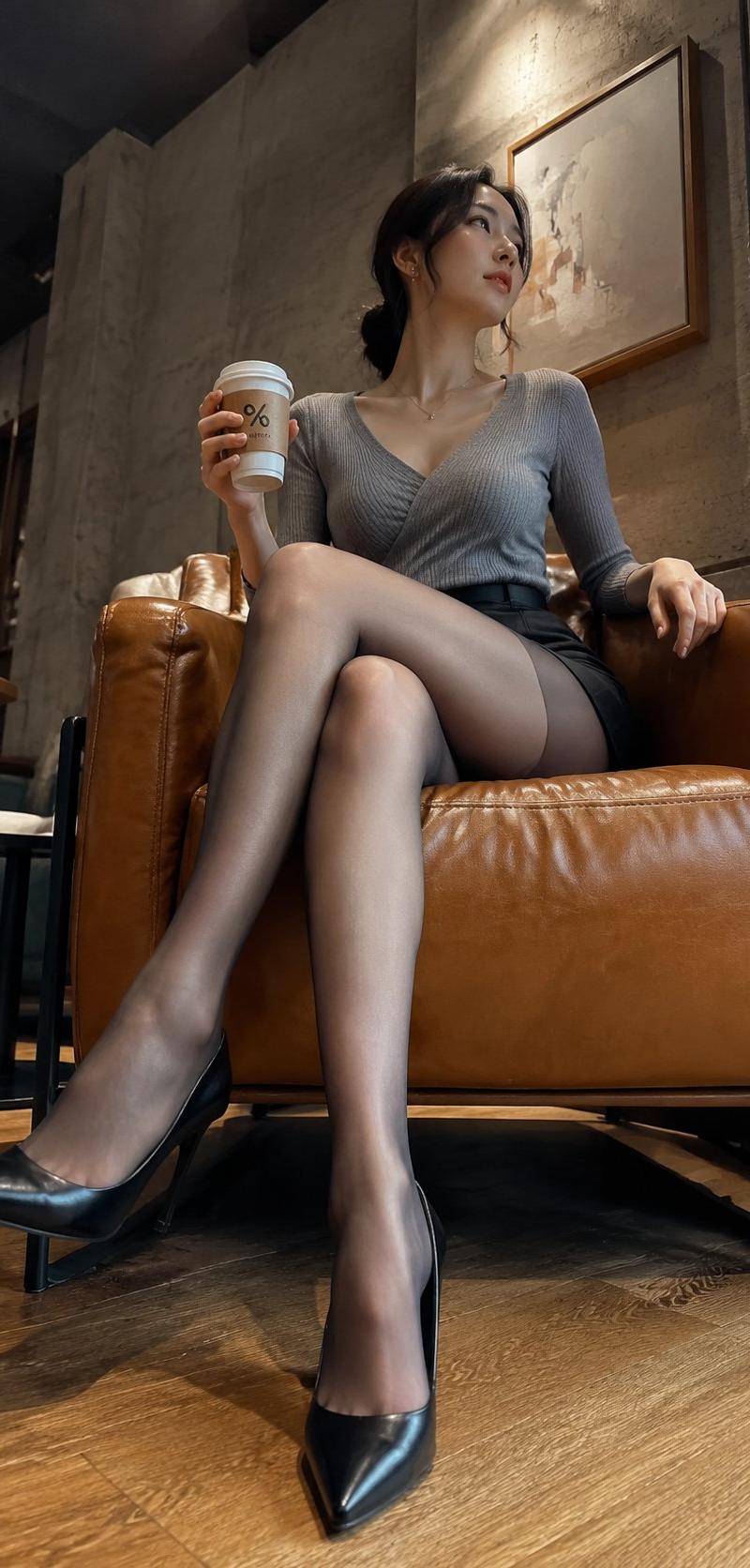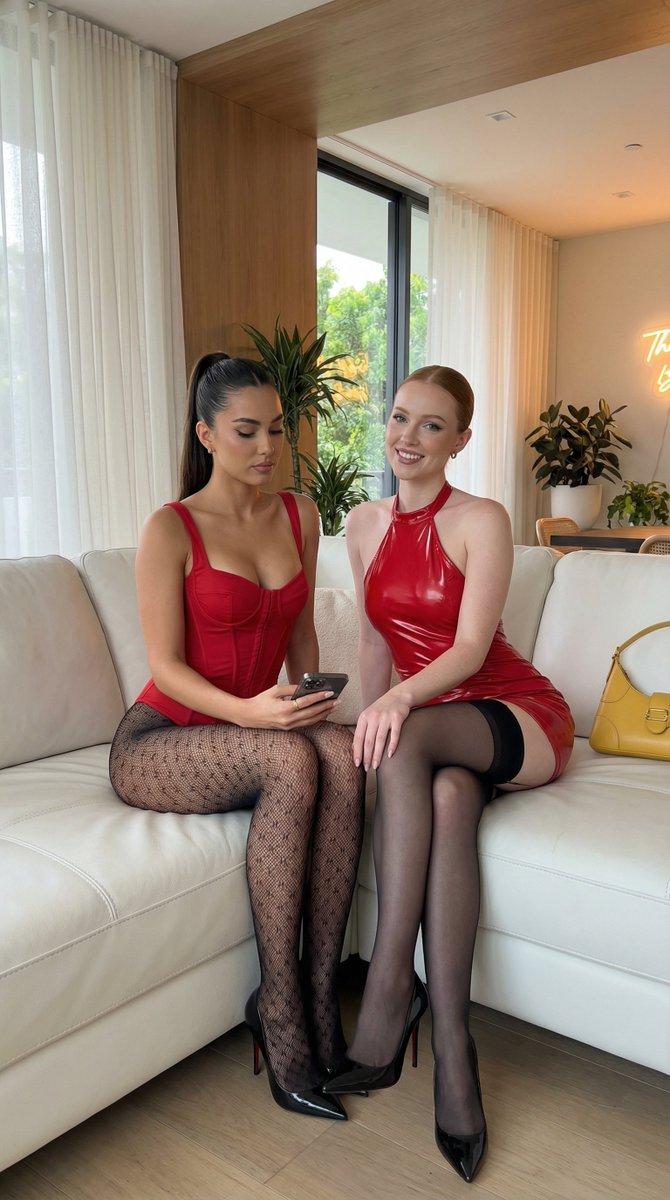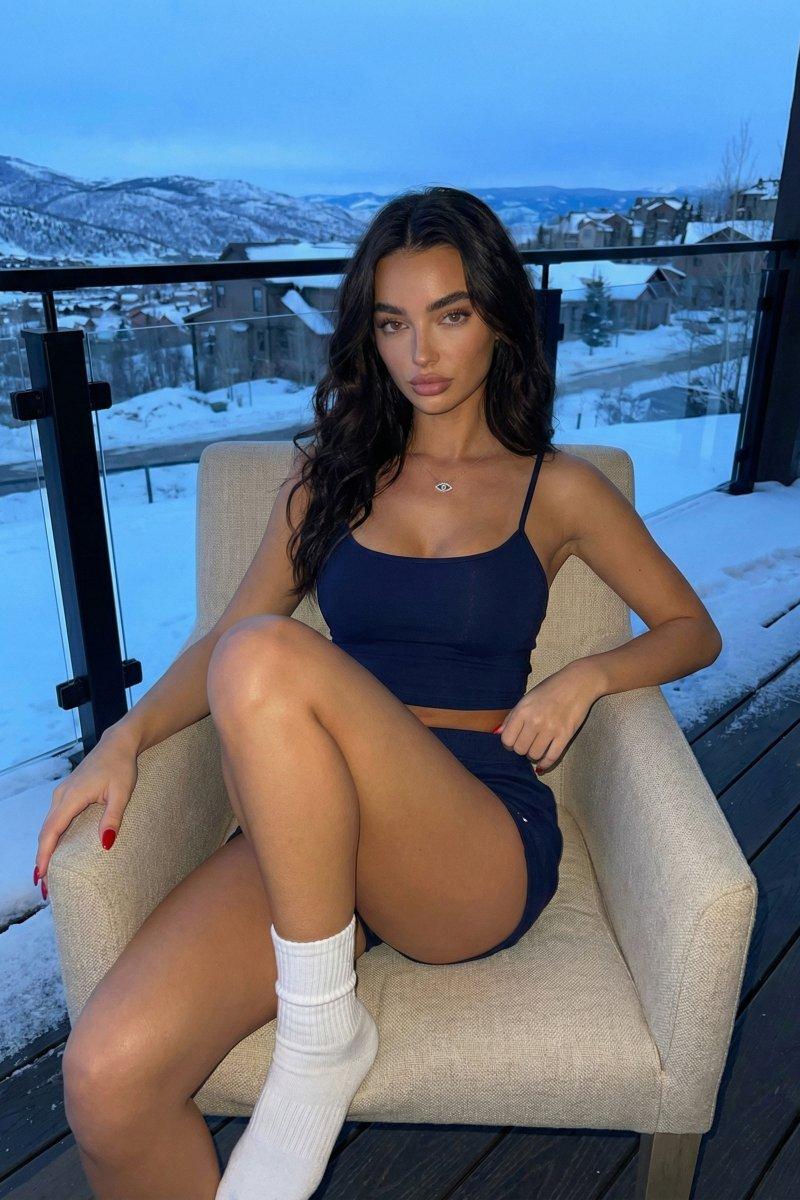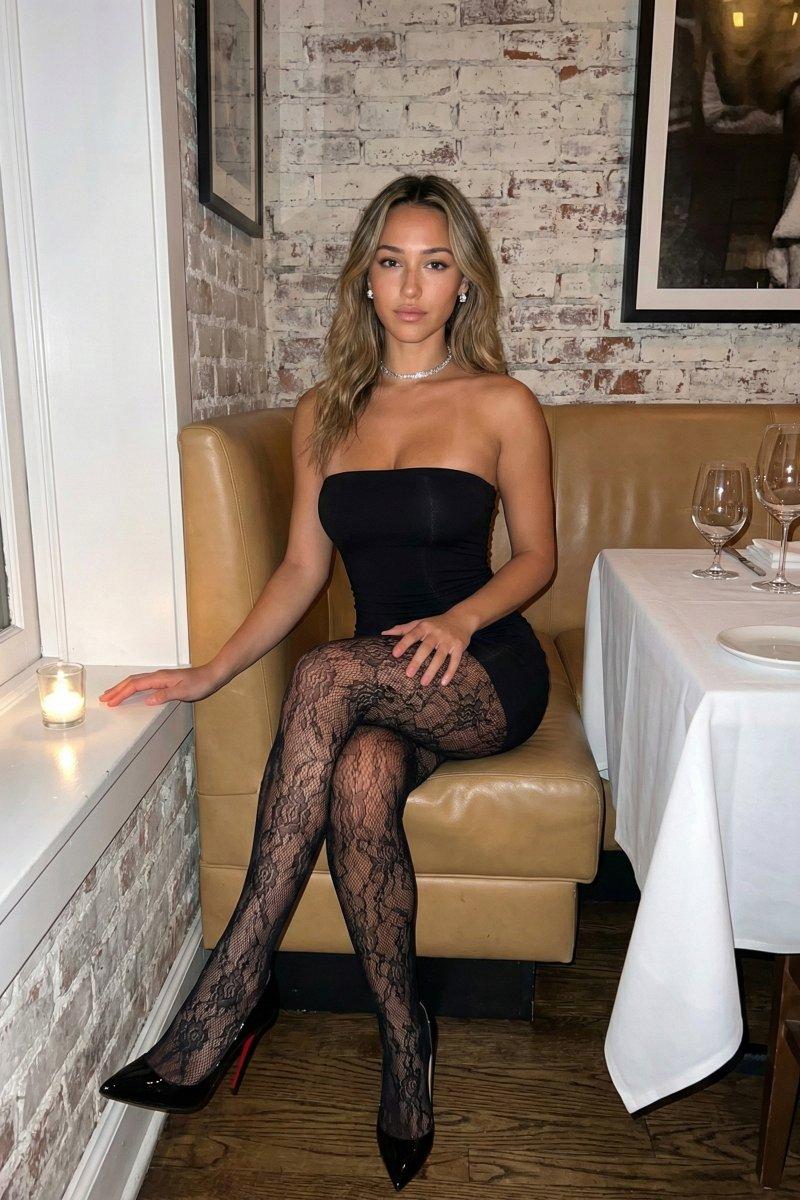
闪光灯捕捉的夜色餐厅迷人黑裙女郎
Prompt
{ "subject": { "description": "Young woman, approximately mid-20s, with a tan, olive complexion and long, wavy dirty-blonde hair featuring lighter balayage highlights.", "body_details": "Fit physique with natural curves. The chest is prominent and lifted by the tight garment, showing natural volume and gravity. Shoulders are bare. Legs are slender but shapely.", "attire": { "garment": "Form-fitting black strapless mini dress (bodycon) that hugs the torso and hips tightly.", "hosiery": "Intricate black floral lace patterned tights/stockings, sheer and textured.", "footwear": "Black patent leather pointed-toe stilettos with visible red soles (Louboutin style).", "accessories": "Sparkling silver tennis necklace (choker length) and small stud earrings." }, "skin": "Realistic texture with visible pores. Slight shine on the forehead, nose, and shoulders consistent with direct flash photography." }, "pose": { "type": "Seated full-body shot.", "posture": "Sitting upright on a banquette bench. Legs are crossed at the knee (right leg over left).", "limbs": "Left hand rests gently on the top thigh with fingers relaxed. Right hand rests on the window ledge to her left. Shoulders are squared to the camera.", "head": "Facing forward with a direct, neutral to slightly confident gaze into the lens." }, "environment": { "setting": "Upscale restaurant interior or bistro corner.", "background": "White-washed exposed brick wall with rough texture. A framed art piece is partially visible in the top right corner.", "seating": "Tan/beige leather booth (banquette) with padded backrest.", "foreground_elements": "To the right: A table covered in a white tablecloth, set with two empty wine glasses and a white plate. To the left: A window with a small glass votive candle lit on the sill.", "flooring": "Dark wood floor visible beneath the table." }, "camera": { "perspective": "Eye-level to slightly high angle, typical of a standing photographer capturing a seated subject.", "framing": "Full body seated, cutting off just below the feet/shoes, creating a 3:4 portrait composition.", "focal_length": "35mm to 50mm, capturing the subject and immediate context without excessive distortion." }, "lighting": { "type": "Direct on-camera flash / harsh artificial lighting.", "characteristics": "Hard, distinct shadow cast by the subject against the white brick wall. High contrast highlights on the face (T-zone) and shins. Fall-off of light towards the edges of the frame.", "ambience": "Nightlife atmosphere, dim ambient light overpowered by the flash." }, "mood_and_expression": { "emotion": "Confident, composed, and alluring.", "eye_contact": "Direct and engaging.", "vibe": "Date night, candid nightlife photography, 'it girl' aesthetic." }, "style_and_realism": { "aesthetic": "Flash photography realism. Not a studio portrait.", "fidelity": "High fidelity to textures (lace, leather, brick, s" }- Category
- Charts & Infographics
- Model
- Nano banana pro
- Creator
- @brindleyai
- Source language
- zh-CN
- Source ID
- 8154
- Published
- Mar 22, 2026
Views34