17

游戏进化史诗:从实体主机中喷涌而出的像素洪流
Enlarge

Example images

游戏进化史诗:从实体主机中喷涌而出的像素洪流

Prompt
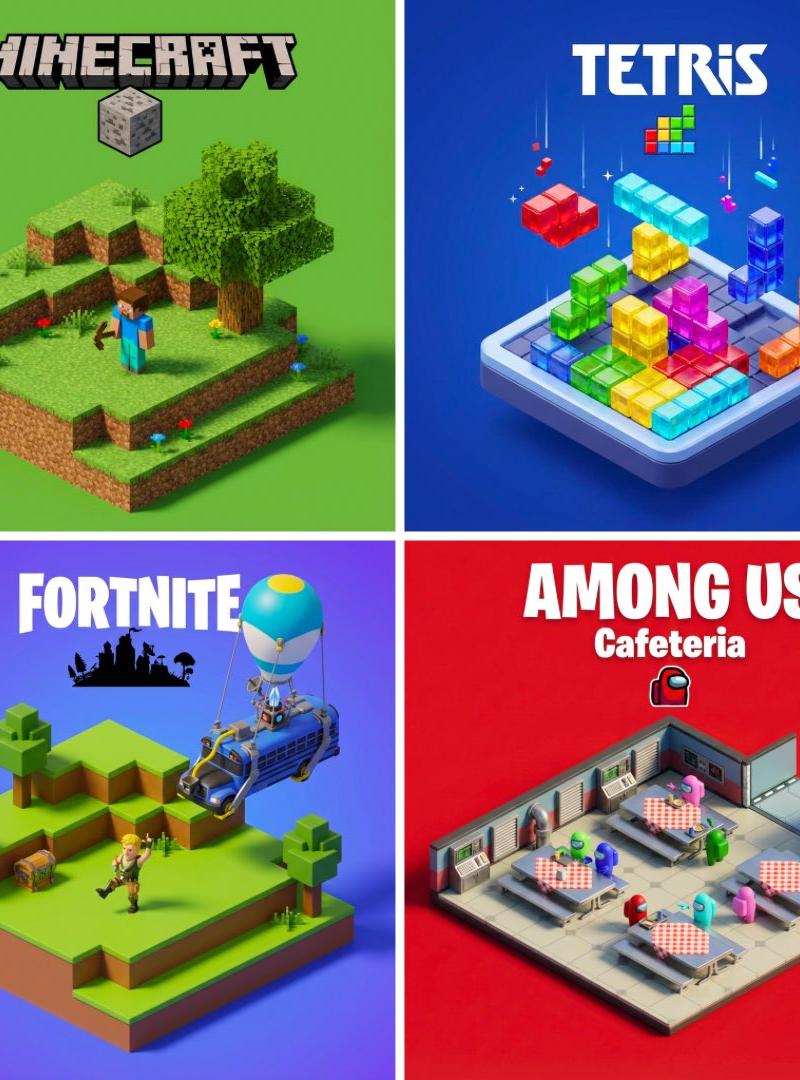
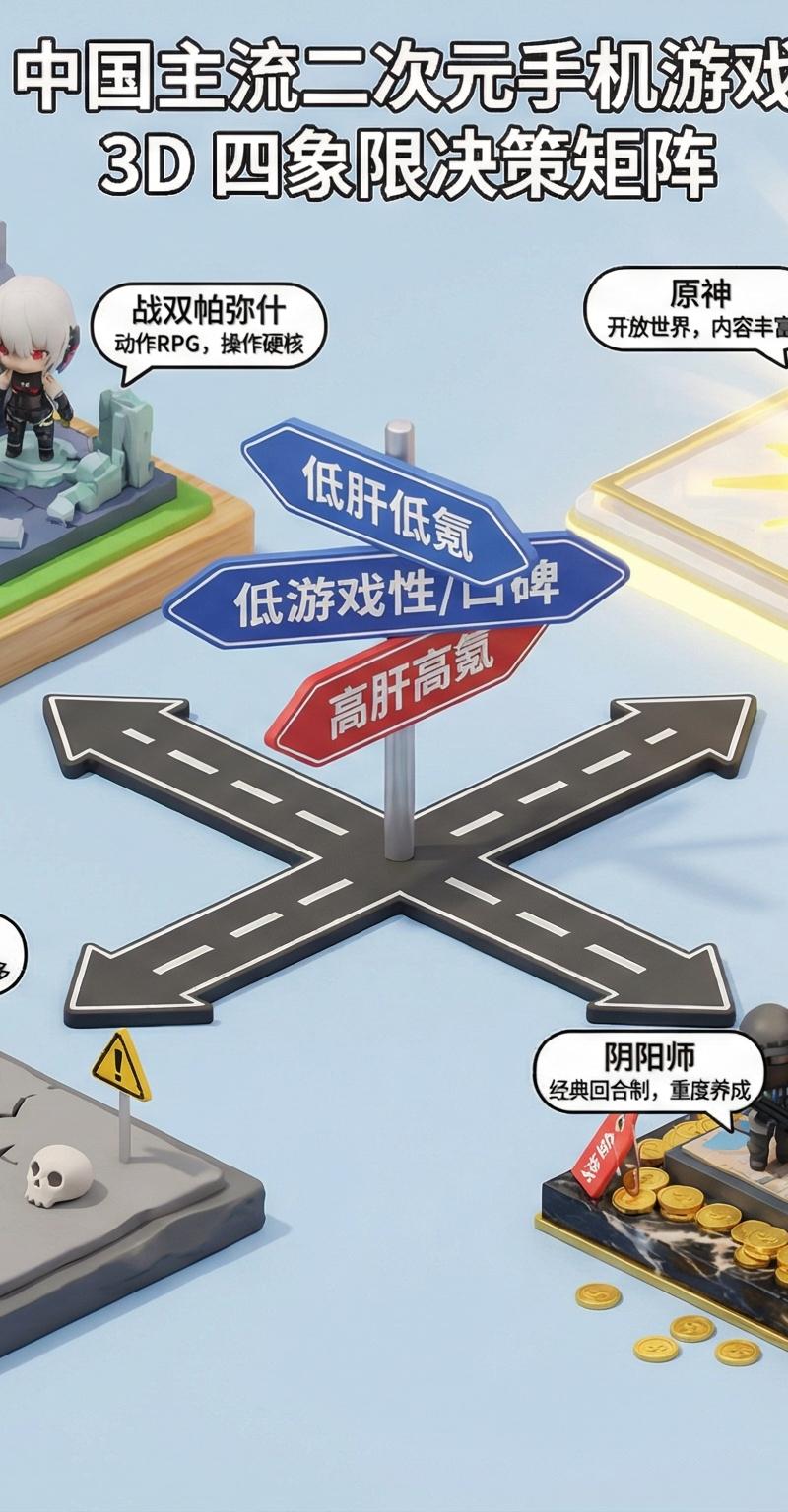
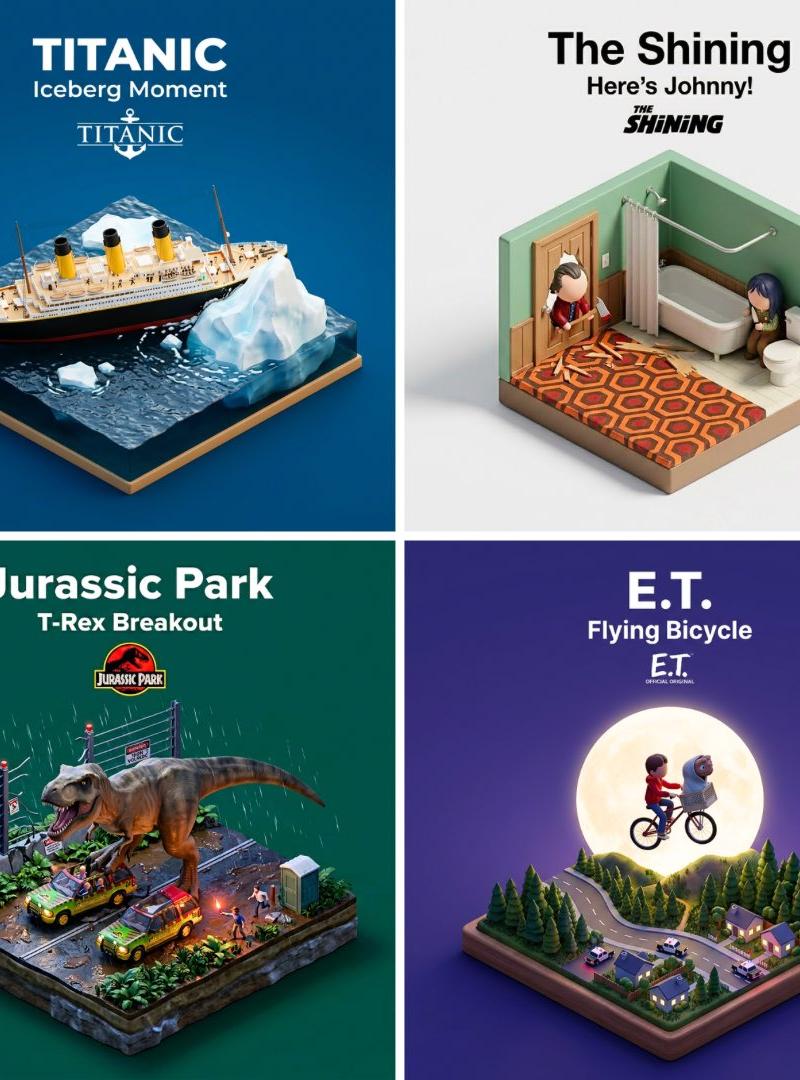
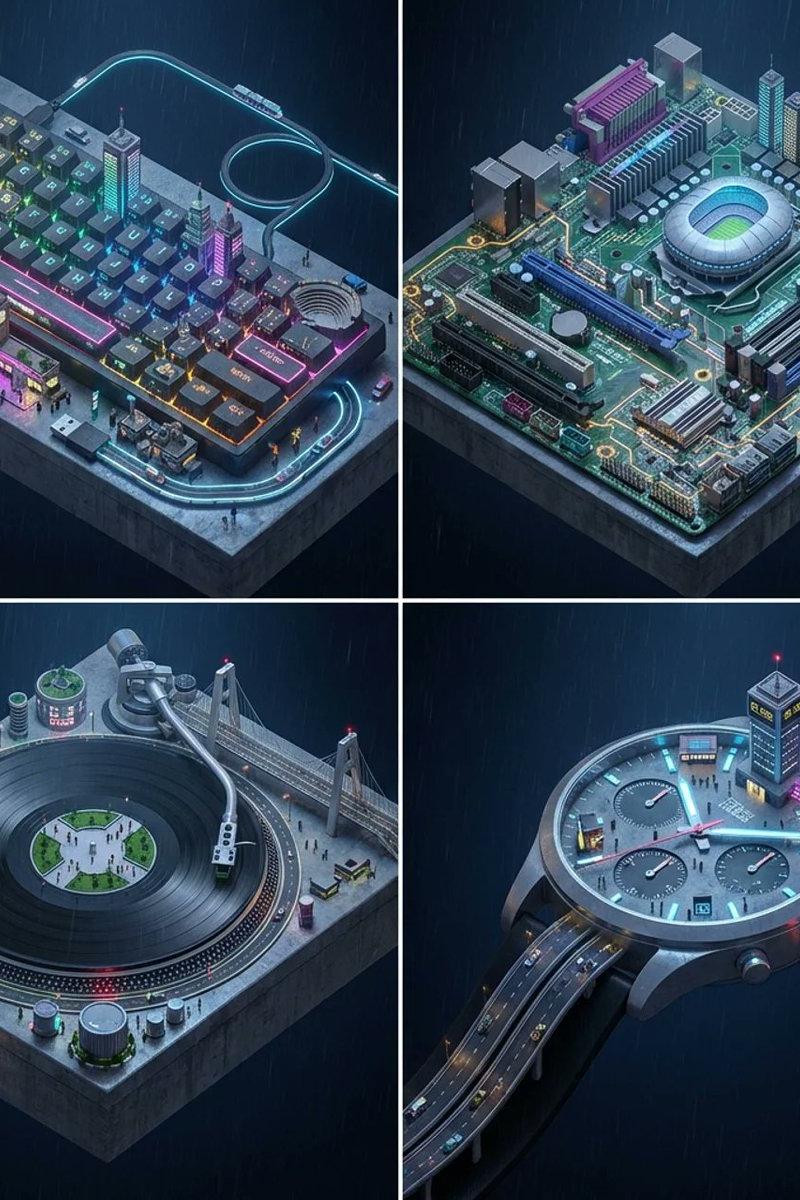
Concept: A timeline of gaming history emerging from physical consoles. Input: [Resident Evil] (e.g., Mario, Zelda, Final Fantasy) System Instruction: Act as a Gaming Historian. Create a 2x2 Grid of "Console Architecture." Evolution Logic: Select 4 eras of the franchise (8-bit, 64-bit, HD, VR). The Container: The base is the Physical Console/Controller of that era (e.g., NES Controller, N64 Console, Disc Drive). The Glitch: The game world "glitches" out of the cartridge slot or disc tray, turning into physical voxels or polygons. Panel 1 (8-Bit): The world is made of Lego-like plastic blocks. Panel 2 (Poly): The world is made of Sharp, low-poly folded paper. Panel 3 (HD): The world is Photorealistic Resin. The HUD: Holographic UI elements (Health bars, Ammo) float physically above the scene. Label: The front of the console features the Game Logo in chrome.
Category
Charts & Infographics
Model
Nano banana pro
Creator
@Gdgtify
Source language
zh-CN
Views18
Source ID
7856
Published
Mar 21, 2026
Studio

Guide

About "游戏进化史诗:从实体主机中喷涌而出的像素洪流"

What is this prompt for?

"游戏进化史诗:从实体主机中喷涌而出的像素洪流" AI image prompt for Nano banana pro (Charts & Infographics). 概念:游戏历史时间线从实体游戏机中浮现。 输入:[Resident Evil](例如:马力欧、塞尔达、最终幻想) 系统指令: 扮演一位游戏历史学家…

The full copyable prompt and example visuals above are ready for AI image generation or one-click recreate in Picva.

How to use this prompt

  1. Step 1

    Open the prompt detail

    Review the example visuals, category, and full prompt text for "游戏进化史诗:从实体主机中喷涌而出的像素洪流".

  2. Step 2

    Copy the prompt

    Copy the prompt body from this page, or load it directly in Studio.

  3. Step 3

    Pick a model (Nano banana pro)

    Prefer Nano banana pro. If you switch models, keep subject and composition and tweak style terms.

  4. Step 4

    Generate and export

    Recreate the look in Picva, or export into your workflow for editing and publishing.

FAQ

What is the "游戏进化史诗:从实体主机中喷涌而出的像素洪流" prompt?
It is an AI image-generation prompt for Nano banana pro in the Charts & Infographics category. This page includes the full prompt text, example visuals, and a one-click recreate path in Picva.
How do I use this prompt to generate an image?
Copy the prompt from this page, or use Generate / Studio. Paste it into a compatible image model, or recreate the look in Picva with optional reference images.
Which model is this prompt for?
This page lists Nano banana pro. Most descriptive prompts also transfer to nearby image models such as GPT Image, Flux, or Midjourney with light style tweaks.
Can I use the result commercially?
You can usually copy the prompt for creation, but commercial use of the final image depends on the model terms, reference-image rights, and the generated content. Follow the source author and platform rules.