17

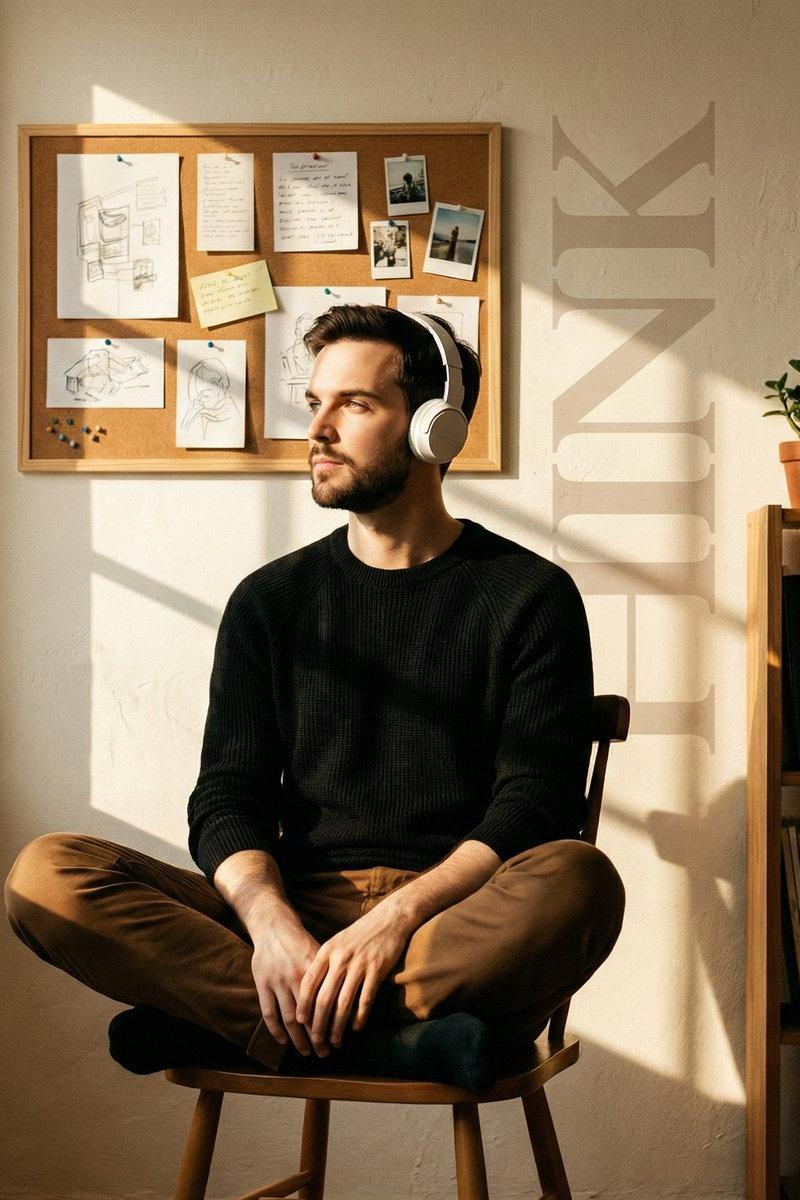
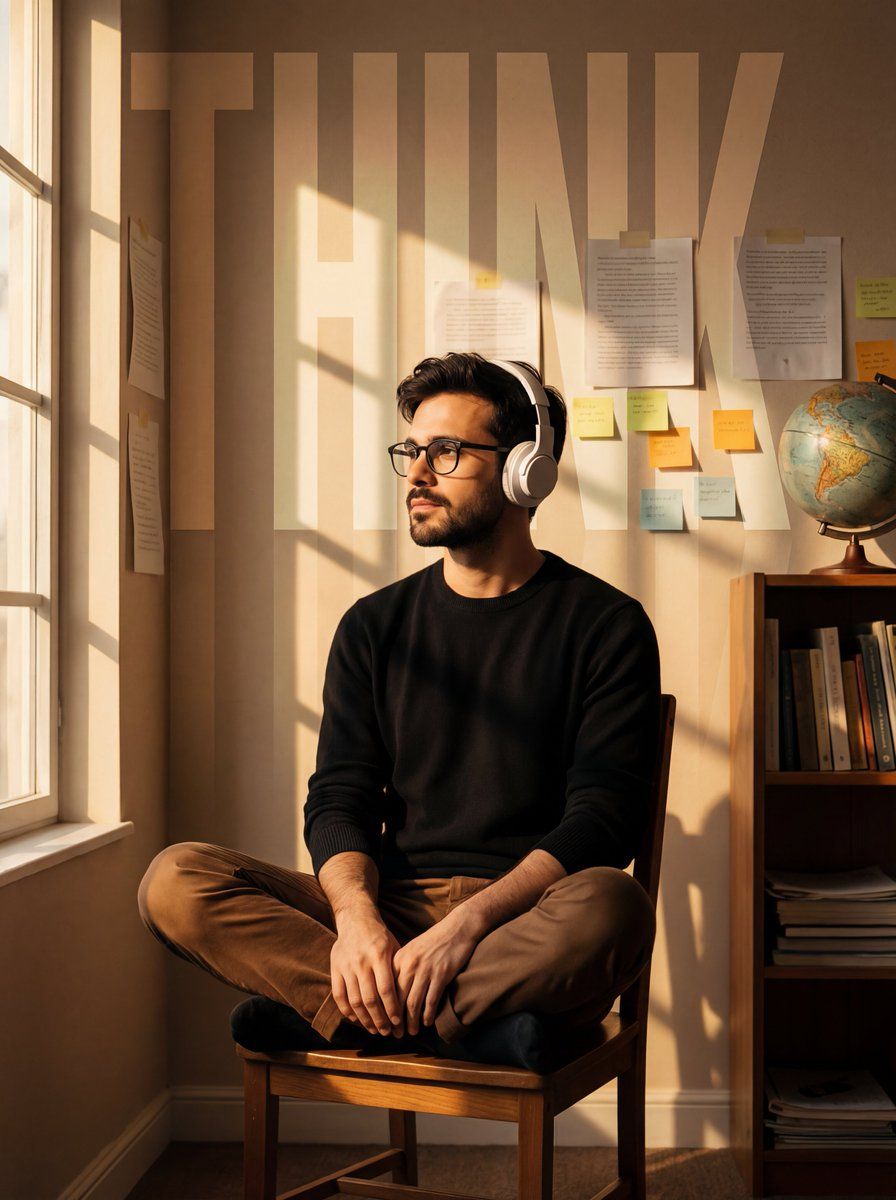
沐浴金色阳光的沉思少年与网格光影
Enlarge

沐浴金色阳光的沉思少年与网格光影

Prompt
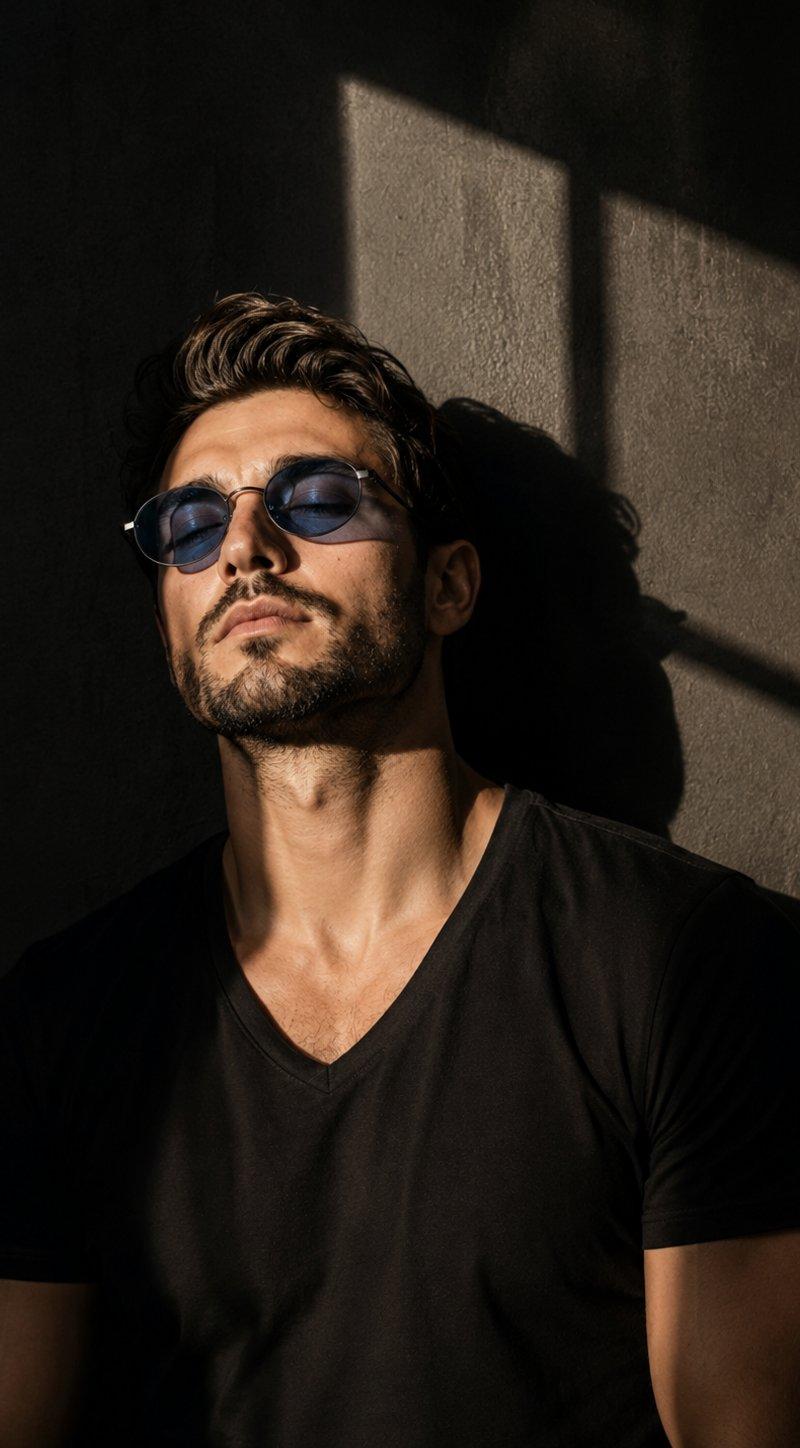
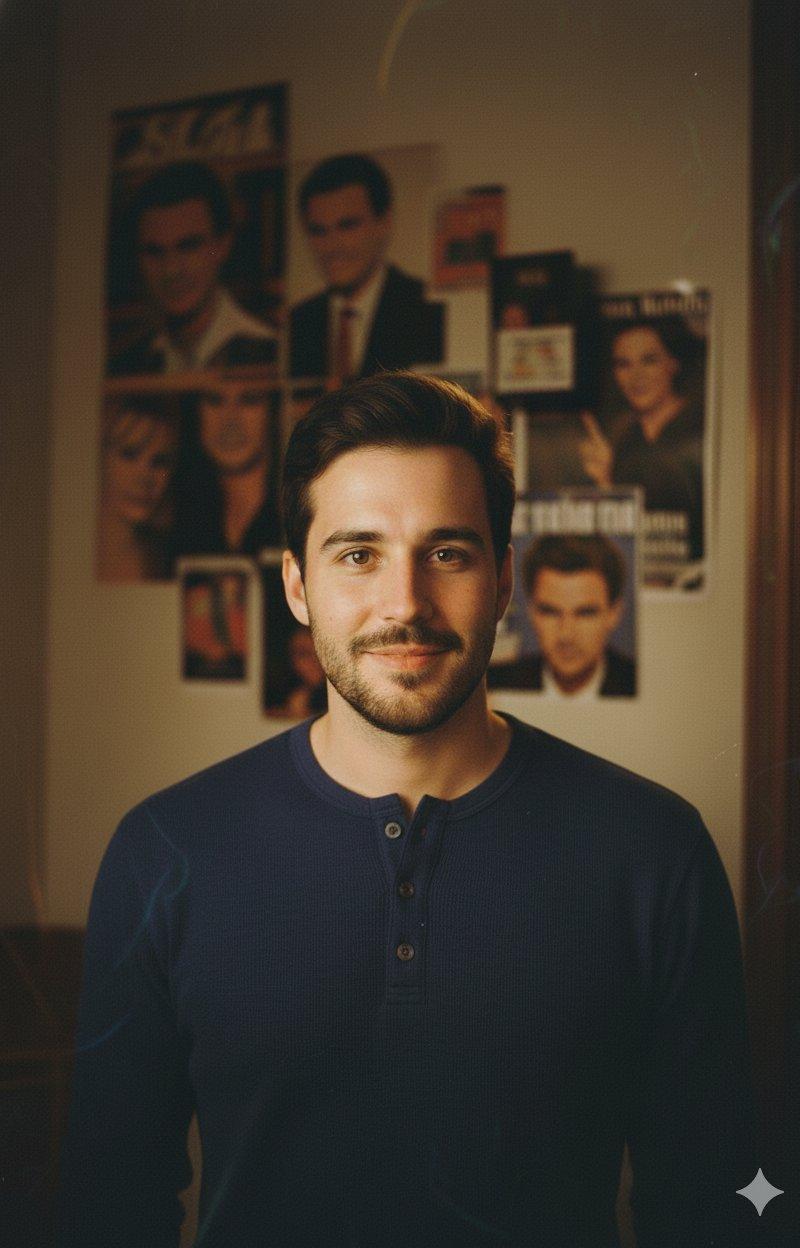
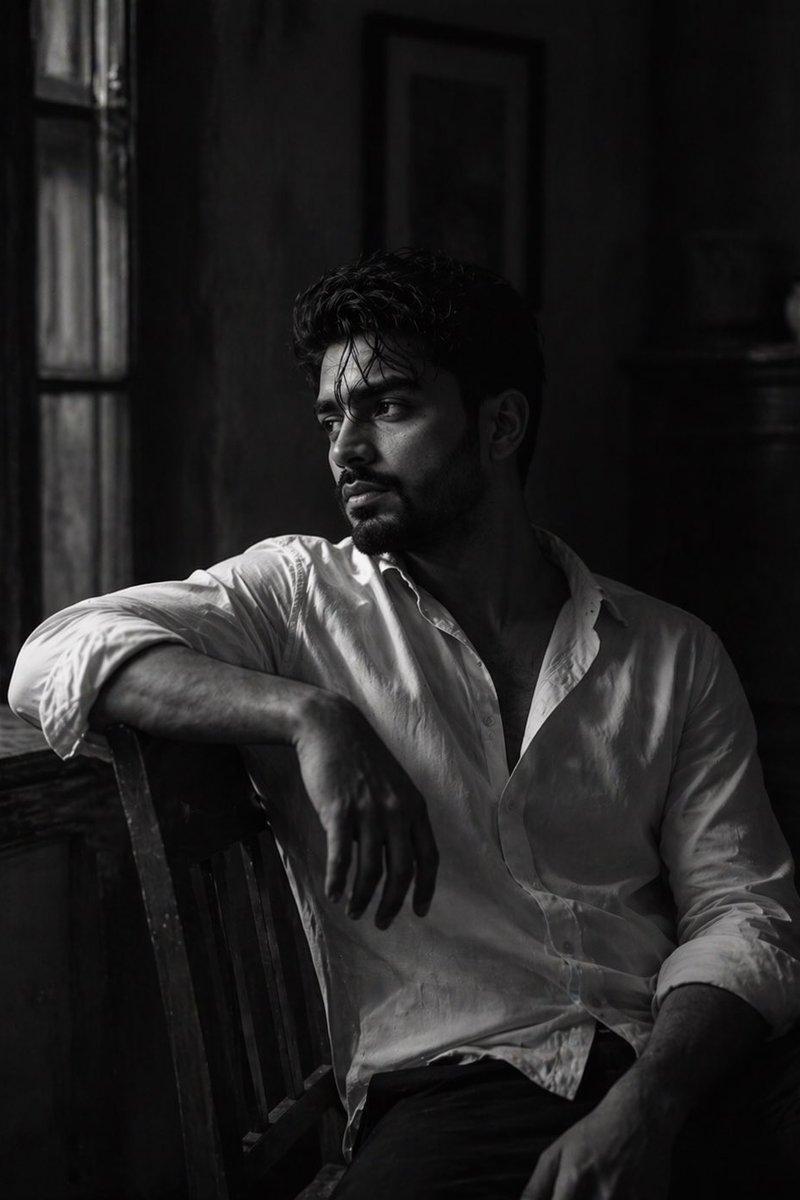
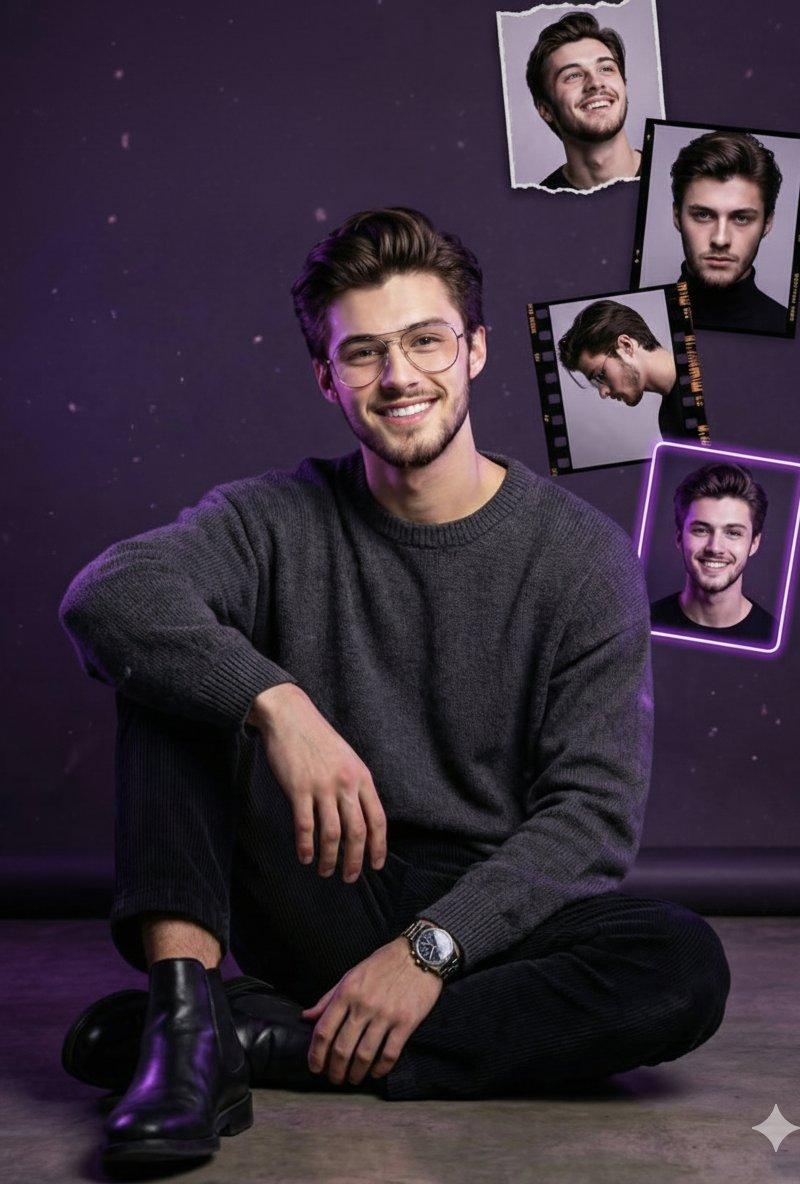
A cinematic portrait of a young man in the uploaded image sitting cross-legged on a simple wooden chair, wearing white over-ear headphones and gazing thoughtfully toward the light. He is wearing black sweater and brown trousers. He is in a cozy study room; the background features a beige wall cluttered with taped papers and sticky notes, with a wooden bookshelf and a globe visible on the right. Warm, golden-hour sunlight streams in from the left, casting distinct, sharp grid-like window shadows across the subject and the back wall. A large, semi-transparent, faded typography overlay of the word "THINK" blends vertically into the scene behind him. The atmosphere is moody, nostalgic, and warm, with a soft film grain texture.
Category
Charts & Infographics
Model
Nano banana pro
Creator
@rovvmut_
Source language
zh-CN
Views48
Source ID
8520
Published
Mar 22, 2026
Studio

Guide

About "沐浴金色阳光的沉思少年与网格光影"

What is this prompt for?

"沐浴金色阳光的沉思少年与网格光影" AI image prompt for Nano banana pro (Charts & Infographics). 上传图片中,一名年轻男子盘腿坐在简朴的木椅上,戴着白色头戴式耳机,若有所思地凝视着光线,画面呈现电影般的质感。他身穿黑色毛衣和棕色长裤。他置身于一间舒适的书房…

The full copyable prompt and example visuals above are ready for AI image generation or one-click recreate in Picva.

How to use this prompt

  1. Step 1

    Open the prompt detail

    Review the example visuals, category, and full prompt text for "沐浴金色阳光的沉思少年与网格光影".

  2. Step 2

    Copy the prompt

    Copy the prompt body from this page, or load it directly in Studio.

  3. Step 3

    Pick a model (Nano banana pro)

    Prefer Nano banana pro. If you switch models, keep subject and composition and tweak style terms.

  4. Step 4

    Generate and export

    Recreate the look in Picva, or export into your workflow for editing and publishing.

FAQ

What is the "沐浴金色阳光的沉思少年与网格光影" prompt?
It is an AI image-generation prompt for Nano banana pro in the Charts & Infographics category. This page includes the full prompt text, example visuals, and a one-click recreate path in Picva.
How do I use this prompt to generate an image?
Copy the prompt from this page, or use Generate / Studio. Paste it into a compatible image model, or recreate the look in Picva with optional reference images.
Which model is this prompt for?
This page lists Nano banana pro. Most descriptive prompts also transfer to nearby image models such as GPT Image, Flux, or Midjourney with light style tweaks.
Can I use the result commercially?
You can usually copy the prompt for creation, but commercial use of the final image depends on the model terms, reference-image rights, and the generated content. Follow the source author and platform rules.