毕业季文字景观视觉海报
Prompt
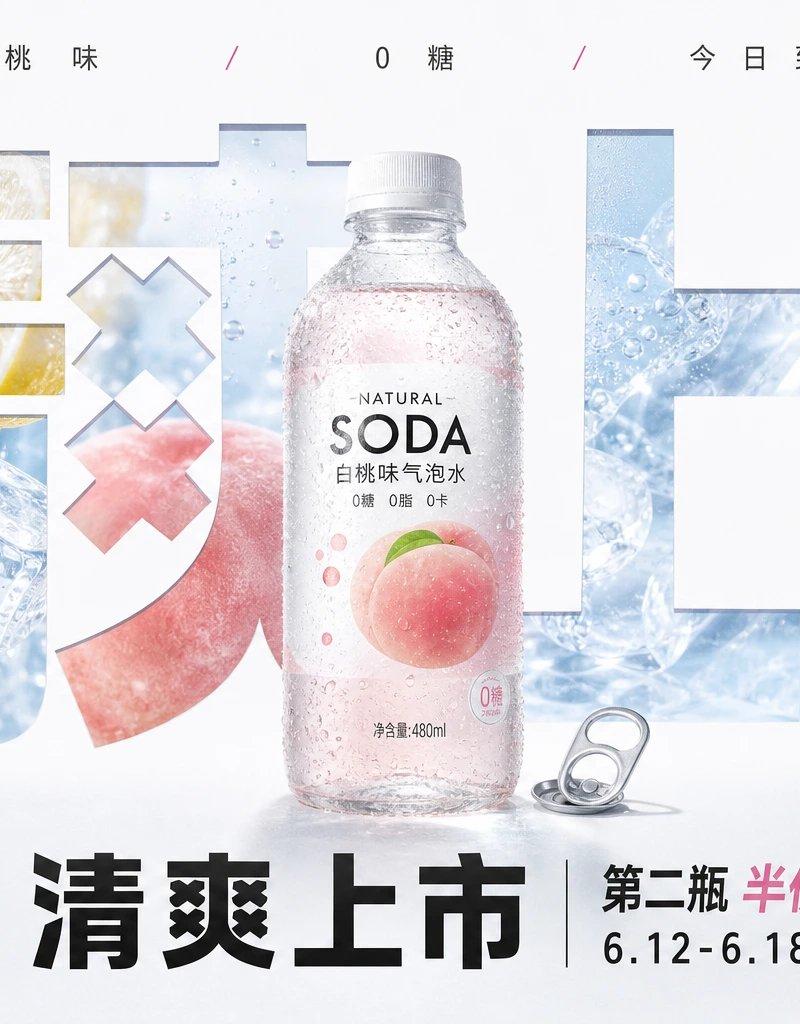
Generate a strong visual image of text-image integration centered around any subject: at first glance, read an oversized, heavy, almost subject-area-filling theme text or symbol. It is not an ordinary title but serves as the structural skeleton of the image, carrying the theme scene through large negative shapes, hollow windows, and broken stroke sections. The interior of the text reveals real environments, material textures, or narrative fragments related to the theme. The core subject stands in the visual center and crosses the text layer, partially obscuring the giant characters, forming a clear hierarchy of 'the background is cut open by text, the subject walks out of the text.' At the top, keep sparse, restrained, and wide-spaced small information text. At the bottom, set a heavier main title and a small amount of auxiliary information. The layout rhythm is clean, like a carefully choreographed promotional visual rather than an ordinary illustration. Colors are extracted from the theme's own material, environment, and mood: large areas of high-brightness clean base colors provide breathing space and structural white space; theme environmental colors serve as medium-area vivid support; the main subject color remains clearly identifiable; a small amount of high-saturation accent colors are used only for emotional focuses and information nodes; dark colors mainly serve text readability and visual weight. The overall feel remains bright, light, clear, and clean, with clear color steps, allowing for fine paper texture or slight printing texture, but without making the image dirty, gray, vintage, or smoky. Edge treatment should be sharp, giant character cuts clean and powerful, with internal images and external white space forming clear graphic tension. The real subject has natural lighting and a slight foreground pressure. The final effect should be like a high-end communication main visual that transforms the theme character, object, or concept into a giant textual landscape.

——————
For whom to use: Photography studio WeChat Moments cover, horizontal 16:9, giant characters write 'Graduation Season', inside the characters reveal teaching building corridors, flying graduation caps, and silhouettes of classmates on the lawn.
Main subject: An adult graduate holding a bouquet walking out from the opening of the character '季', clothes clean and bright, natural camera presence.
Words to be put on: 'Don't just keep youth in your phone', corner supplement 'Class photo / Individual portrait / June booking in progress'
- Category
- Charts & Infographics
- Model
- ChatGPT
- Creator
- @xiaoxiaodong01
- Source language
- zh-CN
- Source ID
- 16430
- Published
- Jun 20, 2026
Views53