17

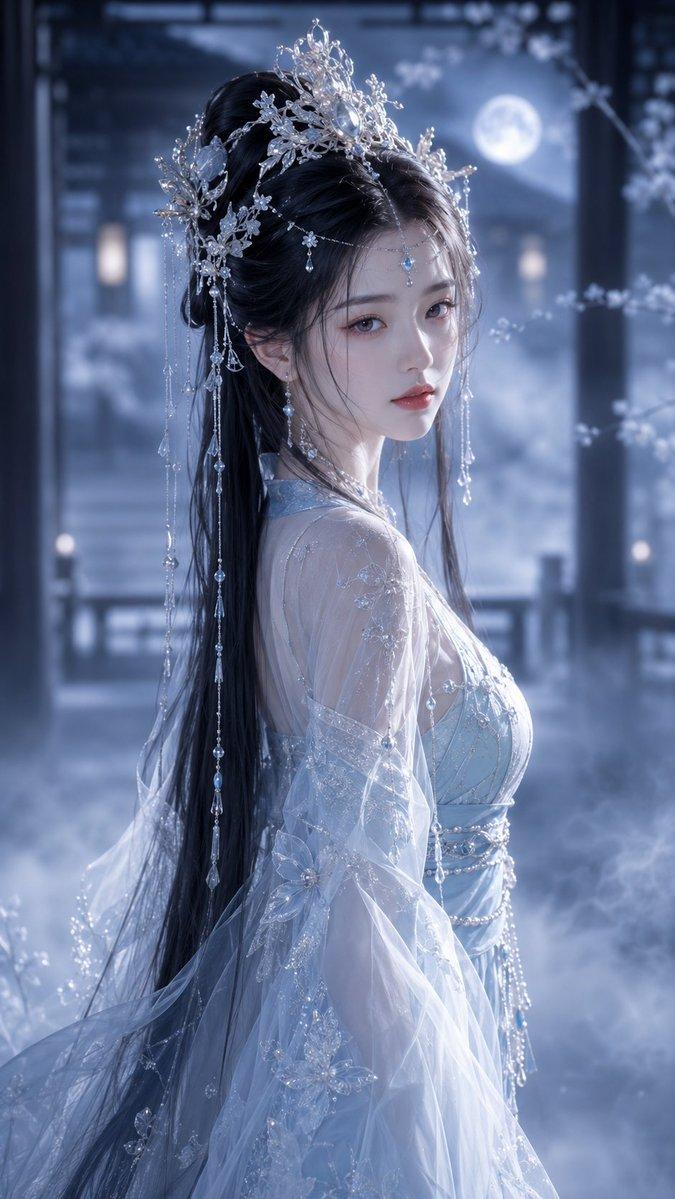
国风写实人像古典柔焦电影美学
Enlarge

国风写实人像古典柔焦电影美学

Prompt
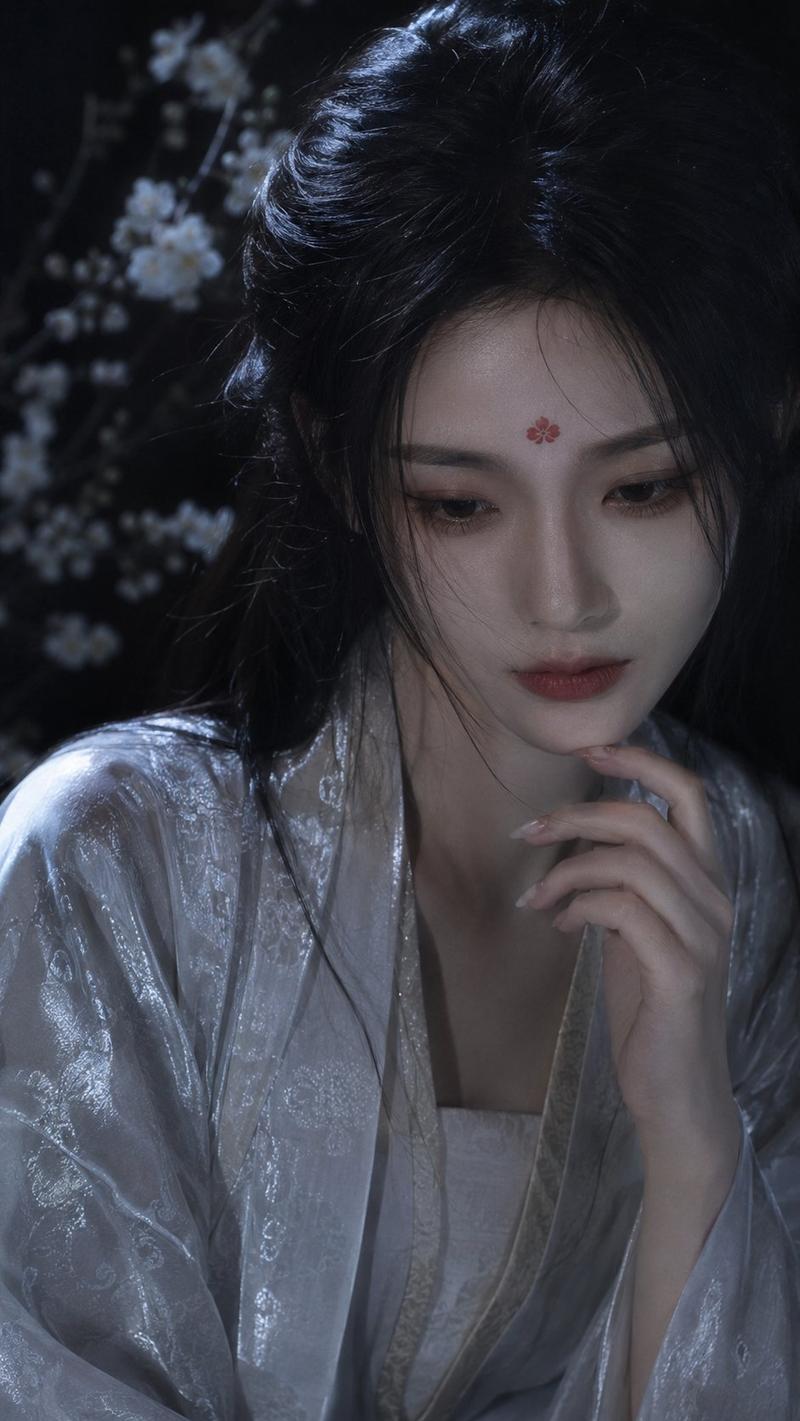
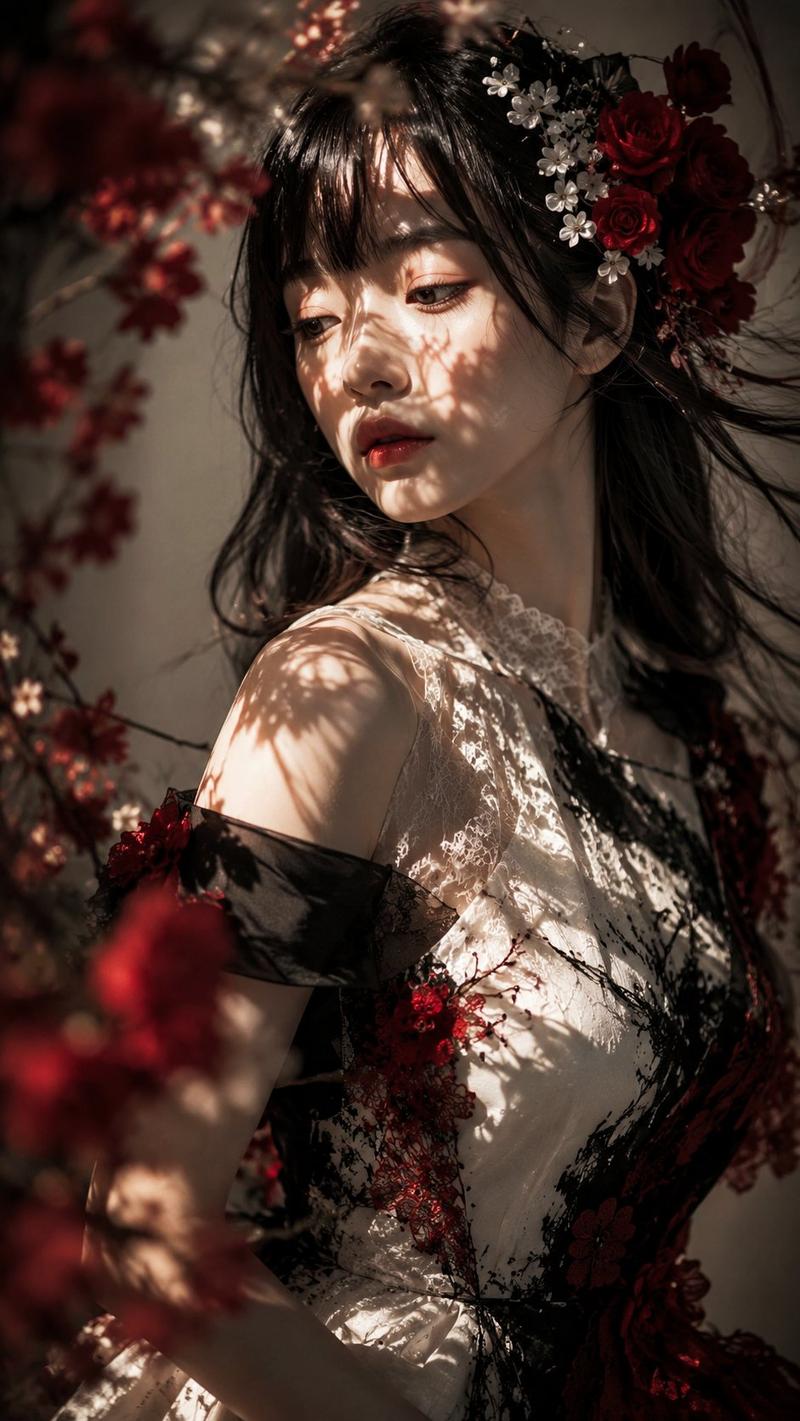
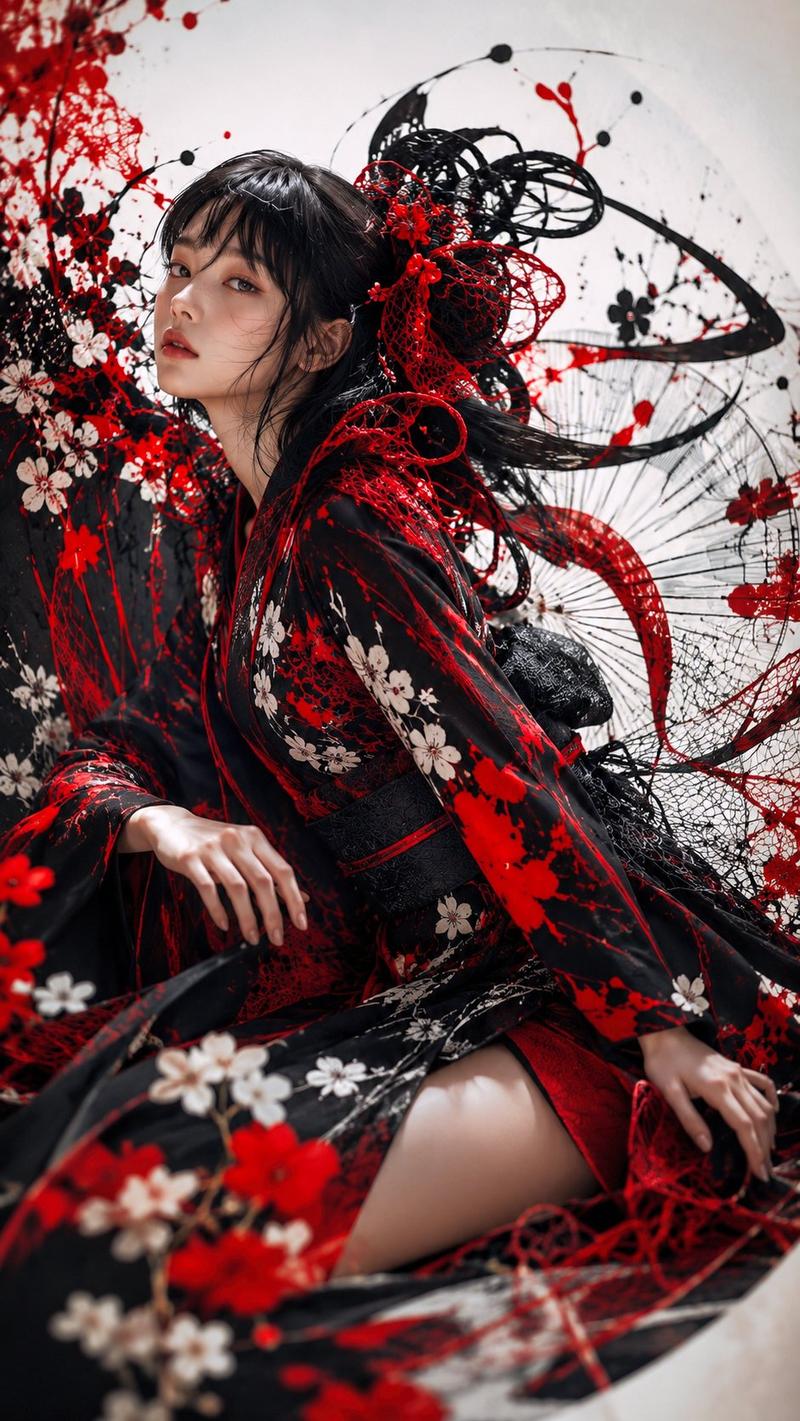
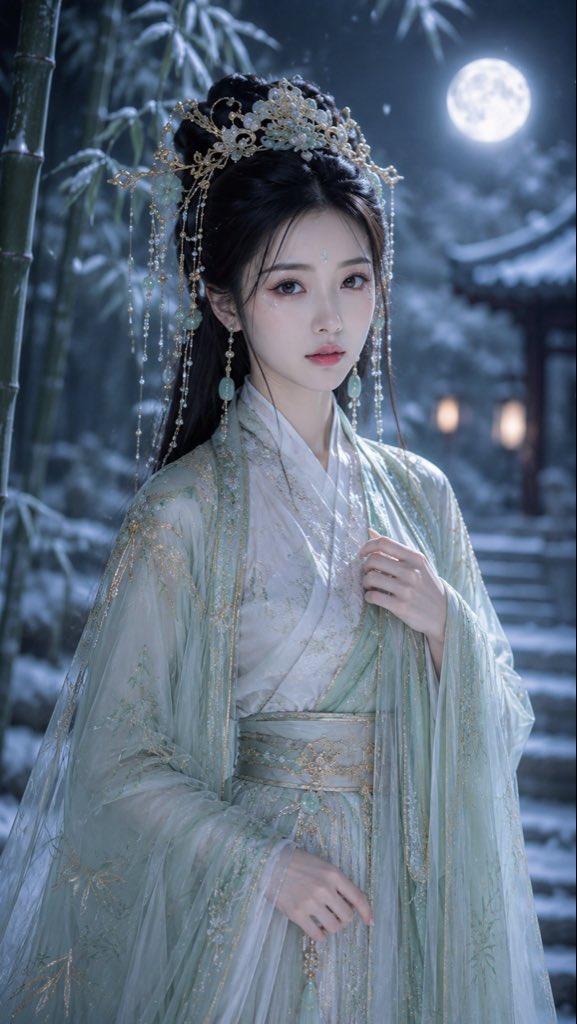
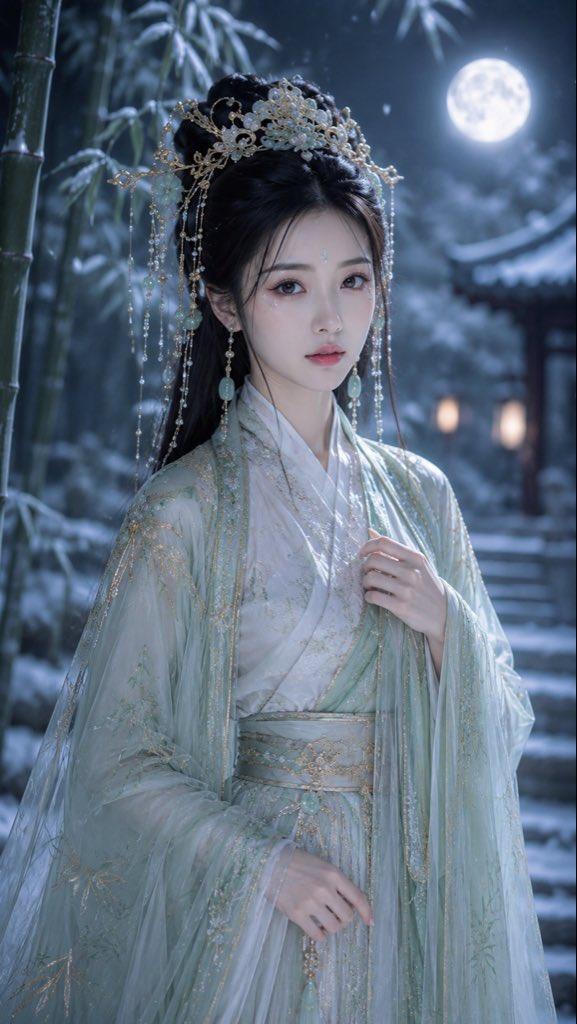
Chinese style realistic portrait photography. Classical soft focus cinematic aesthetic, cold and melancholy atmosphere. Close-up slight high-angle view, shallow depth of field. An exquisite and elegant young woman, cold white skin, soft highlights on the face. She lowers her head slightly, her gaze distant, slender fingers of one hand gently touching her chin, elegant and long nails. Wearing a silver-white silk ancient costume with fine bright patterns, the fabric shows natural shimmer and draped folds. A red flower ornament on the forehead, black hair slightly scattered. White pear blossoms faintly visible in the dark-toned background. Local spotlight falling from above, the main color tone of cold cyan and silver white accompanied by soft shadows, film texture, delicate image quality.
Category
Charts & Infographics
Model
ChatGPT
Views107
Source ID
16758
Published
Jun 25, 2026

Guide

About "国风写实人像古典柔焦电影美学"

What is this prompt for?

"国风写实人像古典柔焦电影美学" AI image prompt for ChatGPT (Charts & Infographics). 国风写实人像摄影。古典柔焦电影美学,清冷忧郁氛围。近景微俯视角,浅景深。一位精致典雅的年轻女性,冷白肤色,面部有柔和高光。她微微低头,眼神疏离,单手纤细的手指轻抚下巴,淡雅修长美…

The full copyable prompt and example visuals above are ready for AI image generation or one-click recreate in Picva.

How to use this prompt

  1. Step 1

    Open the prompt detail

    Review the example visuals, category, and full prompt text for "国风写实人像古典柔焦电影美学".

  2. Step 2

    Copy the prompt

    Copy the prompt body from this page, or load it directly in Studio.

  3. Step 3

    Pick a model (ChatGPT)

    Prefer ChatGPT. If you switch models, keep subject and composition and tweak style terms.

  4. Step 4

    Generate and export

    Recreate the look in Picva, or export into your workflow for editing and publishing.

FAQ

What is the "国风写实人像古典柔焦电影美学" prompt?
It is an AI image-generation prompt for ChatGPT in the Charts & Infographics category. This page includes the full prompt text, example visuals, and a one-click recreate path in Picva.
How do I use this prompt to generate an image?
Copy the prompt from this page, or use Generate / Studio. Paste it into a compatible image model, or recreate the look in Picva with optional reference images.
Which model is this prompt for?
This page lists ChatGPT. Most descriptive prompts also transfer to nearby image models such as GPT Image, Flux, or Midjourney with light style tweaks.
Can I use the result commercially?
You can usually copy the prompt for creation, but commercial use of the final image depends on the model terms, reference-image rights, and the generated content. Follow the source author and platform rules.