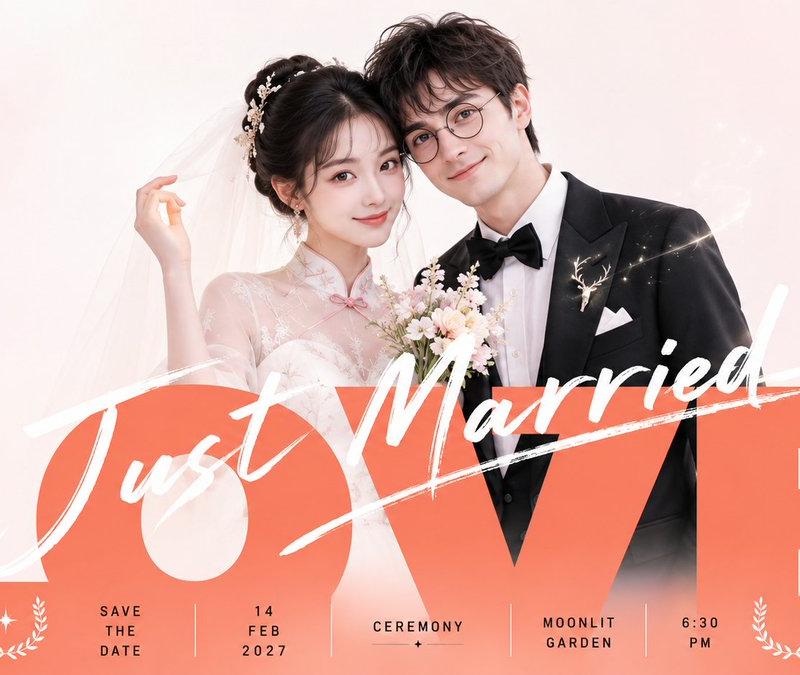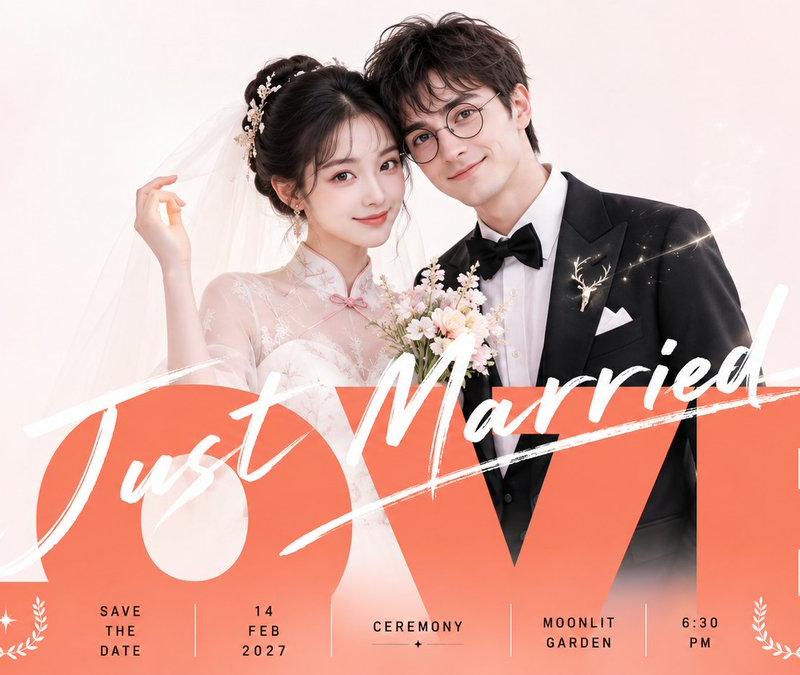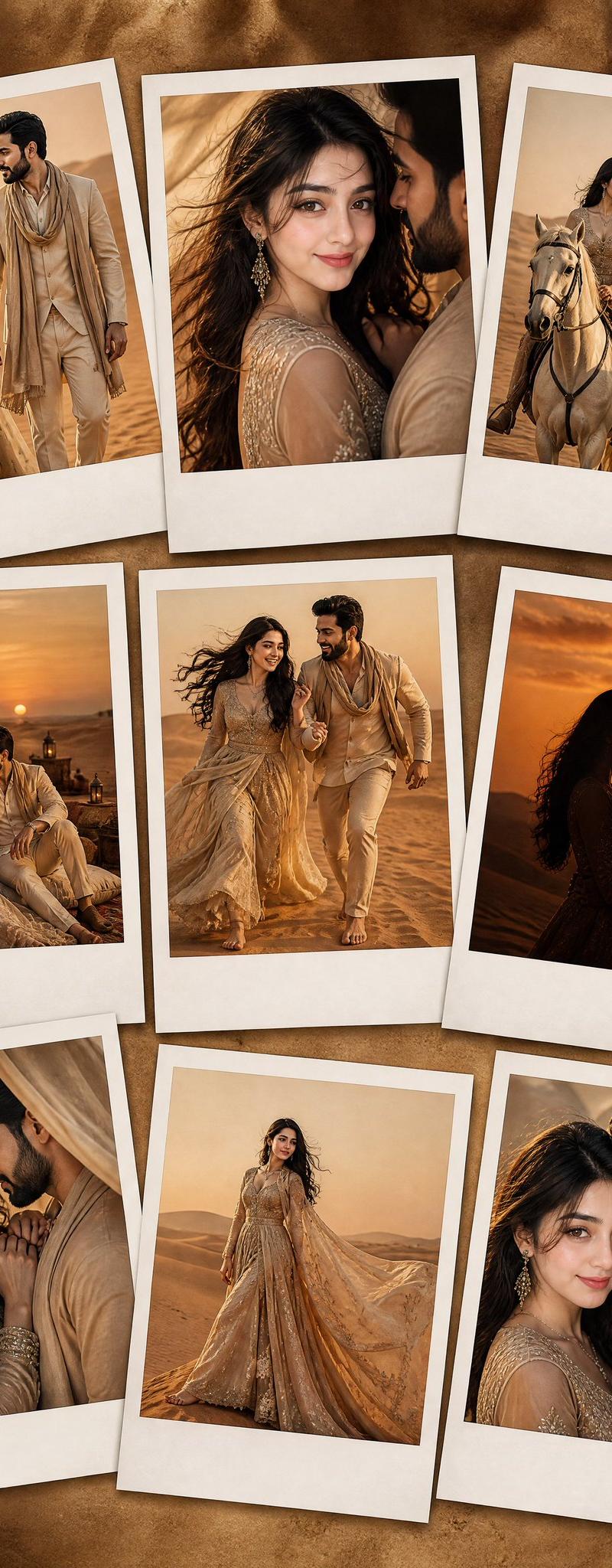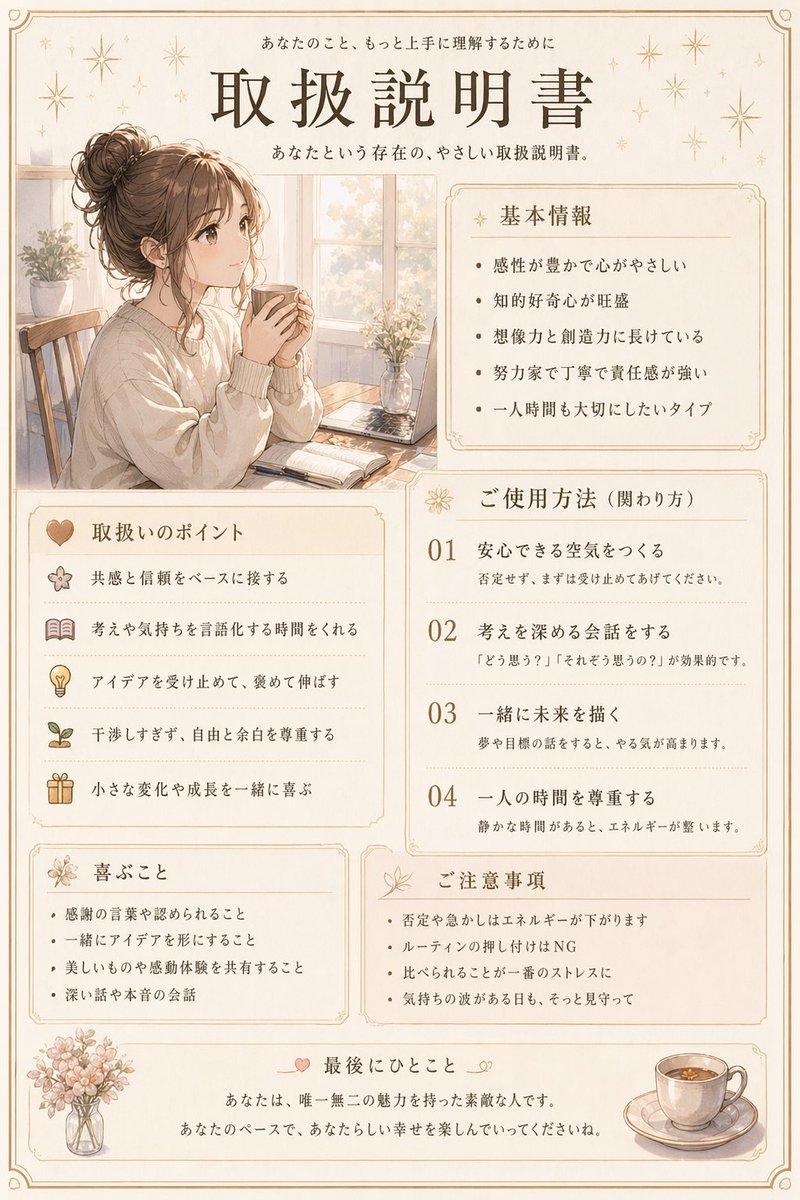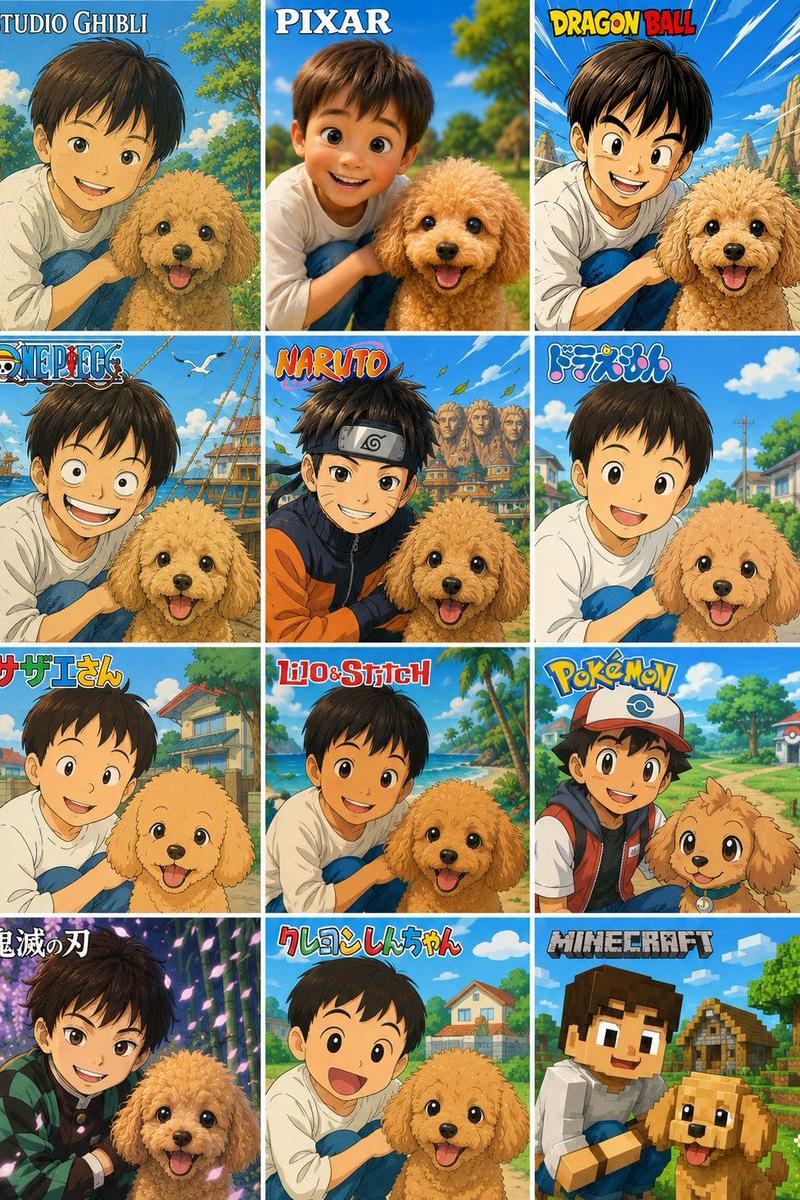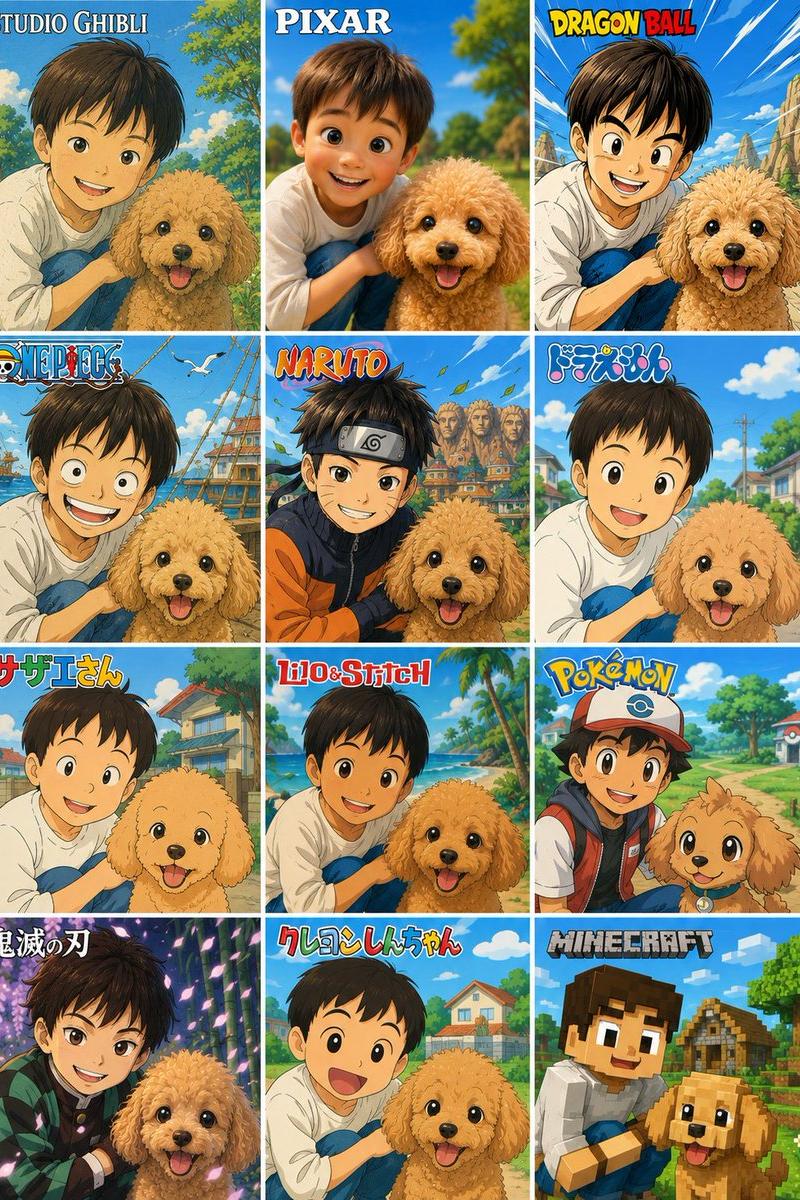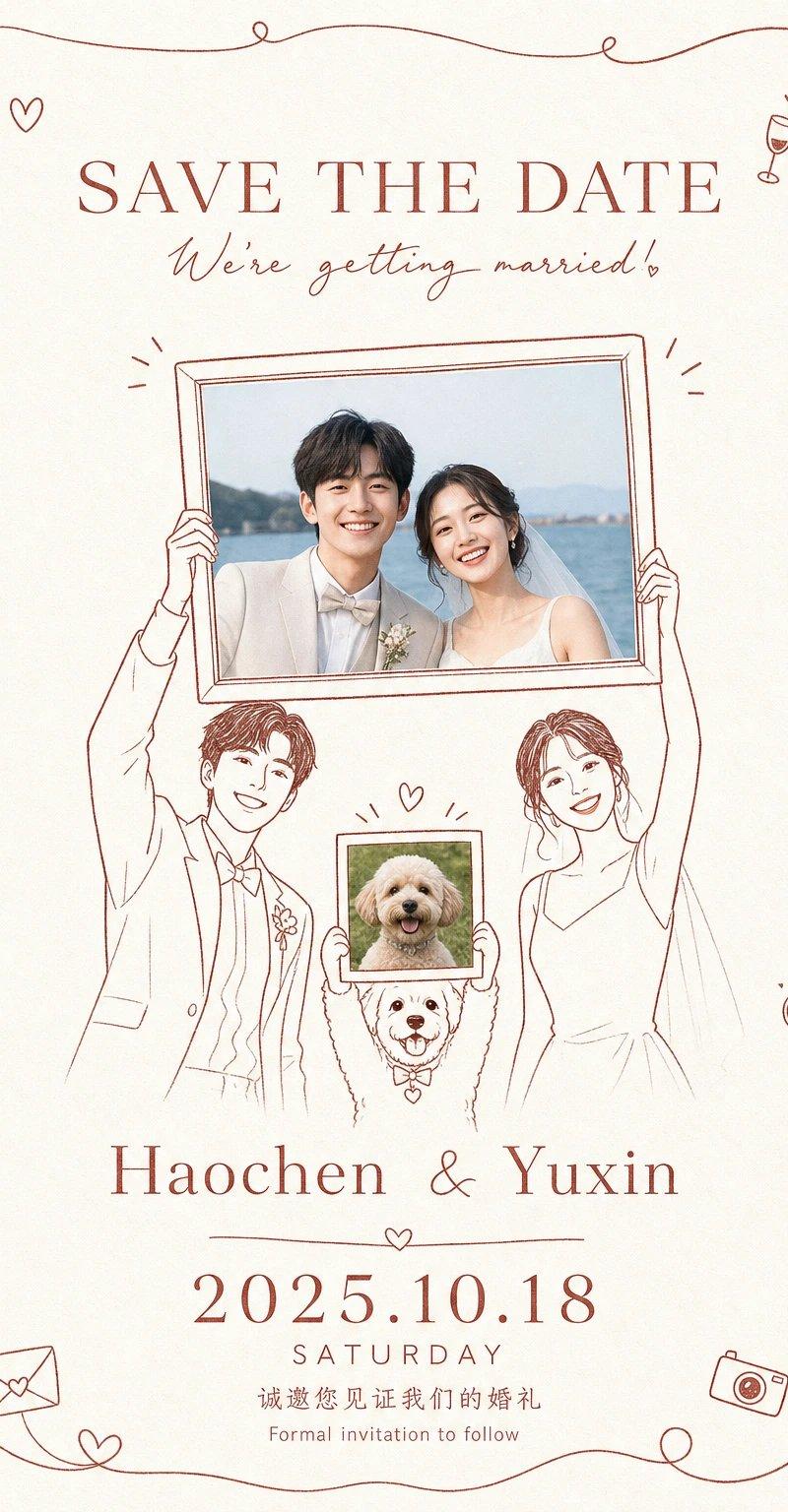
手绘线描婚礼预告请柬设计
Prompt
Generate a personal, commemorative, and ritualistic informational image around any theme: The composition uses a large area of bright, clear, and clean light-colored background as a breathing space, retaining subtle paper fibers and soft grains, but the overall look must not appear old or muddy; the center consists of simple monochromatic hand-drawn lines forming two main supporting characters, whose bodies remain as light line drawings, making the high-held photo frames, cards, or theme containers the visual focus, with real image fragments directly related to the theme embedded inside the frames, making the images look like solemnly displayed memory faces; a smaller theme symbol carrier is added below, lifting a secondary image or symbol, forming an intimate, humorous, and layered three-point relationship. The periphery is wrapped with a continuous, slightly irregular hand-drawn line to create a relaxed border, with small loops, bends, and theme-derived small icons in parts, making the border look like a casually drawn celebration clue rather than a hard decoration. Text is the core of the structure, using a stable and clear main title and a soft cursive subtitle at the top, a ritualistic phrase in the largest font size in the lower-middle part, and then smaller text to carry descriptions and date information; the font rhythm switches between formal and handwritten styles, with loose character spacing and ample white space, the reading path entering from the top information to the central image, then landing on the key text below. Colors are extracted from the theme's own material, emotion, and cultural signals, mapped to a high-brightness background color, a single clear structural line color, a small amount of theme emphasis color, and low-interference texture color; maintain the area relationship of a large light-bright background, a small amount of saturated lines and image color blocks, the overall feel is warm, intimate, bright, brisk, clean, and airy, with emphasis colors only serving line frames, text, and small icons. The final product should look like a carefully typeset hand-drawn commemorative invitation, with both the private evidence of real images and the relaxed sense of ritual brought by illustration lines, avoiding complex backgrounds, heavy shadows, cluttered decorations, and over-realistic figures.

——————
Want to replace with: A wedding preview invitation for a new couple, retaining the intimate structure of the two newlyweds holding a photo frame and a pet holding a small photo.
For posting on Moments: To notify friends and family to save the date for the wedding, text can include Save the Date, the names of the two newlyweds, and the wedding date.
Layout requirements: Vertical version 9:16, light and bright white space background, reddish-brown monochromatic line drawing, photo areas are clear as if solemnly displayed.
- Category
- Charts & Infographics
- Model
- ChatGPT
- Creator
- @xiaoxiaodong01
- Source language
- zh-CN
- Source ID
- 16699
- Published
- Jun 24, 2026
Views52