20

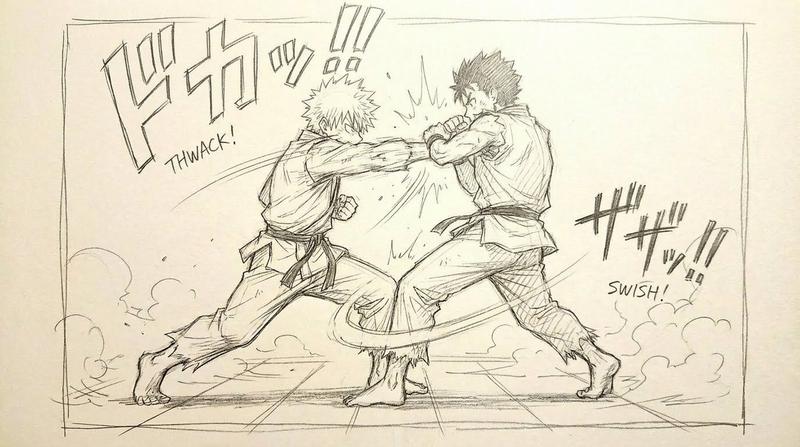
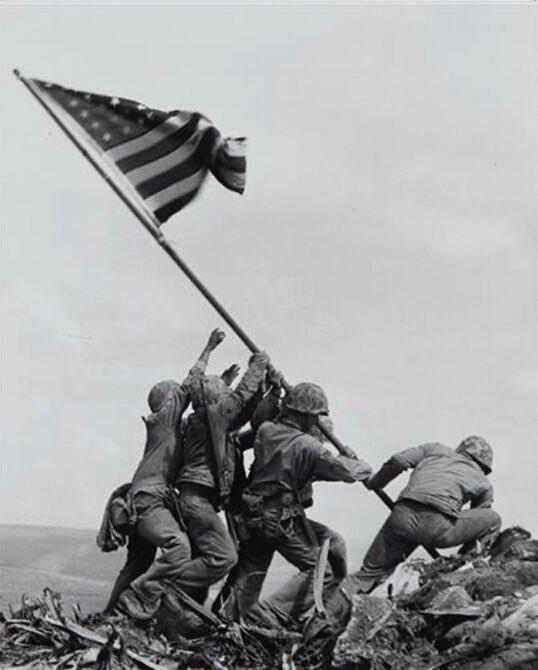
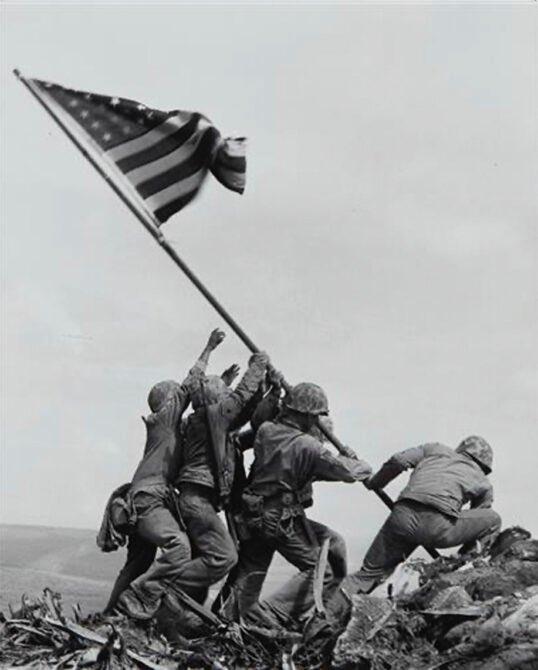
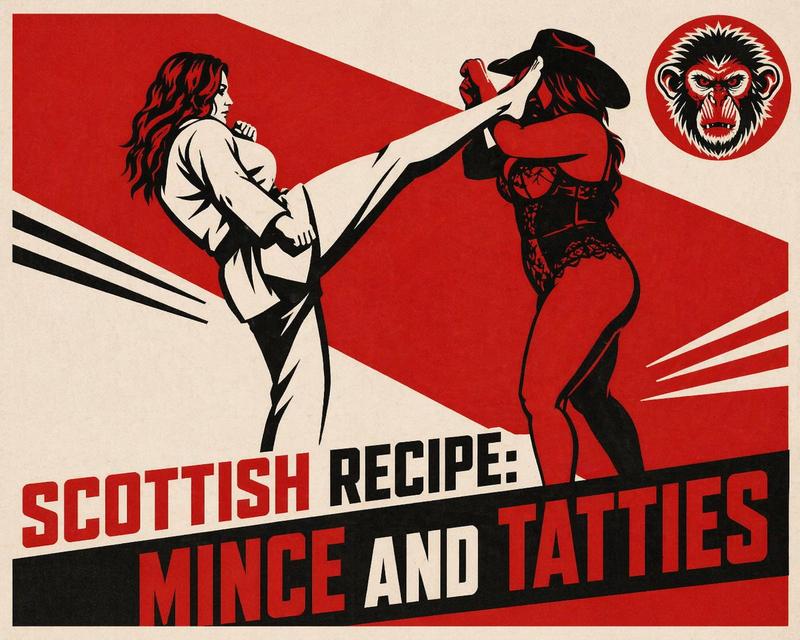
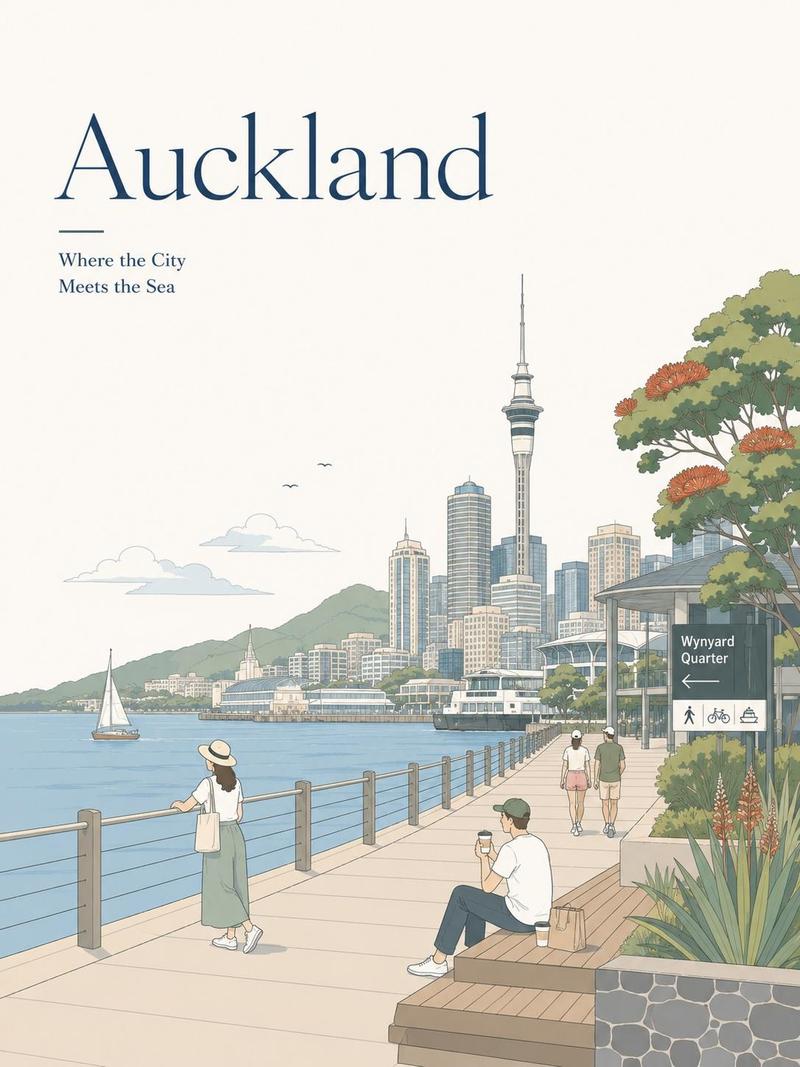
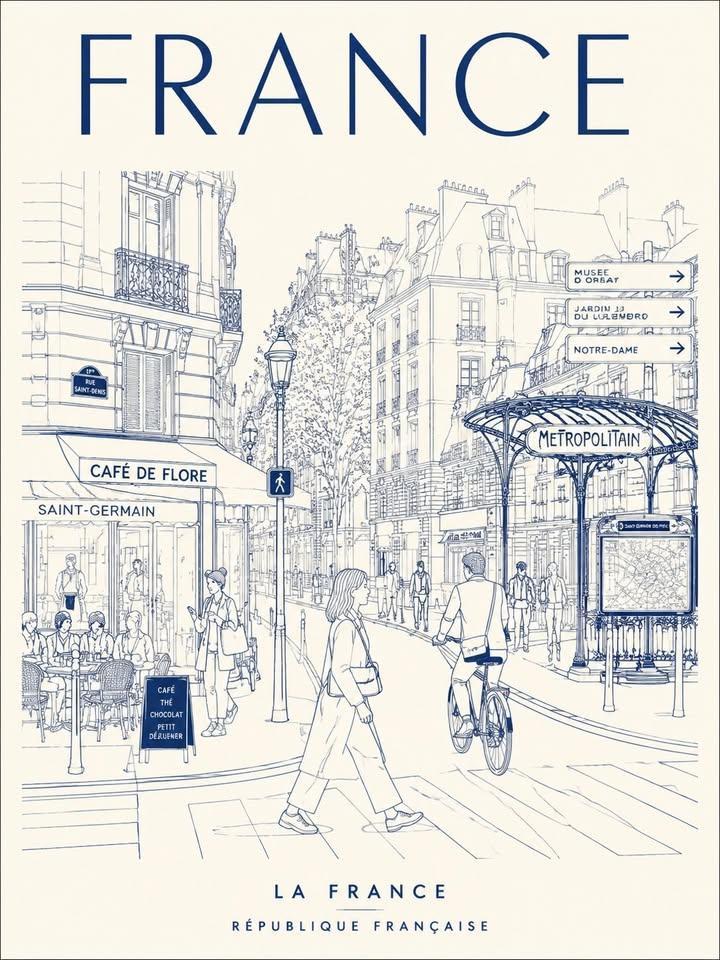
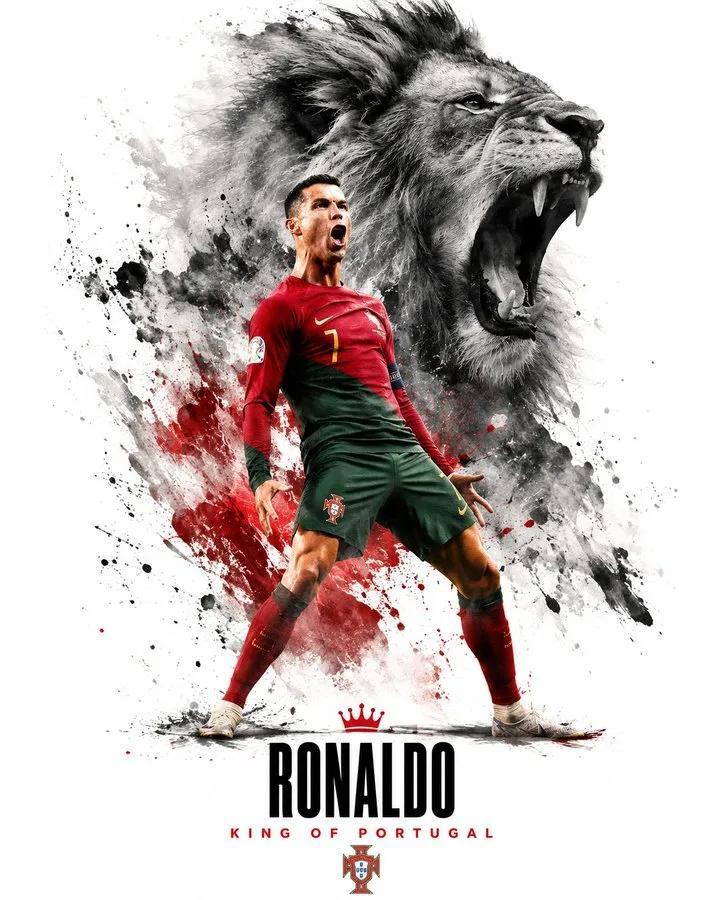
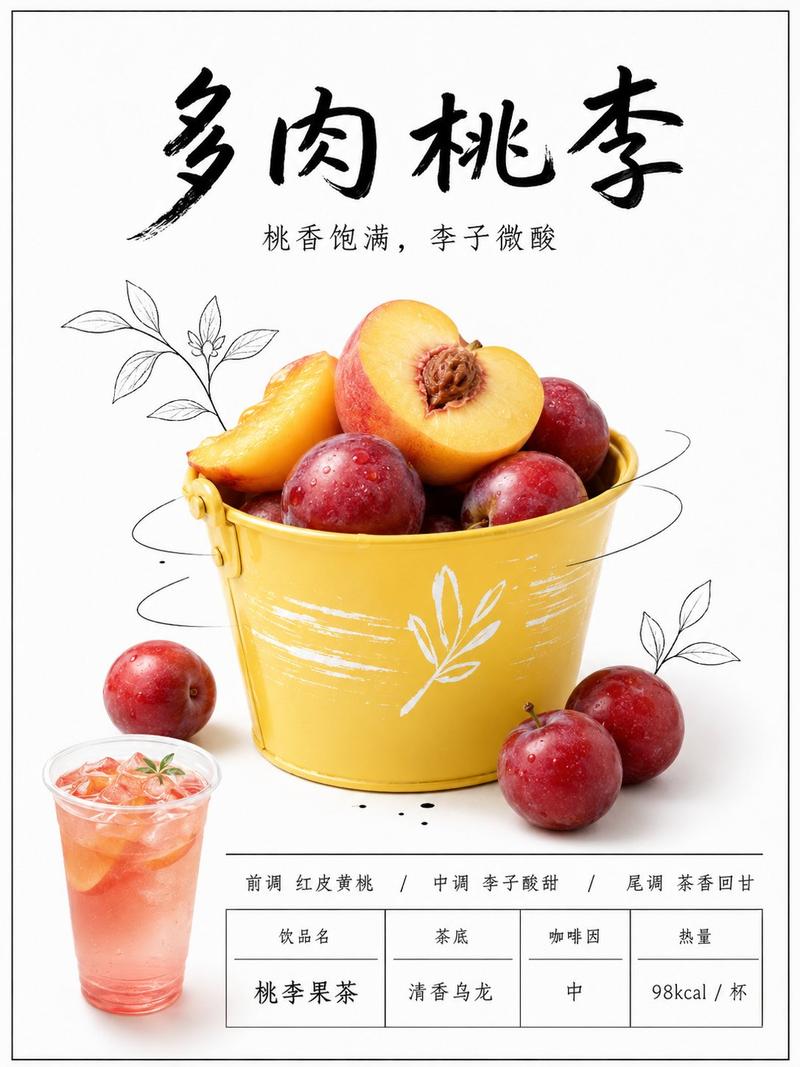
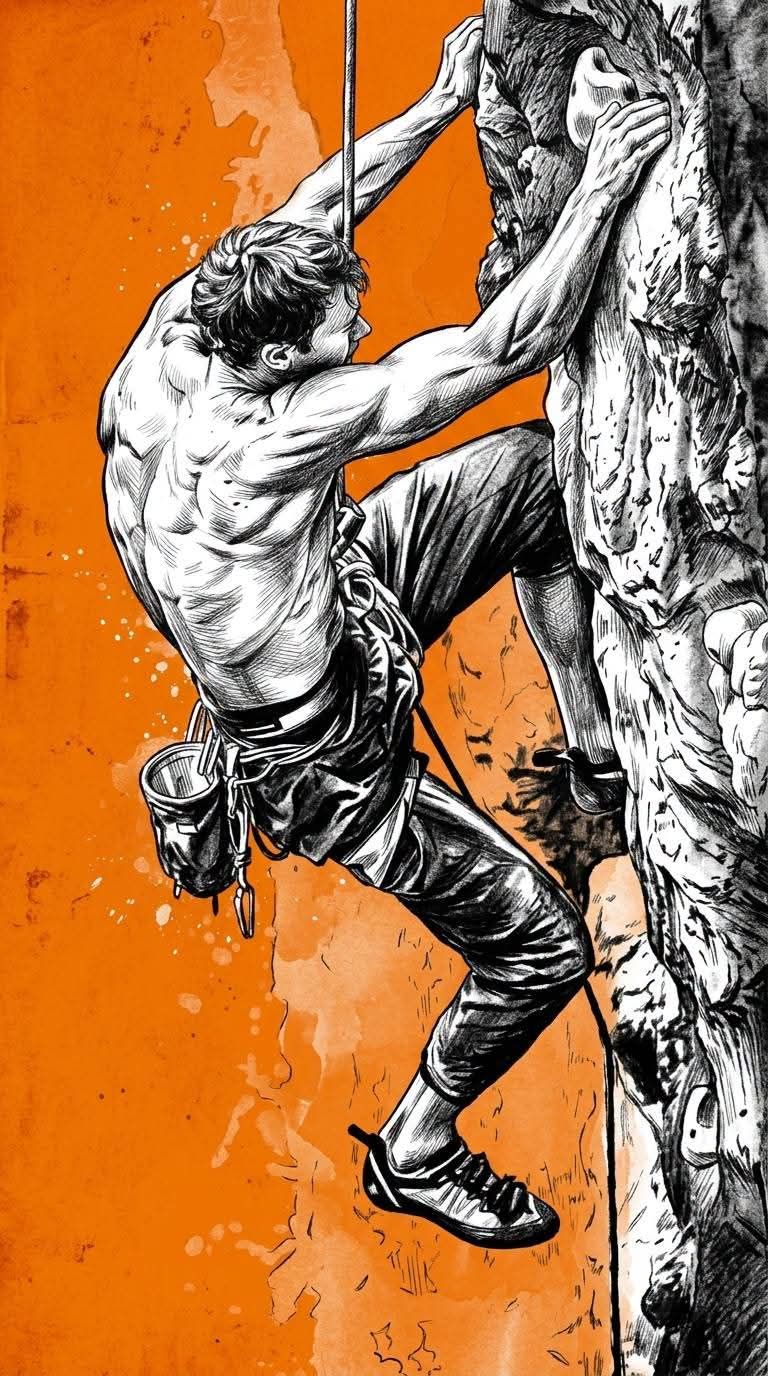
手绘单色插画黑白油墨橘色背景海报
Enlarge

Example images

手绘单色插画黑白油墨橘色背景海报

Prompt
Using references made 100% identical, transformed into a hand-drawn monochrome illustration style, done entirely in black-and-white ink with expressive pen strokes, bold contour lines, intricate cross-hatching, charcoal-like shading, and sketch-quality textures. The subject appears to be a hand-drawn illustration with visible artistic lines, rough ink details, and organic imperfections, emphasizing the aesthetics of traditional fine art drawing. No typography, no lettering, no logos, no symbols, no watermarks. High-contrast black-and-white objects against a bright, solid dark orange background with subtle grunge textures, worn paper effects, light paint splatters, and soft watercolor variations. Strong editorial poster composition, dramatic negative space, cinematic contrast, premium graphic novel aesthetic, museum-quality hand-drawn illustrations, highly detailed, masterpiece, 8K. A 9:16.
Category
Charts & Infographics
Model
ChatGPT
Creator
@HustleXR
Views20
Source ID
16926
Published
Jun 28, 2026

Guide

About "手绘单色插画黑白油墨橘色背景海报"

What is this prompt for?

"手绘单色插画黑白油墨橘色背景海报" AI image prompt for ChatGPT (Charts & Infographics). 使用100%完全相同的参考资料,转化为手绘单色插画风格,完全由黑白油墨完成,具有表现力的笔触、粗大的轮廓线、复杂的交叉阴影线、类木炭阴影和素描质量的纹理。主题看起来像是手绘插…

The full copyable prompt and example visuals above are ready for AI image generation or one-click recreate in Picva.

How to use this prompt

  1. Step 1

    Open the prompt detail

    Review the example visuals, category, and full prompt text for "手绘单色插画黑白油墨橘色背景海报".

  2. Step 2

    Copy the prompt

    Copy the prompt body from this page, or load it directly in Studio.

  3. Step 3

    Pick a model (ChatGPT)

    Prefer ChatGPT. If you switch models, keep subject and composition and tweak style terms.

  4. Step 4

    Generate and export

    Recreate the look in Picva, or export into your workflow for editing and publishing.

FAQ

What is the "手绘单色插画黑白油墨橘色背景海报" prompt?
It is an AI image-generation prompt for ChatGPT in the Charts & Infographics category. This page includes the full prompt text, example visuals, and a one-click recreate path in Picva.
How do I use this prompt to generate an image?
Copy the prompt from this page, or use Generate / Studio. Paste it into a compatible image model, or recreate the look in Picva with optional reference images.
Which model is this prompt for?
This page lists ChatGPT. Most descriptive prompts also transfer to nearby image models such as GPT Image, Flux, or Midjourney with light style tweaks.
Can I use the result commercially?
You can usually copy the prompt for creation, but commercial use of the final image depends on the model terms, reference-image rights, and the generated content. Follow the source author and platform rules.