20

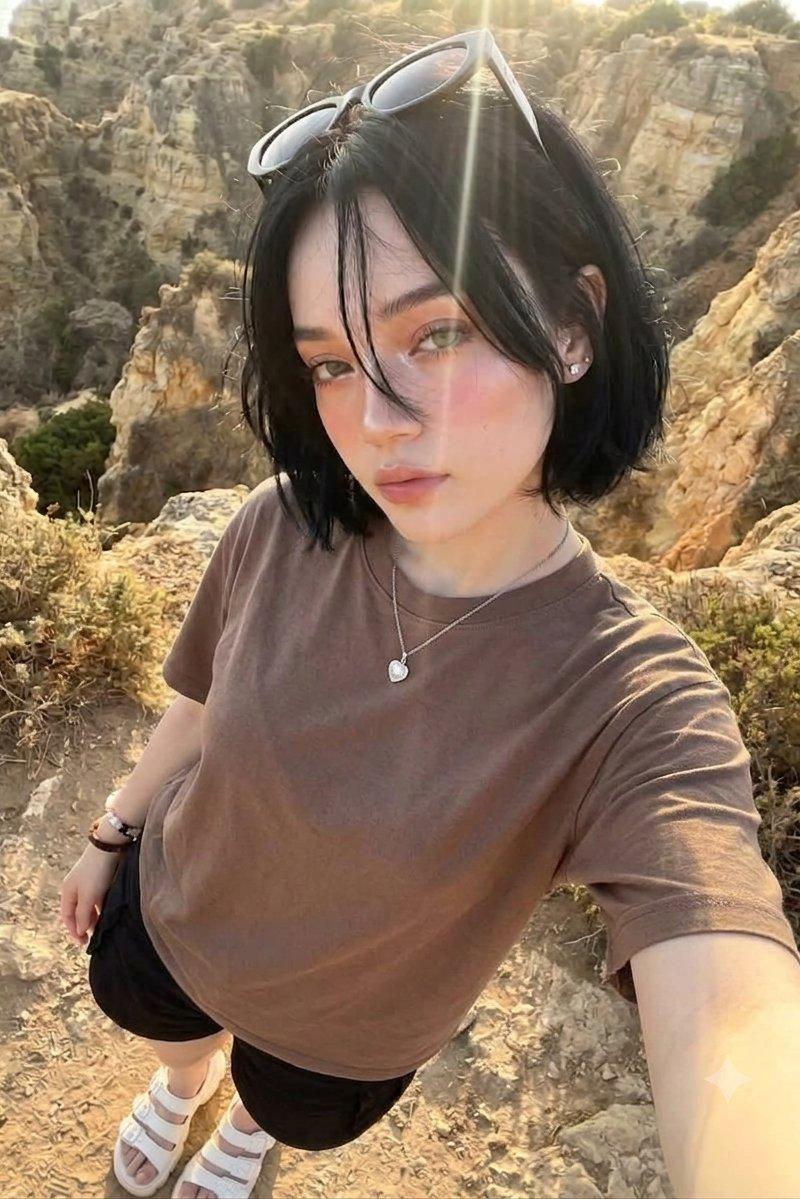
峡谷黄金时刻高角度俯拍女性
Enlarge

Example images

峡谷黄金时刻高角度俯拍女性

Prompt
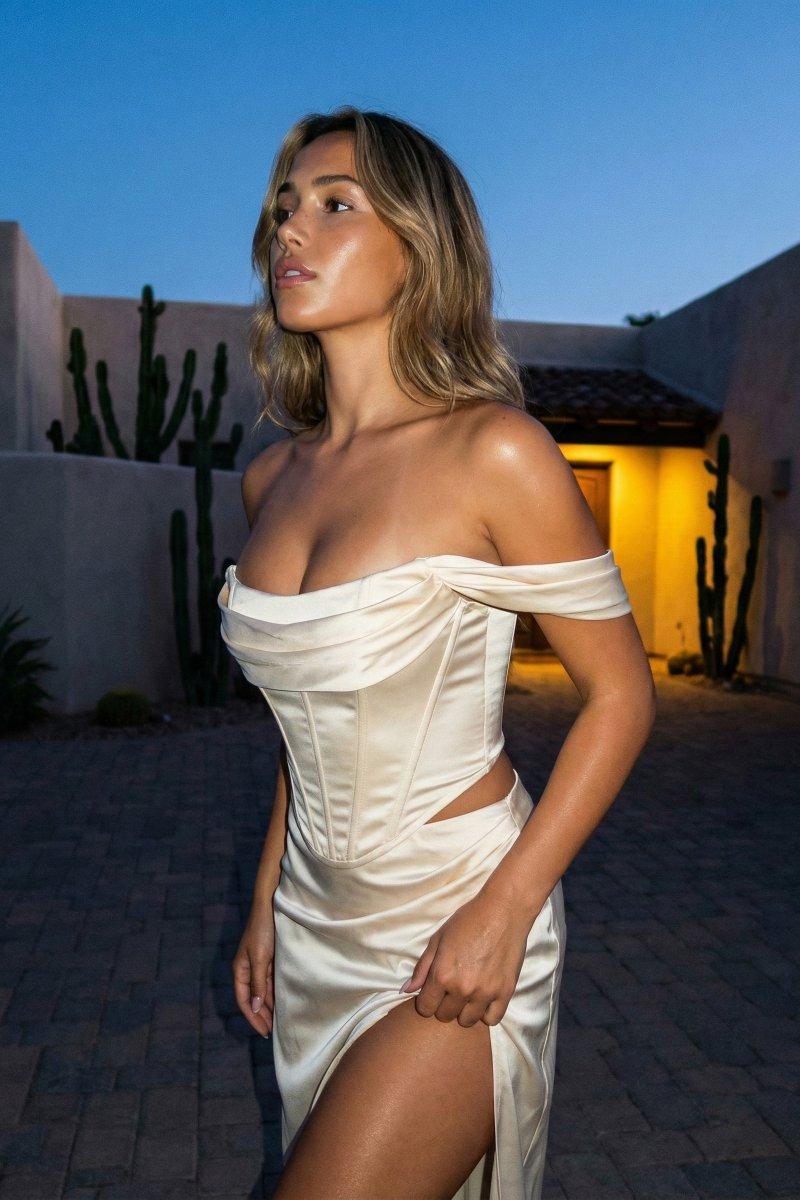
A high-angle, top-down selfie of a young woman with a short, messy black bob and light hazel eyes. She is looking directly up into the camera with a soft, calm expression. She wears a simple, oversized brown cotton t-shirt, black shorts, and white strapped sandals. On her head rest dark sunglasses, pushing back her bangs, with a few strands framing her face. She is wearing a delicate silver chain necklace with a heart pendant.
The background features a rugged, rocky canyon landscape under brilliant, golden-hour sunlight. A bright, warm lens flare cuts across the top of the frame, illuminating her face and highlighting a soft, sun-kissed makeup look with prominent rosy blush. The overall aesthetic is a casual, cinematic travel photograph with high-detail textures on the fabric and surrounding rocks.
Category
Charts & Infographics
Model
Nano banana pro
Creator
@iamsofiaijaz
Source language
zh-CN
Views54
Source ID
16586
Published
Jun 23, 2026
Studio

Guide

About "峡谷黄金时刻高角度俯拍女性"

What is this prompt for?

"峡谷黄金时刻高角度俯拍女性" AI image prompt for Nano banana pro (Charts & Infographics). 一位年轻女性的高角度、俯视自拍照,她留着凌乱的黑色短波波头,拥有一双浅榛色眼睛。她正抬头直视镜头,表情柔和而平静。她穿着一件简约的大号棕色棉质 T 恤、黑色短裤和白…

The full copyable prompt and example visuals above are ready for AI image generation or one-click recreate in Picva.

How to use this prompt

  1. Step 1

    Open the prompt detail

    Review the example visuals, category, and full prompt text for "峡谷黄金时刻高角度俯拍女性".

  2. Step 2

    Copy the prompt

    Copy the prompt body from this page, or load it directly in Studio.

  3. Step 3

    Pick a model (Nano banana pro)

    Prefer Nano banana pro. If you switch models, keep subject and composition and tweak style terms.

  4. Step 4

    Generate and export

    Recreate the look in Picva, or export into your workflow for editing and publishing.

FAQ

What is the "峡谷黄金时刻高角度俯拍女性" prompt?
It is an AI image-generation prompt for Nano banana pro in the Charts & Infographics category. This page includes the full prompt text, example visuals, and a one-click recreate path in Picva.
How do I use this prompt to generate an image?
Copy the prompt from this page, or use Generate / Studio. Paste it into a compatible image model, or recreate the look in Picva with optional reference images.
Which model is this prompt for?
This page lists Nano banana pro. Most descriptive prompts also transfer to nearby image models such as GPT Image, Flux, or Midjourney with light style tweaks.
Can I use the result commercially?
You can usually copy the prompt for creation, but commercial use of the final image depends on the model terms, reference-image rights, and the generated content. Follow the source author and platform rules.