17

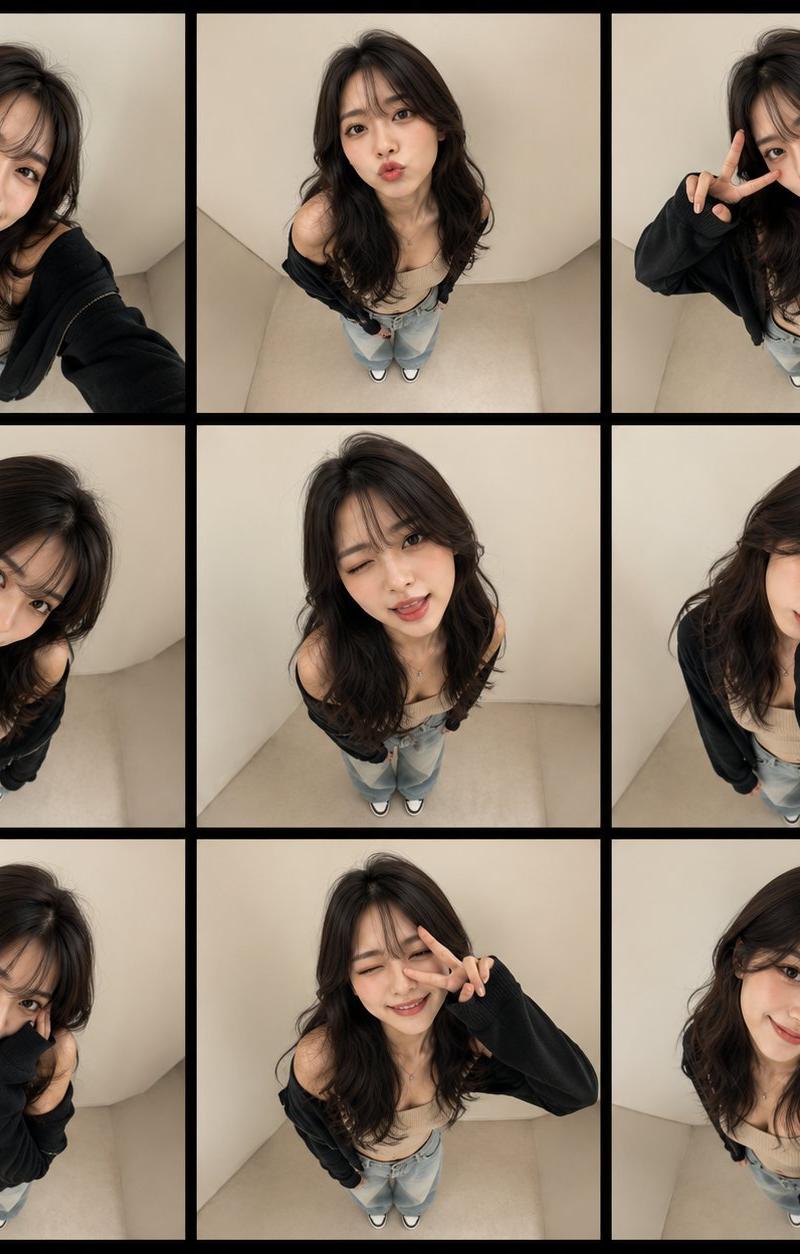
鱼眼视角高级时尚九宫格写真
Enlarge

Example images

鱼眼视角高级时尚九宫格写真

Prompt
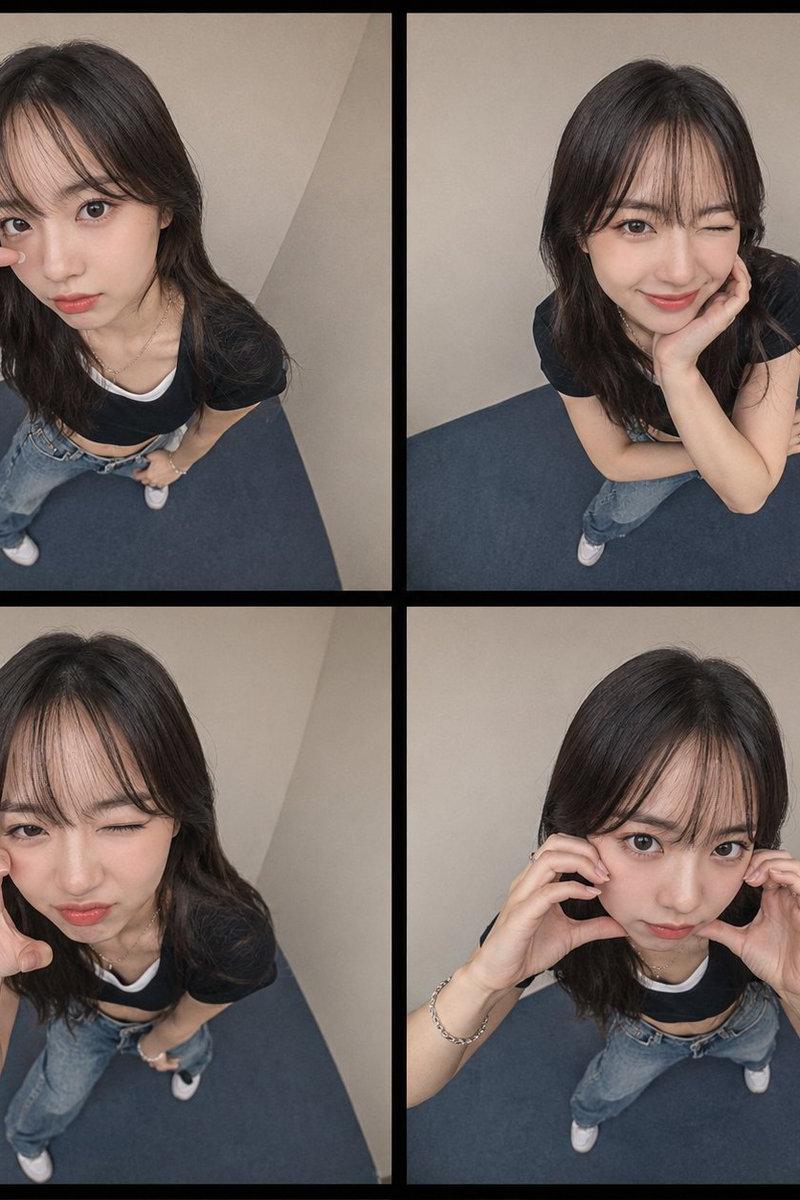
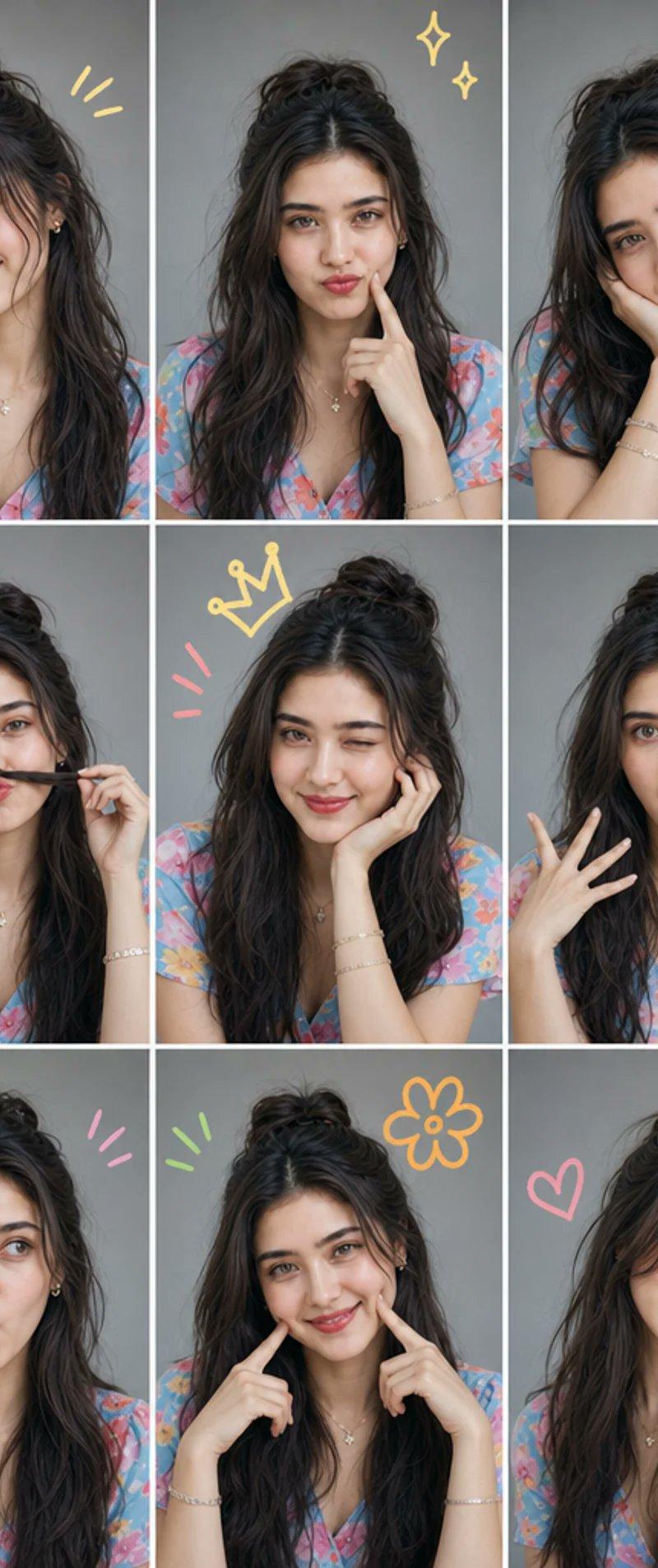
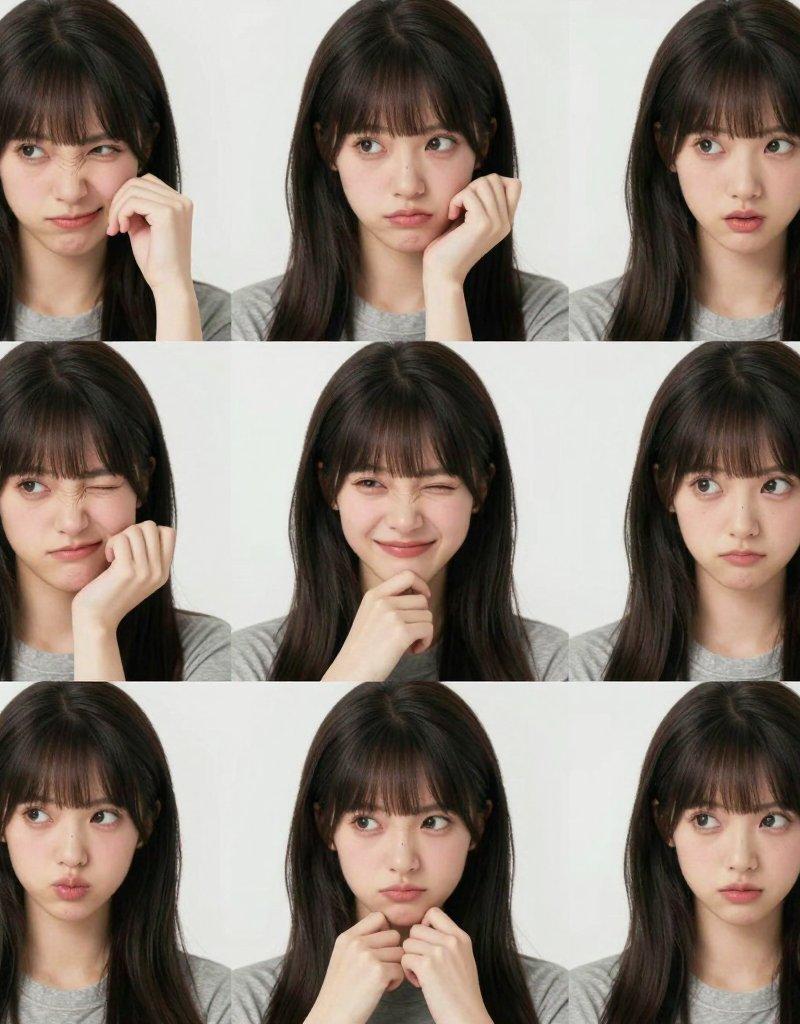
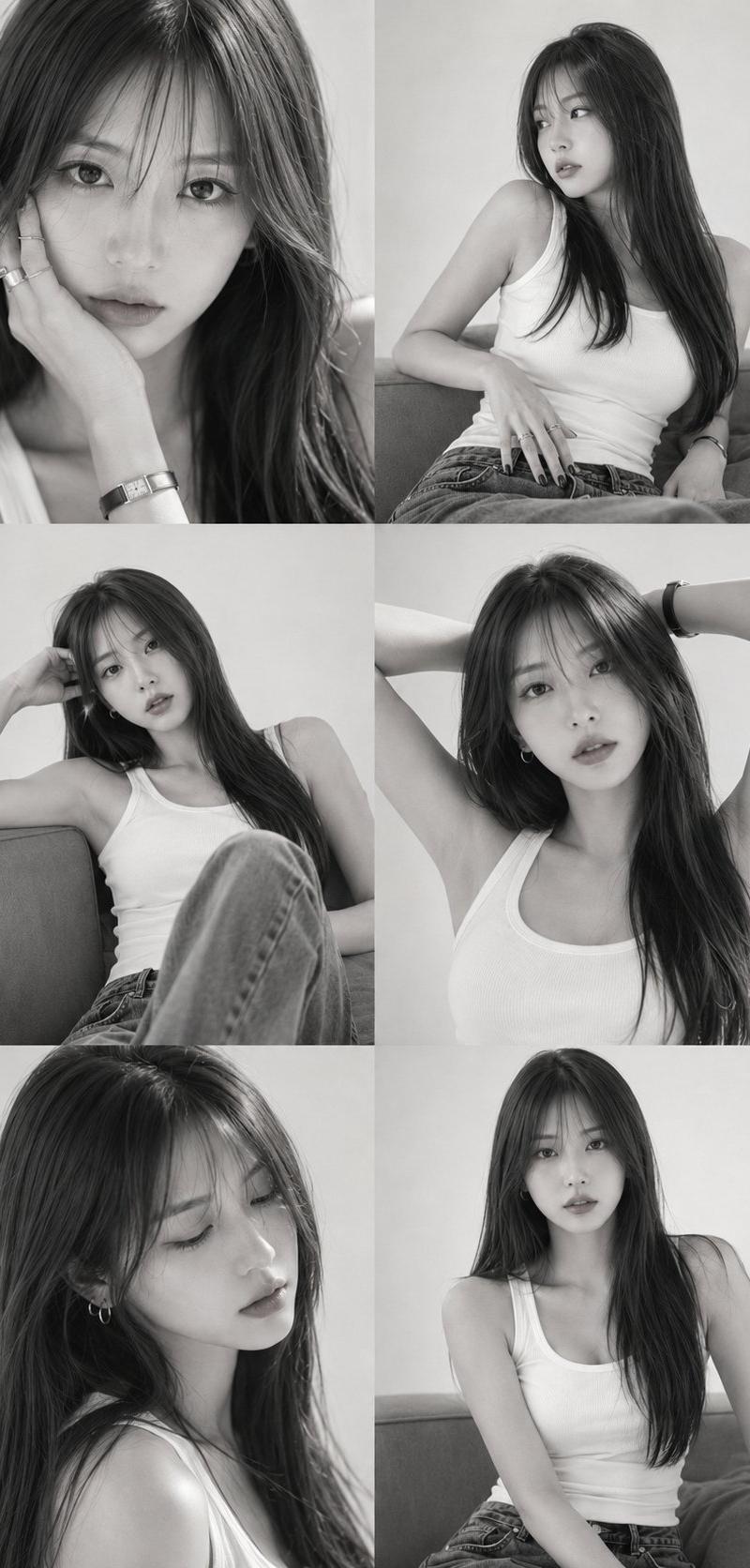
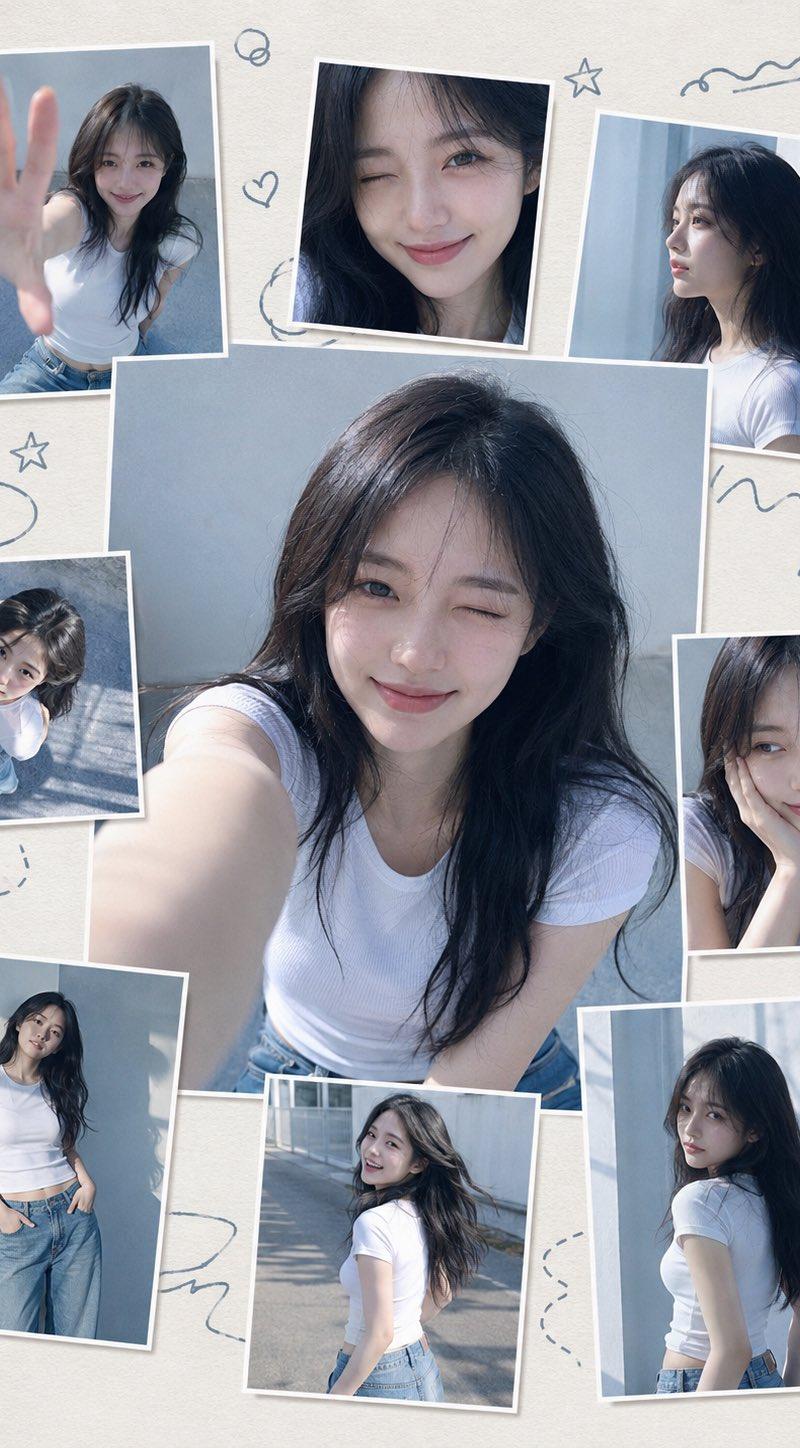
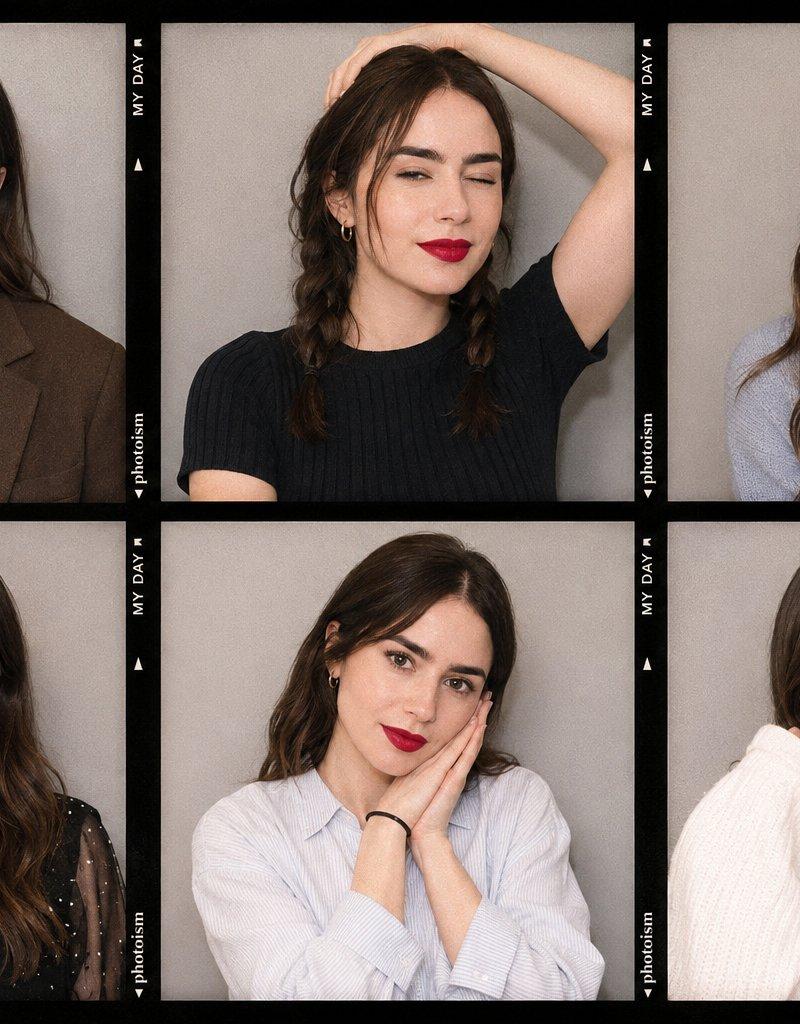
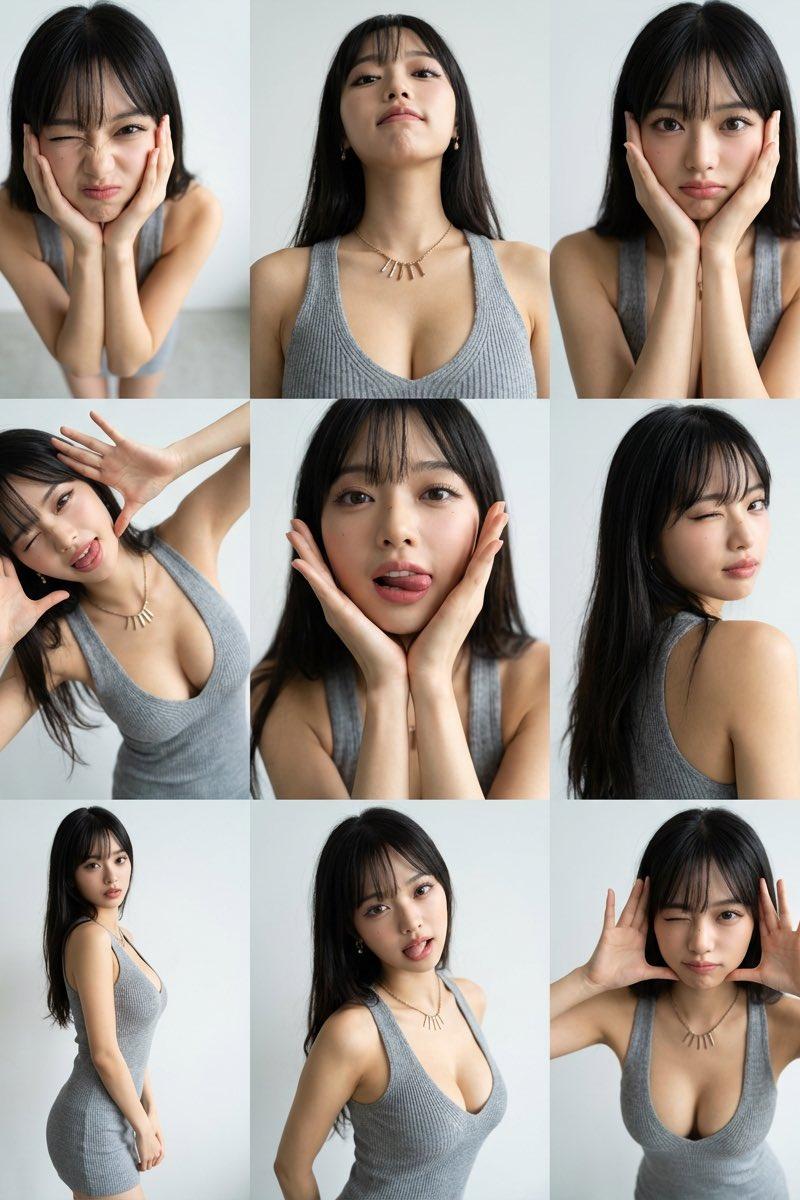
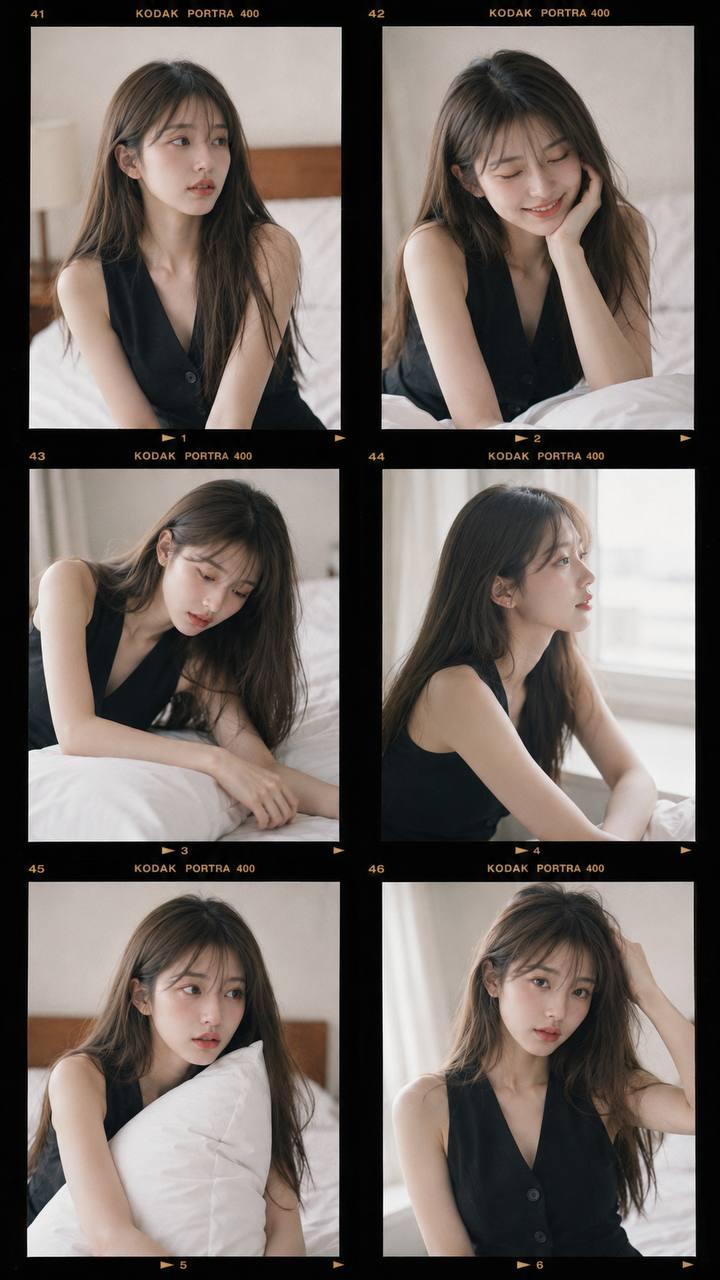
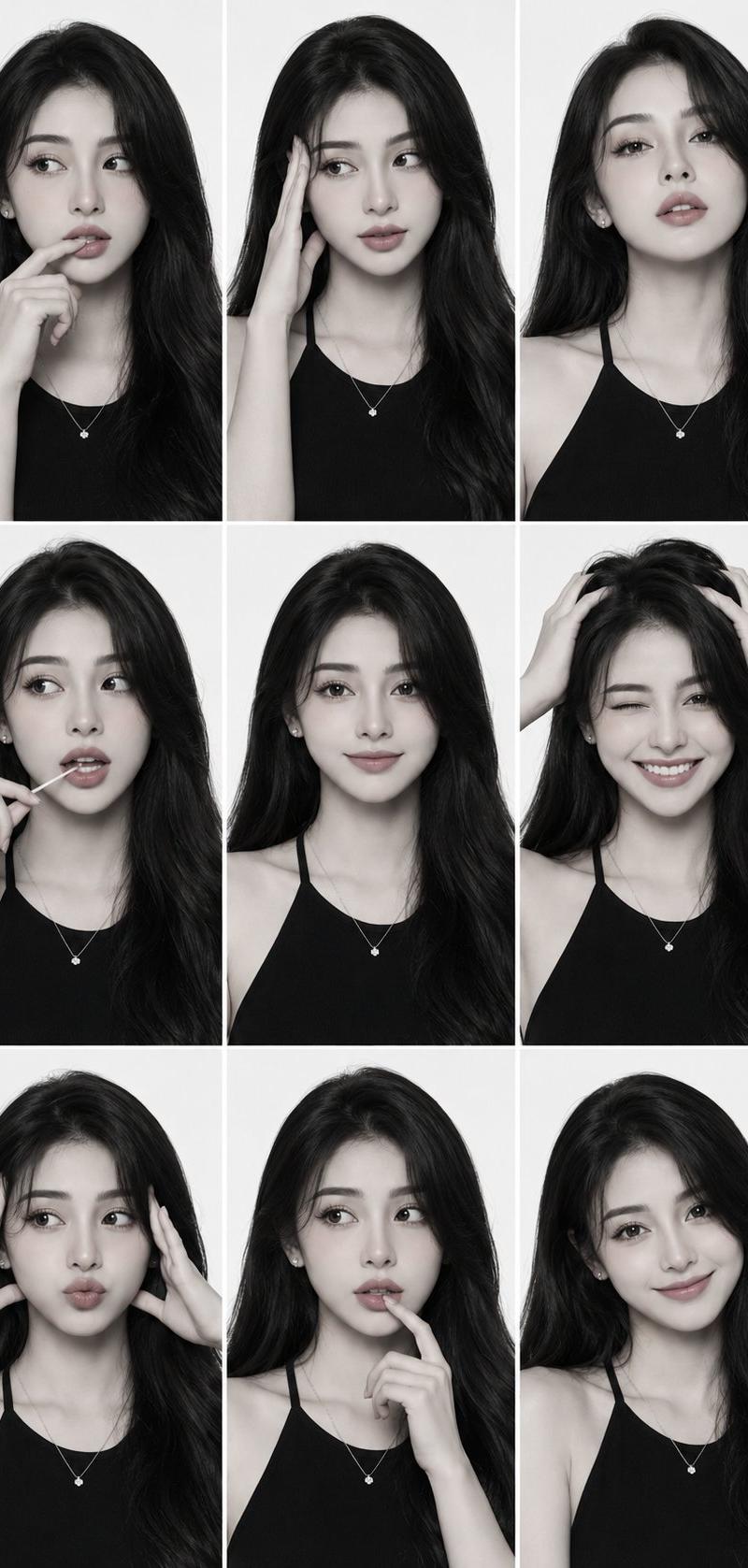
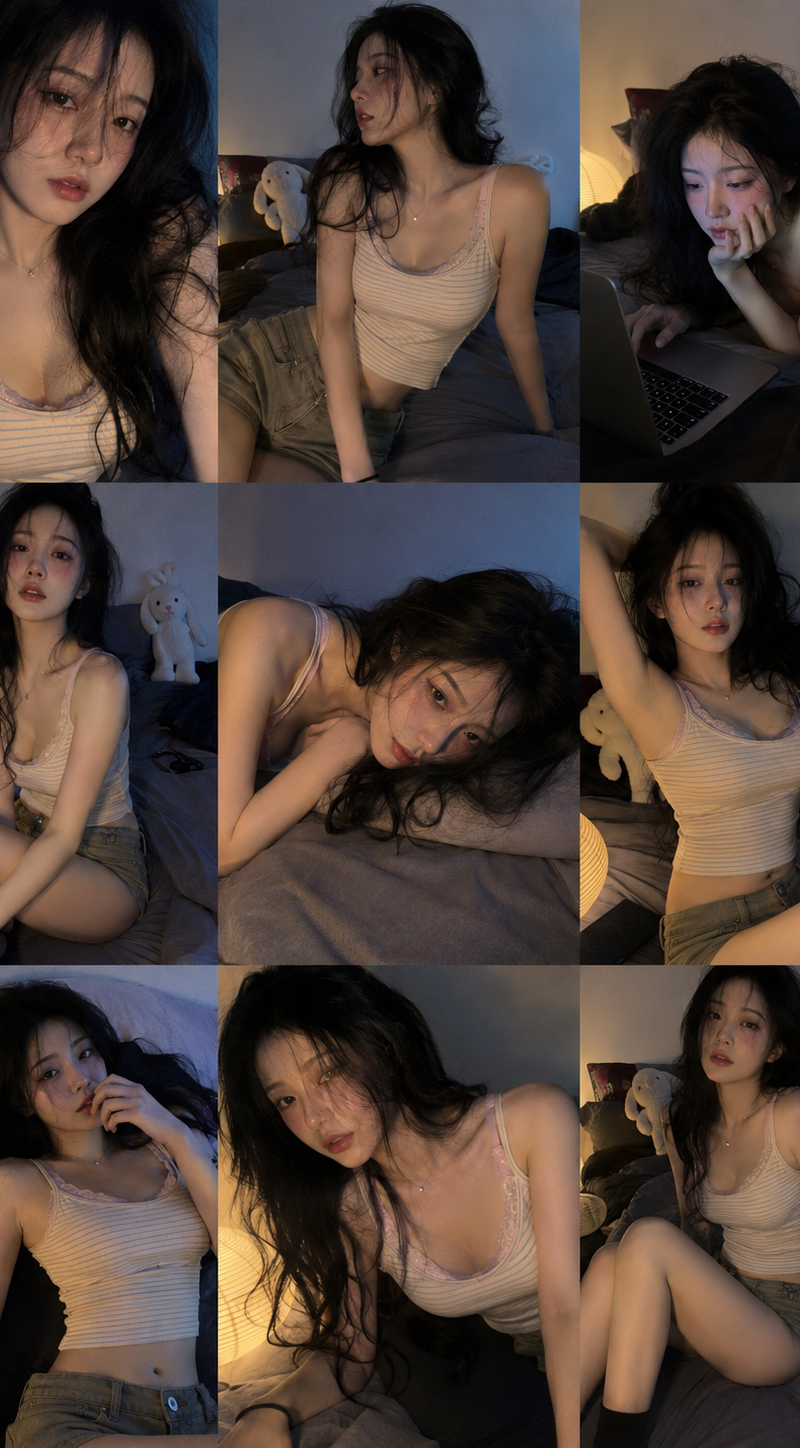
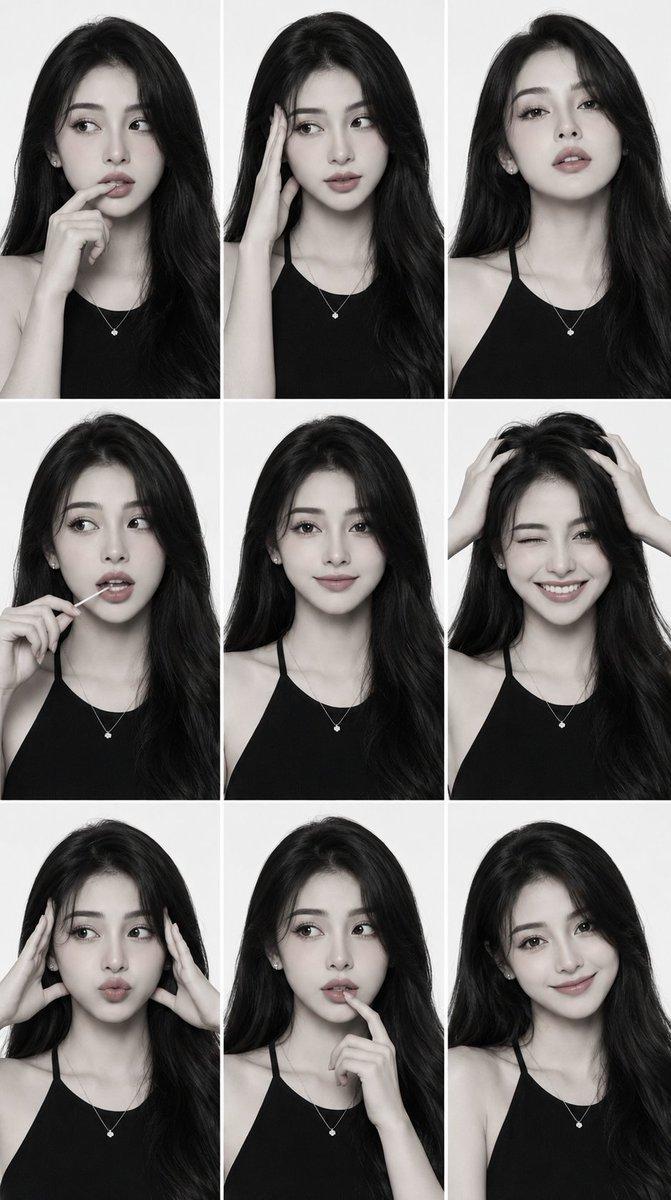
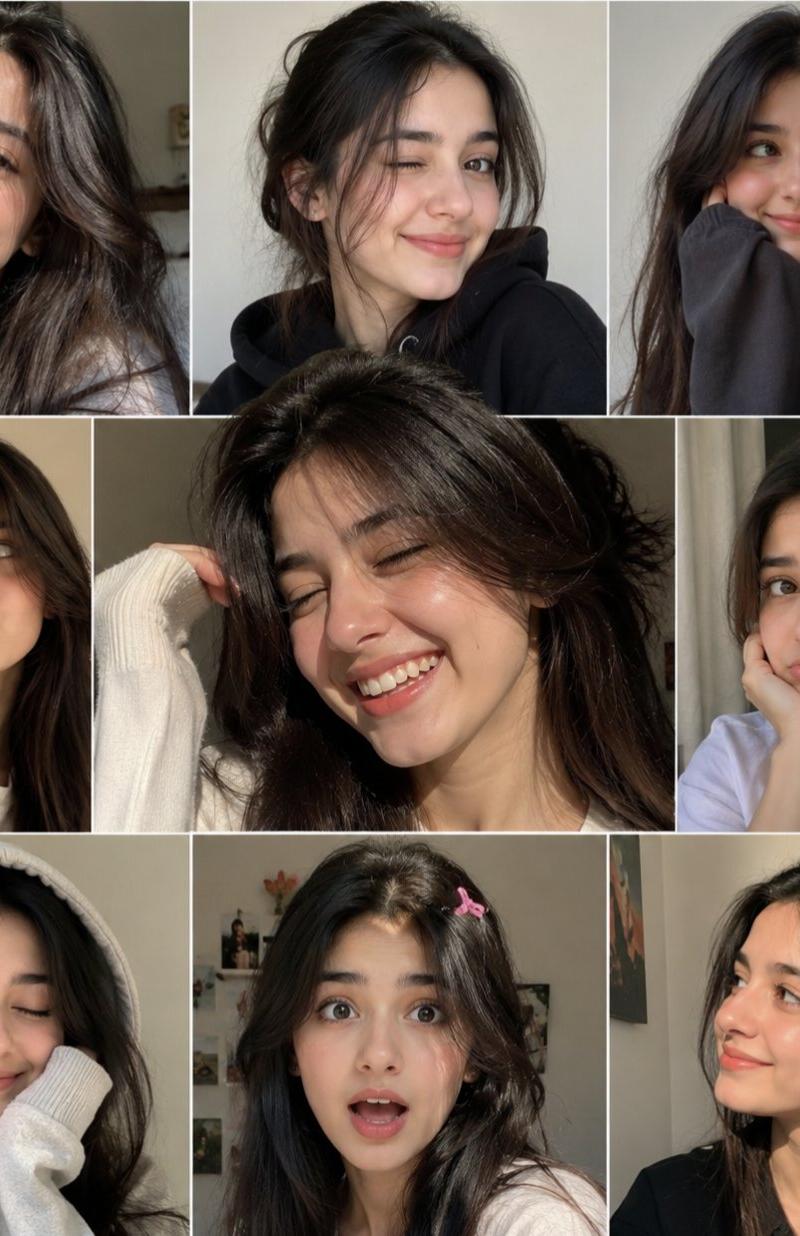
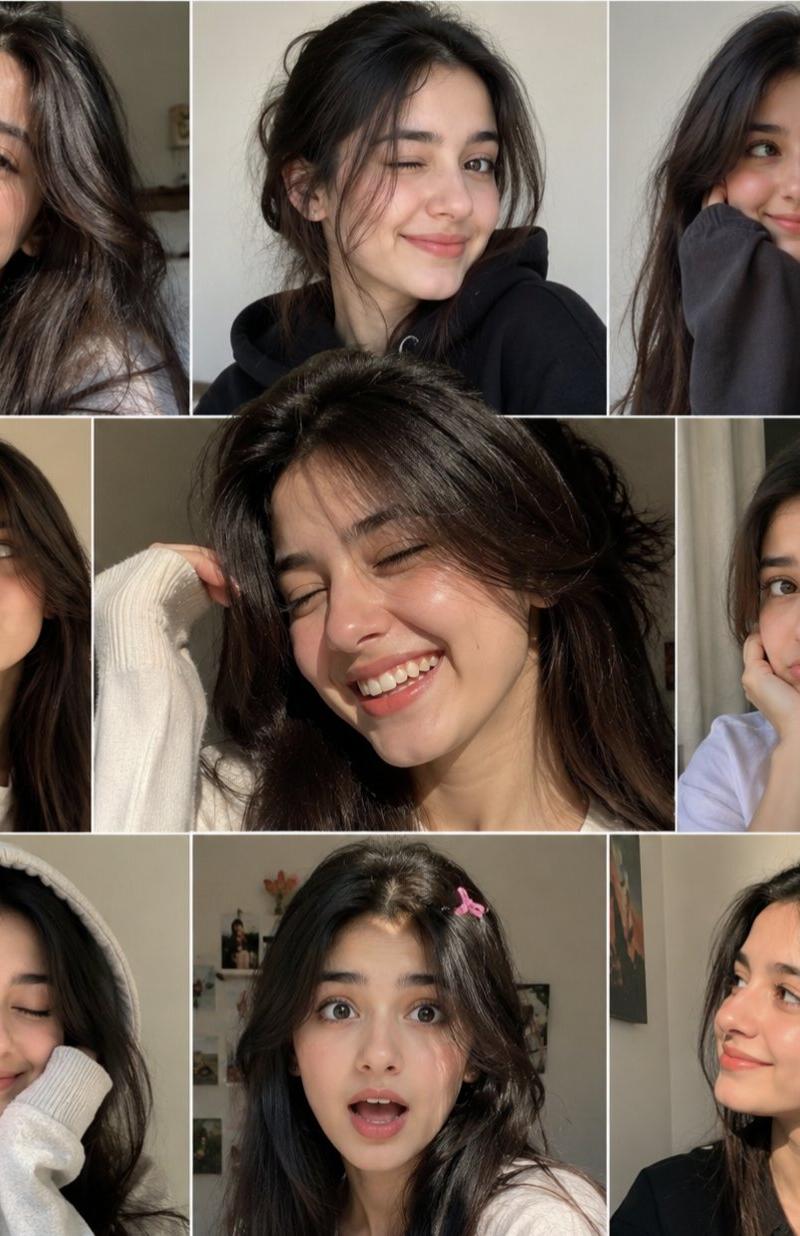
Premium high-fashion editorial contact sheet, 3×3 photo grid layout with clean black borders, featuring the same beautiful young woman in nine playful poses and expressions. Shot from an exaggerated high-angle fisheye lens perspective, looking up directly into the camera. Minimalist beige corner studio with seamless walls and floor, soft natural daylight, luxury fashion magazine aesthetic.

Long wavy dark hair with wispy curtain bangs, flawless natural makeup, luminous skin, expressive eyes. Wearing an oversized black cardigan casually draped off the shoulders, beige fitted camisole, relaxed light-wash denim jeans, delicate necklace.

Each frame shows a unique expression and gesture: playful wink, pouty kiss face, peace sign, cheek resting on hand, soft smile, cute sleepy pose, playful eye contact, gentle grin, relaxed fashion pose.

Editorial model test shoot energy, authentic candid expressions, youthful charm, Korean fashion magazine style, clean composition, balanced spacing, premium contact sheet design.

Ultra-realistic photography, Sony A7R V, 15mm fisheye lens, f/2.8, soft shadows, warm neutral color grading, sharp facial details, realistic skin texture, subtle depth of field, luxury campaign photography, Vogue editorial quality, 8K resolution, highly detailed, cinematic lighting, modern aesthetic, professional studio photography.
Category
Charts & Infographics
Model
ChatGPT
Creator
@sriram_gsr16
Source language
zh-CN
Views61
Source ID
16572
Published
Jun 23, 2026
Studio

Guide

About "鱼眼视角高级时尚九宫格写真"

What is this prompt for?

"鱼眼视角高级时尚九宫格写真" AI image prompt for ChatGPT (Charts & Infographics). 高级时尚编辑部样片联系表,3×3的照片网格布局,带有干净的黑色边界,展示同一位美丽的年轻女性在九种俏皮的姿势和表情中。采用夸张的高角度鱼眼镜头透视拍摄,直接向上看向相机。极简主义的…

The full copyable prompt and example visuals above are ready for AI image generation or one-click recreate in Picva.

How to use this prompt

  1. Step 1

    Open the prompt detail

    Review the example visuals, category, and full prompt text for "鱼眼视角高级时尚九宫格写真".

  2. Step 2

    Copy the prompt

    Copy the prompt body from this page, or load it directly in Studio.

  3. Step 3

    Pick a model (ChatGPT)

    Prefer ChatGPT. If you switch models, keep subject and composition and tweak style terms.

  4. Step 4

    Generate and export

    Recreate the look in Picva, or export into your workflow for editing and publishing.

FAQ

What is the "鱼眼视角高级时尚九宫格写真" prompt?
It is an AI image-generation prompt for ChatGPT in the Charts & Infographics category. This page includes the full prompt text, example visuals, and a one-click recreate path in Picva.
How do I use this prompt to generate an image?
Copy the prompt from this page, or use Generate / Studio. Paste it into a compatible image model, or recreate the look in Picva with optional reference images.
Which model is this prompt for?
This page lists ChatGPT. Most descriptive prompts also transfer to nearby image models such as GPT Image, Flux, or Midjourney with light style tweaks.
Can I use the result commercially?
You can usually copy the prompt for creation, but commercial use of the final image depends on the model terms, reference-image rights, and the generated content. Follow the source author and platform rules.