19

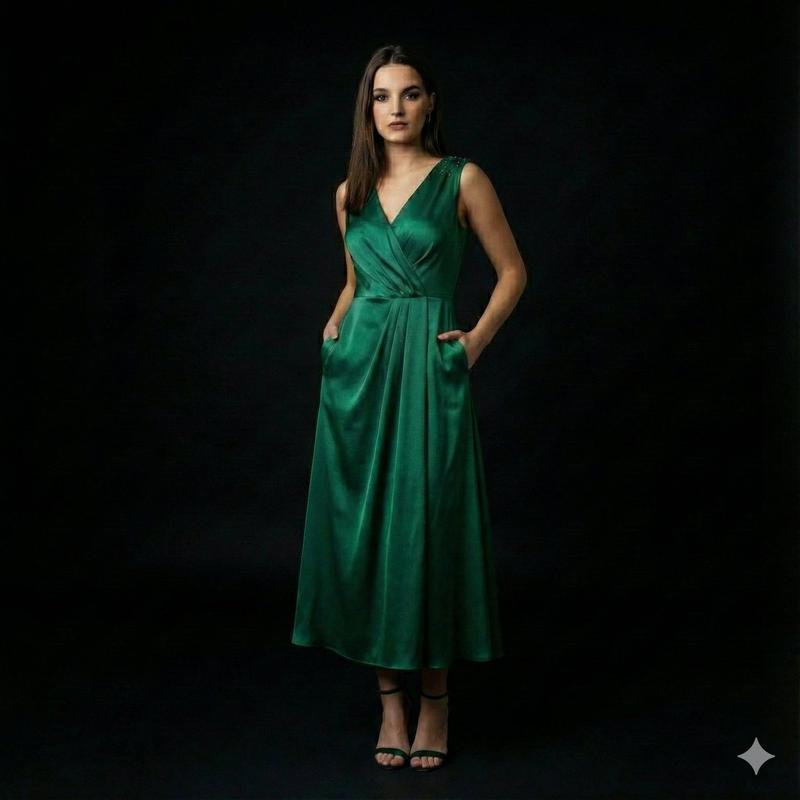
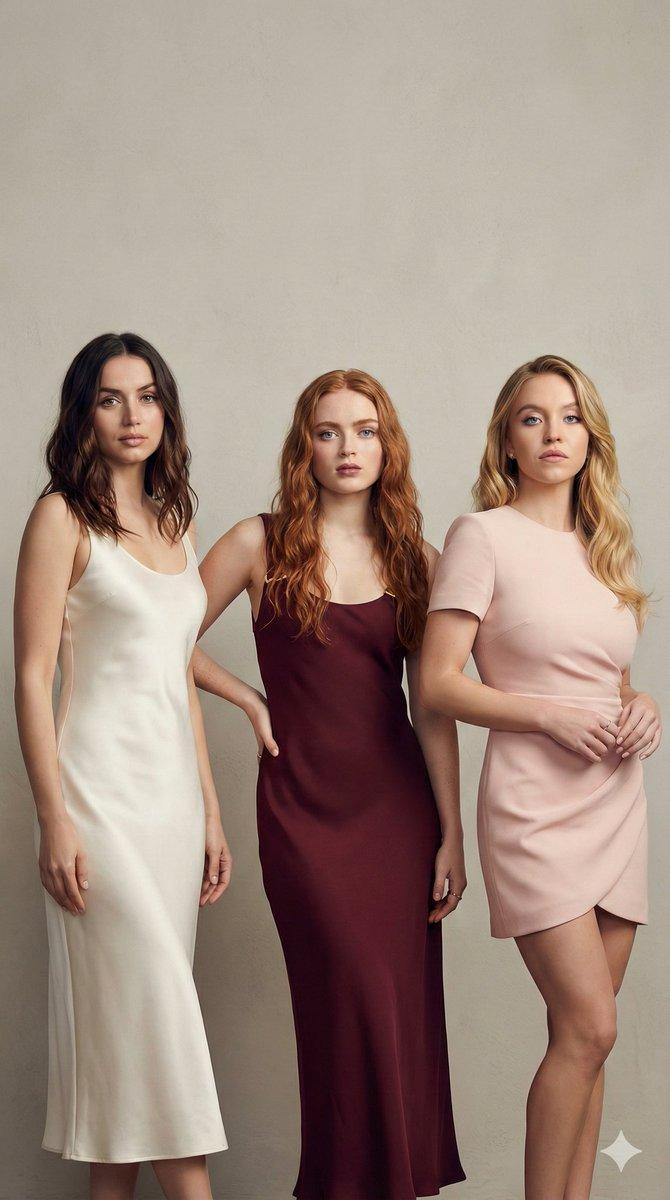
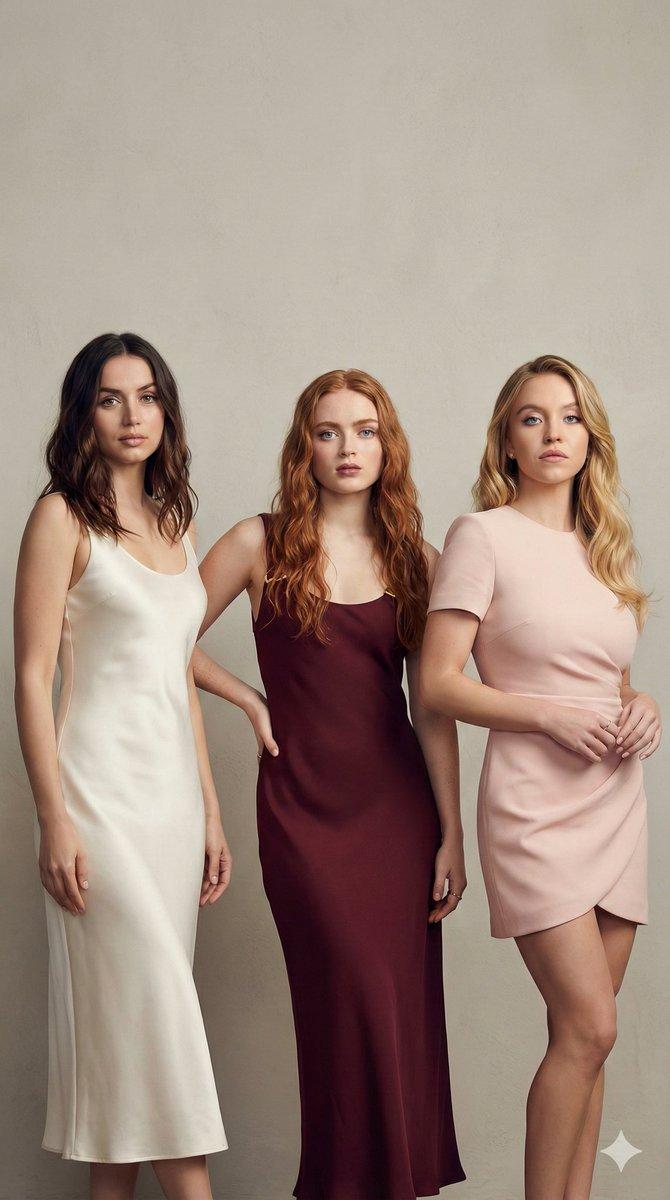
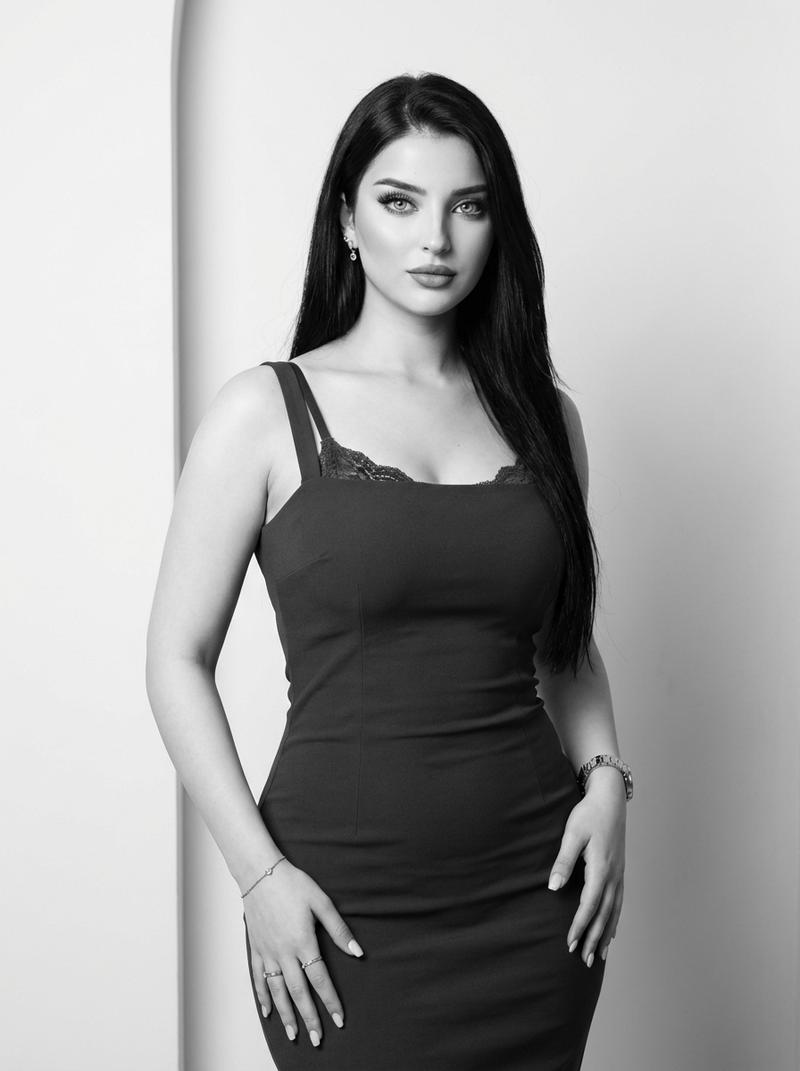
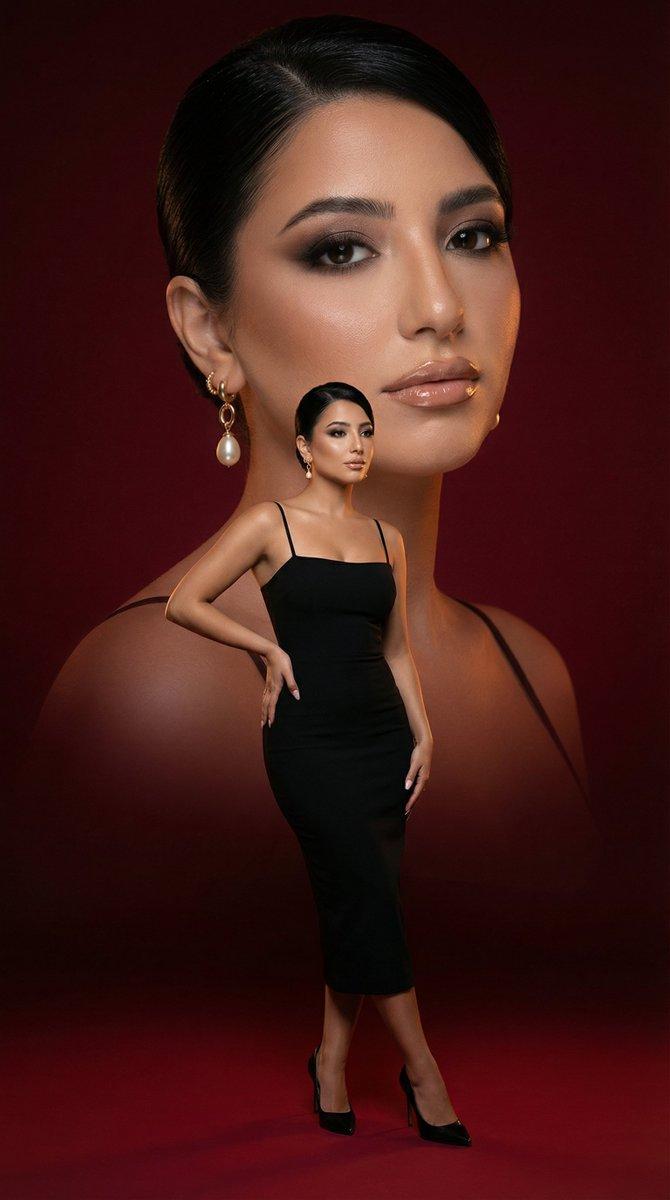
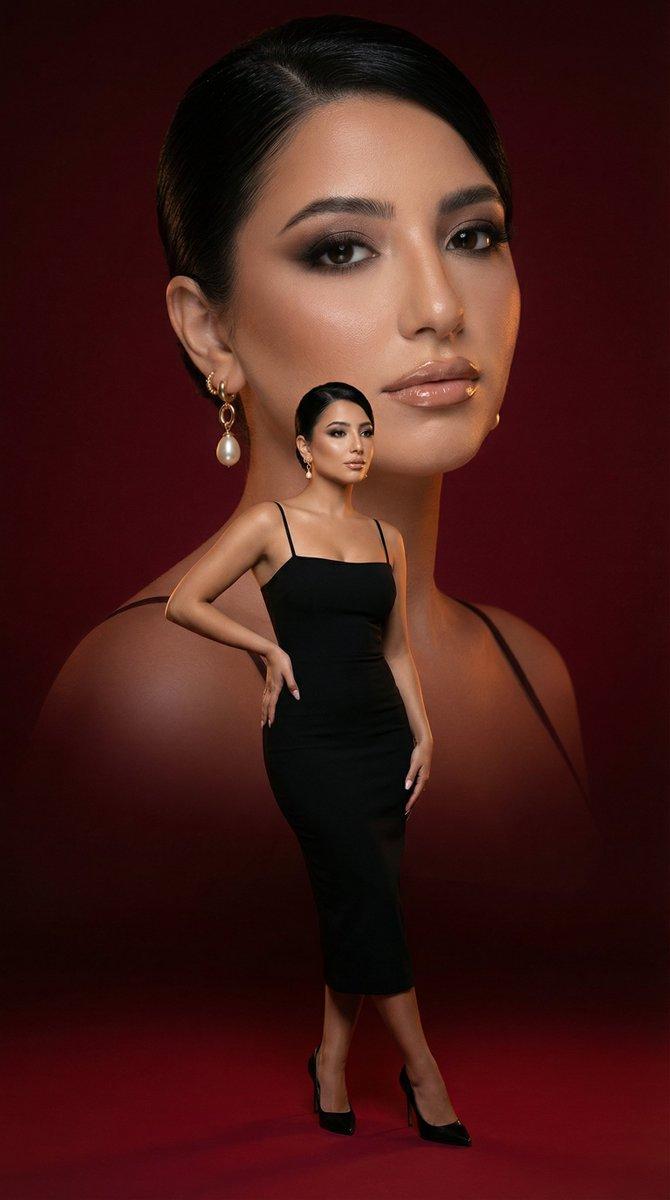
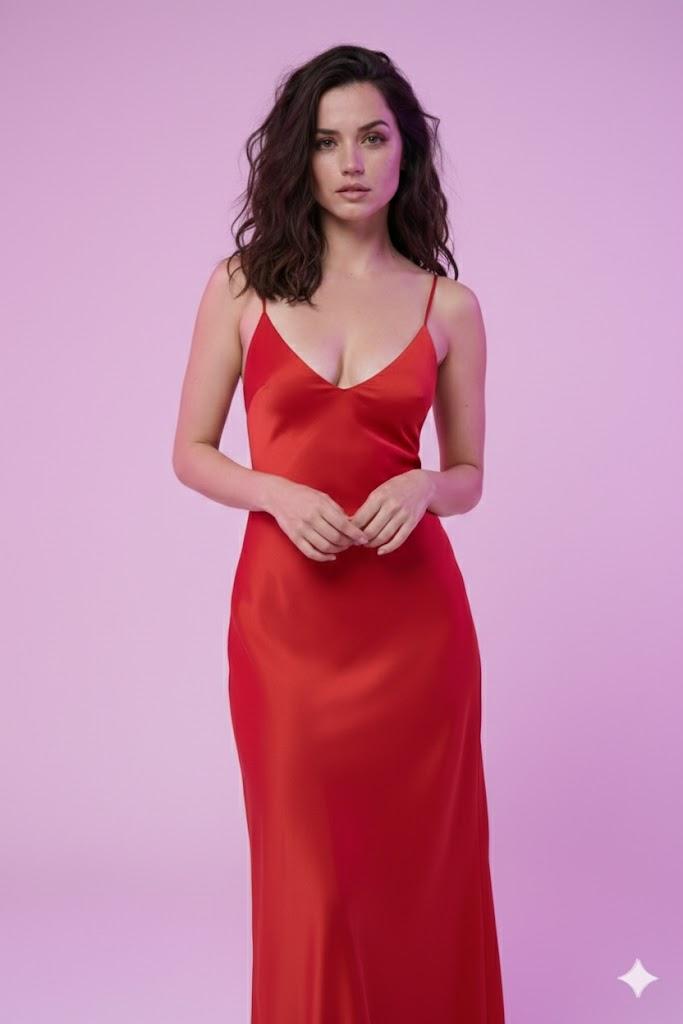
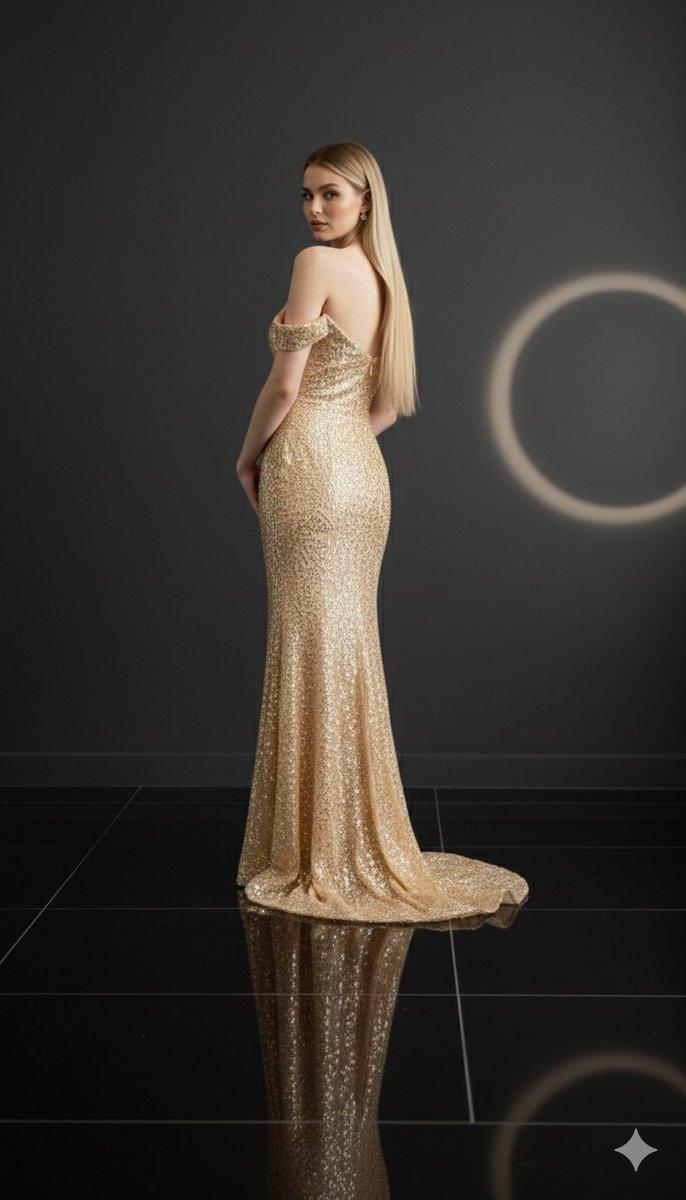
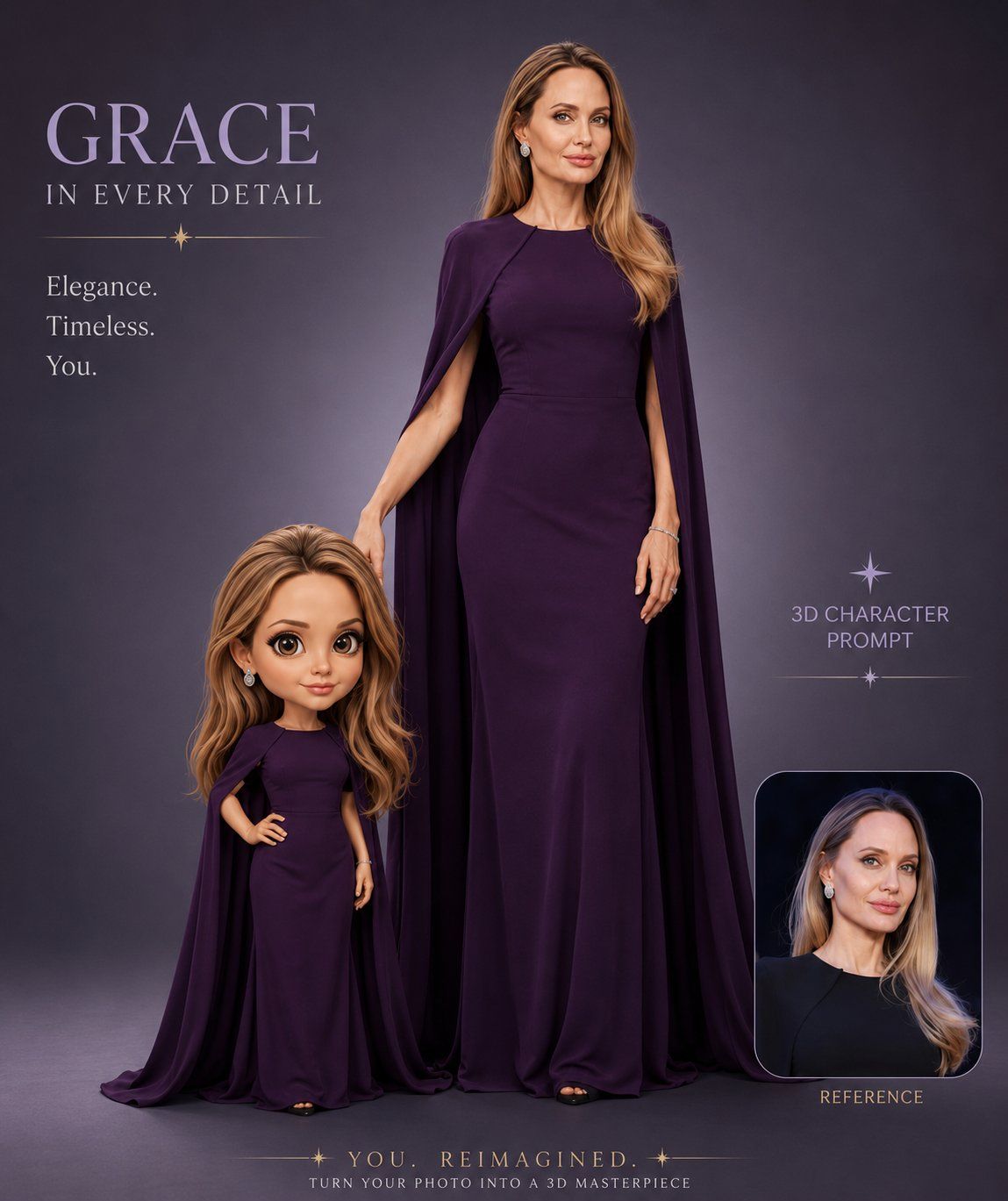
奢华时尚人像与迷你Q版角色海报
Enlarge

Example images

奢华时尚人像与迷你Q版角色海报

Prompt
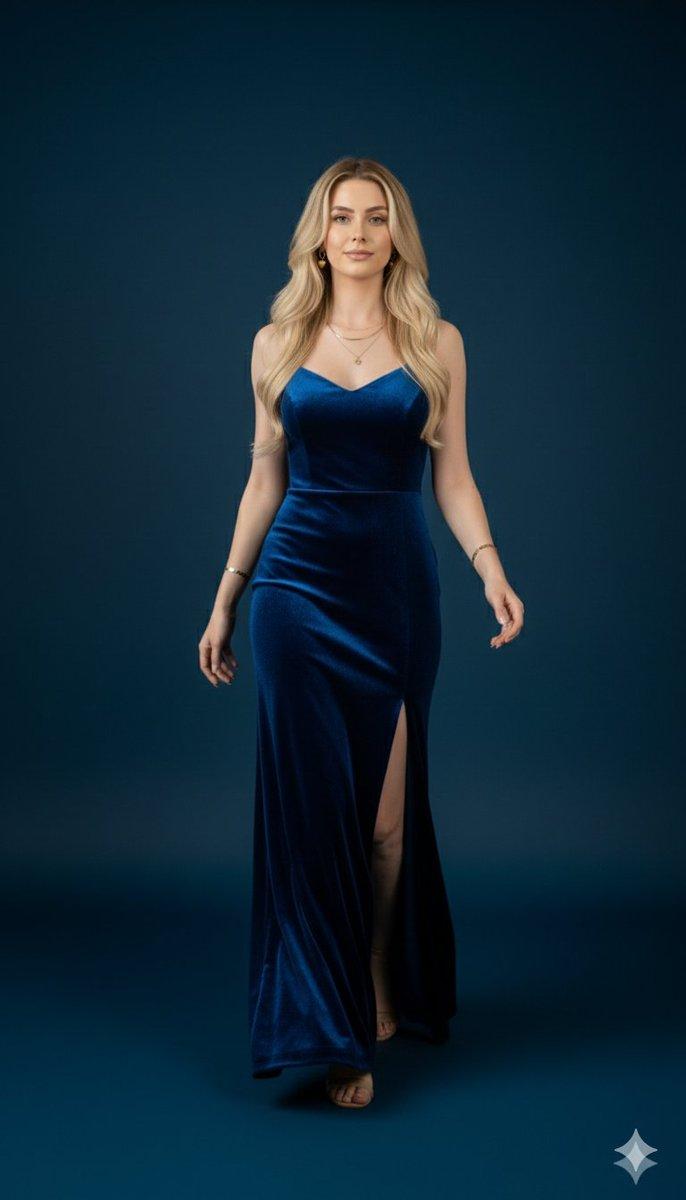
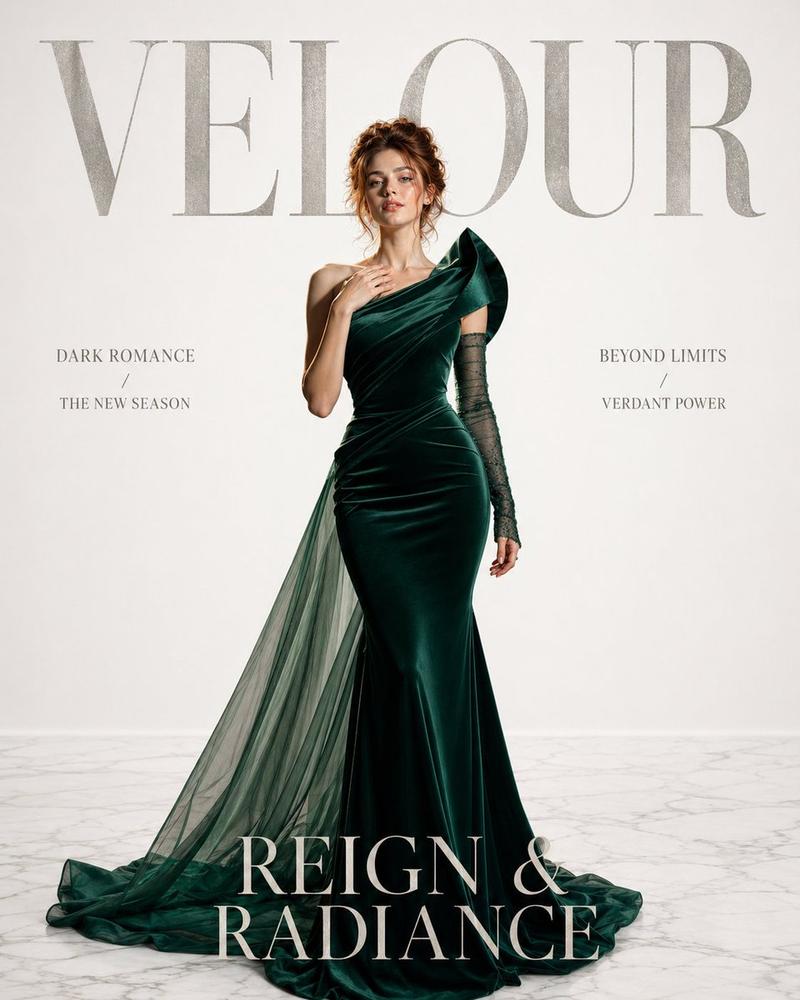
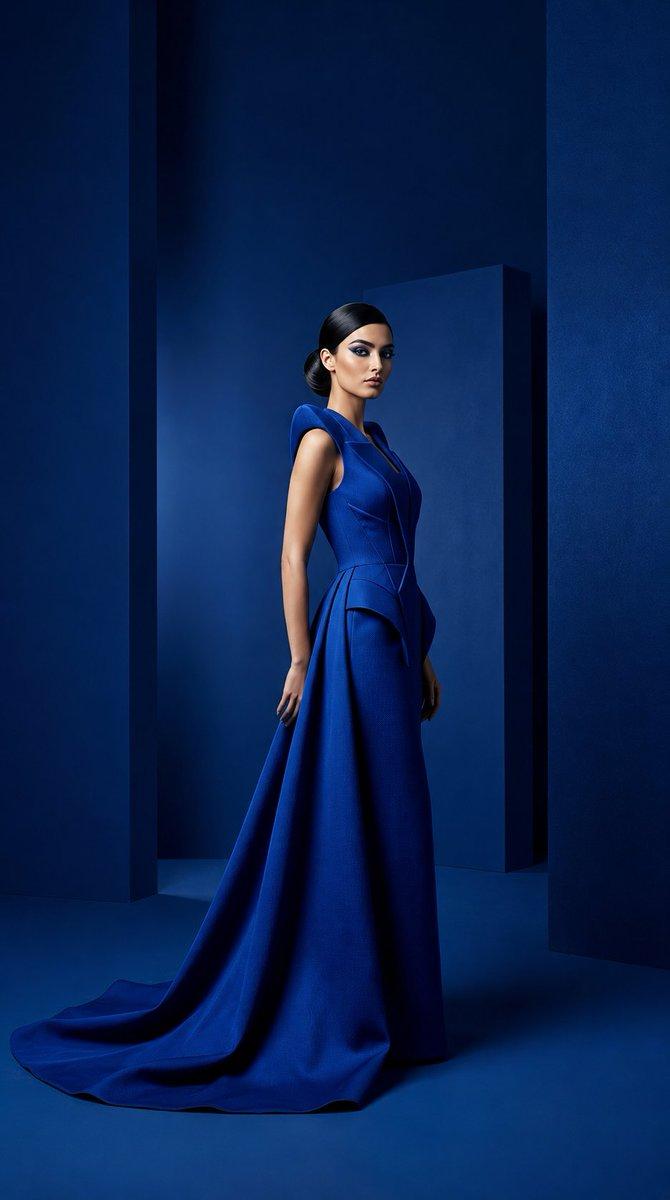
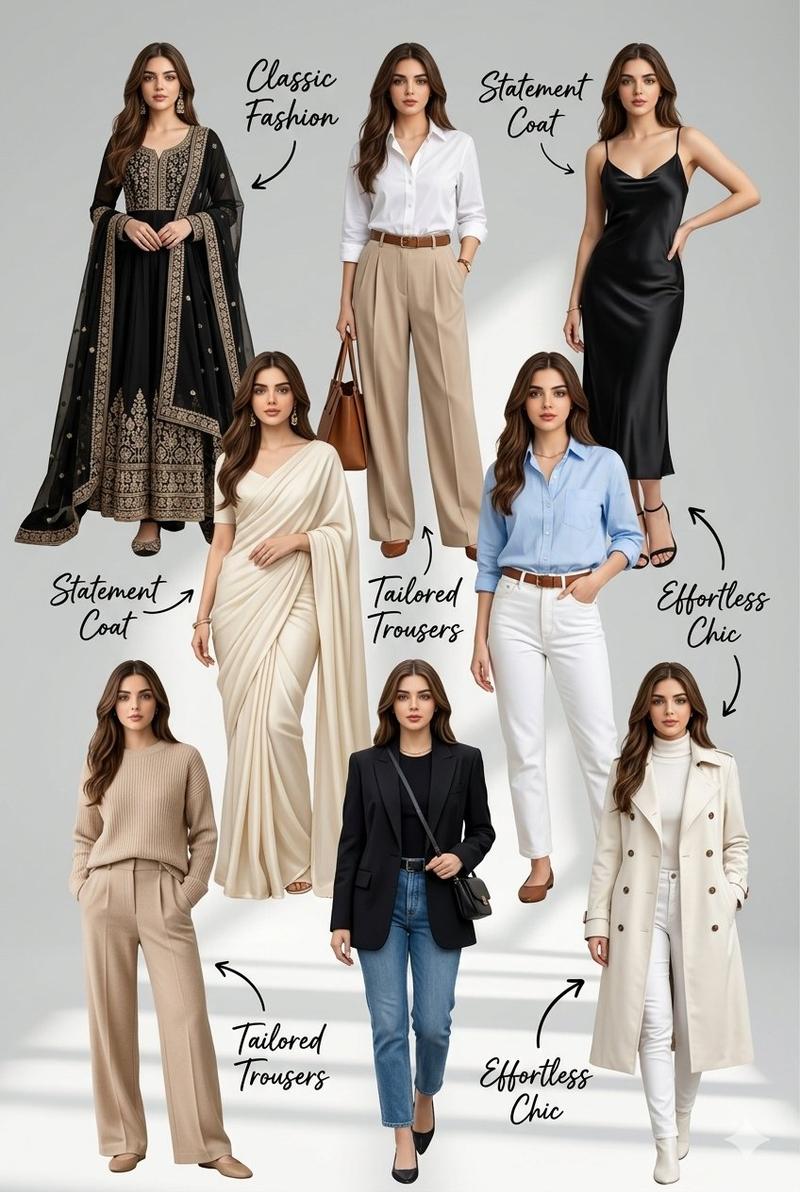
Create a hyper-realistic (3D character poster) of (a stylish woman/man) wearing (luxury outfit – gown/suit) in (your selected color theme: purple / teal / black / gold / silver), standing beside a (cute chibi mini version) wearing the exact same outfit. Use a (smooth studio grey background) with (cinematic soft lighting) and a (premium luxury fashion campaign vibe). Make the face (ultra-detailed, realistic skin texture, glossy hair, sharp eyes) and outfit with (detailed fabric folds, shine, and texture). Add stylish western typography on the (left/right side) saying (YOUR CUSTOM TEXT – e.g. “GRACE IN EVERY DETAIL” / “BOLD SPIRIT BRIGHT SOUL”) with (small luxury subtext) underneath. Add (decorative stars / lines / glow effects) around the text. Include a (small reference portrait frame) in the corner. Keep the layout (clean, symmetrical, premium editorial style). Use (Pixar + realistic blend style) for the chibi character. Ultra-HD, 4K render, luxury branding poster, high fashion aesthetic.
Category
Charts & Infographics
Model
ChatGPT
Creator
@sha_zdiii
Views38
Source ID
16681
Published
Jun 24, 2026

Guide

About "奢华时尚人像与迷你Q版角色海报"

What is this prompt for?

"奢华时尚人像与迷你Q版角色海报" AI image prompt for ChatGPT (Charts & Infographics). 创建一个超写实的(3D角色海报),画面是一位(时尚的女性/男性)穿着(奢华服饰——礼服/西装),颜色为(你选择的颜色主题:紫色 / 蓝绿色 / 黑色 / 金色 / 银色),站在…

The full copyable prompt and example visuals above are ready for AI image generation or one-click recreate in Picva.

How to use this prompt

  1. Step 1

    Open the prompt detail

    Review the example visuals, category, and full prompt text for "奢华时尚人像与迷你Q版角色海报".

  2. Step 2

    Copy the prompt

    Copy the prompt body from this page, or load it directly in Studio.

  3. Step 3

    Pick a model (ChatGPT)

    Prefer ChatGPT. If you switch models, keep subject and composition and tweak style terms.

  4. Step 4

    Generate and export

    Recreate the look in Picva, or export into your workflow for editing and publishing.

FAQ

What is the "奢华时尚人像与迷你Q版角色海报" prompt?
It is an AI image-generation prompt for ChatGPT in the Charts & Infographics category. This page includes the full prompt text, example visuals, and a one-click recreate path in Picva.
How do I use this prompt to generate an image?
Copy the prompt from this page, or use Generate / Studio. Paste it into a compatible image model, or recreate the look in Picva with optional reference images.
Which model is this prompt for?
This page lists ChatGPT. Most descriptive prompts also transfer to nearby image models such as GPT Image, Flux, or Midjourney with light style tweaks.
Can I use the result commercially?
You can usually copy the prompt for creation, but commercial use of the final image depends on the model terms, reference-image rights, and the generated content. Follow the source author and platform rules.