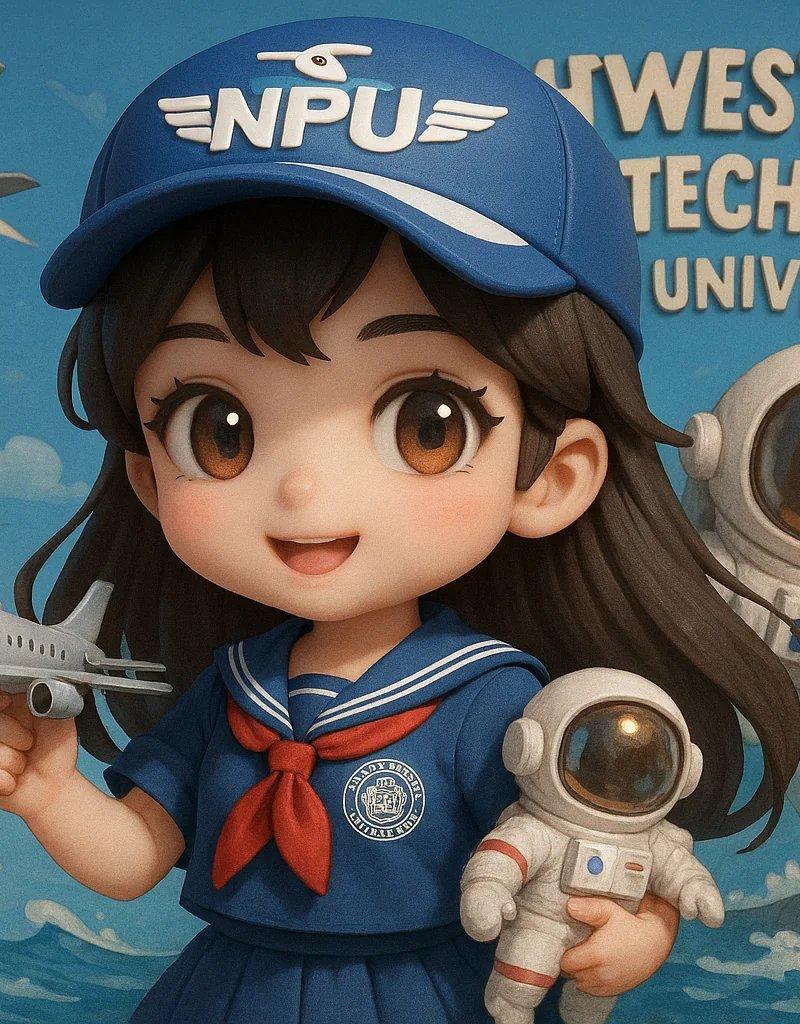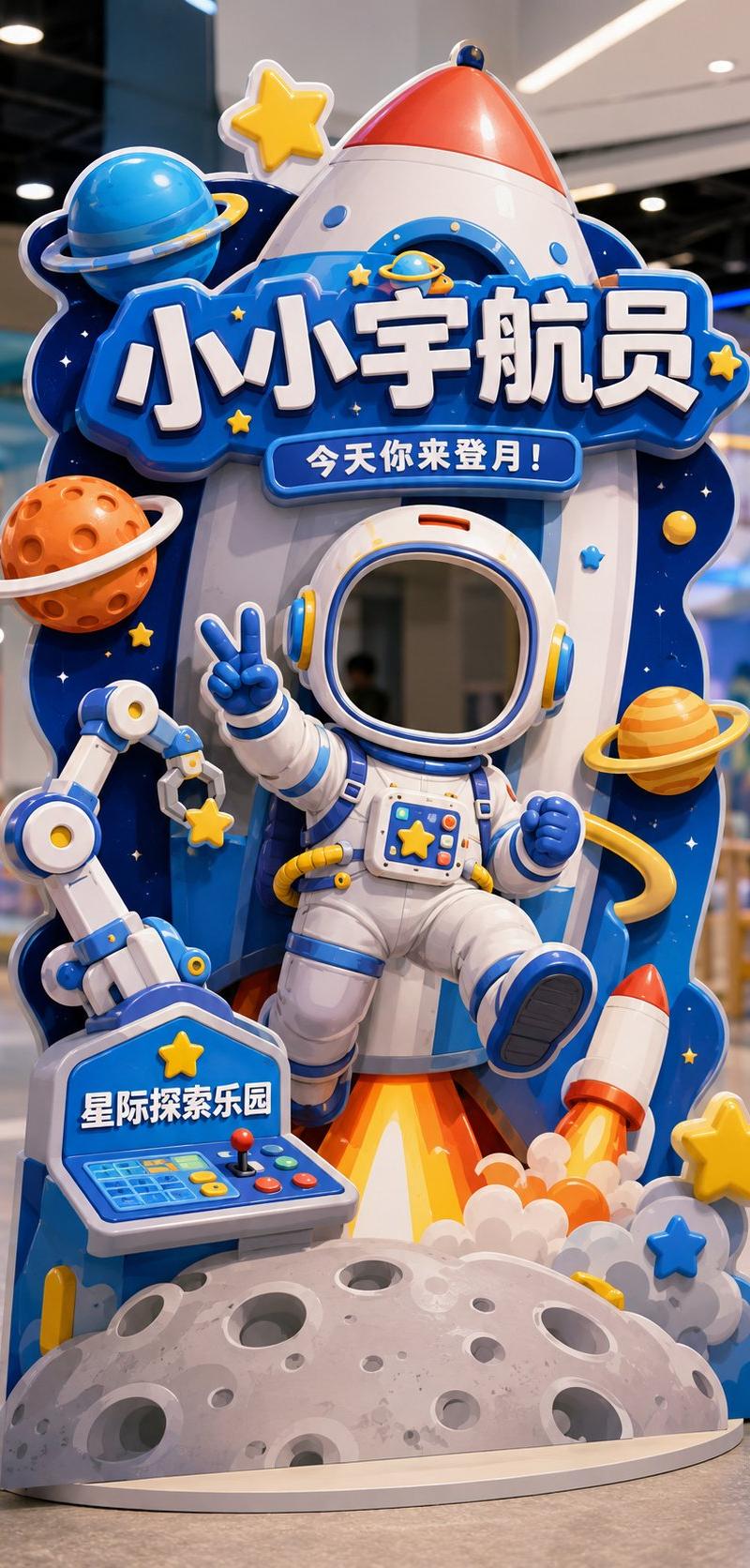
互动打卡异形立牌设计效果图
Prompt
Please generate a vertical 9:16 Chinese 'Interactive Check-in Shaped Standee' design mockup, with the theme [Theme] as a head-cover style photo check-in device, suitable for [Usage Scene]. The overall image is a complete interactive installation in a store / theme park / mall activity area, not a regular poster, not a white background graphic design draft, but a shaped standee suitable for customers to stand behind and put their heads in to take photos.

Basic Information:
Theme: [Little Astronaut / Dessert Magician / Cute Pet Nurse / Dinosaur Archaeology Captain / Other character themes]
Usage Scene: [Parent-child Paradise / Science Exploration Museum / Dessert Shop / Parent-child Baking Studio / Pet Shop / Pet Park / Mall Activity Area / Children's Theme Park]
Main Title: [Main Title]
Subtitle: [An interactive slogan, for example: Today you come to the moon! / Today the sweetness is cast by you / Today you take care of the cuteness / Today you come to discover the ancient world!]
Brand Name: [Brand Name / Venue Name]
Overall Style: [Cute / Dreamy / Adventure / Adorable / Healing / Dramatic / Parent-child feel]
Main Color: [Main Color]

Visual Requirements:
1. Image aspect ratio must be vertical 9:16, fully displaying a landable interactive check-in shaped standee.
2. There must be a clear 'head cover opening / face cutout area' in the upper-middle part of the standee, suitable for real people to put their heads in for photos.
3. The head cover opening must naturally blend into the structure of the character itself, such as helmets, hats, arches, theme frames, or the character's head position, and should not look like a forced hole.
4. A complete character body must be designed below the opening, so that users feel like they have really become this character after putting their heads in.
5. Character movements should have a sense of interaction, such as waving, welcoming, making a V-sign, holding props, carrying things, reaching forward, pointing forward, etc.
6. The overall standee must be a shaped outline, not a regular rectangle, not a regular display stand; the shaped outline should be naturally formed by extending theme elements.
7. Add large-sized decorative elements according to the theme, such as rockets, planets, cream, cakes, candies, pets, bubbles, dinosaur eggs, fossils, rock layers, maps, tools, etc.
8. The image should have foreground, middle ground, and background layers to create a light 3D installation feel, rather than just a flat hole-digging poster.
9. No obvious white edges, no thick white outlines; reflect structural and 3D sense through theme color trimming, partial shadows, layered blocking, foreground extension, and shaped expansion.
10. Chinese characters should be few and large, mainly retaining: Main Title, Subtitle, Brand Name; do not pile up too much explanatory information.
11. Title text should naturally blend into the device structure, such as signboards, wooden boards, cream words, rock words, theme frames, etc., rather than appearing as separately pasted flat text blocks.
12. The standee should have a real material feel, like KT board, Forex board, or a shaped floor-standing photo device, with clear edges, a sense of thickness, and a stable base.
13. The background can be a simple and real indoor store, theme park, or activity area scene, slightly blurred, not overpowering the main subject.
14. The overall image should be bright, clear, good-looking, and fun, suitable for customers to take photos and share on social media.

Final Effect:
A high-completion Chinese interactive check-in shaped standee, where users can put their heads in to take photos, creating a strong sense of character immersion, with overall shaped extensions, a light 3D installation feel, and strong offline sharing attributes.

Avoid:
Regular posters, regular display stands, no openings, obvious white edges, too much text, messy background, unrealistic structure, or looking like a direct translation/copy of an English version.
- Category
- Charts & Infographics
- Model
- ChatGPT
- Creator
- @MrLarus
- Source language
- zh-CN
- Source ID
- 15988
- Published
- Jun 16, 2026
Views90