18

唯美日系少女室内手机自拍人像
Enlarge

Example images

唯美日系少女室内手机自拍人像

Prompt
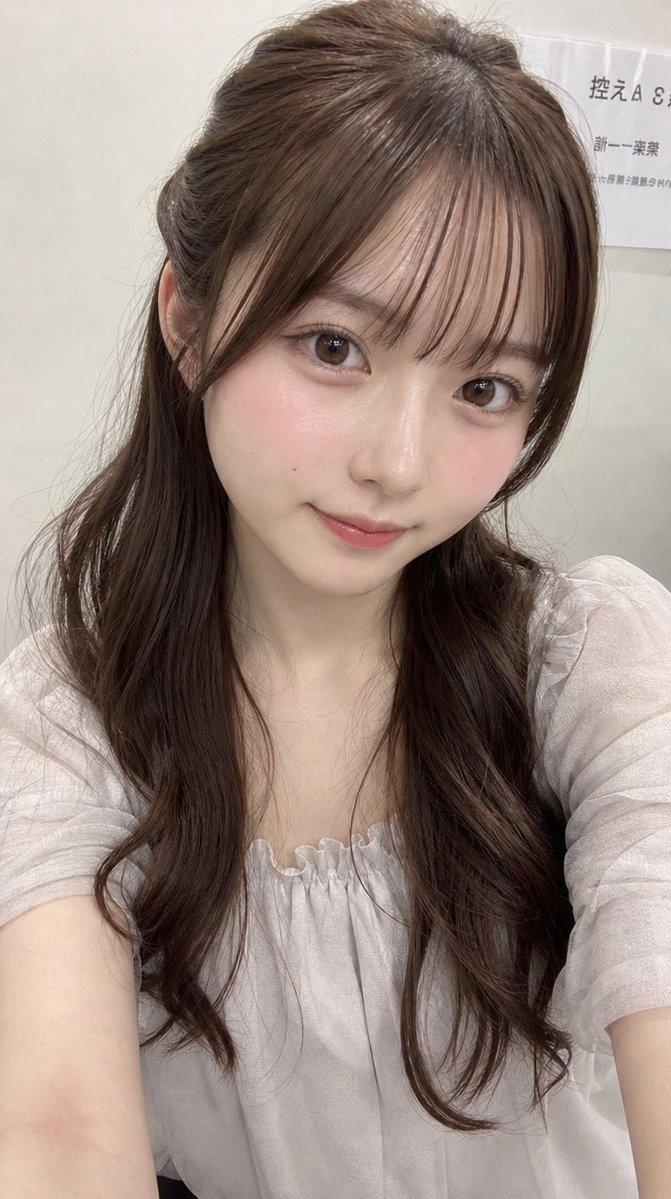
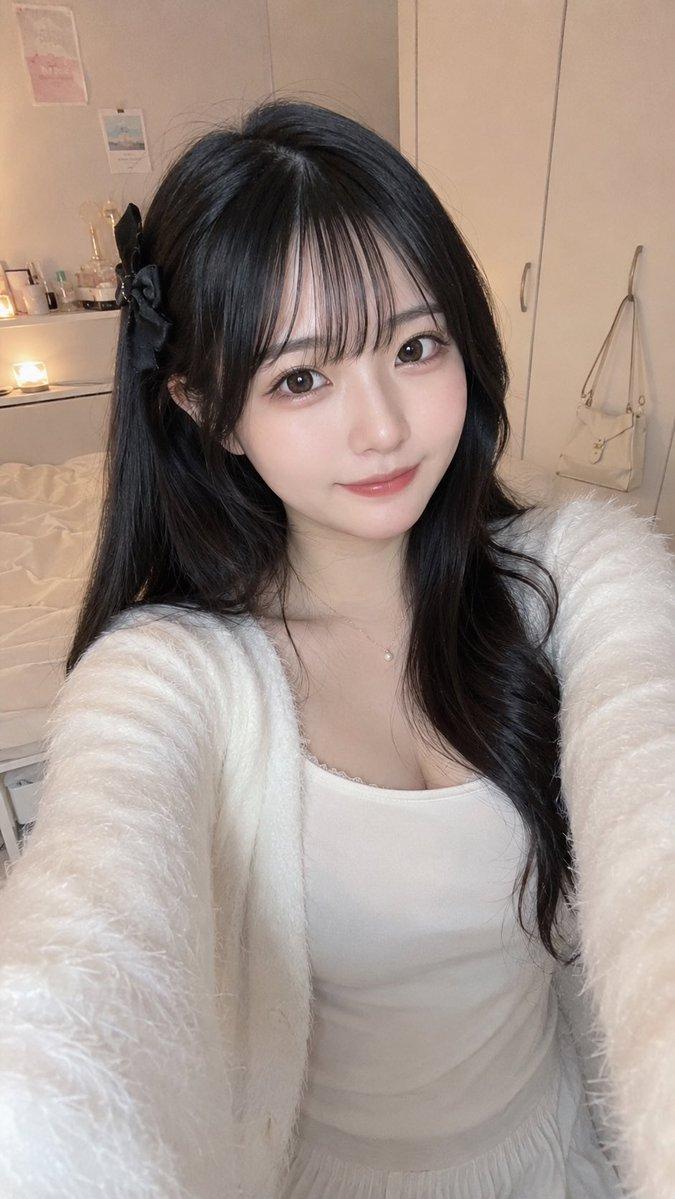
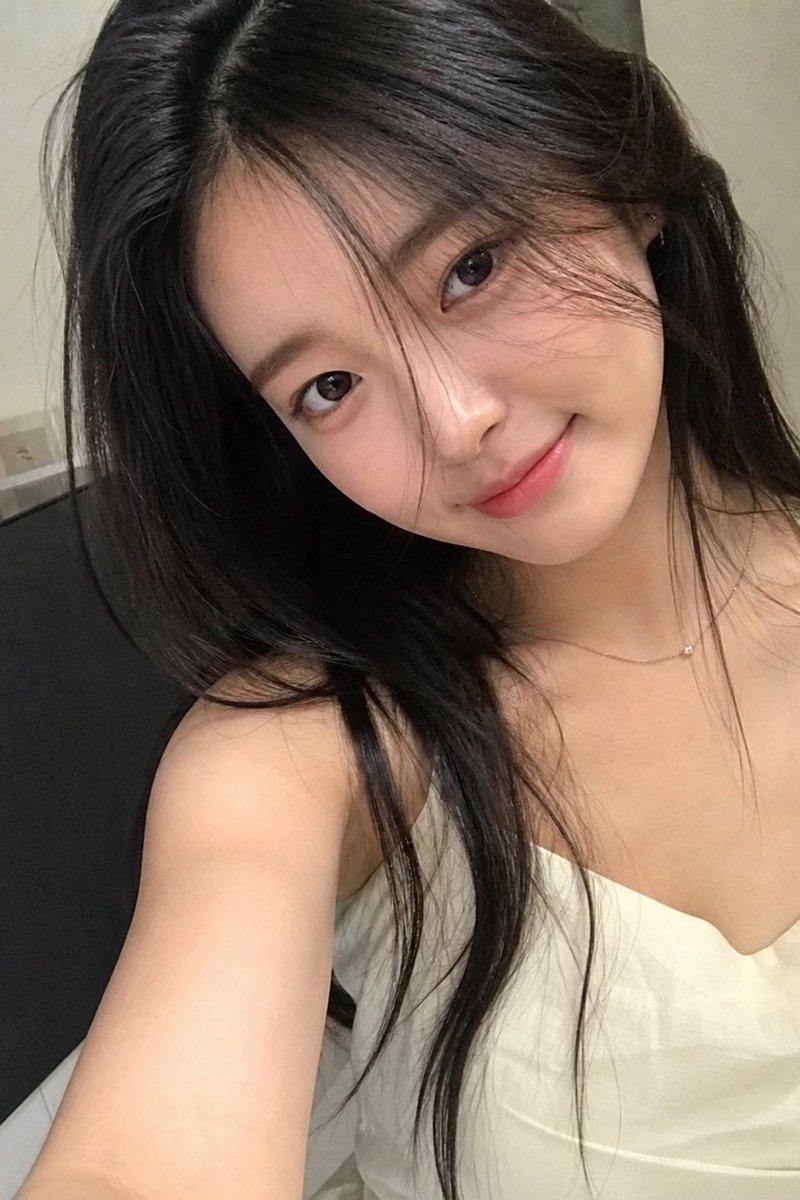
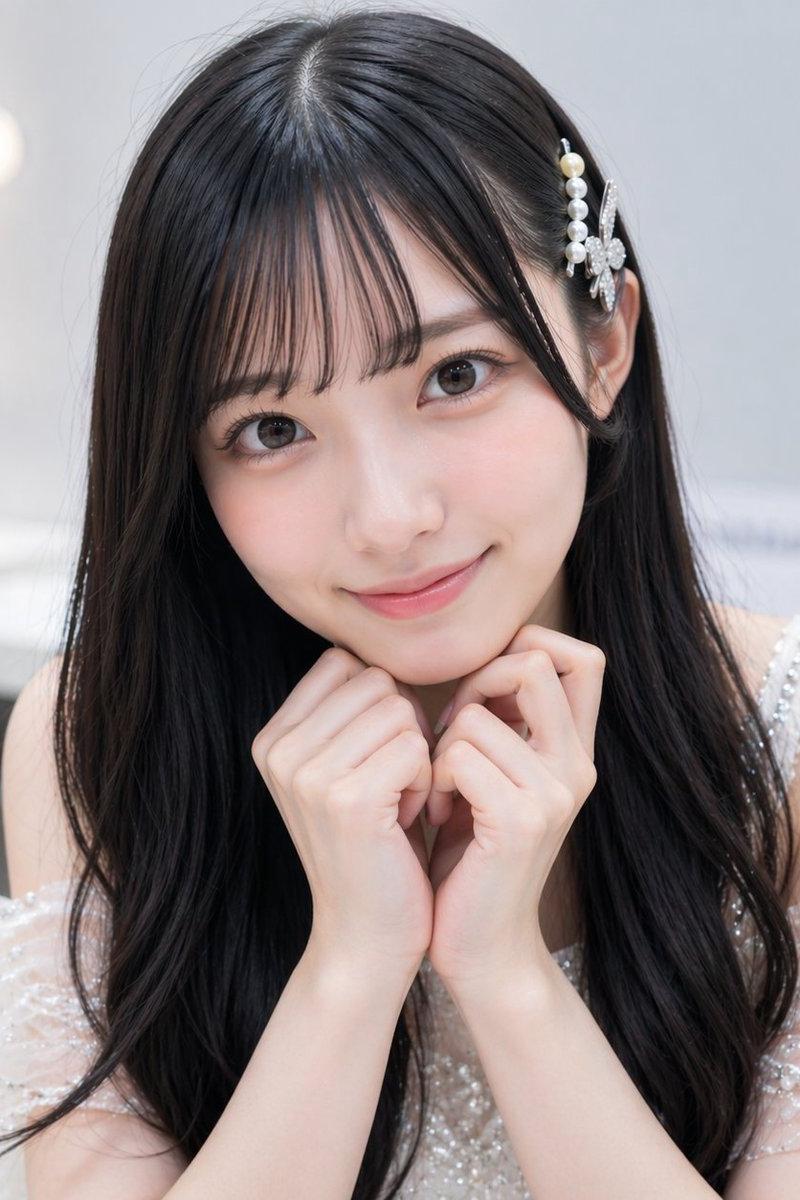
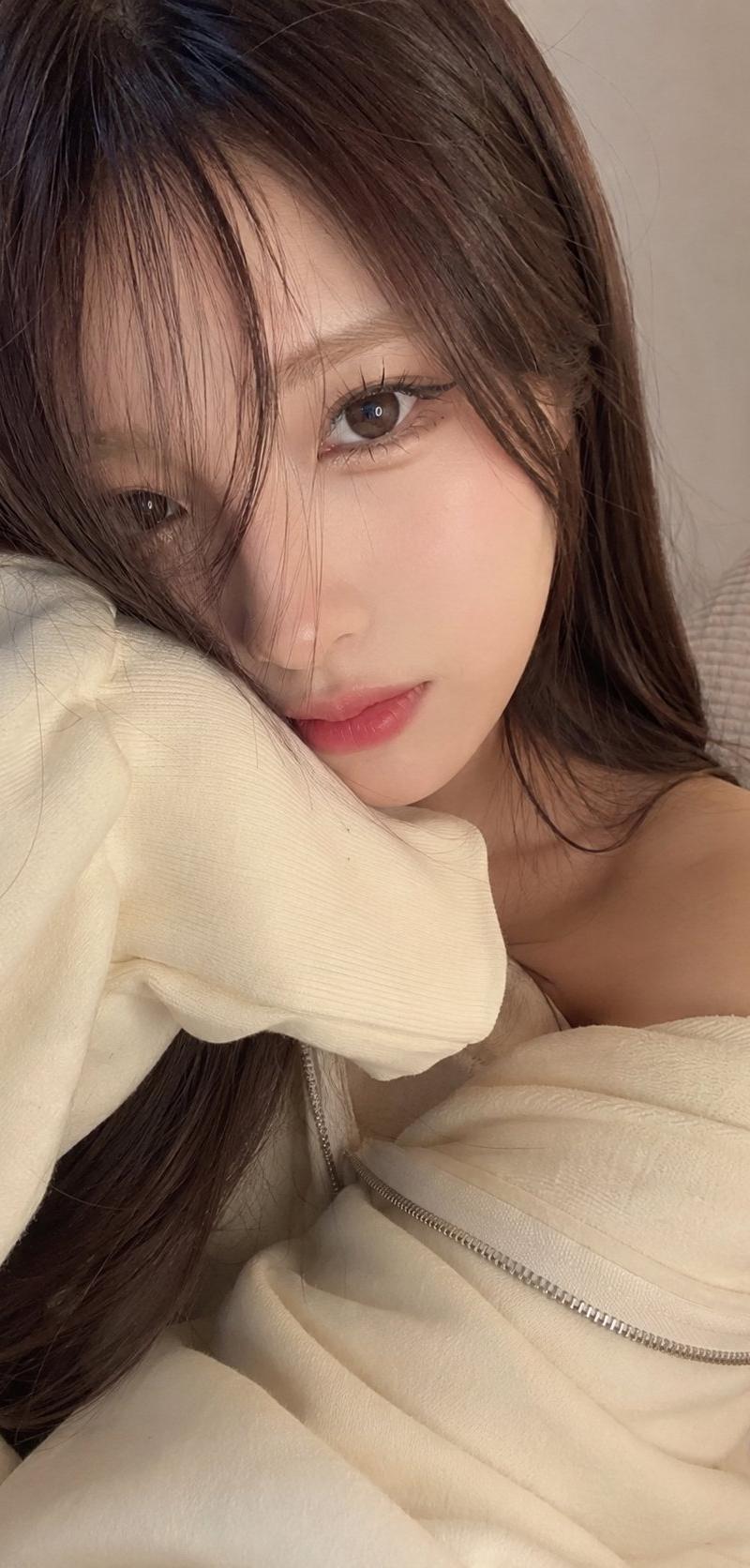
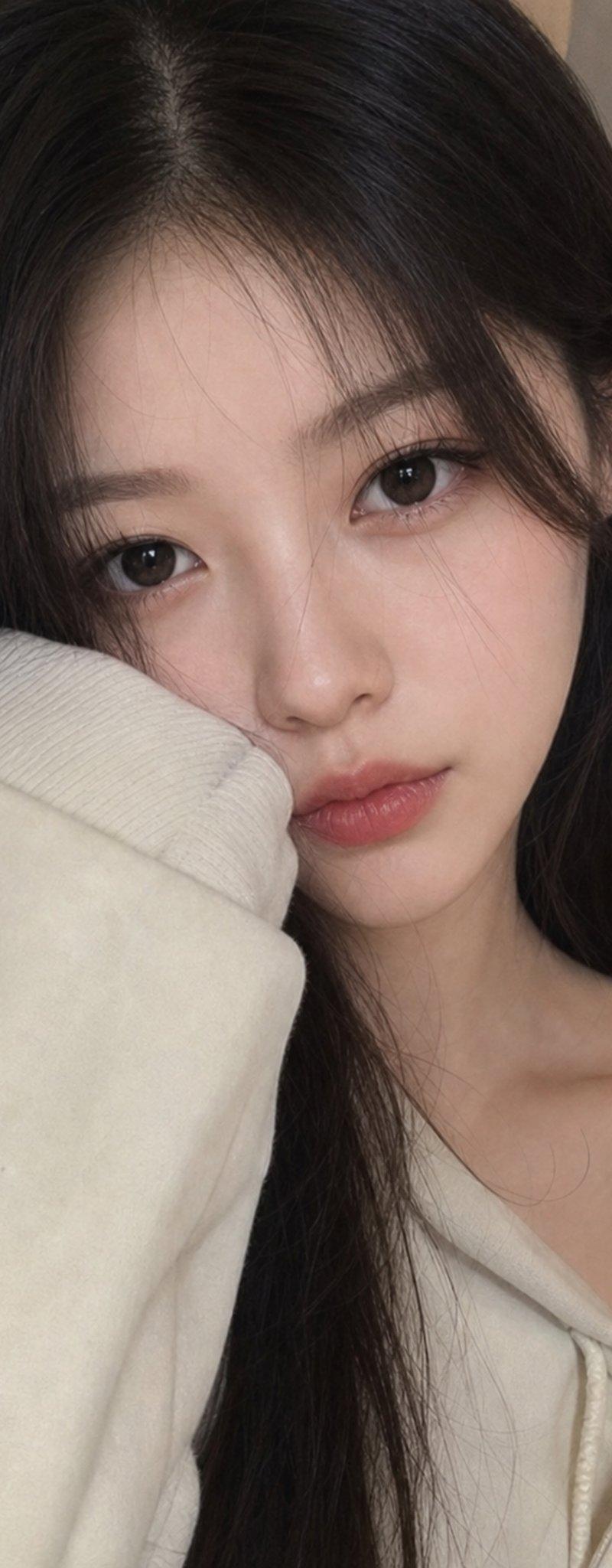
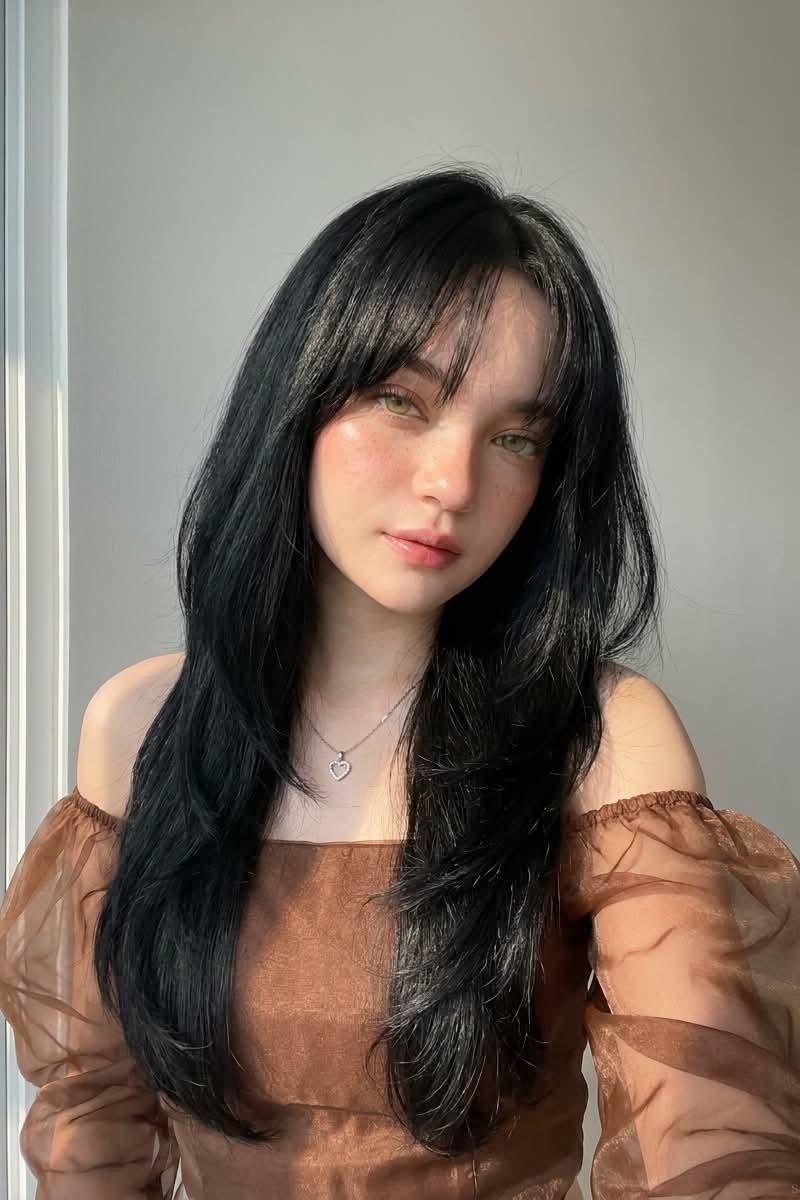
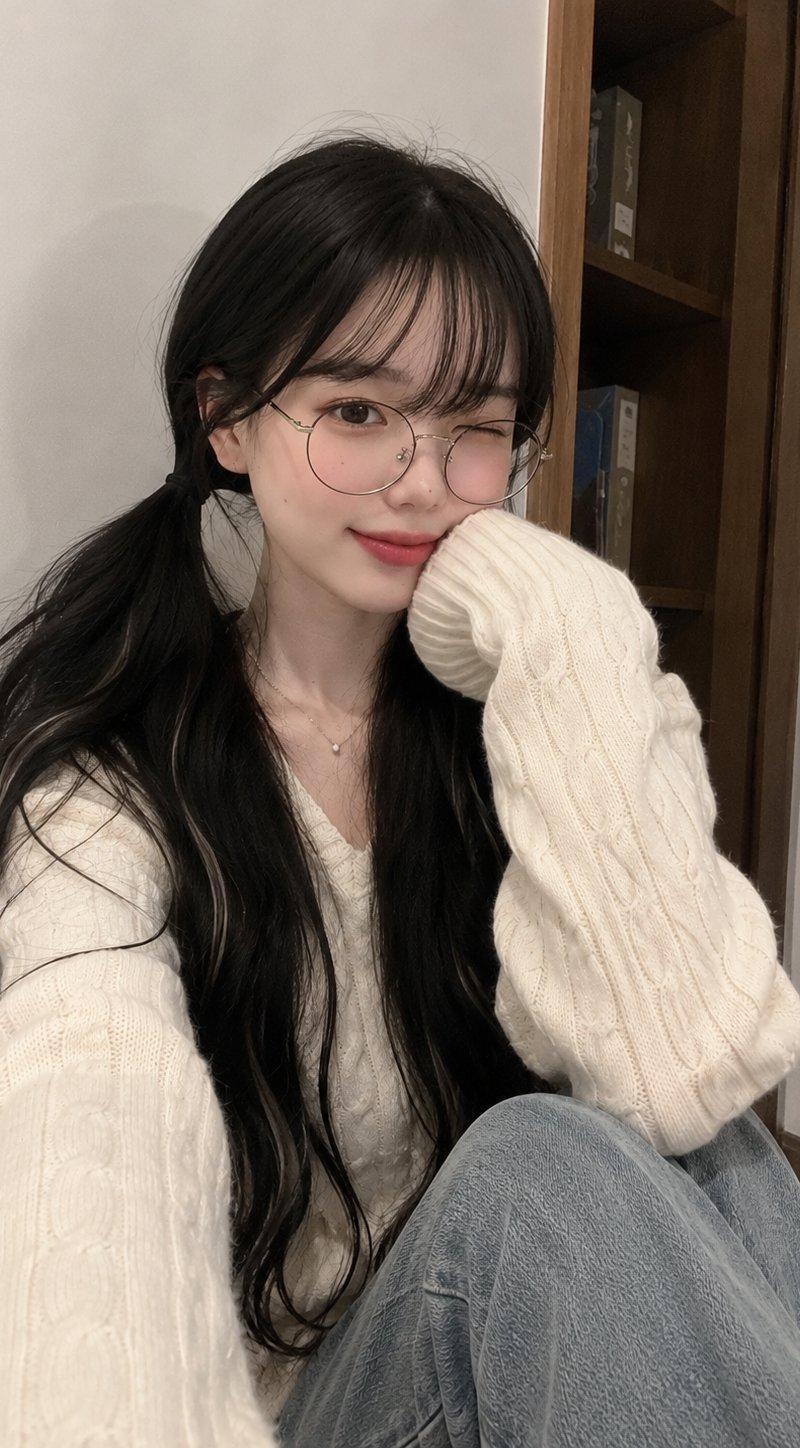
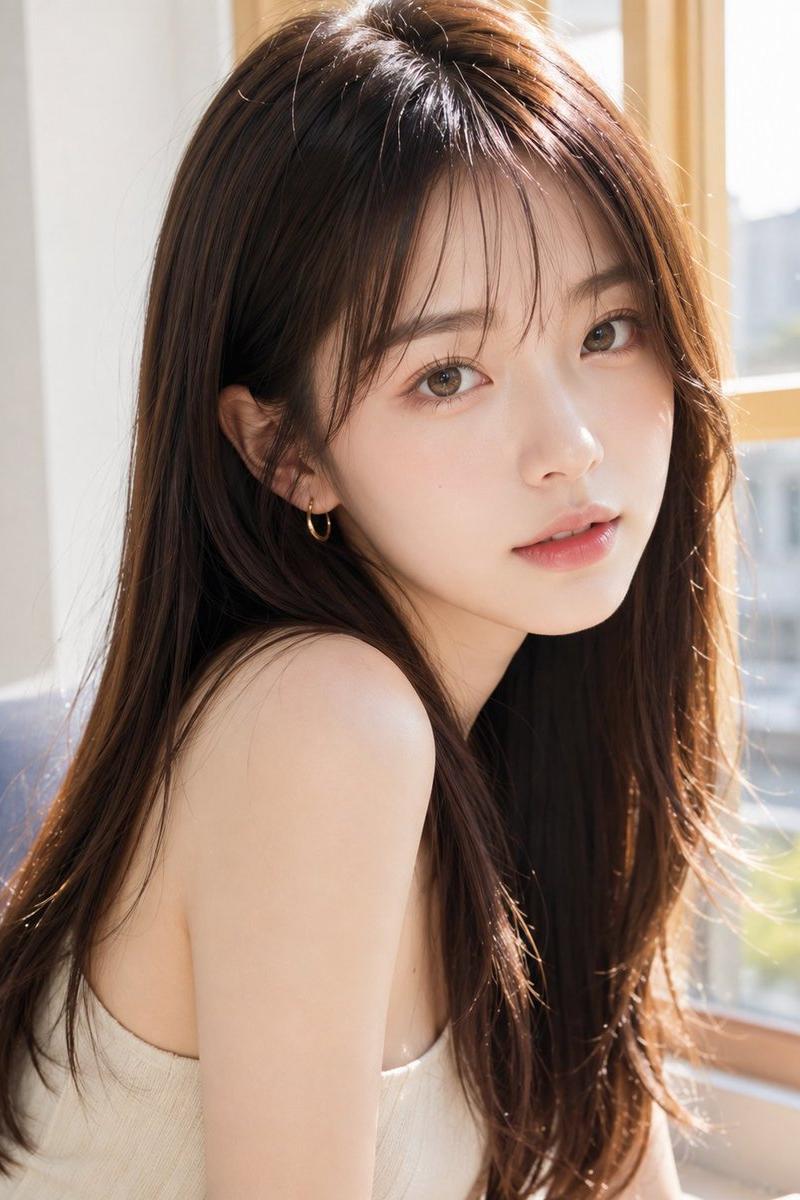
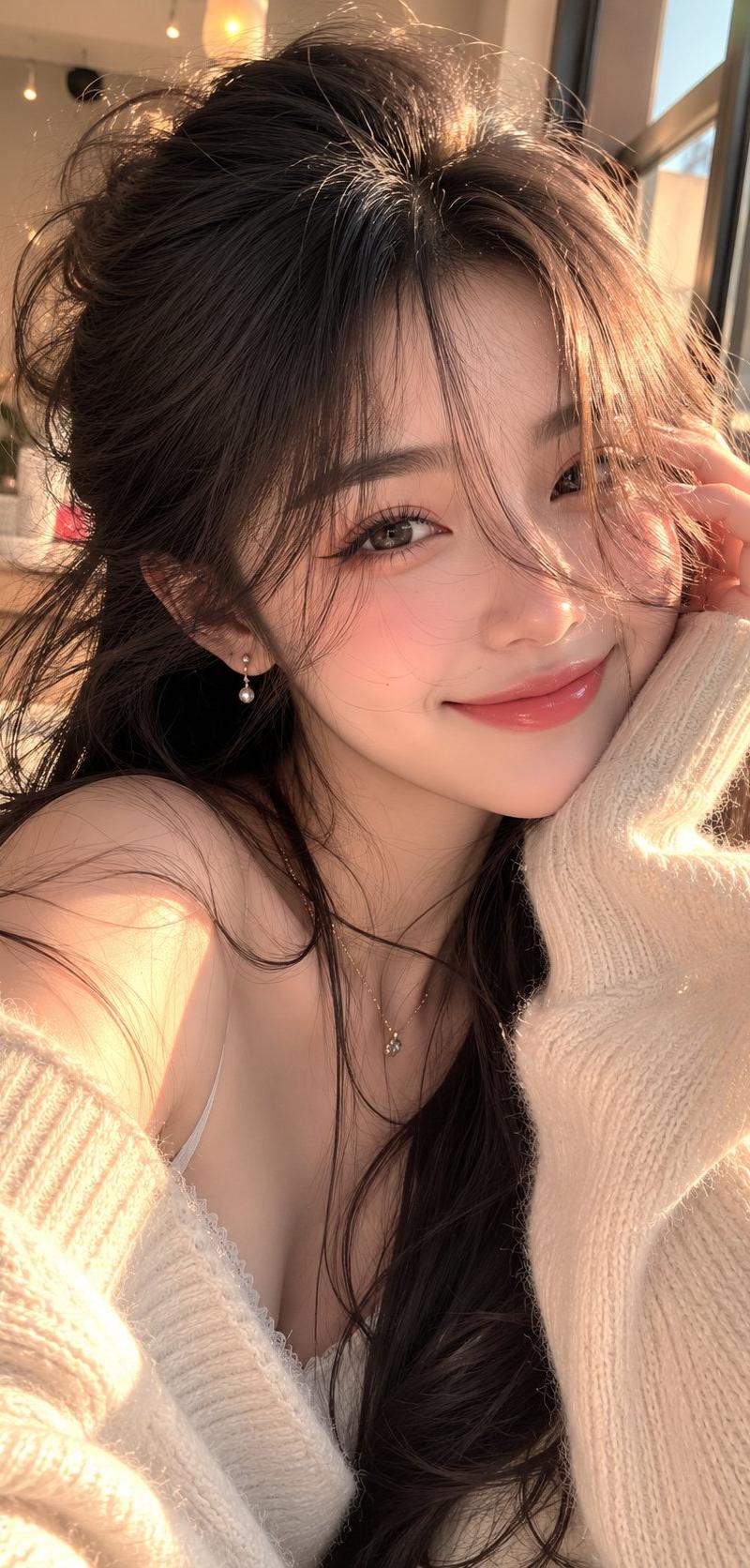
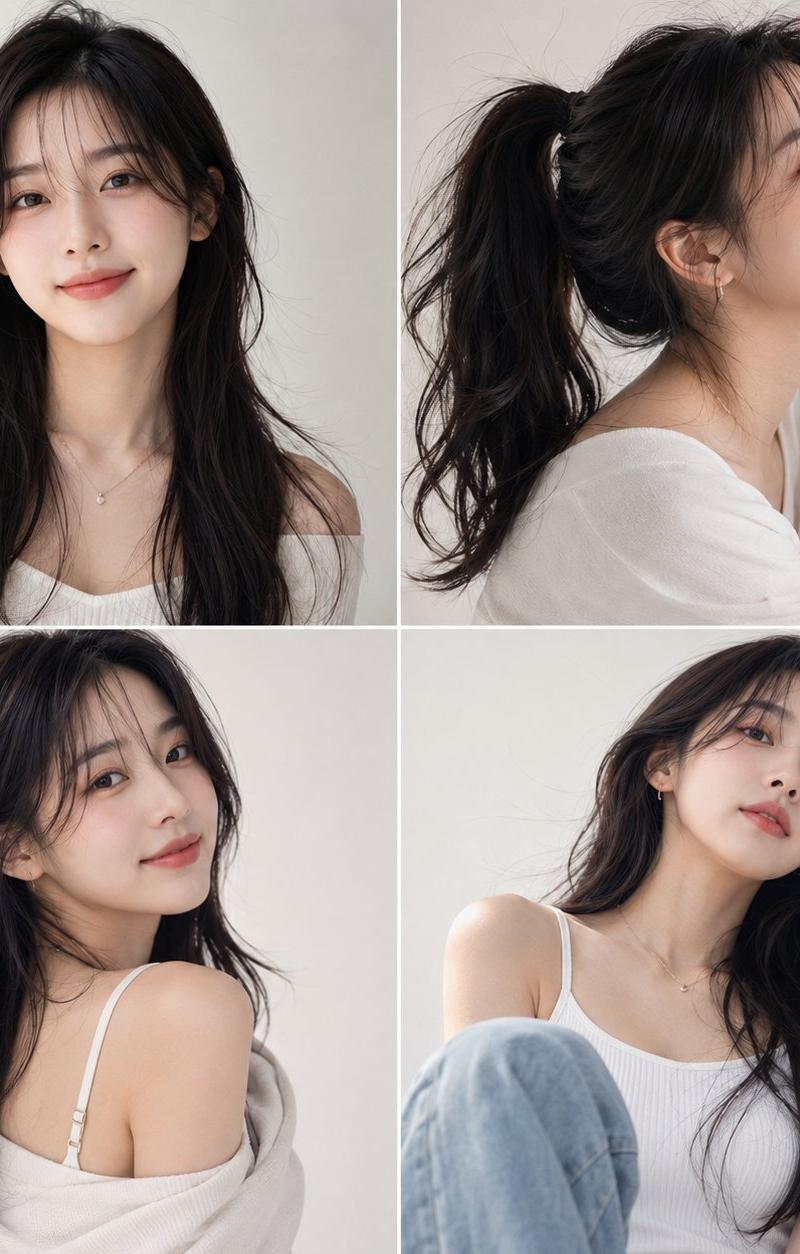
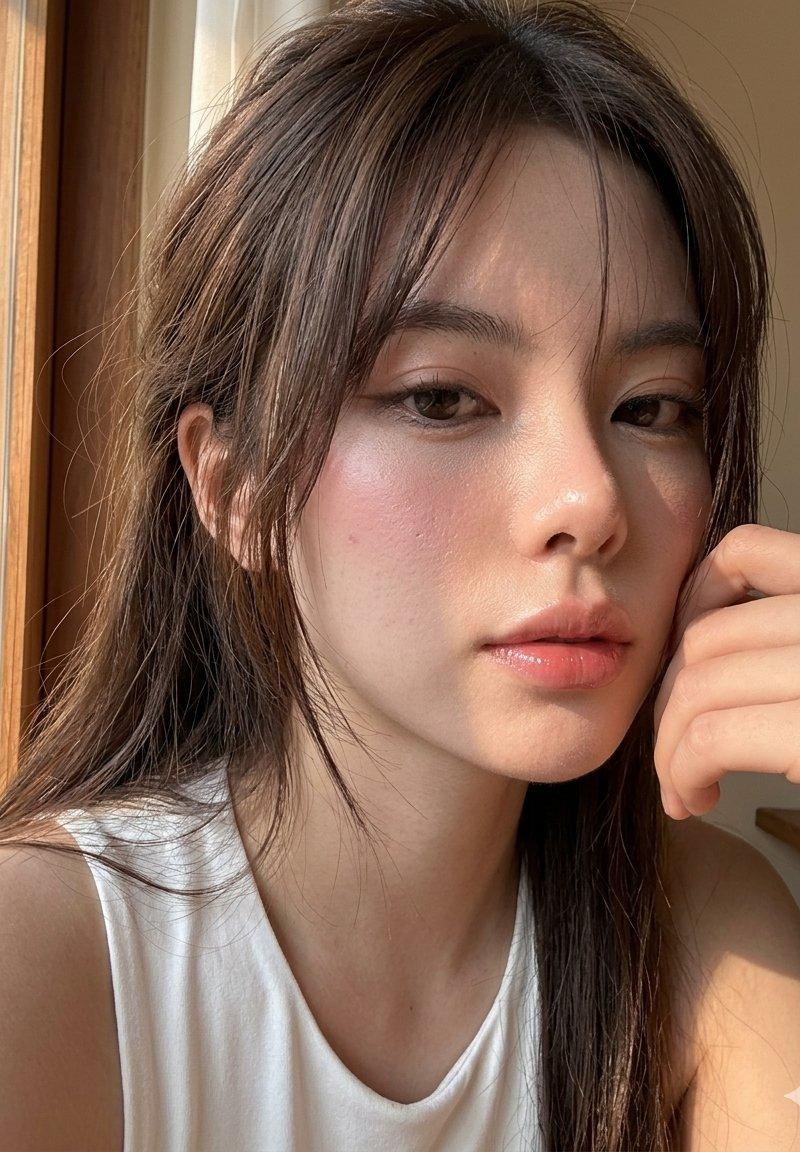
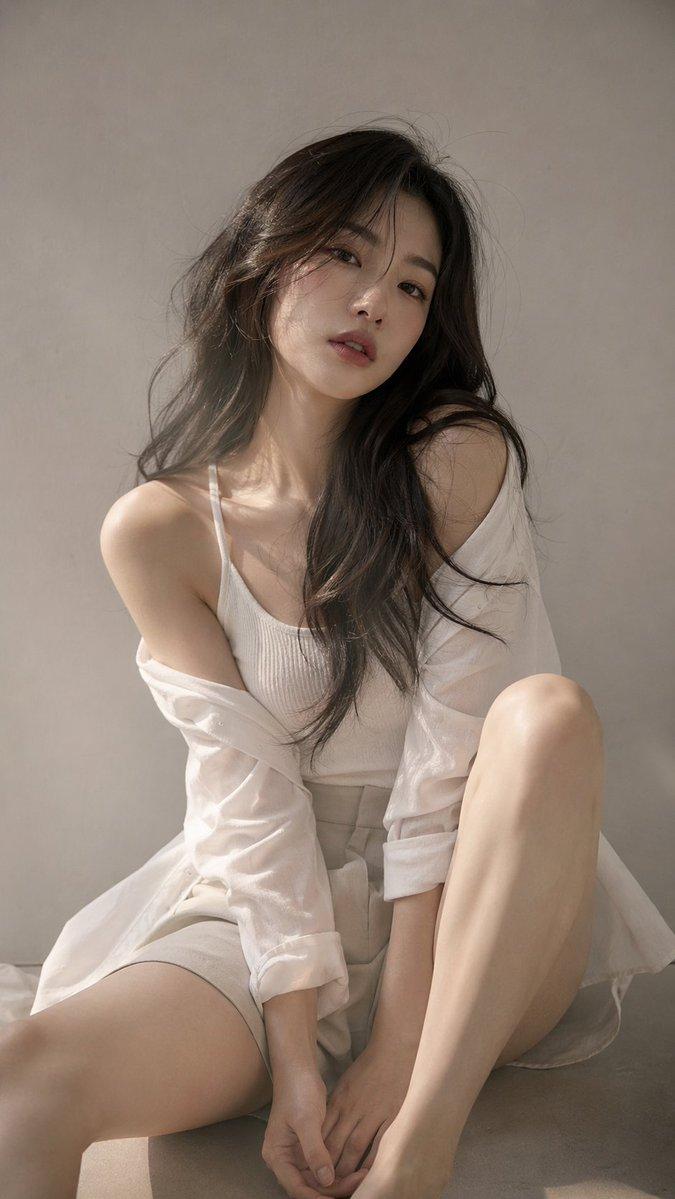
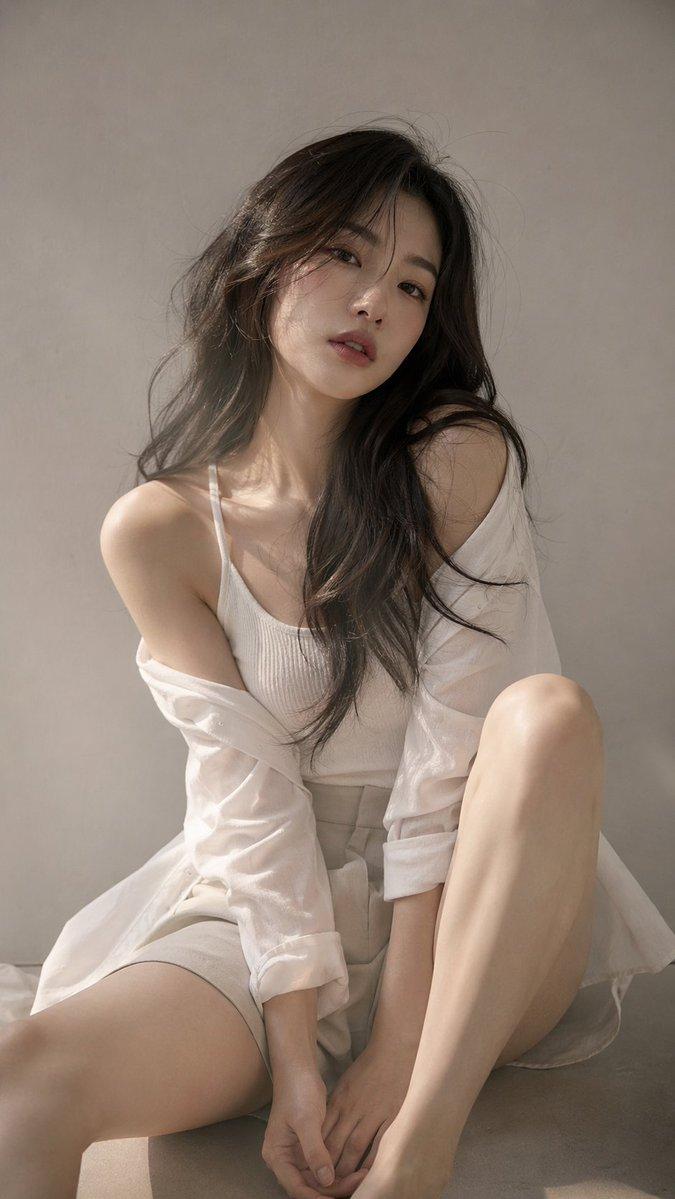
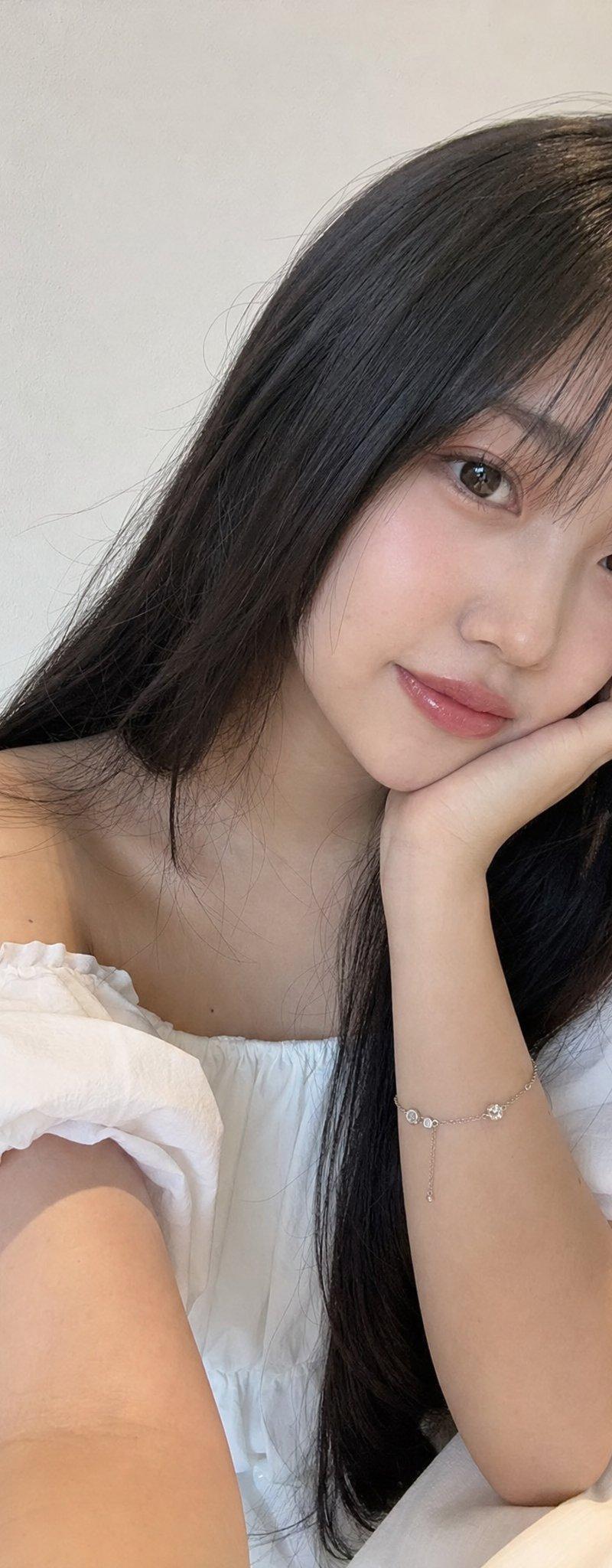
Beautiful young Japanese girl with long silky black hair, soft face-framing bangs, fair glowing skin, natural rosy cheeks, glossy pink lips, and delicate everyday makeup. Wearing an elegant white off-shoulder blouse and a dainty silver bracelet, resting her chin gently on one hand while looking softly into the phone camera with a calm, dreamy expression. Captured indoors against a simple neutral wall with warm ambient room lighting, authentic handheld smartphone selfie, natural front-camera perspective, slight wide-angle phone lens effect, realistic skin texture, subtle phone HDR processing, true-to-life colors, casual unedited social media snapshot, everyday lifestyle aesthetic, no professional photoshoot, no studio lighting, no cinematic color grading, realistic shadows, minimal background, spontaneous cozy moment, photorealistic, high-quality mobile photography, genuine iPhone-style camera look.
Category
Charts & Infographics
Model
ChatGPT
Creator
@saniaspeaks_
Source language
zh-CN
Views43
Source ID
16914
Published
Jun 28, 2026
Studio

Guide

About "唯美日系少女室内手机自拍人像"

What is this prompt for?

"唯美日系少女室内手机自拍人像" AI image prompt for ChatGPT (Charts & Infographics). 美丽的年轻日本少女,留着长长的丝滑黑发,轻盈修饰脸型的刘海,白皙发光的皮肤,自然的红润双颊,亮泽的粉红嘴唇,以及精致的日常妆容。身穿优雅的白色一字肩上衣和精致的银手镯,一只手轻轻…

The full copyable prompt and example visuals above are ready for AI image generation or one-click recreate in Picva.

How to use this prompt

  1. Step 1

    Open the prompt detail

    Review the example visuals, category, and full prompt text for "唯美日系少女室内手机自拍人像".

  2. Step 2

    Copy the prompt

    Copy the prompt body from this page, or load it directly in Studio.

  3. Step 3

    Pick a model (ChatGPT)

    Prefer ChatGPT. If you switch models, keep subject and composition and tweak style terms.

  4. Step 4

    Generate and export

    Recreate the look in Picva, or export into your workflow for editing and publishing.

FAQ

What is the "唯美日系少女室内手机自拍人像" prompt?
It is an AI image-generation prompt for ChatGPT in the Charts & Infographics category. This page includes the full prompt text, example visuals, and a one-click recreate path in Picva.
How do I use this prompt to generate an image?
Copy the prompt from this page, or use Generate / Studio. Paste it into a compatible image model, or recreate the look in Picva with optional reference images.
Which model is this prompt for?
This page lists ChatGPT. Most descriptive prompts also transfer to nearby image models such as GPT Image, Flux, or Midjourney with light style tweaks.
Can I use the result commercially?
You can usually copy the prompt for creation, but commercial use of the final image depends on the model terms, reference-image rights, and the generated content. Follow the source author and platform rules.