19

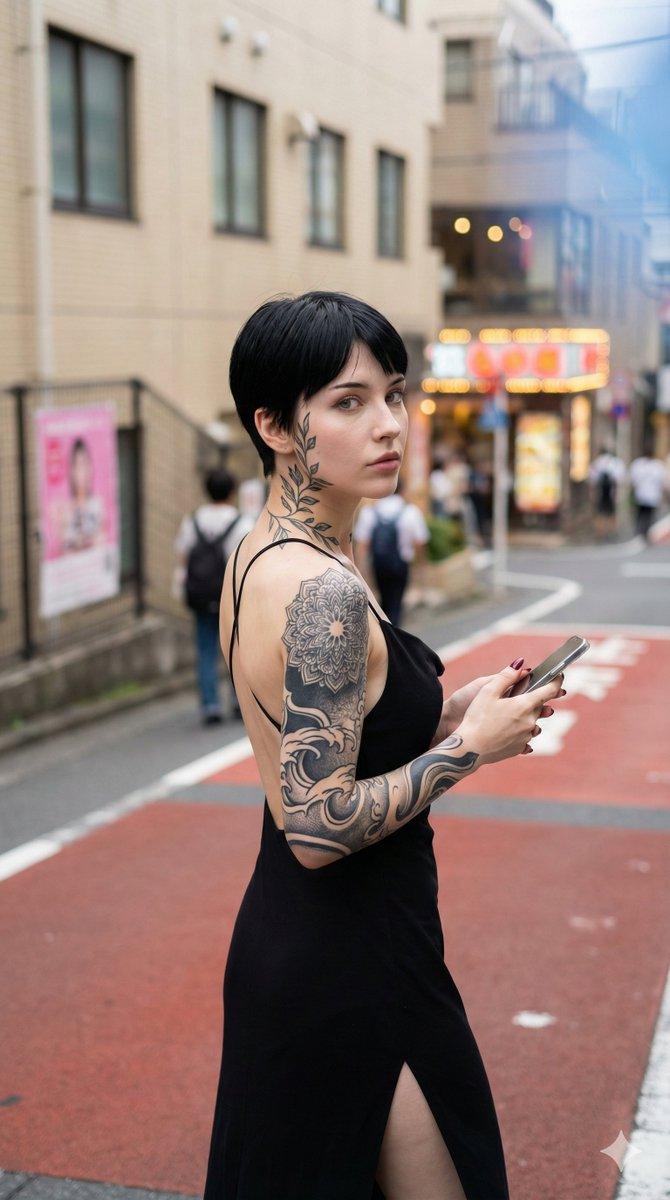
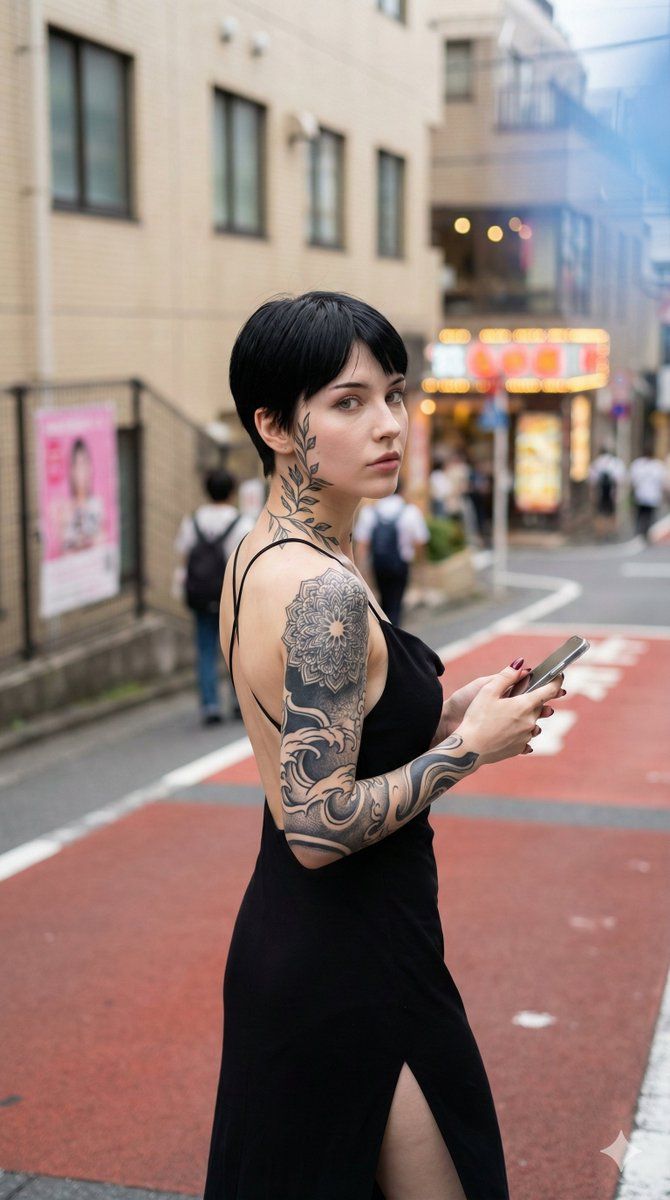
日系街头回眸的刺青黑裙少女
Enlarge

日系街头回眸的刺青黑裙少女

Prompt
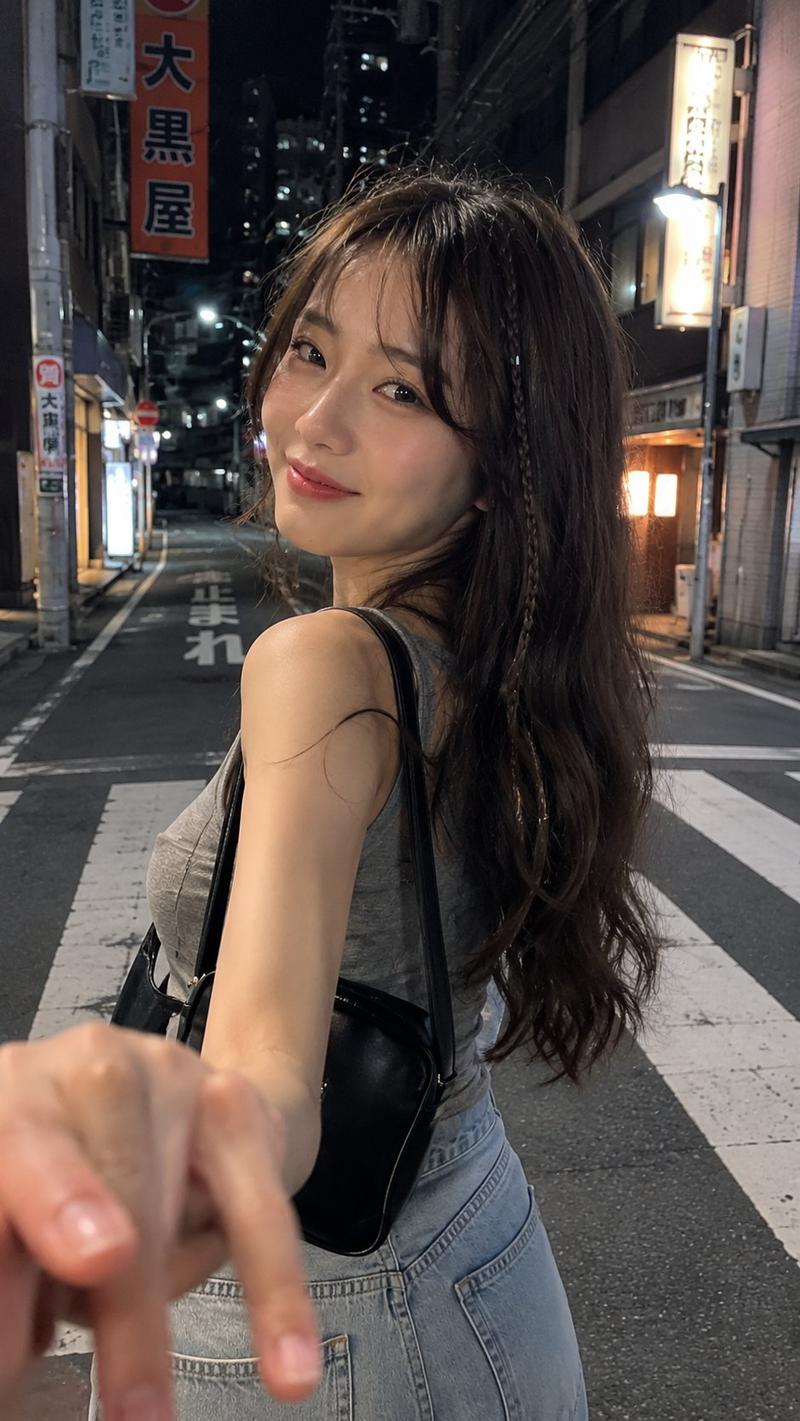
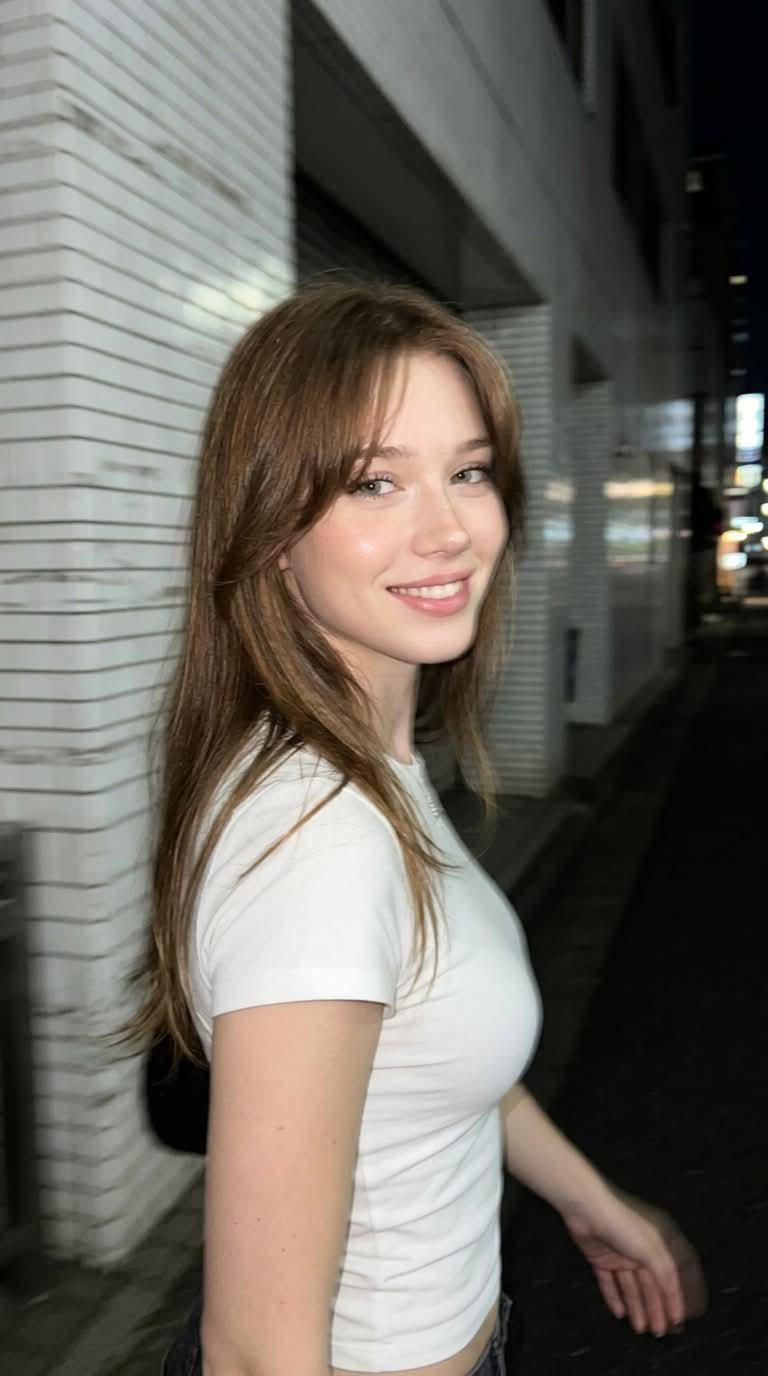
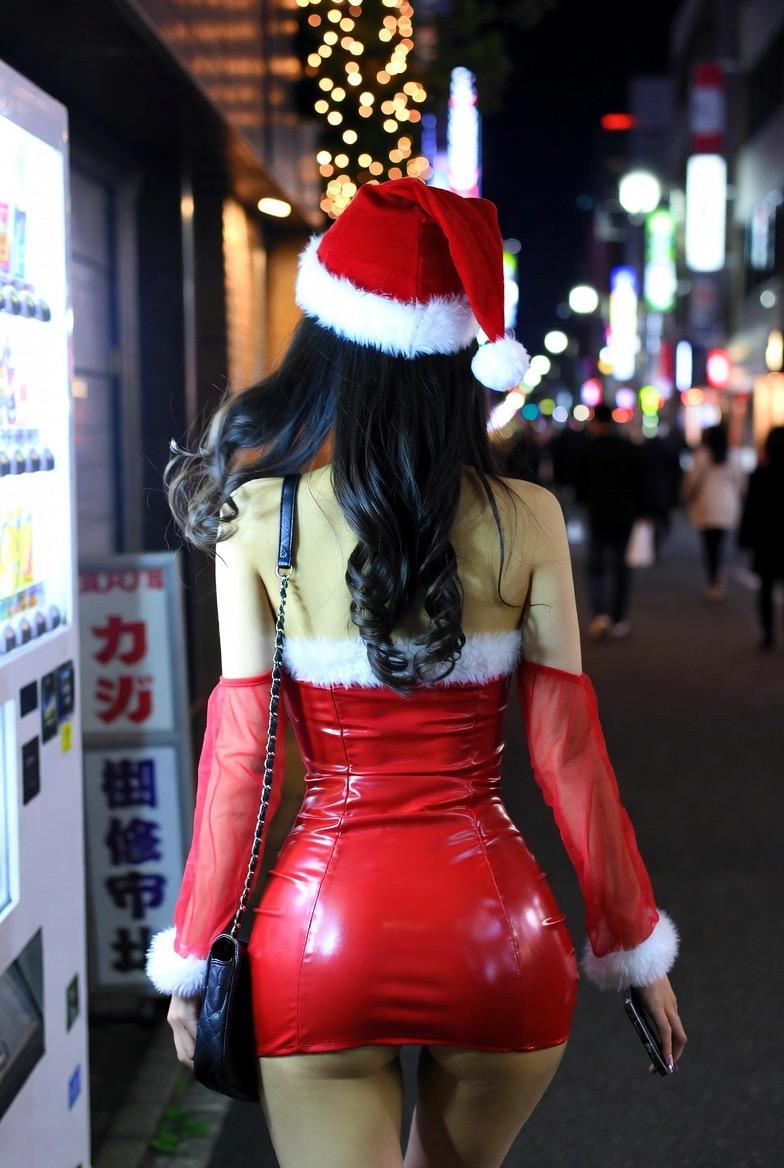
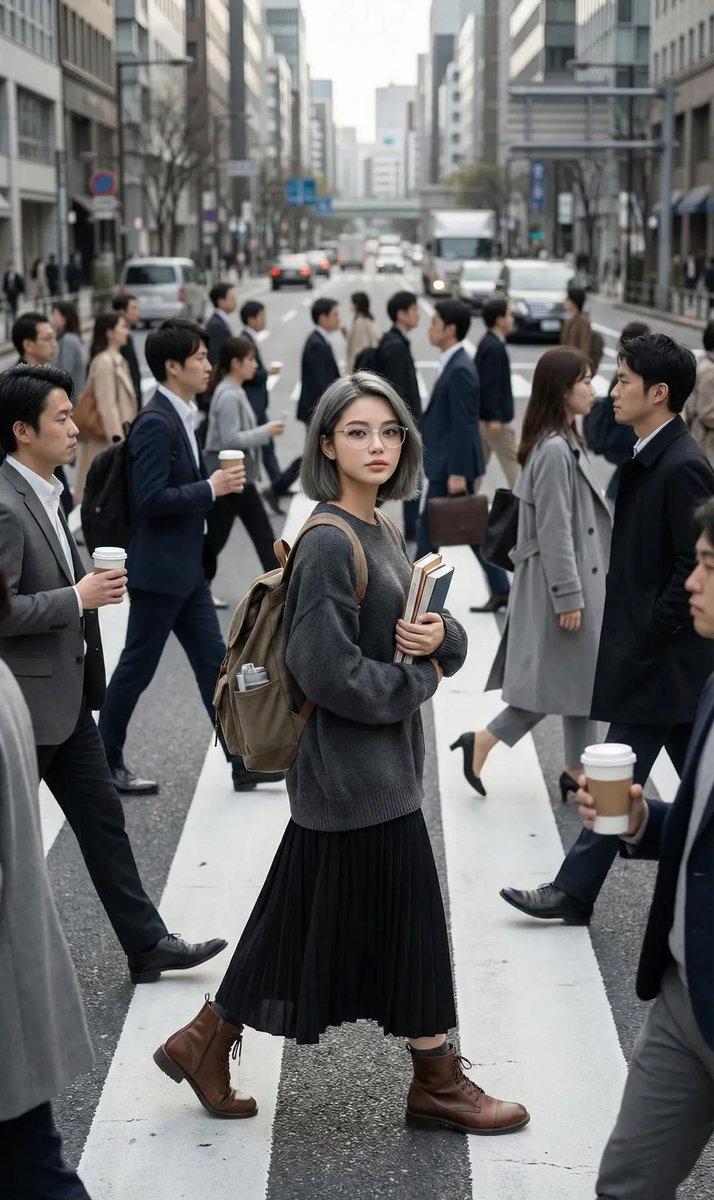
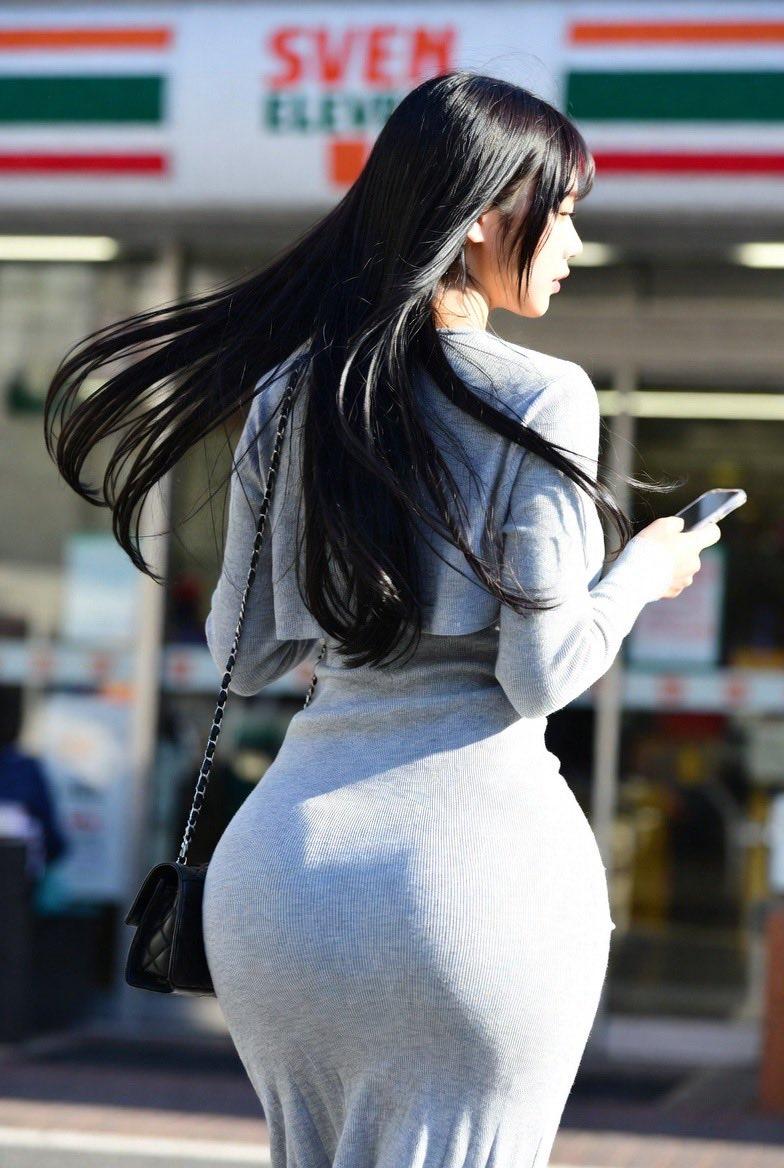
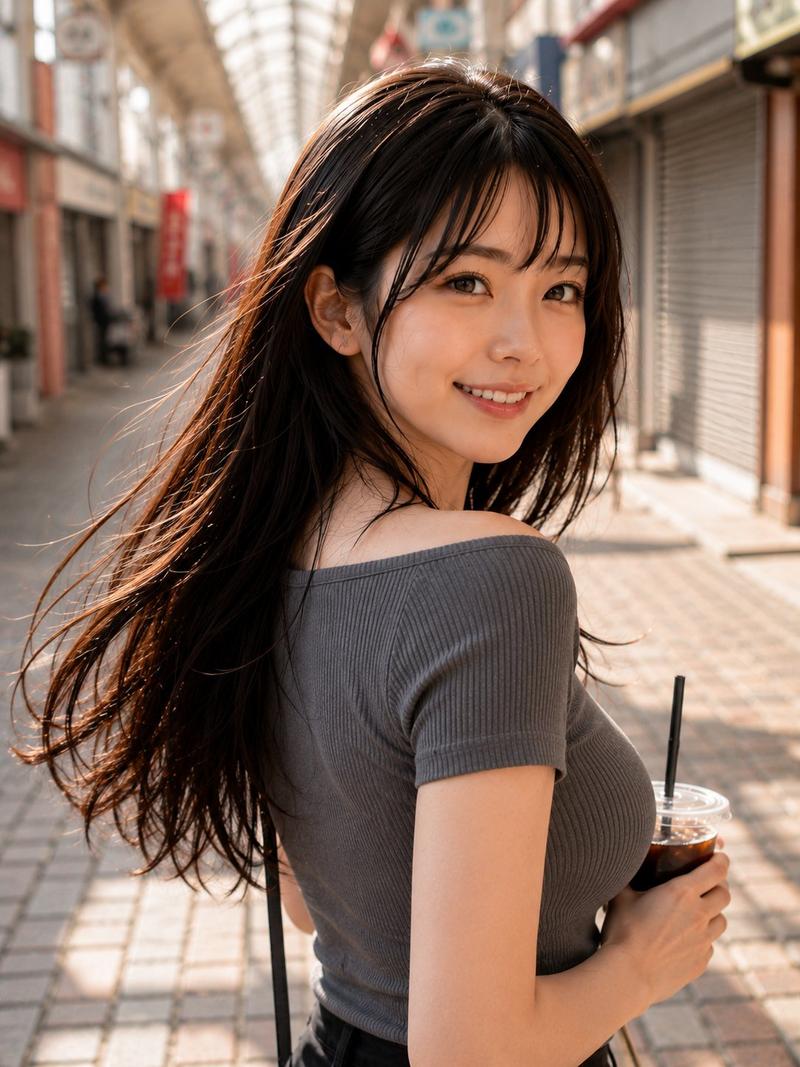
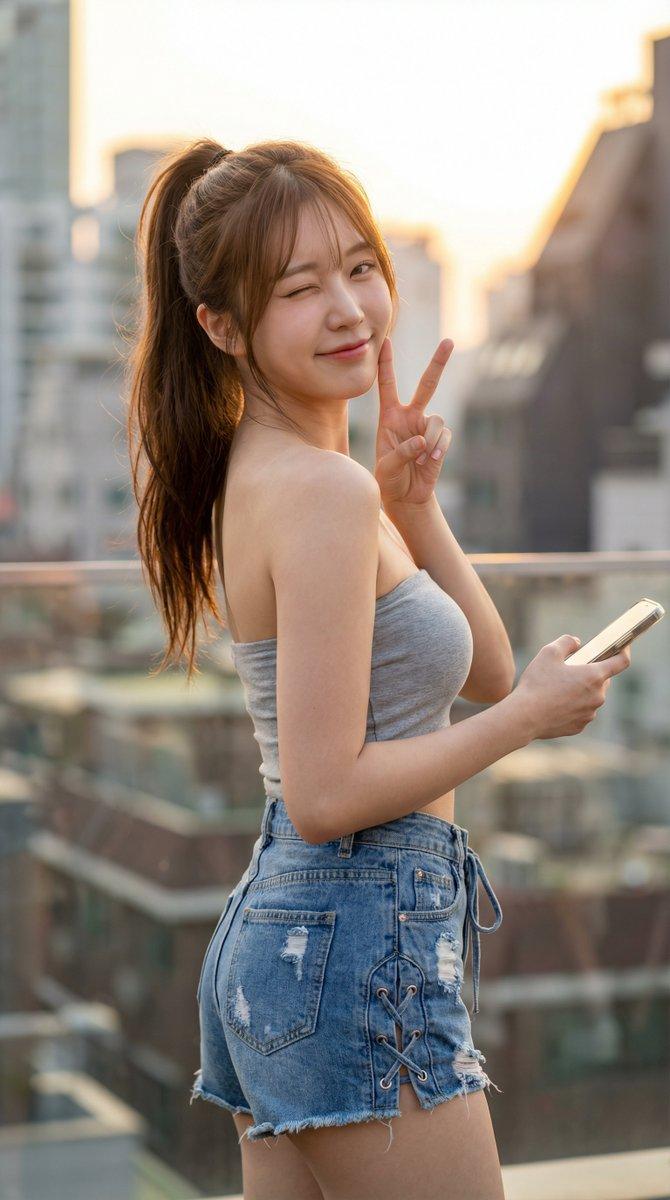
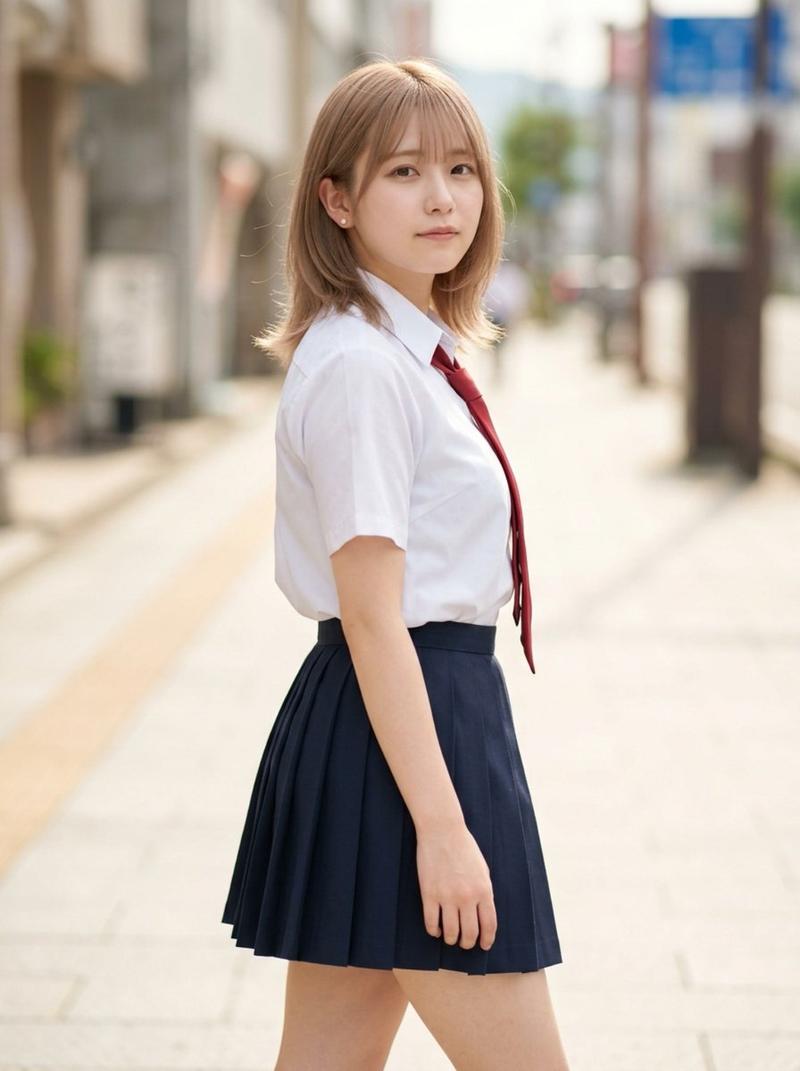
Photorealistic, high-contrast portrait (9:16) of a young woman with short sleek black pixie-cut hair and pale skin, standing on a downward sloping Japanese urban street and looking back over her shoulder. Crisp facial detail and tattoos with shallow depth of field: a black ink leafy vine tattoo from the left neck to jawline and cheek, and a blackwork sleeve on the right arm with a mandala on the shoulder transitioning into fluid wave motifs on the forearm. She wears a black spaghetti-strap dress with an open back and high slit, holding a silver smartphone in her right hand with dark red manicured nails. Background: strong bokeh of beige mid-rise buildings, red anti-slip painted road lanes, a pink poster on a fence, blurred pedestrians, and warm storefront signage lights. Soft daylight, very subtle blue lens artifact in the upper right (not sunny blue-sky).
Category
Posters & Typography
Model
Nano Banana Pro
Views78
Source ID
11202
Published
Apr 24, 2026

Guide

About "日系街头回眸的刺青黑裙少女"

What is this prompt for?

"日系街头回眸的刺青黑裙少女" AI image prompt for Nano Banana Pro (Posters & Typography). 一位年轻女性的逼真高对比度肖像 (9:16),她留着短而光滑的黑色精灵短发,皮肤白皙,站在一条向下倾斜的日本城市街道上,回望过肩。面部细节和纹身清晰锐利,景深较浅:左…

The full copyable prompt and example visuals above are ready for AI image generation or one-click recreate in Picva.

How to use this prompt

  1. Step 1

    Open the prompt detail

    Review the example visuals, category, and full prompt text for "日系街头回眸的刺青黑裙少女".

  2. Step 2

    Copy the prompt

    Copy the prompt body from this page, or load it directly in Studio.

  3. Step 3

    Pick a model (Nano Banana Pro)

    Prefer Nano Banana Pro. If you switch models, keep subject and composition and tweak style terms.

  4. Step 4

    Generate and export

    Recreate the look in Picva, or export into your workflow for editing and publishing.

FAQ

What is the "日系街头回眸的刺青黑裙少女" prompt?
It is an AI image-generation prompt for Nano Banana Pro in the Posters & Typography category. This page includes the full prompt text, example visuals, and a one-click recreate path in Picva.
How do I use this prompt to generate an image?
Copy the prompt from this page, or use Generate / Studio. Paste it into a compatible image model, or recreate the look in Picva with optional reference images.
Which model is this prompt for?
This page lists Nano Banana Pro. Most descriptive prompts also transfer to nearby image models such as GPT Image, Flux, or Midjourney with light style tweaks.
Can I use the result commercially?
You can usually copy the prompt for creation, but commercial use of the final image depends on the model terms, reference-image rights, and the generated content. Follow the source author and platform rules.