19

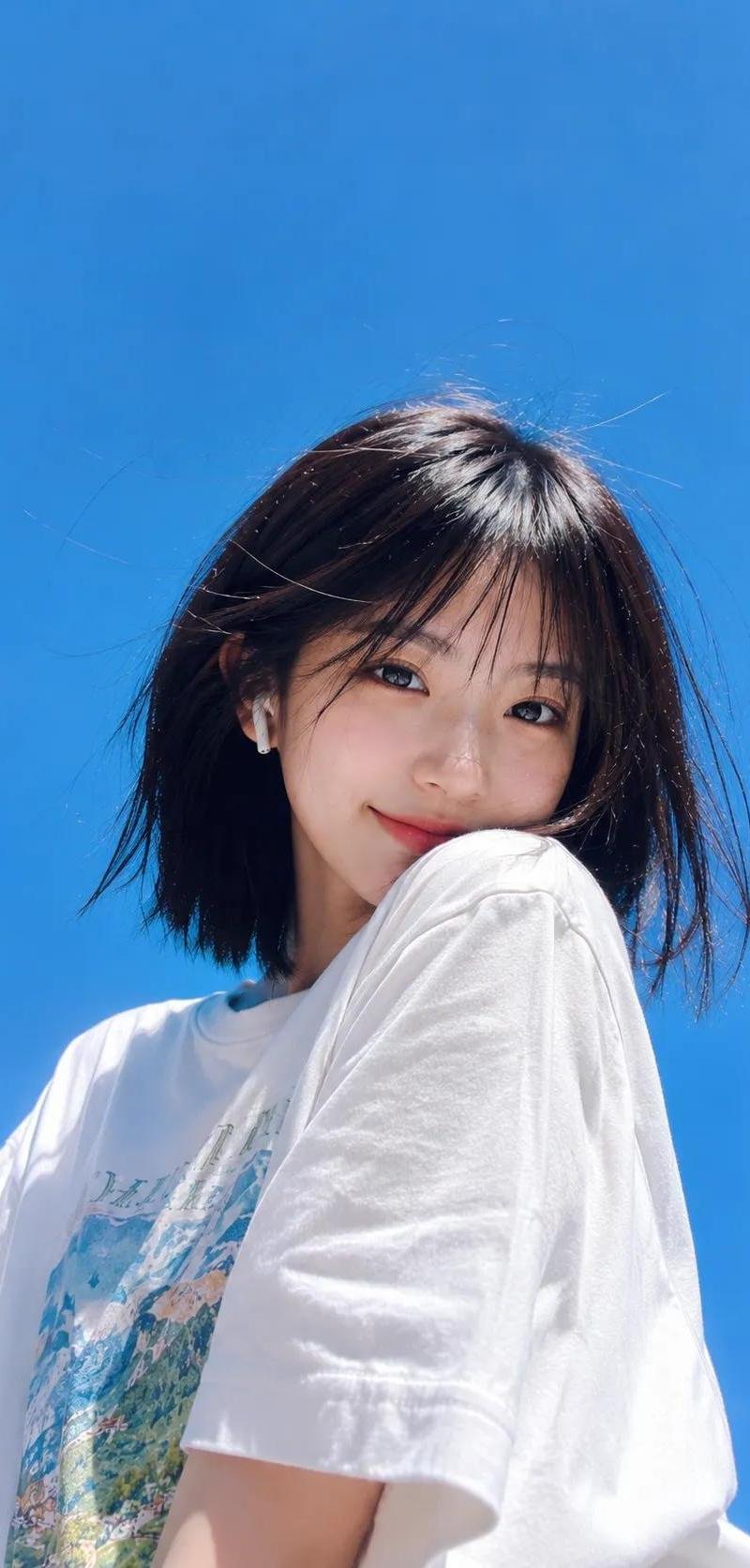
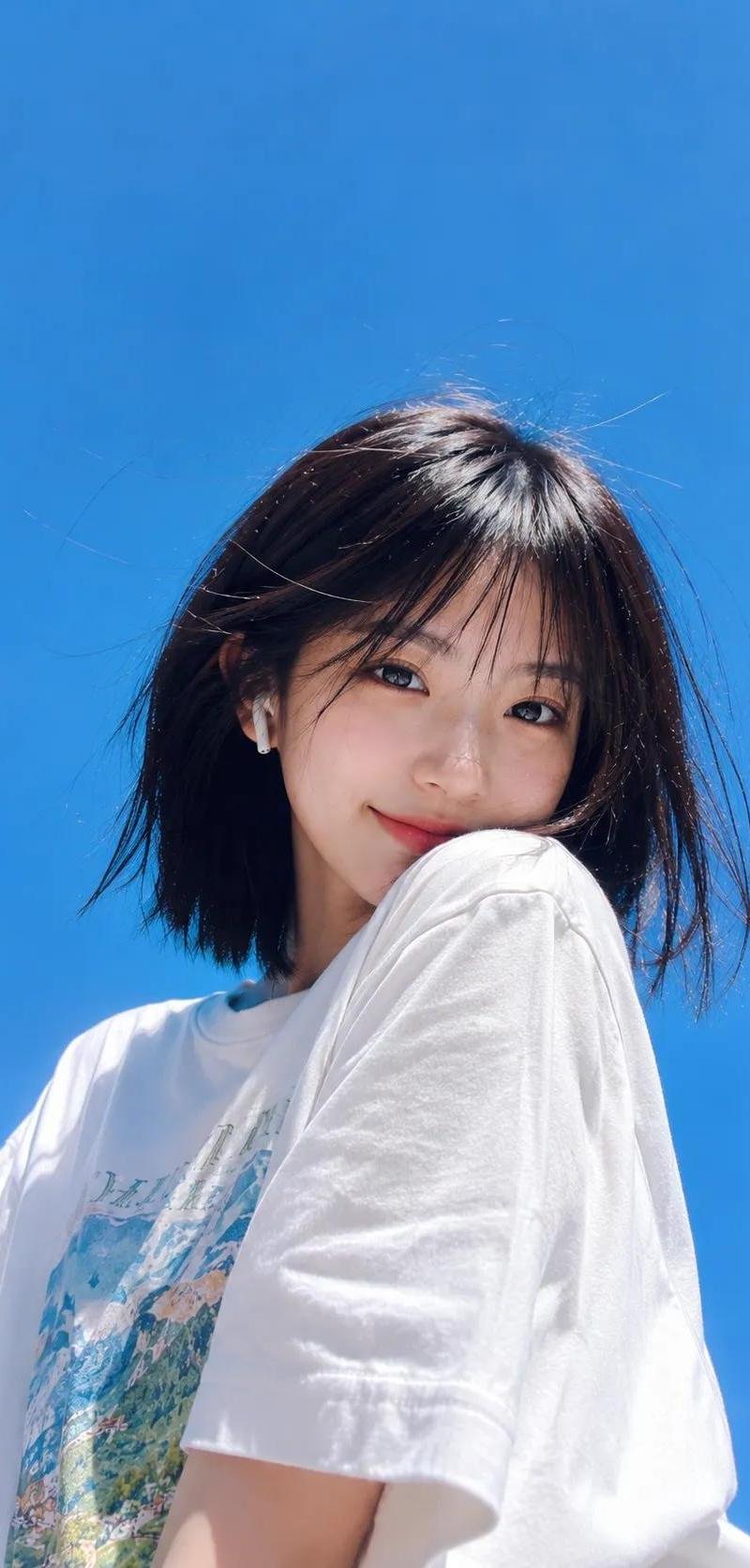
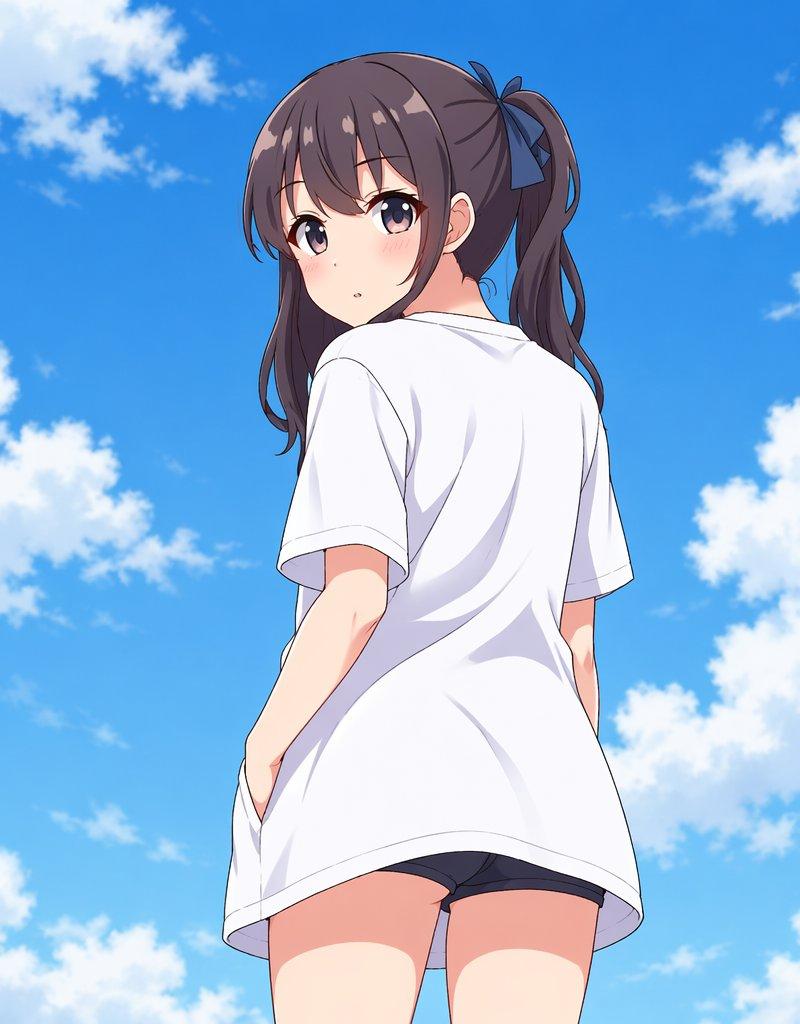
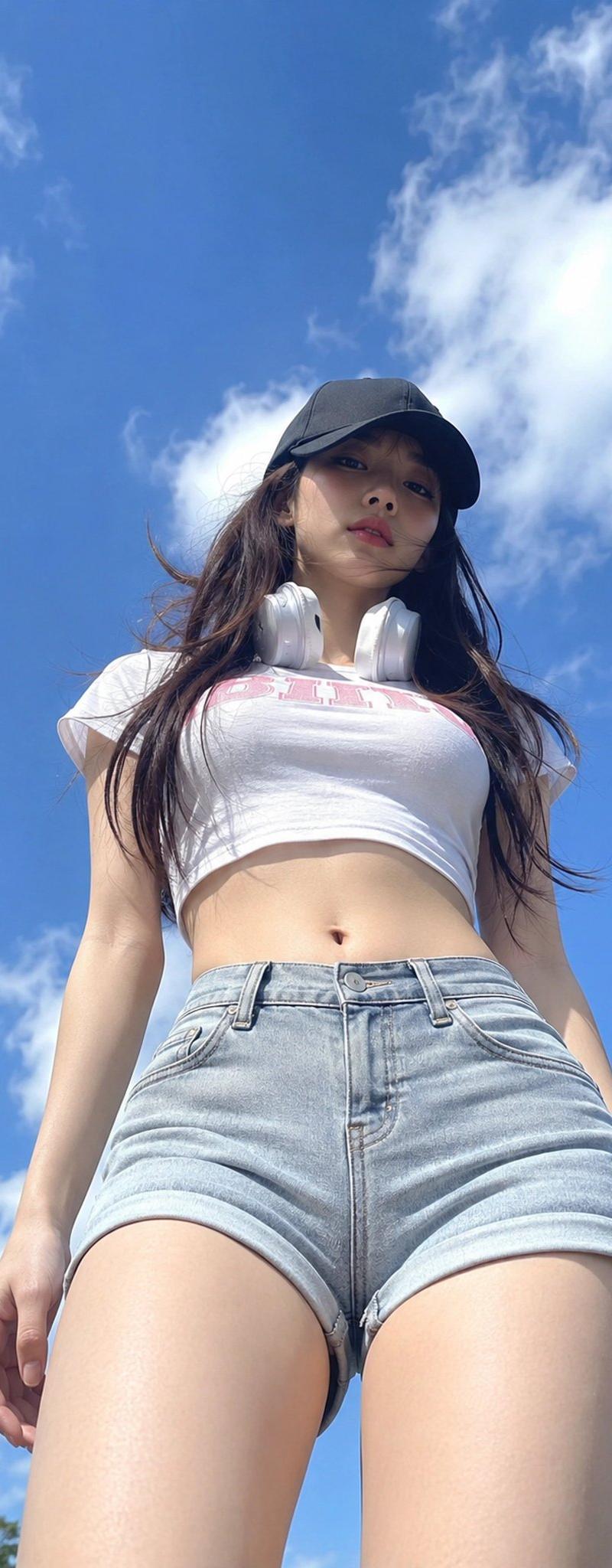
日系清冷夏日半写实插画主体xxx
Enlarge

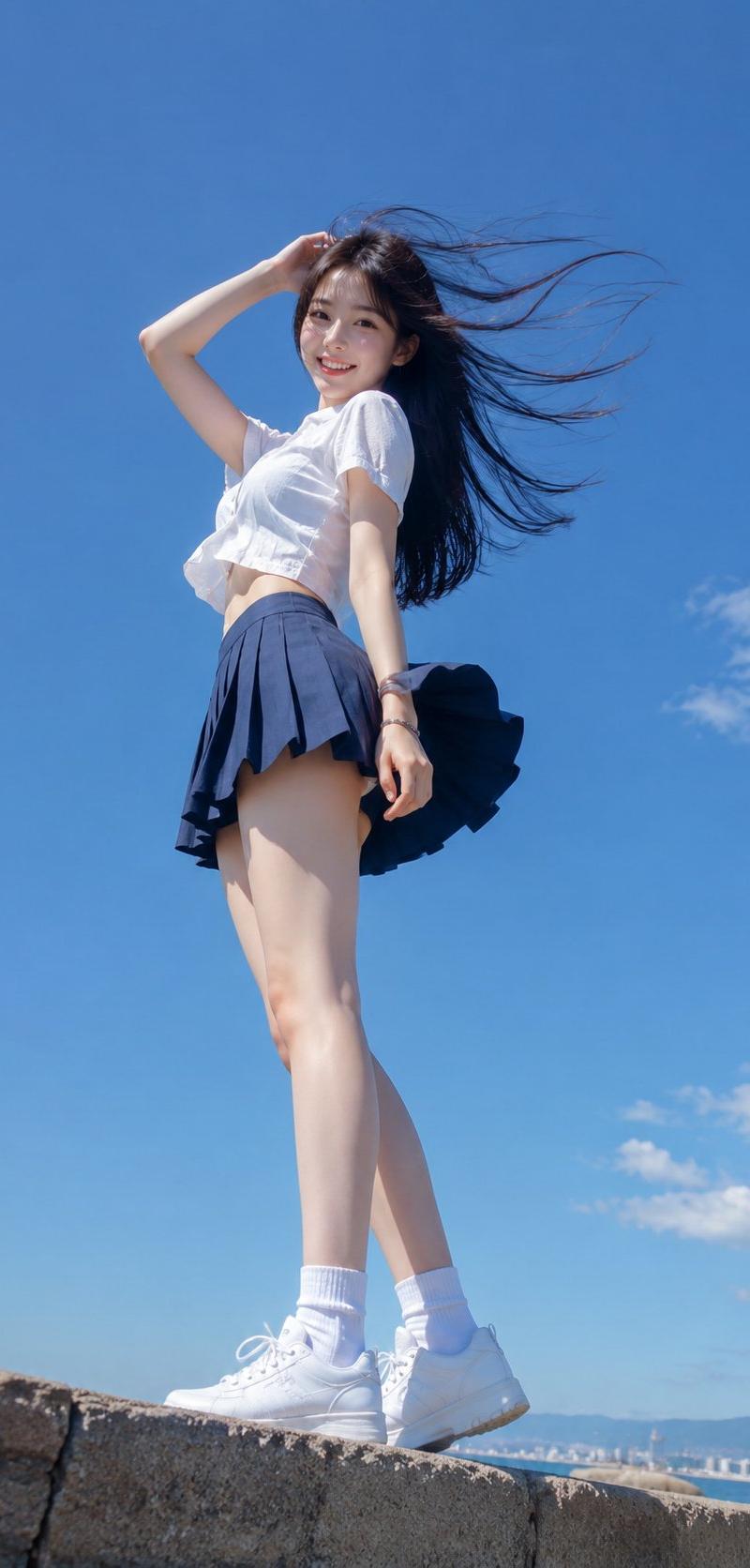
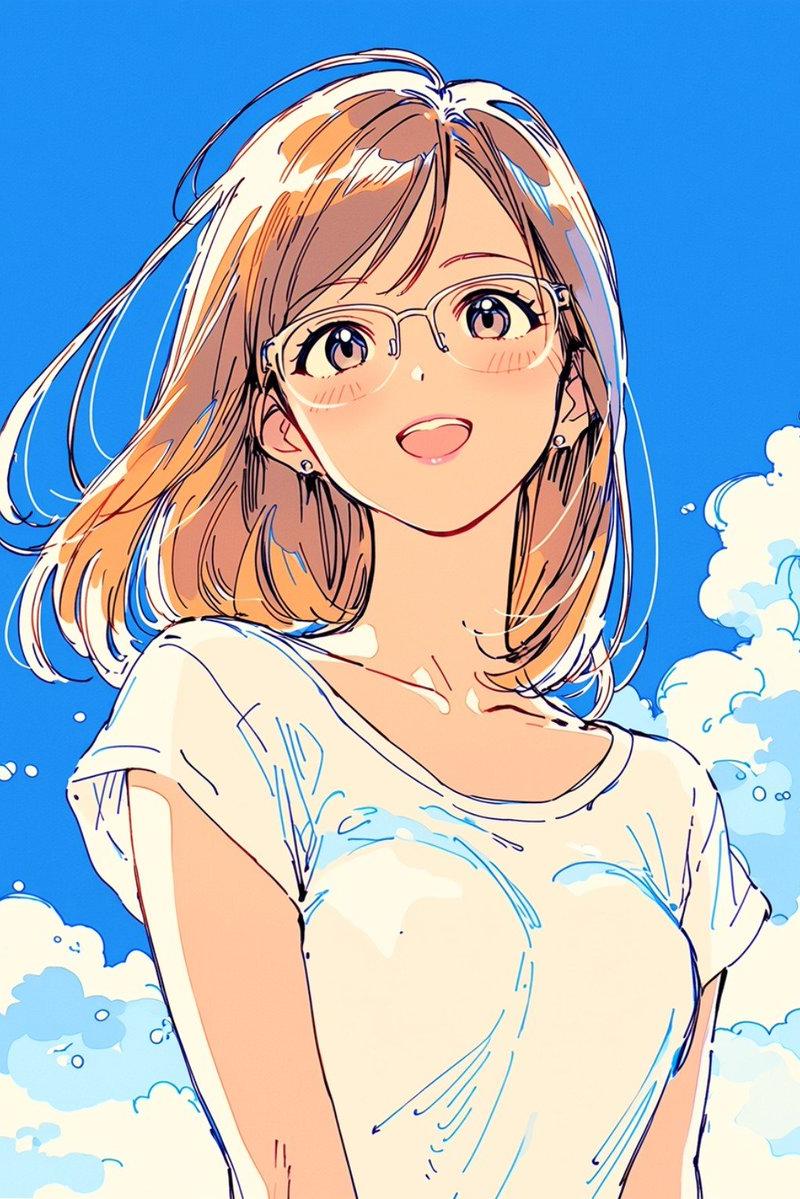
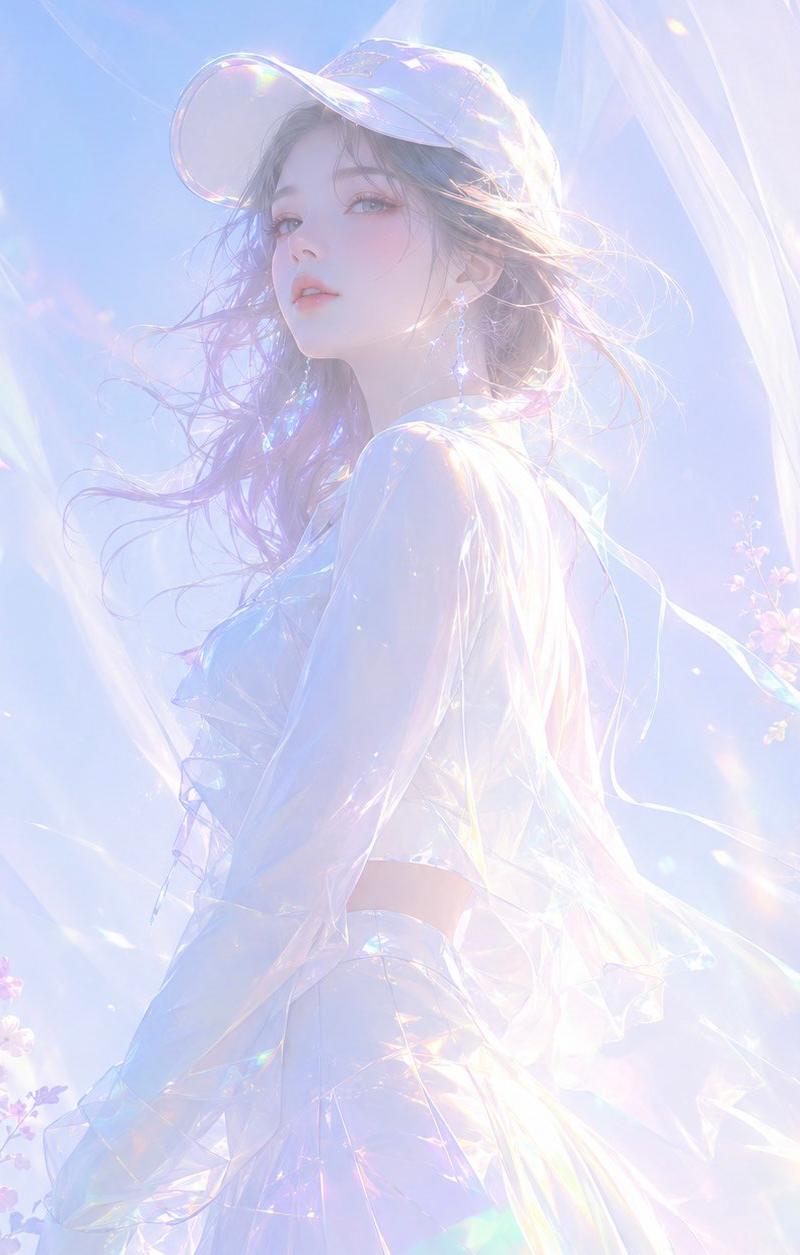
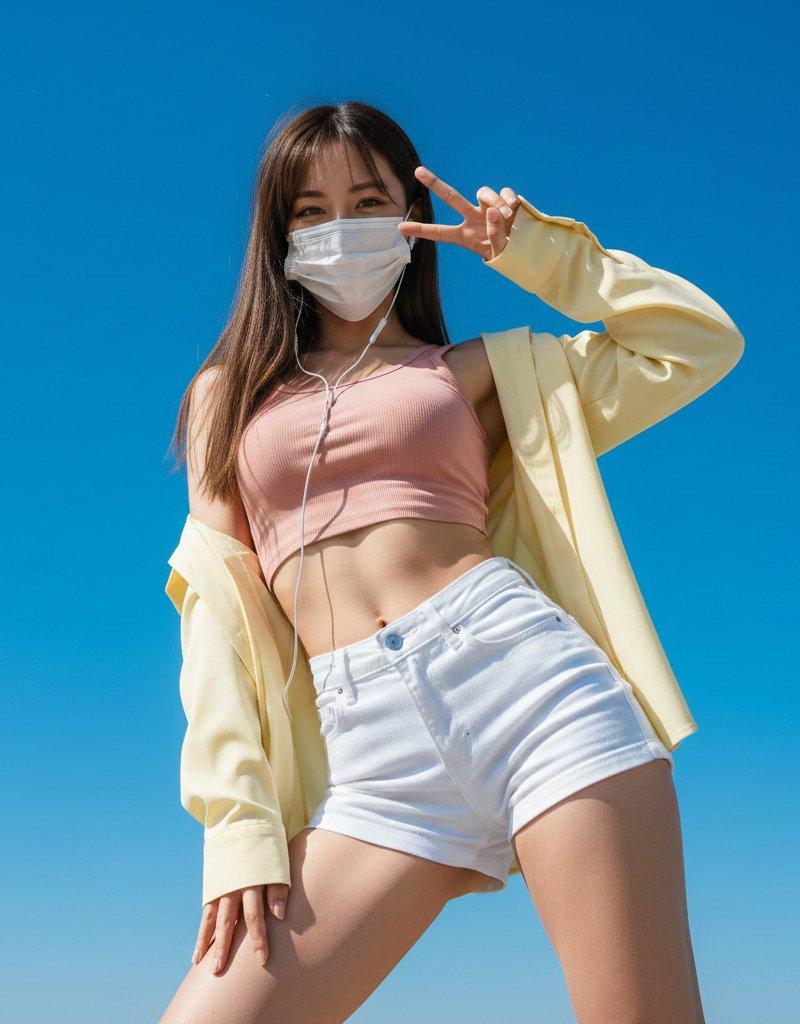
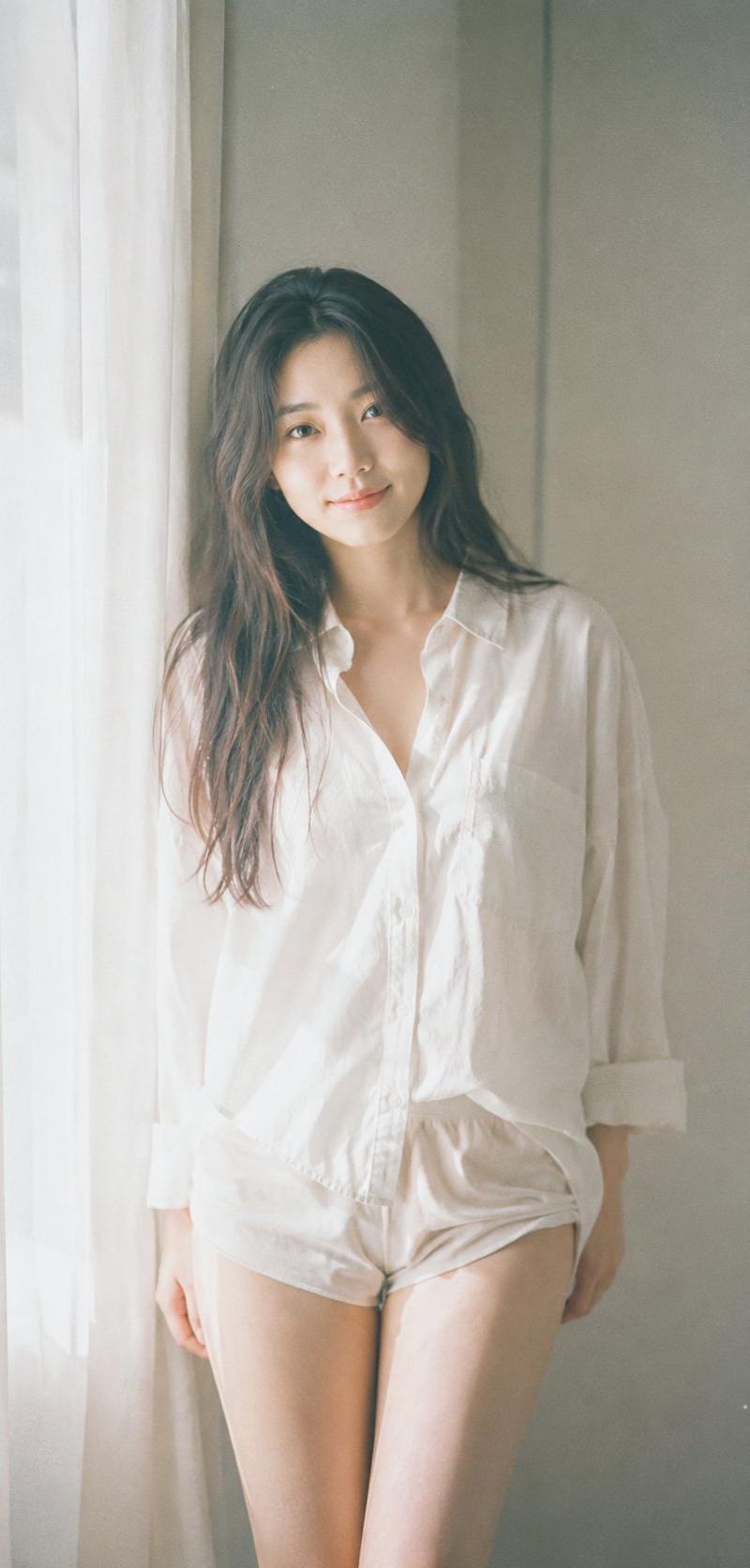
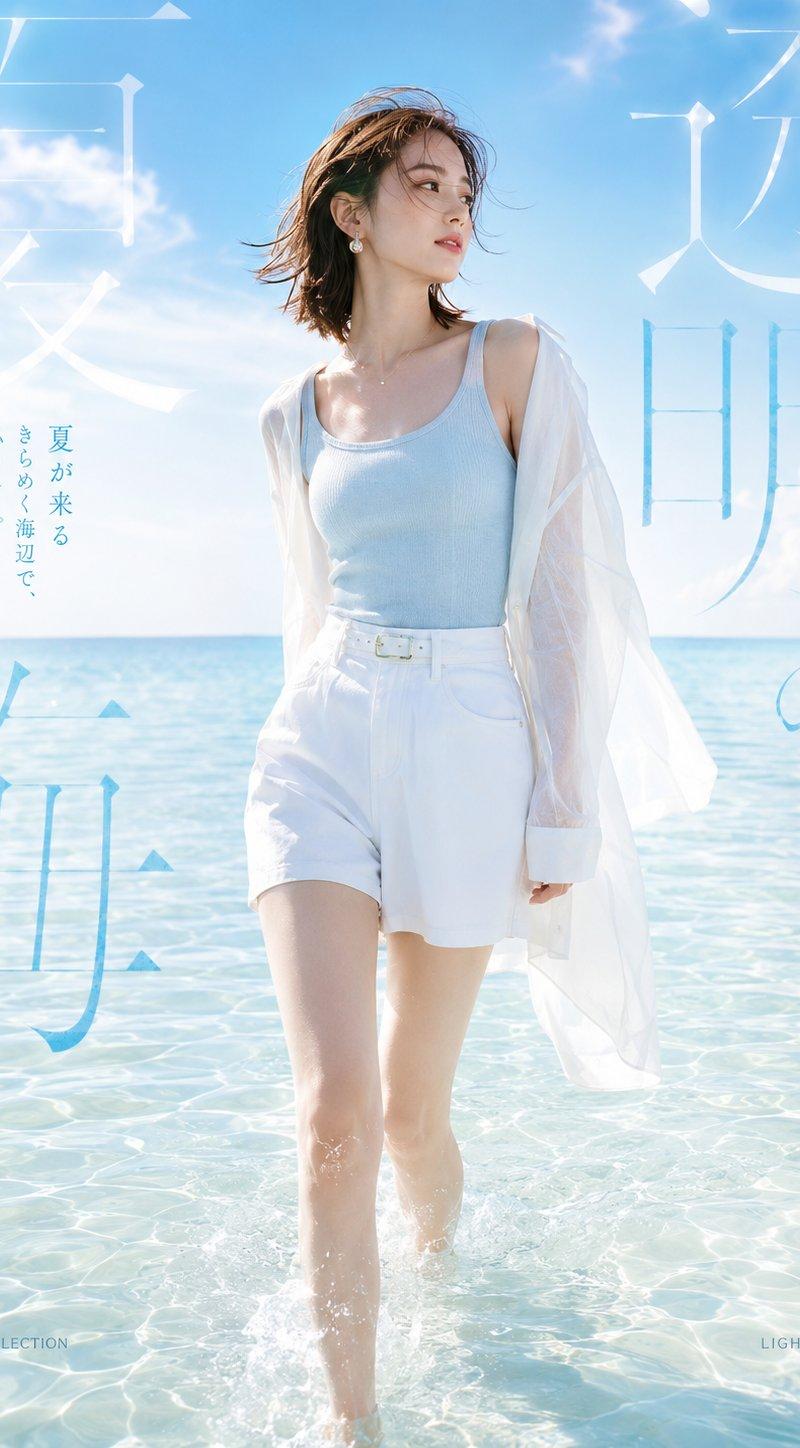
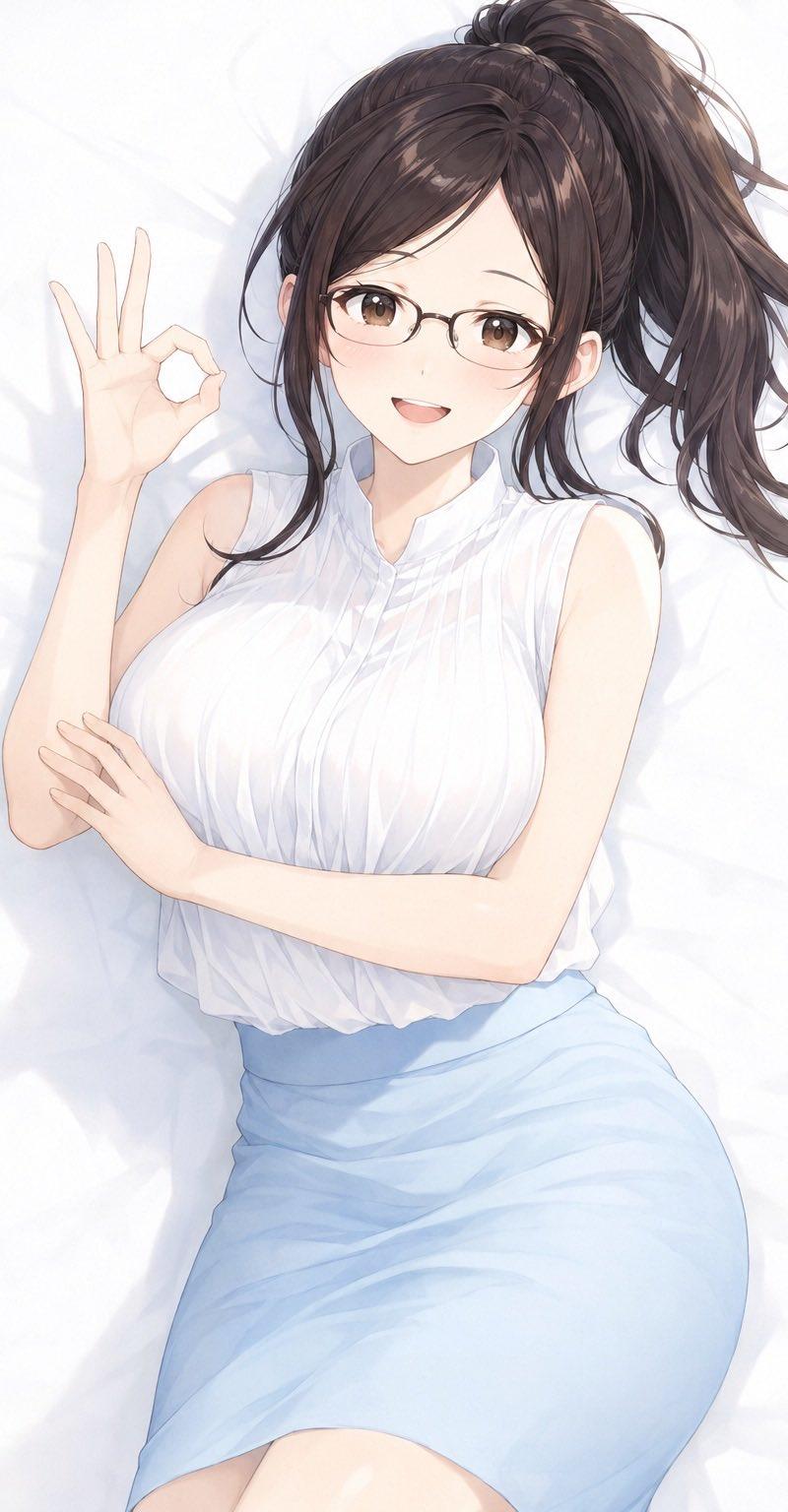
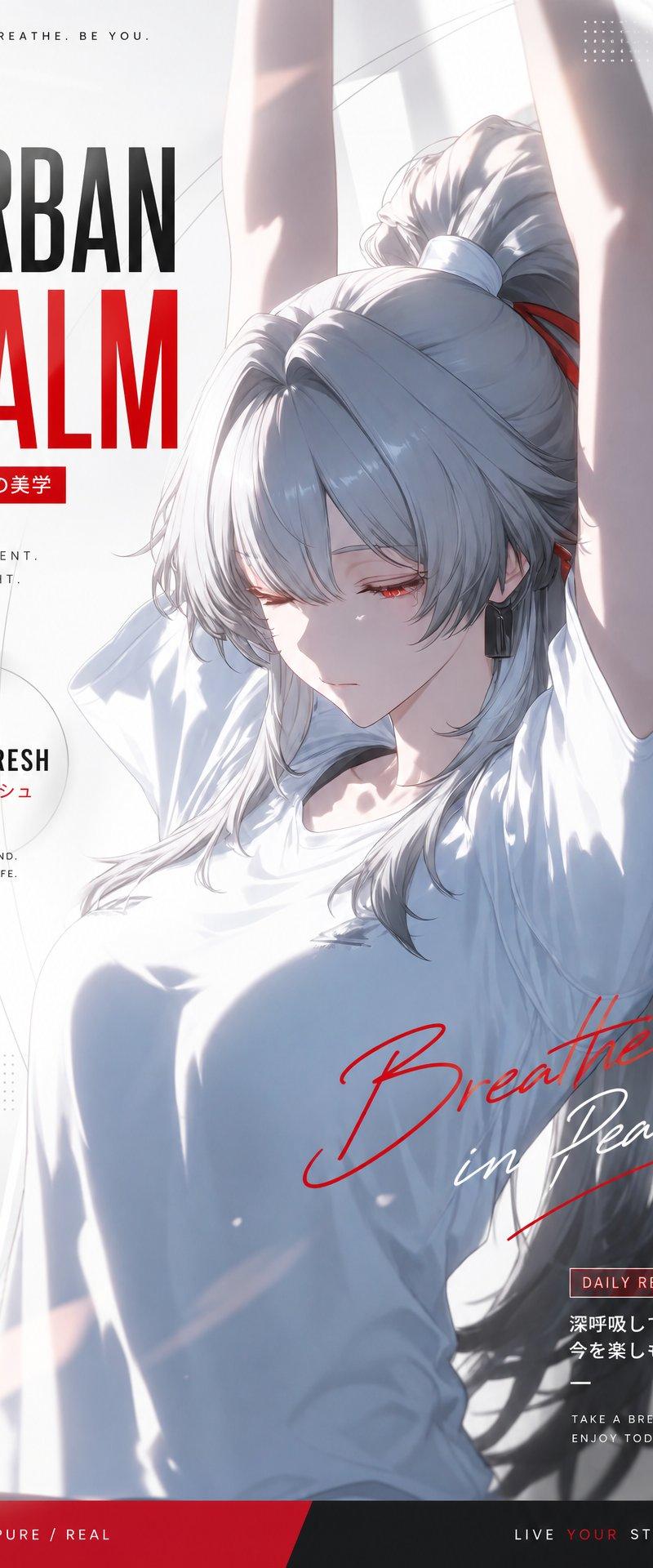
Example images

日系清冷夏日半写实插画主体xxx

Prompt
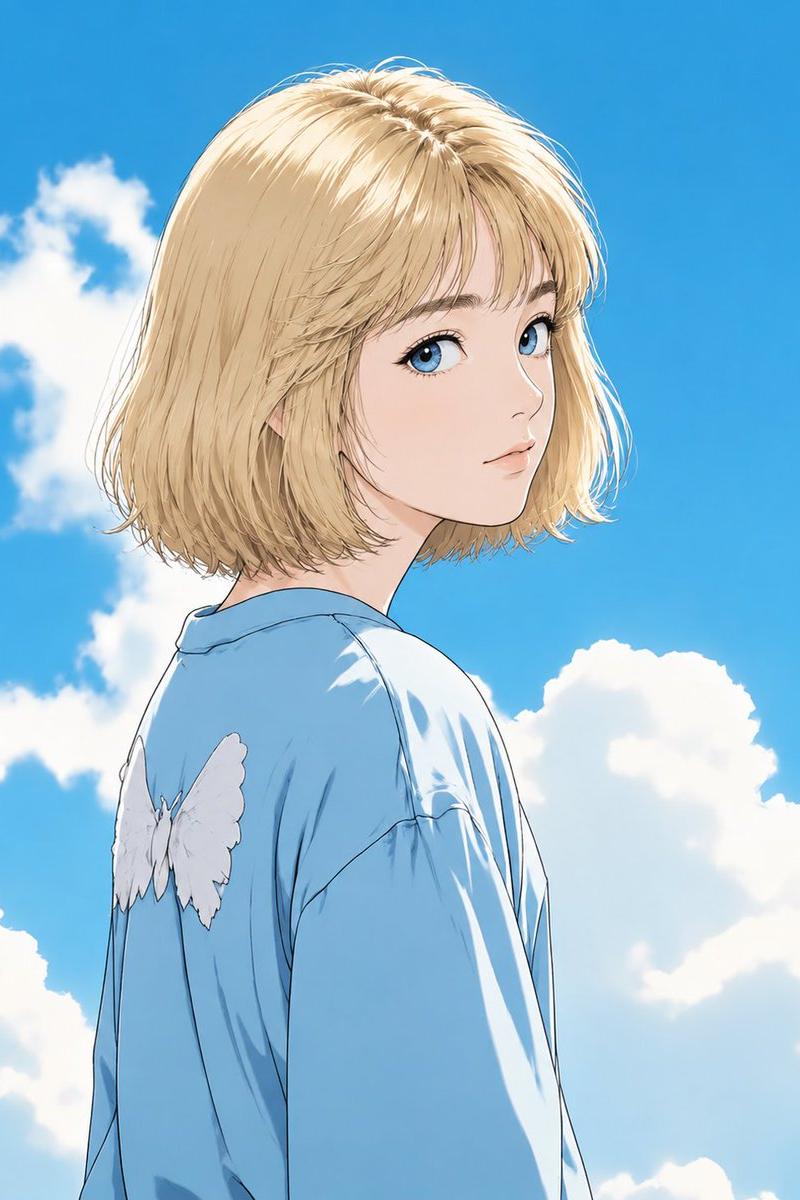
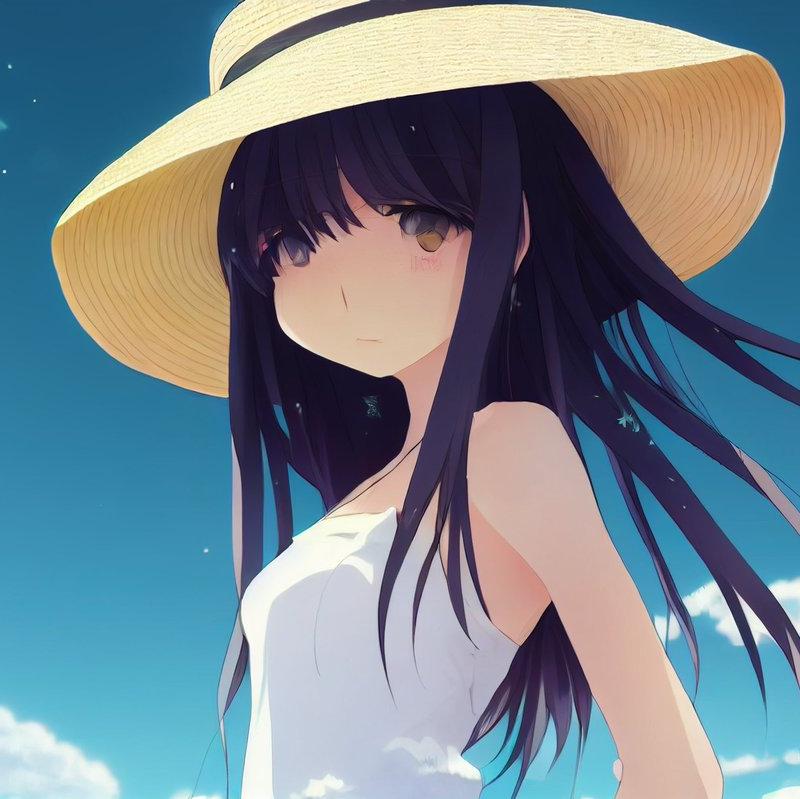
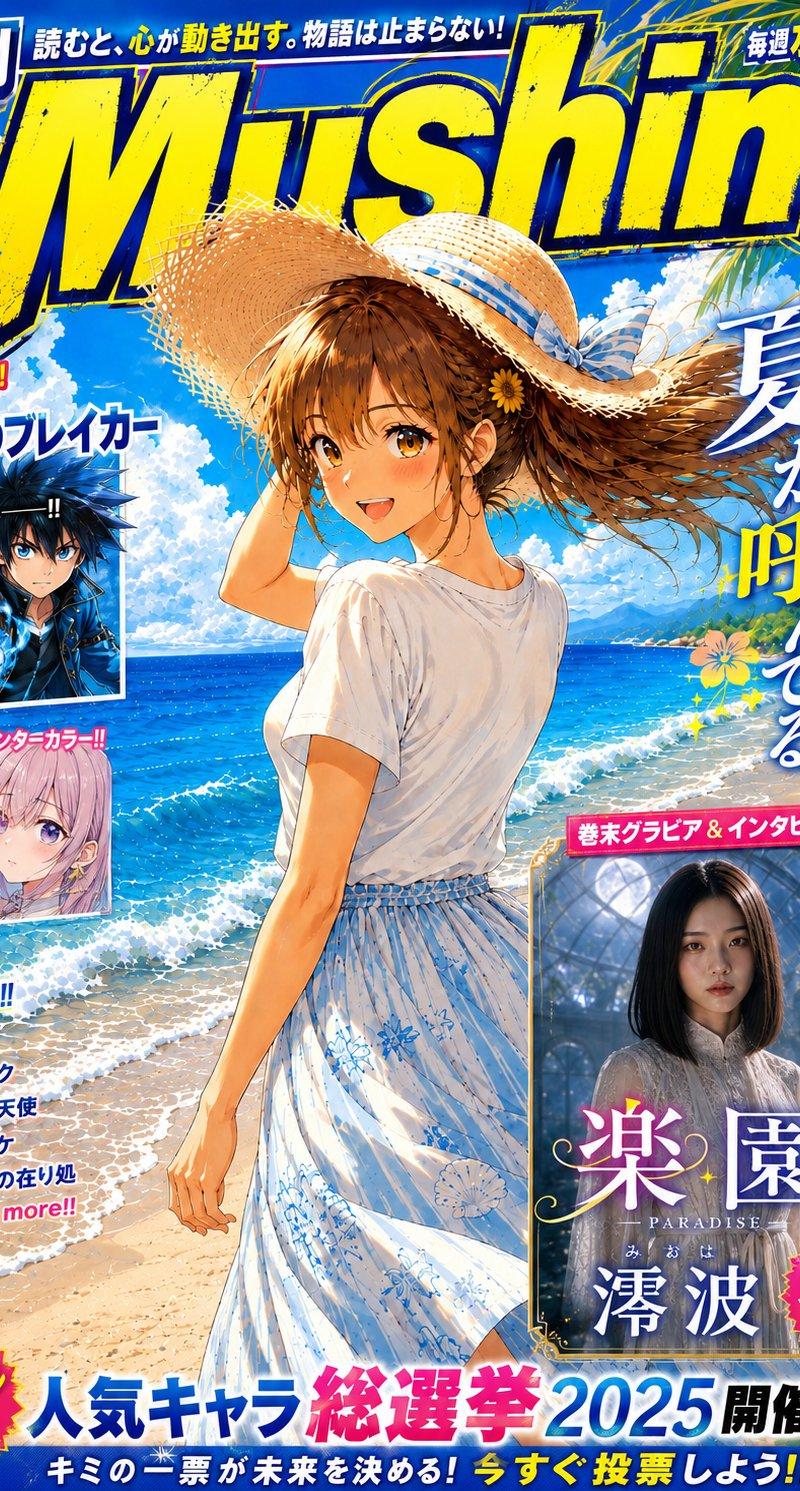
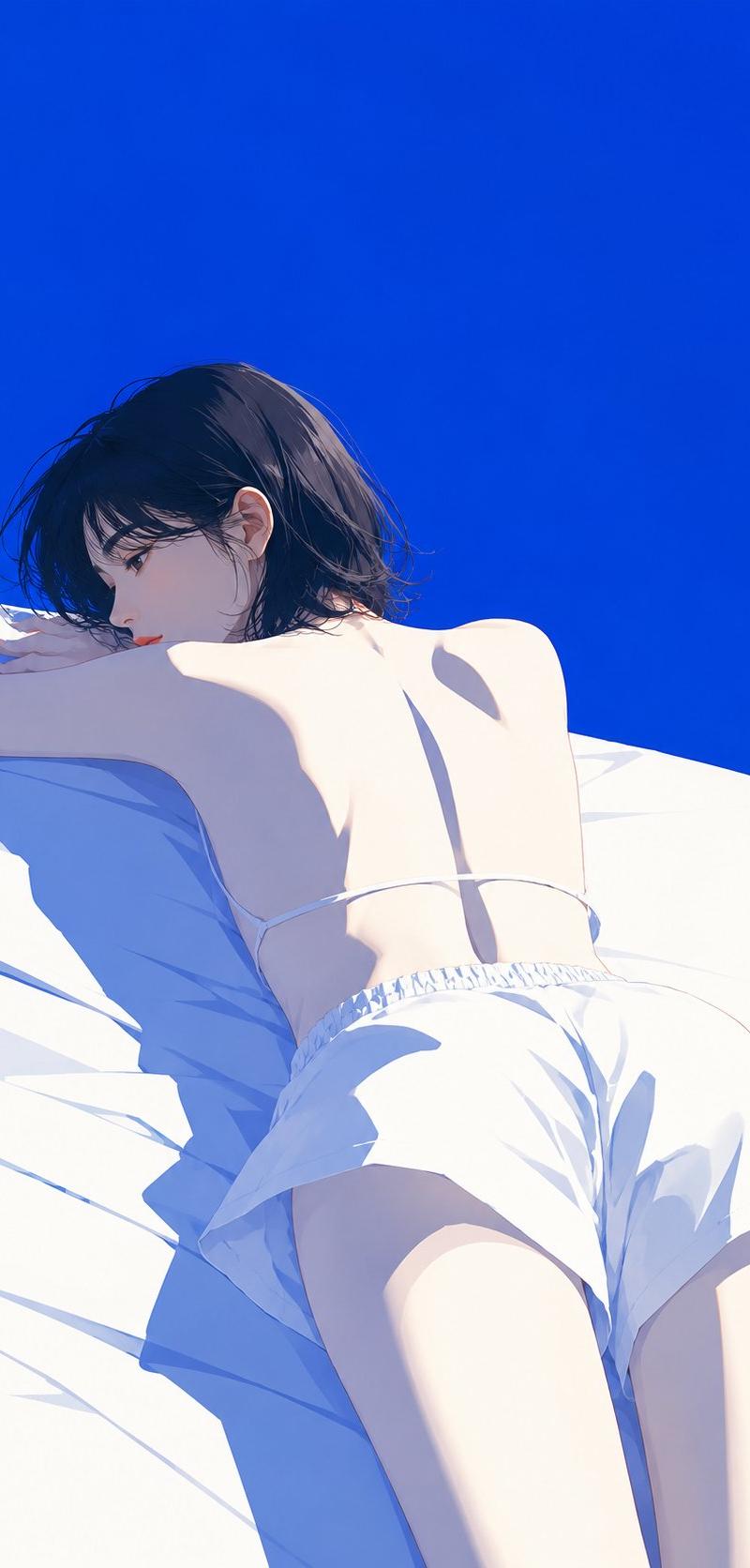
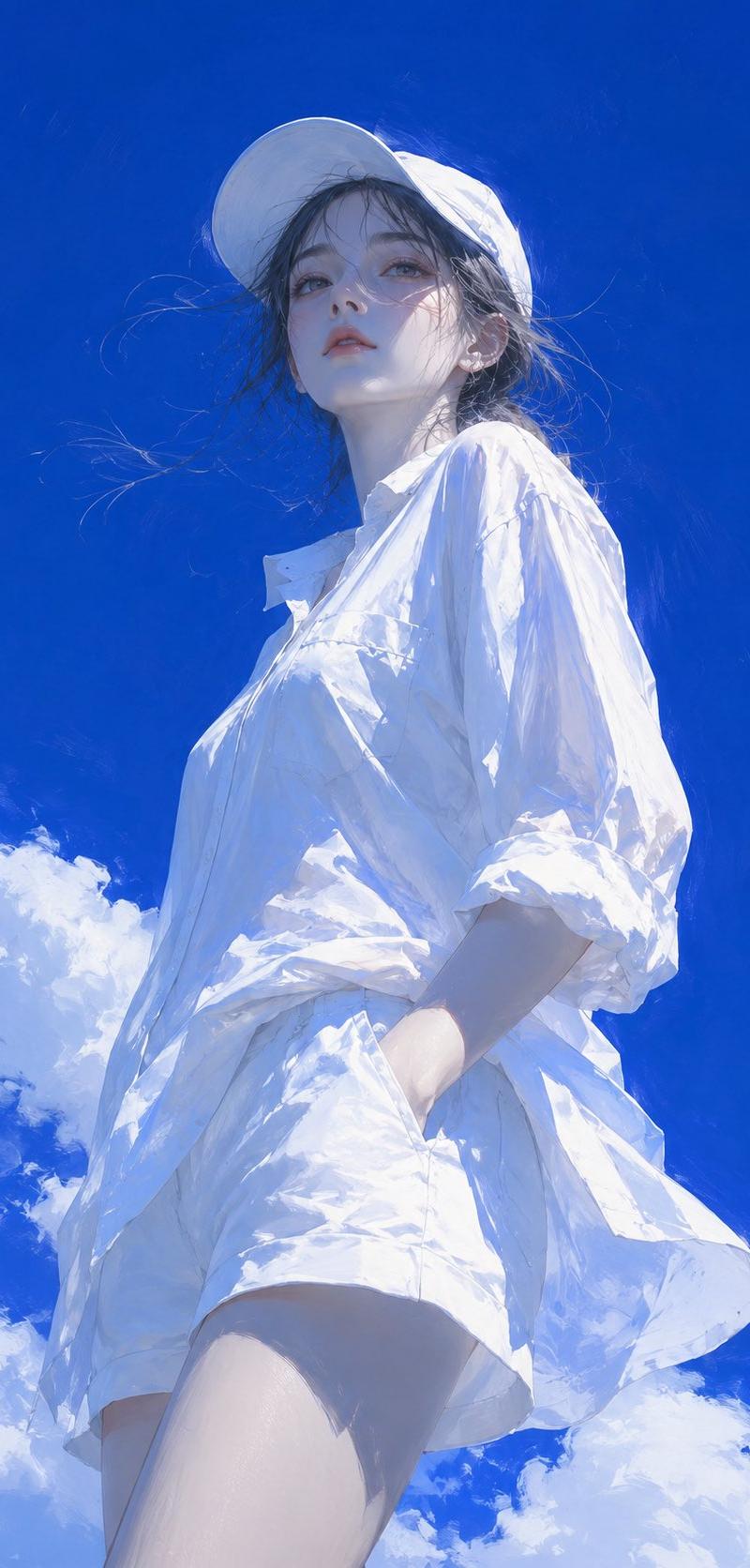
Japanese-style cool summer semi-realistic illustration, subject is [xxx], 9:16, low angle shot looking up, subject occupies the center of the frame. Deep high-saturation cobalt blue sky, a small amount of thick white clouds, strong blue-white contrast. Sunny day hard light from the top side, cold white highlights, blue-gray shadows, skin and clothing with blue ambient reflections. Impasto combined with fine line art, delicate and visible brushstrokes, facial features are cold and transparent, hair strands slightly floating, clothing is loose and pure white, with folds and cold blue reflections. Overall cool, quiet, lonely, free, summer transparency, like high-end Japanese literary illustrations and poetry covers. No text, no watermark, no logo, no photography feel, no 3D.
Category
Charts & Infographics
Model
ChatGPT
Creator
@yyyole
Source language
zh-CN
Views149
Source ID
16392
Published
Jun 20, 2026
Studio

Guide

About "日系清冷夏日半写实插画主体xxx"

What is this prompt for?

"日系清冷夏日半写实插画主体xxx" AI image prompt for ChatGPT (Charts & Infographics). 日系清冷夏日半写实插画,主体为【xxx】,9:16,低机位仰视,主体占画面中心。深邃高饱和钴蓝天空,少量厚重白云,强烈蓝白对比。晴天硬光侧上方照射,冷白高光,蓝灰阴影,皮肤与…

The full copyable prompt and example visuals above are ready for AI image generation or one-click recreate in Picva.

How to use this prompt

  1. Step 1

    Open the prompt detail

    Review the example visuals, category, and full prompt text for "日系清冷夏日半写实插画主体xxx".

  2. Step 2

    Copy the prompt

    Copy the prompt body from this page, or load it directly in Studio.

  3. Step 3

    Pick a model (ChatGPT)

    Prefer ChatGPT. If you switch models, keep subject and composition and tweak style terms.

  4. Step 4

    Generate and export

    Recreate the look in Picva, or export into your workflow for editing and publishing.

FAQ

What is the "日系清冷夏日半写实插画主体xxx" prompt?
It is an AI image-generation prompt for ChatGPT in the Charts & Infographics category. This page includes the full prompt text, example visuals, and a one-click recreate path in Picva.
How do I use this prompt to generate an image?
Copy the prompt from this page, or use Generate / Studio. Paste it into a compatible image model, or recreate the look in Picva with optional reference images.
Which model is this prompt for?
This page lists ChatGPT. Most descriptive prompts also transfer to nearby image models such as GPT Image, Flux, or Midjourney with light style tweaks.
Can I use the result commercially?
You can usually copy the prompt for creation, but commercial use of the final image depends on the model terms, reference-image rights, and the generated content. Follow the source author and platform rules.