18

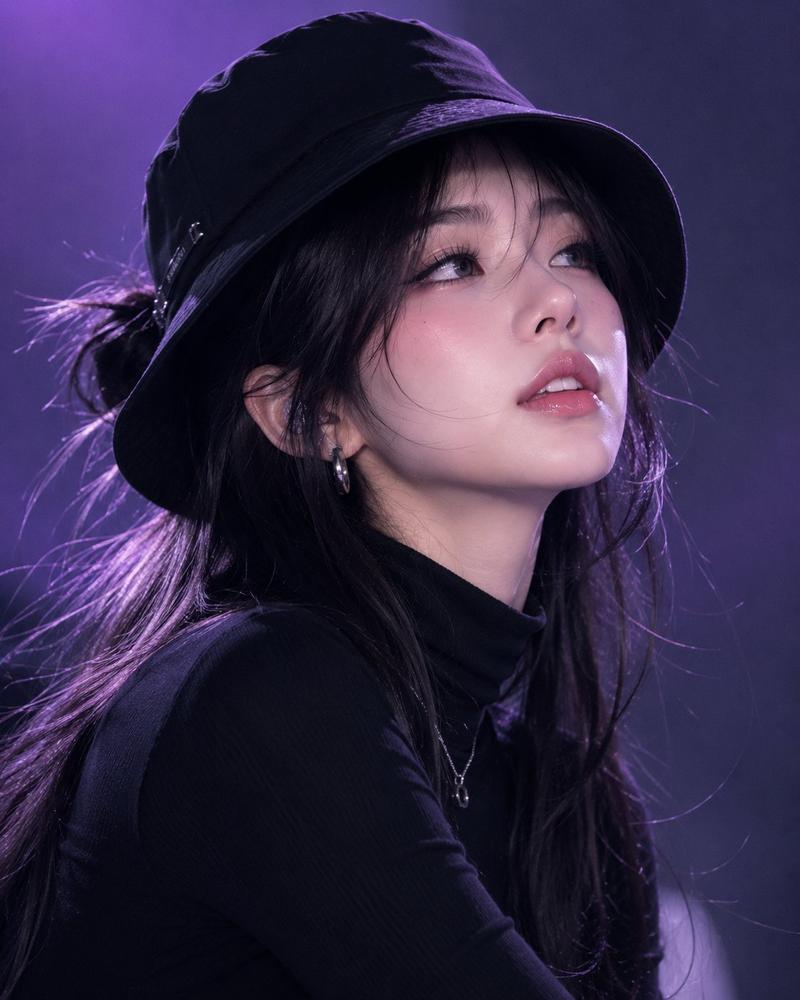
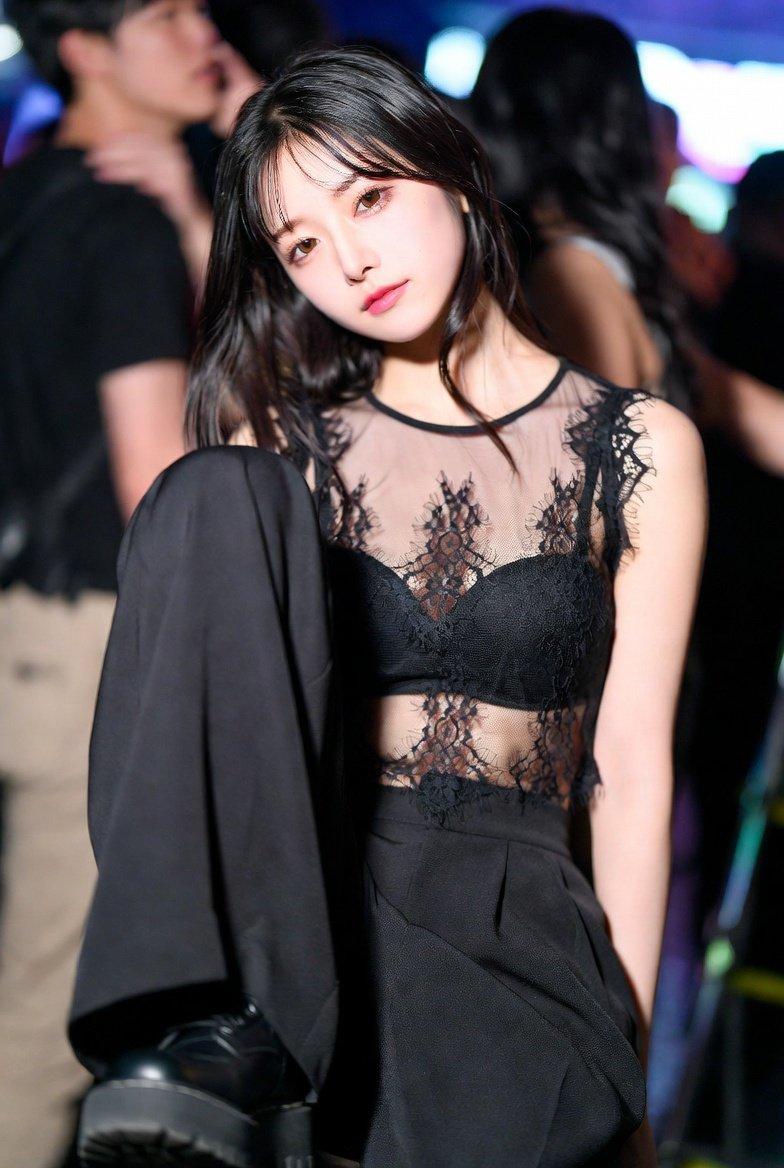
韩国时尚杂志风黑帽女性肖像
Enlarge

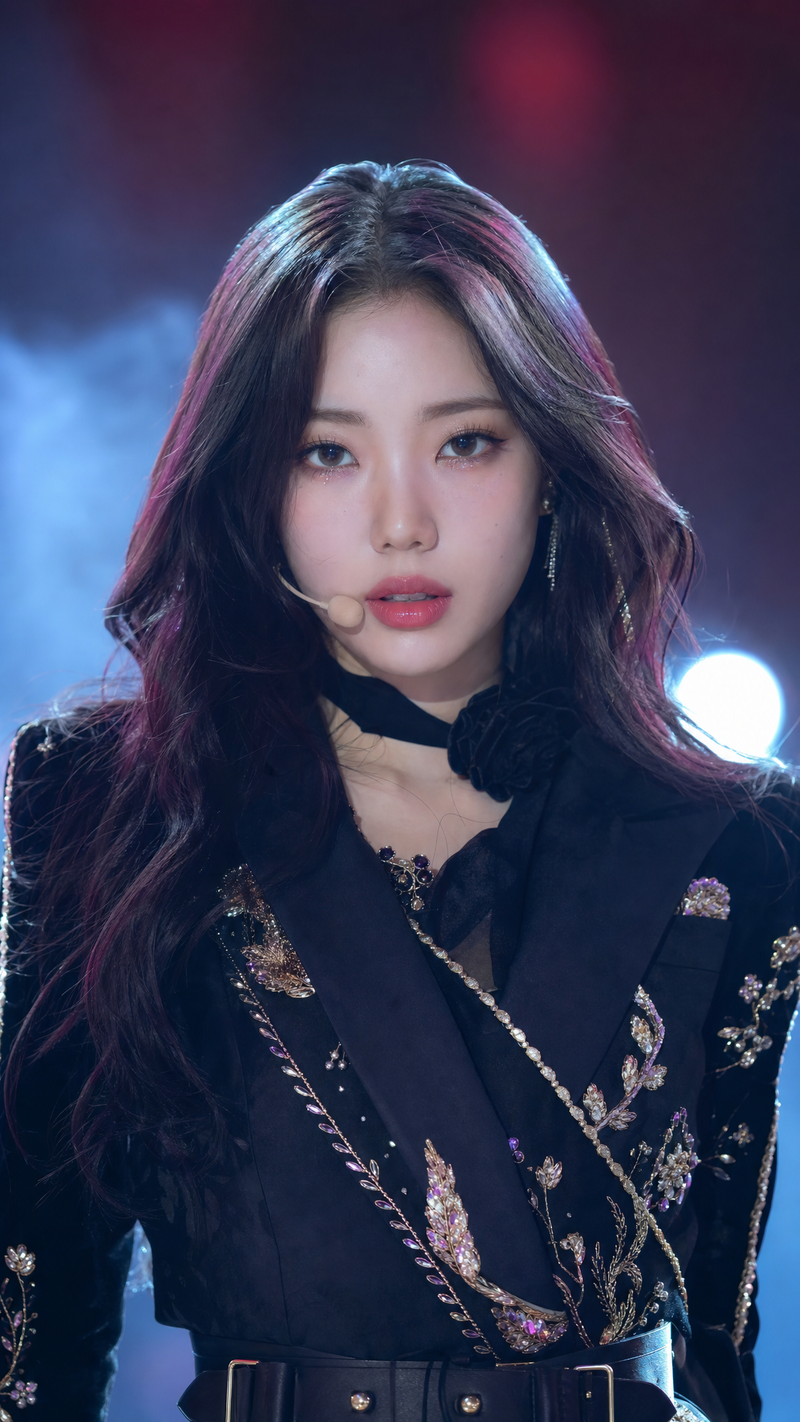
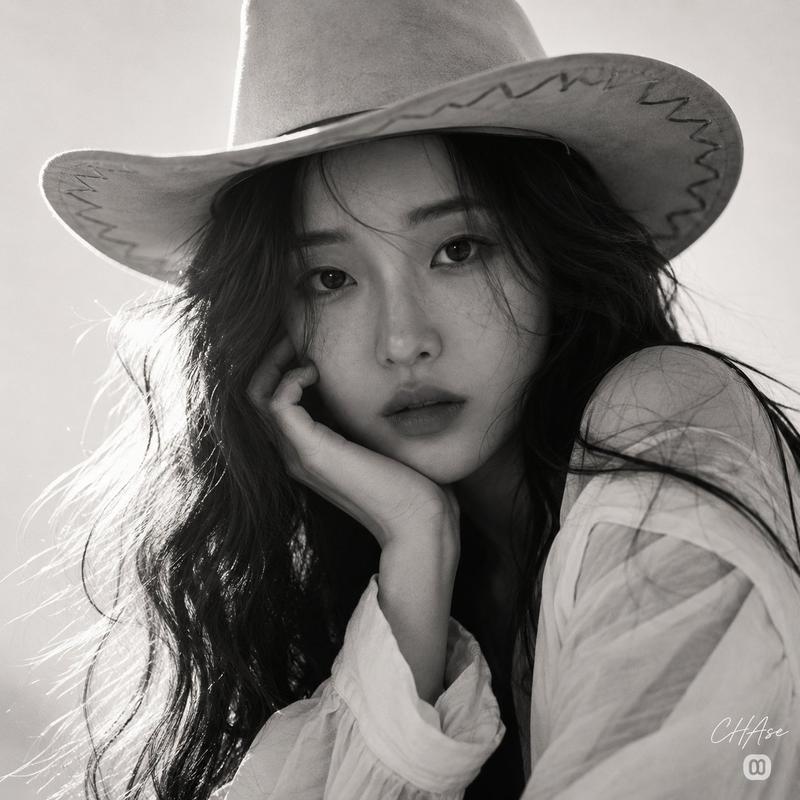
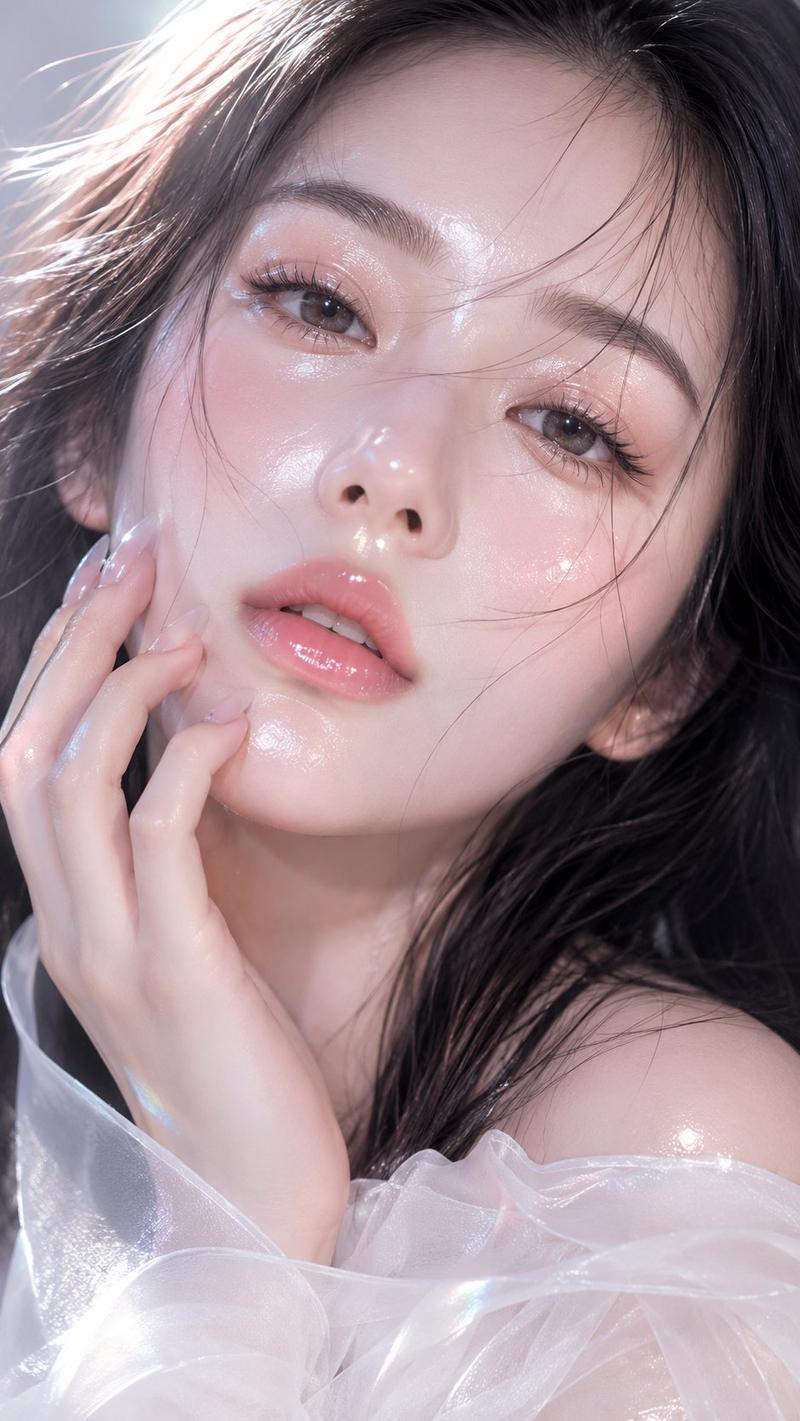
Example images

韩国时尚杂志风黑帽女性肖像

Prompt
{
 "prompt": "Young Korean woman, black bucket hat, black turtleneck sweater, long black hair in a half-up hairstyle, glossy pink lips, flawless radiant skin, chin slightly lowered with eyes looking upward toward the camera, confident and mysterious expression. Minimal gradient purple studio background, cool dramatic lighting, soft shadows, fashion performance aesthetic, close-up portrait composition, Korean beauty editorial style, ultra-realistic photography, detailed skin texture, natural makeup, cinematic mood, professional DSLR shot, shallow depth of field, luxury fashion campaign, photorealistic, 8K quality.",
 "aspect_ratio": "4:5",
 "style": "Korean Fashion Editorial",
 "lighting": "Cool dramatic studio lighting",
 "camera": "85mm portrait lens",
 "quality": "Ultra-realistic, photorealistic, 8K",
 "mood": "Chic, mysterious, performance-inspired"
}
Category
Charts & Infographics
Model
ChatGPT
Creator
@saniaspeaks_
Source language
zh-CN
Views75
Source ID
15815
Published
Jun 11, 2026
Studio

Guide

About "韩国时尚杂志风黑帽女性肖像"

What is this prompt for?

"韩国时尚杂志风黑帽女性肖像" AI image prompt for ChatGPT (Charts & Infographics). { "prompt": "年轻韩国女性,黑色渔夫帽,黑色高领毛衣,黑色长发采用半扎发型,亮泽粉色嘴唇,完美无瑕、焕发光彩的皮肤,下巴微低且眼睛向上注视镜头,自信而神秘的表情。简约渐…

The full copyable prompt and example visuals above are ready for AI image generation or one-click recreate in Picva.

How to use this prompt

  1. Step 1

    Open the prompt detail

    Review the example visuals, category, and full prompt text for "韩国时尚杂志风黑帽女性肖像".

  2. Step 2

    Copy the prompt

    Copy the prompt body from this page, or load it directly in Studio.

  3. Step 3

    Pick a model (ChatGPT)

    Prefer ChatGPT. If you switch models, keep subject and composition and tweak style terms.

  4. Step 4

    Generate and export

    Recreate the look in Picva, or export into your workflow for editing and publishing.

FAQ

What is the "韩国时尚杂志风黑帽女性肖像" prompt?
It is an AI image-generation prompt for ChatGPT in the Charts & Infographics category. This page includes the full prompt text, example visuals, and a one-click recreate path in Picva.
How do I use this prompt to generate an image?
Copy the prompt from this page, or use Generate / Studio. Paste it into a compatible image model, or recreate the look in Picva with optional reference images.
Which model is this prompt for?
This page lists ChatGPT. Most descriptive prompts also transfer to nearby image models such as GPT Image, Flux, or Midjourney with light style tweaks.
Can I use the result commercially?
You can usually copy the prompt for creation, but commercial use of the final image depends on the model terms, reference-image rights, and the generated content. Follow the source author and platform rules.