11

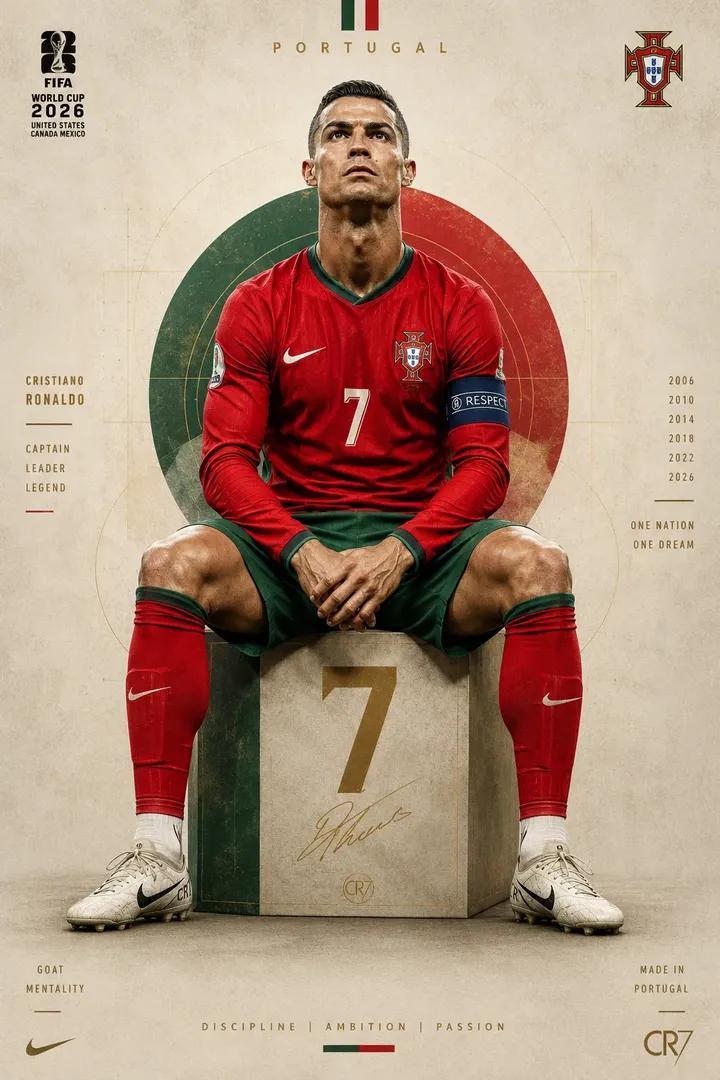
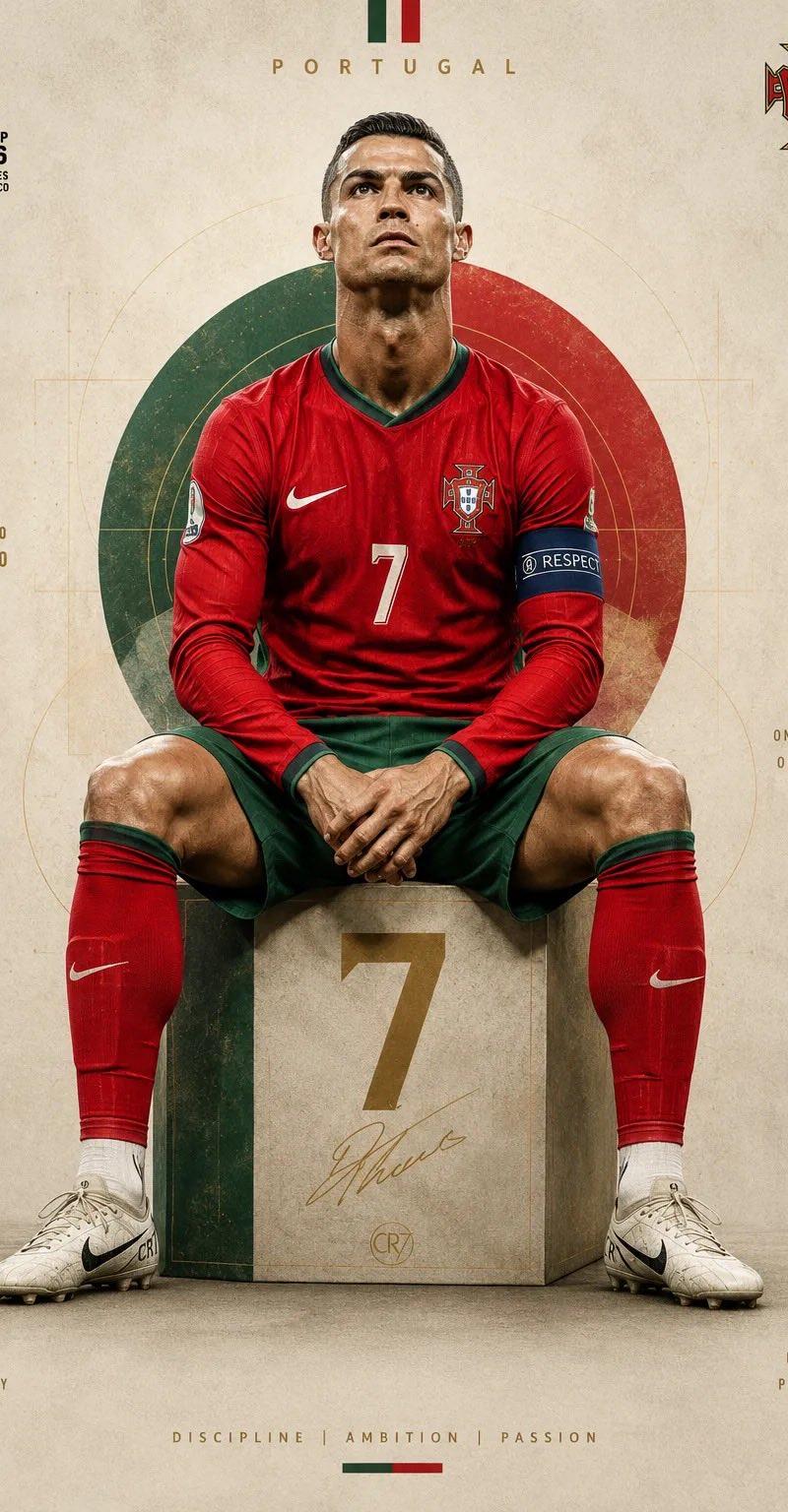
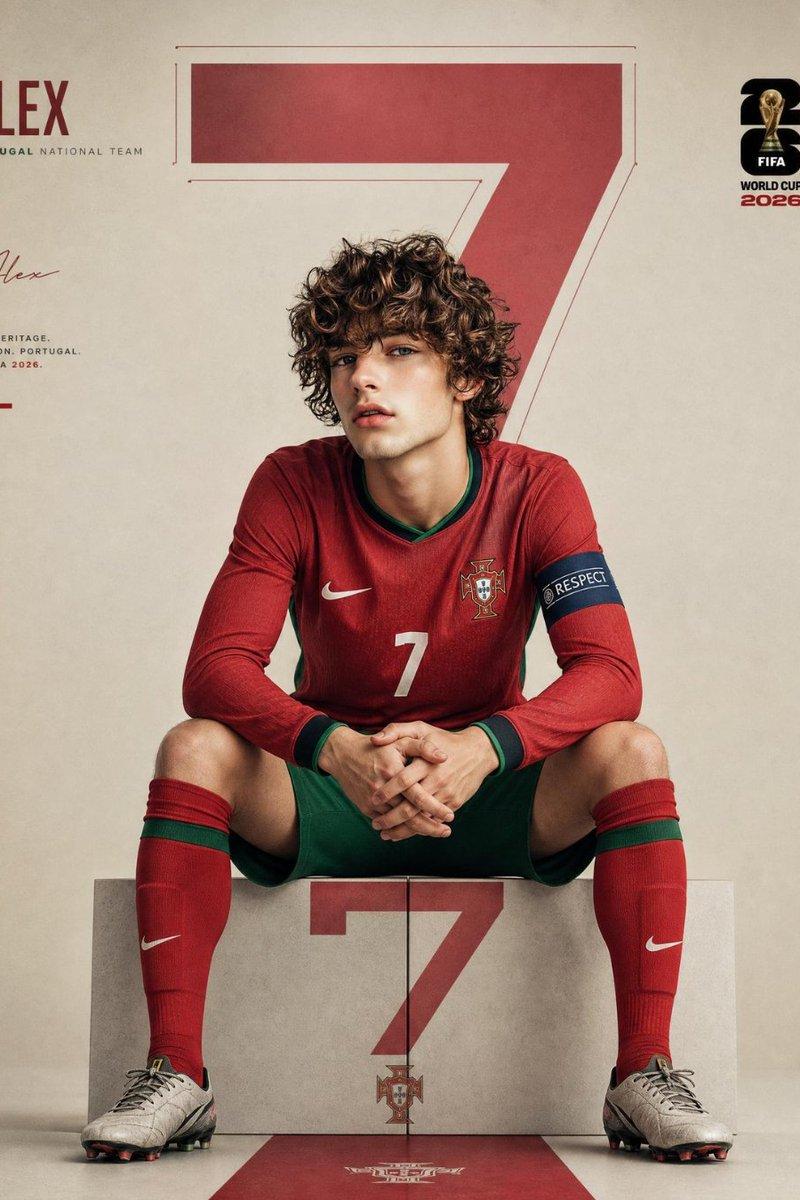
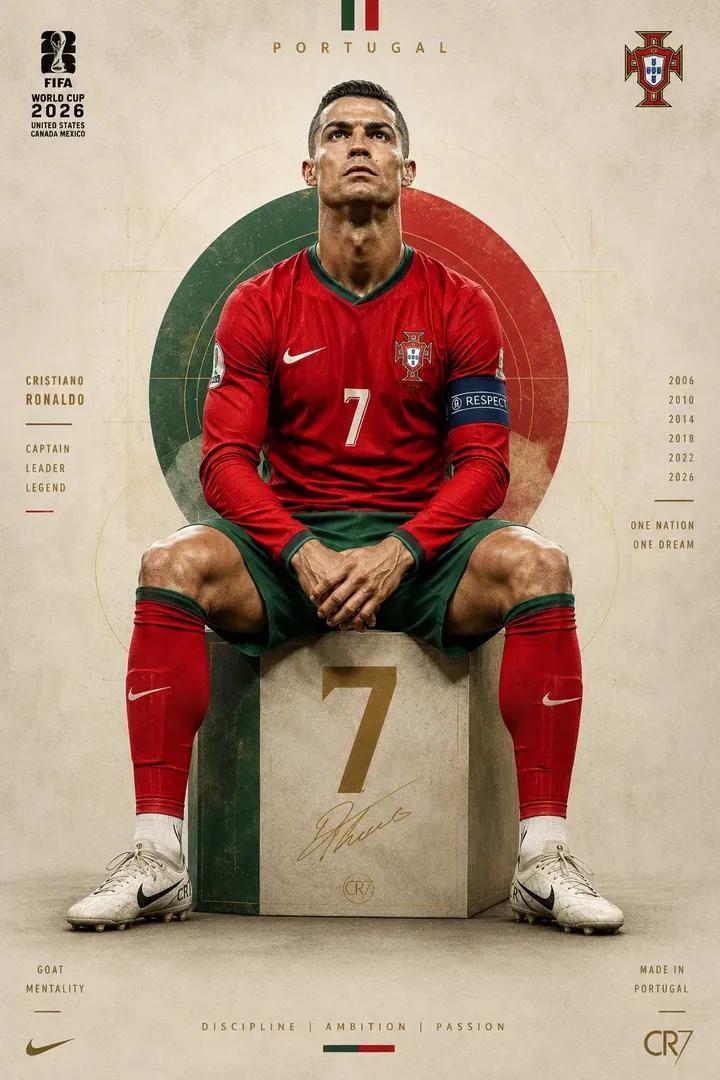
传奇葡萄牙球星7号足球人像海报
Enlarge

Example images

传奇葡萄牙球星7号足球人像海报

Prompt
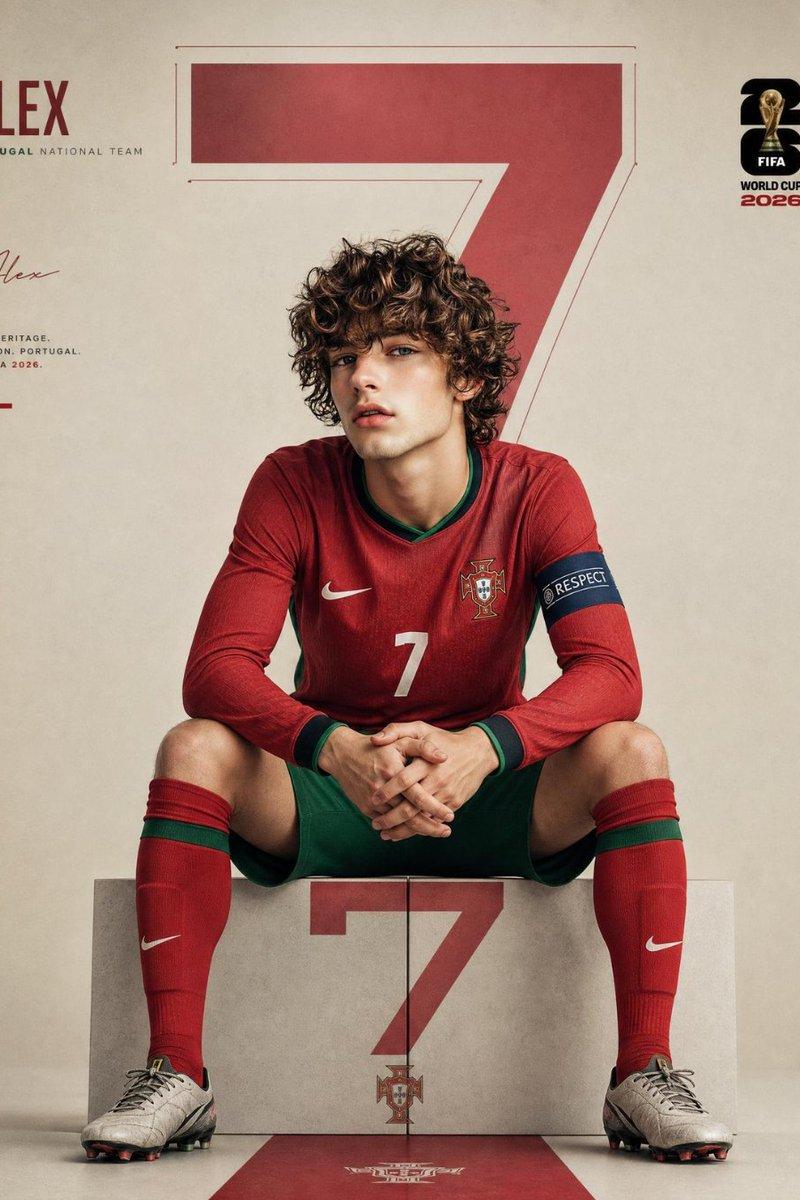
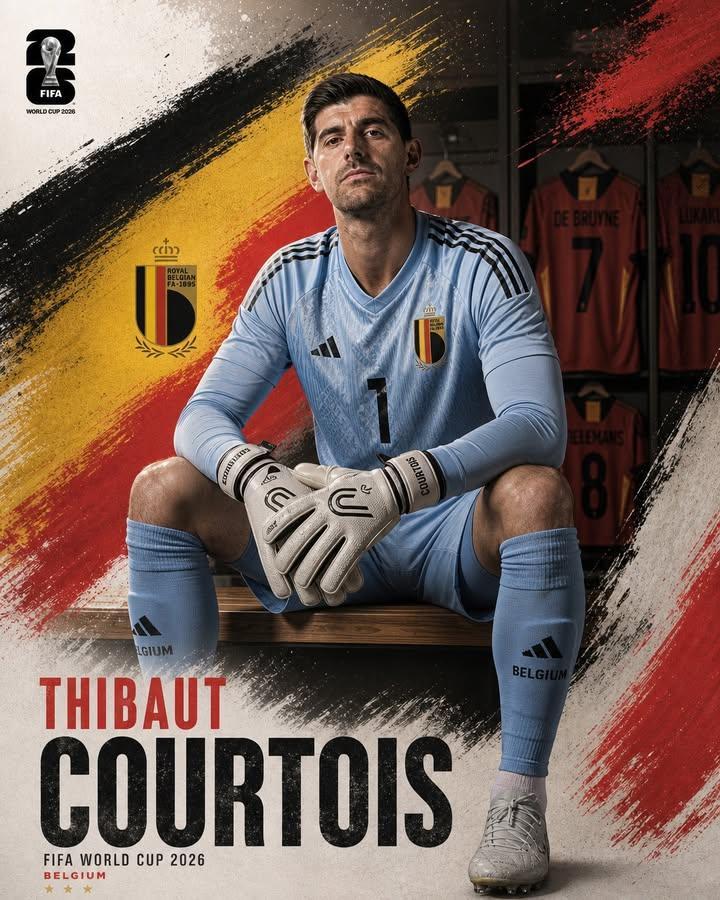
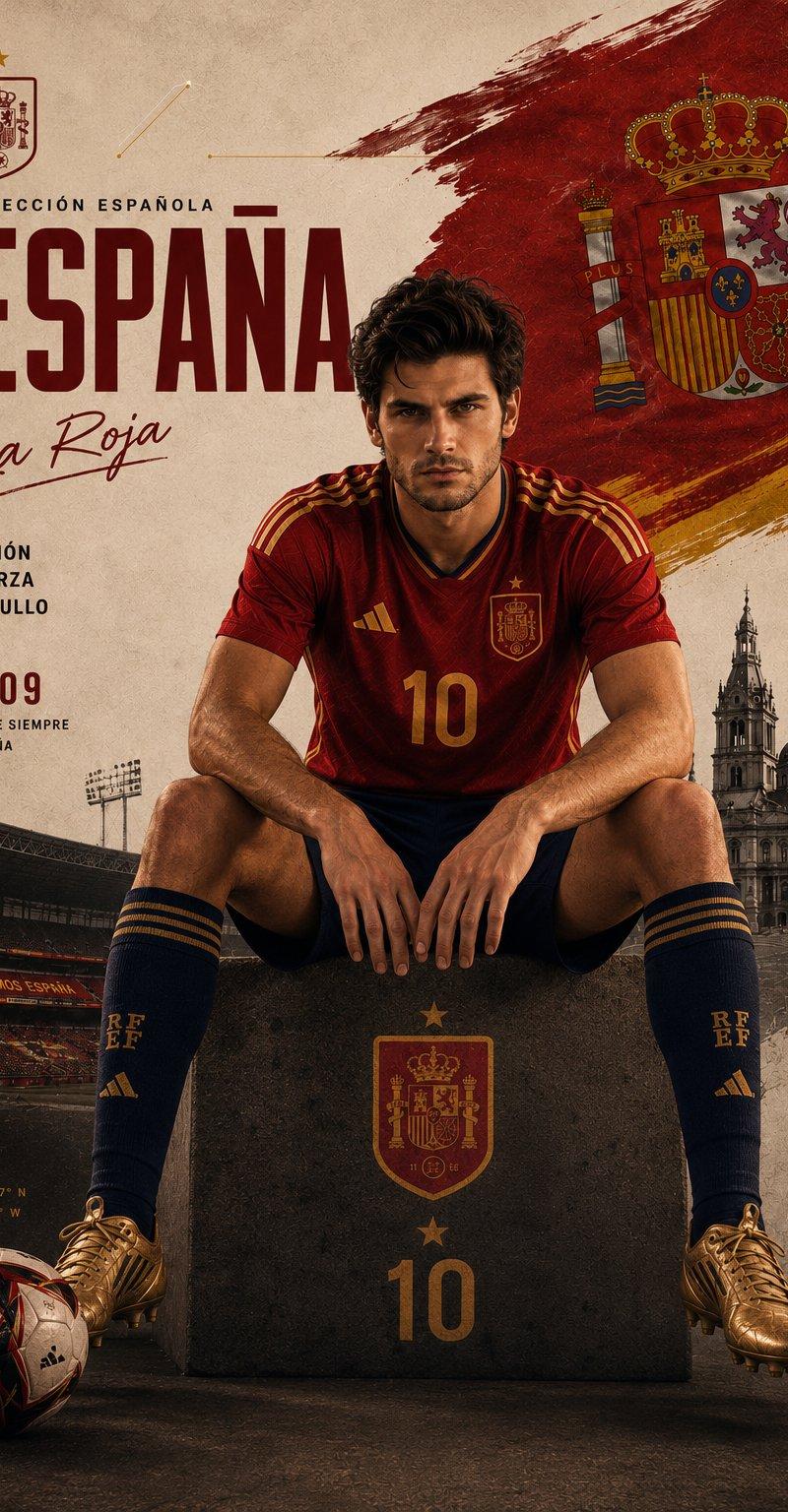
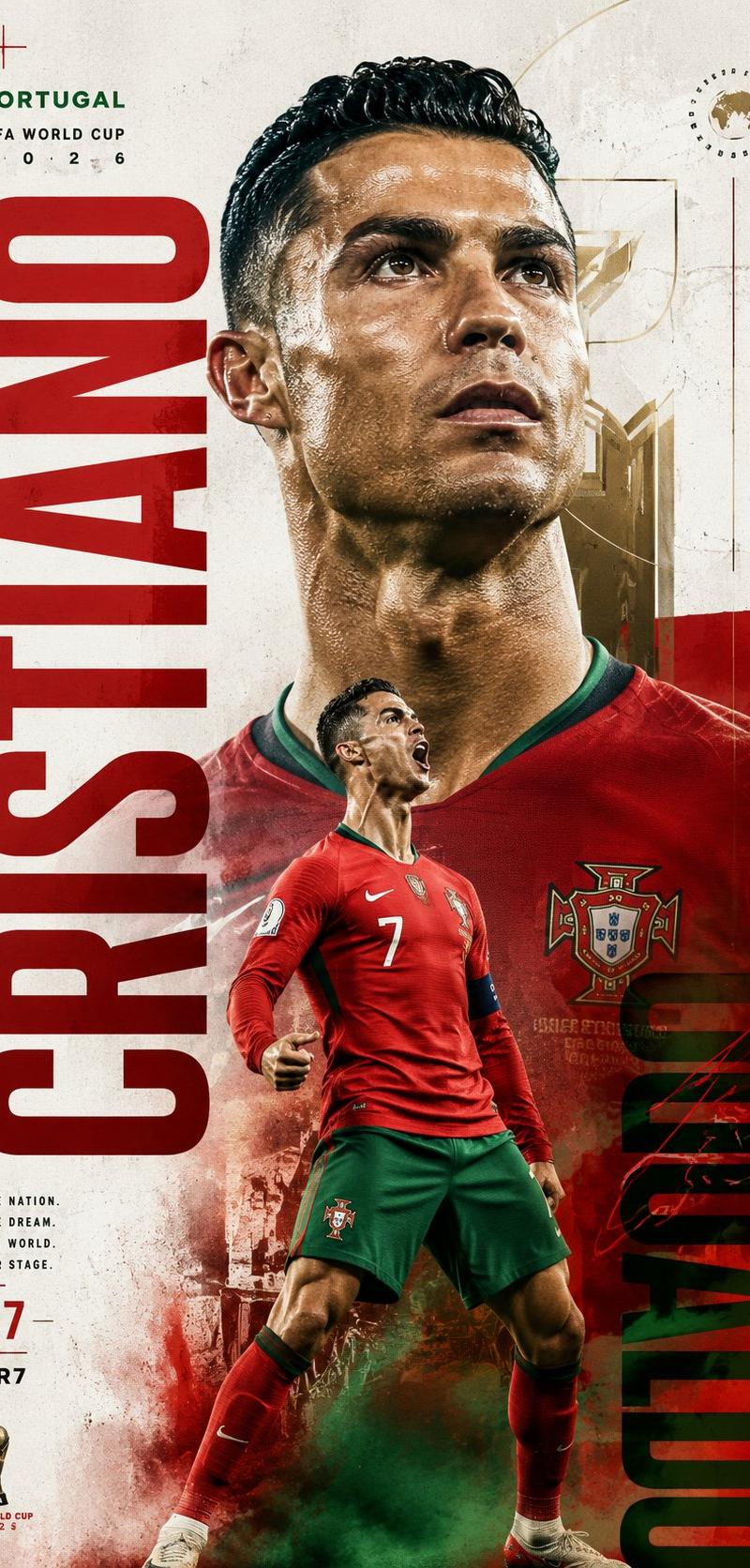
Ultra-detailed football portrait poster of a legendary Portuguese footballer sitting on a geometric cube with the number 7, wearing a modern Portugal national team jersey in red and green, centered symmetrical composition, looking upward with a determined expression, cinematic soft studio lighting, minimal beige textured background, elegant sports editorial design, FIFA World Cup 2026 inspired branding, thin geometric line elements and abstract layout graphics around the subject, premium magazine aesthetic, realistic skin texture, sharp facial details, high-detail fabric folds, luxury sports poster, muted tones with red and green accents, clean negative space, subtle vintage paper texture, hyper-real illustration mixed with photorealism, front-facing full body shot, balanced composition, Nike football boots, elite athlete aura, 8k, highly detailed digital artwork.
Category
Charts & Infographics
Model
ChatGPT
Creator
@SimplyAnnisa
Source language
zh-CN
Views24
Source ID
15944
Published
Jun 12, 2026
Studio

Guide

About "传奇葡萄牙球星7号足球人像海报"

What is this prompt for?

"传奇葡萄牙球星7号足球人像海报" AI image prompt for ChatGPT (Charts & Infographics). 传奇葡萄牙足球运动员坐在带有数字7的几何立方体上的超详细足球肖像海报,身穿红绿相间的现代葡萄牙国家队球衣,中心对称构图,神情坚定地仰望,电影感柔和影棚灯光,极简米色纹理背景,优…

The full copyable prompt and example visuals above are ready for AI image generation or one-click recreate in Picva.

How to use this prompt

  1. Step 1

    Open the prompt detail

    Review the example visuals, category, and full prompt text for "传奇葡萄牙球星7号足球人像海报".

  2. Step 2

    Copy the prompt

    Copy the prompt body from this page, or load it directly in Studio.

  3. Step 3

    Pick a model (ChatGPT)

    Prefer ChatGPT. If you switch models, keep subject and composition and tweak style terms.

  4. Step 4

    Generate and export

    Recreate the look in Picva, or export into your workflow for editing and publishing.

FAQ

What is the "传奇葡萄牙球星7号足球人像海报" prompt?
It is an AI image-generation prompt for ChatGPT in the Charts & Infographics category. This page includes the full prompt text, example visuals, and a one-click recreate path in Picva.
How do I use this prompt to generate an image?
Copy the prompt from this page, or use Generate / Studio. Paste it into a compatible image model, or recreate the look in Picva with optional reference images.
Which model is this prompt for?
This page lists ChatGPT. Most descriptive prompts also transfer to nearby image models such as GPT Image, Flux, or Midjourney with light style tweaks.
Can I use the result commercially?
You can usually copy the prompt for creation, but commercial use of the final image depends on the model terms, reference-image rights, and the generated content. Follow the source author and platform rules.