17

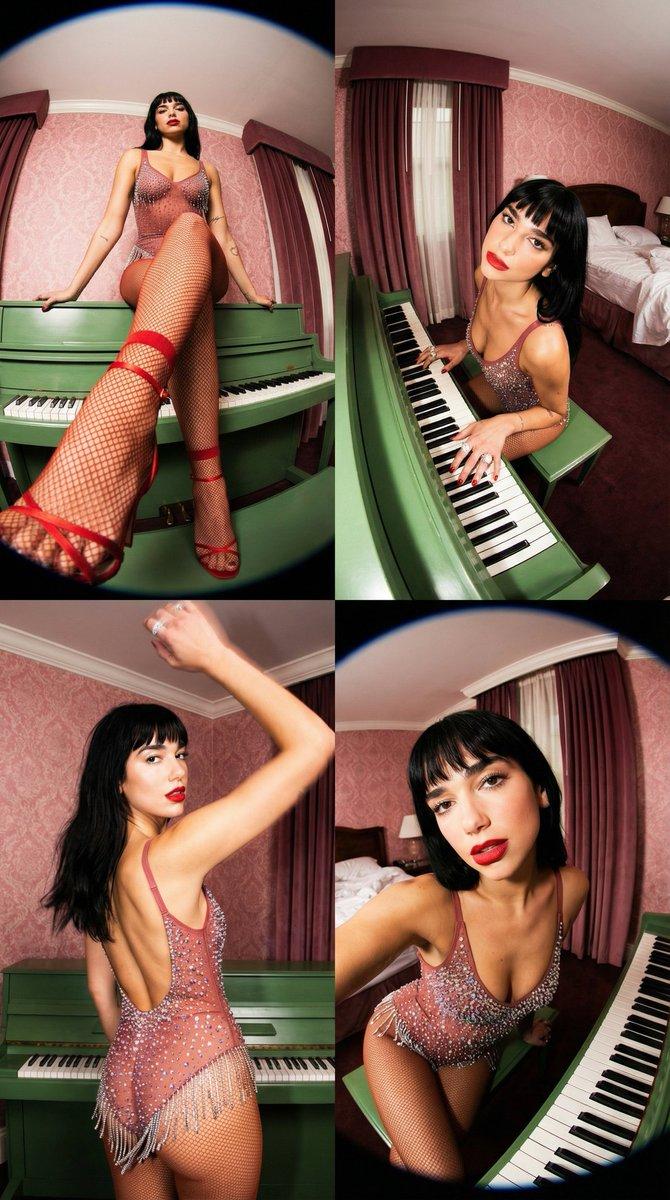
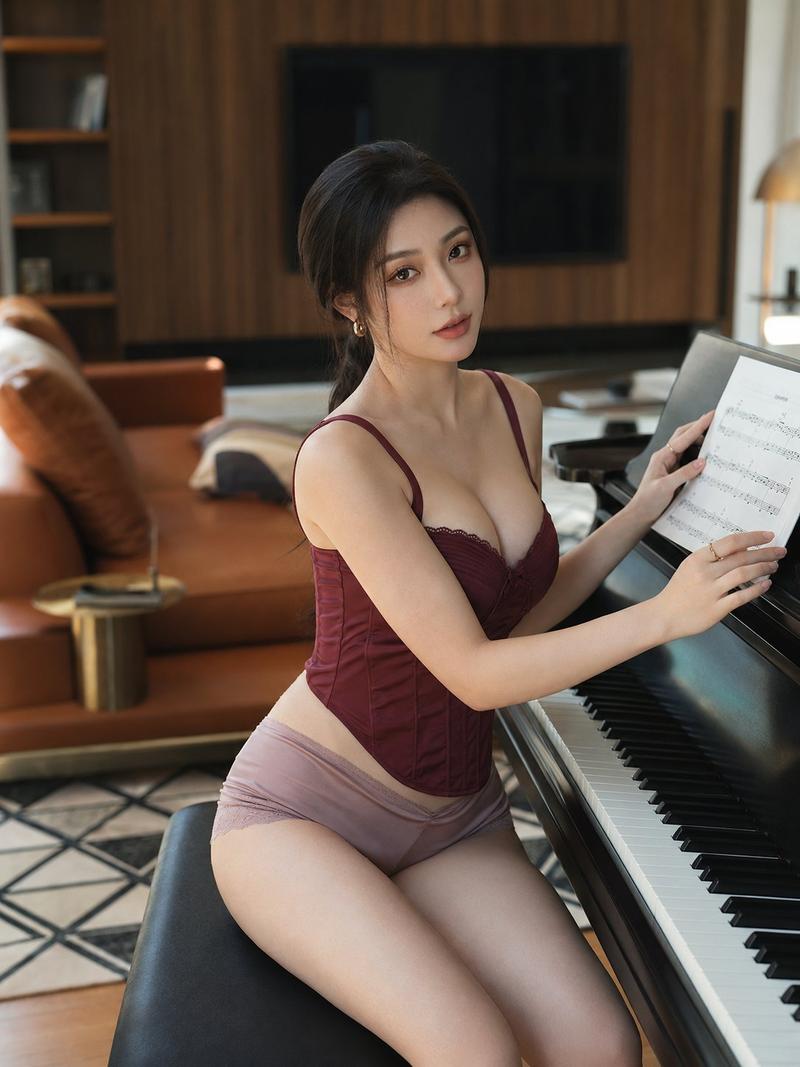
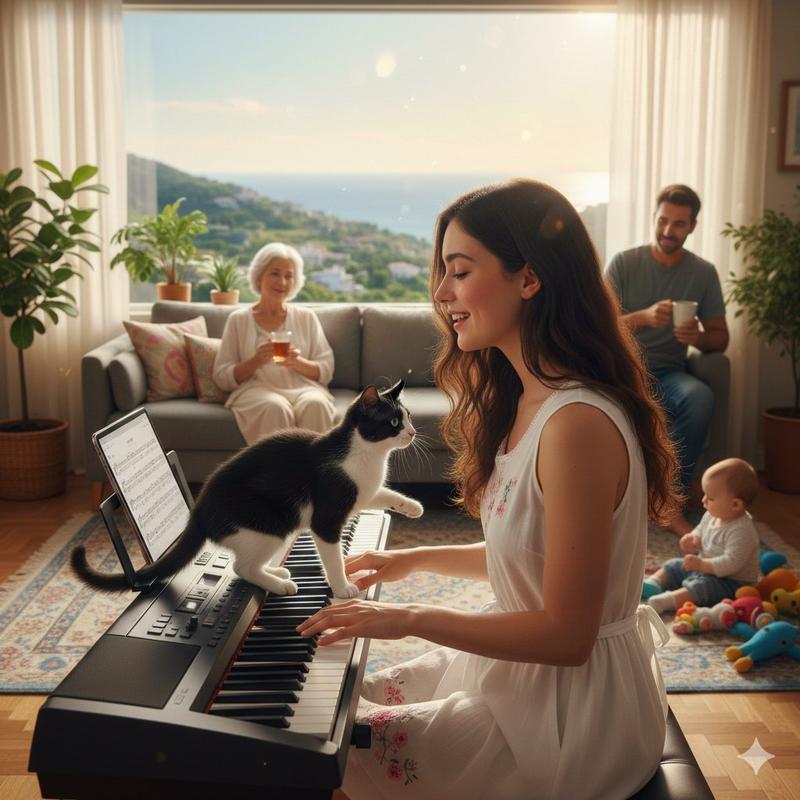
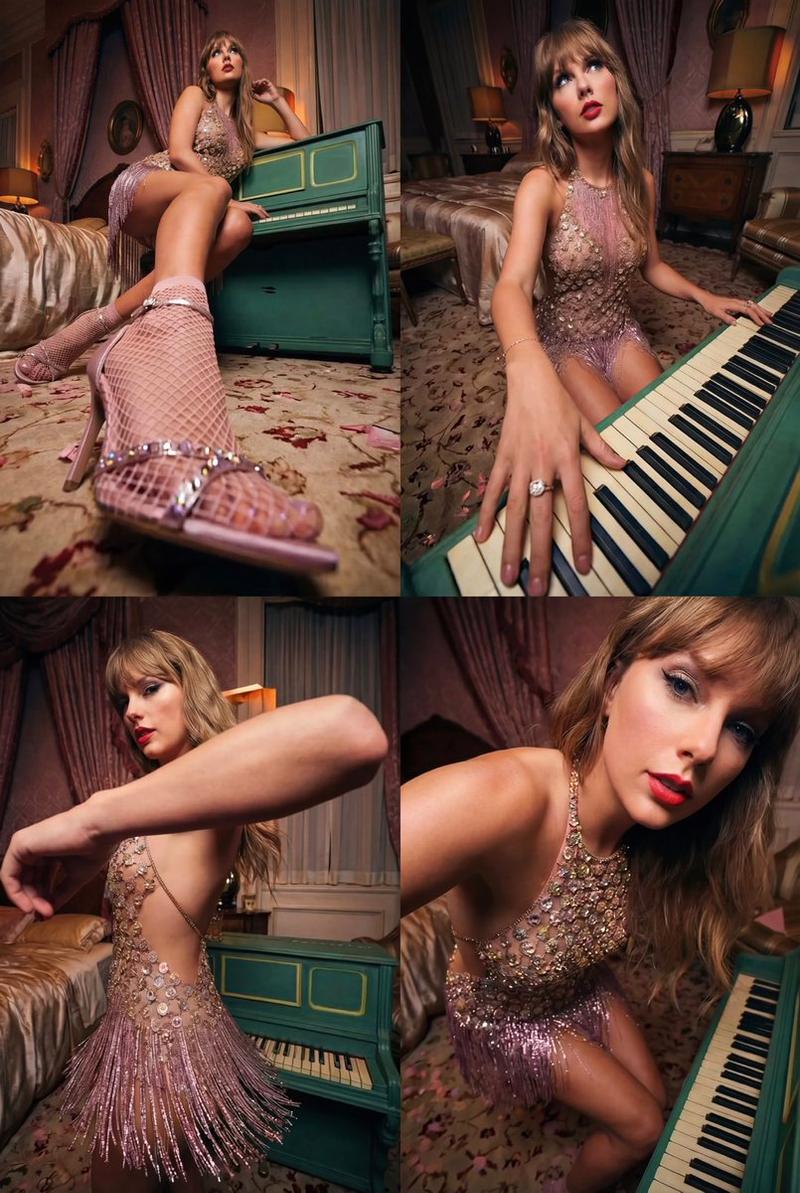
巨型钢琴键超现实奢侈时尚写真
Enlarge

巨型钢琴键超现实奢侈时尚写真

Prompt
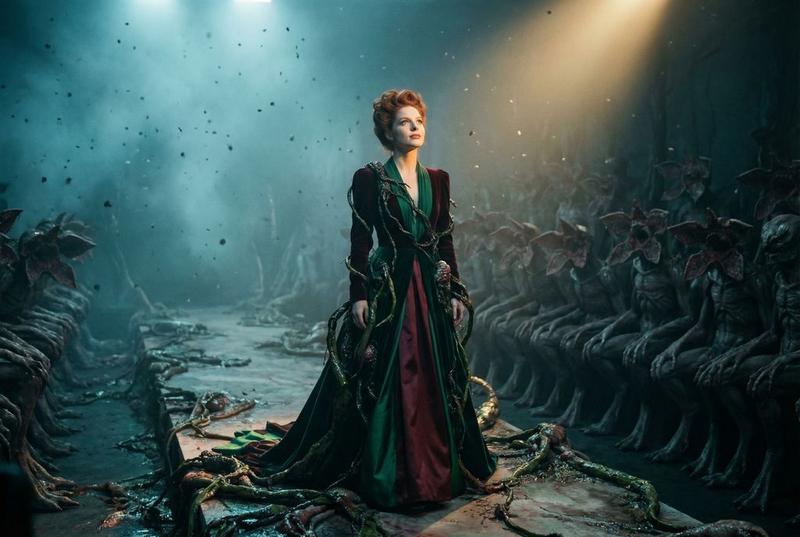
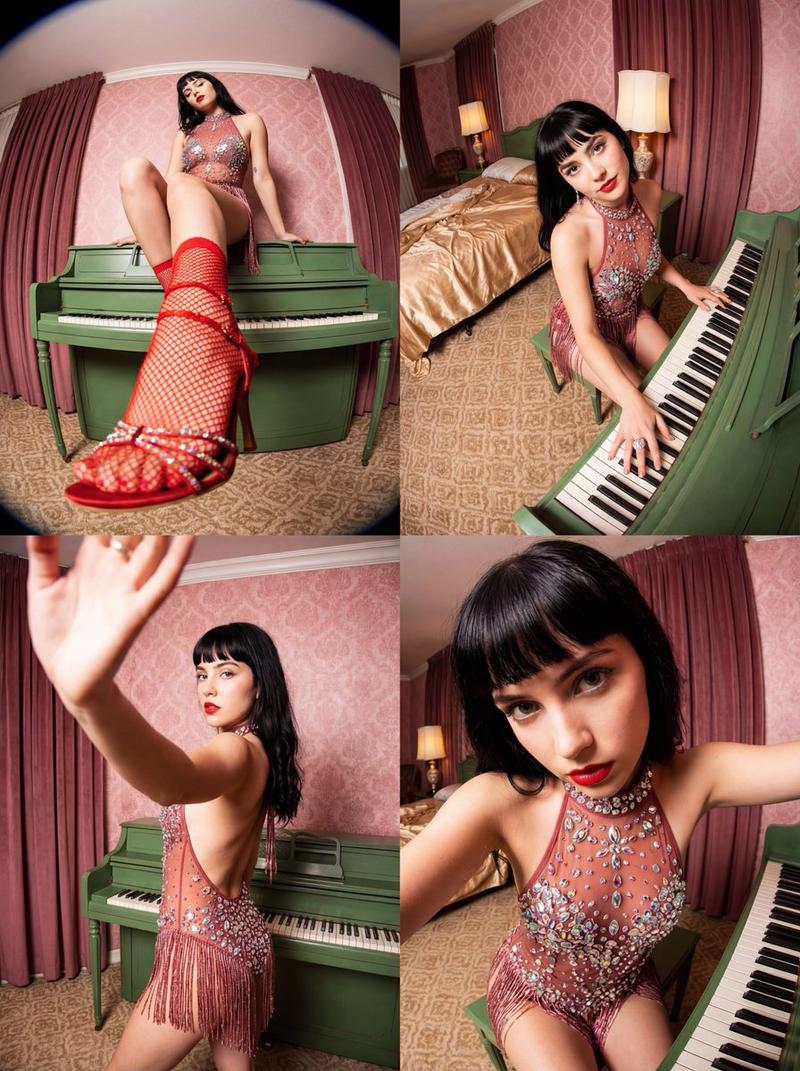
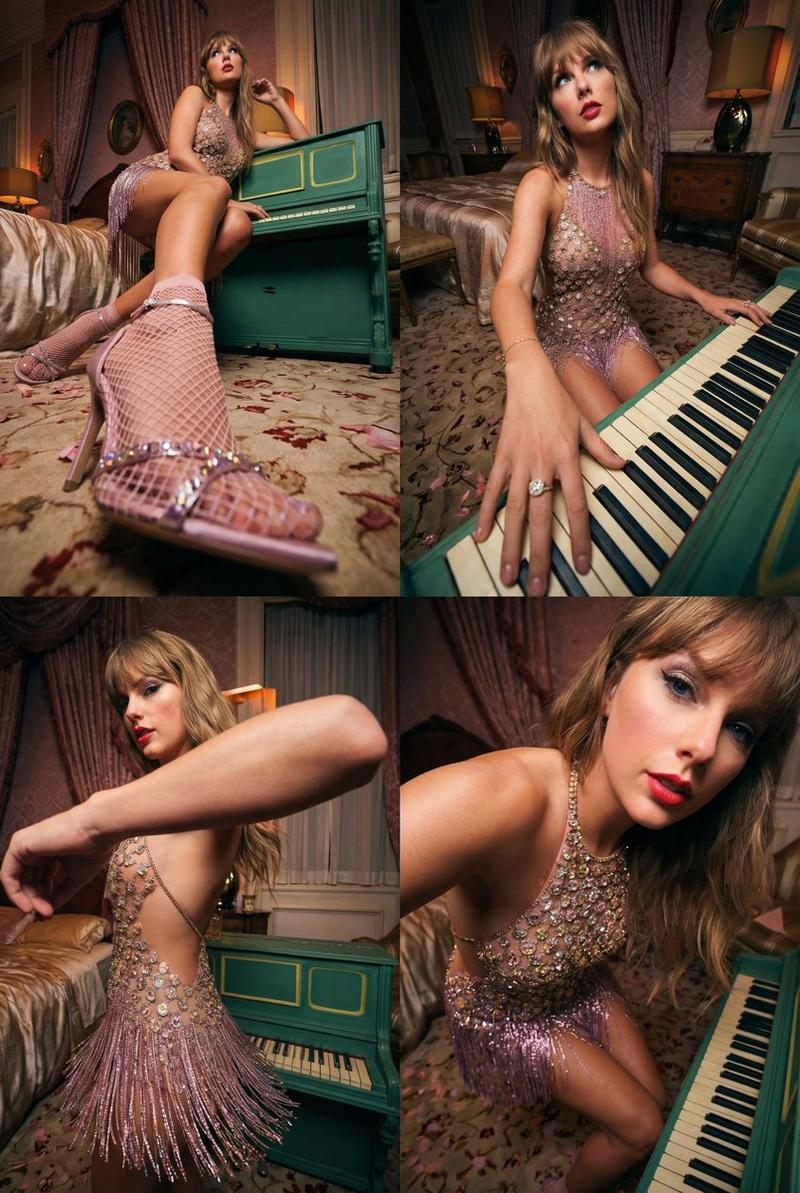
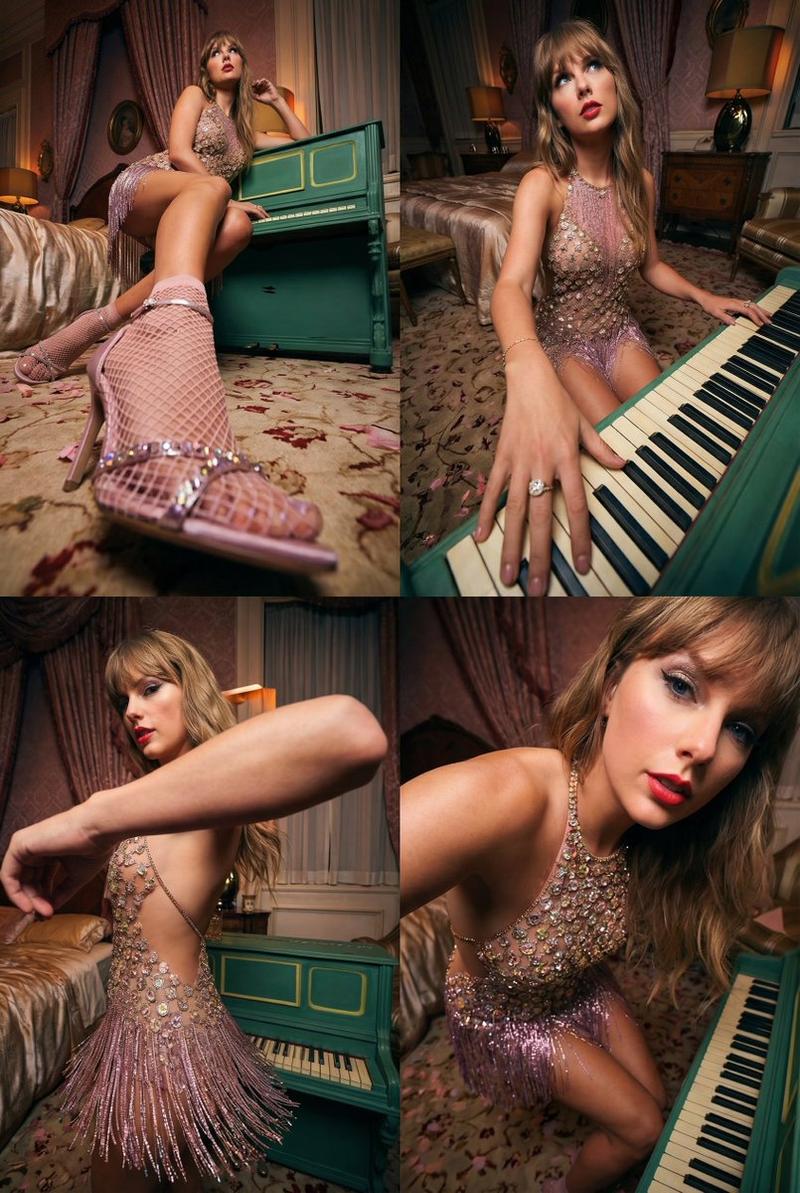
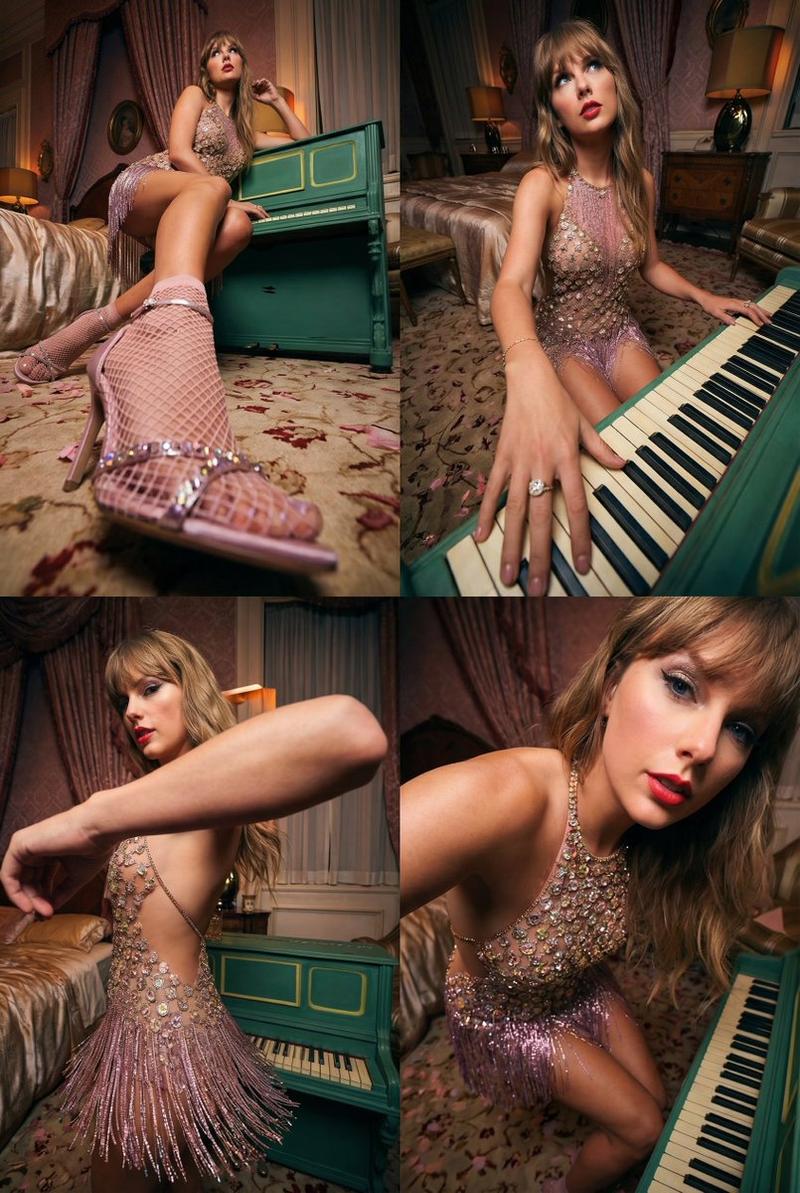
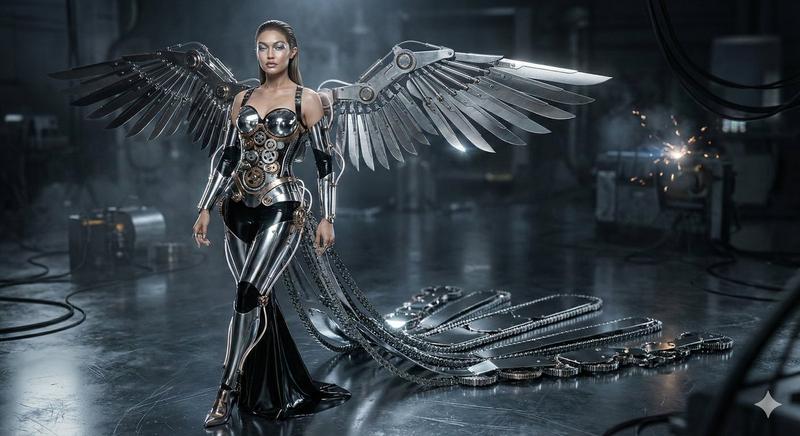
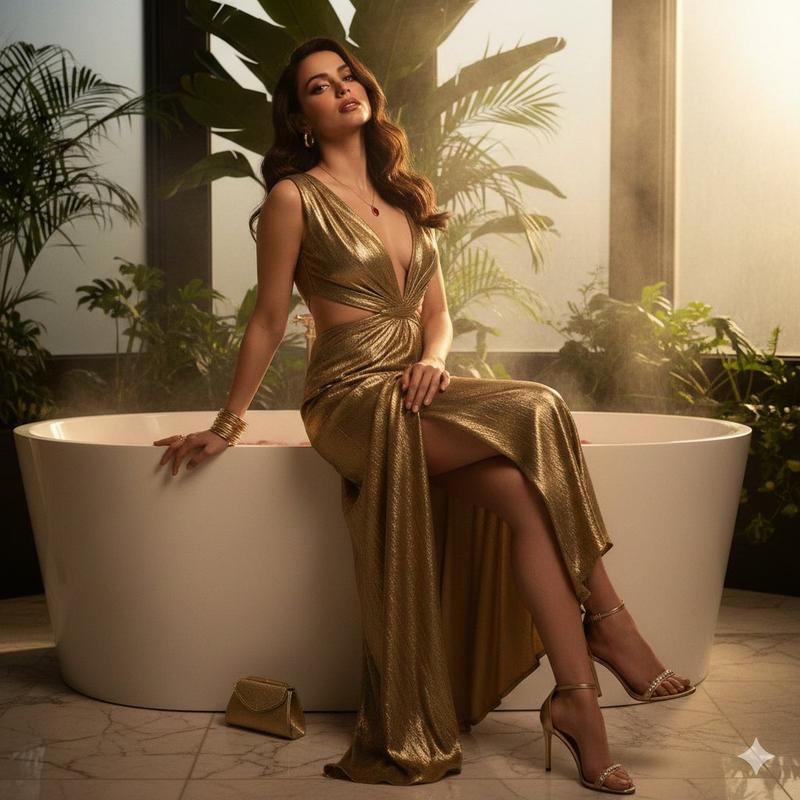
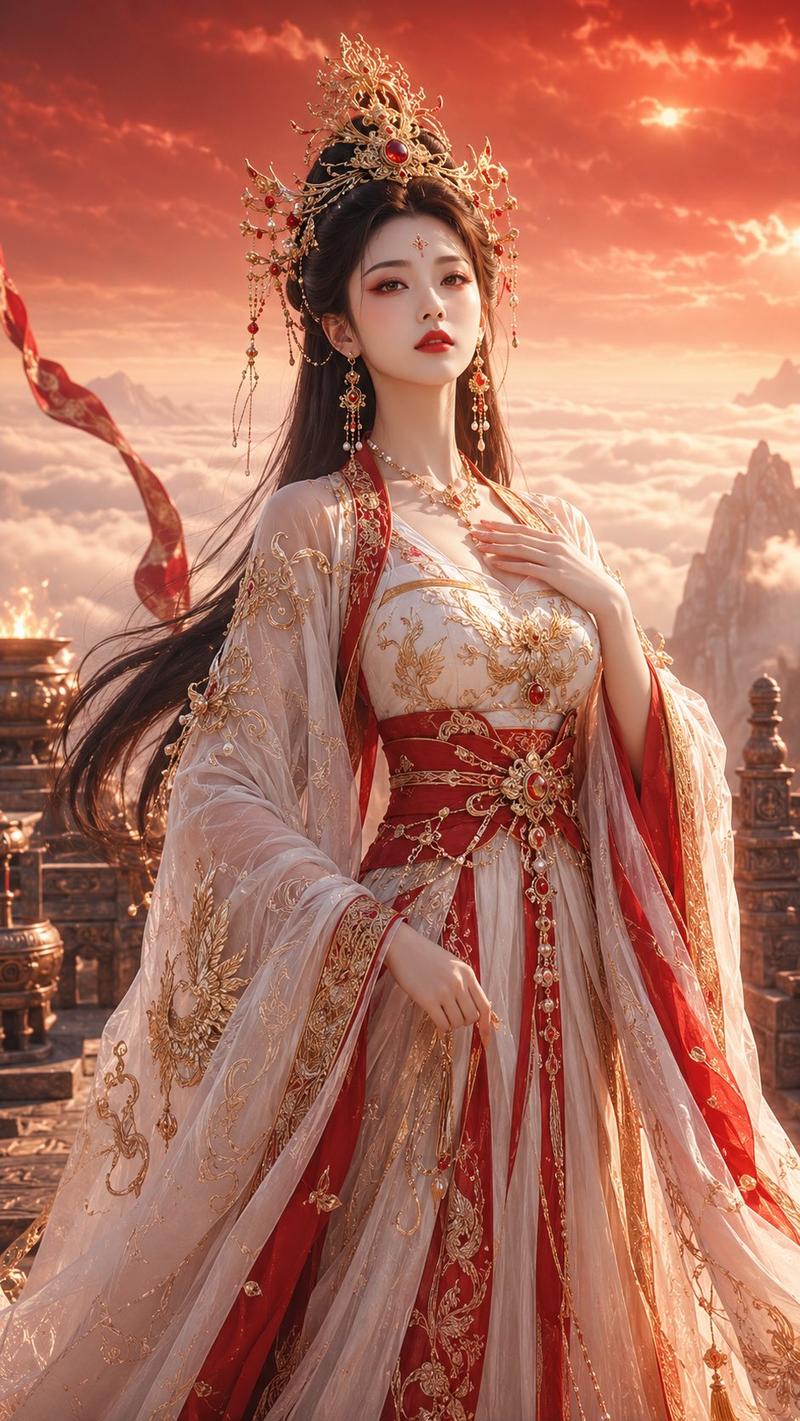
A hyper-realistic 1:1 luxury fashion editorial photograph featuring a surreal arrangement of gigantic glossy piano keys floating through a dark atmospheric space. Only 2 stylish Hollywood young female models are present, occupying most of the frame and appearing very large, with their faces, eyes, makeup, and couture details clearly visible. 

One model stands confidently on a prominent piano key while the other is elegantly seated nearby, both captured from a close-up to medium camera angle. Glamorous high-fashion styling, dramatic poses, flowing designer gowns, voluminous hair, and cinematic expressions. Warm golden-hour studio lighting creates rich reflections on the glossy keys, enhanced by dreamy mist, cinematic contrast, shallow depth of field, and ultra-detailed 85mm lens photography. Subject-dominant composition, character takes 60–70% of the image, luxury Vogue editorial aesthetic
Category
Charts & Infographics
Model
Nano banana pro
Views33
Source ID
16519
Published
Jun 22, 2026

Guide

About "巨型钢琴键超现实奢侈时尚写真"

What is this prompt for?

"巨型钢琴键超现实奢侈时尚写真" AI image prompt for Nano banana pro (Charts & Infographics). 一张超写实的 1:1 奢侈时尚社论照片,其特色是巨大的光滑钢琴键在黑暗的大气空间中漂浮,呈现出超现实的排列。仅有 2 位时尚的好莱坞年轻女模特出现,占据了画面的大…

The full copyable prompt and example visuals above are ready for AI image generation or one-click recreate in Picva.

How to use this prompt

  1. Step 1

    Open the prompt detail

    Review the example visuals, category, and full prompt text for "巨型钢琴键超现实奢侈时尚写真".

  2. Step 2

    Copy the prompt

    Copy the prompt body from this page, or load it directly in Studio.

  3. Step 3

    Pick a model (Nano banana pro)

    Prefer Nano banana pro. If you switch models, keep subject and composition and tweak style terms.

  4. Step 4

    Generate and export

    Recreate the look in Picva, or export into your workflow for editing and publishing.

FAQ

What is the "巨型钢琴键超现实奢侈时尚写真" prompt?
It is an AI image-generation prompt for Nano banana pro in the Charts & Infographics category. This page includes the full prompt text, example visuals, and a one-click recreate path in Picva.
How do I use this prompt to generate an image?
Copy the prompt from this page, or use Generate / Studio. Paste it into a compatible image model, or recreate the look in Picva with optional reference images.
Which model is this prompt for?
This page lists Nano banana pro. Most descriptive prompts also transfer to nearby image models such as GPT Image, Flux, or Midjourney with light style tweaks.
Can I use the result commercially?
You can usually copy the prompt for creation, but commercial use of the final image depends on the model terms, reference-image rights, and the generated content. Follow the source author and platform rules.