19

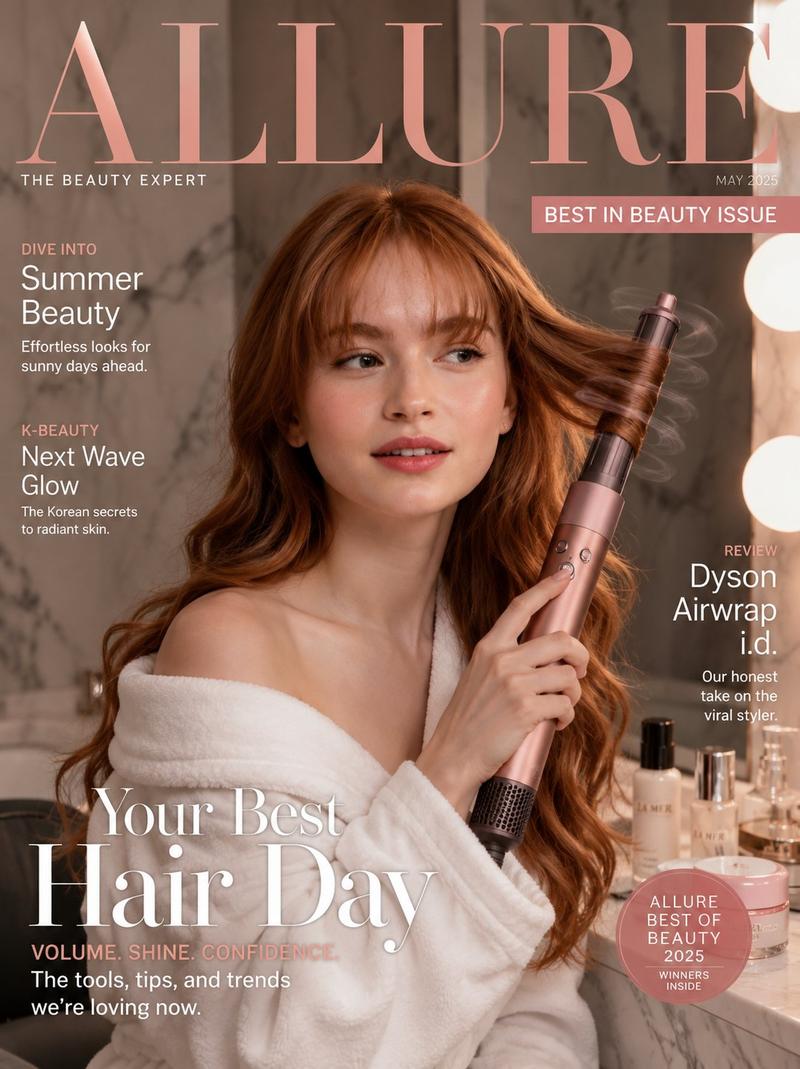
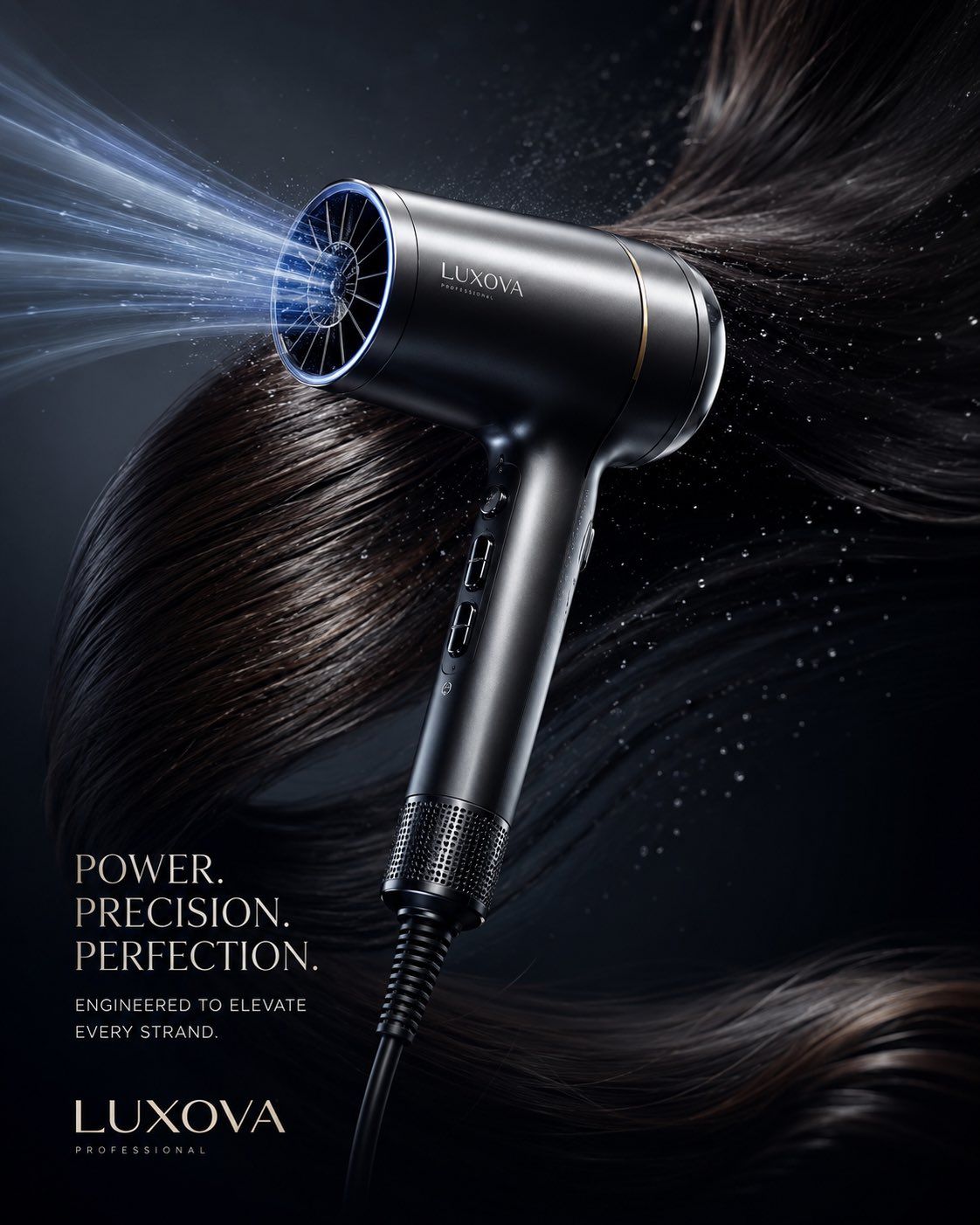
高端奢华吹风机商业广告大片
Enlarge

Example images

高端奢华吹风机商业广告大片

Prompt
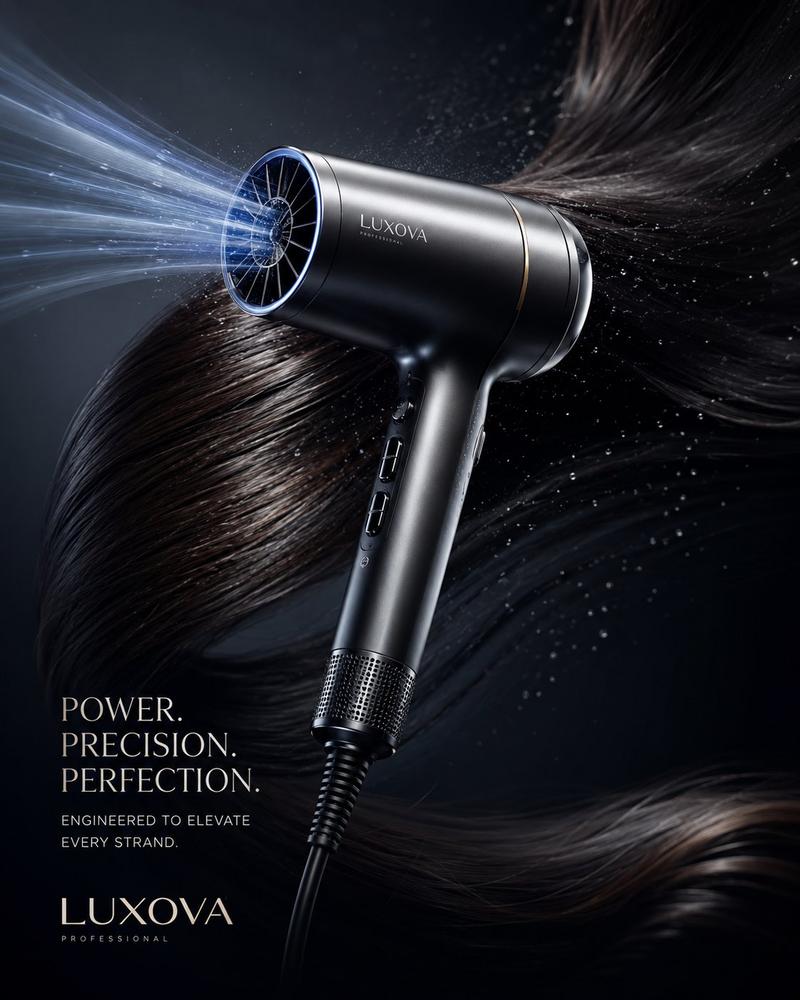
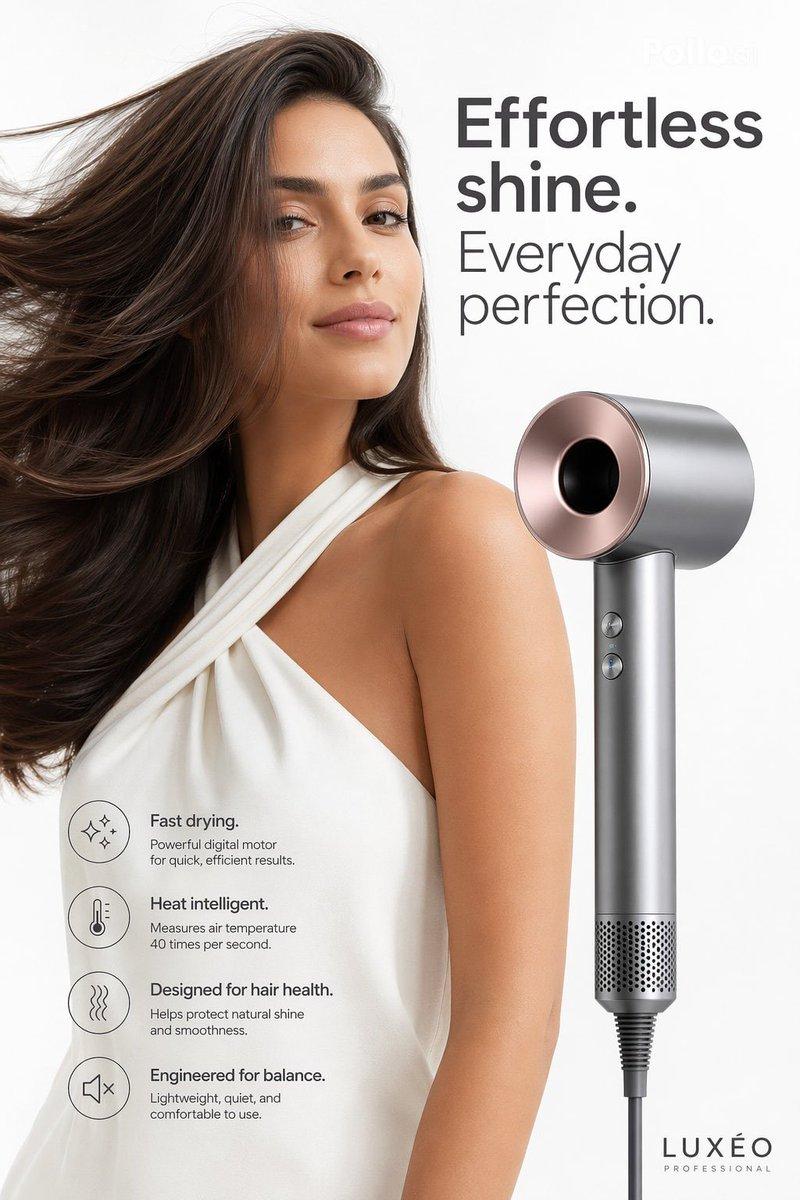
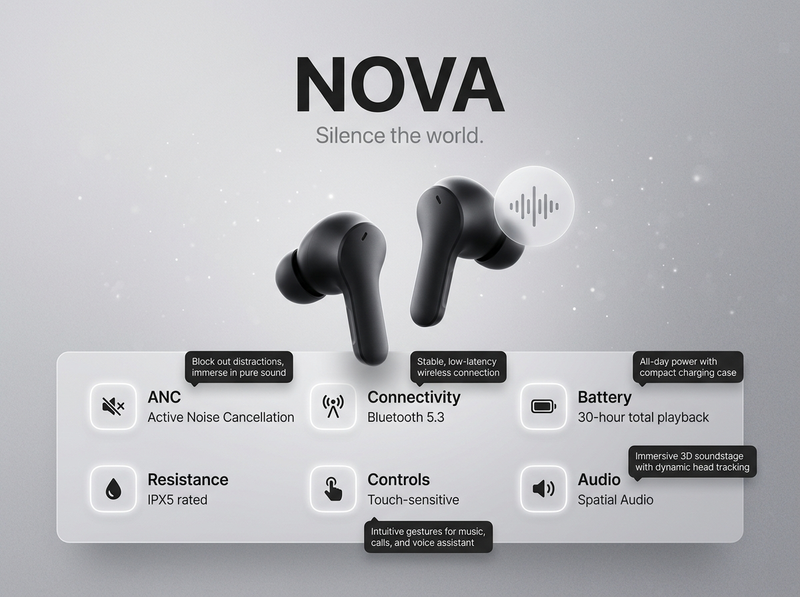
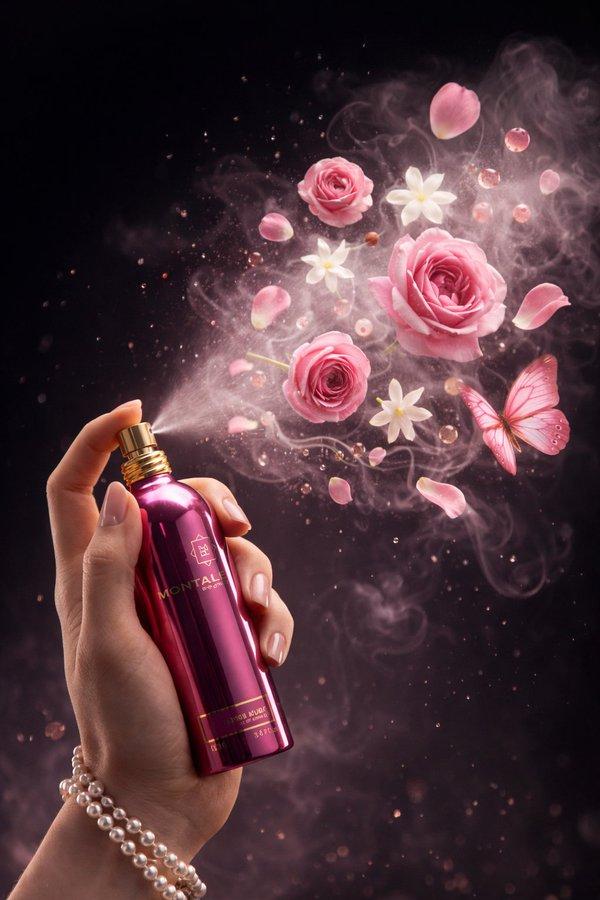
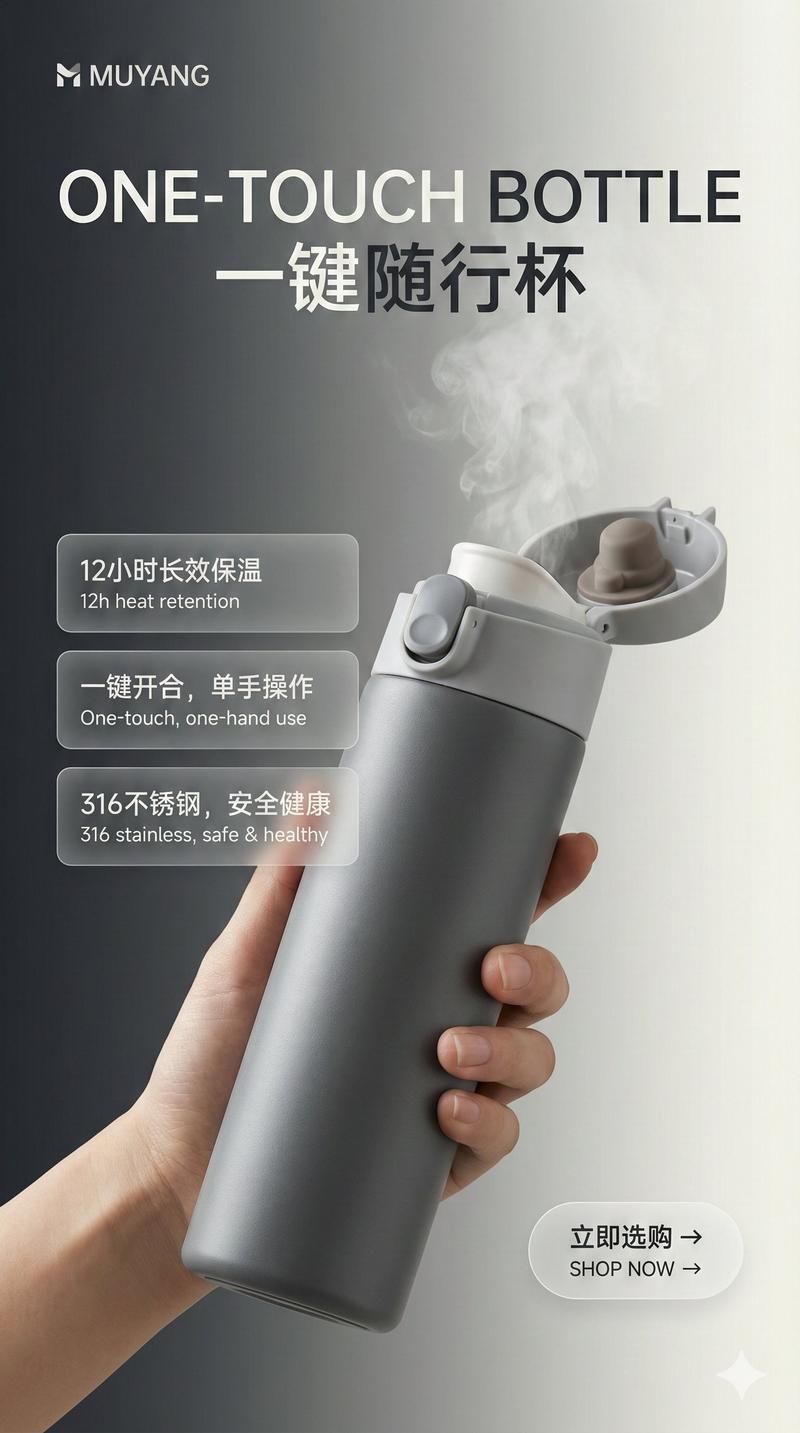
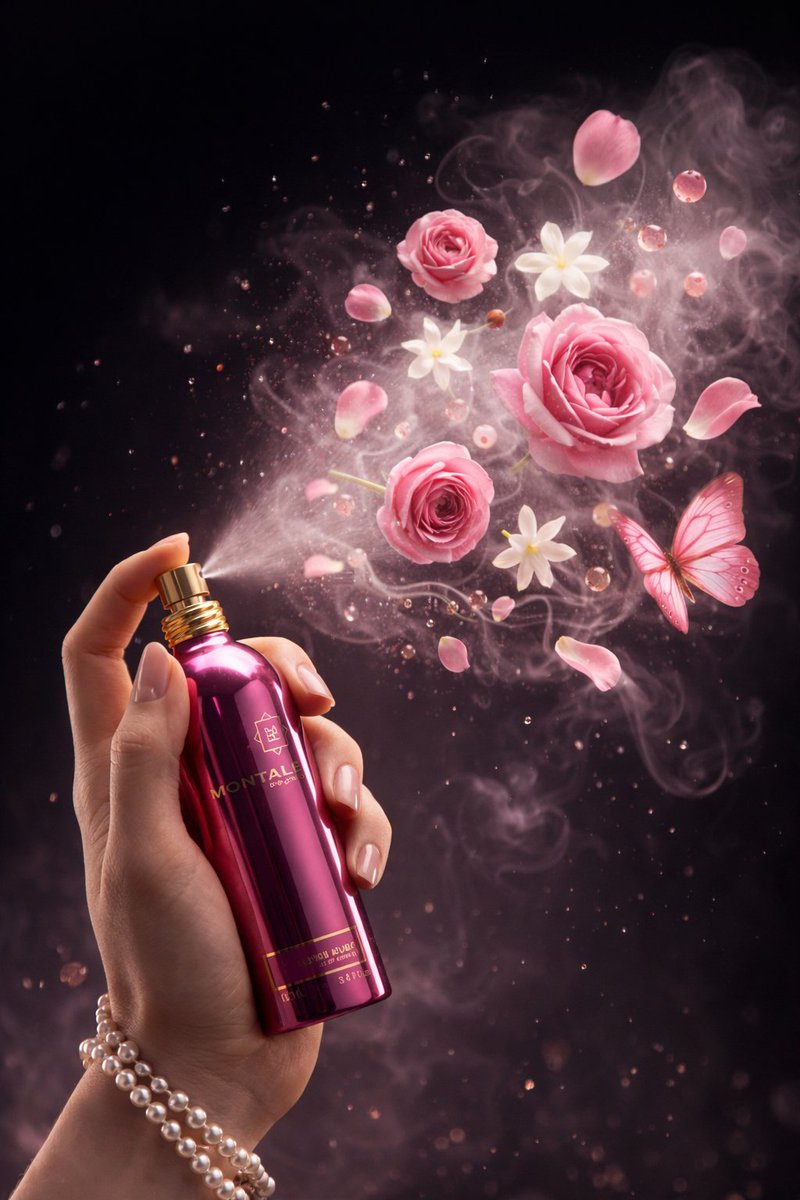
Luxury commercial product advertisement featuring a premium hair dryer as the hero product, floating in mid-air with dynamic airflow effects, elegant strands of silk-like hair flowing around it, powerful wind particles, subtle water droplets evaporating instantly, futuristic technology aura, premium metallic finish, dramatic studio lighting, cinematic shadows, ultra-clean dark gradient background, high-end beauty and fashion campaign aesthetic, luxury electronics branding style, hyper-realistic product photography, razor-sharp details, glossy reflections, volumetric lighting, premium typography space, award-winning advertising composition, dynamic energy trails, professional commercial retouching, 8K resolution, ultra-detailed textures, photorealistic, global luxury brand quality, Apple × Dyson level marketing visual, masterpiece, advertising agency portfolio quality.
Category
Charts & Infographics
Model
ChatGPT
Views41
Source ID
16299
Published
Jun 18, 2026

Guide

About "高端奢华吹风机商业广告大片"

What is this prompt for?

"高端奢华吹风机商业广告大片" AI image prompt for ChatGPT (Charts & Infographics). 奢华商业产品广告,以高端吹风机为核心产品,悬浮在半空中,带有动态气流效果,优雅的丝状头发在周围飘动,强劲的风粒子,细微的水滴瞬间蒸发,未来科技氛围,高端金属质感,戏剧性的演播室灯光…

The full copyable prompt and example visuals above are ready for AI image generation or one-click recreate in Picva.

How to use this prompt

  1. Step 1

    Open the prompt detail

    Review the example visuals, category, and full prompt text for "高端奢华吹风机商业广告大片".

  2. Step 2

    Copy the prompt

    Copy the prompt body from this page, or load it directly in Studio.

  3. Step 3

    Pick a model (ChatGPT)

    Prefer ChatGPT. If you switch models, keep subject and composition and tweak style terms.

  4. Step 4

    Generate and export

    Recreate the look in Picva, or export into your workflow for editing and publishing.

FAQ

What is the "高端奢华吹风机商业广告大片" prompt?
It is an AI image-generation prompt for ChatGPT in the Charts & Infographics category. This page includes the full prompt text, example visuals, and a one-click recreate path in Picva.
How do I use this prompt to generate an image?
Copy the prompt from this page, or use Generate / Studio. Paste it into a compatible image model, or recreate the look in Picva with optional reference images.
Which model is this prompt for?
This page lists ChatGPT. Most descriptive prompts also transfer to nearby image models such as GPT Image, Flux, or Midjourney with light style tweaks.
Can I use the result commercially?
You can usually copy the prompt for creation, but commercial use of the final image depends on the model terms, reference-image rights, and the generated content. Follow the source author and platform rules.