7

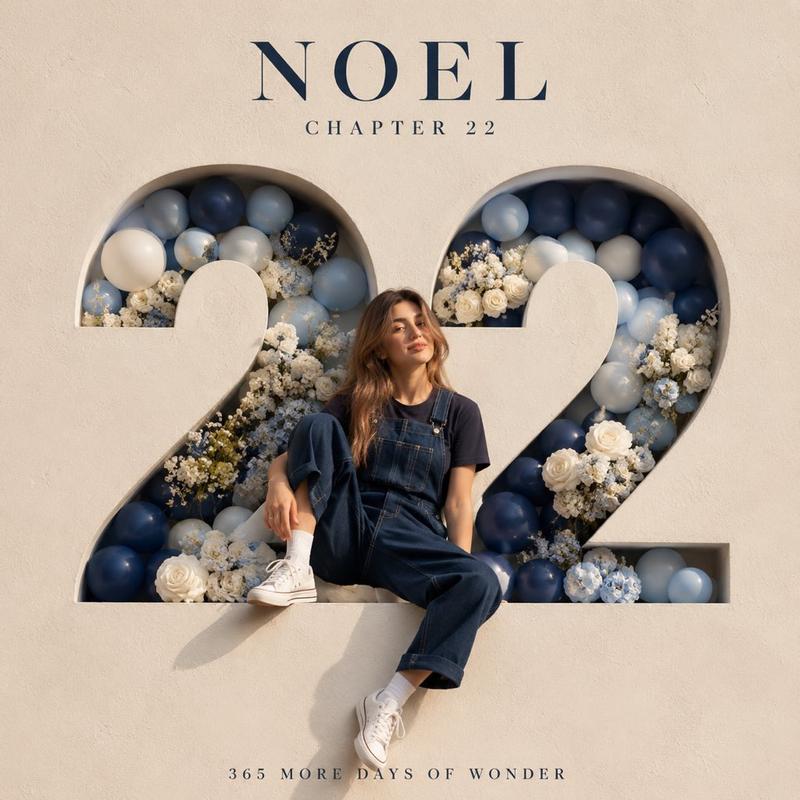
极简奢华3D数字生日里程碑海报
Enlarge

Example images

极简奢华3D数字生日里程碑海报

Prompt
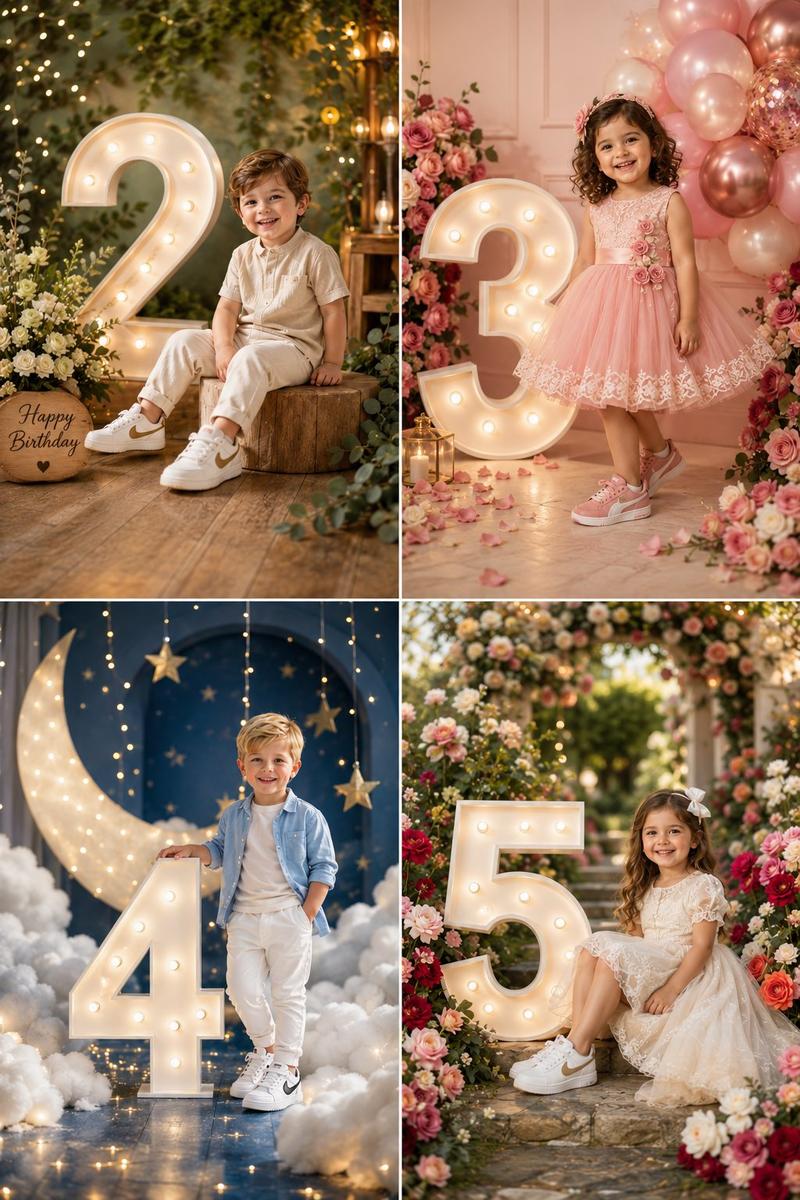
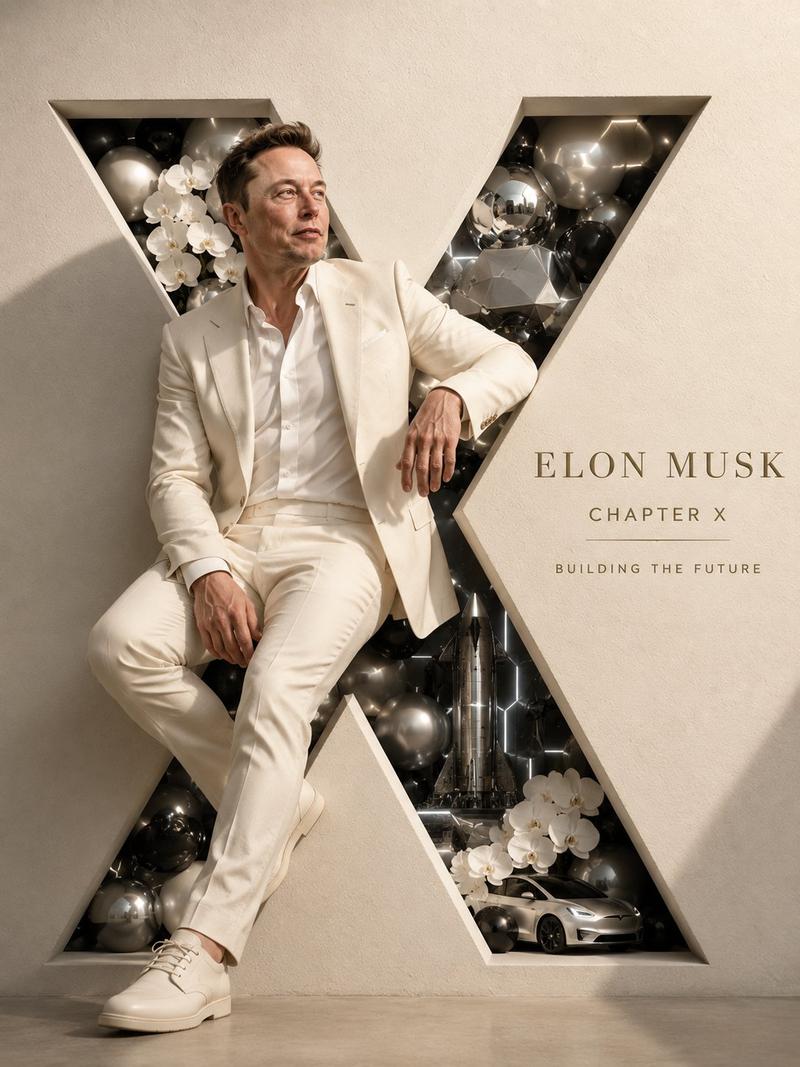
Create a luxury minimalist birthday milestone poster featuring a giant 3D number “[AGE]” carved into a premium ivory-white wall. A stylish person is naturally sitting, leaning, or hanging from the number, posing confidently. Elegant floral arrangements with white roses, baby's breath, hydrangeas, and pastel blue balloons frame the composition. Soft natural sunlight, premium editorial photography, modern celebration aesthetic, clean luxury design, subtle shadows, sophisticated typography. At the top, display the name “[NAME]” in elegant serif font, followed by “CHAPTER [AGE]” and the quote “365 More Days of Miracles.” Neutral beige and white color palette, high-end event styling, dreamy atmosphere, photorealistic, magazine-quality portrait, ultra-detailed textures, luxury birthday photoshoot, Instagram-worthy, shallow depth of field, soft lighting, 8K masterpiece, professional fashion photography.
Category
Charts & Infographics
Model
ChatGPT
Creator
@Taaruk_
Views169
Source ID
15929
Published
Jun 12, 2026

Guide

About "极简奢华3D数字生日里程碑海报"

What is this prompt for?

"极简奢华3D数字生日里程碑海报" AI image prompt for ChatGPT (Charts & Infographics). 创建一个极简奢华的生日里程碑海报,特色是镶嵌在高级象牙白墙上的巨型3D数字“[AGE]”。一位时尚的人士自然地坐着、靠着或挂在数字上,自信地摆姿势。优雅的花卉布置,由白玫瑰、满…

The full copyable prompt and example visuals above are ready for AI image generation or one-click recreate in Picva.

How to use this prompt

  1. Step 1

    Open the prompt detail

    Review the example visuals, category, and full prompt text for "极简奢华3D数字生日里程碑海报".

  2. Step 2

    Copy the prompt

    Copy the prompt body from this page, or load it directly in Studio.

  3. Step 3

    Pick a model (ChatGPT)

    Prefer ChatGPT. If you switch models, keep subject and composition and tweak style terms.

  4. Step 4

    Generate and export

    Recreate the look in Picva, or export into your workflow for editing and publishing.

FAQ

What is the "极简奢华3D数字生日里程碑海报" prompt?
It is an AI image-generation prompt for ChatGPT in the Charts & Infographics category. This page includes the full prompt text, example visuals, and a one-click recreate path in Picva.
How do I use this prompt to generate an image?
Copy the prompt from this page, or use Generate / Studio. Paste it into a compatible image model, or recreate the look in Picva with optional reference images.
Which model is this prompt for?
This page lists ChatGPT. Most descriptive prompts also transfer to nearby image models such as GPT Image, Flux, or Midjourney with light style tweaks.
Can I use the result commercially?
You can usually copy the prompt for creation, but commercial use of the final image depends on the model terms, reference-image rights, and the generated content. Follow the source author and platform rules.