19

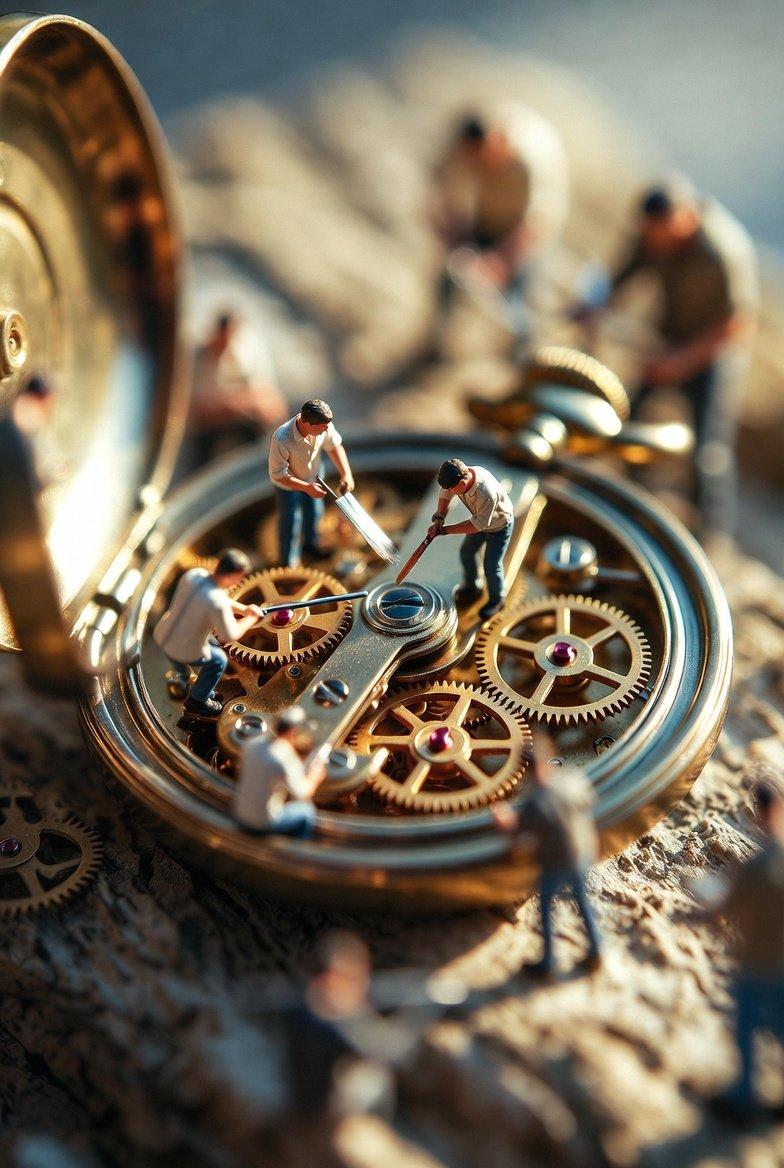
微观工匠协作修复古董怀表的极致细节
Enlarge

微观工匠协作修复古董怀表的极致细节

Prompt
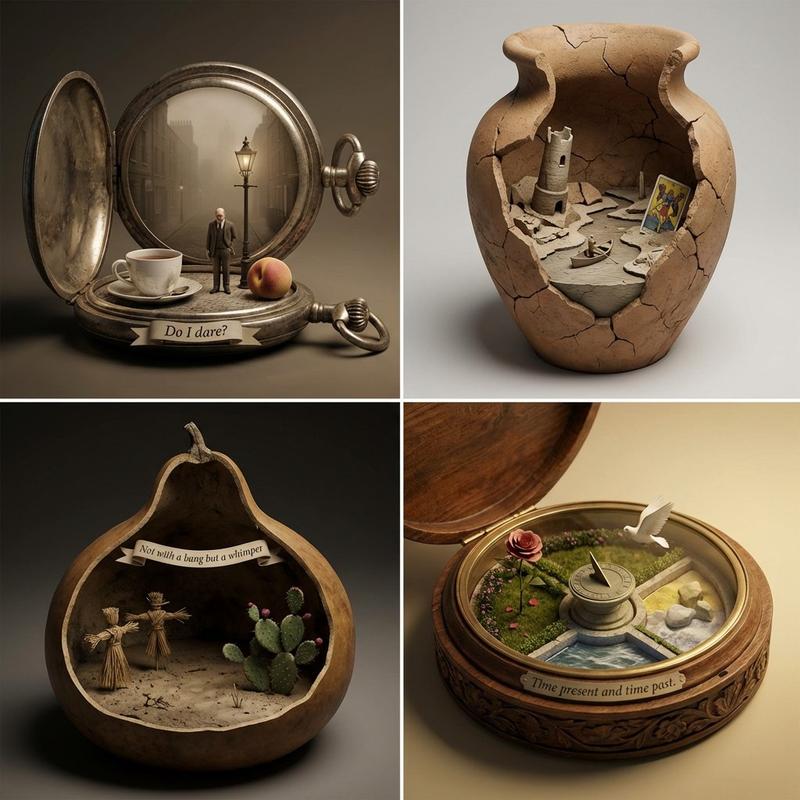
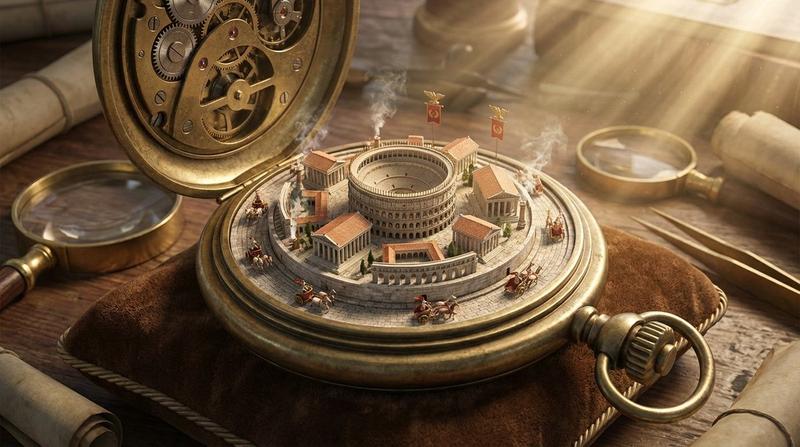
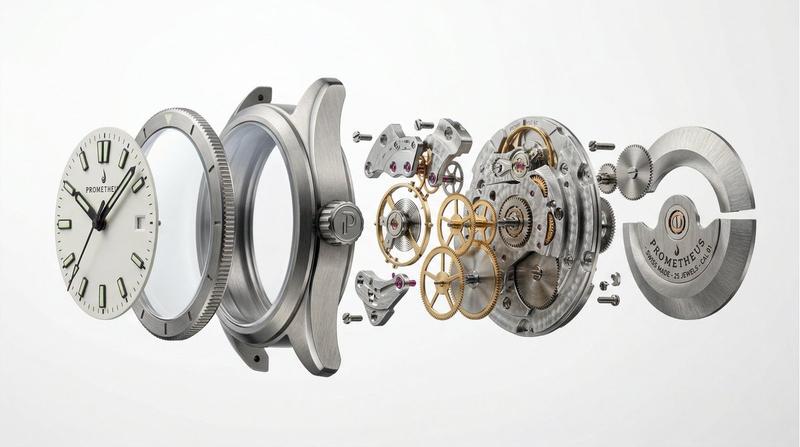
"Ultra-realistic macro scene depicting tiny restoration workers collaboratively repairing an antique pocket watch. Several figures delicately clean intricate brass gears using fine brushes, while others stabilize the open watch casing and hold miniature components in place. The pocket watch lies on a textured natural surface, such as weathered wood or stone, emphasizing age and history. The scene symbolizes time, patience, craftsmanship, and teamwork.", "style": { "photography_type": "Macro photography", "realism": "Ultra-realistic", "mood": "Emotional and cinematic", "lighting": "Soft, warm, directional lighting with gentle highlights and natural shadows", "depth_of_field": "Shallow depth of field with sharp focus on foreground details and smooth background bokeh" }, "composition": { "shot_type": "Close-up macro", "angle": "Slightly elevated perspective", "focus": "Extreme detail on gears, tools, and figurines’ interactions", "framing": "Pocket watch centered with workers distributed naturally across the mechanism" }, "textures_and_details": { "materials": "Aged metal, polished brass gears, worn leather strap, natural surface grain", "details": "Visible dust particles, subtle scratches, fingerprints, and mechanical wear" }, "atmosphere": { "tone": "Warm, nostalgic, hopeful", "symbolism": "Restoration of time through collective effort and care" }, "render_settings": { "aspect_ratio": "4:5", "quality": 2, "resolution": "High-resolution", "style_precision": "Professional studio-level composition" } }
Category
Charts & Infographics
Model
Nano banana pro
Views36
Source ID
8377
Published
Mar 22, 2026

Guide

About "微观工匠协作修复古董怀表的极致细节"

What is this prompt for?

"微观工匠协作修复古董怀表的极致细节" AI image prompt for Nano banana pro (Charts & Infographics). “超写实微距场景,描绘了微型修复工匠们协力修复一只古董怀表。几个人用细小的刷子小心翼翼地清洁复杂的黄铜齿轮,而另一些人则固定住打开的怀表外壳,并 удерж…

The full copyable prompt and example visuals above are ready for AI image generation or one-click recreate in Picva.

How to use this prompt

  1. Step 1

    Open the prompt detail

    Review the example visuals, category, and full prompt text for "微观工匠协作修复古董怀表的极致细节".

  2. Step 2

    Copy the prompt

    Copy the prompt body from this page, or load it directly in Studio.

  3. Step 3

    Pick a model (Nano banana pro)

    Prefer Nano banana pro. If you switch models, keep subject and composition and tweak style terms.

  4. Step 4

    Generate and export

    Recreate the look in Picva, or export into your workflow for editing and publishing.

FAQ

What is the "微观工匠协作修复古董怀表的极致细节" prompt?
It is an AI image-generation prompt for Nano banana pro in the Charts & Infographics category. This page includes the full prompt text, example visuals, and a one-click recreate path in Picva.
How do I use this prompt to generate an image?
Copy the prompt from this page, or use Generate / Studio. Paste it into a compatible image model, or recreate the look in Picva with optional reference images.
Which model is this prompt for?
This page lists Nano banana pro. Most descriptive prompts also transfer to nearby image models such as GPT Image, Flux, or Midjourney with light style tweaks.
Can I use the result commercially?
You can usually copy the prompt for creation, but commercial use of the final image depends on the model terms, reference-image rights, and the generated content. Follow the source author and platform rules.