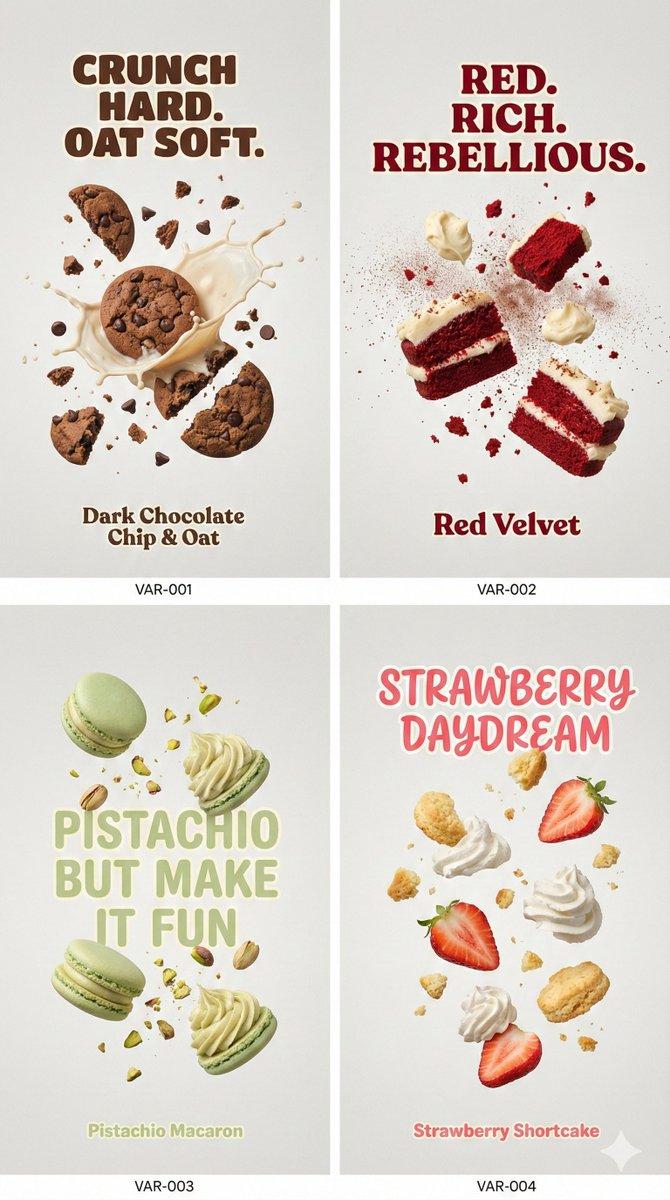
极简社论风产品展示海报设计
Prompt
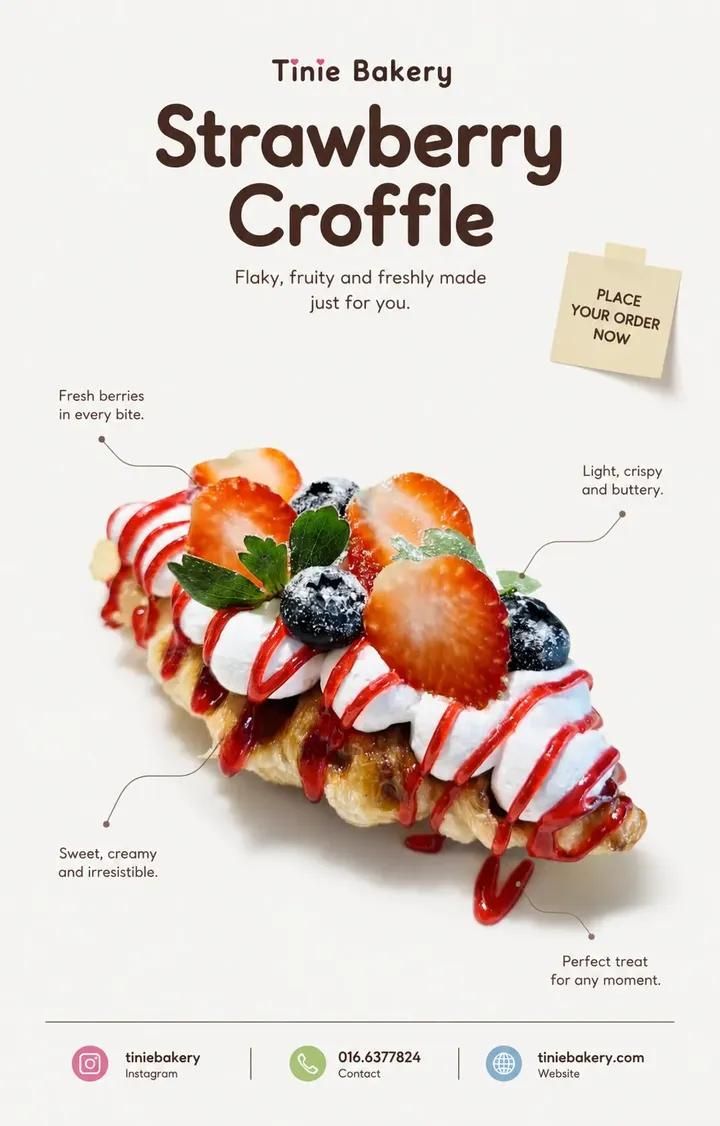
MINIMAL EDITORIAL PRODUCT POSTER

(CLEAN REFERENCE STYLE • DESIGN LOCKED • STRICT PRODUCT PRESERVATION)

ASPECT RATIO: 4:5 VERTICAL

PRODUCT : [……]

BRAND : [……]

CONTACT / INSTAGRAM : […..]

━━━━━━━━━━━━━━━━━━

Analyze the uploaded product first.

Use the reference ONLY for:

• composition

• typography hierarchy

• whitespace

• editorial mood

• color atmosphere

Keep the SAME visual direction.

Do not redesign the style.

━━━━━━━━━━━━━━━━━━

DESIGN LOCK — IMPORTANT

Preserve the existing design language.

Keep:

• clean editorial layout

• cute atmosphere

• center-focused product

• quote placement

• thin callout lines

• sticky note placement

• footer structure

• rounded typography

• generous whitespace

Do not introduce new design ideas.

━━━━━━━━━━━━━━━━━━

PRODUCT — ULTRA STRICT MODE

The uploaded product is the ONLY visual source.

Treat the product as LOCKED.

Maintain approximately 99% visual similarity.

Do NOT:

• regenerate product

• redesign product

• reinterpret product

• recreate hidden parts

• change shape

• change texture

• change color

• change proportions

• improve appearance

• smooth imperfections

• add ingredients

• remove ingredients

• modify details

• replace packaging

STRICTLY PRESERVE:

• silhouette

• proportions

• original texture

• original reflections

• original toppings

• original details

• original count

• original placement

• original imperfections

• original colors

Allowed ONLY:

✓ isolate

✓ reposition

✓ crop

✓ soft realistic shadow

✓ remove packaging ONLY if product remains identical

If product changes:

KEEP ORIGINAL PRODUCT.

Adjust layout around the product.

Never adjust product for layout.

━━━━━━━━━━━━━━━━━━

LAYOUT

Product remains visually centered.

Do not force perfect symmetry.

Keep large breathing space.

Keep composition clean.

Adding Brand Name and product name at Header

━━━━━━━━━━━━━━━━━━

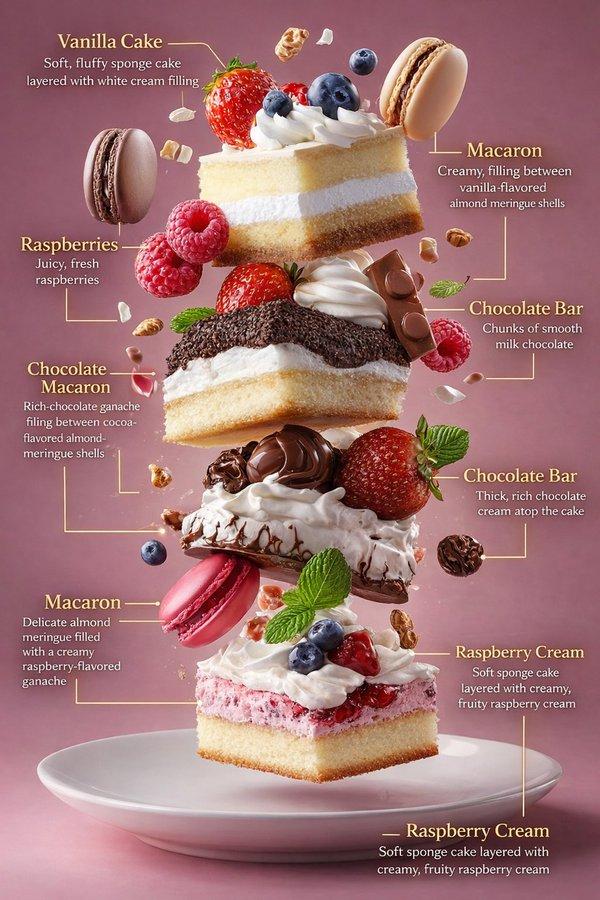
CALLOUT

Create 2–4 short editorial quotes.

Place around the product.

Every quote MUST connect to the product using:

thin subtle callout lines.

Callout lines are mandatory.

Style:

clean

minimal

editorial

━━━━━━━━━━━━━━━━━━

STICKY NOTE

Create ONE small sticky note.

Place near upper composition area.

Text:

PLACE YOUR ORDER NOW

Style:

• natural paper feeling

• lightly attached

• slightly imperfect angle

• subtle paper texture

• small scale

• soft shadow

Feels natural.

Not decorative.

━━━━━━━━━━━━━━━━━━

TYPOGRAPHY

Rounded sans only.

No italic.

Elegant.

Minimal.

Premium.

━━━━━━━━━━━━━━━━━━

FOOTER

Include:

[PRODUCT NAME]

[BRAND]

[CONTACT / INSTAGRAM]

Clean hierarchy.

Minimal spacing.

adding coloured symbol for instagram, contact, website

━━━━━━━━━━━━━━━━━━

BACKGROUND

Keep clean.

No decorative elements.

Do not add:

• leaves

• botanical shadow

• flowers

• props

• sparkles

• icons

• decorative fillers

Use whitespace.

━━━━━━━━━━━━━━━━━━

COLOR

Cool neutral tone.

Soft contrast.

Keep product colors original.

━━━━━━━━━━━━━━━━━━

FINAL FEEL

Same clean editorial design.

Same cute atmosphere.

Only improve product preservation.
- Category
- Charts & Infographics
- Model
- ChatGPT
- Creator
- @jzaib4269
- Source ID
- 16242
- Published
- Jun 17, 2026
Views27