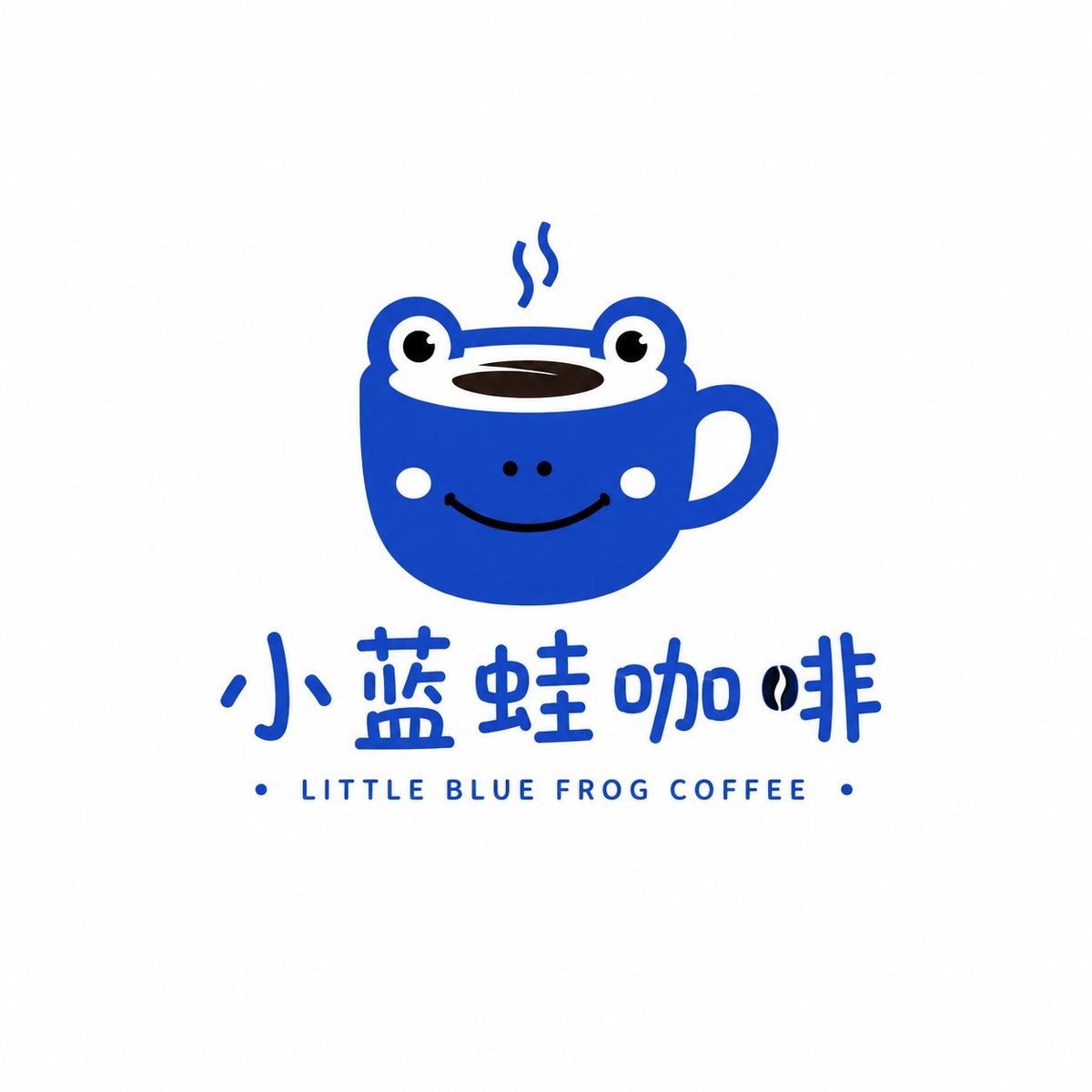
极简萌系符号风格品牌Logo提示词
Prompt
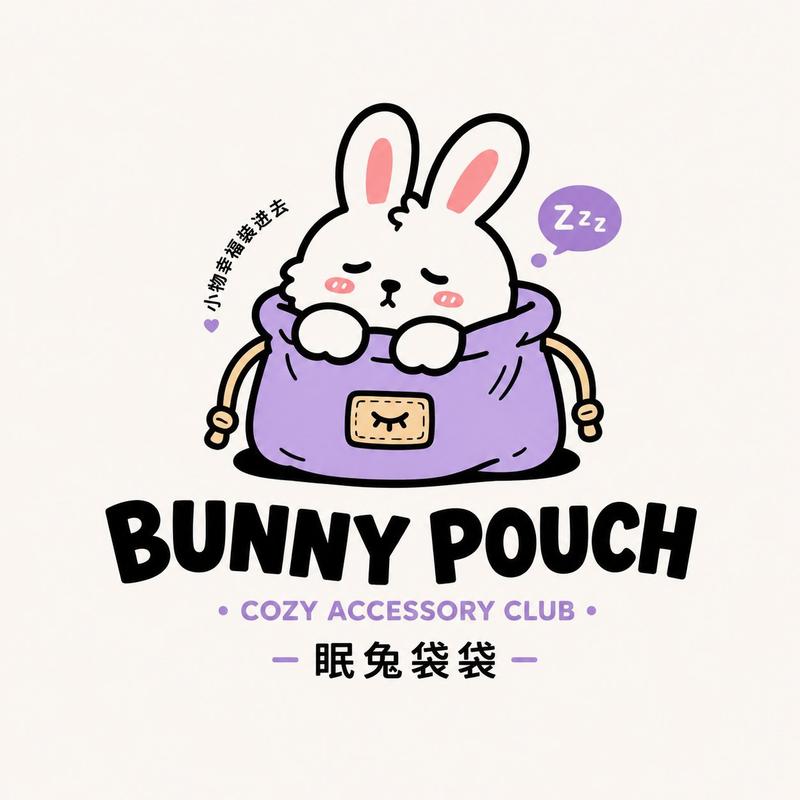
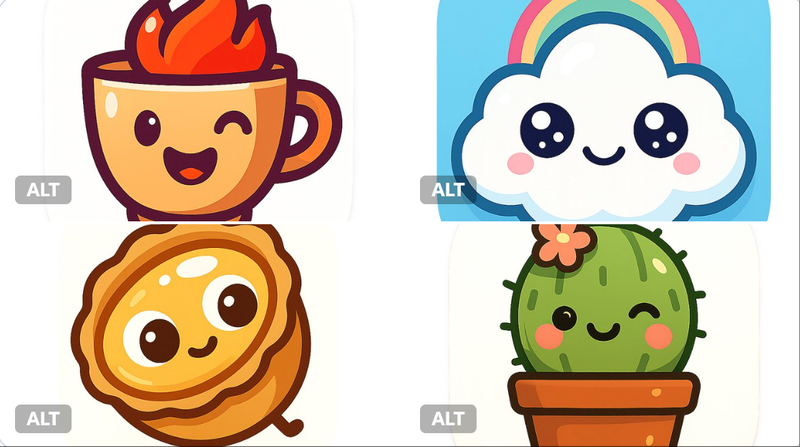
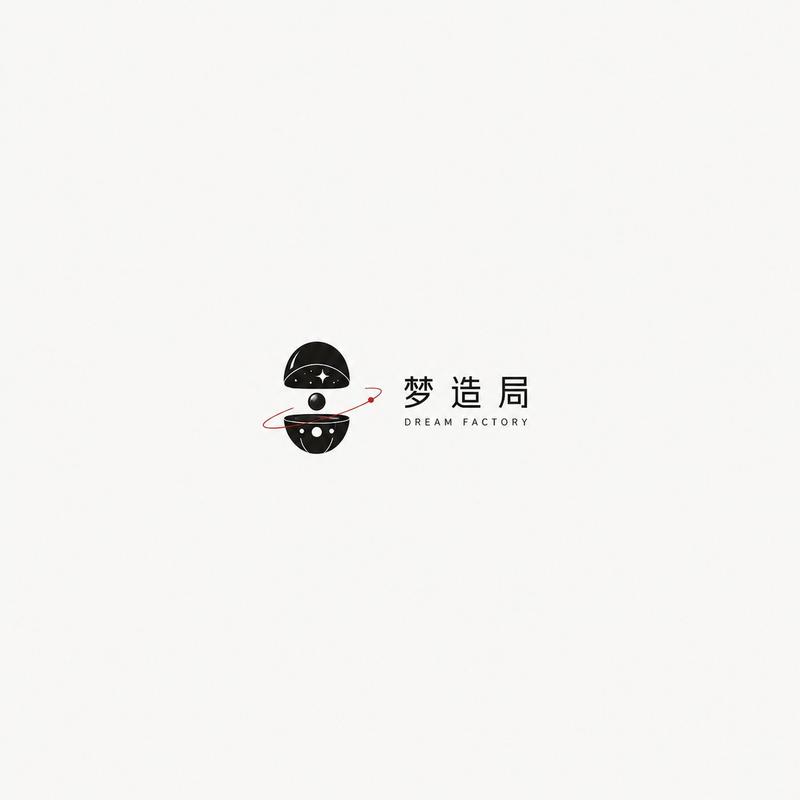
Generate a brand Logo in the "Minimalist Cute Symbol" style, the brand name is [Brand Name], and the category is [Category]. Use [Subject Image] as the core visual, drawing the subject as a simple, cute, relaxed, minimalist symbol image with a bit of emotion.

The overall design adopts minimal elements, rounded lines, geometric outlines, flat vector feel, and a slight handwritten feel. The shape should be simple but recognizable, no complex illustrations, no realism, no 3D, no heavy textures. The color scheme is mainly based on [Main Color], which can be matched with 1-2 low-saturation auxiliary colors, and the colors are clean and soft.

The Logo consists of "graphic symbol + Chinese wordmark / can be matched with a small amount of English sub-mark". The text part should be natural, have a sense of design, and not be overly fancy. The overall layout is simple and comfortable, with sufficient white space and a pure white or light gray-white background.

The image should look like a complete brand Logo proposal, with a relaxed, healing, modern, and commercial style, suitable for coffee, home, grocery, dessert, and lifestyle brands. No complex backgrounds, no redundant decorations, no poster feel, no full-page layout, only keep one complete Logo solution.

Reference for replaceable fields:
[Brand Name] Little Blue Frog Coffee / Mian Tu Dai Dai / Shan Qi Home / Chun Bei Little Bear
[Category] Coffee Brand / Bag & Grocery / Home Brand / Dessert Brand
[Subject Image] Little Blue Frog / Sleepy Bunny / Mountain shape and air symbol / Little bear and cup
[Main Color] Fog Blue / Cream Yellow / Moss Green / Caramel Brown
- Category
- Charts & Infographics
- Model
- ChatGPT
- Creator
- @MrLarus
- Source ID
- 16356
- Published
- Jun 20, 2026
Views52