极简雾面玻璃艺术展览海报生成
Prompt
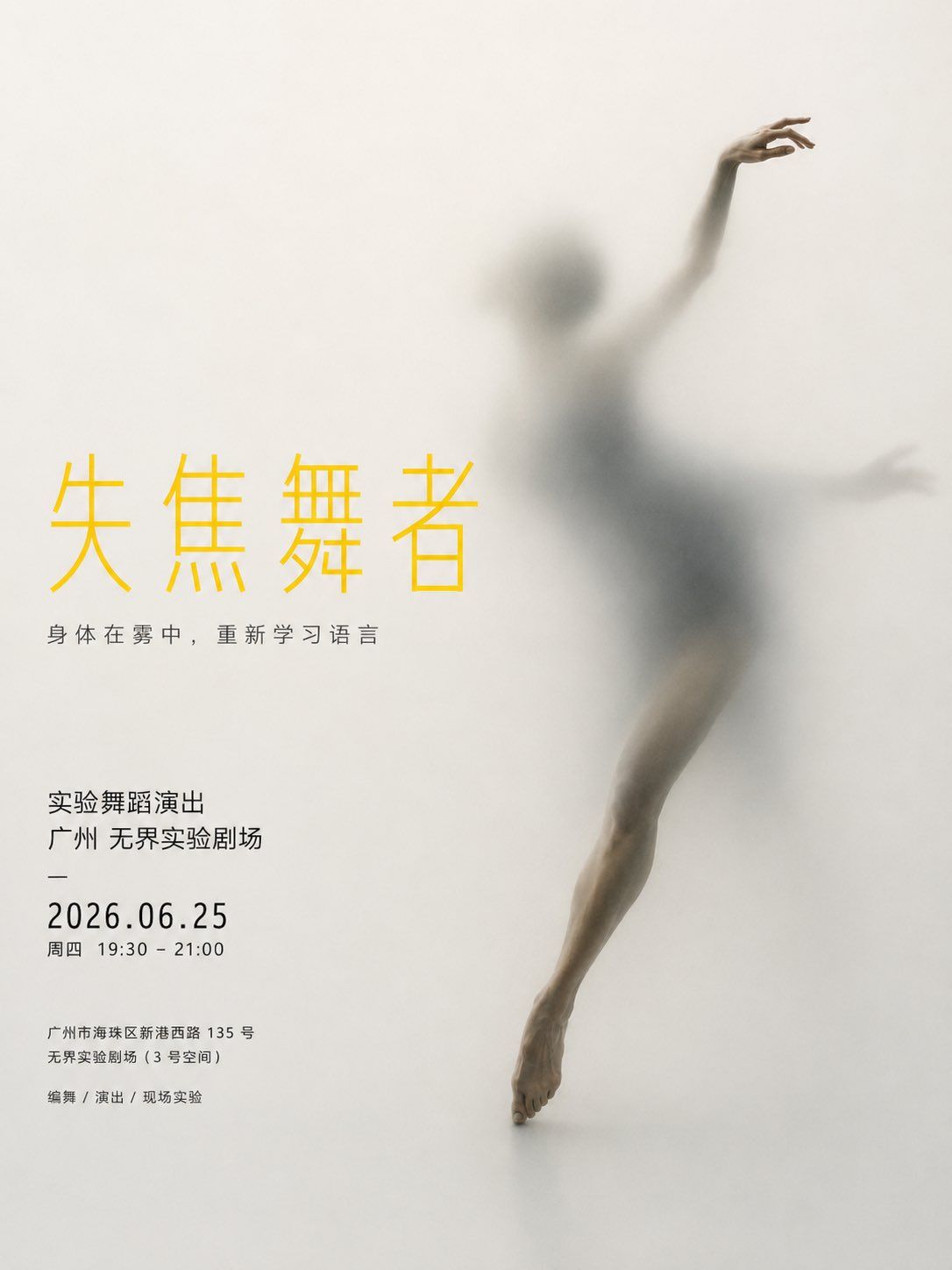
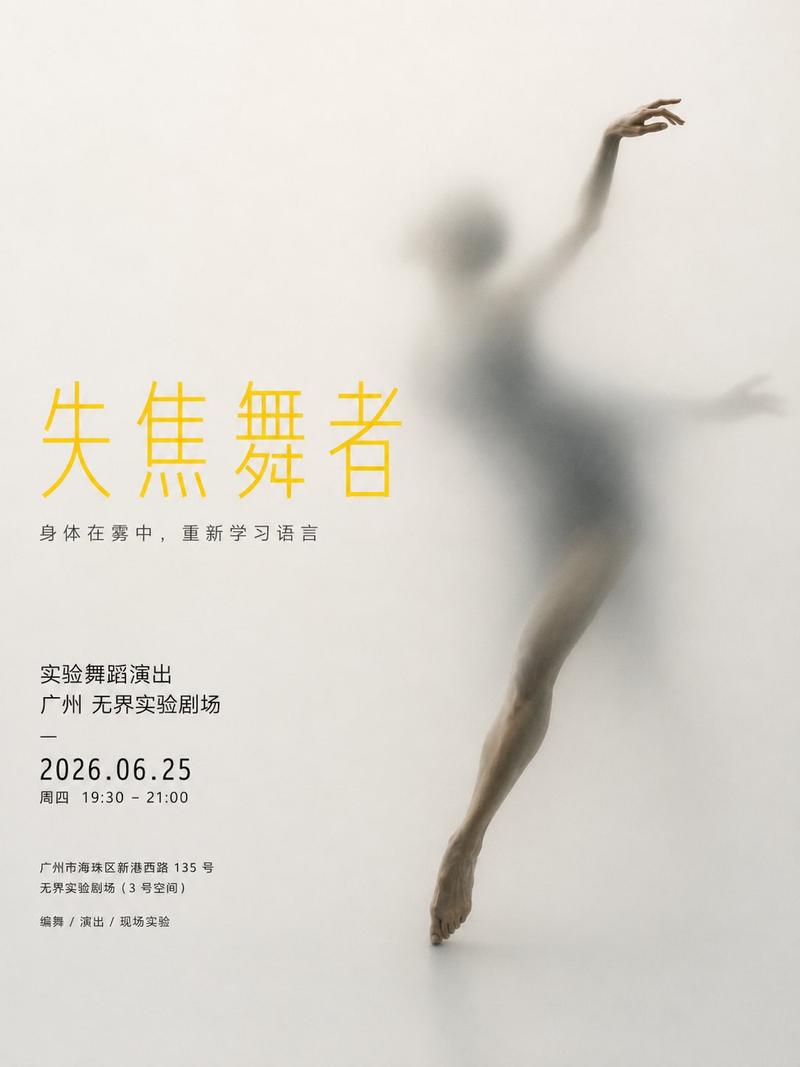
Generate a vertical 3:4 Chinese minimalist conceptual poster, which must be a finished poster with Chinese layout completed.

The overall style is: minimalist exhibition poster, frosted glass visual, translucent borders, contemporary art festival visual, modern graphic design, high-end feel, quiet and restrained, ample white space.

The background of the image is light grey-white, cream, or fog-white, like frosted glass, translucent film, matte screen, or soft fog boundaries. The background must be clean, retaining a large amount of white space, and not cluttered.

The main subject is a [Subject], which is located on the other side of a layer of frosted glass or translucent film, slowly penetrating, emerging, and pressing out an outline.

The subject cannot be completely clearly exposed, it must present:
Partial clarity + large area of blur + soft diffusion + sense of penetration + sense of indentation.

You can make a certain part of the subject clearer, for example:
Hands, feet, legs, or shoulders of a person;
Head, eyes, ears, paws, or legs of an animal;
Handle, earpiece, cable, edge, or bottom structure of an object.

The overall subject should look like it is slowly arriving from another space. Edges are softened, outlines are hazy, with slight shadows and atomized diffusion. The overall temperament is quiet, mysterious, restrained, with a sense of a contemporary art exhibition poster.

Add complete Chinese layout to the image:

Main title says "[Main Title]"
Subtitle says "[Sub-copy]"

Information area says:
"[Activity Type]"
"[City / Venue]"
"2026.06.25"
"Thursday 10:00 - 20:00"
"[Address]"
"Exhibition / Workshop / Performance / Forum"

Important requirements:
All dates must only appear as "2026.06.25".
Do not show 2024.
Do not show 2025.
Do not show other old dates.
Do not generate garbled dates.
Do not write the date incorrectly.
Do not use real brand logos.
No watermarks.

Typography style:
The main title uses bright yellow large characters, the font is simple, modern, and striking.
Subtitles and activity information use black or dark grey small characters.
The overall information block can be placed on the left or right side, forming a staggered composition with the main subject.
The layout should look like a real contemporary art exhibition poster, with clear information, white space, and order.

Visual keywords:
Minimalist, frosted glass, translucent borders, sense of penetration, soft focus, hazy, partial clarity, subject emerging, light grey-white background, large area of white space, bright yellow title, black-grey small characters, contemporary exhibition poster, quiet and high-end.

Do not:
No cartoon, no 3D plastic feel, no e-commerce style, no complex background, no strong cyber style, no low-grade promotional posters, no real brand logos, no watermarks, no garbled text.
- Category
- Charts & Infographics
- Model
- ChatGPT
- Creator
- @YangOnchain
- Source ID
- 16779
- Published
- Jun 25, 2026
Views22
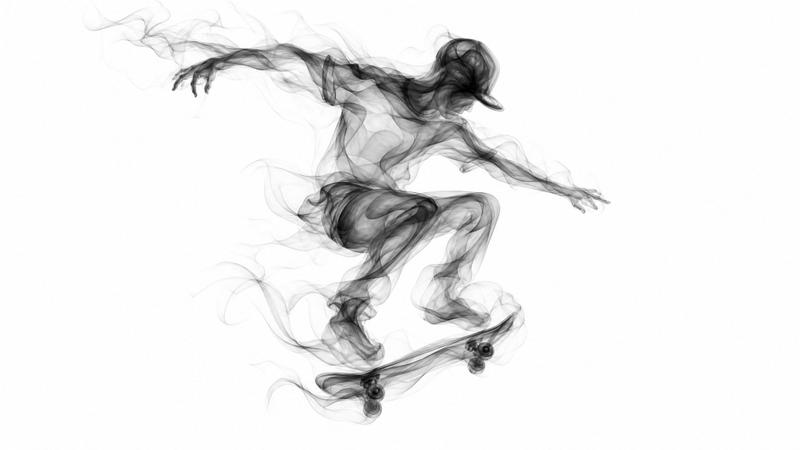
![Prompt share: charcoal sketch 💬Prompt: A charcoal sketch of a [subject], raw an](https://cdn.pixshop.app/prompt-library/tweet-2015017758623518915/primary-0-1769349637423-q90txvu7.jpeg)