20

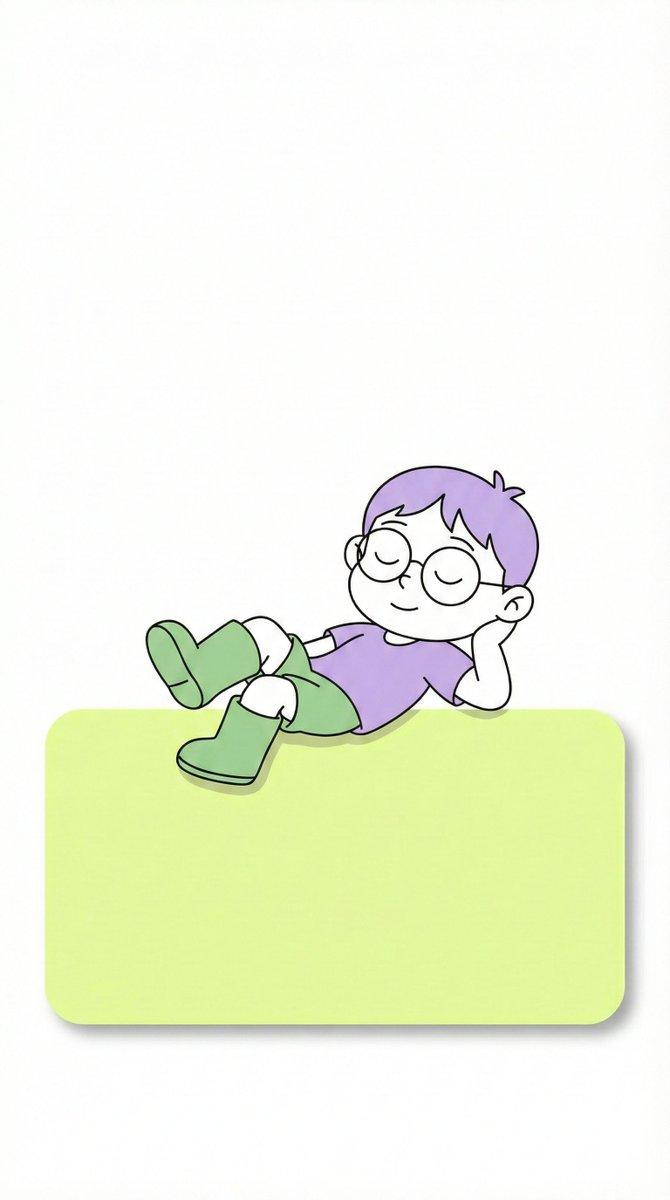
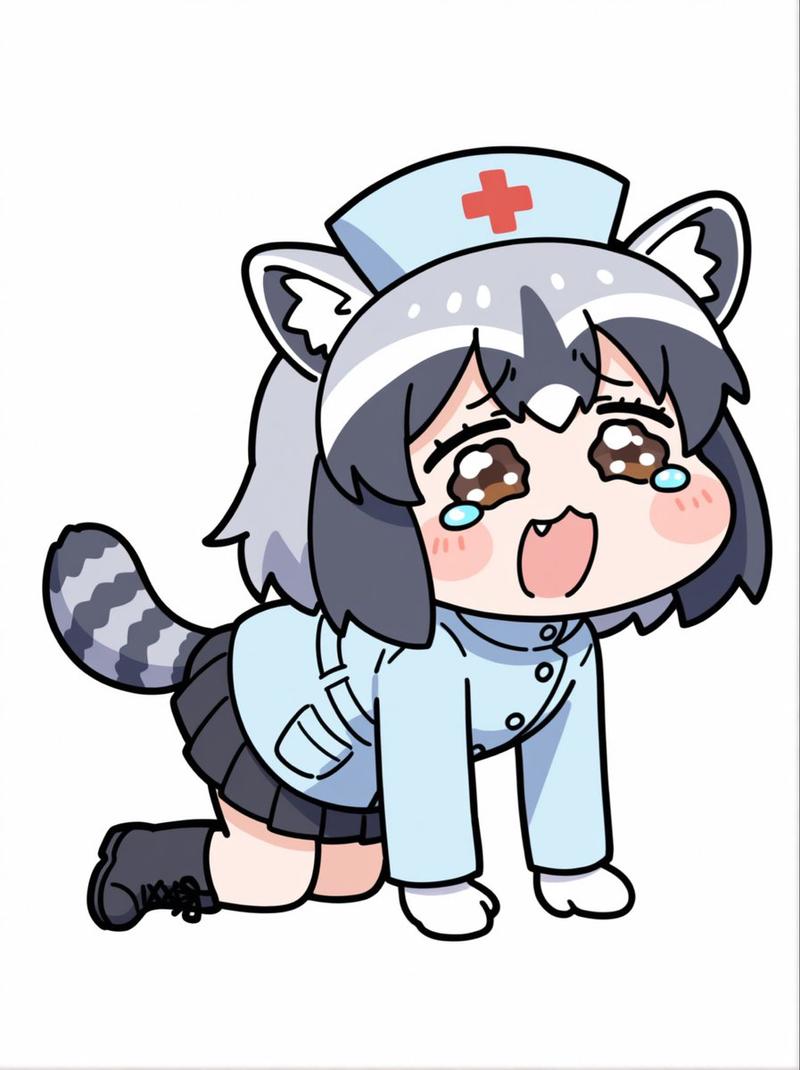
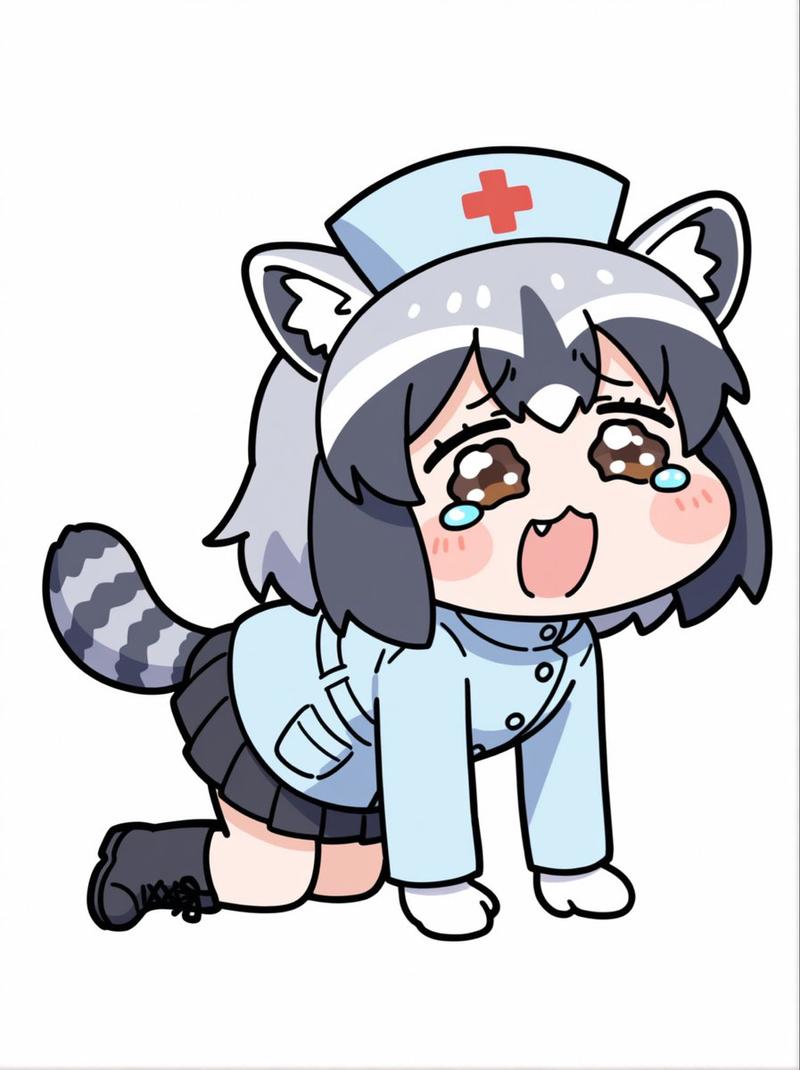
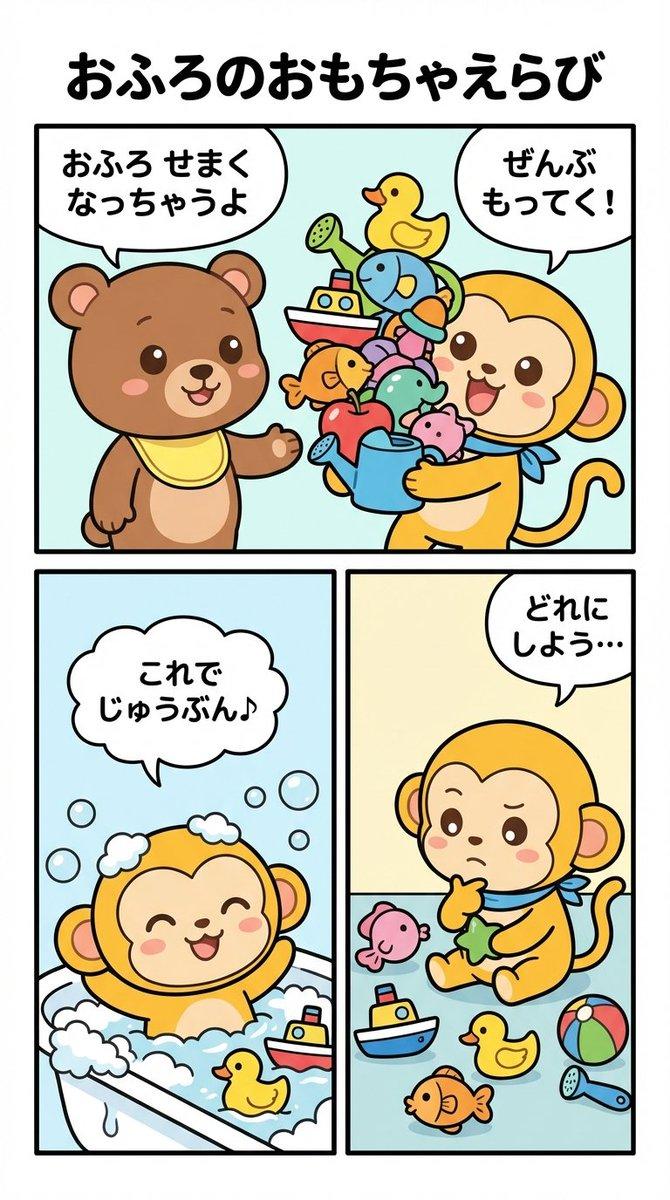
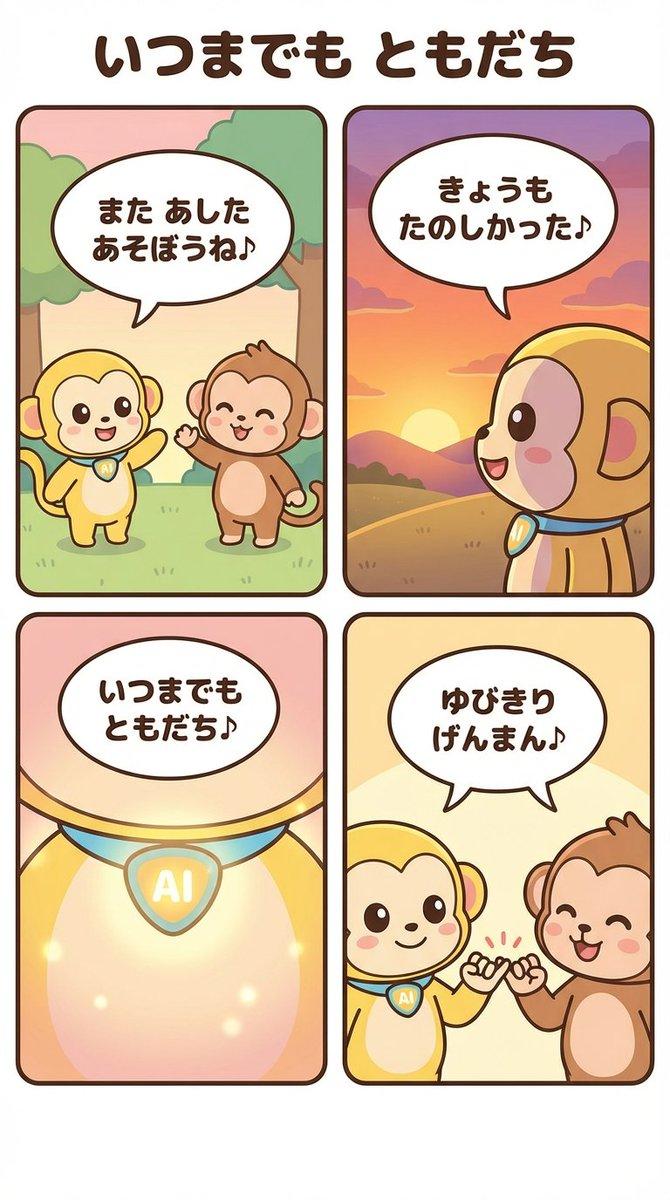
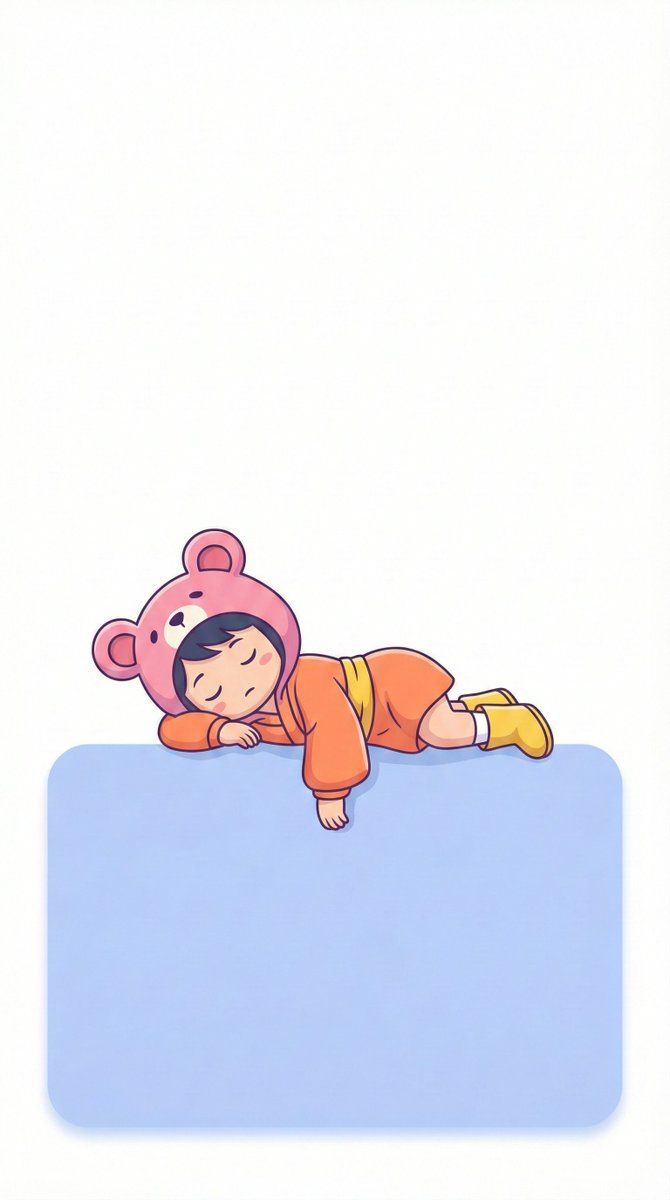
极简柠檬绿横幅上的慵懒睡姿插画
Enlarge

极简柠檬绿横幅上的慵懒睡姿插画

Prompt
"A minimal flat vector illustration of the subject in the attached image lying on its side, resting its head on the edge of a large rounded rectangle banner. The subject is drawn in simple line-art style with smooth curves, closed eyes, and a relaxed sleepy pose. The banner must be at the bottom leaving the 1/3 of the negative space, The banner is a soft pastel lemon green rounded rectangle with subtle shadow. The background is pure white, clean and empty, leaving lots of negative space above. Modern UI illustration style, soft minimal design, playful and calm mood, crisp vector lines, high resolution. In 9:16 aspect ratio"
Category
UI & Interfaces
Model
Nano banana pro
Views21
Source ID
8302
Published
Mar 22, 2026

Guide

About "极简柠檬绿横幅上的慵懒睡姿插画"

What is this prompt for?

"极简柠檬绿横幅上的慵懒睡姿插画" AI image prompt for Nano banana pro (UI & Interfaces). 一张极简的扁平矢量插画,描绘了附件图片中的主体侧卧着,头部靠在一个大型圆角矩形横幅的边缘。主体以简洁的线条艺术风格绘制,线条流畅,双眼紧闭,姿态放松且带有睡意。横幅必须位于…

The full copyable prompt and example visuals above are ready for AI image generation or one-click recreate in Picva.

How to use this prompt

  1. Step 1

    Open the prompt detail

    Review the example visuals, category, and full prompt text for "极简柠檬绿横幅上的慵懒睡姿插画".

  2. Step 2

    Copy the prompt

    Copy the prompt body from this page, or load it directly in Studio.

  3. Step 3

    Pick a model (Nano banana pro)

    Prefer Nano banana pro. If you switch models, keep subject and composition and tweak style terms.

  4. Step 4

    Generate and export

    Recreate the look in Picva, or export into your workflow for editing and publishing.

FAQ

What is the "极简柠檬绿横幅上的慵懒睡姿插画" prompt?
It is an AI image-generation prompt for Nano banana pro in the UI & Interfaces category. This page includes the full prompt text, example visuals, and a one-click recreate path in Picva.
How do I use this prompt to generate an image?
Copy the prompt from this page, or use Generate / Studio. Paste it into a compatible image model, or recreate the look in Picva with optional reference images.
Which model is this prompt for?
This page lists Nano banana pro. Most descriptive prompts also transfer to nearby image models such as GPT Image, Flux, or Midjourney with light style tweaks.
Can I use the result commercially?
You can usually copy the prompt for creation, but commercial use of the final image depends on the model terms, reference-image rights, and the generated content. Follow the source author and platform rules.