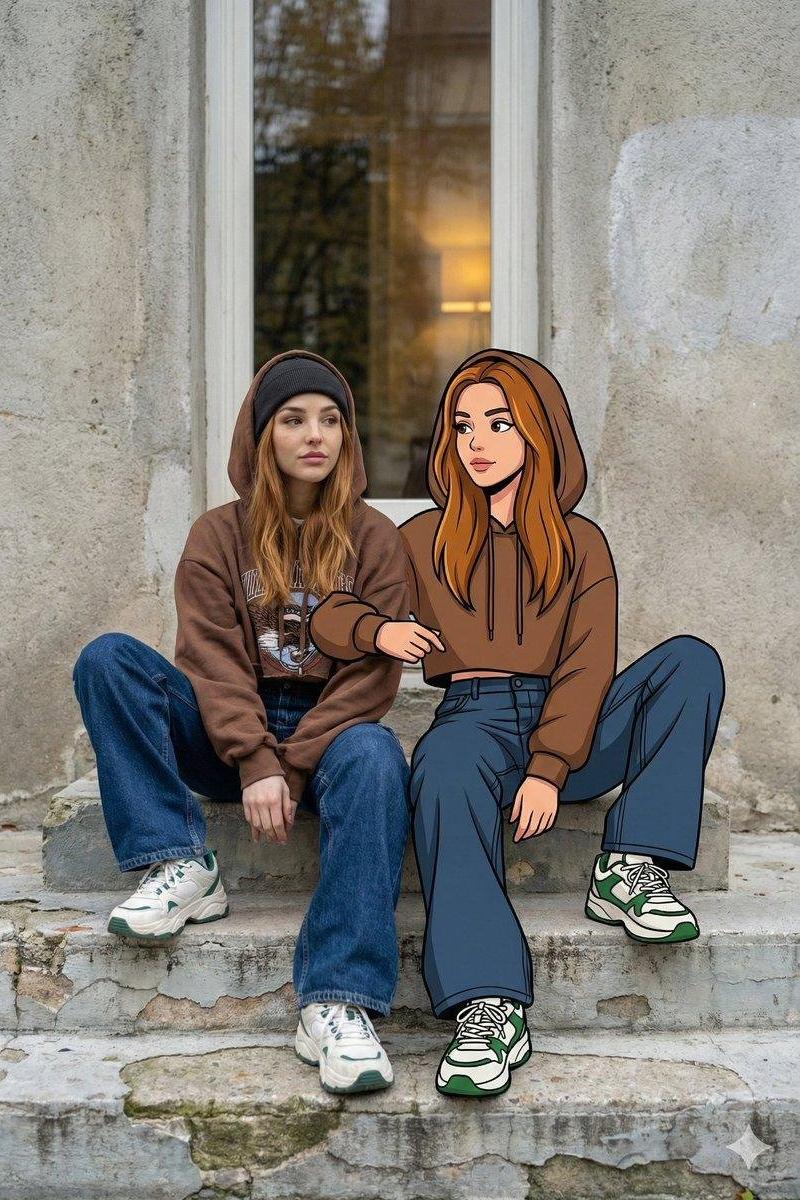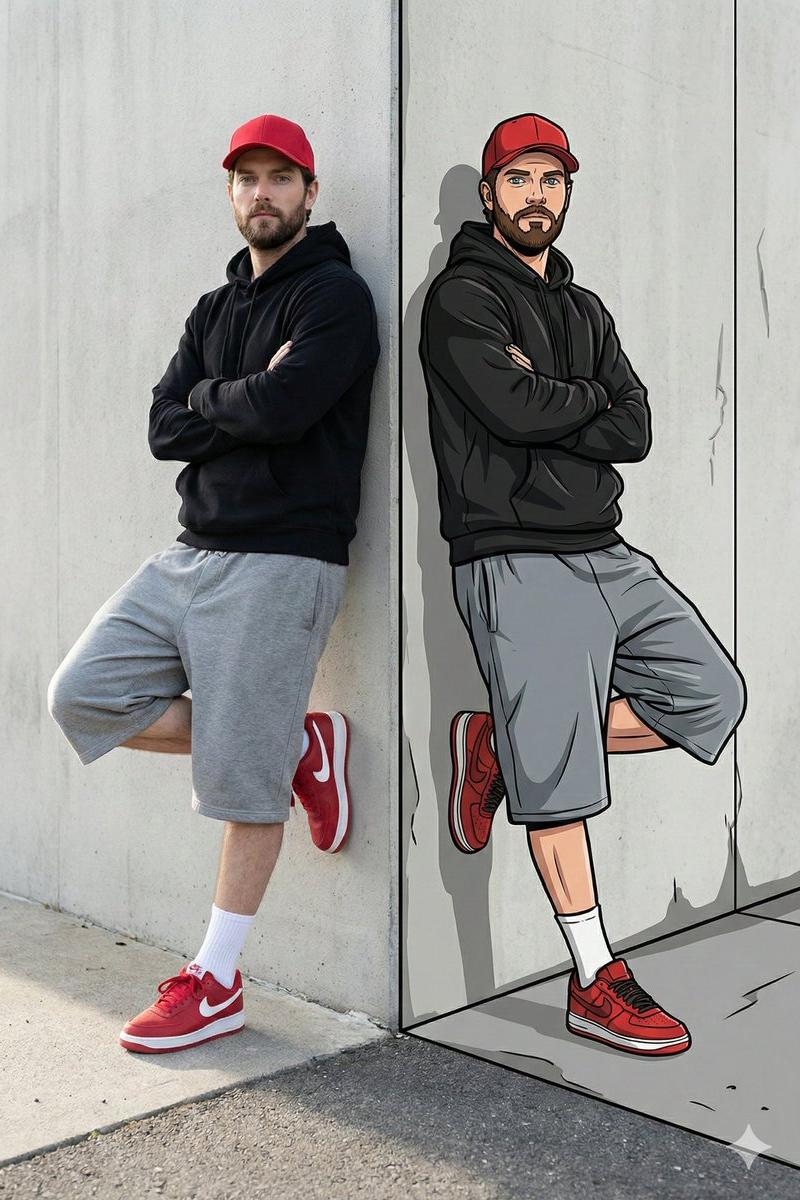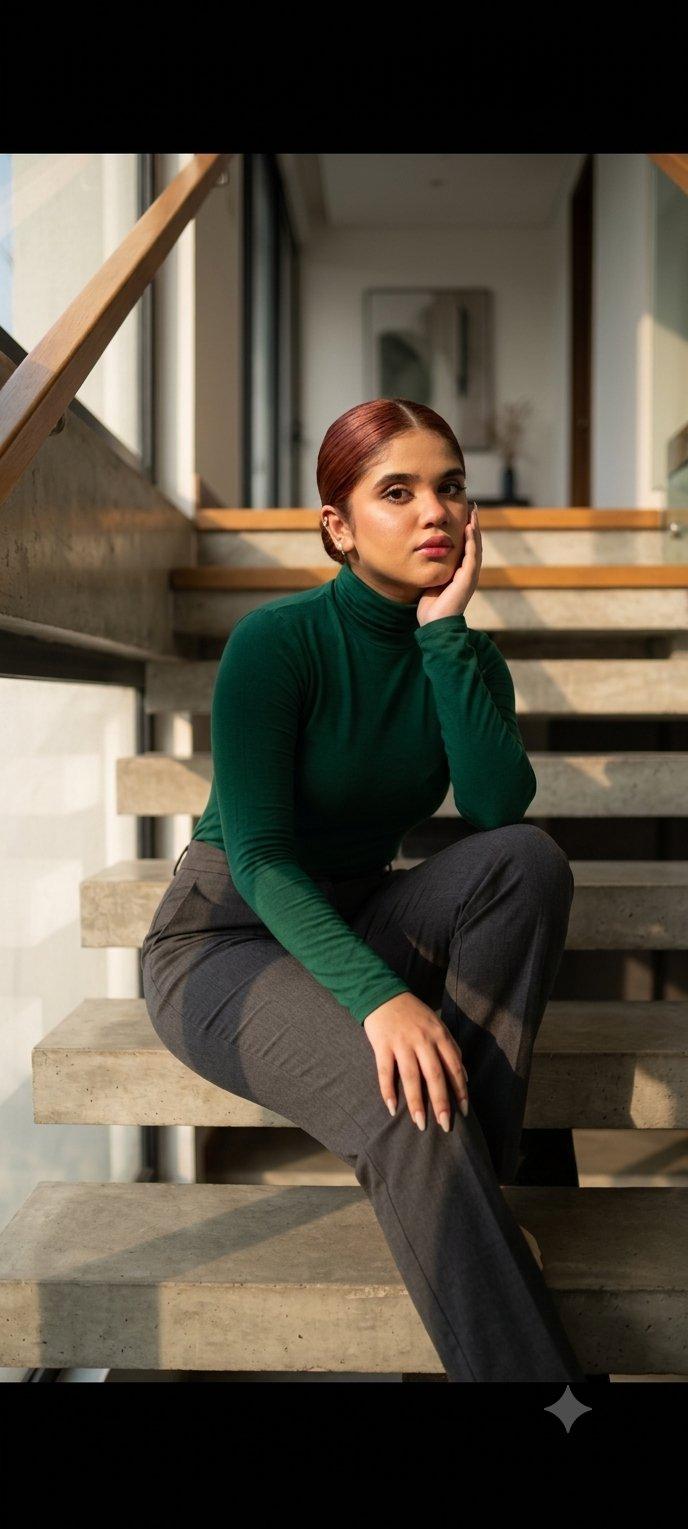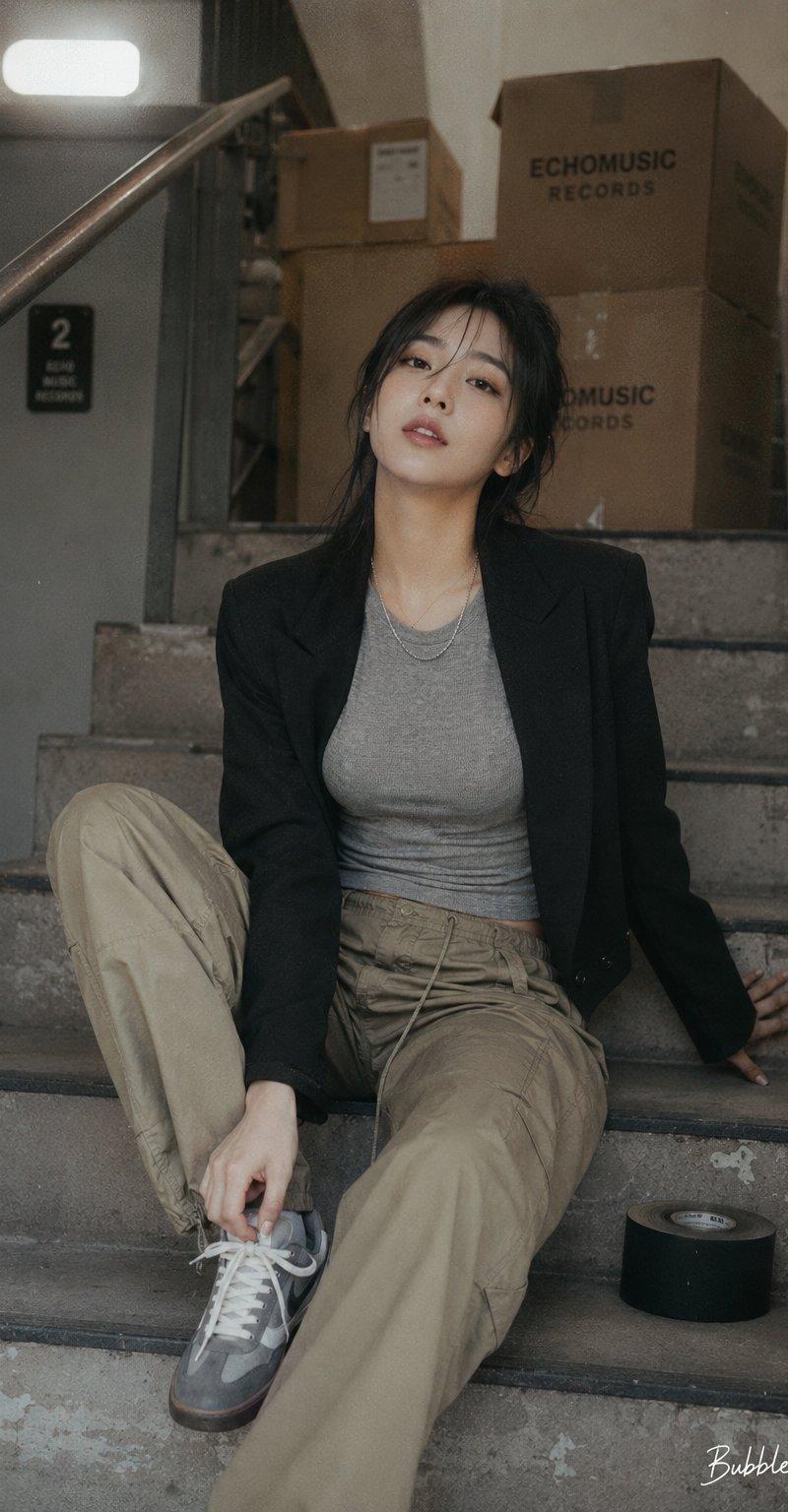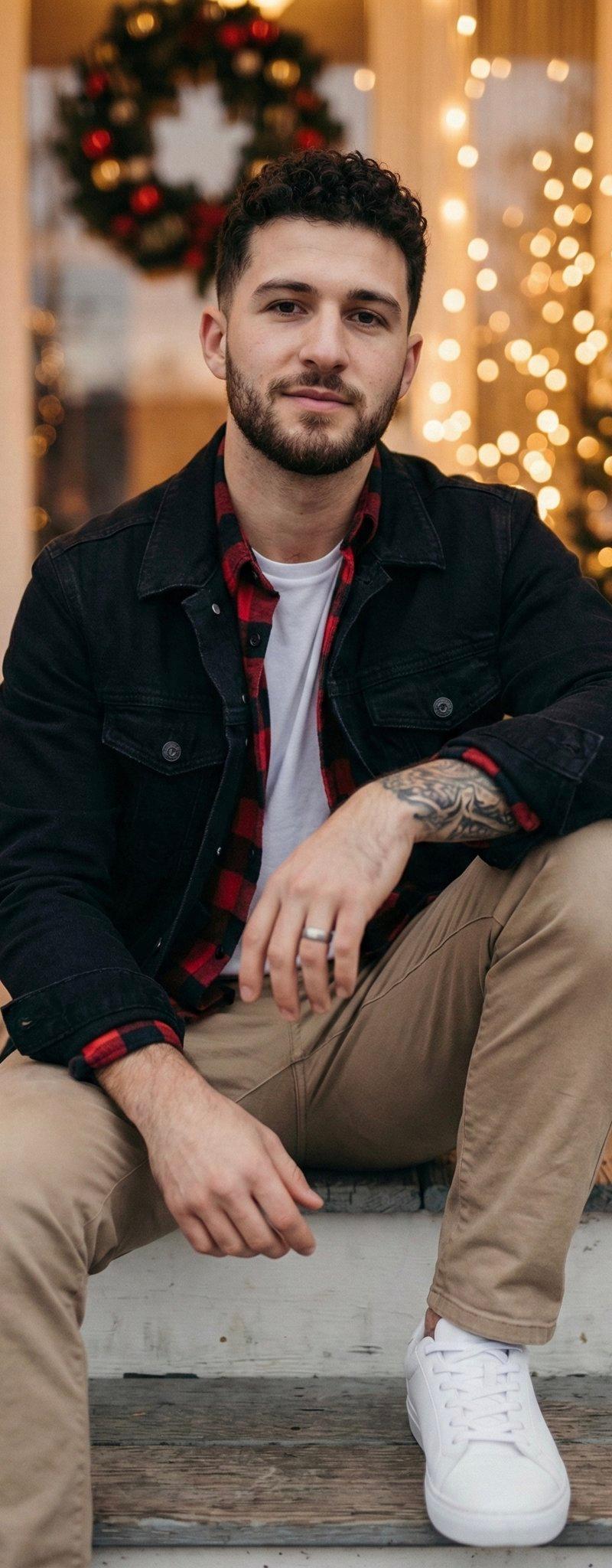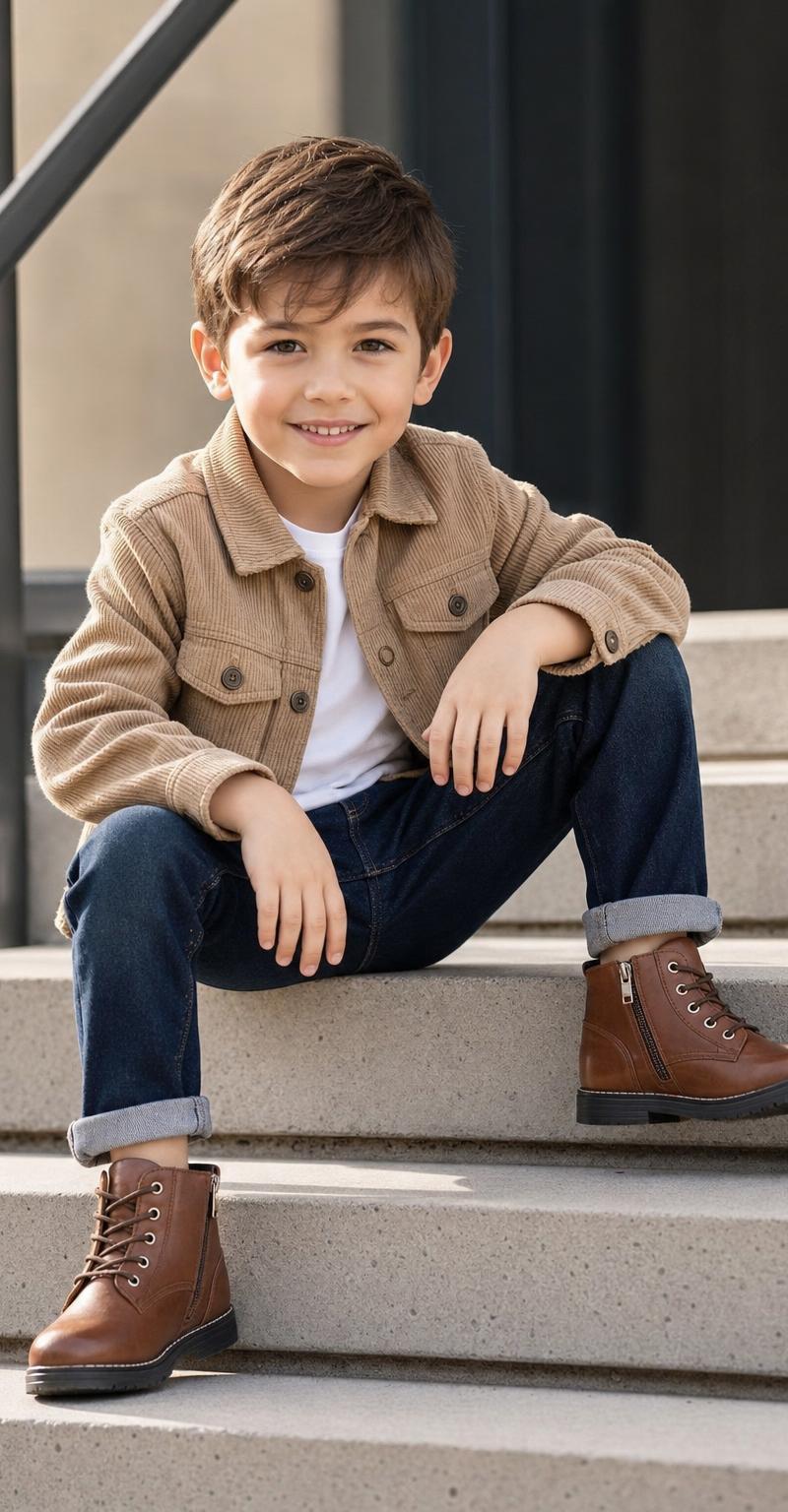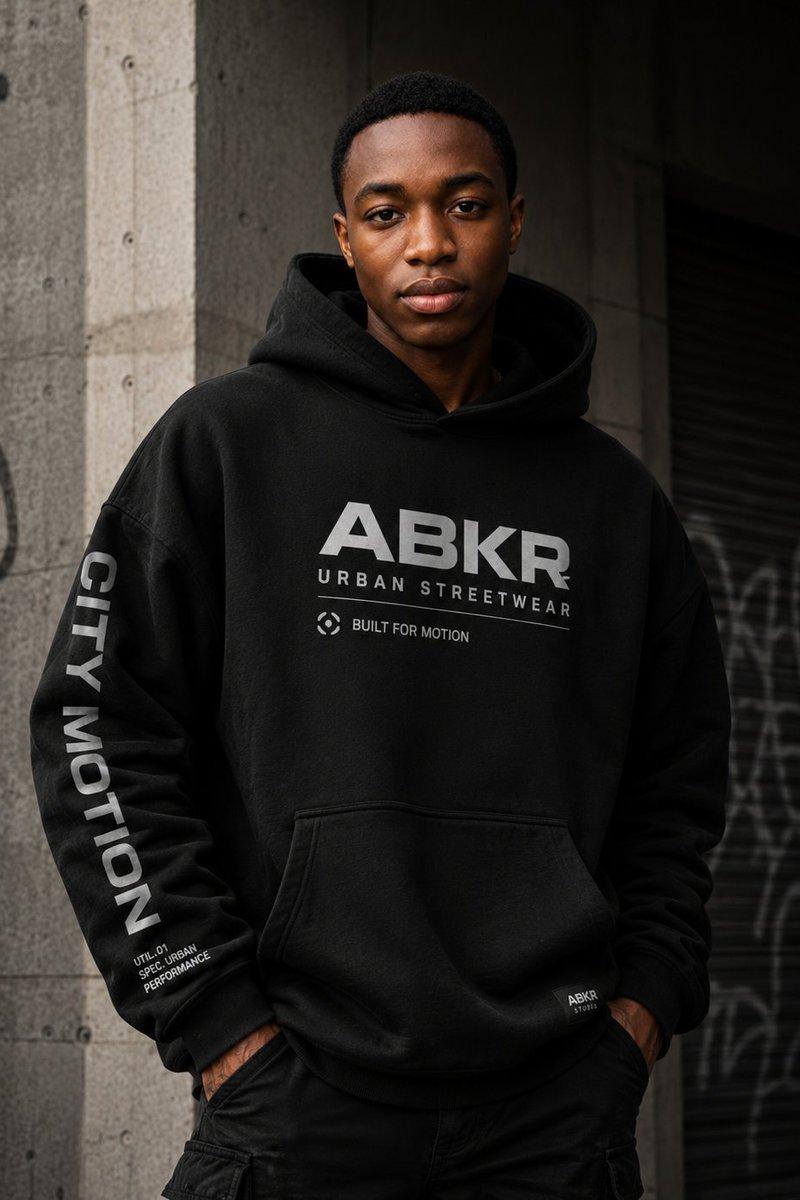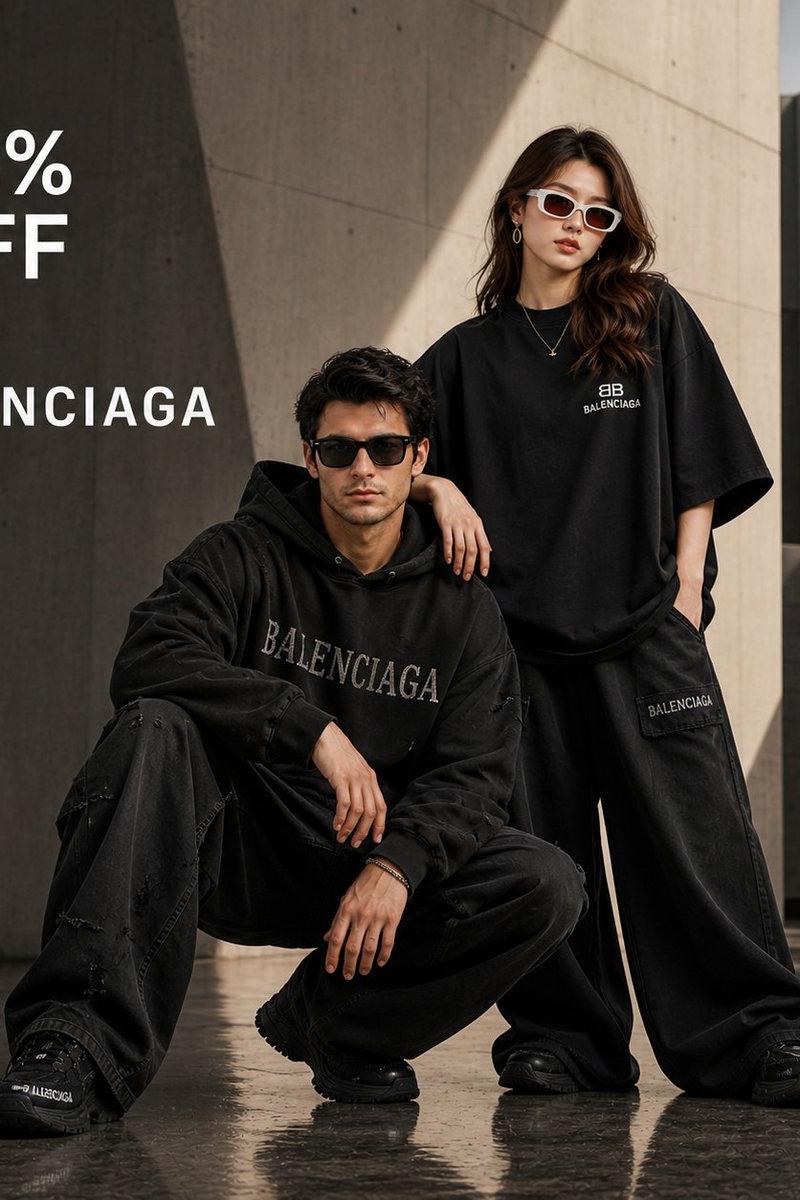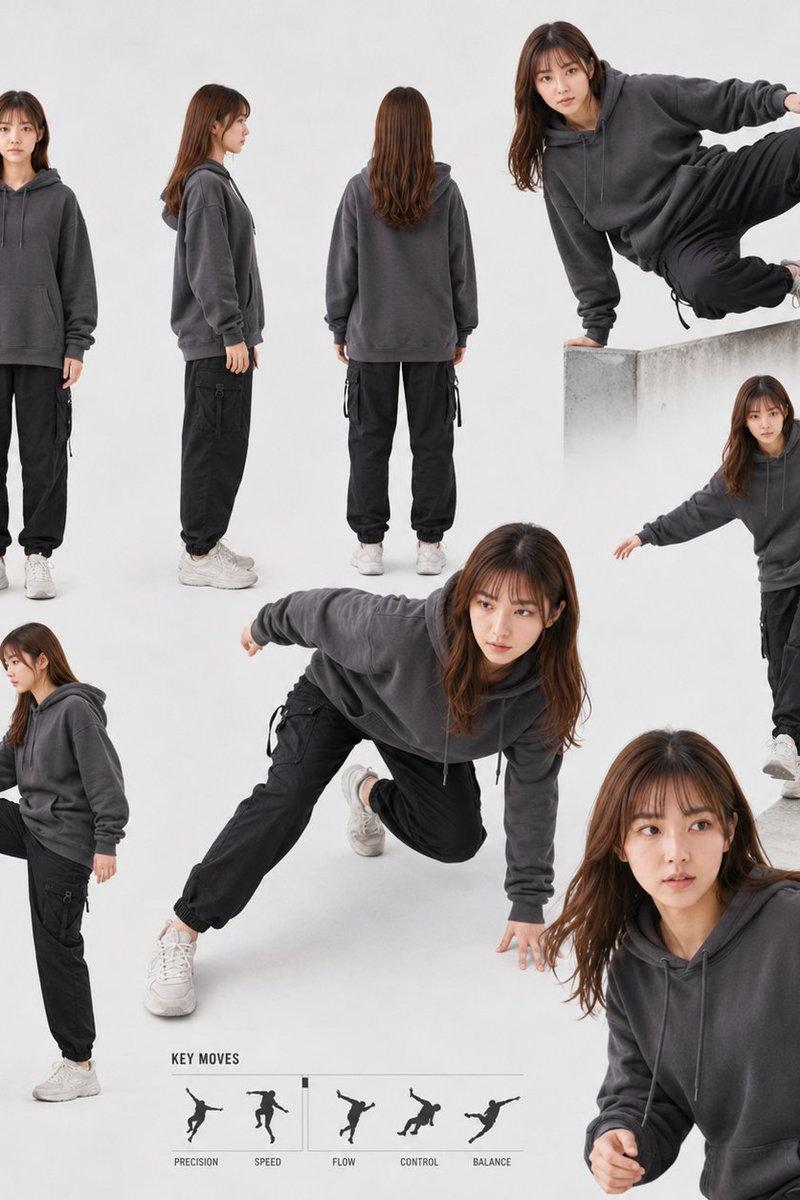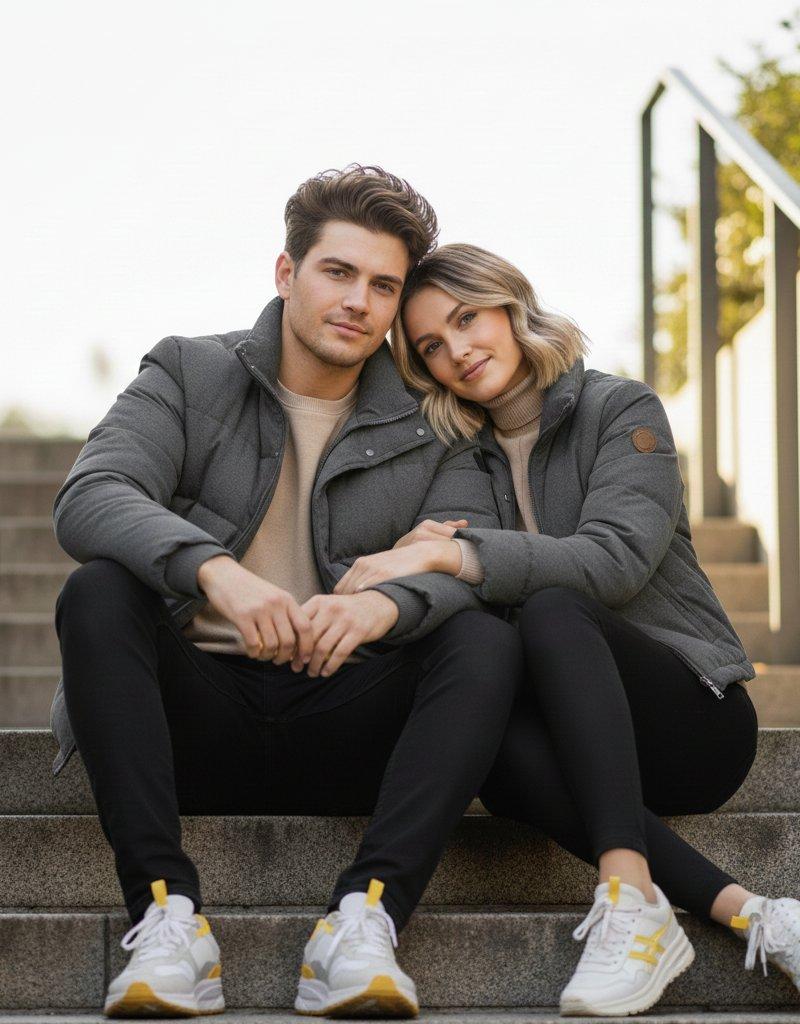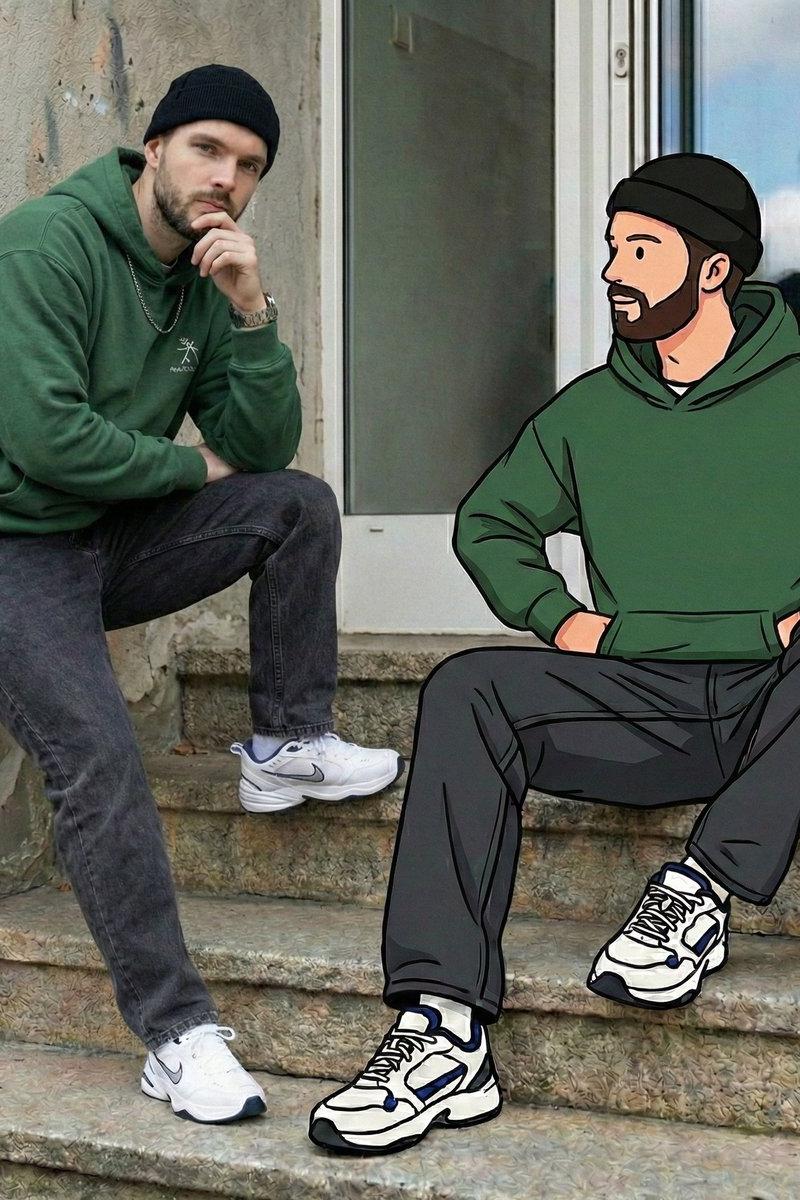
虚实交织的街头少年与二次元分身
Prompt
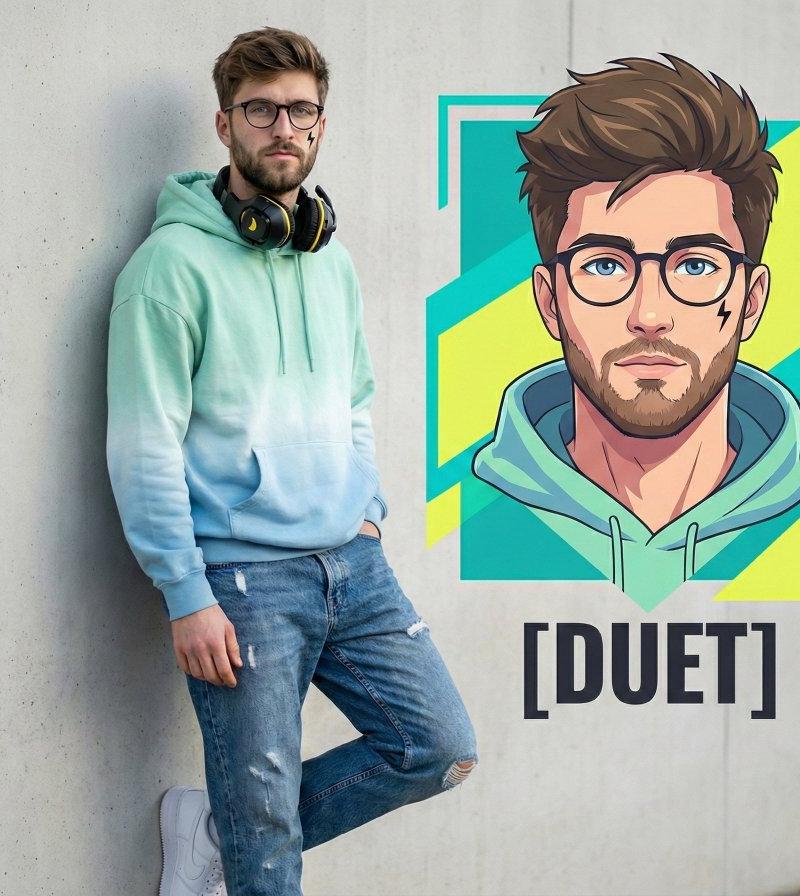
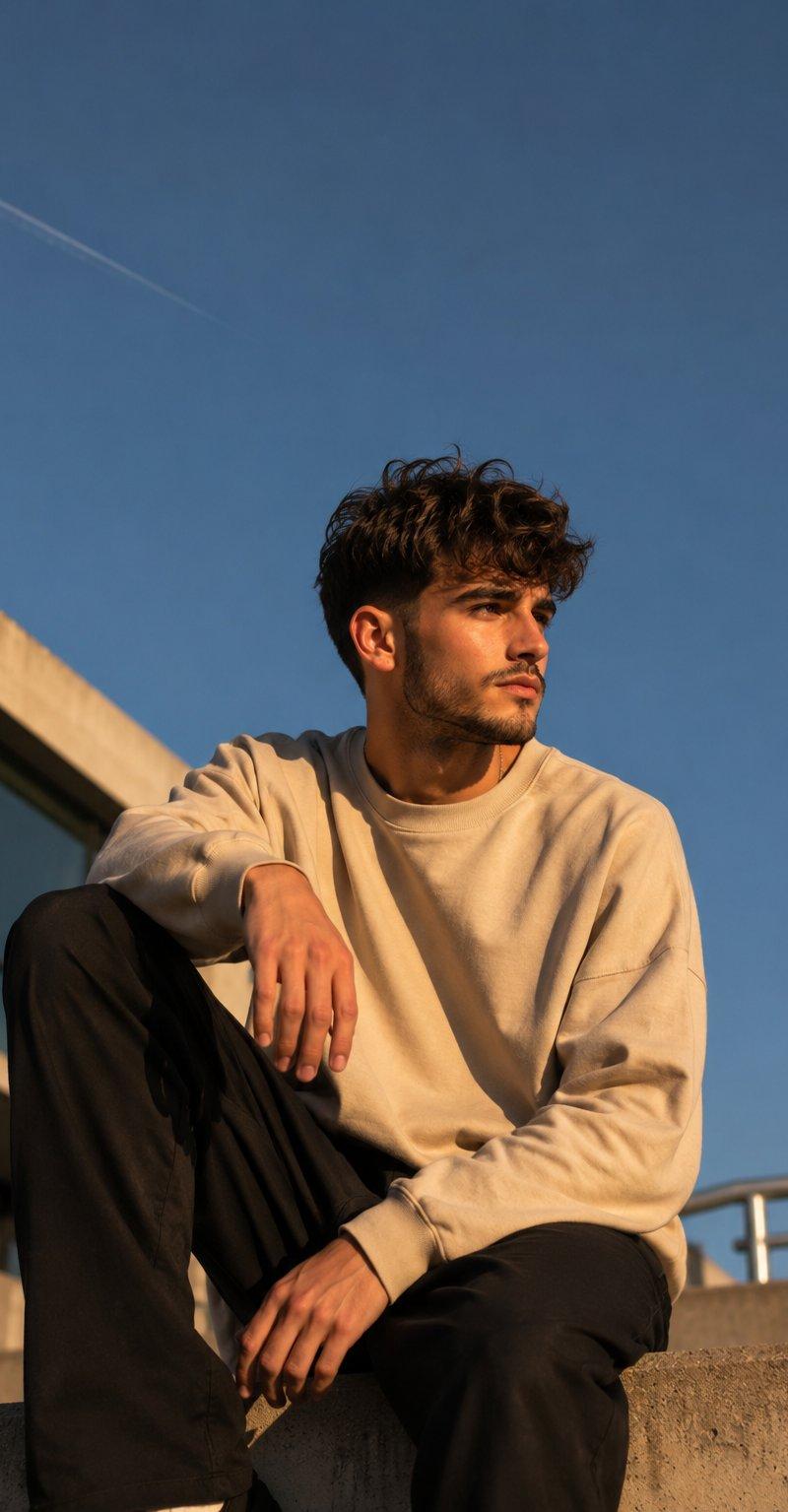
{ "output_resolution": "64K_DSLR_ultra_high_detail", "engine_style": ["Octane Render", "Unreal Engine 5"], "scene_type": "mixed_reality_street_portrait", "environment": { "location": "urban outdoor setting", "background": { "wall": "weathered concrete wall with subtle graffiti traces", "window": "large rectangular window above subject reflecting sky, trees, and soft interior lights" }, "ground": "stone steps and sidewalk with chipped teal paint along edges", "lighting": { "type": "natural daylight", "quality": "soft, evenly diffused", "shadows": "realistic and grounded" } }, "real_subject": { "identity": "same face as uploaded image", "gender": "male", "age_group": "young adult", "position": "seated on steps, slightly angled toward camera", "pose": { "legs": "one knee bent, one leg extended", "arms": "one forearm resting on knee, other relaxed by side" }, "expression": "calm, confident, effortless cool", "gaze": "looking slightly upward, away from camera", "outfit": { "top": "oversized forest-green hoodie with minimal chest graphic", "bottom": "washed charcoal baggy denim jeans", "shoes": "white chunky sneakers with blue and black accents", "accessories": [ "black beanie worn snug", "silver chain necklace", "simple wristwatch" ], "style_reference": "early-2000s streetwear with modern urban twist" } }, "illustrated_counterpart": { "identity": "cartoon version of the same face", "style": { "art_type": "flat graphic illustration", "linework": "thick black outlines", "shading": "clean flat colors with minimal gradients", "inspiration": "hand-drawn street art and animated hip-hop characters" }, "pose_matching": "mirrors real subject exactly in posture, scale, and alignment", "outfit_matching": "identical clothing, colors, and accessories as real subject", "interaction": { "visual_connection": "illustrated hand lightly overlaps or aligns with real subject’s arm", "effect": "playful illusion of cartoon and reality interacting" } }, "visual_contrast": { "realism": ["fabric texture", "skin detail", "concrete grain", "natural shadows"], "illustration": ["smooth color blocks", "simplified facial features", "bold outlines"] }, "camera_settings": { "lens": "50mm", "aperture": "f/2.8", "depth_of_field": "moderate subject separation", "focus": "sharp on both real and illustrated figures" }, "mood_and_tone": [ "cool", "nostalgic", "playful", "creative", "urban storytelling" ], "keywords": [ "mixed media photography", "real person with cartoon twin", "urban street portrait", "Y2K streetwear influence", "graphic illustration blend", "playful surrealism", "nostalgic urban culture", "high-resolu" ] }- Category
- Charts & Infographics
- Model
- Nano banana pro
- Creator
- @john_my07
- Source language
- zh-CN
- Source ID
- 8194
- Published
- Mar 22, 2026
Views19