18

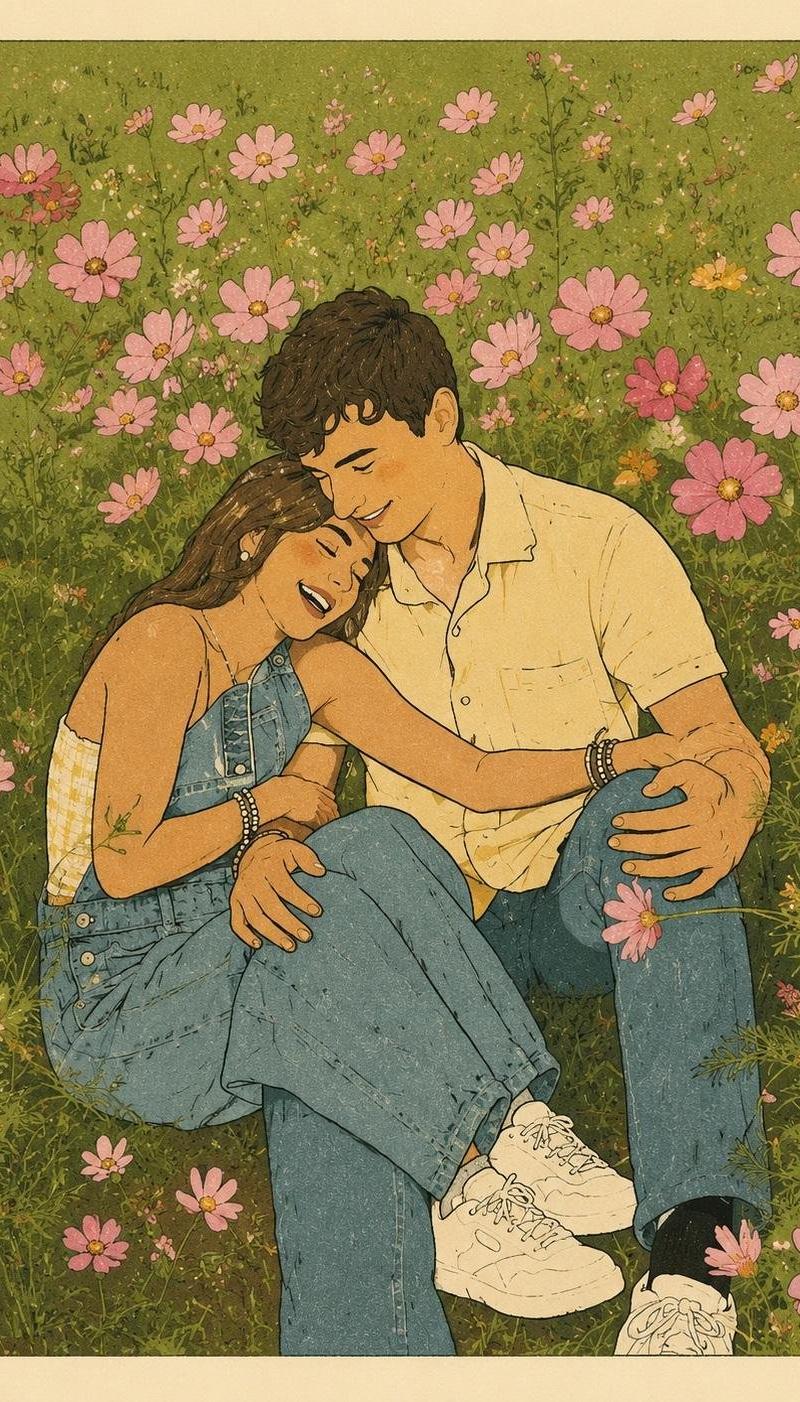
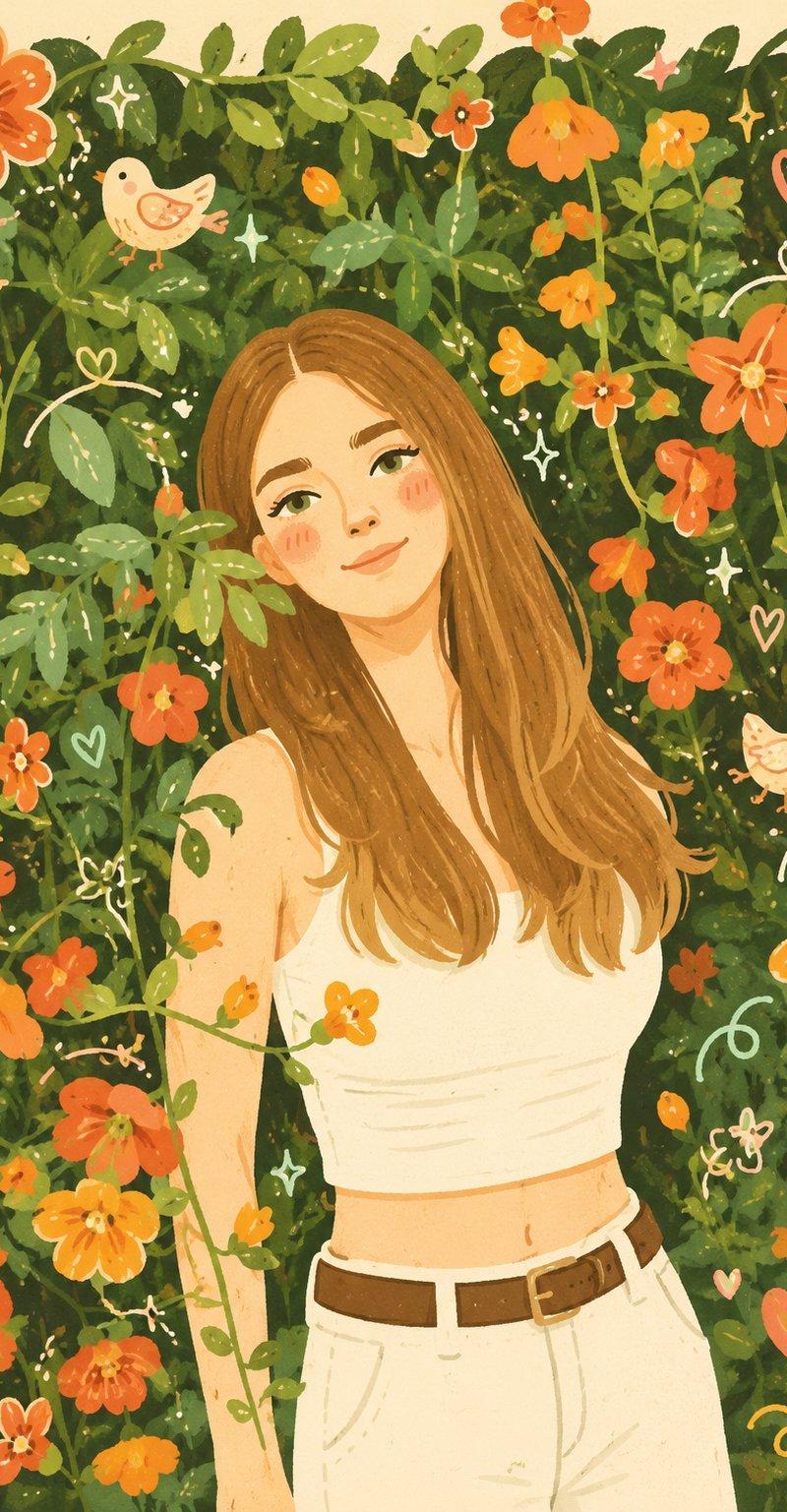
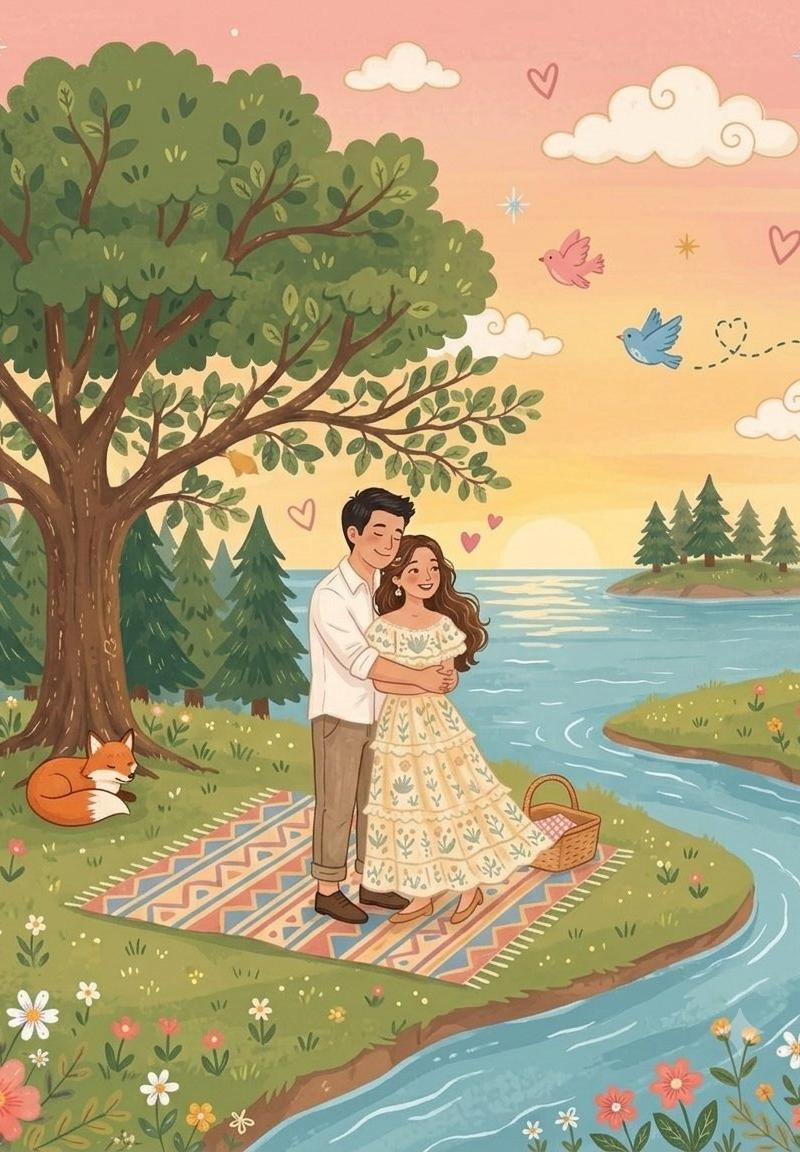
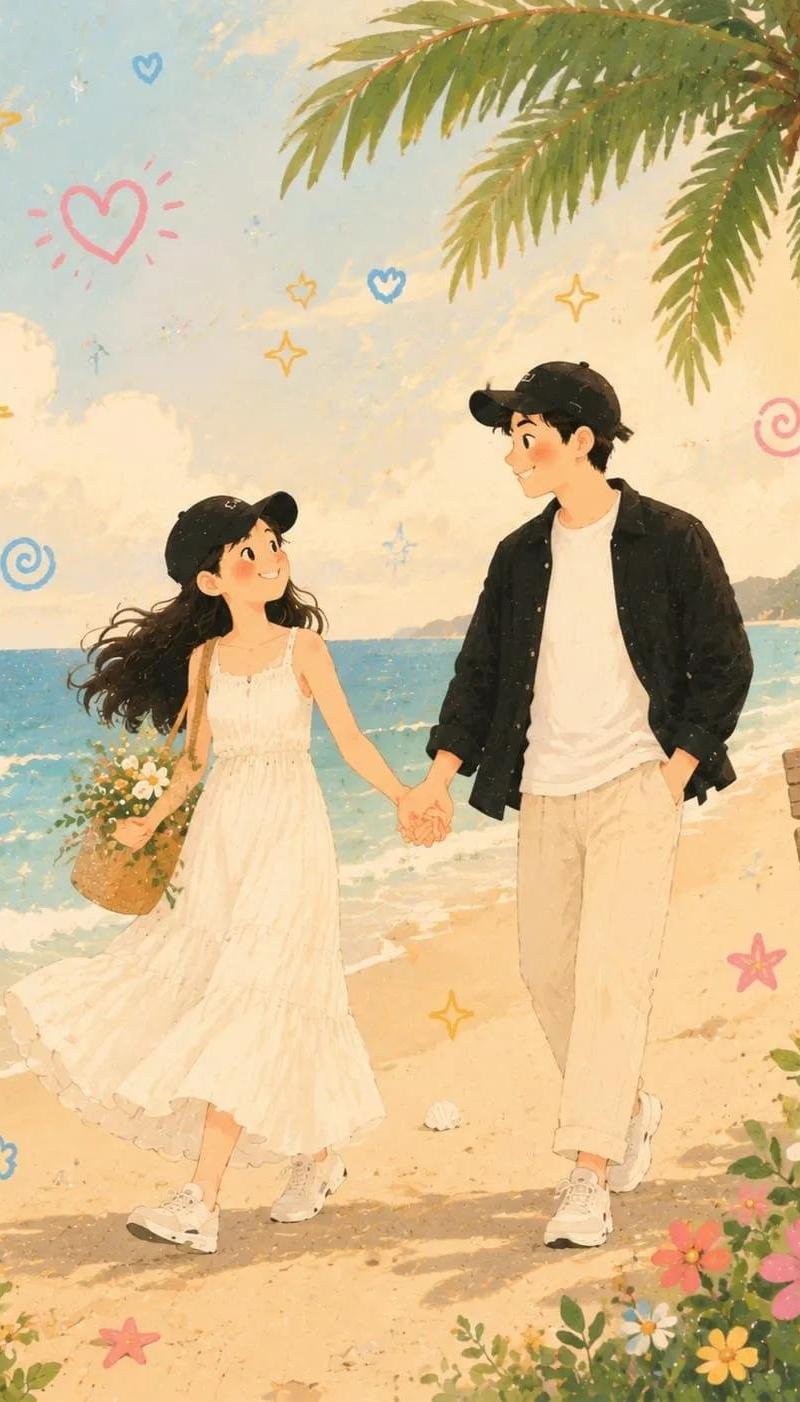
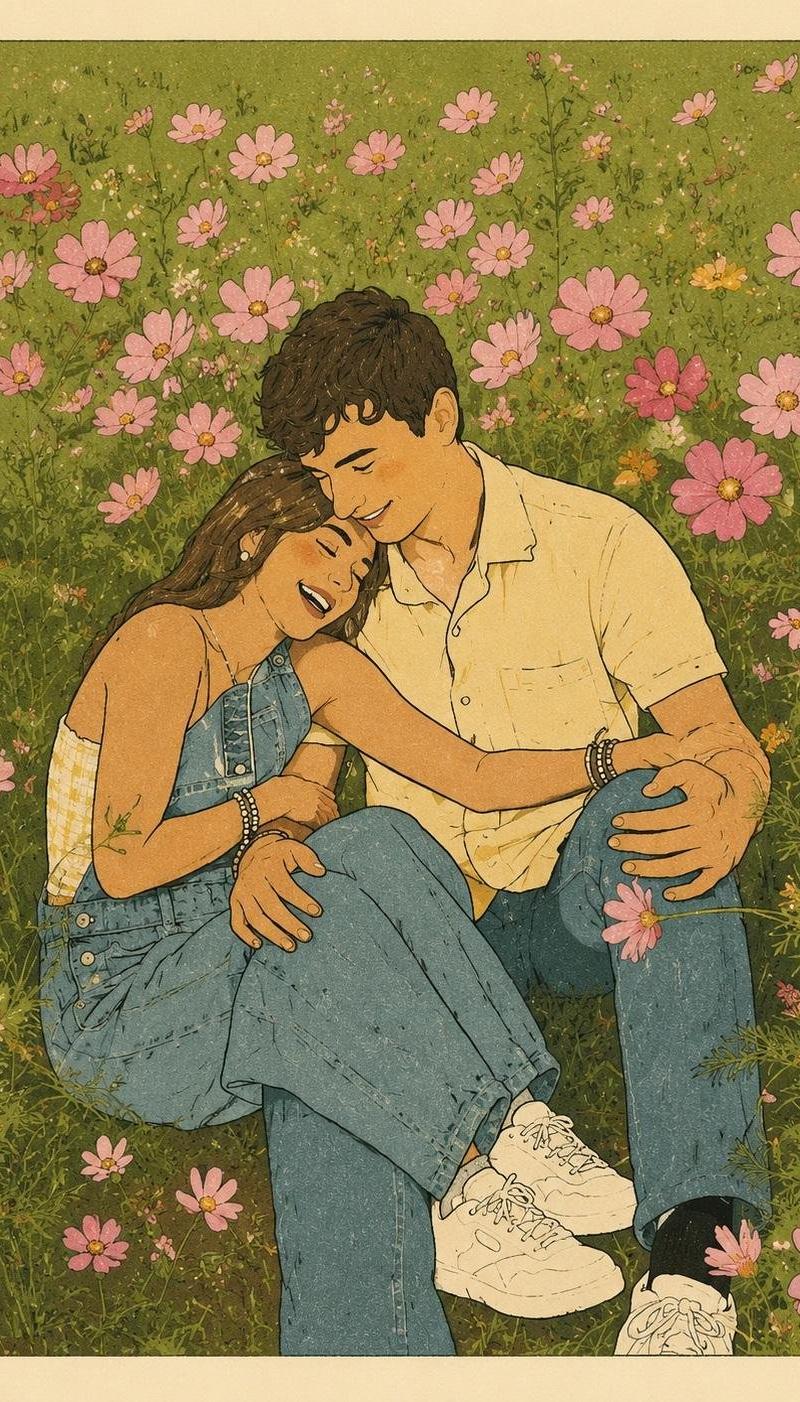
现代孔版印刷风复古插画海报
Enlarge

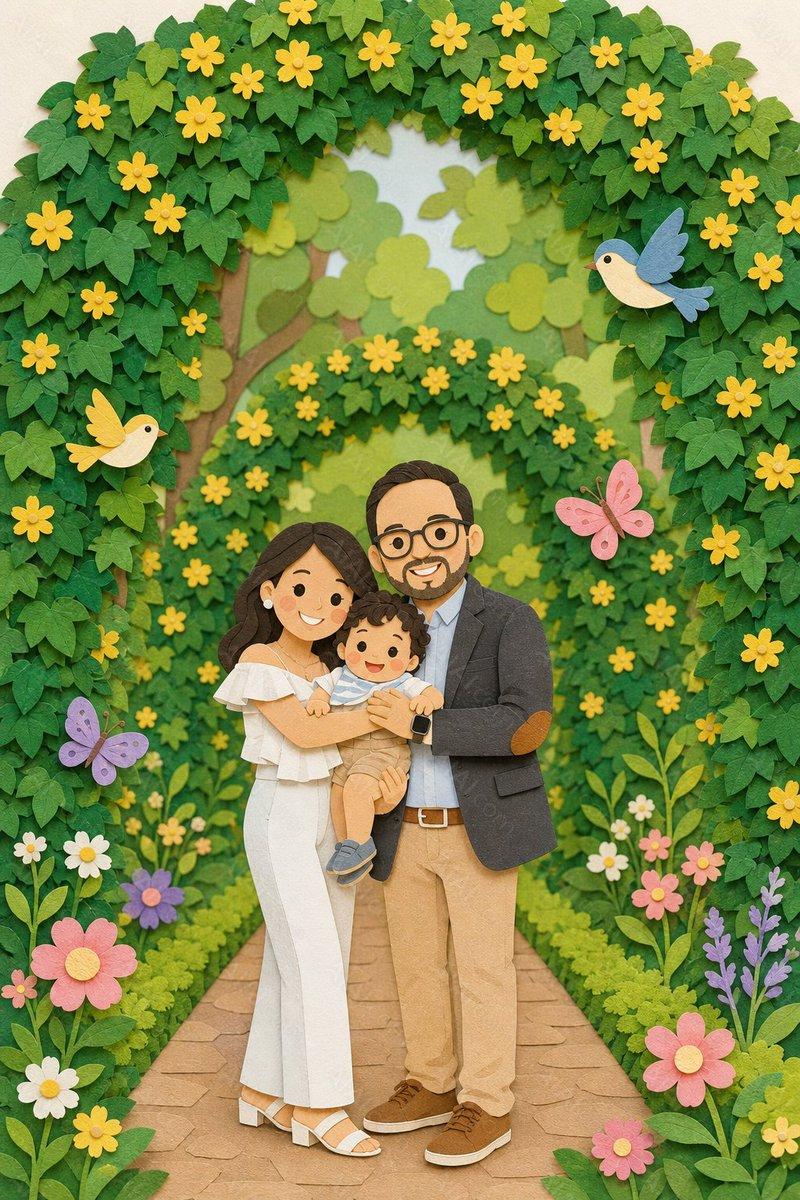
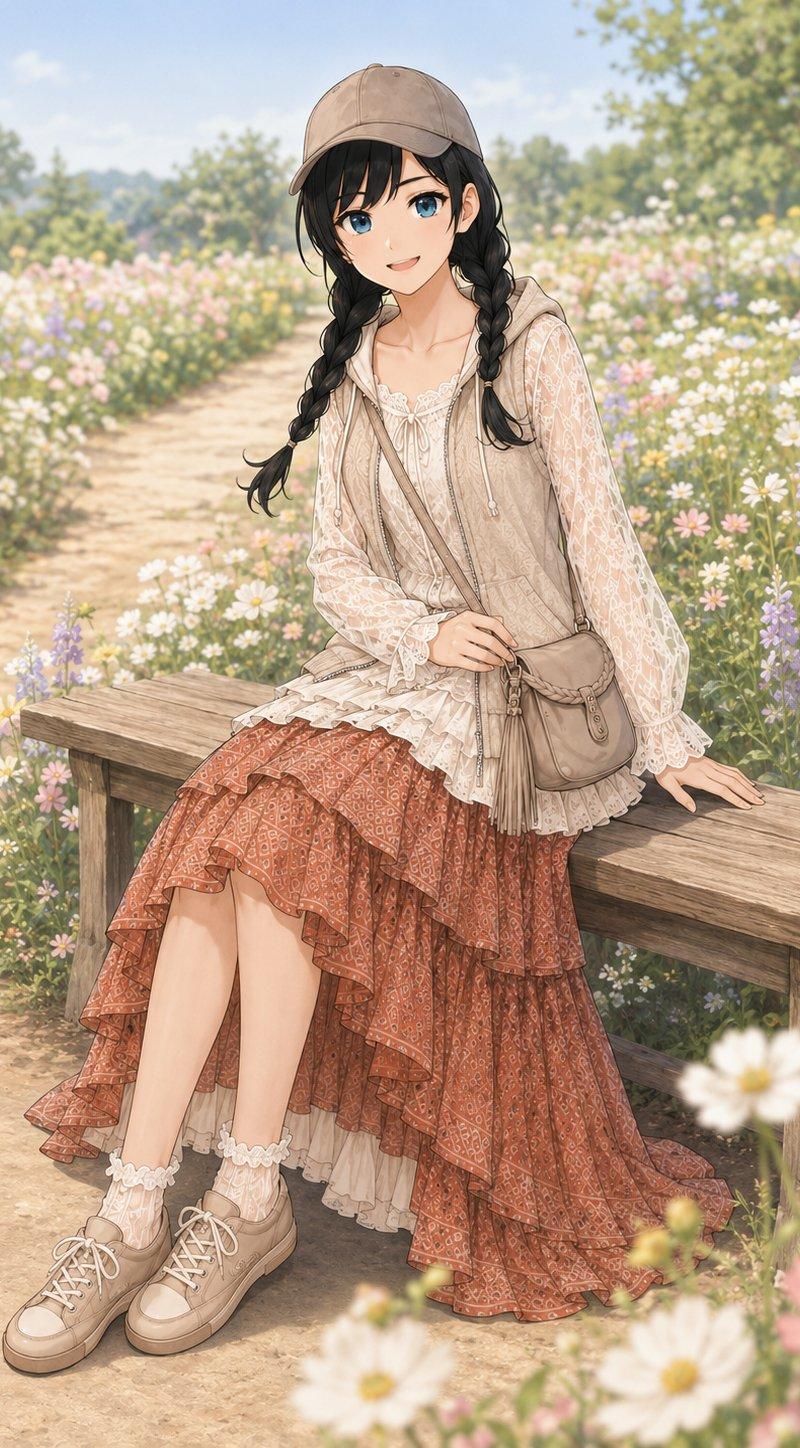
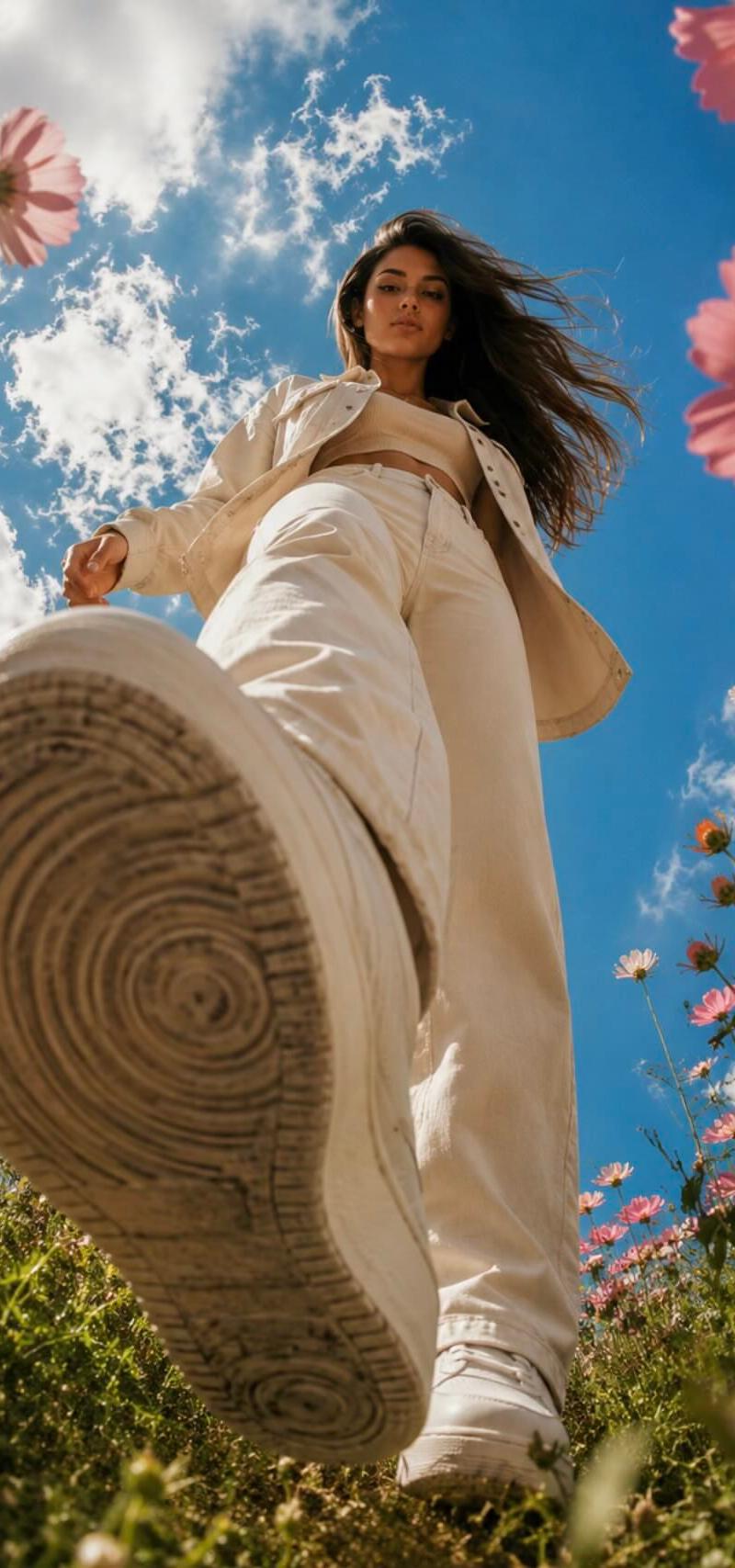
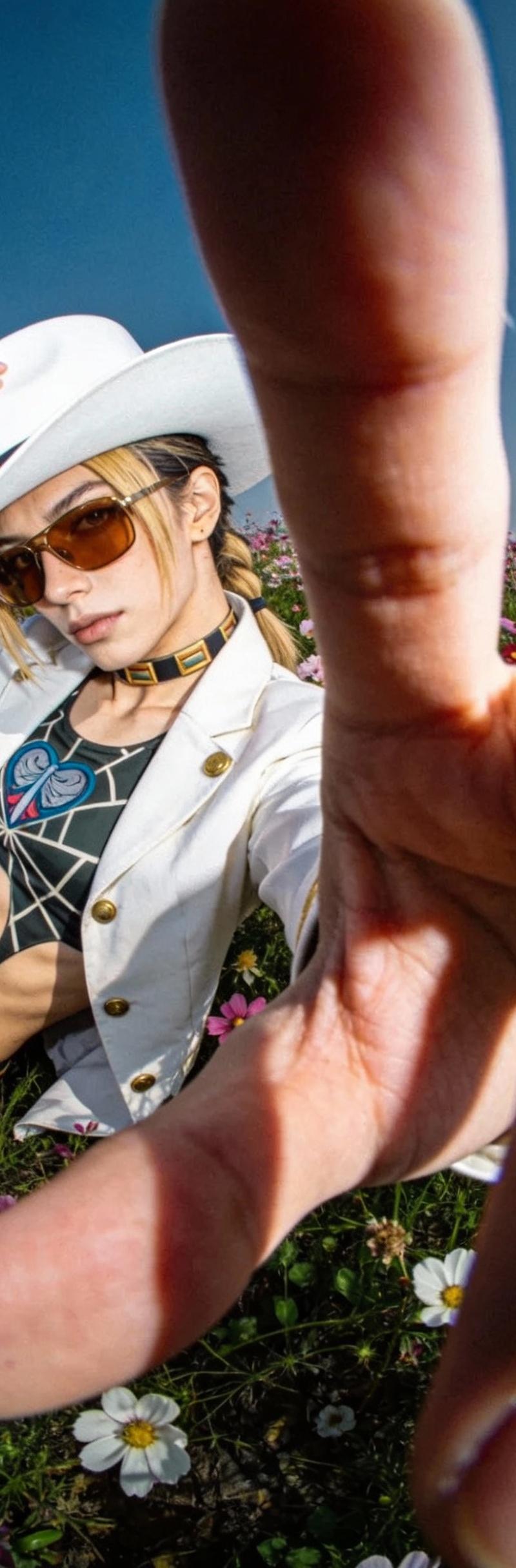
Example images

现代孔版印刷风复古插画海报

Prompt
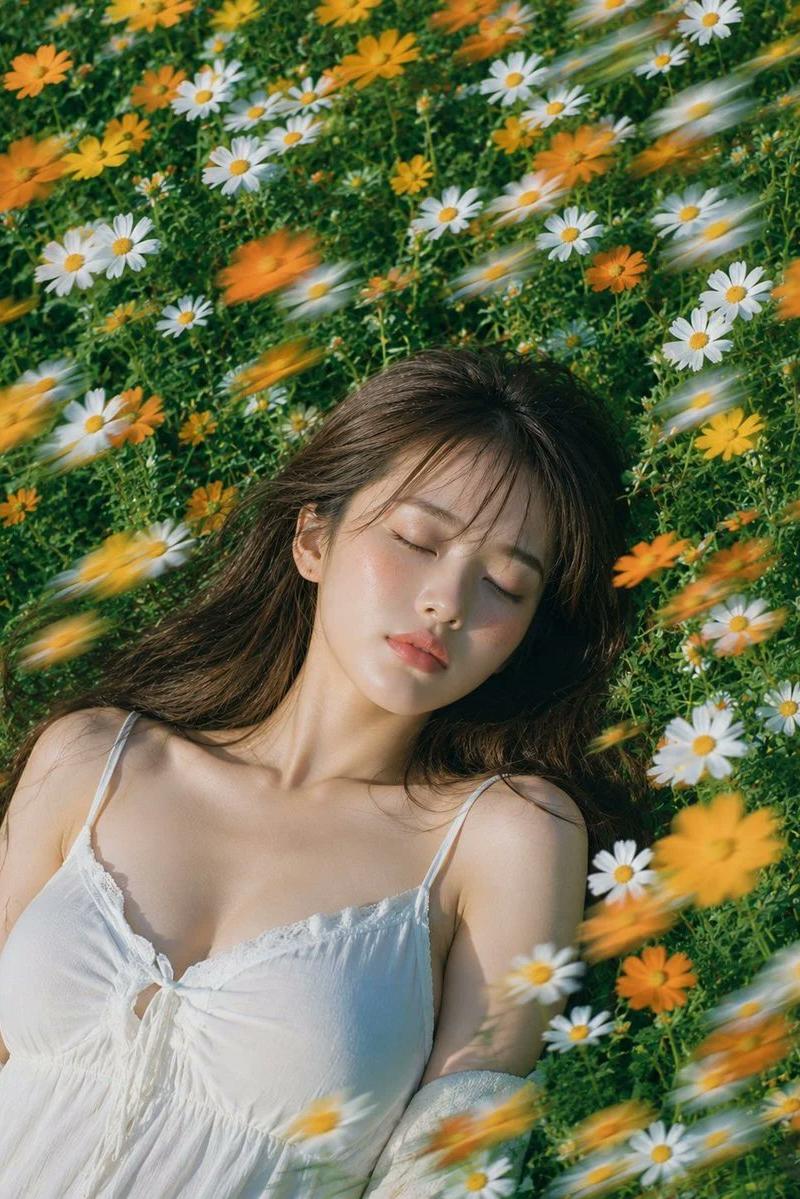
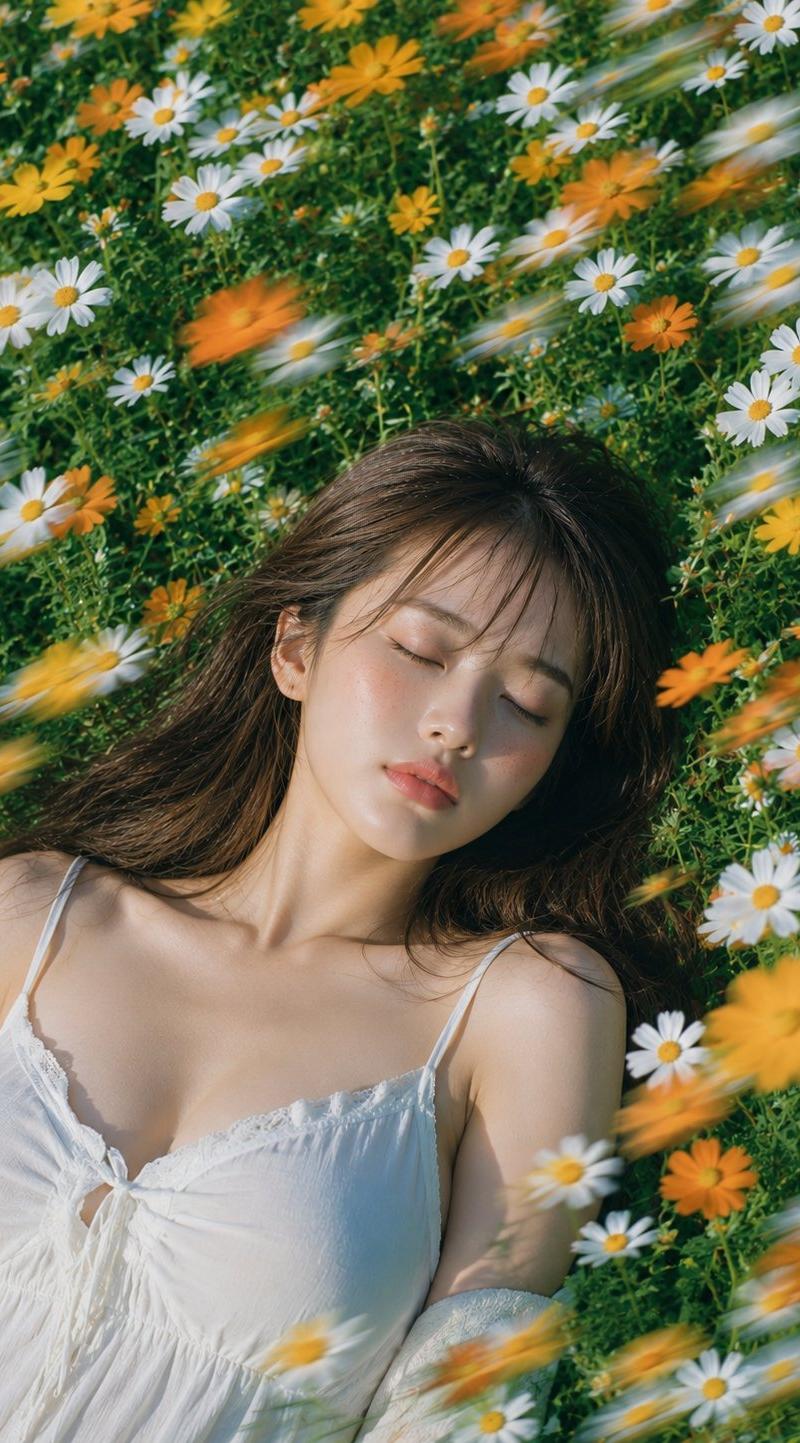
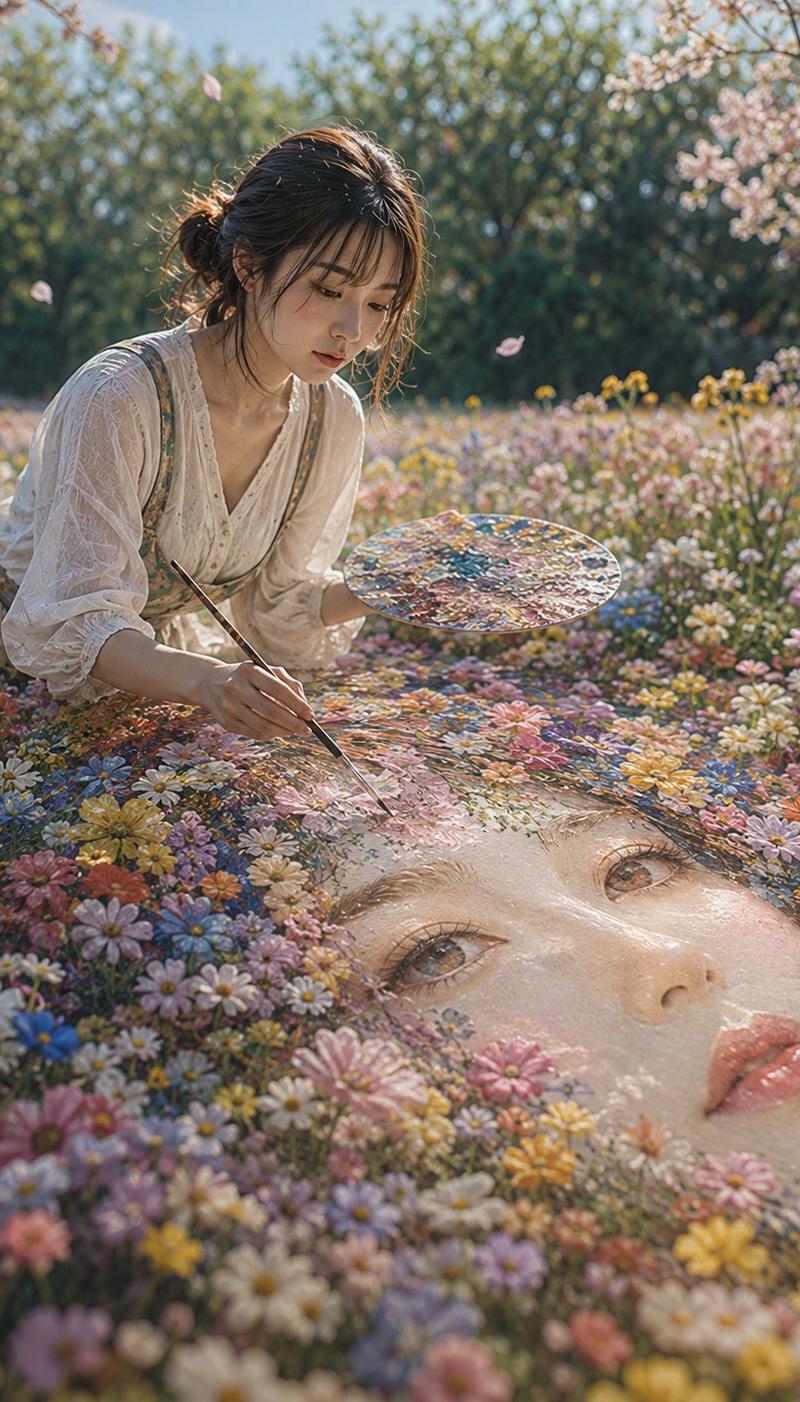
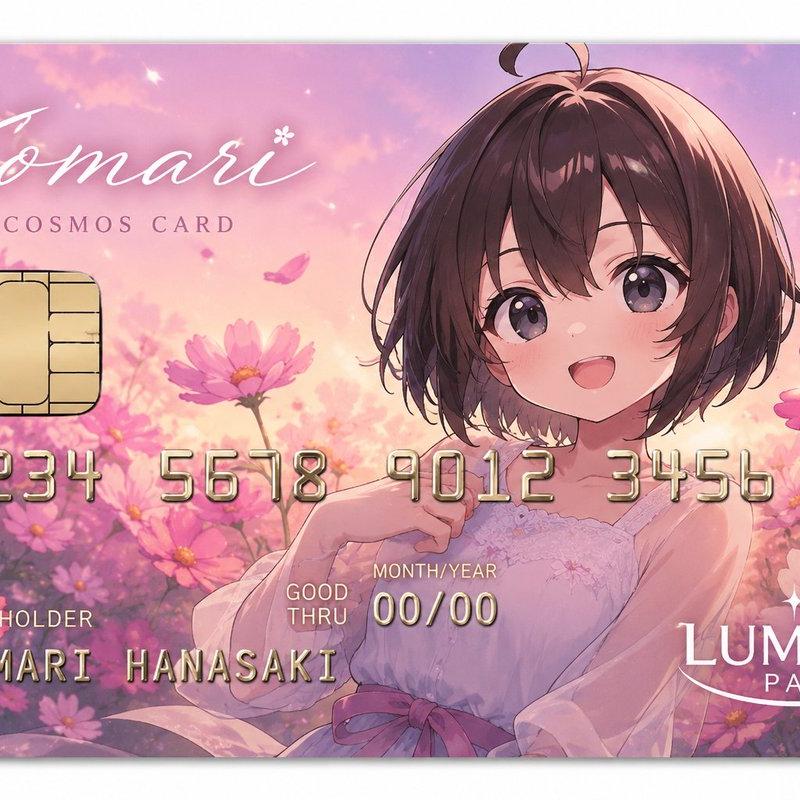
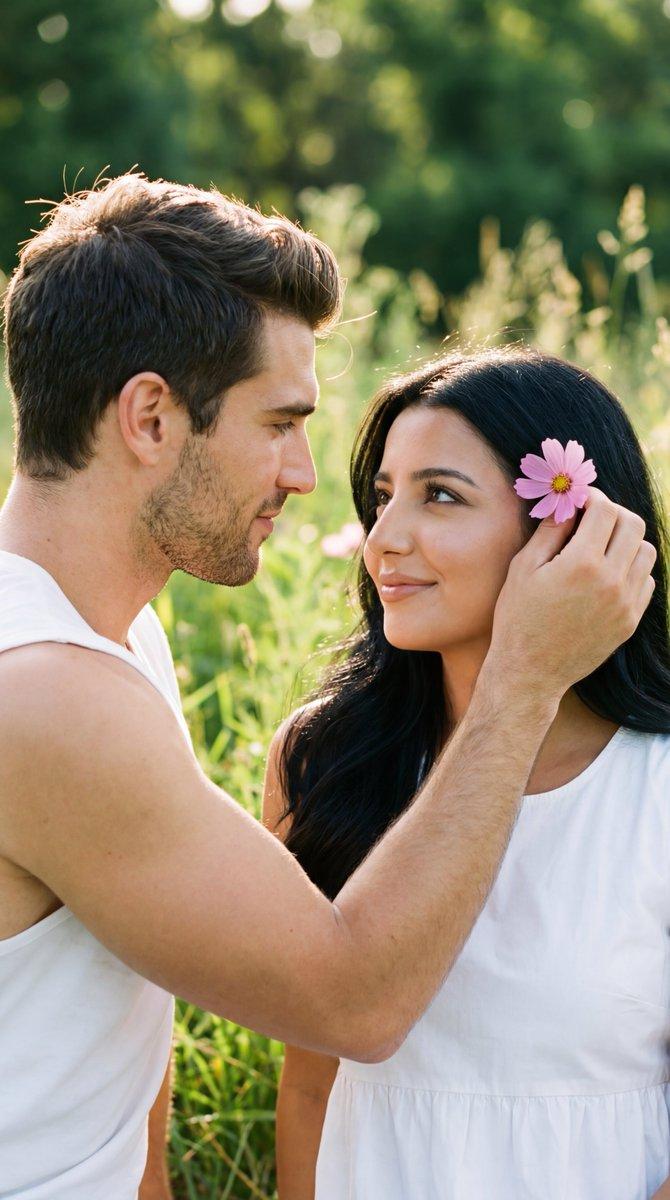
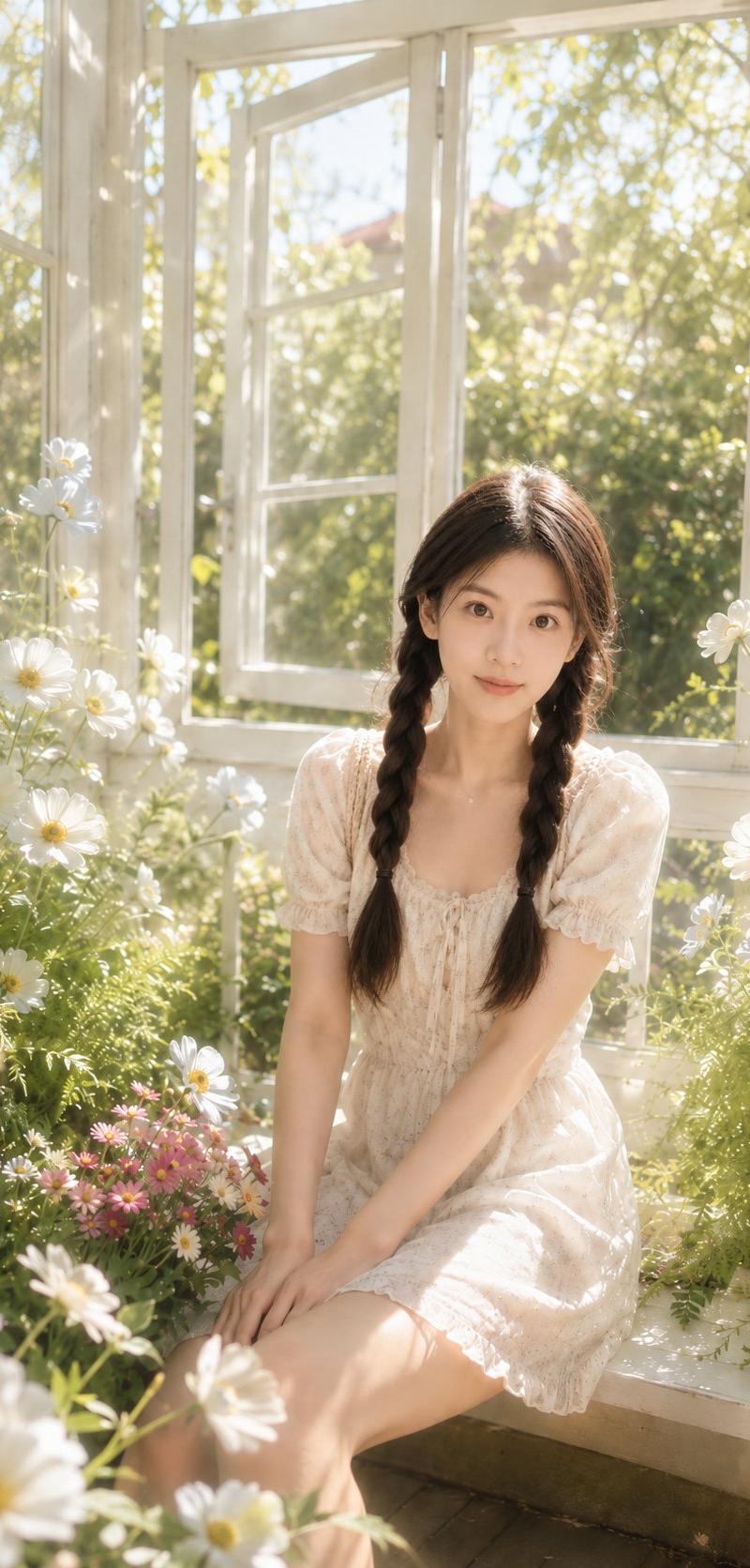
Create a flat poster in the style of a modern risograph using the attached photo as the reference. Use the colors from the photo as solid, flat color blocks on a warm cream paper background. Include simple hand-drawn black outlines, naïve proportions, minimal facial features, fine hatching textures, visible speckled grain, and slightly imperfect printing for an authentic risograph feel. Keep the shapes clean and graphic, with a playful folk-poster aesthetic and a calm, centered composition. Frame the artwork with a rounded cream border inspired by vintage Japanese illustrated book posters. Aspect ratio: 4:5.
Category
Charts & Infographics
Model
ChatGPT
Creator
@Ciri_ai
Source language
zh-CN
Views24
Source ID
16888
Published
Jun 28, 2026
Studio

Guide

About "现代孔版印刷风复古插画海报"

What is this prompt for?

"现代孔版印刷风复古插画海报" AI image prompt for ChatGPT (Charts & Infographics). 以附带的照片为参考,创作一张现代孔版印刷(risograph)风格的扁平海报。将照片中的颜色用作暖奶油色纸张背景上的实心、扁平色块。包含简单的手绘黑色轮廓、天真的比例、极简的面部特…

The full copyable prompt and example visuals above are ready for AI image generation or one-click recreate in Picva.

How to use this prompt

  1. Step 1

    Open the prompt detail

    Review the example visuals, category, and full prompt text for "现代孔版印刷风复古插画海报".

  2. Step 2

    Copy the prompt

    Copy the prompt body from this page, or load it directly in Studio.

  3. Step 3

    Pick a model (ChatGPT)

    Prefer ChatGPT. If you switch models, keep subject and composition and tweak style terms.

  4. Step 4

    Generate and export

    Recreate the look in Picva, or export into your workflow for editing and publishing.

FAQ

What is the "现代孔版印刷风复古插画海报" prompt?
It is an AI image-generation prompt for ChatGPT in the Charts & Infographics category. This page includes the full prompt text, example visuals, and a one-click recreate path in Picva.
How do I use this prompt to generate an image?
Copy the prompt from this page, or use Generate / Studio. Paste it into a compatible image model, or recreate the look in Picva with optional reference images.
Which model is this prompt for?
This page lists ChatGPT. Most descriptive prompts also transfer to nearby image models such as GPT Image, Flux, or Midjourney with light style tweaks.
Can I use the result commercially?
You can usually copy the prompt for creation, but commercial use of the final image depends on the model terms, reference-image rights, and the generated content. Follow the source author and platform rules.