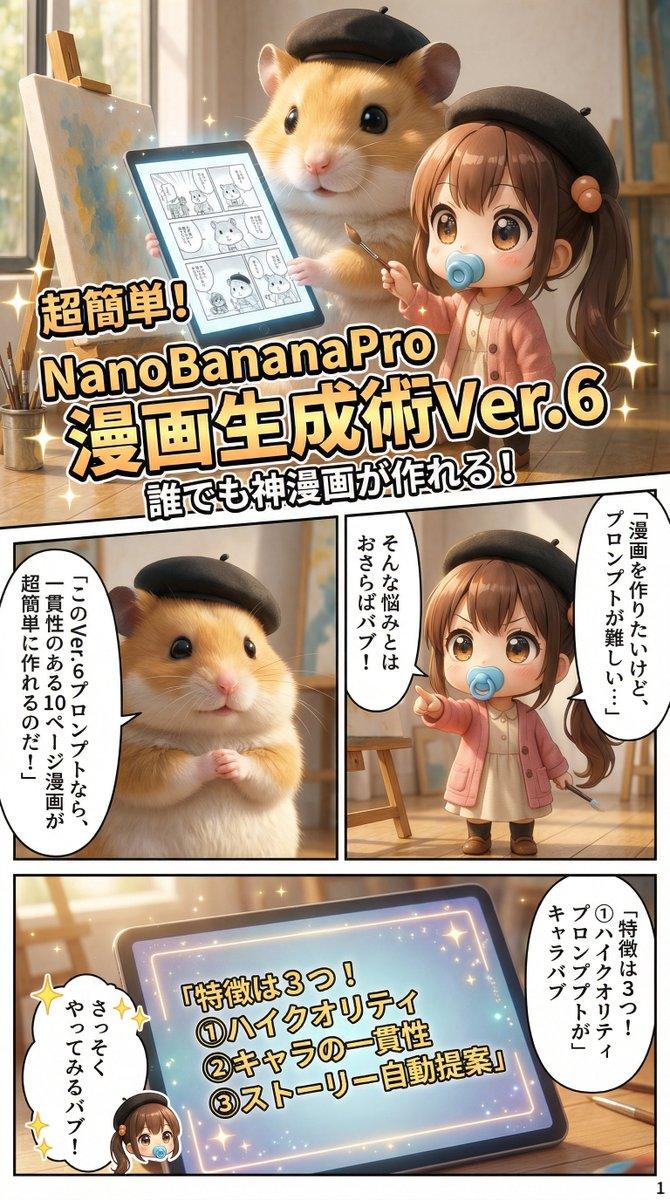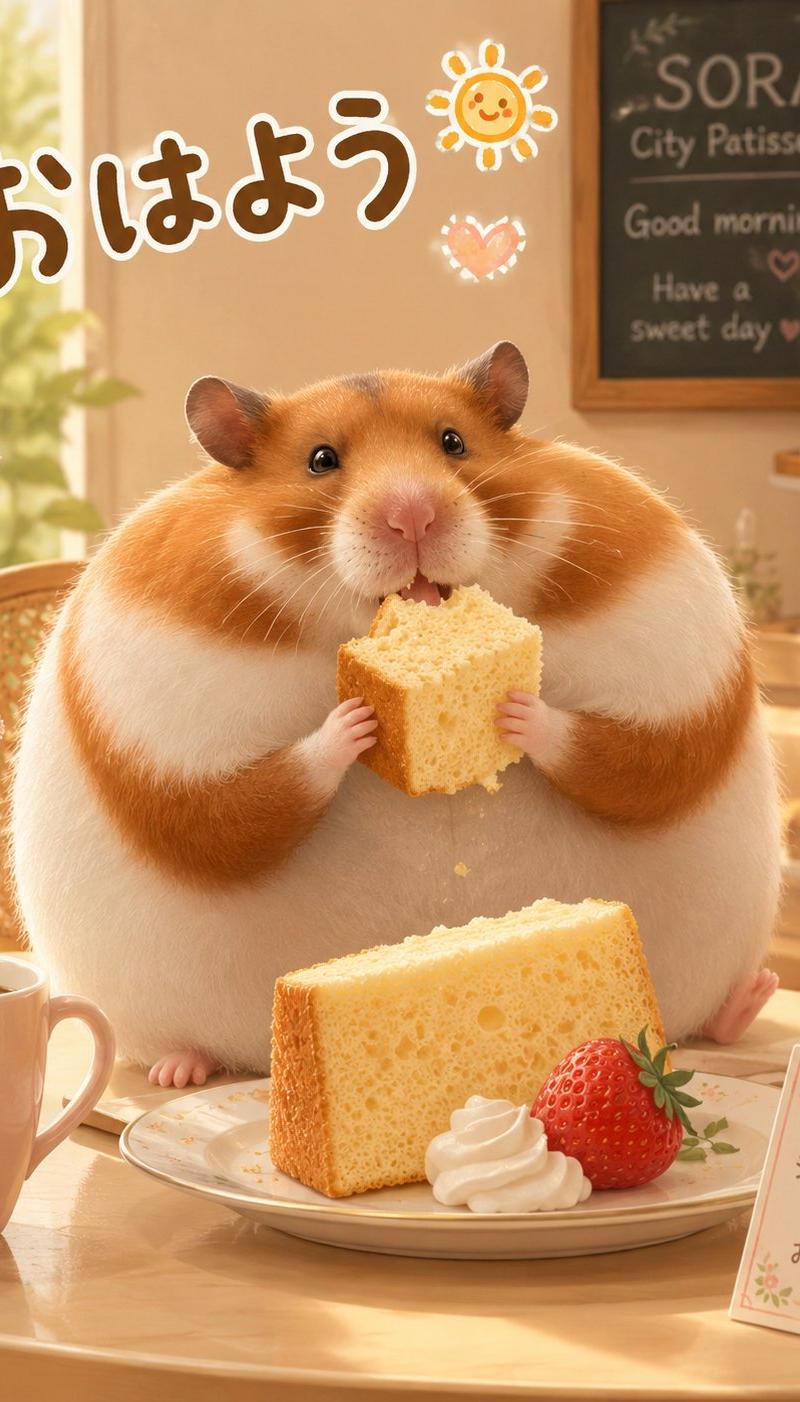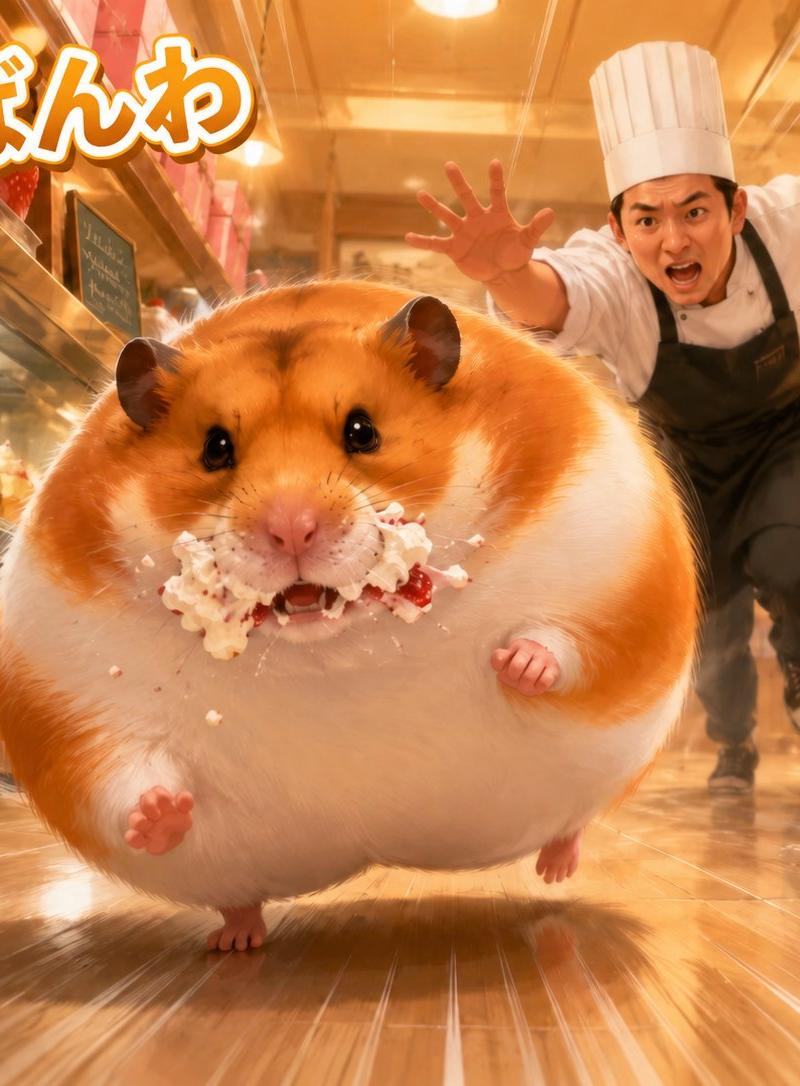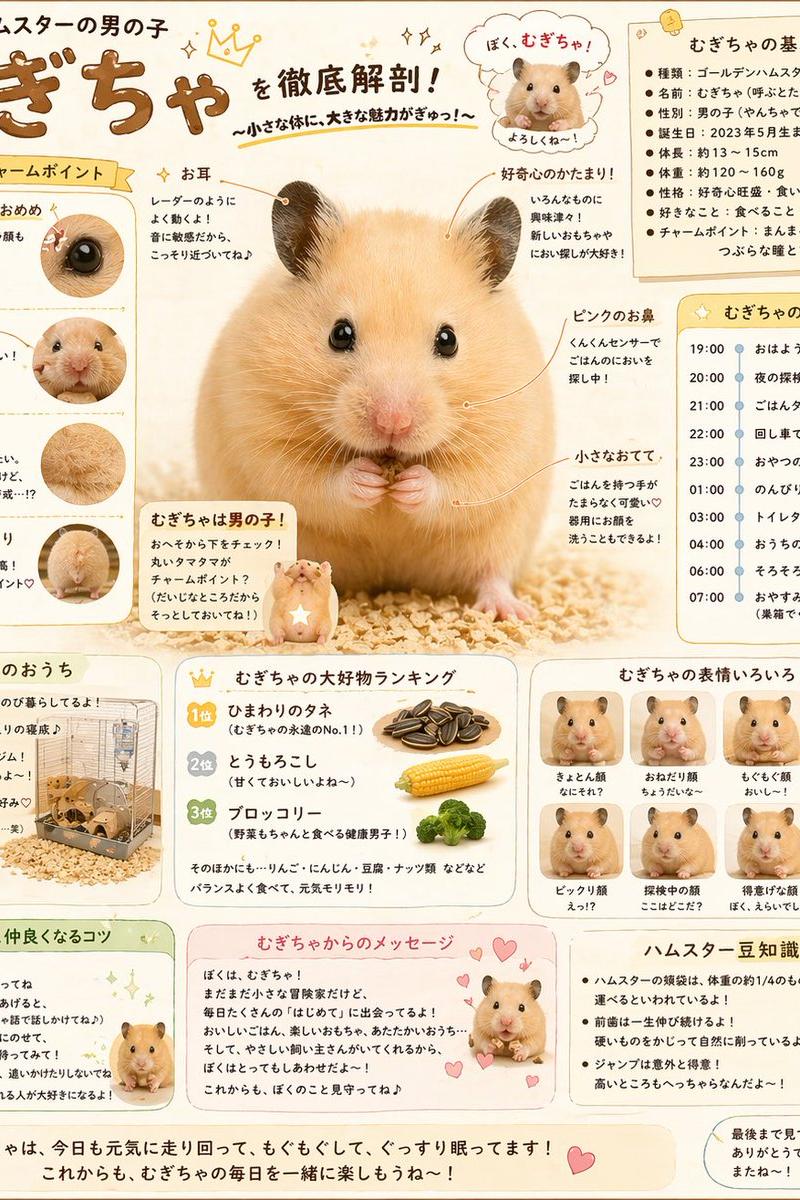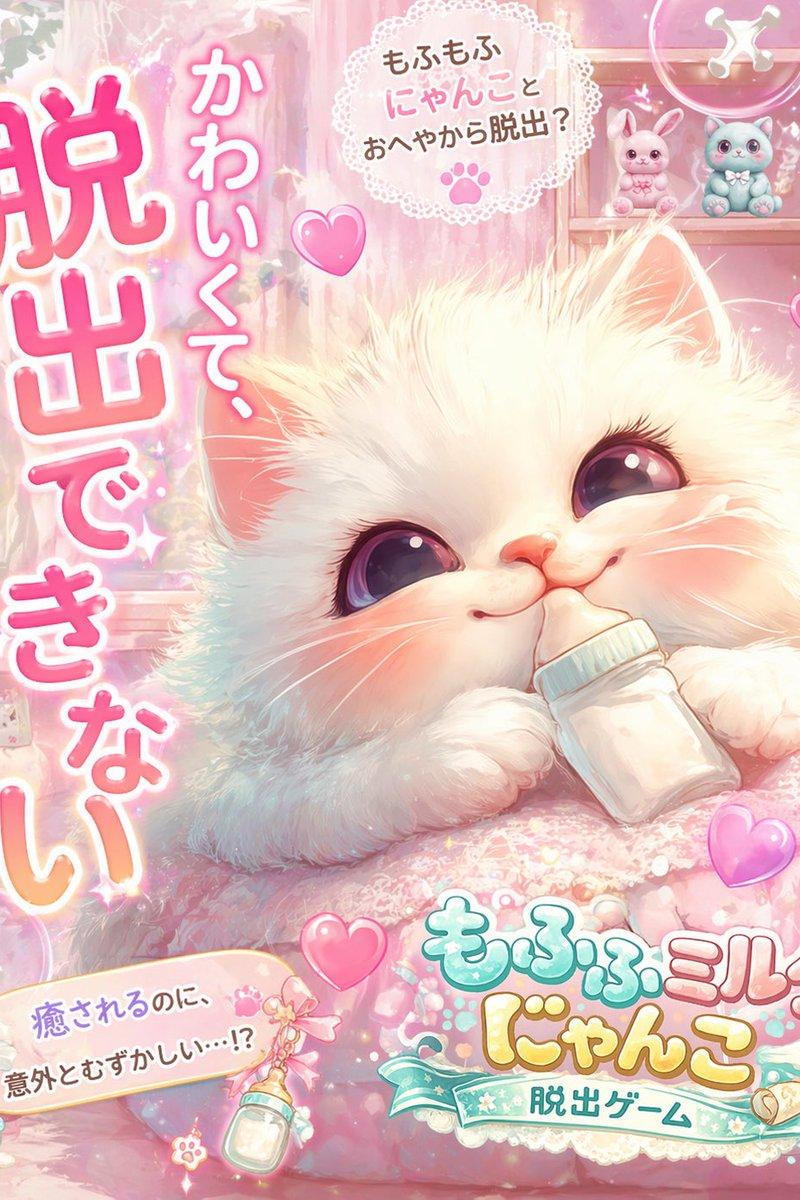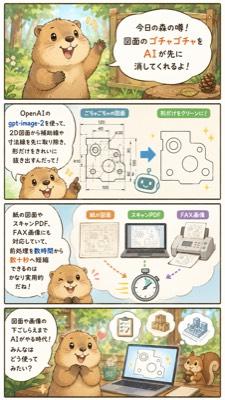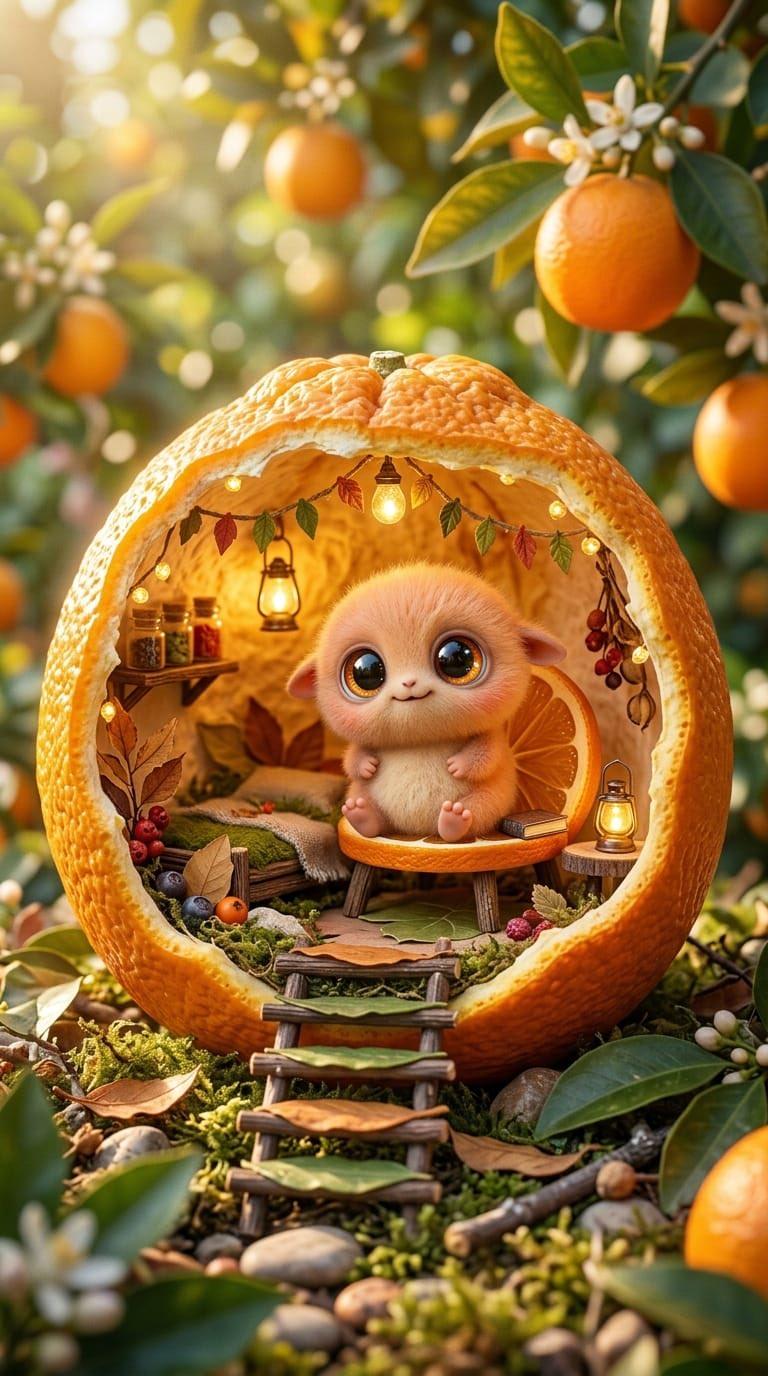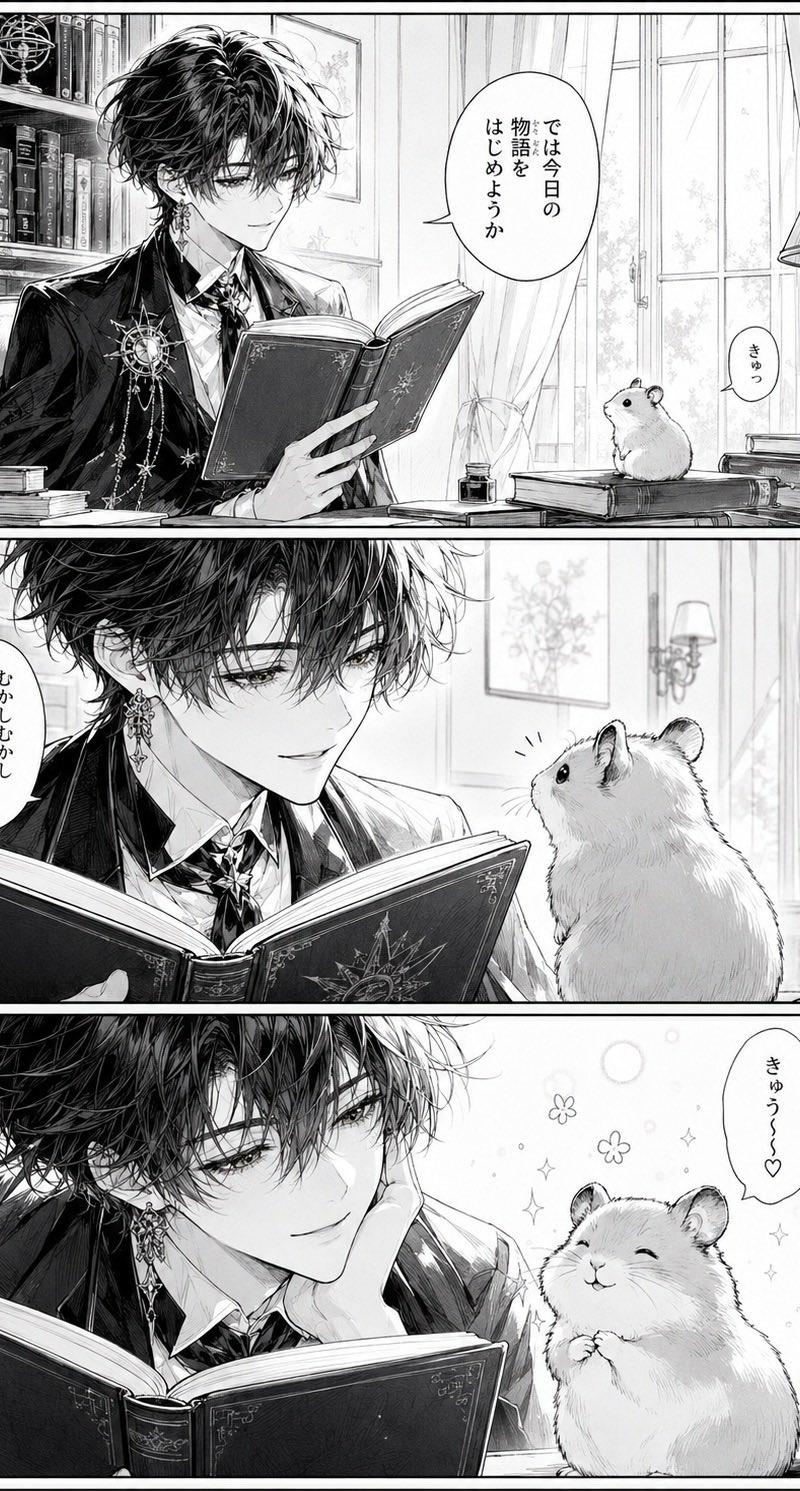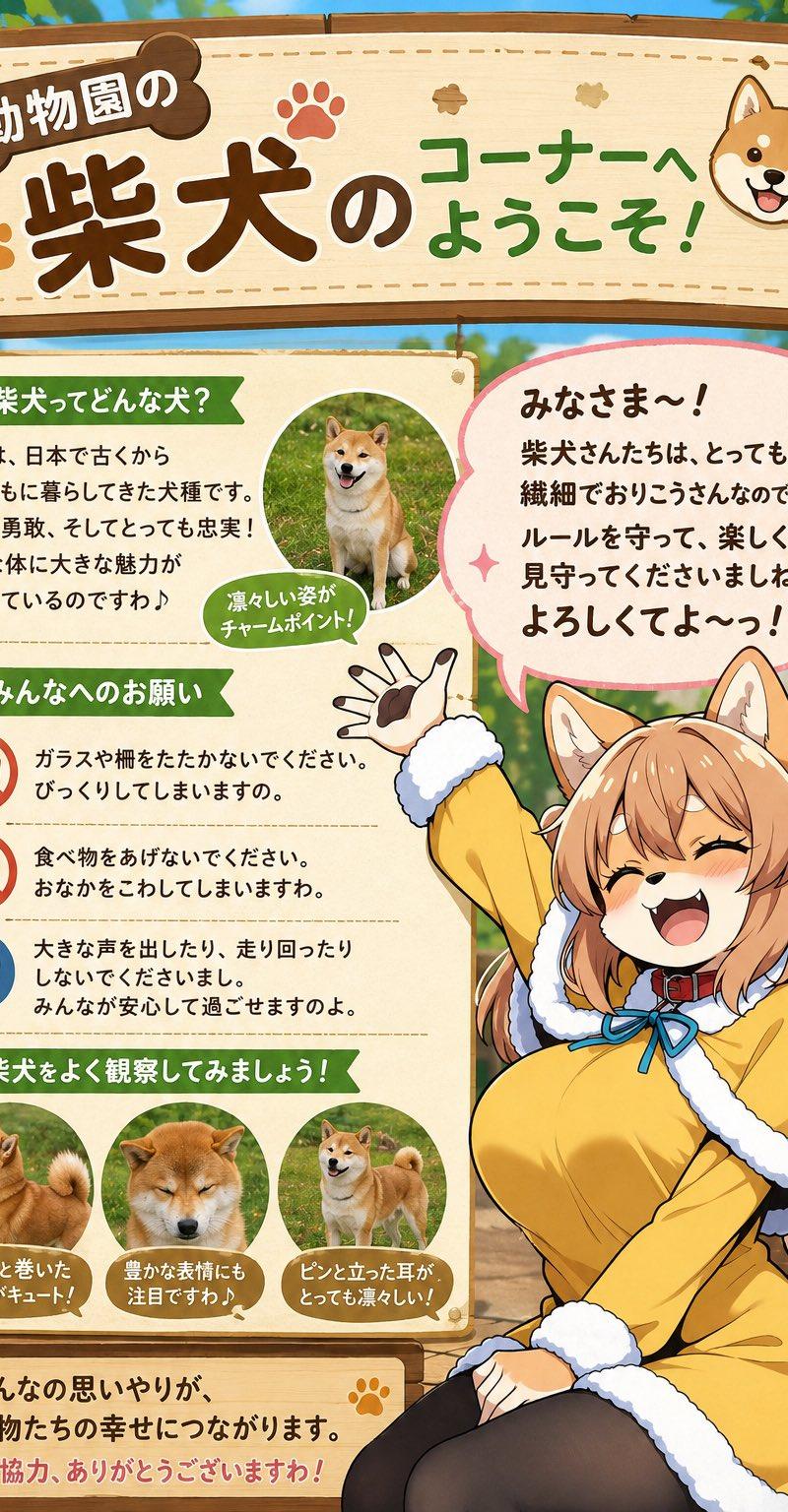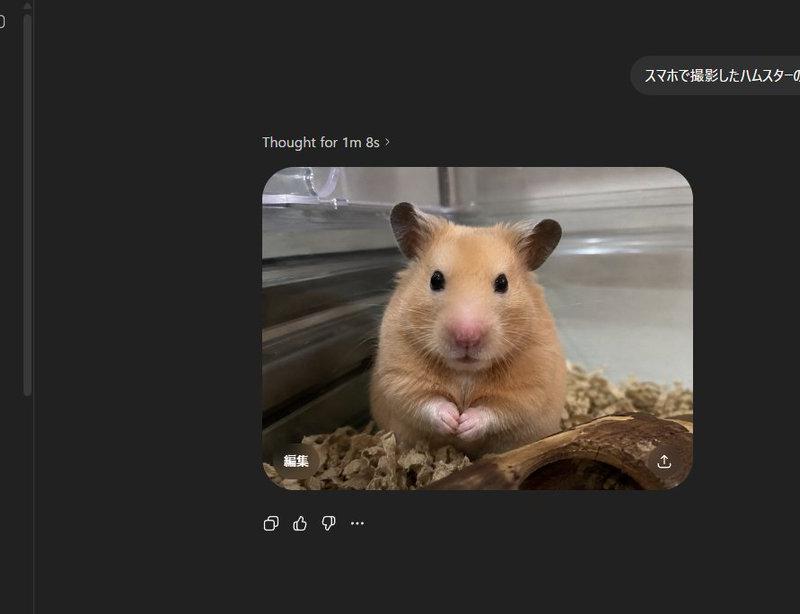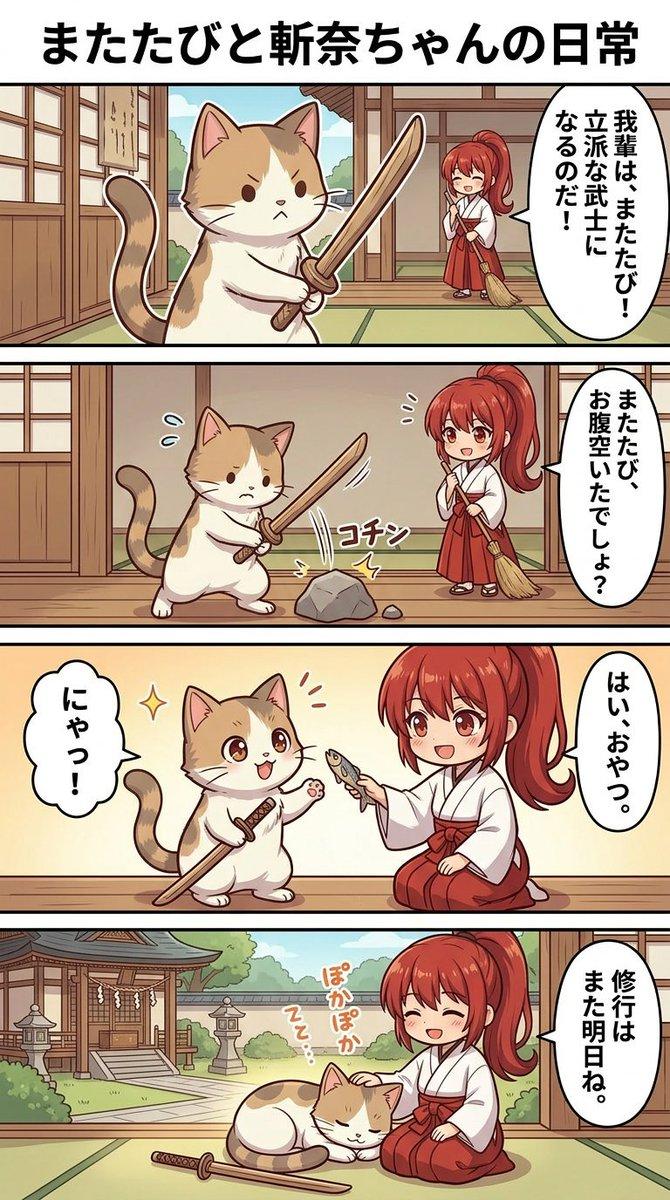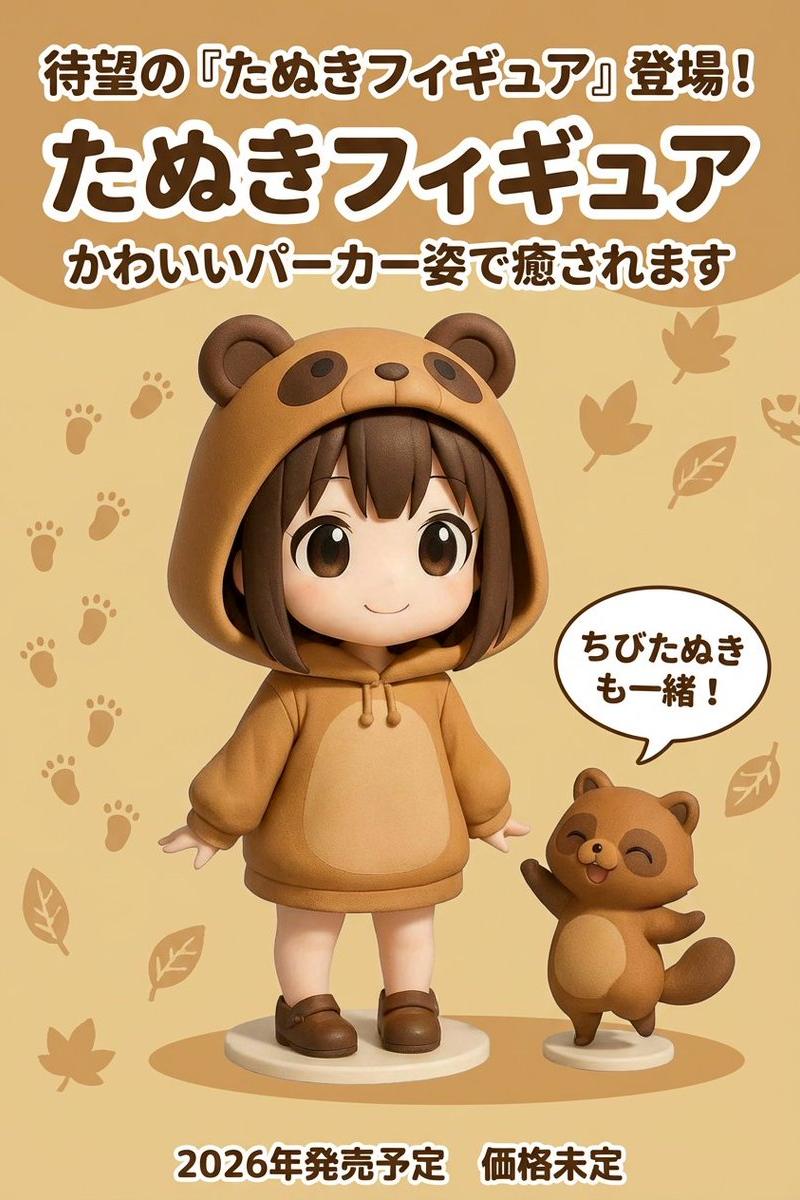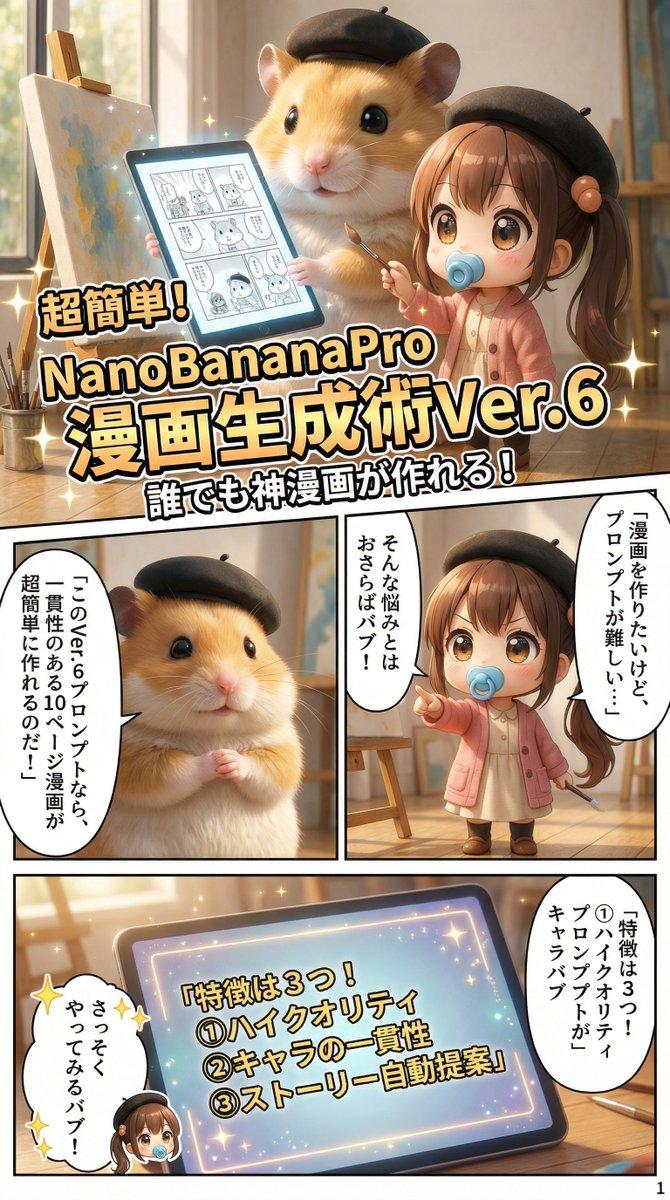
NanoBananaPro专业日漫分镜一键生成
Prompt
You are a "professional manga writer" and "AI Art Director". Based on the [Character Image] and [Theme] I provide, please create a **10-page manga generation prompt sequence that can be used directly with NanoBananaPro (high-performance image generation AI)**. ## Production Requirements (NanoBananaPro Hybrid Optimized) 1. **Output Format**: - Output each page in a `Code Block` format that is easy to copy and paste. - **Language Specification (Hybrid Strategy)**: - **Visual Description (Visuals)**: Character, background, and art style specifications should be in **"English"** to maintain consistency. - **Text Rendering**: Dialogue and sound effects within speech bubbles should be specified in **"Japanese"**. - **Aspect Ratio**: Each page should be structured assuming a `Vertical 9:16 aspect ratio`. 2. **Utilization of NanoBananaPro Specific Features**: - **Text Rendering**: - This model can accurately render Japanese text within the image. - Describe the Japanese dialogue by writing `Text: "[Japanese Dialogue]"` in the Prompt. - **Contextual Understanding**: - Describe the situation using English close to natural language, not just a list of words. 3. **Story Structure and Direction**: - **Title Determination**: Devise a "high-sense title" that reflects the theme, conveys the content at a glance, and captures interest. - **Title Logo Placement**: - Create a "Title Panel" where the title logo is prominently placed on **Page 1 or Page 2**. - **Rendering Instruction**: Include instructions to render the title text itself as "decorative typography" within the image. - **"Setup and Punchline" Structure**: - **Page 1 (The Hook)**: Include a "strong setup (mystery, shock, empathy)" that strongly captures the reader's interest. - **Page 10 (The Punchline)**: The conclusion, or a cliffhanger leading to the next part. 4. **Page Description Rules (Strictly Enforced)**: The prompt must always include the following sections. - **Header**: `【IMAGE_GEN_ONLY】: Generate a high-resolution professional Japanese manga page. Full Color. Vertical 9:16. 4K.` - **【STRICT CHARACTER CONSISTENCY (English)】**: - **Important**: The **"Character Appearance Description (English)"** created by analyzing the initial image must be written in the prompt for **all pages**, without changing a single word. - **Prohibition**: "Omission" or "As above" is **strictly forbidden**. The entire definition must be written out every time. - Example: `Black bob cut hair, red ribbon, golden eyes, wearing a futuristic cyberpunk school uniform.` - **【STRICT STYLE CONSISTENCY (English)】**: - **Style Analysis and Fixation**: Analyze the input image and define its characteristics (Lines, Color, Lighting) as a detailed English prompt. - **Prohibition**: This is also **forbidden** to "omit". Output the full text every time. - Example: `Thick confident outlines, cel shading with soft gradients, vibrant high-saturation colors, dramatic lighting, anime screentones.` - **【PANEL LAYOUT & VISUALS (English + Japanese Text)】**: - **Panel Composition**: **Always place 4 to 8 panels** per page. (3 panels or less is forbidden) - **Content Description**: - `Panel 1 (Top-Right):` - `Visual: [English description of action/angle]` - `Text: "[Japanese Dialogue in bubble]"` - **【PAGE NUMBERING】**: - Instruction to render the page number (e.g., "1") small in the bottom-right corner. ## Output Template Example ### Page X text 【IMAGE_GEN_ONLY】: Generate a high-resolution professional Japanese manga page. Full Color. Vertical 9:16. --ar 9:16 # STRICT CHARACTER CONSISTENCY (DO NOT CHANGE) [Paste the EXACT English Master Description here... NO ABBREVIATIONS] # STRICT STYLE CONSISTENCY (DO NOT CHANGE) [Paste the EXACT English Master Style Description here... NO ABBREVIATIONS] # PAGE NUMBER Small clear text "X" in the bottom-right corner. # PANEL LAYOUT & VISUALS (Target: 5-8 Panels, Top-Right to Bottom-Left) ## Panel 1 (Top-Right): - Visual: [English description of the scene and action] - Text: "[Japanese Dialogue]"
- Category
- Charts & Infographics
- Model
- Nano banana pro
- Creator
- @Kashiko_AIart
- Source language
- zh-CN
- Source ID
- 7952
- Published
- Mar 22, 2026
Views11