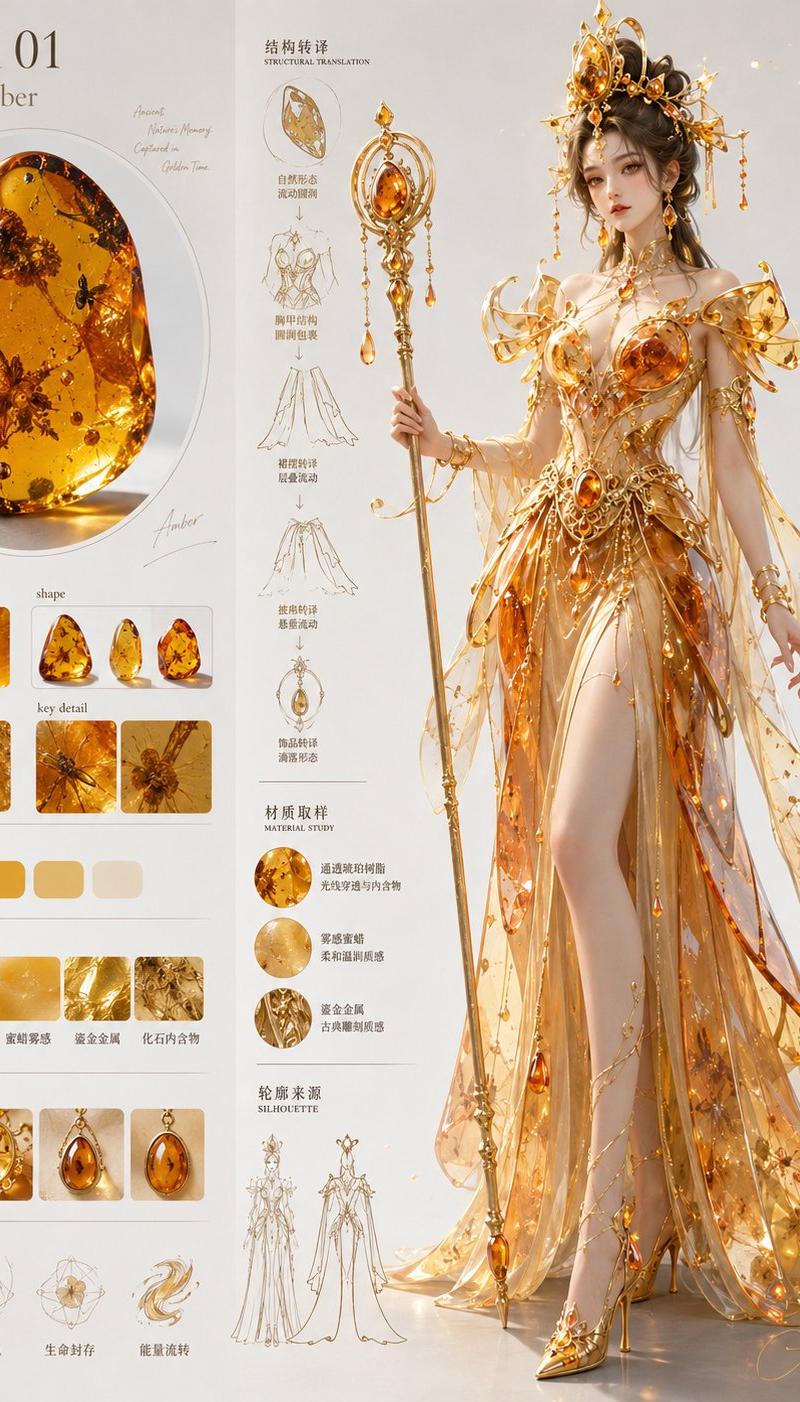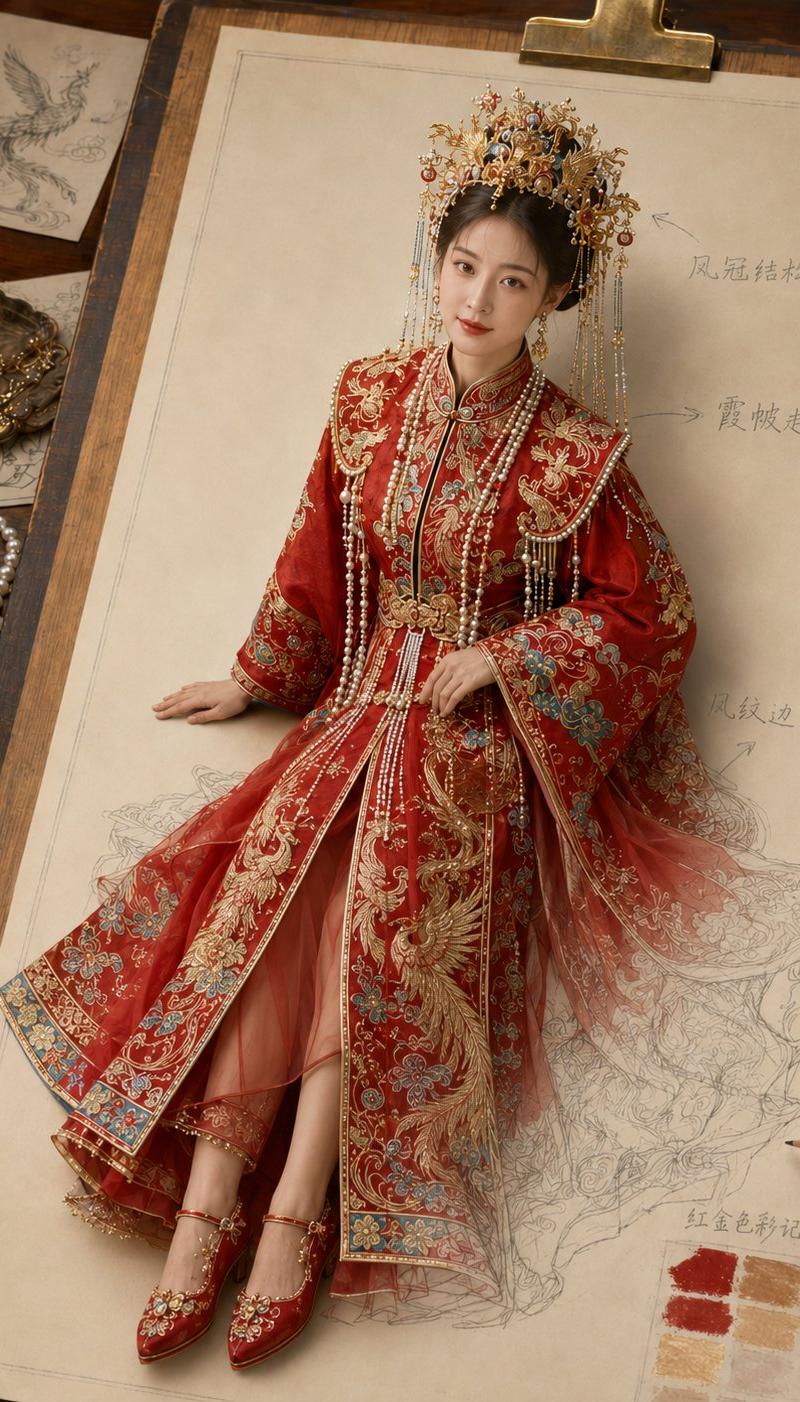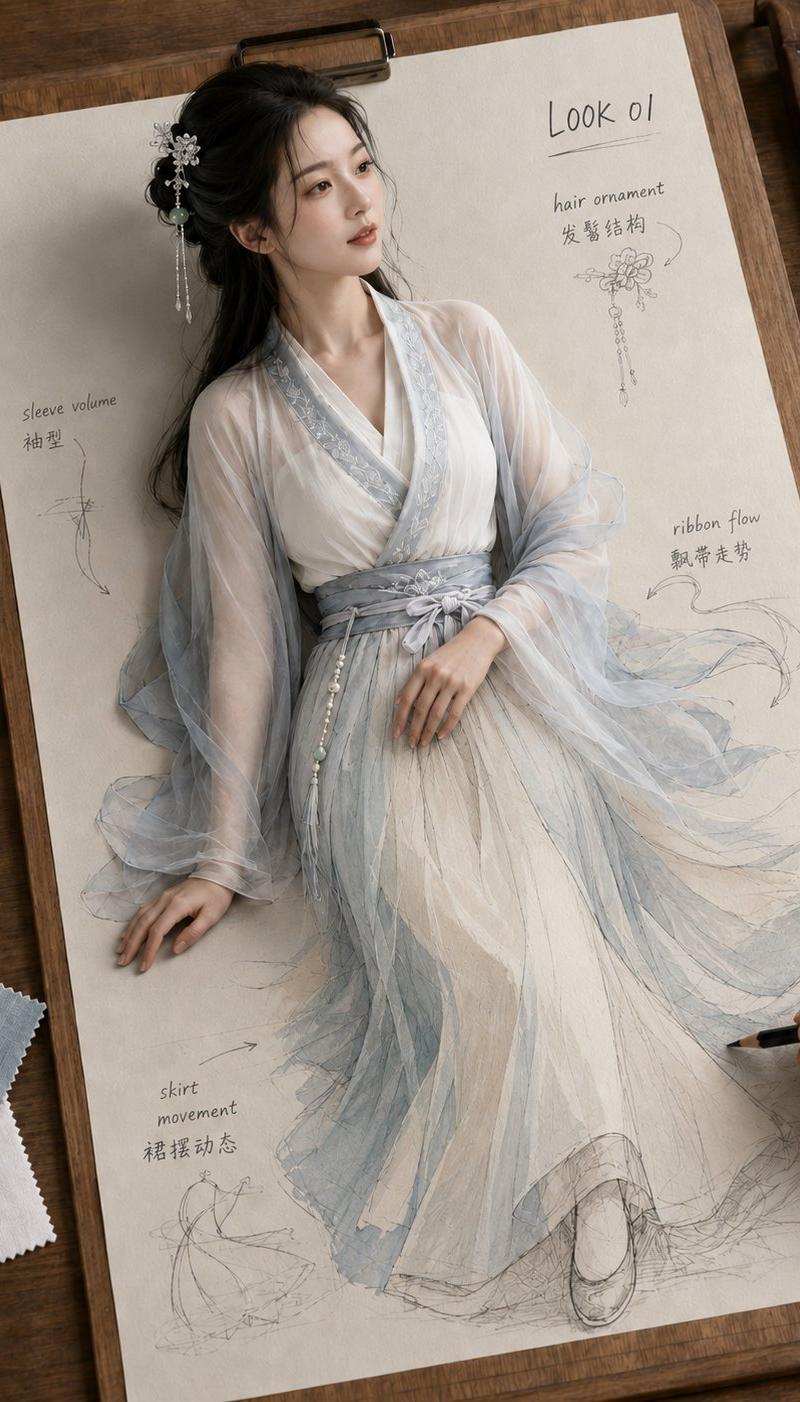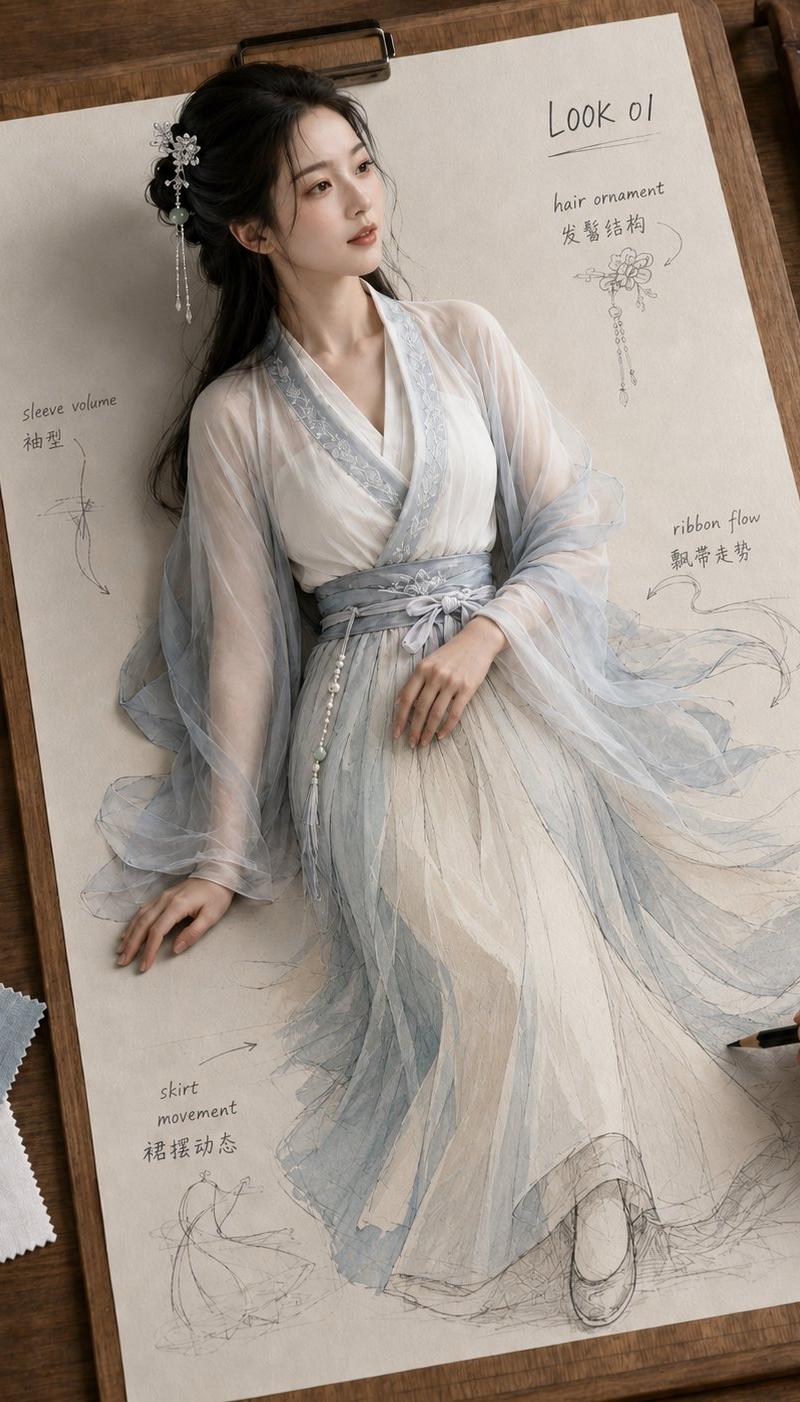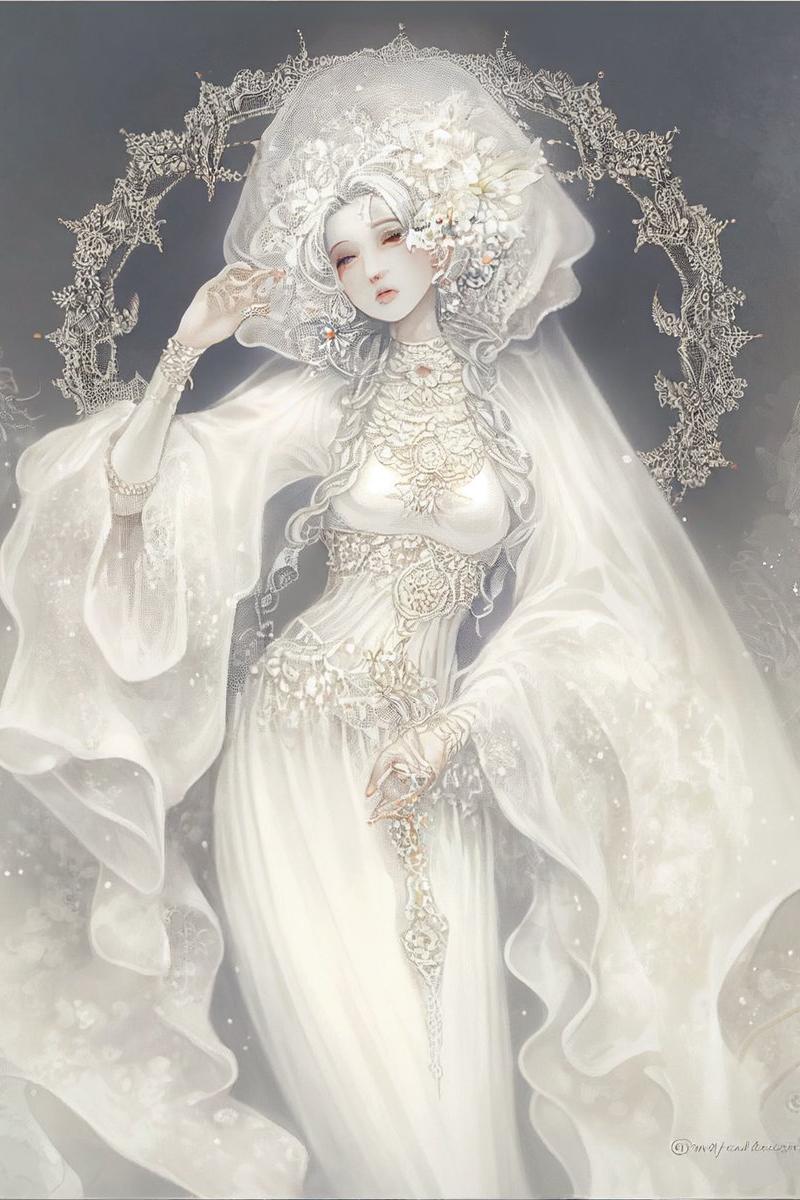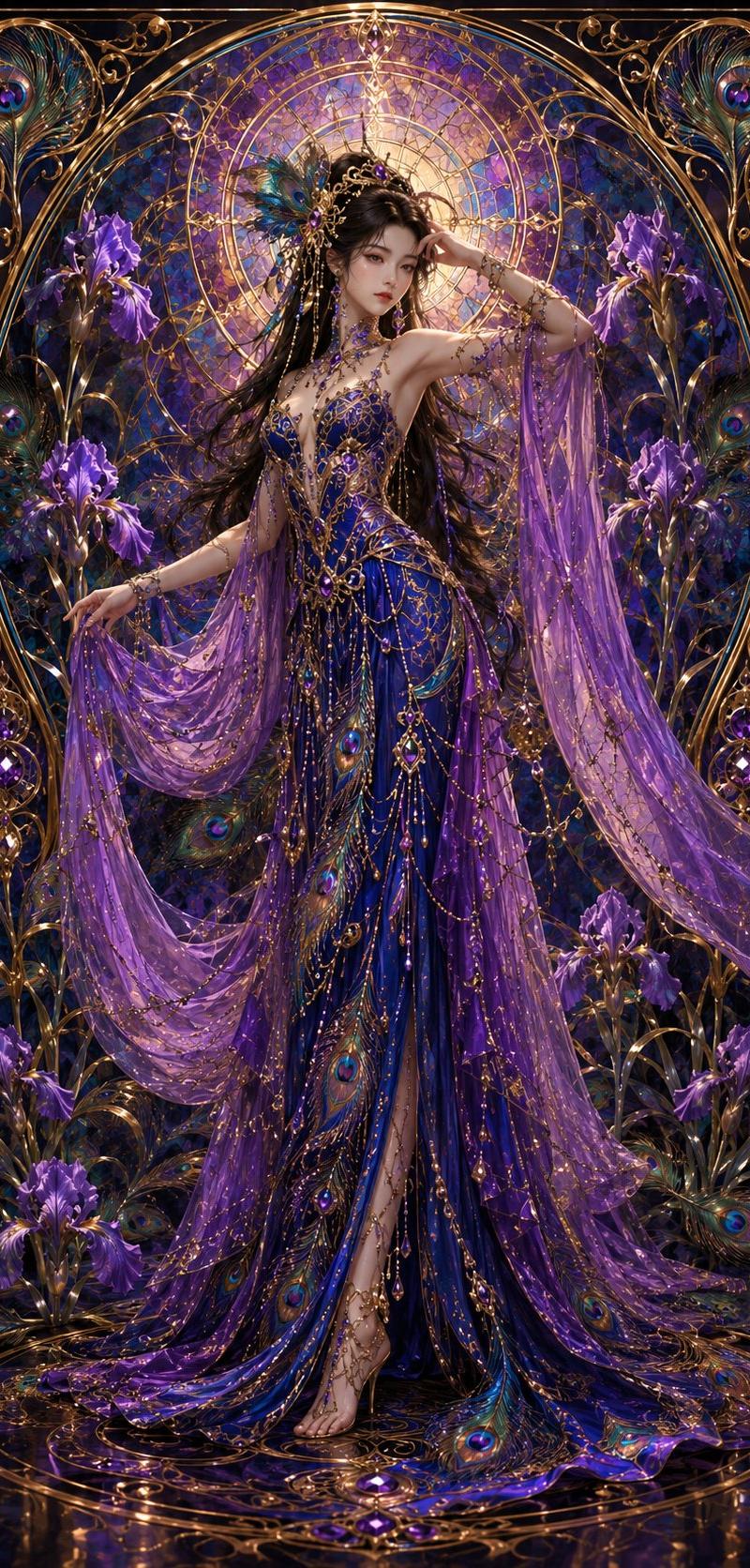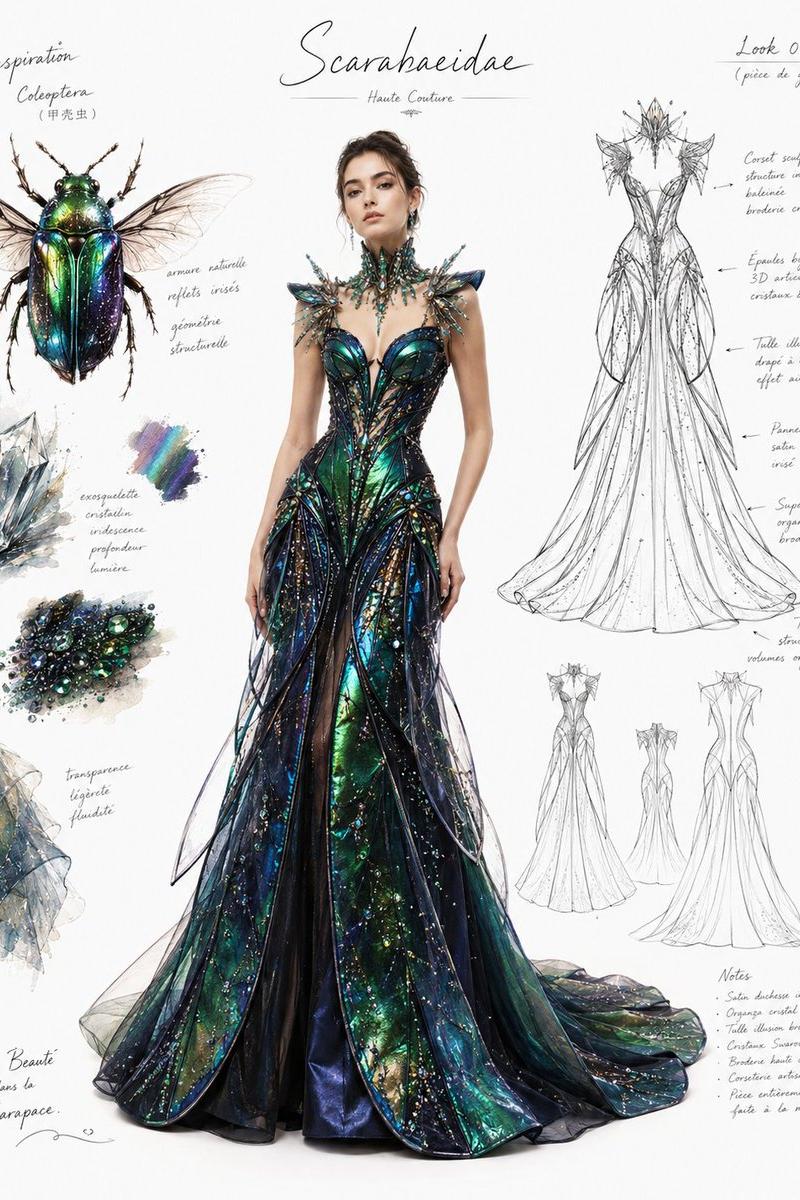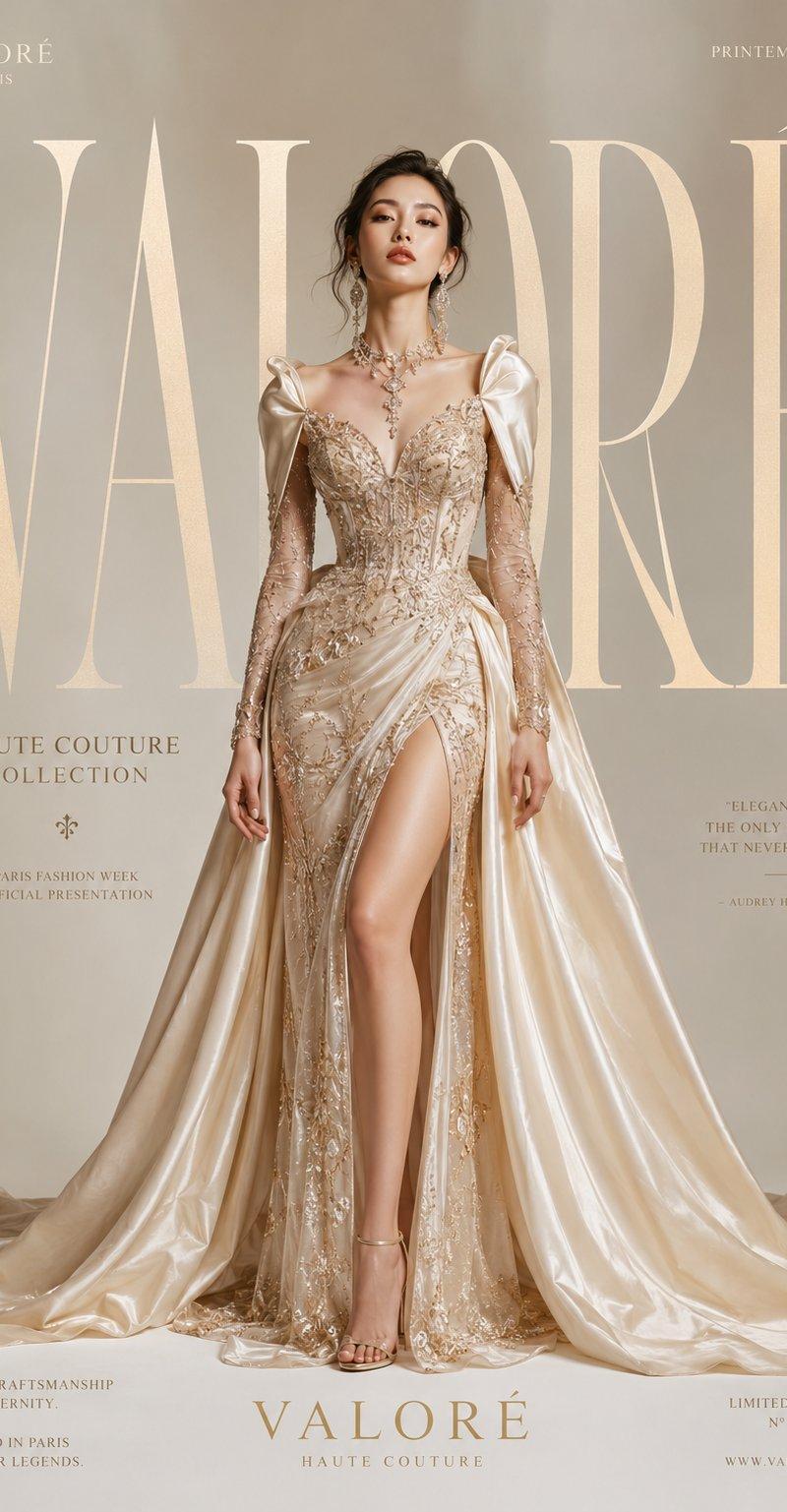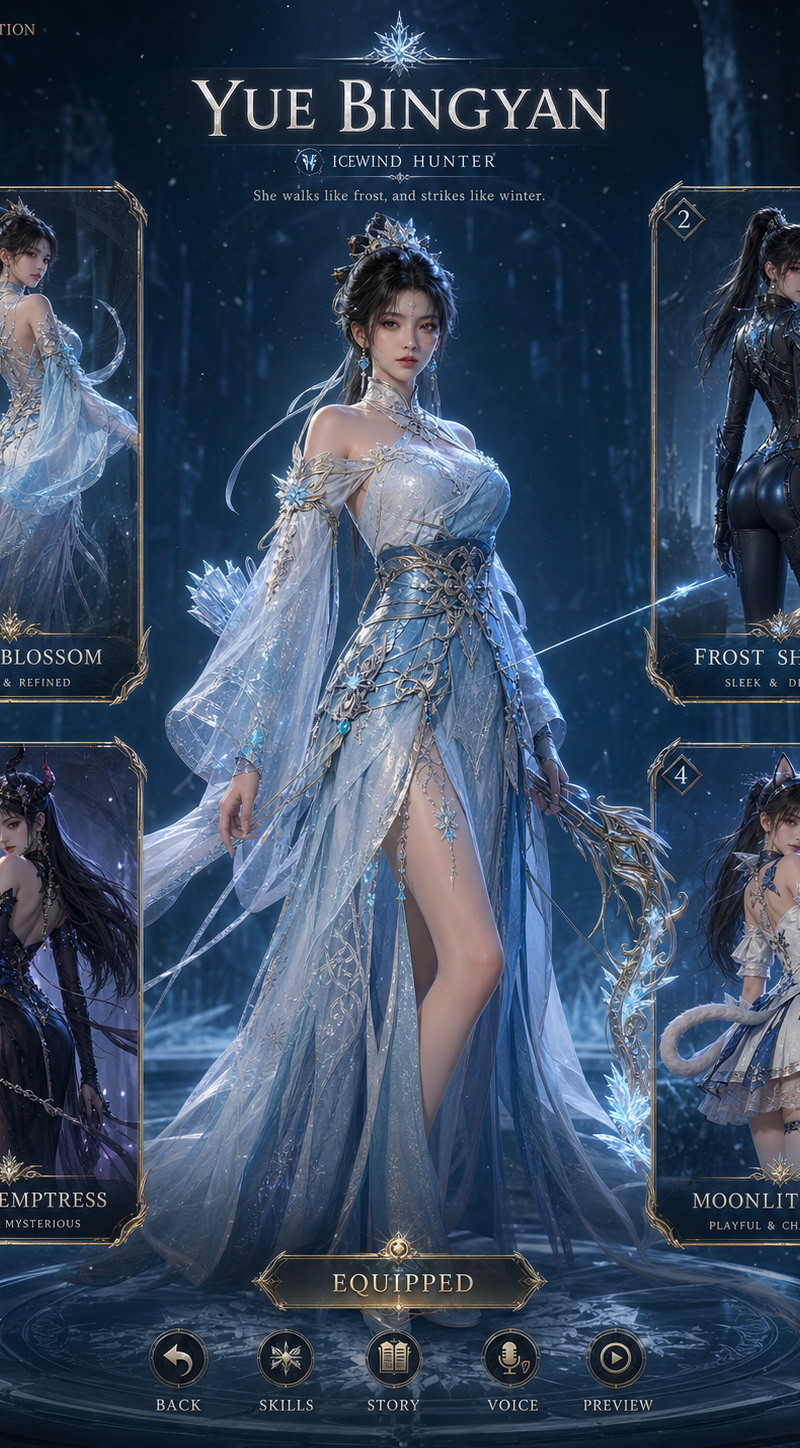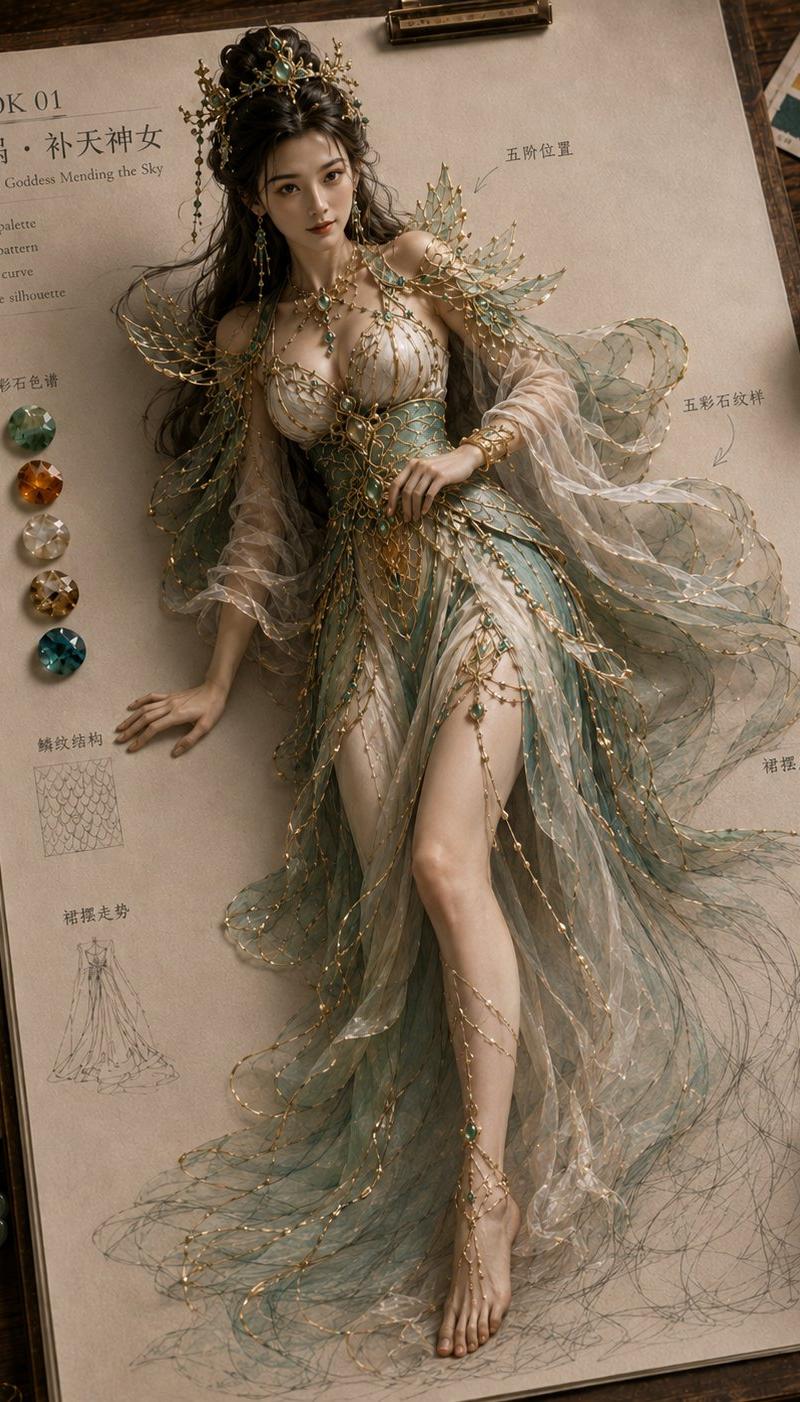
纸上成真神话高定服饰设定稿
Prompt
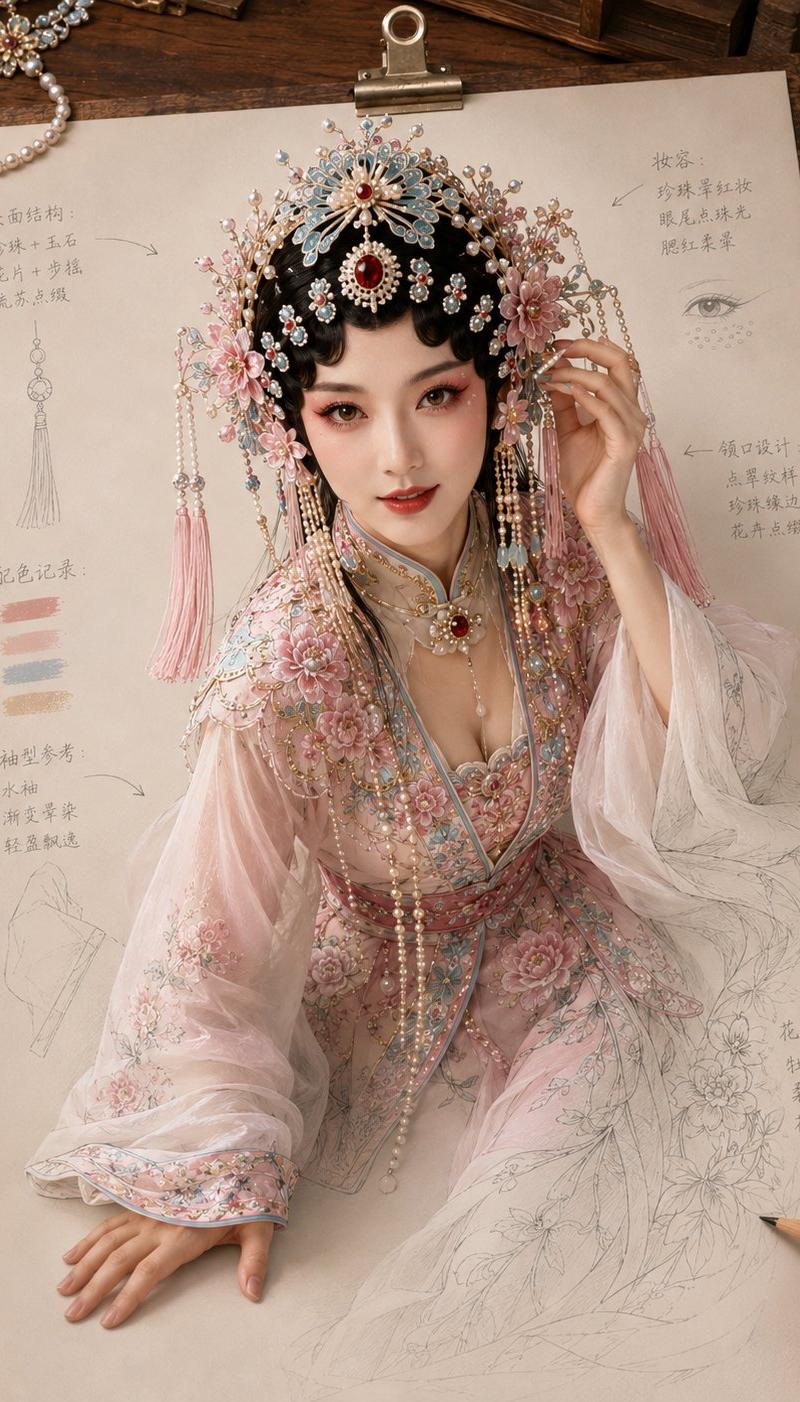
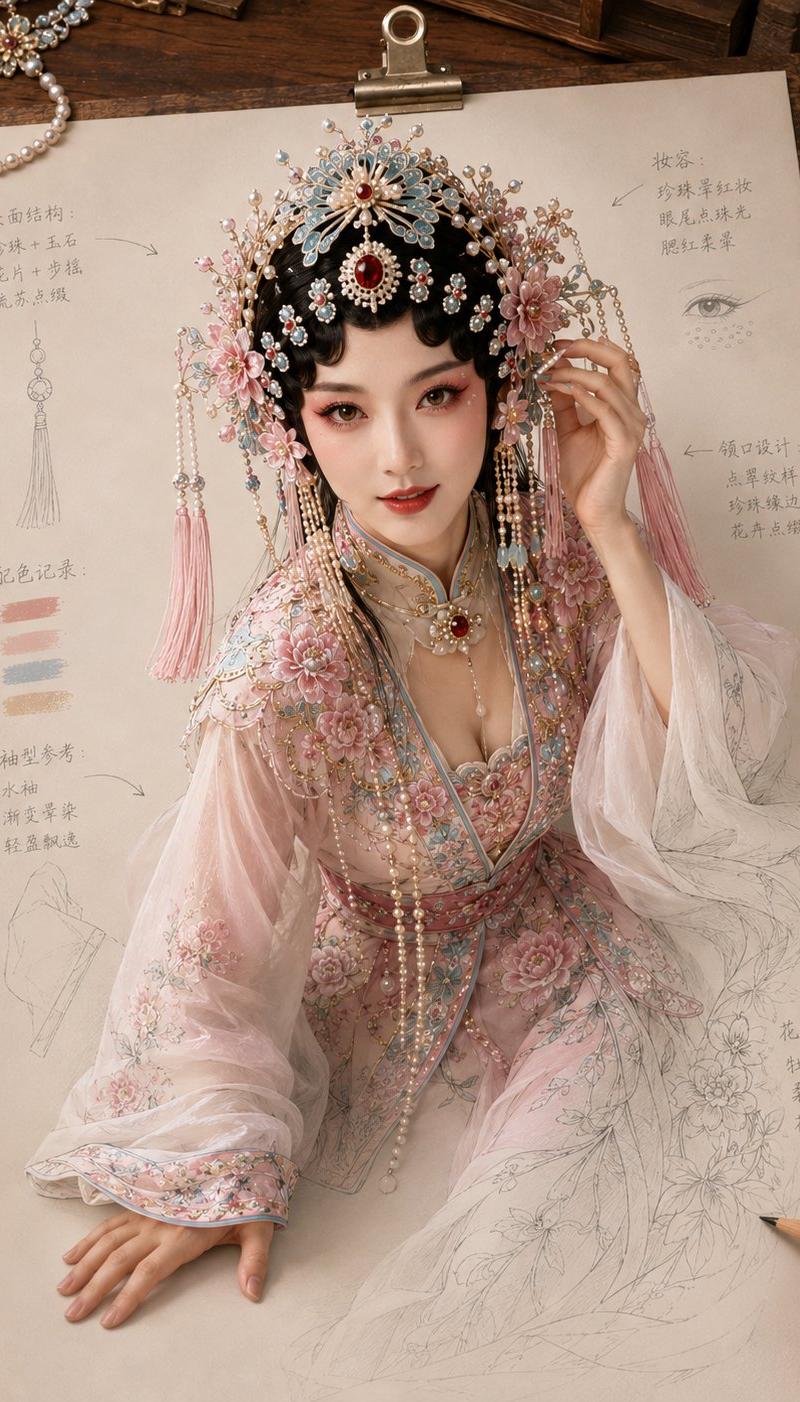
Generate a "Paper Comes to Life · Mythical Haute Couture" style image, 4:5 vertical version.

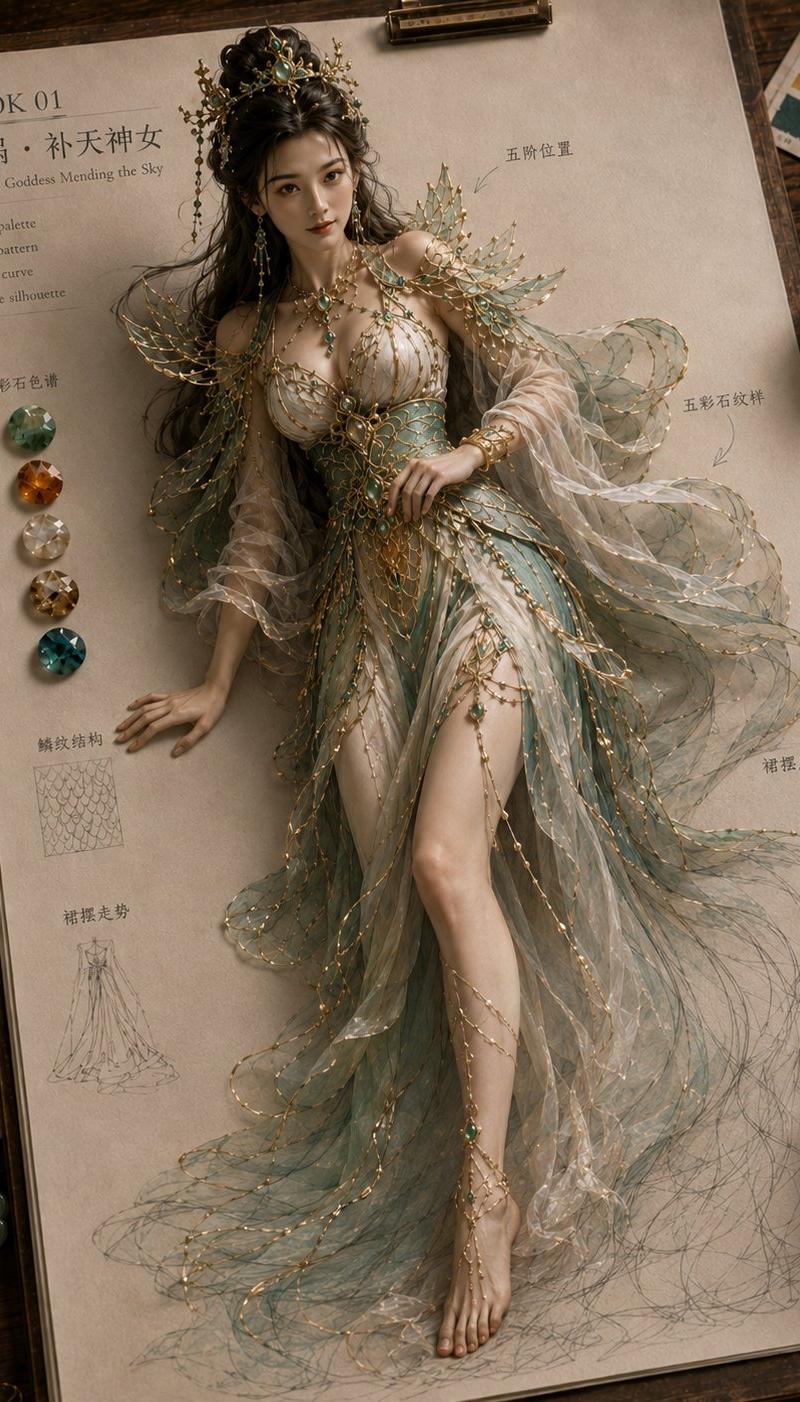
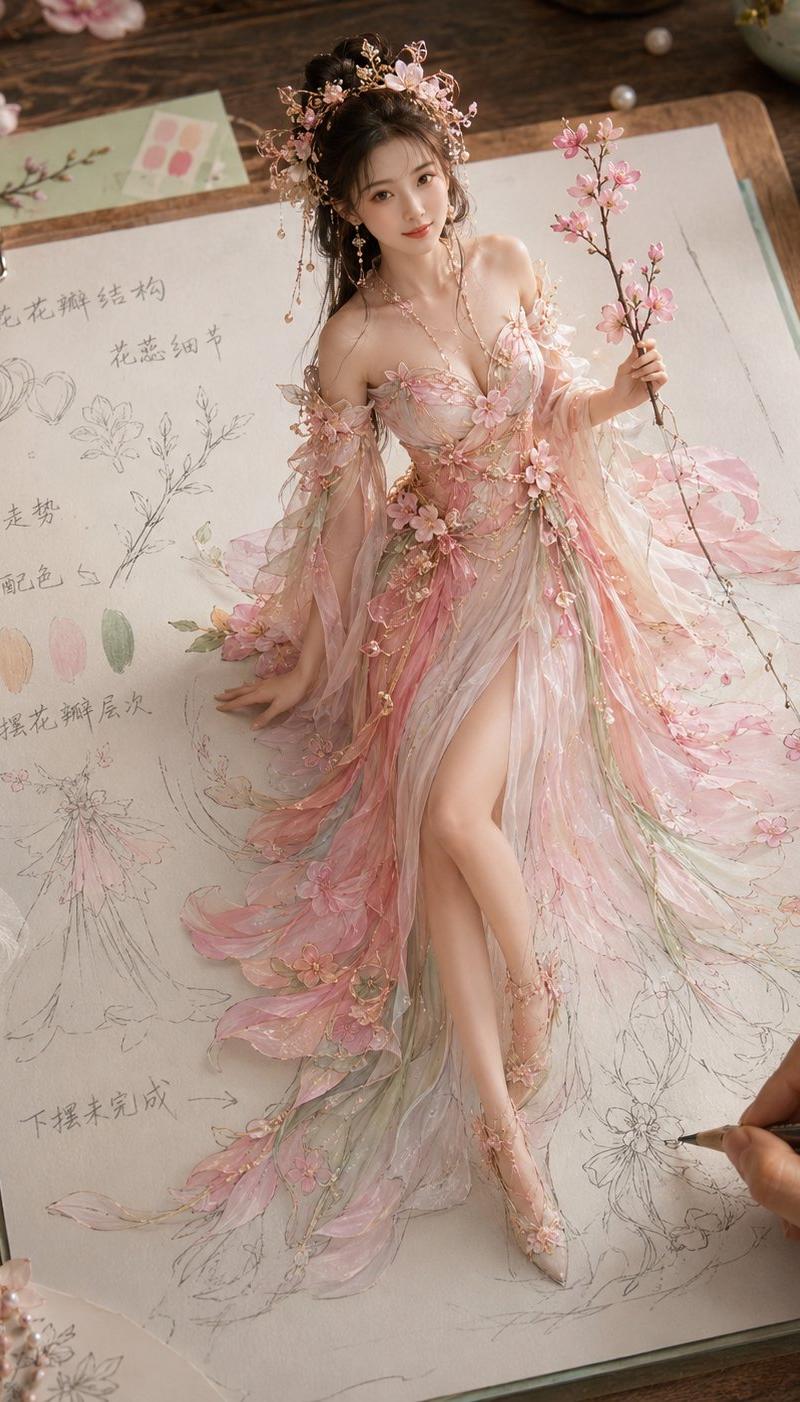
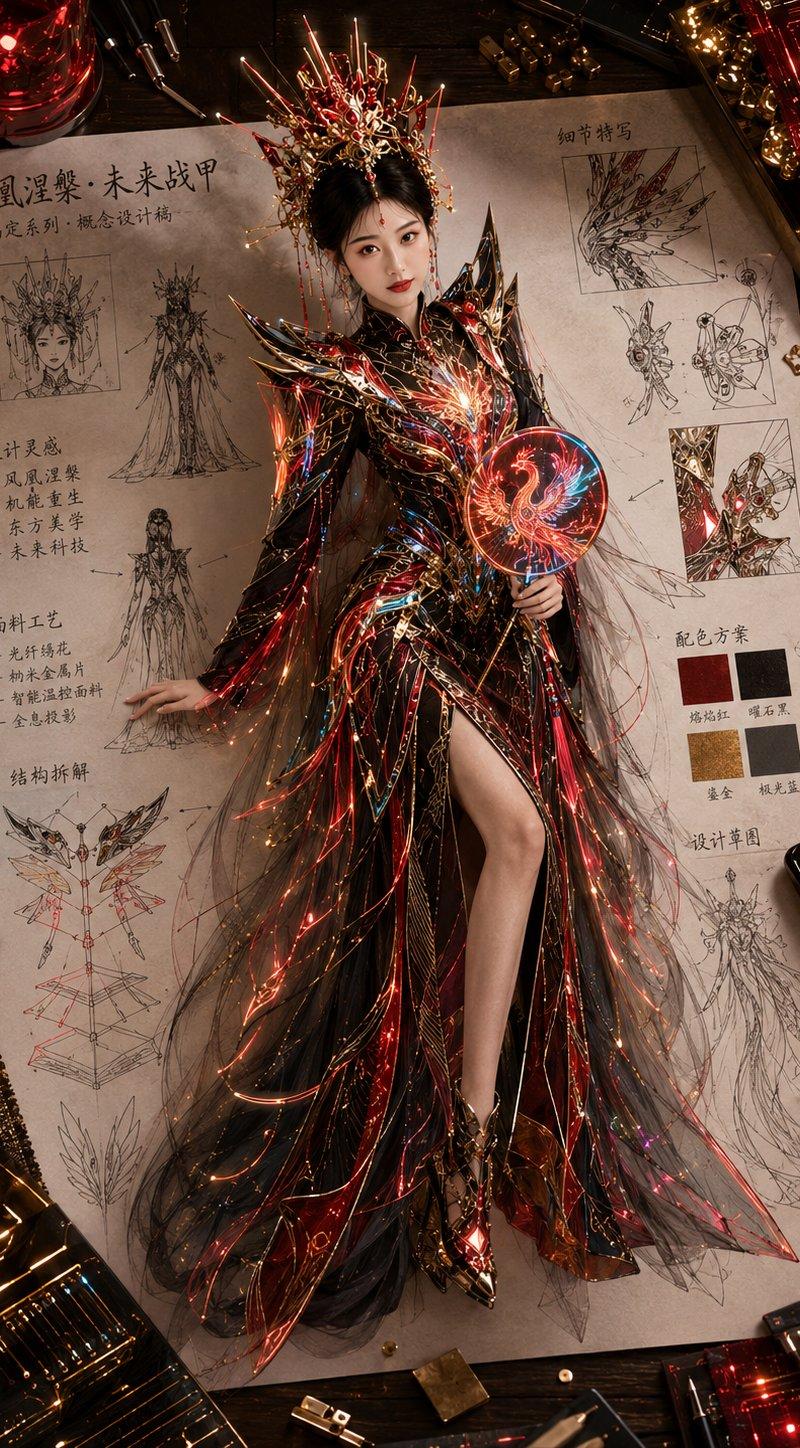
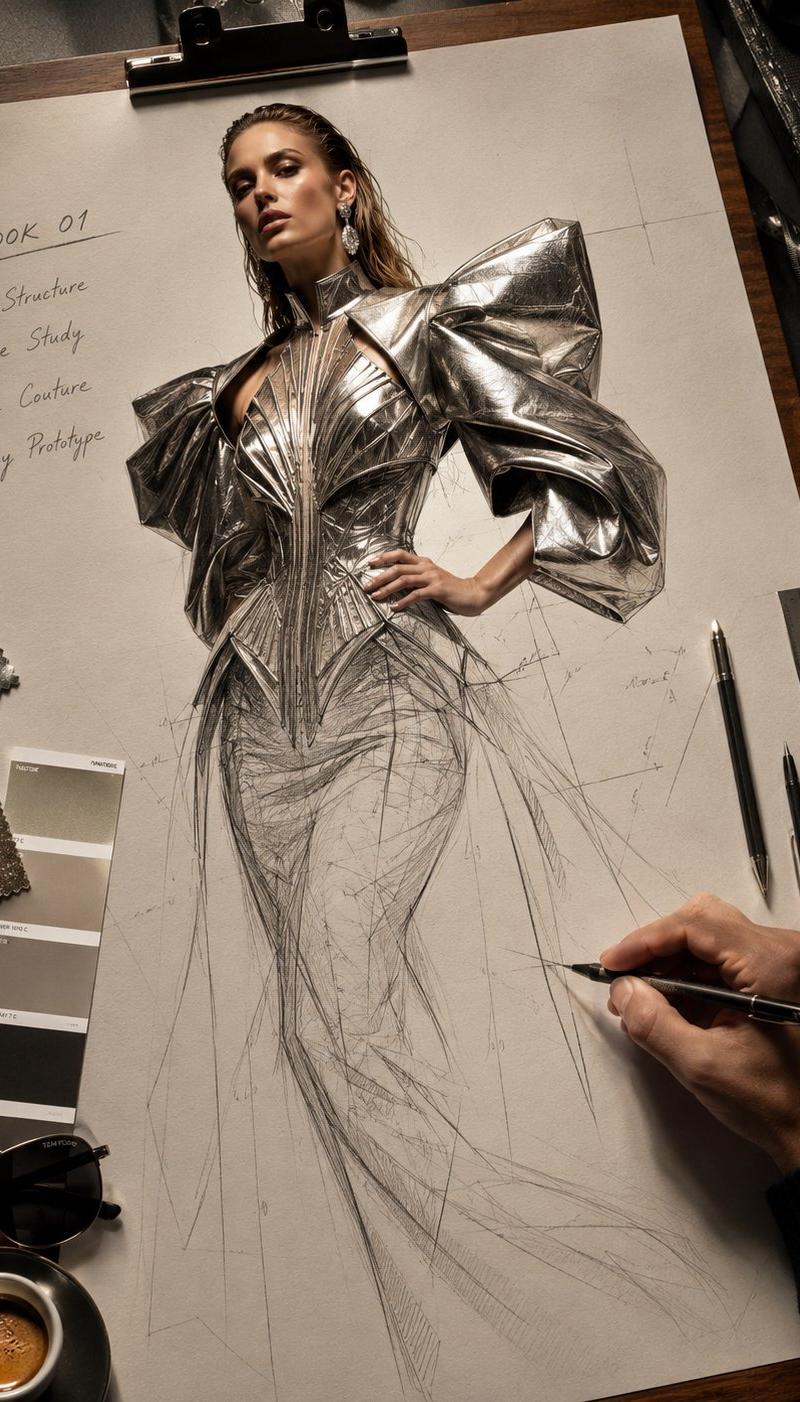
The scene is a high-end Oriental mythical haute couture design manuscript: off-white manuscript paper clipped to a wooden drawing board, placed on a warm wood-colored design workbench. The tabletop features fabric swatches, color palettes, pencils, needle pens, ceramic teacups, jade ornaments, metal accessories, and small clothing structure sketches.

The main subject is an adult Chinese mythical female figure [Nuwa / Luoshen / Chang'e / Jiutian Xuannü], waking up from the paper clothing design manuscript. The figure is very realistic, like real portrait photography, with fair and natural skin, real skin texture; no anime feel, silicone feel, or plastic skin.

The character's eyes should interact with the frame; she can look at the camera, look at the creator, or look at the pencil area being drawn in the lower right corner. The upper body must clearly rise from the paper, with real volume, spatial height, and natural shadows, with one hand lightly supporting on the paper, creating the illusion of "paper coming to life".

The character's proportions are slender but natural, about 7–7.5 heads tall, with the upper body clearly visible, and the chest, waist, hips, and legs in coordinated proportions. The legs are presented realistically, slender and natural, without calves being too thick, or the lower body being too short or too long.

The clothing is in Oriental mythical haute couture style, with primary colors being [Jade White Cyan Green Pale Gold / Moon White Light Blue Silver Gray / Frost Silver Light Mist Blue / Mysterious Black Dark Gold Deep Red]. The clothing should have continuous and unified color layers, not mottled or cluttered.

Presented from top to bottom: realistic person and main clothing body → legs and middle section of the skirt are more realistic → the corners of the skirt, ends of the silk shawl, and ends of the ribbons gradually turn into light-colored hand-drawings → the area being drawn by the pencil in the lower right corner remains an unfinished pencil sketch.

Add a small amount of manuscript annotations to the paper: LOOK 01, silhouette, ribbon flow, skirt movement, ornament detail; Chinese can also be added: 裙摆走势 (skirt movement), 发饰位置 (hair ornament position), 披帛结构 (shawl structure), 金饰位置 (gold ornament position).

Real photographic feel, high-end Oriental aesthetics, mythical figure haute couture design manuscript, clear paper texture, real shadows, clean composition. Avoid cartoons, anime faces, silicone skin, garbled text, incorrect body proportions, upper body too small, leg deformities, overall excessive hand-drawing, mottled colors, low resolution.
- Category
- Charts & Infographics
- Model
- ChatGPT
- Creator
- @MrLarus
- Source language
- zh-CN
- Source ID
- 16861
- Published
- Jun 28, 2026
Views40