16

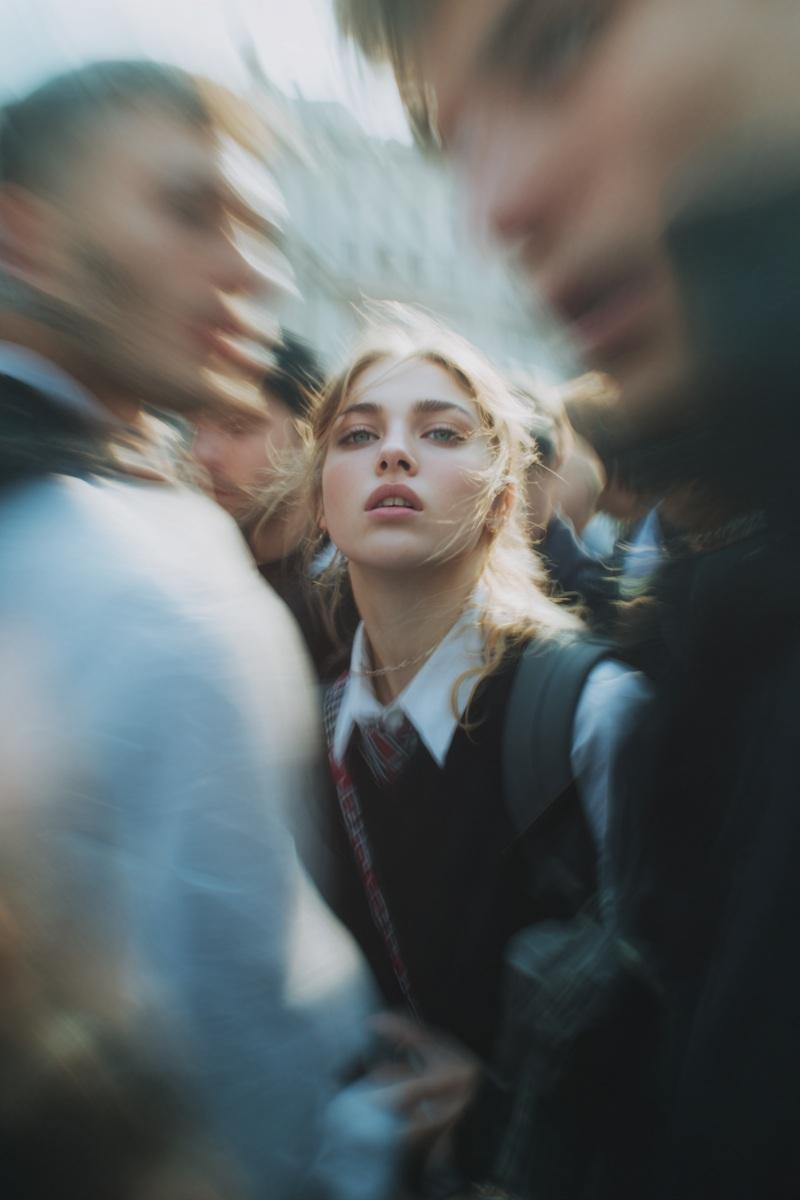
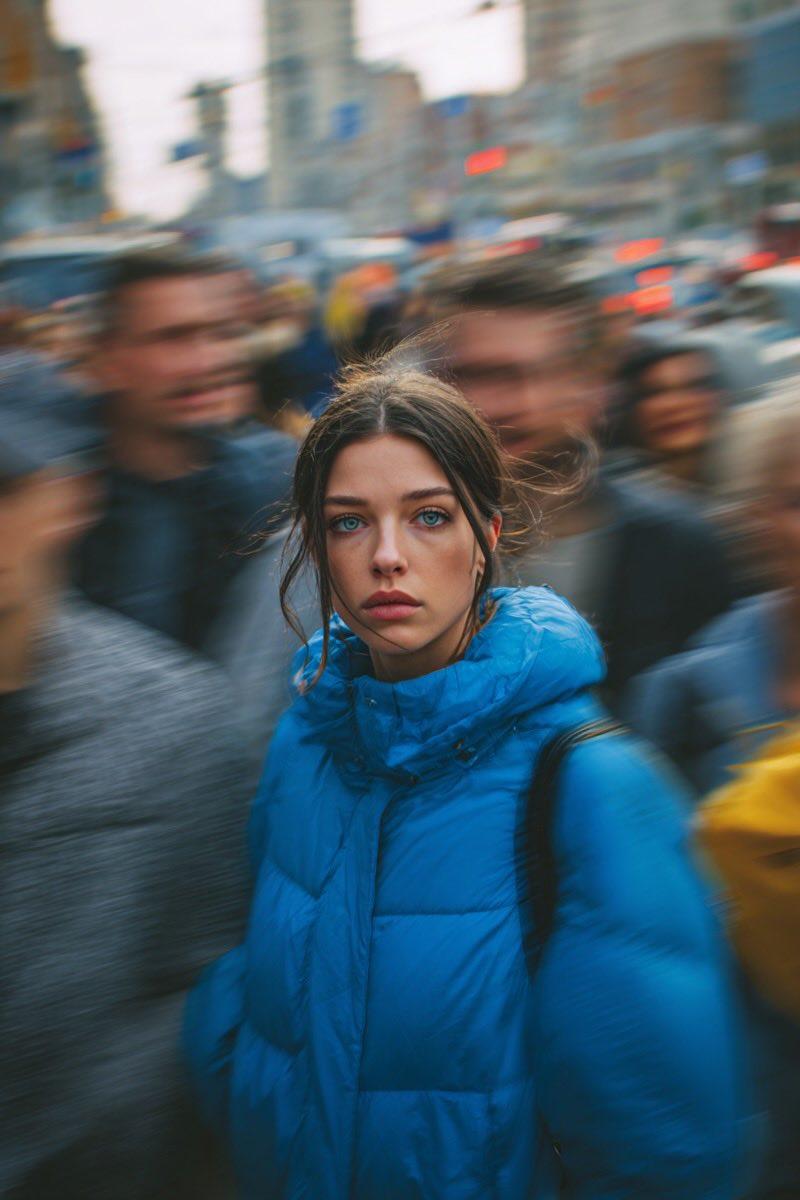
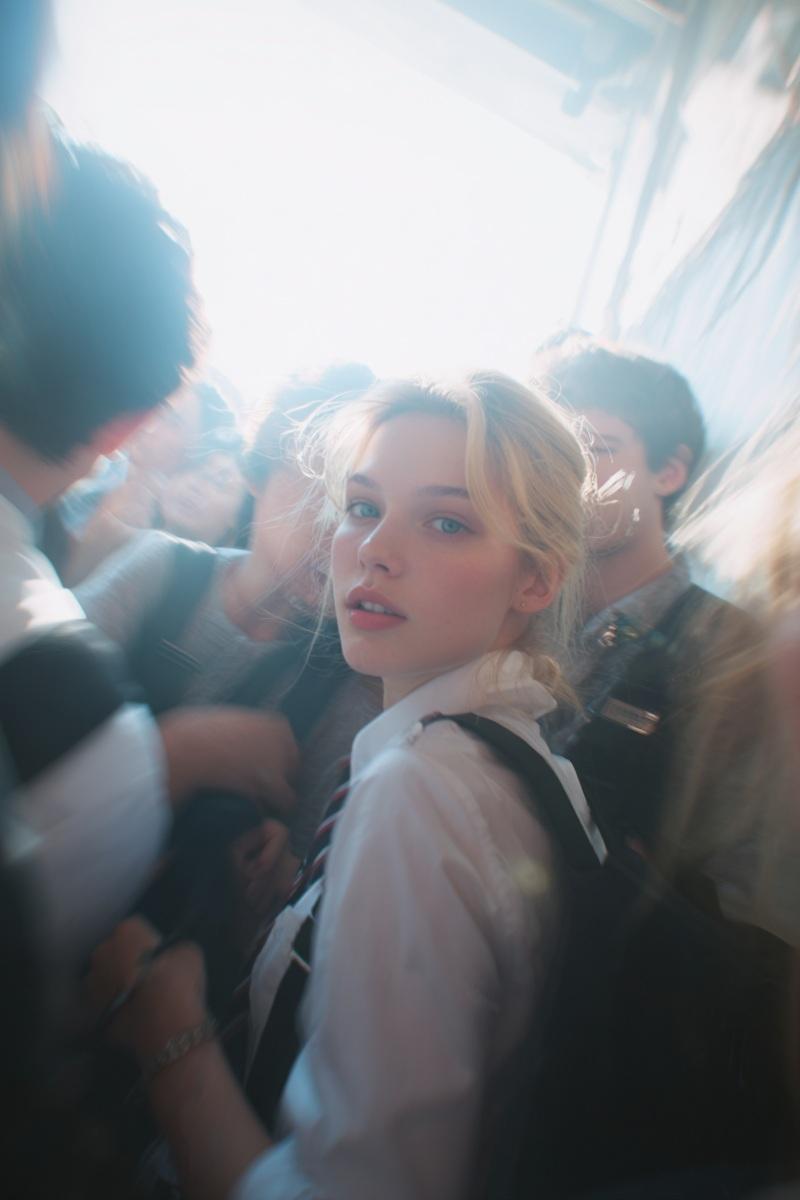
巴黎时装周街拍:校服少女的惊鸿回眸
Enlarge

Example images

巴黎时装周街拍:校服少女的惊鸿回眸

Prompt
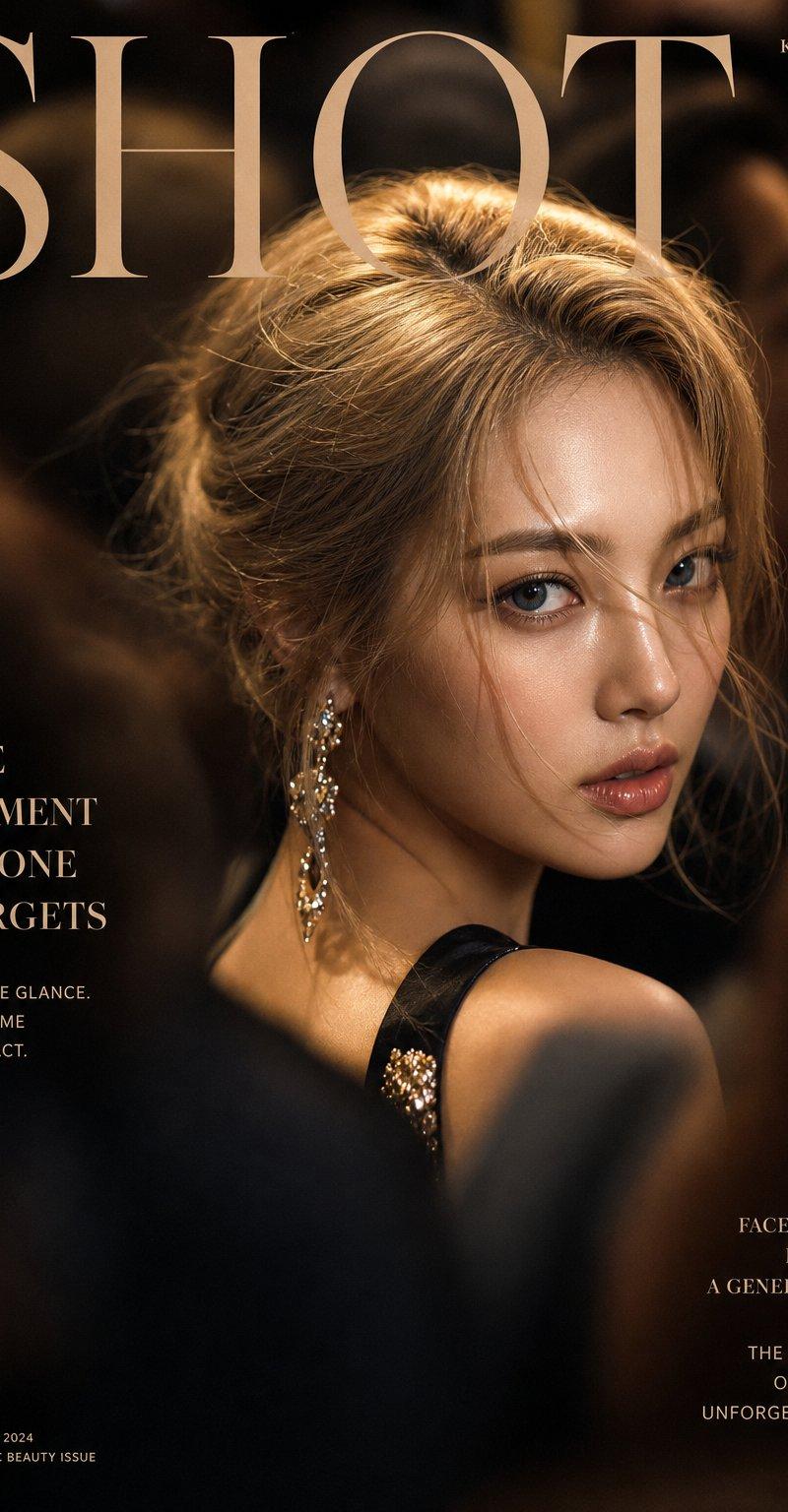
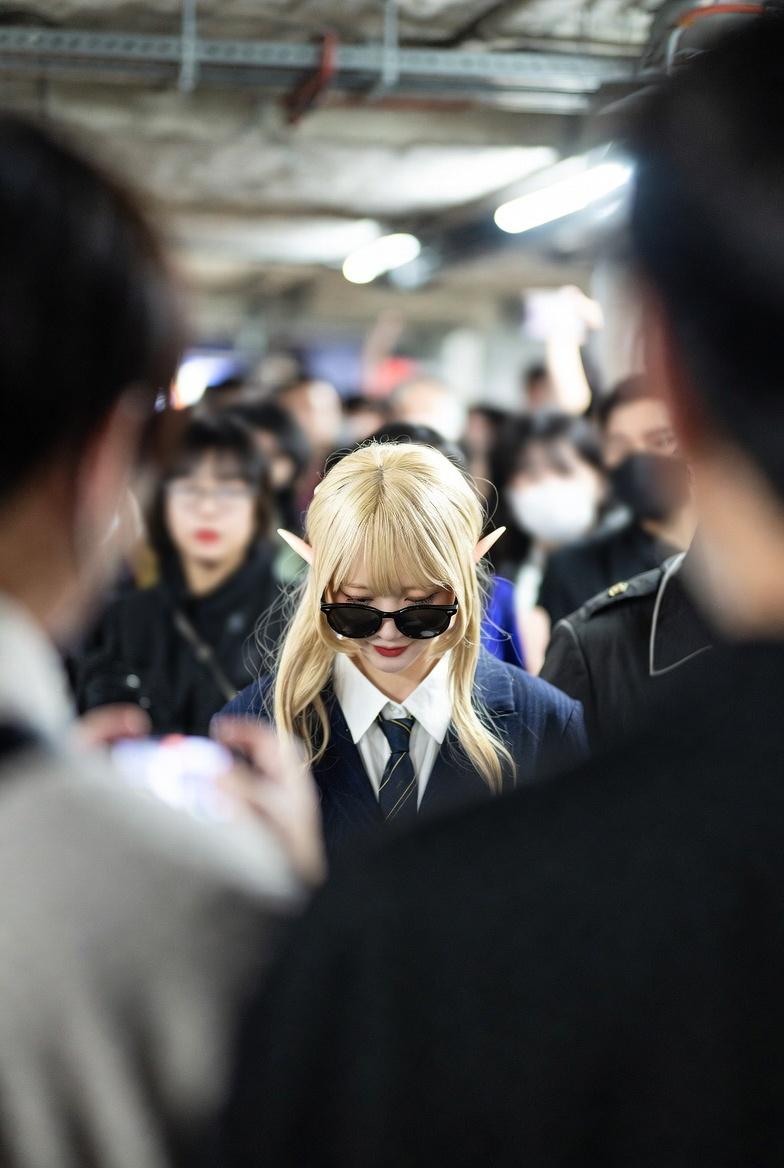
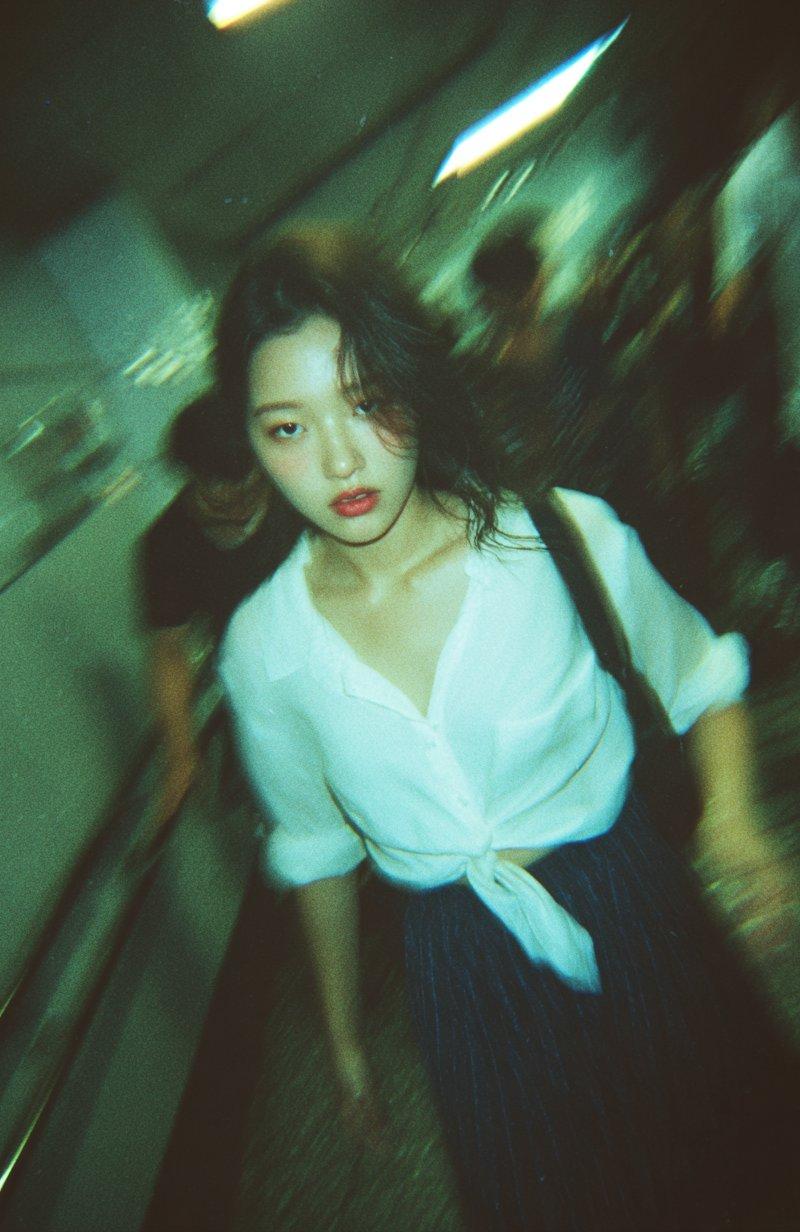
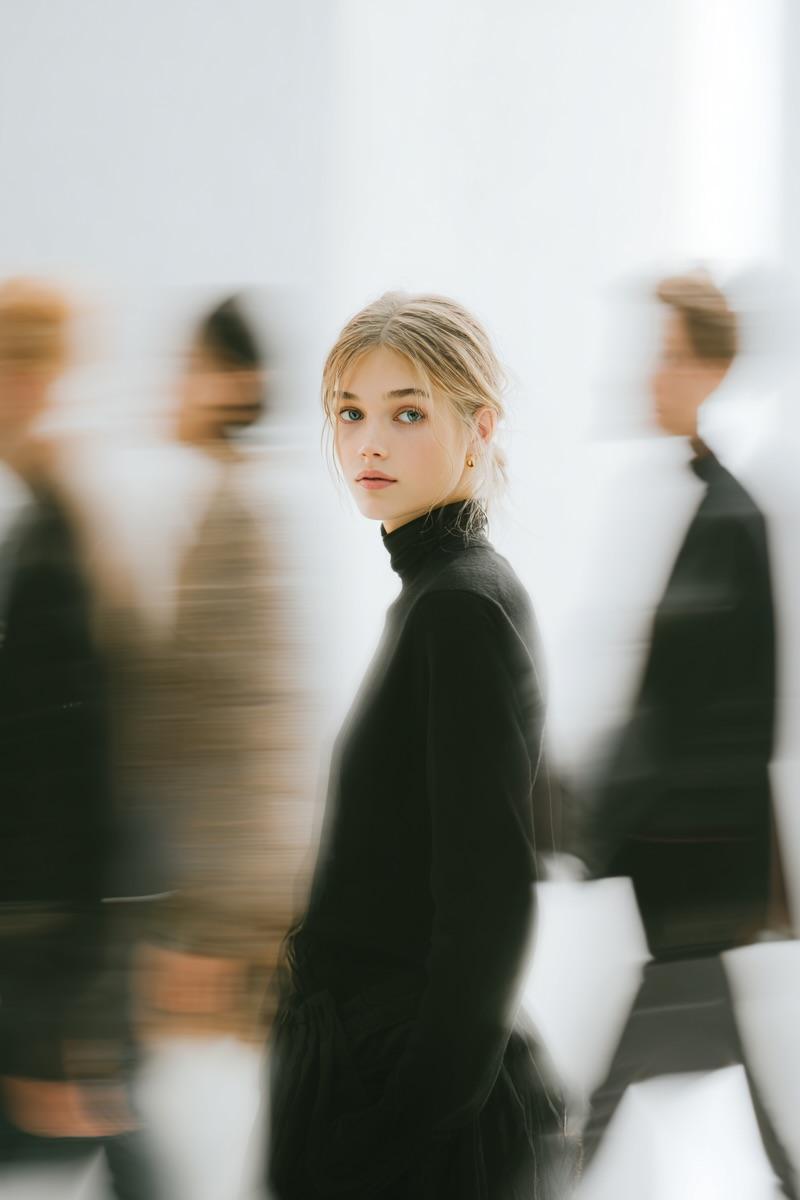
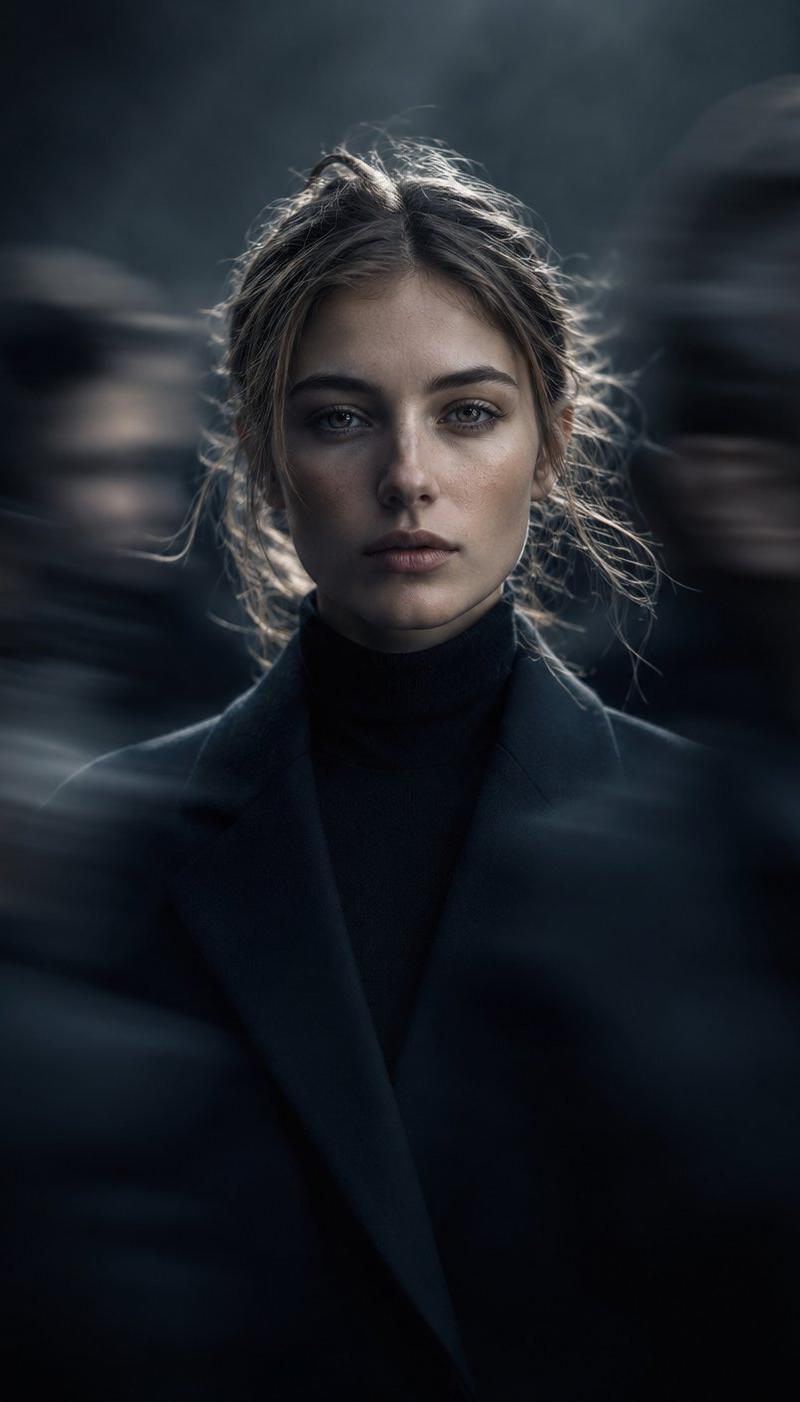
Paparazzi-style extreme close-up photo of a woman with striking facial features, caught off-guard while turning toward the camera. Face and shoulders only, shot from a low angle. Strong harsh on-camera flash, grainy high-ISO, raw candid street-photography feel. Background shows a crowded scene with motion blur (Paris Fashion Week atmosphere). Intense, spontaneous energy, imperfect and real. She is wearing a school uniform. Ultra-realistic, cinematic realism, high detail skin texture, slight lens distortion. Camera style: “35mm paparazzi lens, f/2.8, flash blown highlights” Look: “2000s tabloid photo aesthetic” Quality: “sharp focus on face, background heavily blurred and streaked”
Category
Charts & Infographics
Model
Nano banana pro
Creator
@oggii_0
Source language
zh-CN
Views63
Source ID
8147
Published
Mar 22, 2026
Studio

Guide

About "巴黎时装周街拍:校服少女的惊鸿回眸"

What is this prompt for?

"巴黎时装周街拍:校服少女的惊鸿回眸" AI image prompt for Nano banana pro (Charts & Infographics). 狗仔队风格的特写照片,一名面部特征引人注目的女性在转向镜头时被抓拍到。只拍摄脸部和肩部,低角度拍摄。强烈的刺眼机载闪光灯,高 ISO 颗粒感,原始的街头抓拍…

The full copyable prompt and example visuals above are ready for AI image generation or one-click recreate in Picva.

How to use this prompt

  1. Step 1

    Open the prompt detail

    Review the example visuals, category, and full prompt text for "巴黎时装周街拍:校服少女的惊鸿回眸".

  2. Step 2

    Copy the prompt

    Copy the prompt body from this page, or load it directly in Studio.

  3. Step 3

    Pick a model (Nano banana pro)

    Prefer Nano banana pro. If you switch models, keep subject and composition and tweak style terms.

  4. Step 4

    Generate and export

    Recreate the look in Picva, or export into your workflow for editing and publishing.

FAQ

What is the "巴黎时装周街拍:校服少女的惊鸿回眸" prompt?
It is an AI image-generation prompt for Nano banana pro in the Charts & Infographics category. This page includes the full prompt text, example visuals, and a one-click recreate path in Picva.
How do I use this prompt to generate an image?
Copy the prompt from this page, or use Generate / Studio. Paste it into a compatible image model, or recreate the look in Picva with optional reference images.
Which model is this prompt for?
This page lists Nano banana pro. Most descriptive prompts also transfer to nearby image models such as GPT Image, Flux, or Midjourney with light style tweaks.
Can I use the result commercially?
You can usually copy the prompt for creation, but commercial use of the final image depends on the model terms, reference-image rights, and the generated content. Follow the source author and platform rules.