17

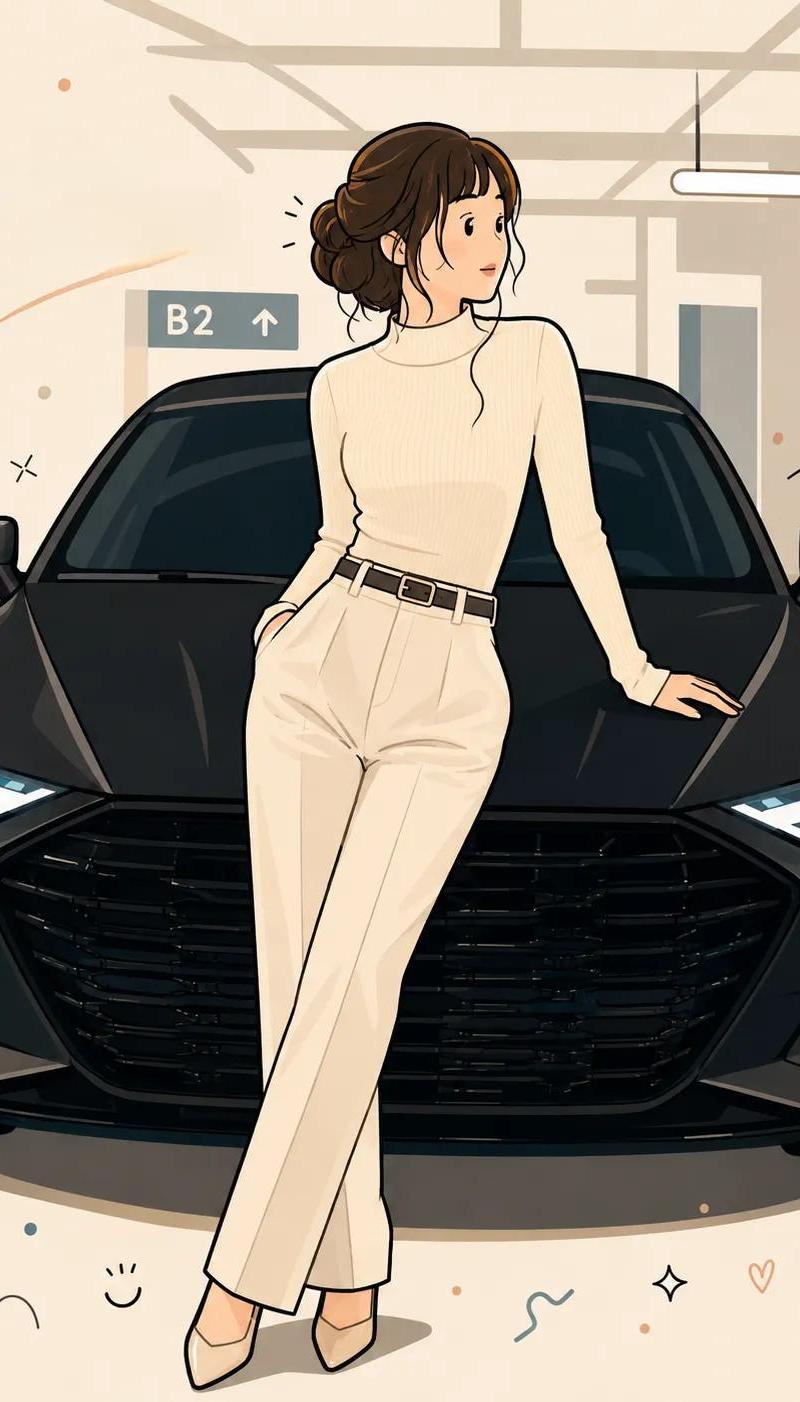
简约扁平风格矢量插画海报
Enlarge

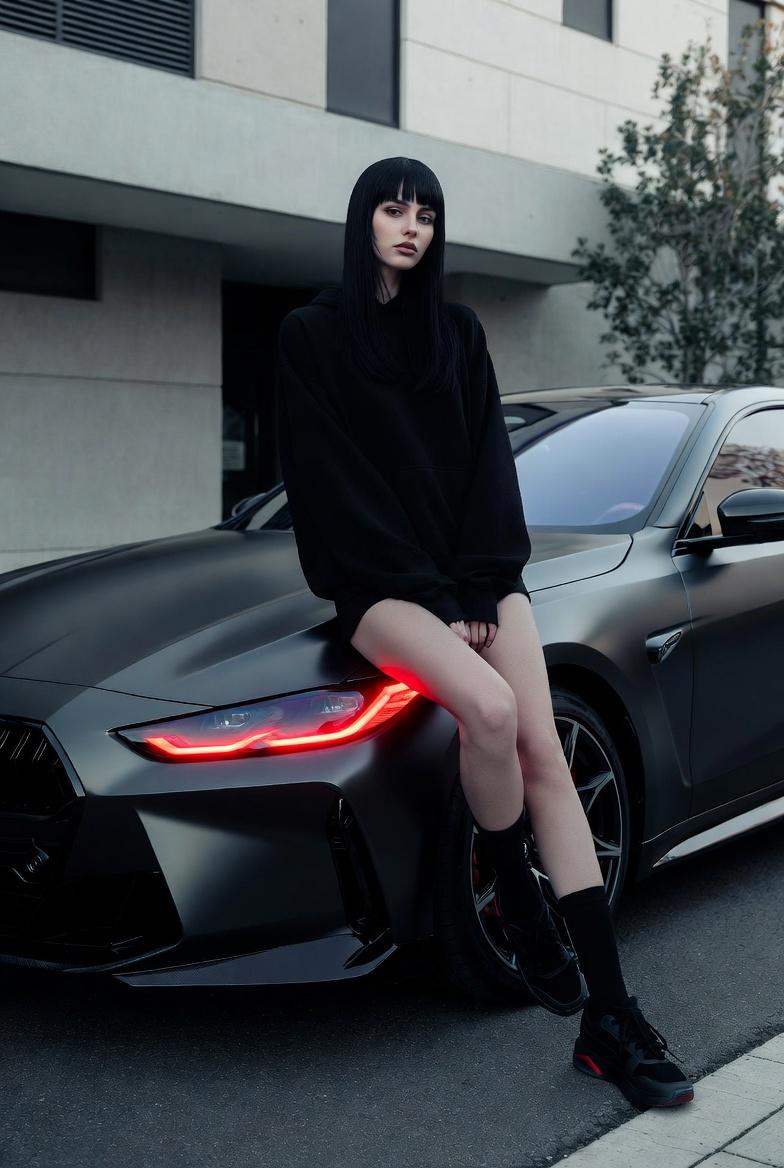
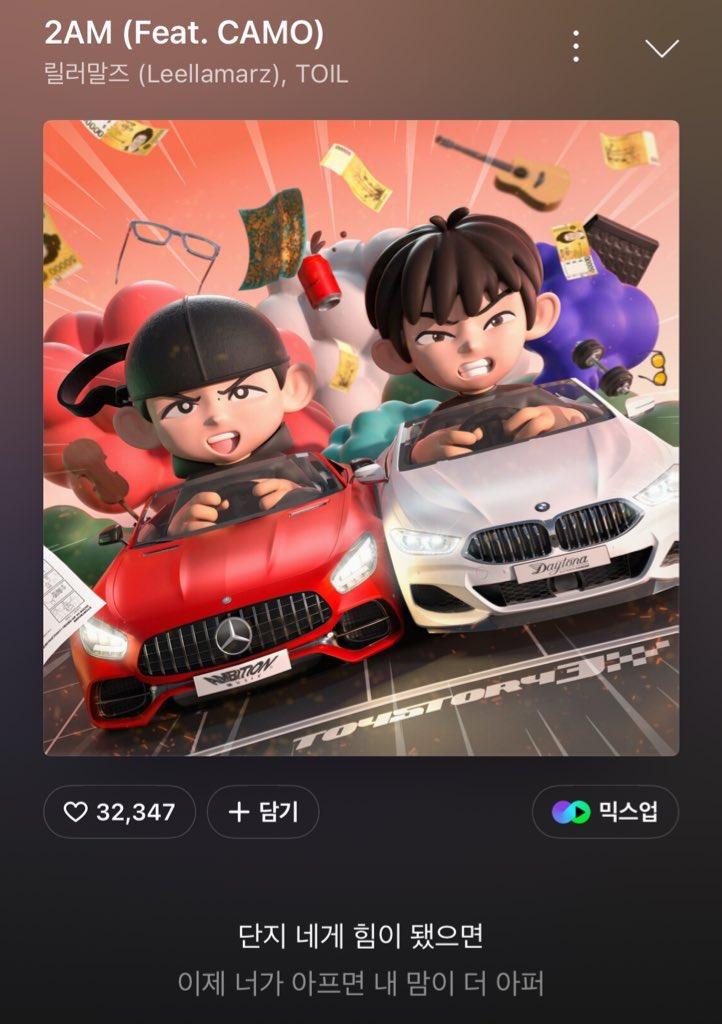
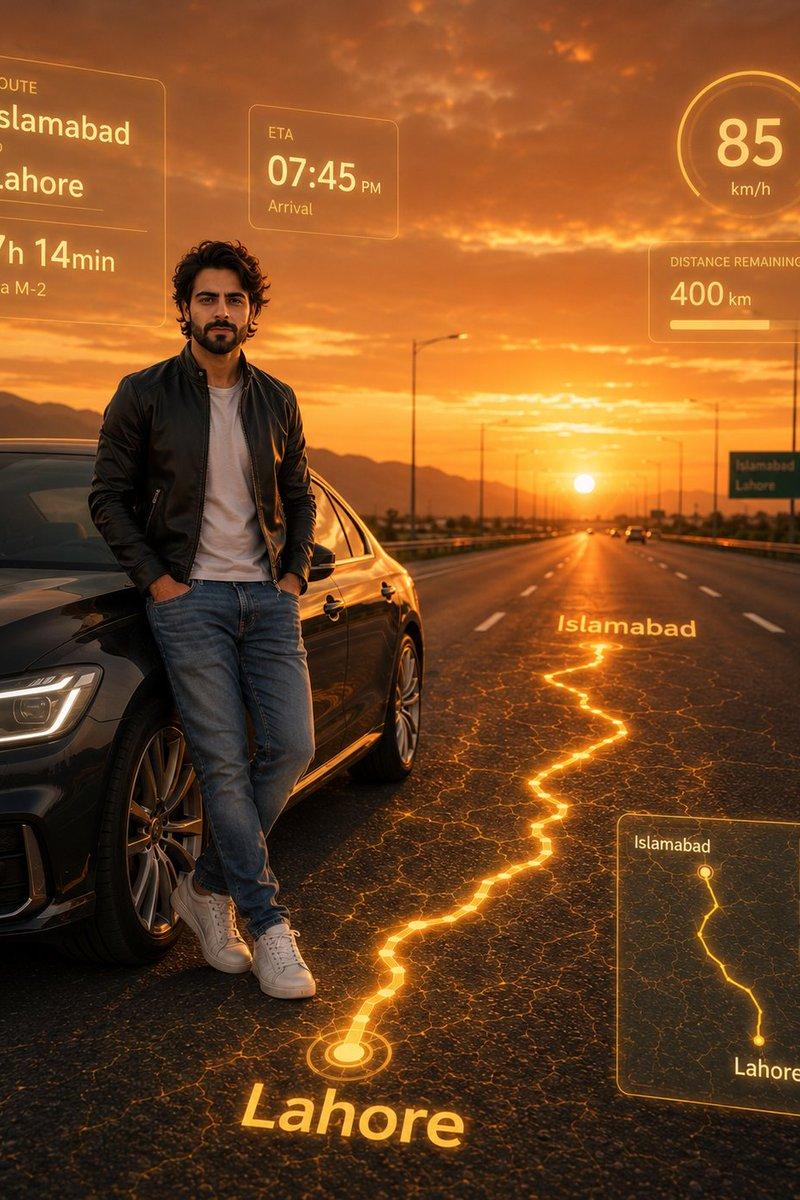
Example images

简约扁平风格矢量插画海报

Prompt
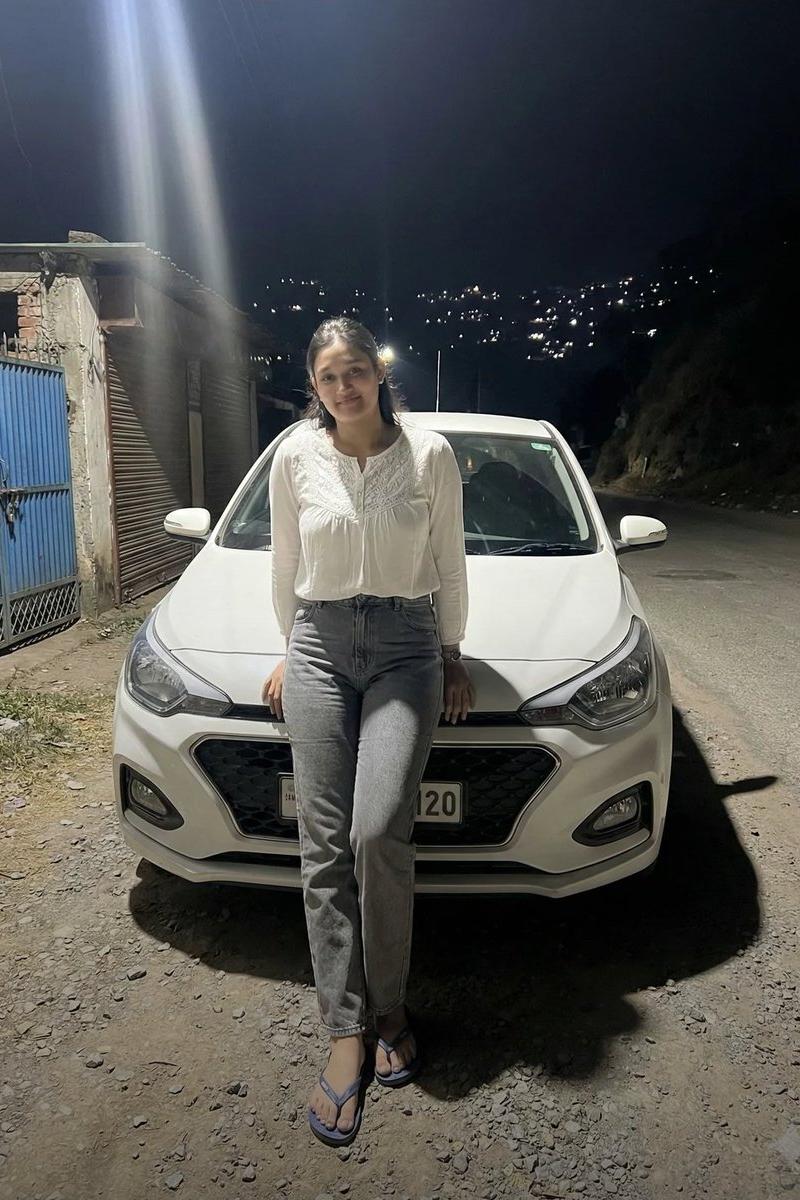
Transform the uploaded photo into a playful flat-vector poster illustration.

Analyze the photo and naturally preserve the main human subject, the animal, their pose, clothing, relationship, scenery, and overall mood. Keep the core composition and recognizable features from the original image, but simplify everything into a cute, clean, graphic poster style.

Use clean thick black outlines, simple rounded geometric shapes, flat solid color fills, minimal facial details, small neutral eyes, a calm deadpan expression, and simplified hands and body proportions. Apply soft pastel color blocking based on the mood and colors of the original photo.

Simplify the background while keeping the feeling of the original scenery. Add clean negative space, sparse confetti doodles, tiny abstract icons, and subtle playful decorative elements. Make the final artwork feel charming, modern, minimal, cute, and visually polished, like a crisp graphic poster illustration. 
4:5
Category
Charts & Infographics
Model
ChatGPT
Creator
@ChillaiKalan__
Source language
zh-CN
Views20
Source ID
16544
Published
Jun 22, 2026
Studio

Guide

About "简约扁平风格矢量插画海报"

What is this prompt for?

"简约扁平风格矢量插画海报" AI image prompt for ChatGPT (Charts & Infographics). 将上传的照片转换成一张俏皮的扁平矢量海报插画。 分析照片并自然地保留主要人物主体、动物、他们的姿势、服装、关系、场景和整体氛围。保持原始图像的核心构图和可辨识特征,但将一切简化为可爱…

The full copyable prompt and example visuals above are ready for AI image generation or one-click recreate in Picva.

How to use this prompt

  1. Step 1

    Open the prompt detail

    Review the example visuals, category, and full prompt text for "简约扁平风格矢量插画海报".

  2. Step 2

    Copy the prompt

    Copy the prompt body from this page, or load it directly in Studio.

  3. Step 3

    Pick a model (ChatGPT)

    Prefer ChatGPT. If you switch models, keep subject and composition and tweak style terms.

  4. Step 4

    Generate and export

    Recreate the look in Picva, or export into your workflow for editing and publishing.

FAQ

What is the "简约扁平风格矢量插画海报" prompt?
It is an AI image-generation prompt for ChatGPT in the Charts & Infographics category. This page includes the full prompt text, example visuals, and a one-click recreate path in Picva.
How do I use this prompt to generate an image?
Copy the prompt from this page, or use Generate / Studio. Paste it into a compatible image model, or recreate the look in Picva with optional reference images.
Which model is this prompt for?
This page lists ChatGPT. Most descriptive prompts also transfer to nearby image models such as GPT Image, Flux, or Midjourney with light style tweaks.
Can I use the result commercially?
You can usually copy the prompt for creation, but commercial use of the final image depends on the model terms, reference-image rights, and the generated content. Follow the source author and platform rules.