18

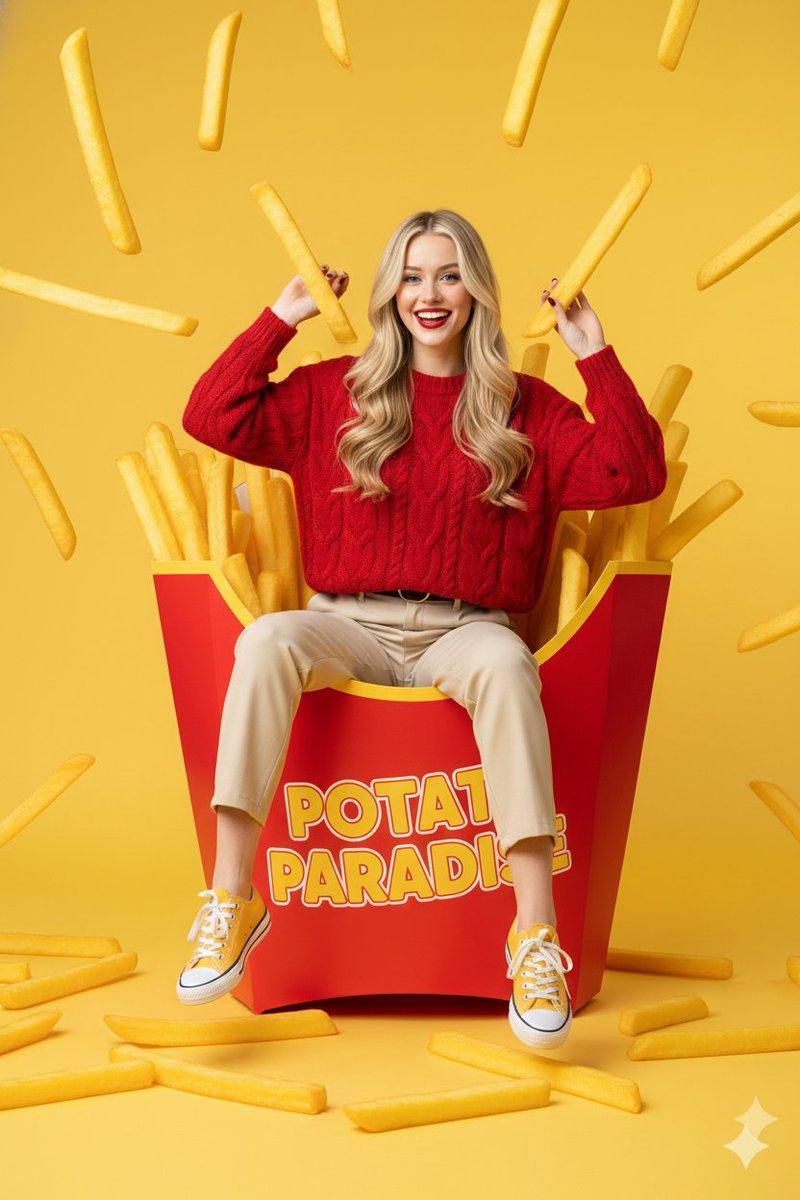
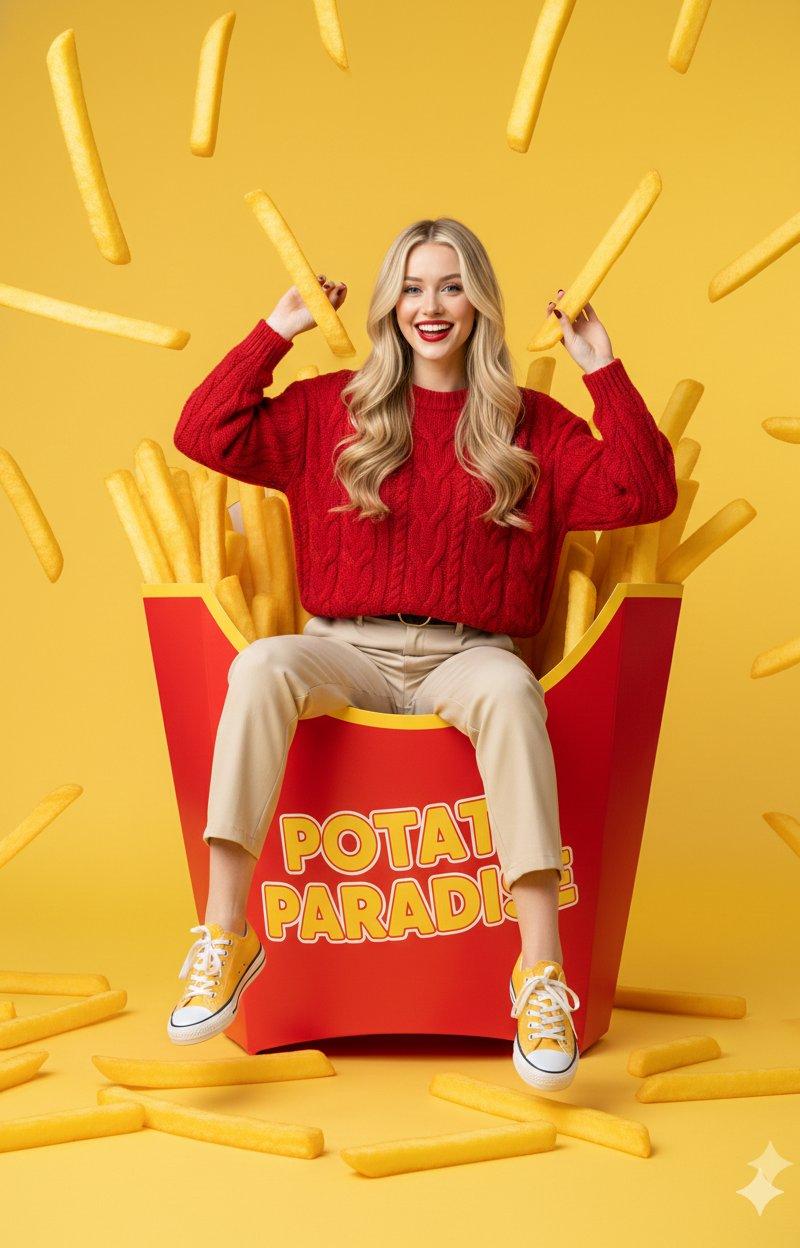
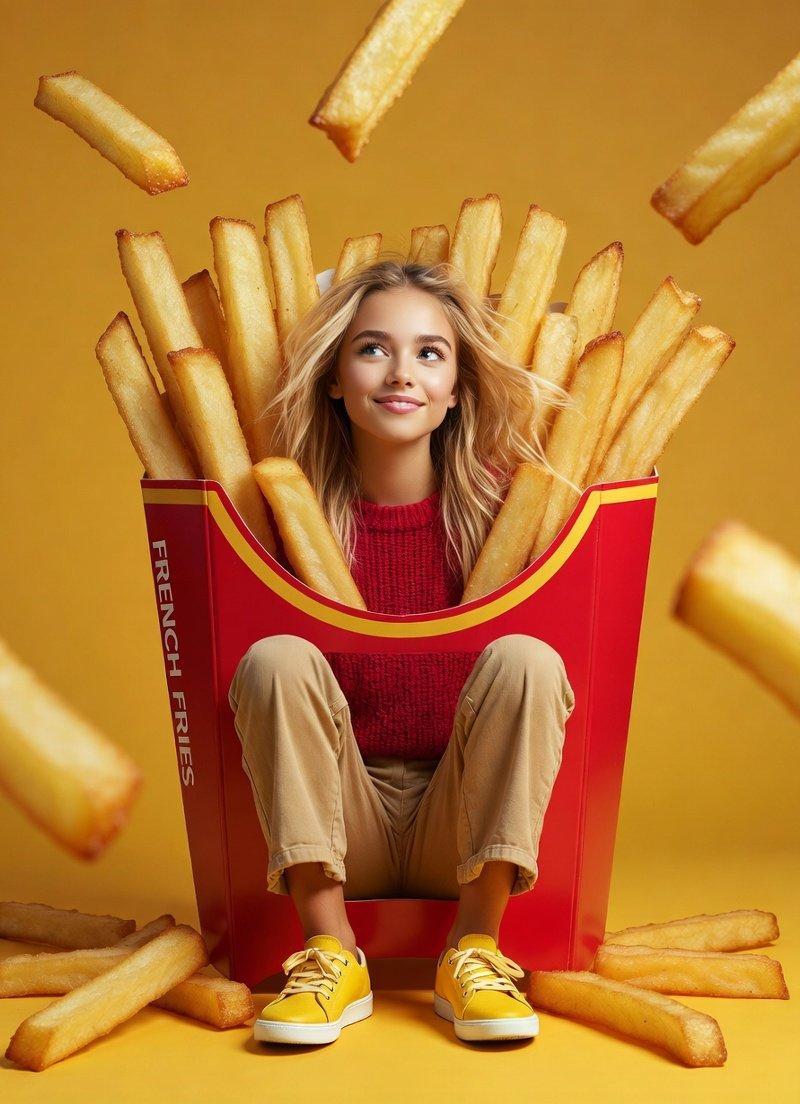
坐拥巨型薯条盒的俏皮金发女郎
Enlarge

Example images

坐拥巨型薯条盒的俏皮金发女郎

Prompt
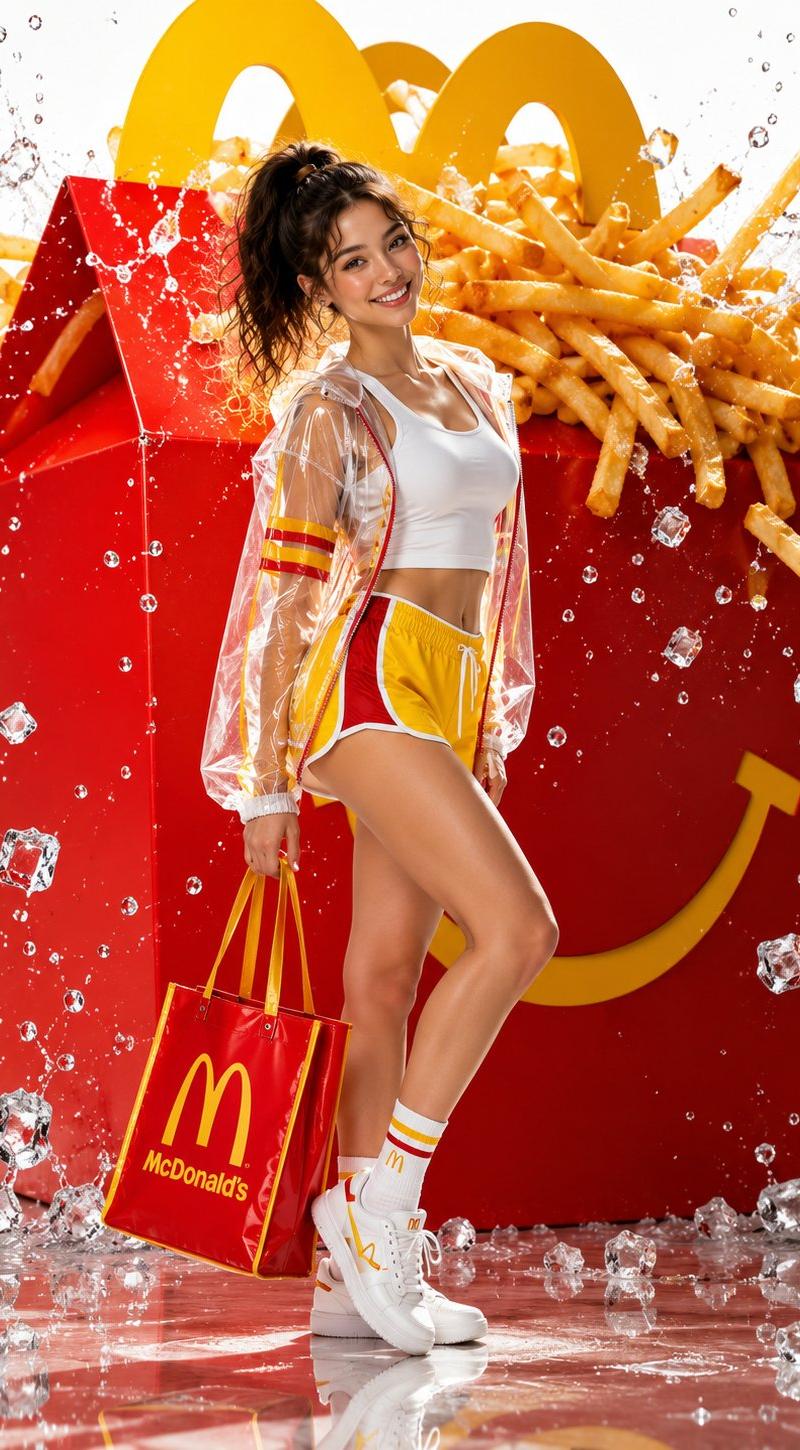
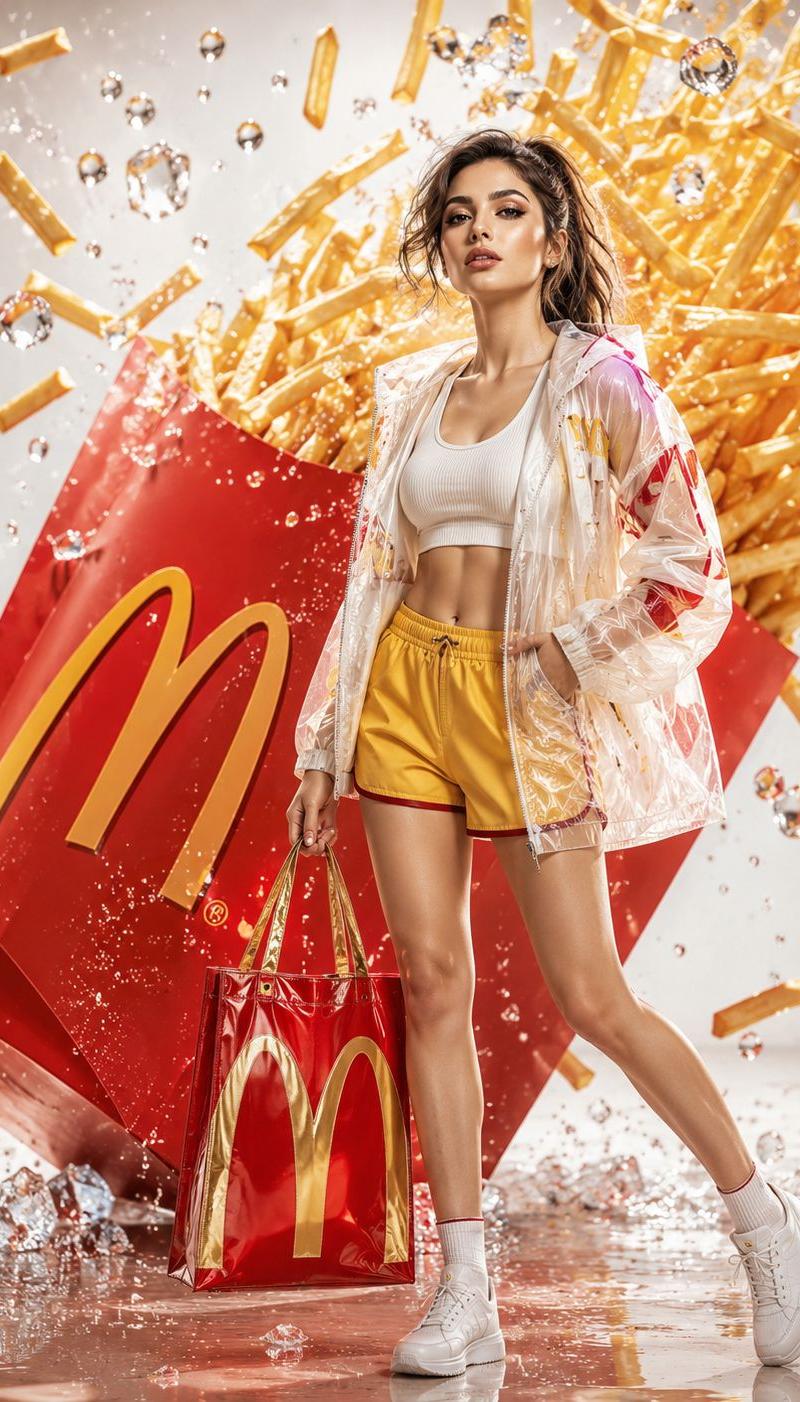
"young western woman with long blonde hair sitting playfully inside a giant red french fry carton, surrounded by oversized golden-brown fries, some fries floating in the air, she is wearing a textured red sweater and beige trousers with yellow sneakers, cheerful expression, bright yellow studio background, surreal commercial photography style, high saturation, sharp focus, clean composition, 8k resolution, professional lighting", "negative_prompt": "low quality, blurry, distorted face, bad anatomy, extra limbs, dull colors, messy background, text, watermark, grainy, realistic size fries", "aspect_ratio": "3:4", "style": "surreal commercial photography", "lighting": "vibrant studio lighting with soft shadows", "camera": "eye-level medium shot, 50mm lens", "quality_tags": "masterpiece, ultra-detailed, high-end commercial aesthetic"
Category
Charts & Infographics
Model
Nano banana pro
Creator
@SindhuK66662473
Source language
zh-CN
Views15
Source ID
8213
Published
Mar 22, 2026
Studio

Guide

About "坐拥巨型薯条盒的俏皮金发女郎"

What is this prompt for?

"坐拥巨型薯条盒的俏皮金发女郎" AI image prompt for Nano banana pro (Charts & Infographics). “一位年轻的西方女性,留着金色长发,俏皮地坐在一个巨大的红色薯条盒里,周围是超大的金黄色薯条,一些薯条漂浮在空中,她穿着一件质地考究的red毛衣和米色长裤,配黄色…

The full copyable prompt and example visuals above are ready for AI image generation or one-click recreate in Picva.

How to use this prompt

  1. Step 1

    Open the prompt detail

    Review the example visuals, category, and full prompt text for "坐拥巨型薯条盒的俏皮金发女郎".

  2. Step 2

    Copy the prompt

    Copy the prompt body from this page, or load it directly in Studio.

  3. Step 3

    Pick a model (Nano banana pro)

    Prefer Nano banana pro. If you switch models, keep subject and composition and tweak style terms.

  4. Step 4

    Generate and export

    Recreate the look in Picva, or export into your workflow for editing and publishing.

FAQ

What is the "坐拥巨型薯条盒的俏皮金发女郎" prompt?
It is an AI image-generation prompt for Nano banana pro in the Charts & Infographics category. This page includes the full prompt text, example visuals, and a one-click recreate path in Picva.
How do I use this prompt to generate an image?
Copy the prompt from this page, or use Generate / Studio. Paste it into a compatible image model, or recreate the look in Picva with optional reference images.
Which model is this prompt for?
This page lists Nano banana pro. Most descriptive prompts also transfer to nearby image models such as GPT Image, Flux, or Midjourney with light style tweaks.
Can I use the result commercially?
You can usually copy the prompt for creation, but commercial use of the final image depends on the model terms, reference-image rights, and the generated content. Follow the source author and platform rules.