19

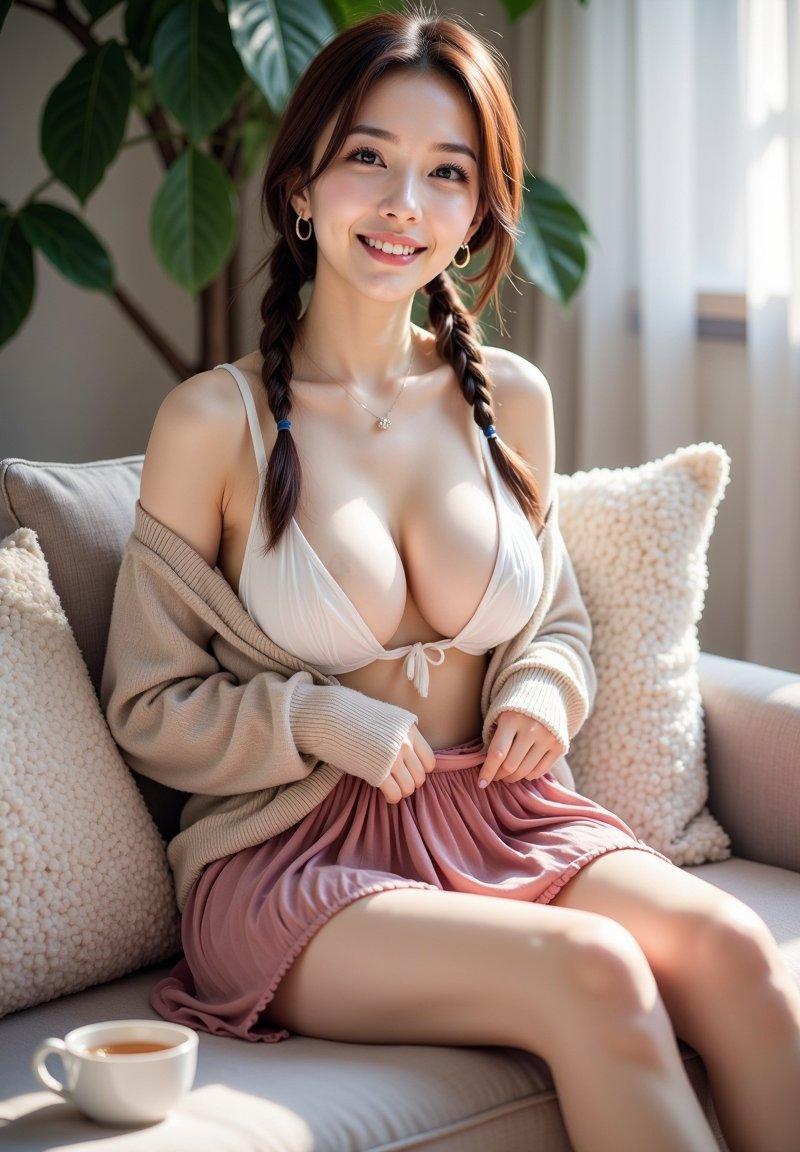
沙发上的娇俏少女粉色百褶裙与露肩毛衣
Enlarge

Example images

沙发上的娇俏少女粉色百褶裙与露肩毛衣

Prompt
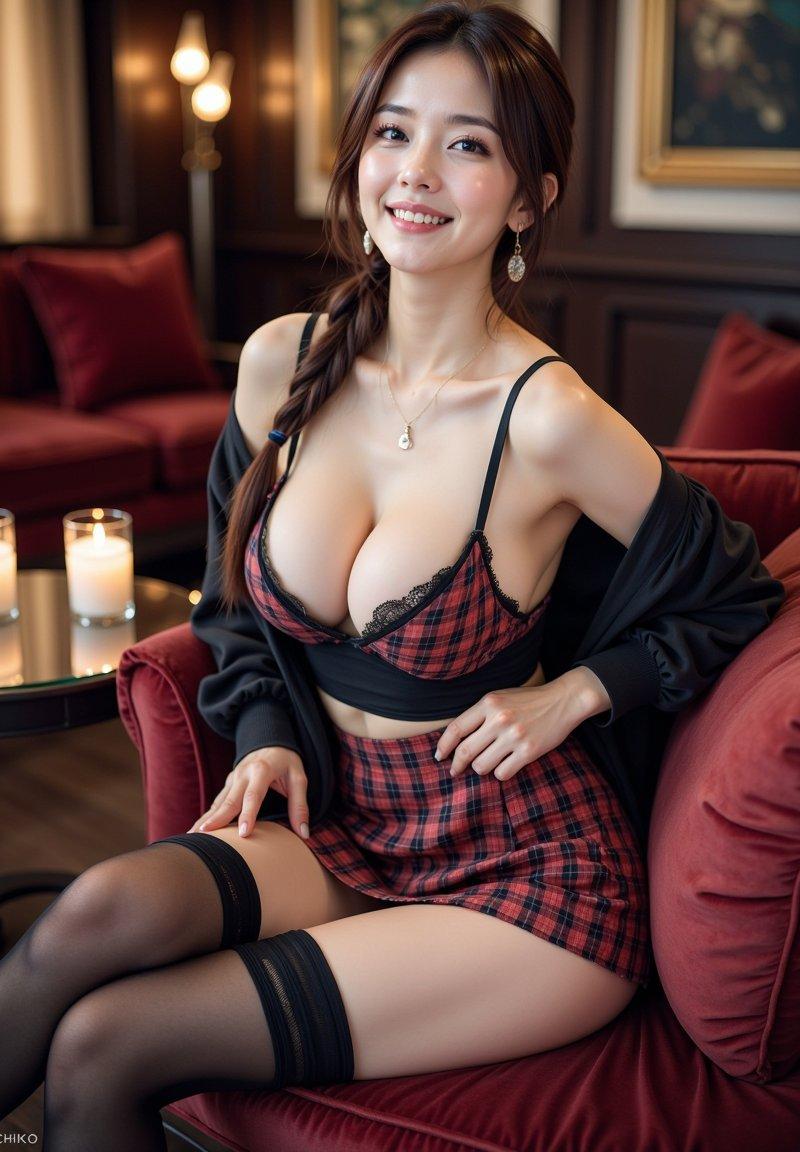
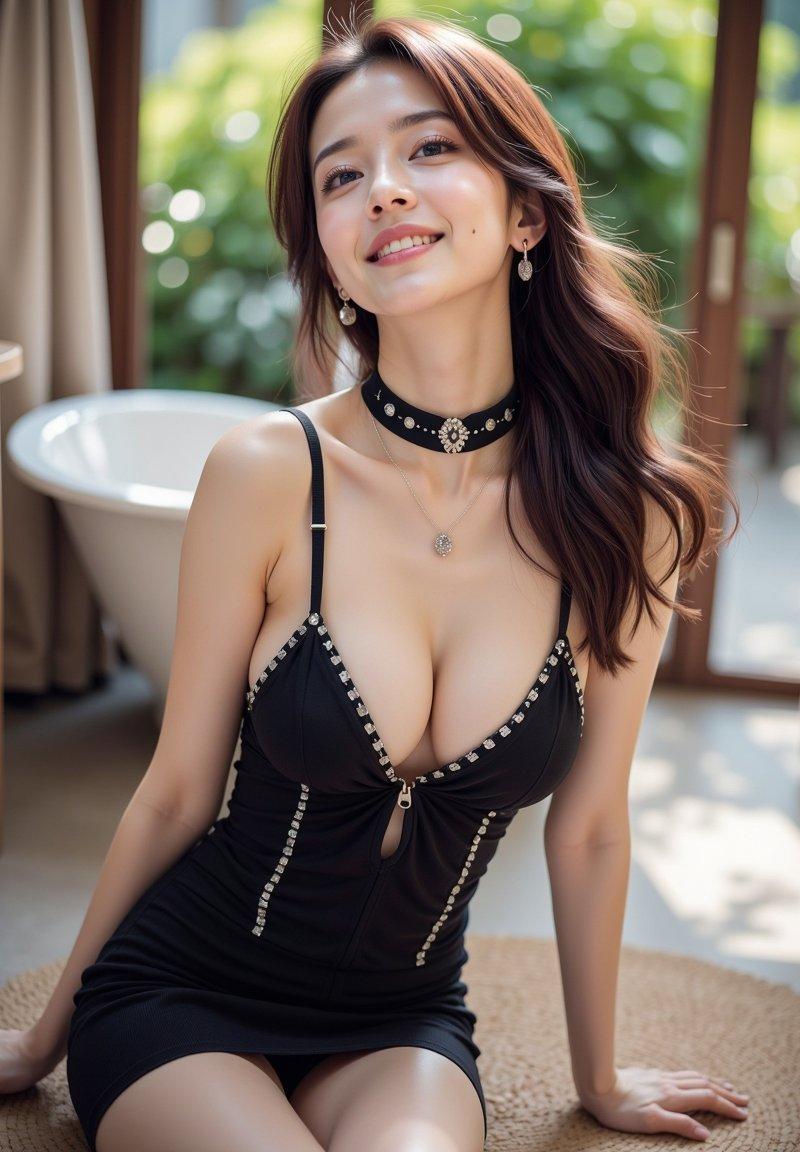
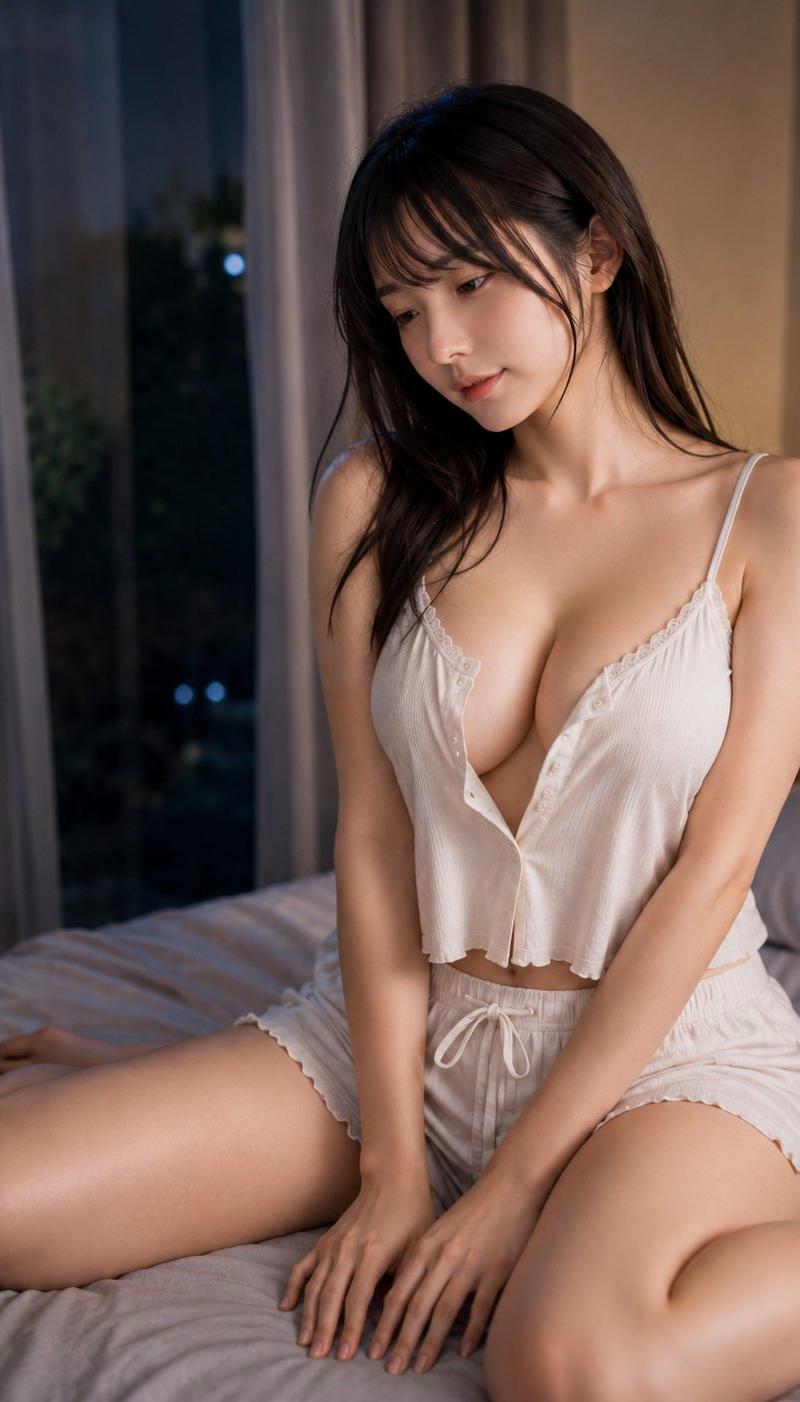
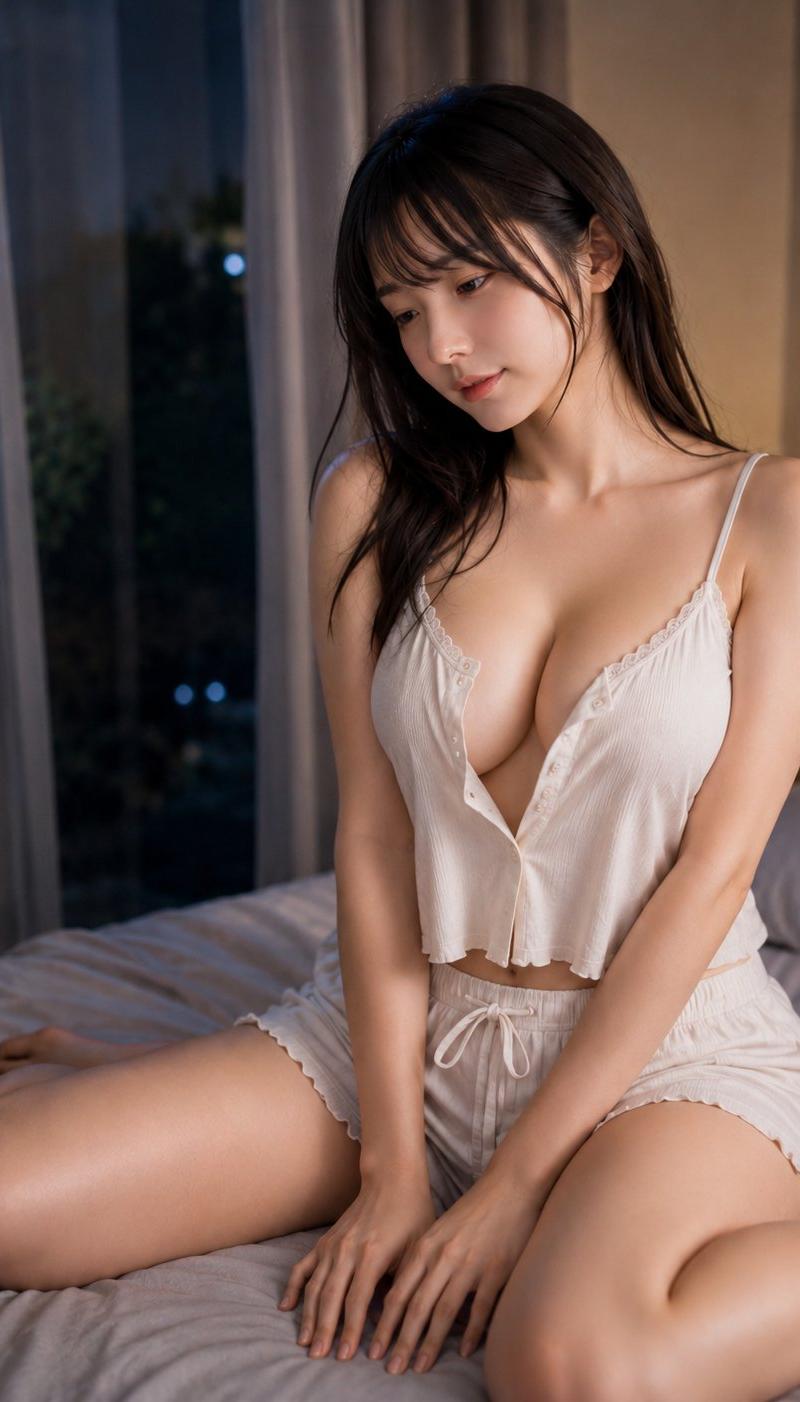
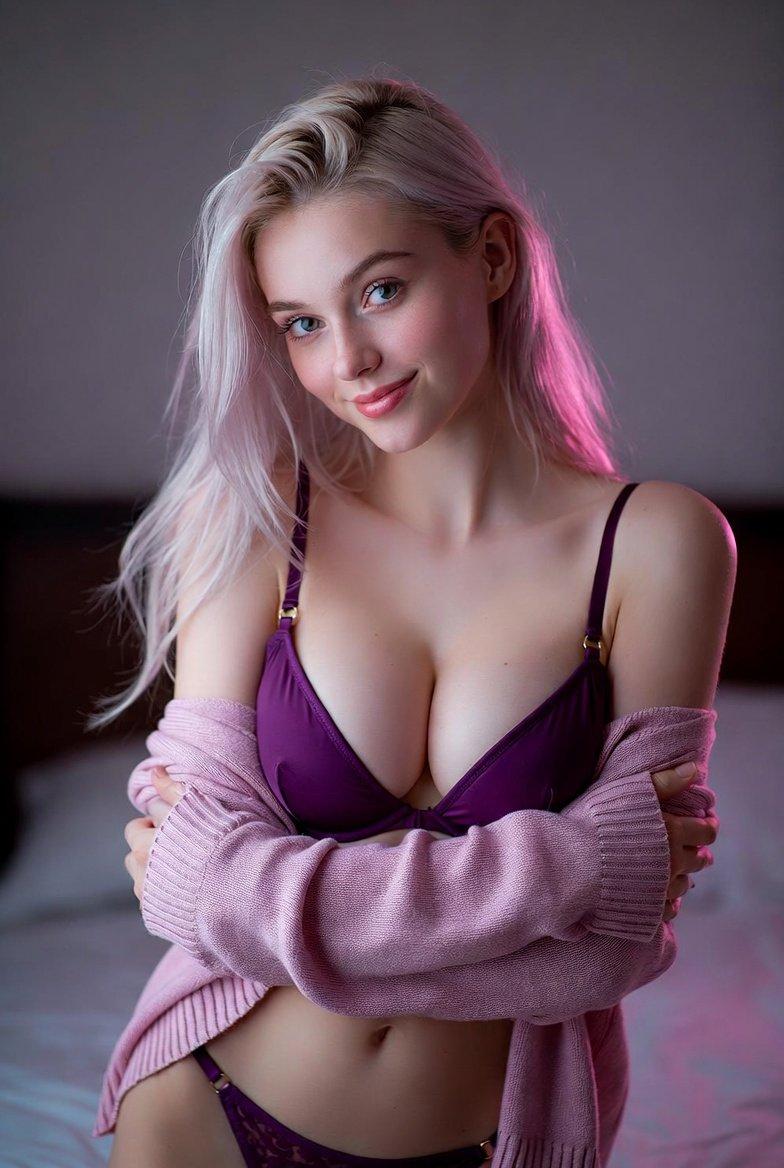
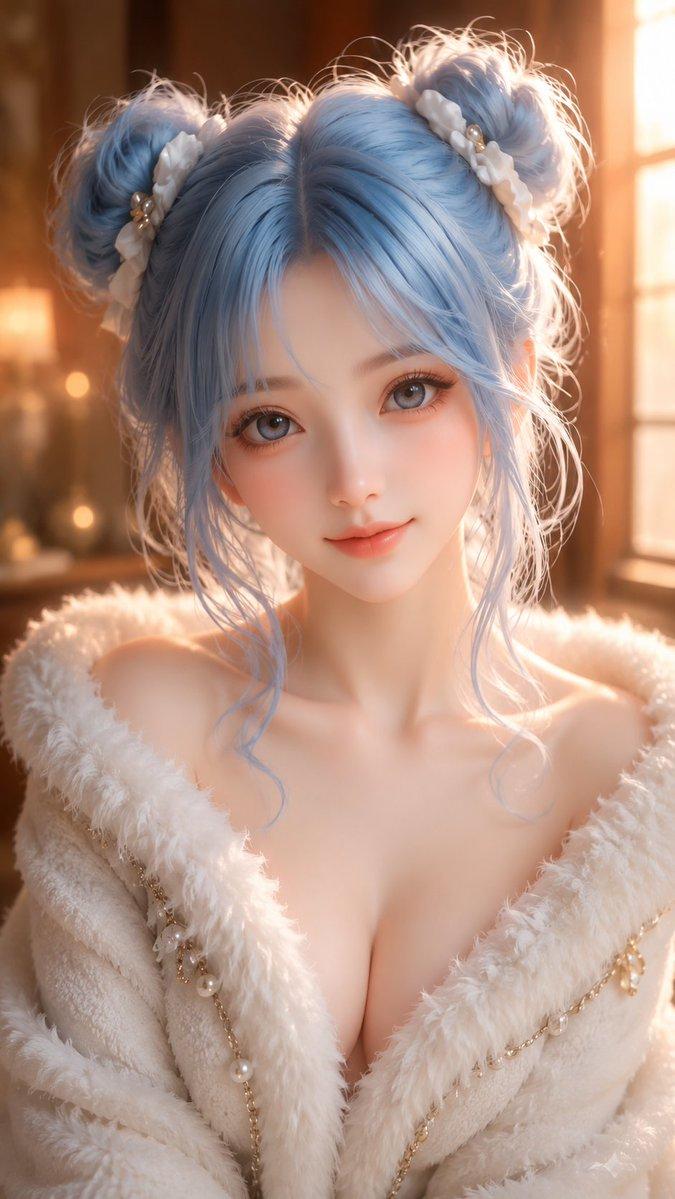
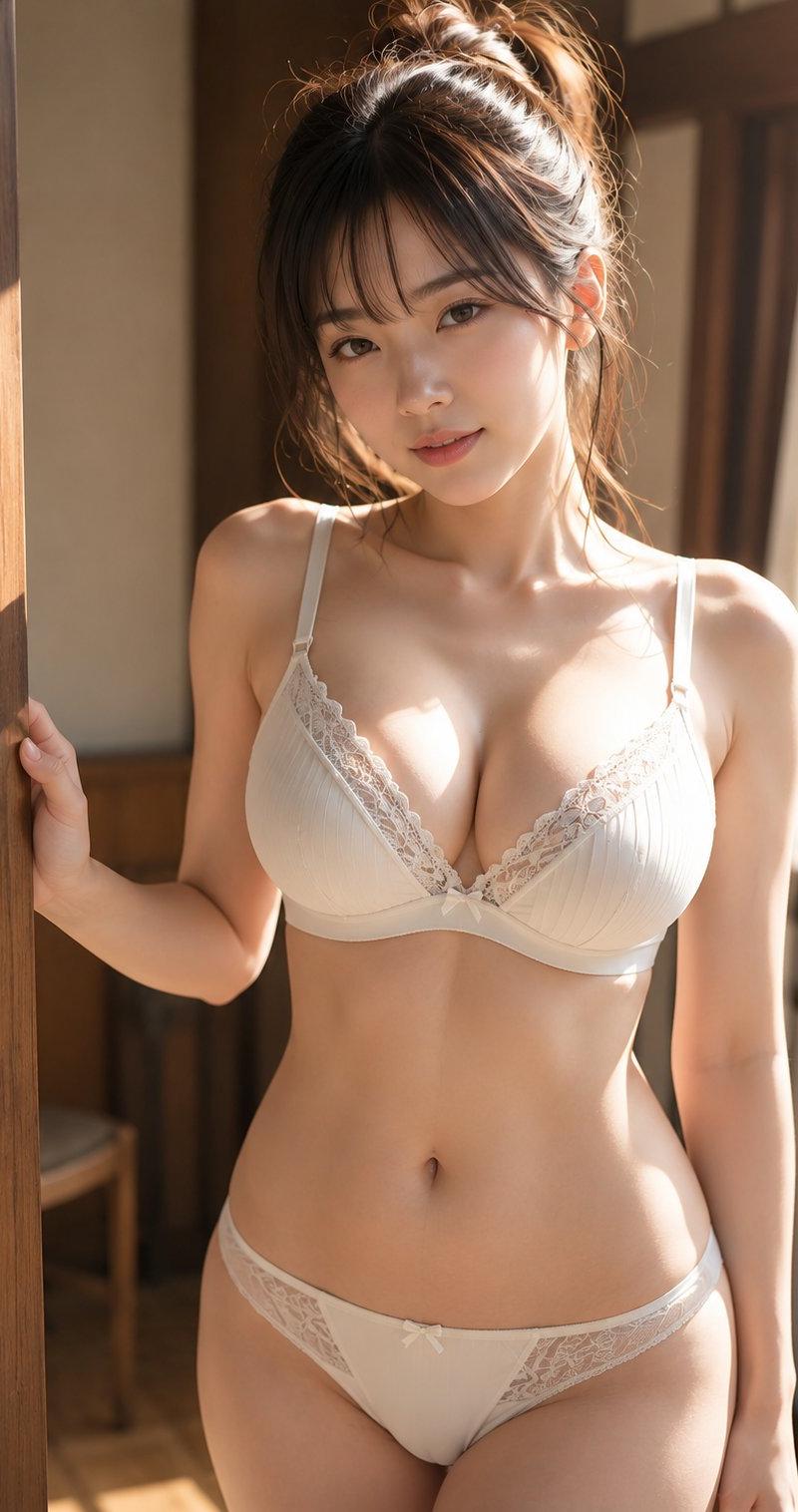
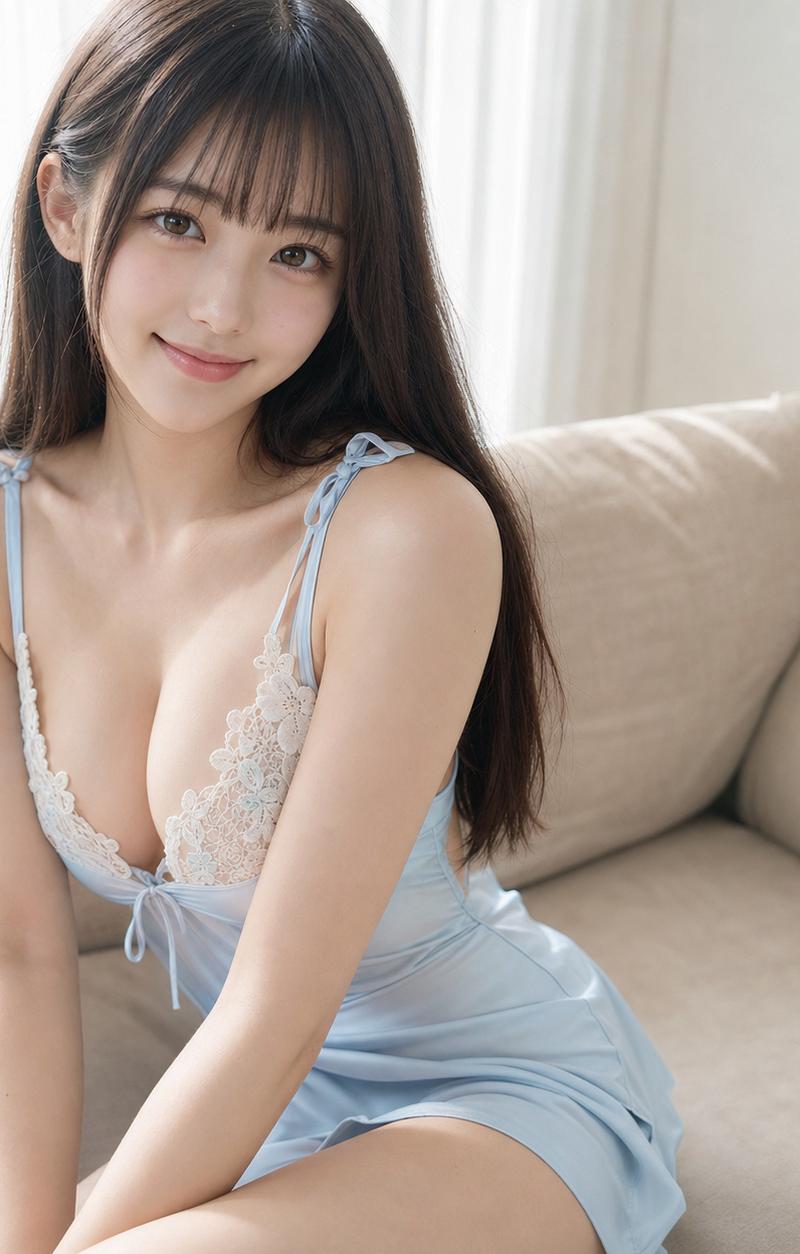
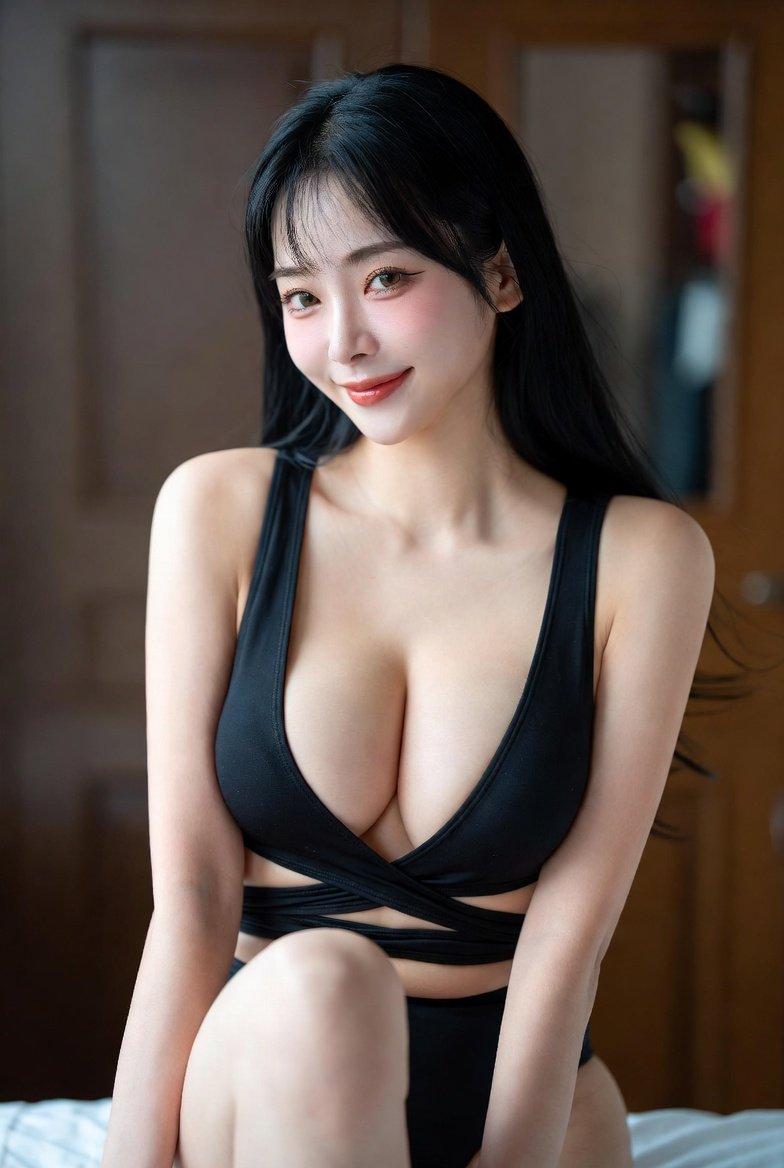
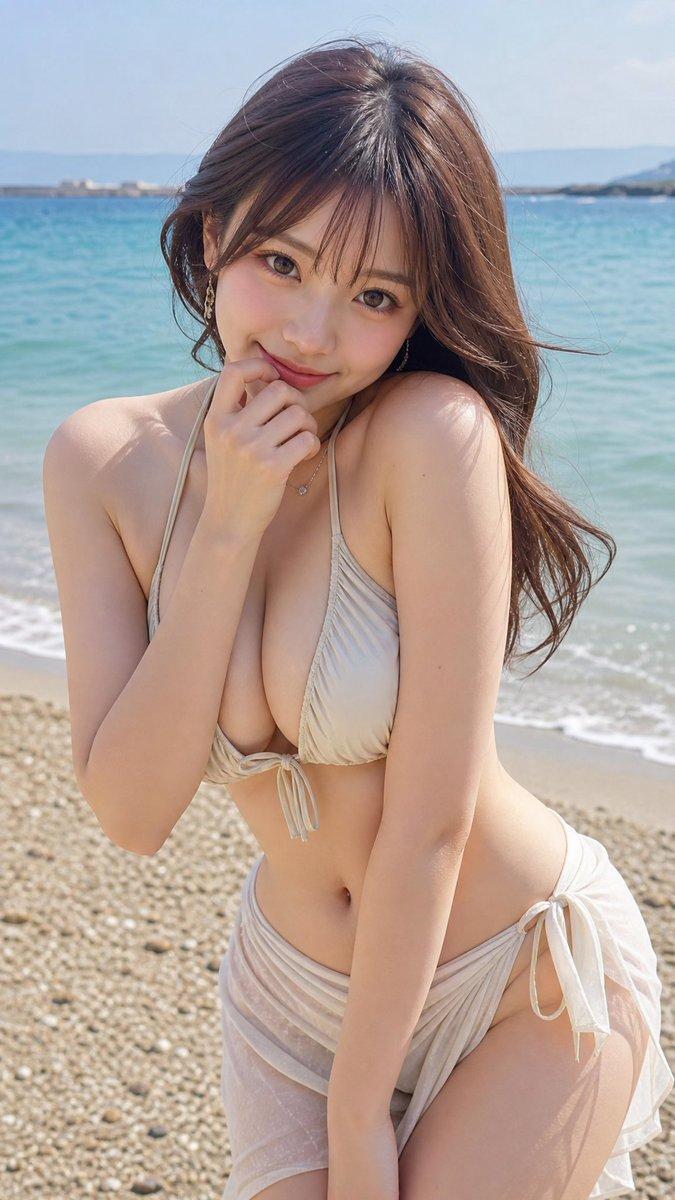
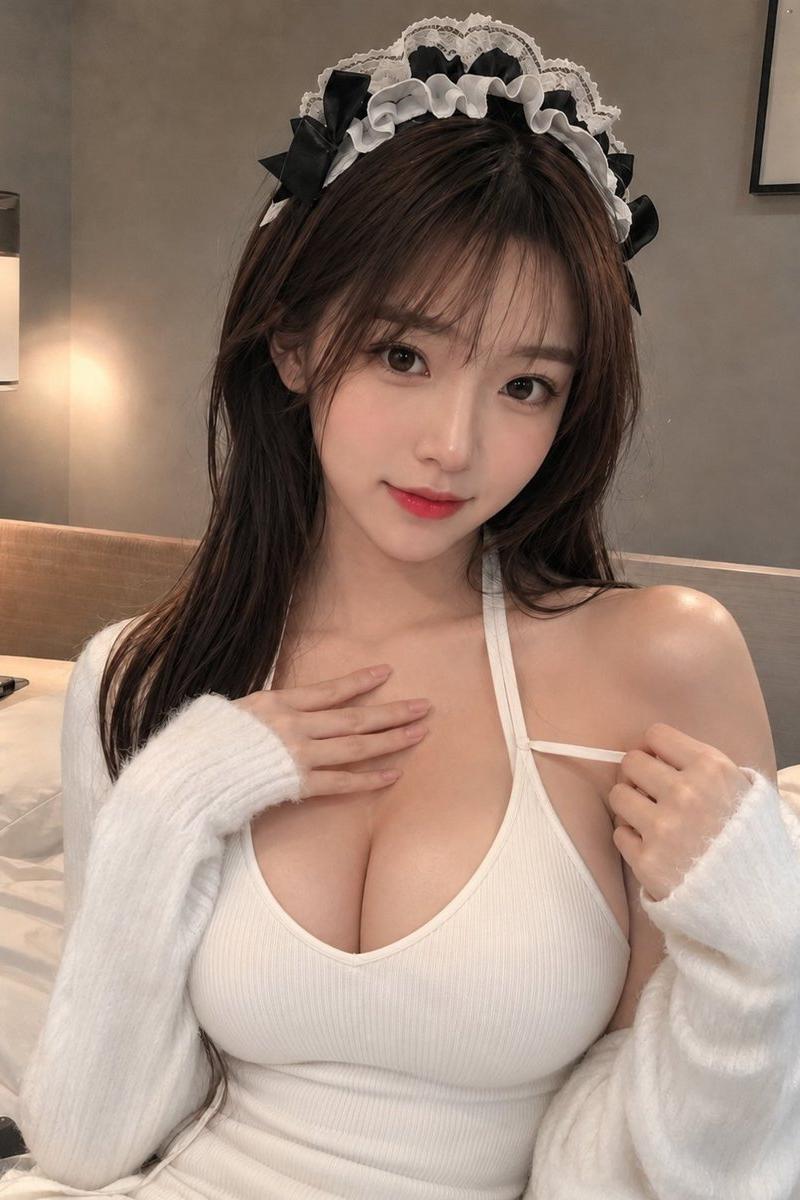
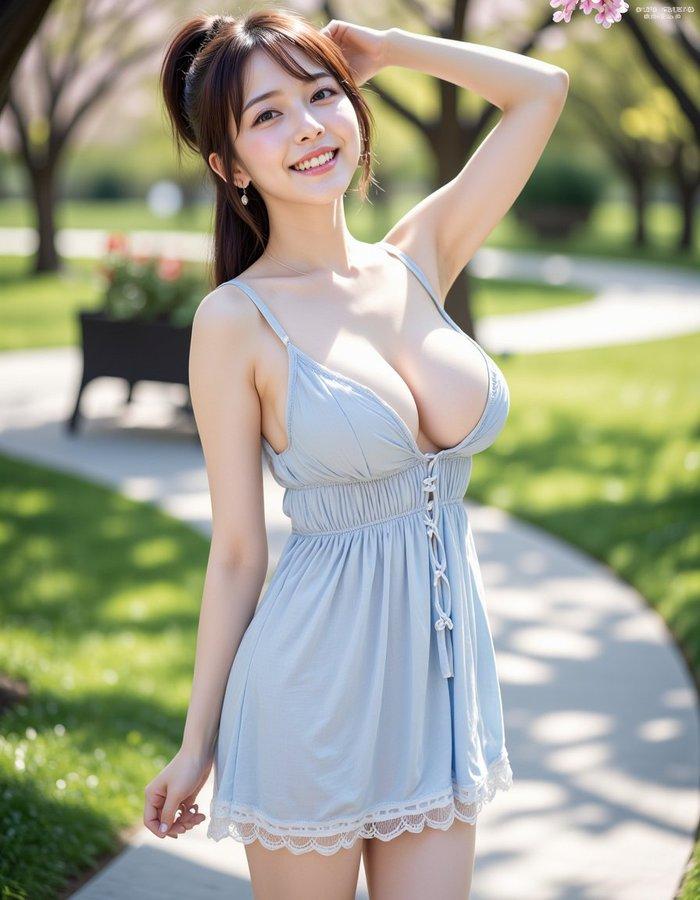
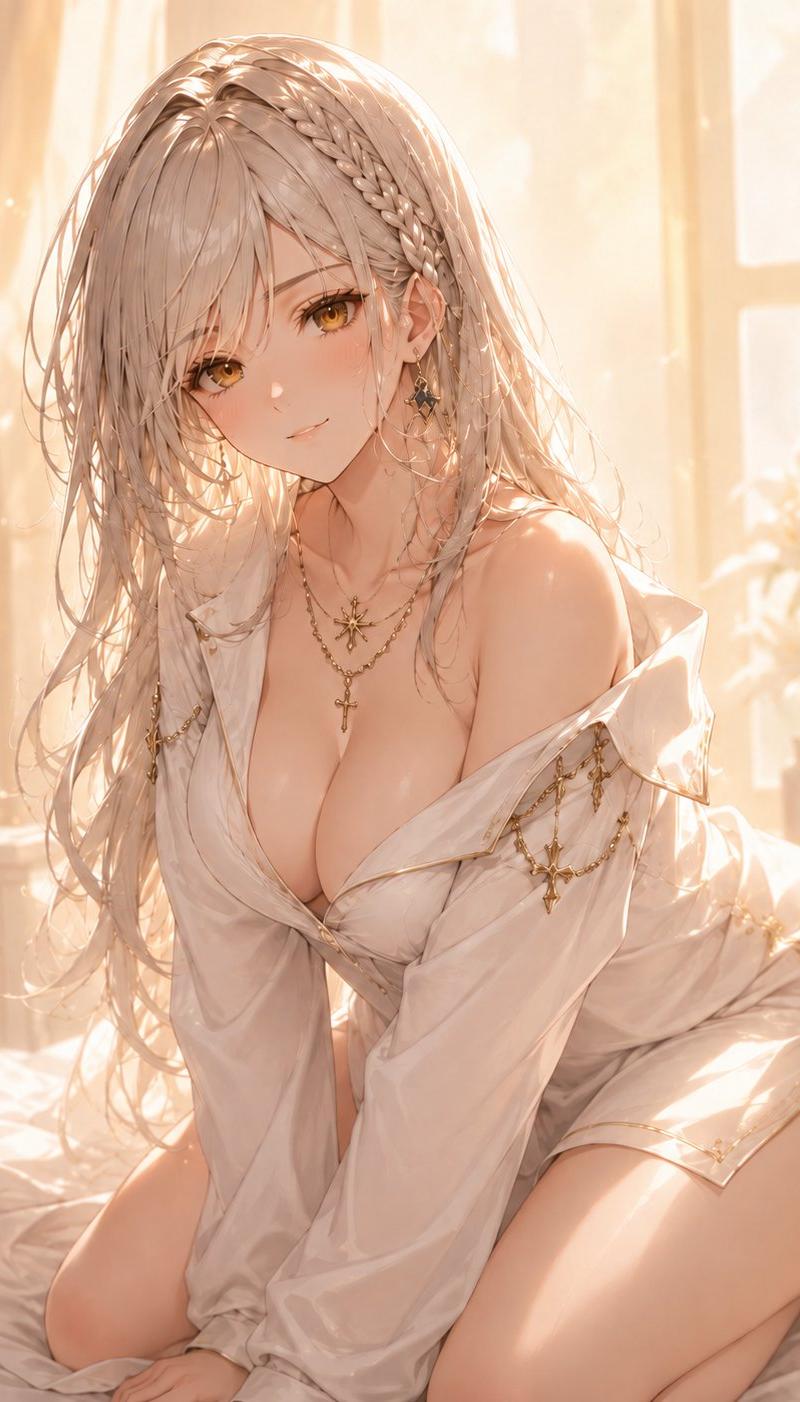
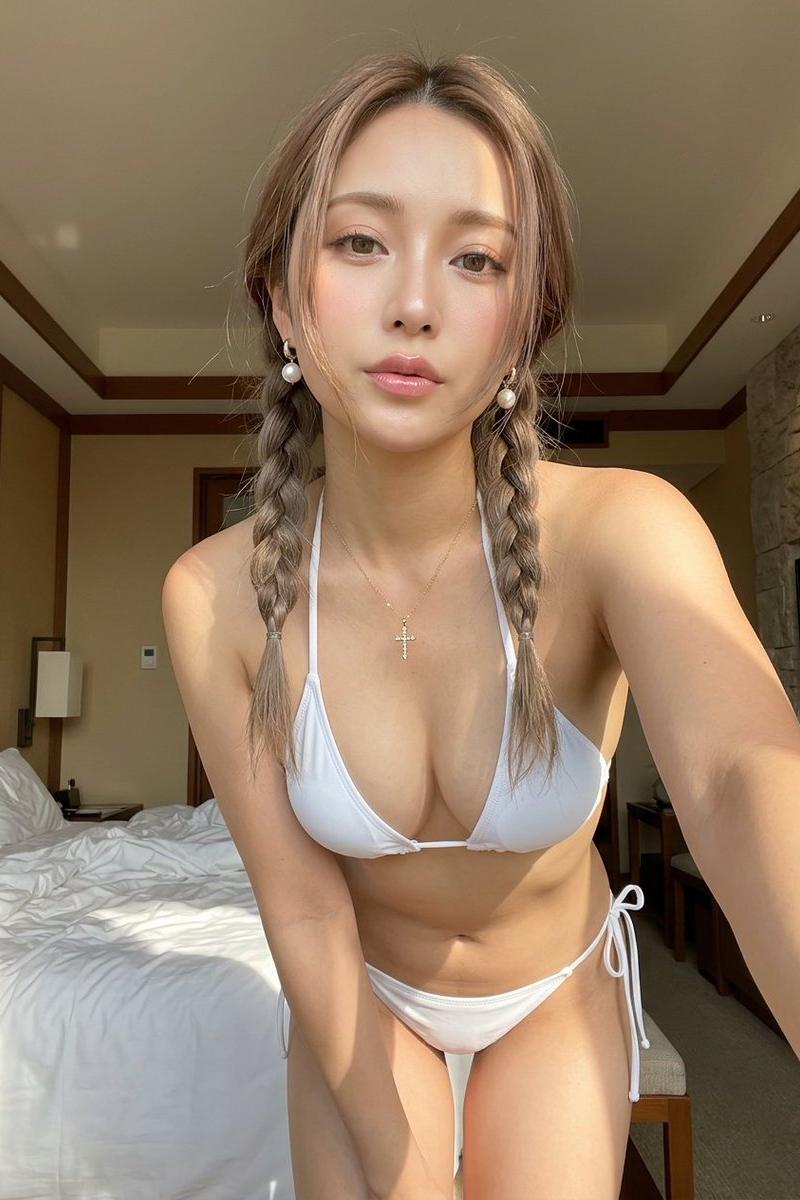
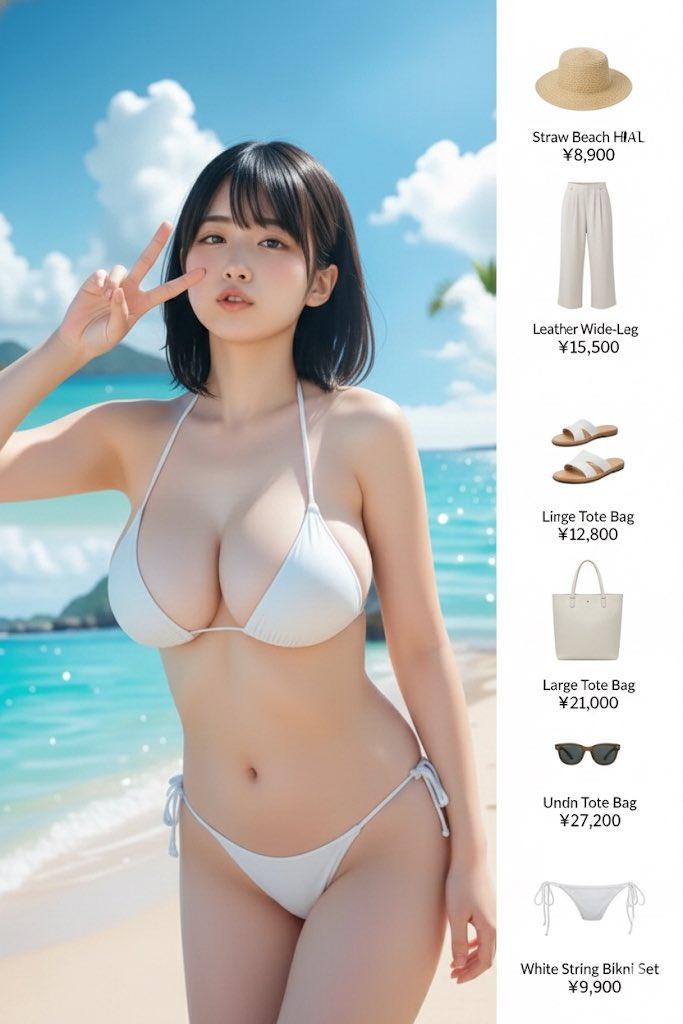
A stunningly playful woman sitting on a plush couch, her **knees drawn up to her chest, arms wrapped around them, causing the hem of her flirty pink pleated mini skirt to rise dangerously high**. She pairs the look with an **oversized off-shoulder knit sweater, casually slipping off one shoulder, revealing her smooth, bare skin**.,The **camera angle is positioned slightly above, focusing on the way her fingers clutch the edge of her skirt, trying to hold it down, while her thigh-high socks hug her legs perfectly, emphasizing the irresistible absolute territory effect**. Her cheeks are slightly flushed as she glances toward the camera, biting her lower lip softly.,The background features **a cozy, softly lit apartment with fluffy blankets, decorative pillows, and a warm cup of tea resting on the coffee table, creating a relaxed yet incredibly inviting atmosphere
Category
Charts & Infographics
Model
ChatGPT
Creator
@eiai_picfactory
Source language
zh-CN
Views206
Source ID
15612
Published
Jun 7, 2026
Studio

Guide

About "沙发上的娇俏少女粉色百褶裙与露肩毛衣"

What is this prompt for?

"沙发上的娇俏少女粉色百褶裙与露肩毛衣" AI image prompt for ChatGPT (Charts & Infographics). 一个惊艳而俏皮的女人坐在豪华的长沙发上,她的双膝贴在胸前,手臂环抱着双腿,使得她那件调皮的粉色百褶短裙的裙摆危险地滑高。她搭配了一件大号的露肩针织毛衣,毛衣从一侧肩膀随意…

The full copyable prompt and example visuals above are ready for AI image generation or one-click recreate in Picva.

How to use this prompt

  1. Step 1

    Open the prompt detail

    Review the example visuals, category, and full prompt text for "沙发上的娇俏少女粉色百褶裙与露肩毛衣".

  2. Step 2

    Copy the prompt

    Copy the prompt body from this page, or load it directly in Studio.

  3. Step 3

    Pick a model (ChatGPT)

    Prefer ChatGPT. If you switch models, keep subject and composition and tweak style terms.

  4. Step 4

    Generate and export

    Recreate the look in Picva, or export into your workflow for editing and publishing.

FAQ

What is the "沙发上的娇俏少女粉色百褶裙与露肩毛衣" prompt?
It is an AI image-generation prompt for ChatGPT in the Charts & Infographics category. This page includes the full prompt text, example visuals, and a one-click recreate path in Picva.
How do I use this prompt to generate an image?
Copy the prompt from this page, or use Generate / Studio. Paste it into a compatible image model, or recreate the look in Picva with optional reference images.
Which model is this prompt for?
This page lists ChatGPT. Most descriptive prompts also transfer to nearby image models such as GPT Image, Flux, or Midjourney with light style tweaks.
Can I use the result commercially?
You can usually copy the prompt for creation, but commercial use of the final image depends on the model terms, reference-image rights, and the generated content. Follow the source author and platform rules.