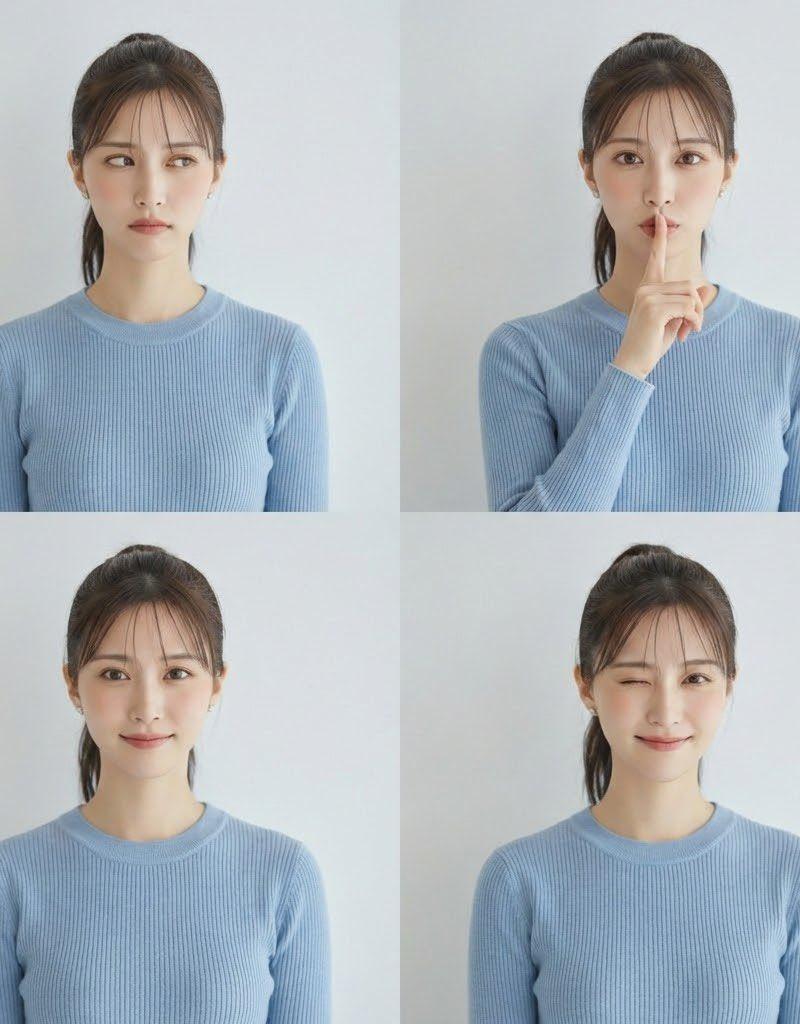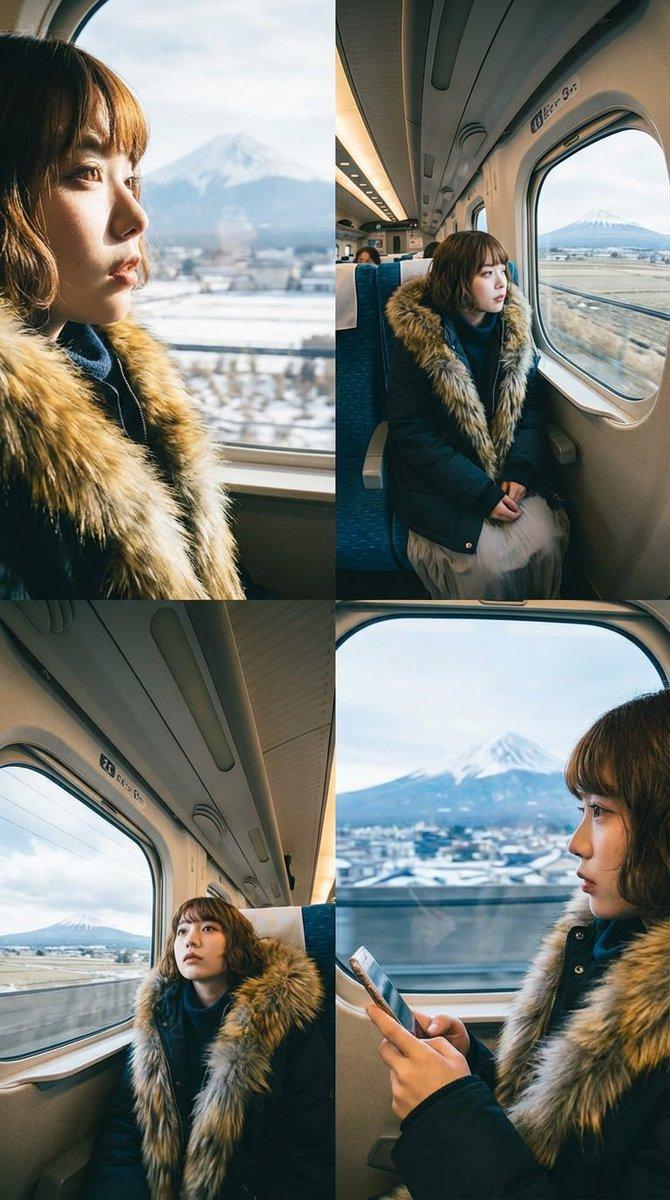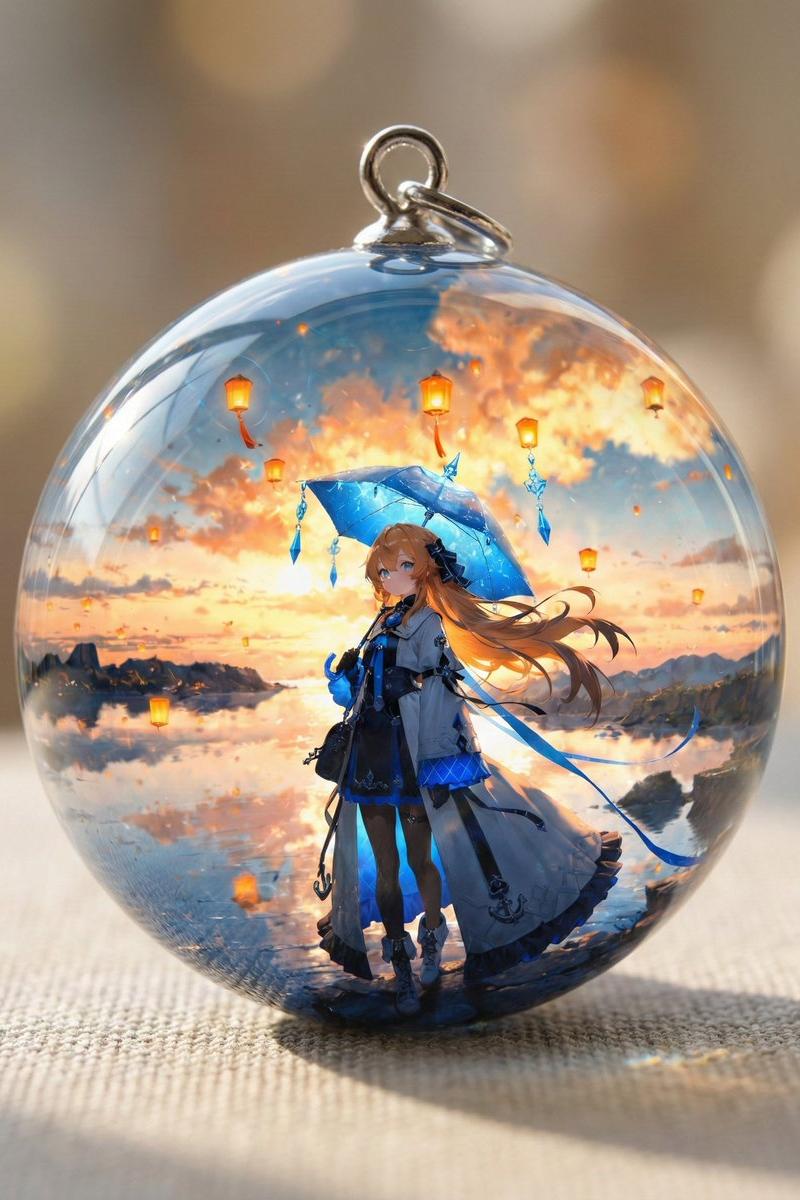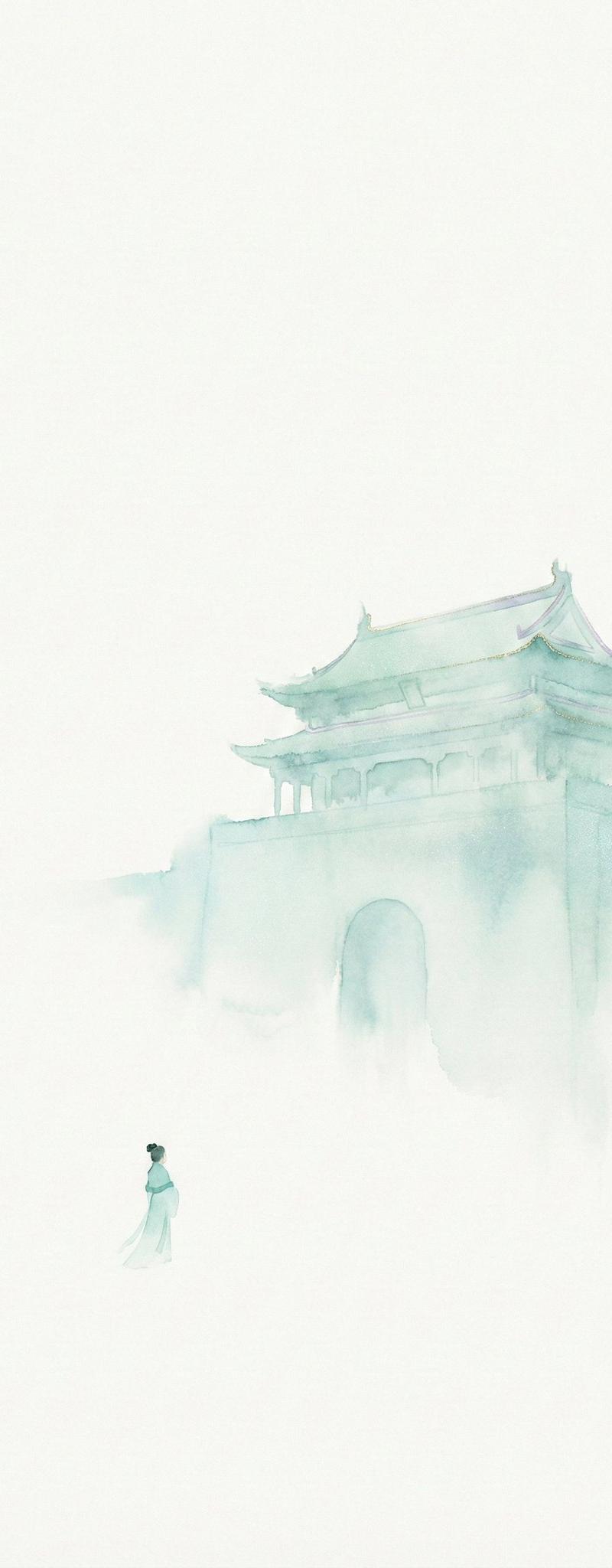
20

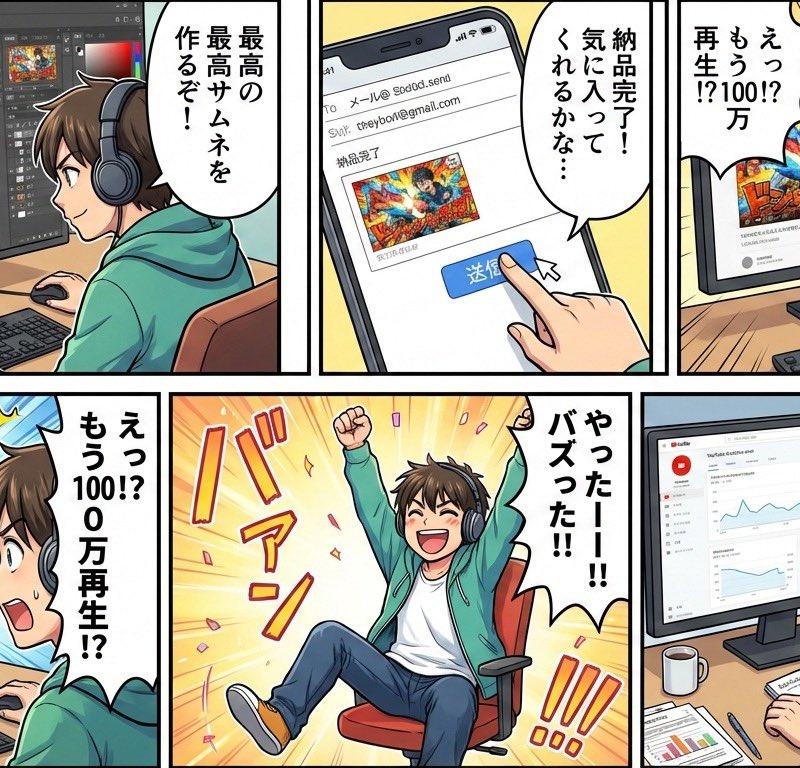
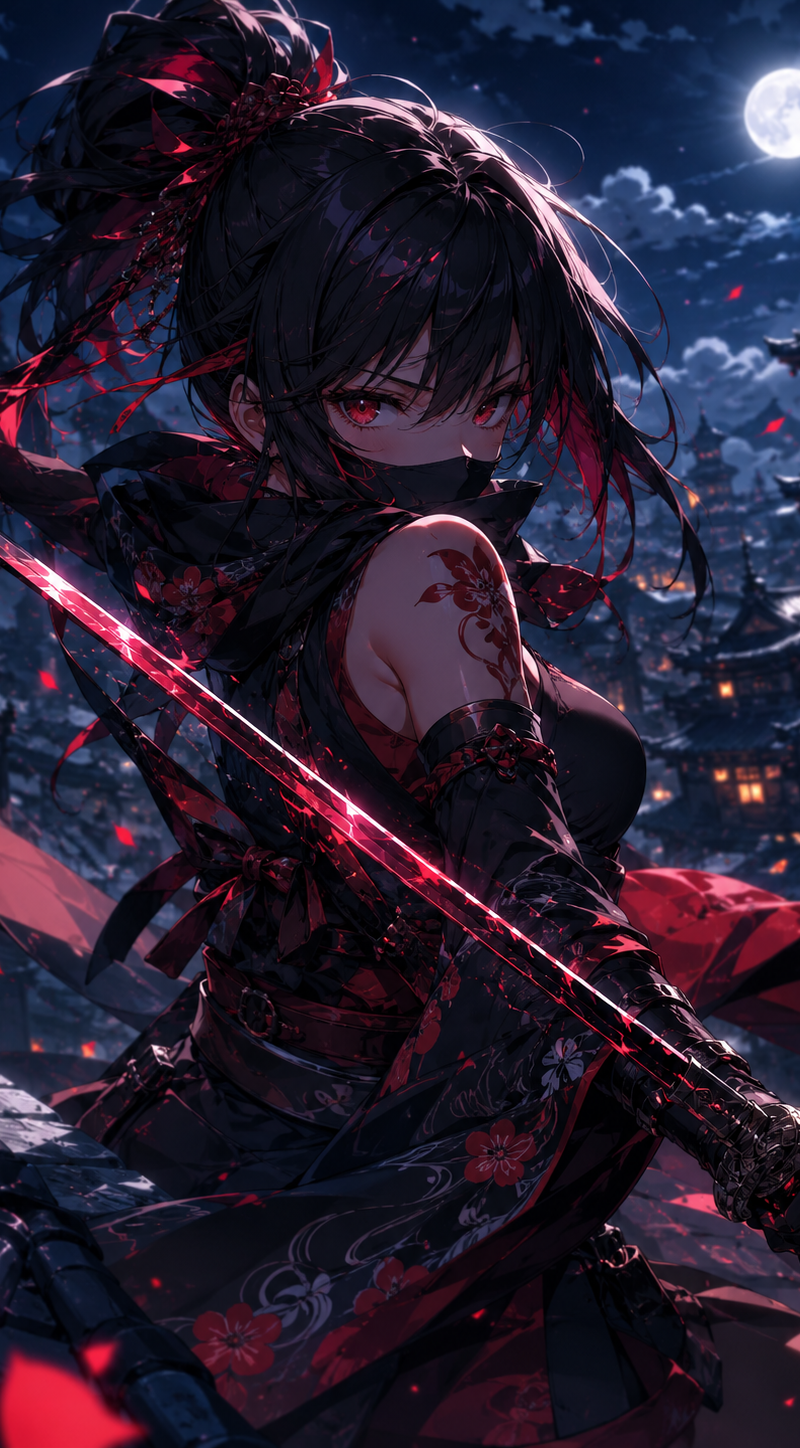
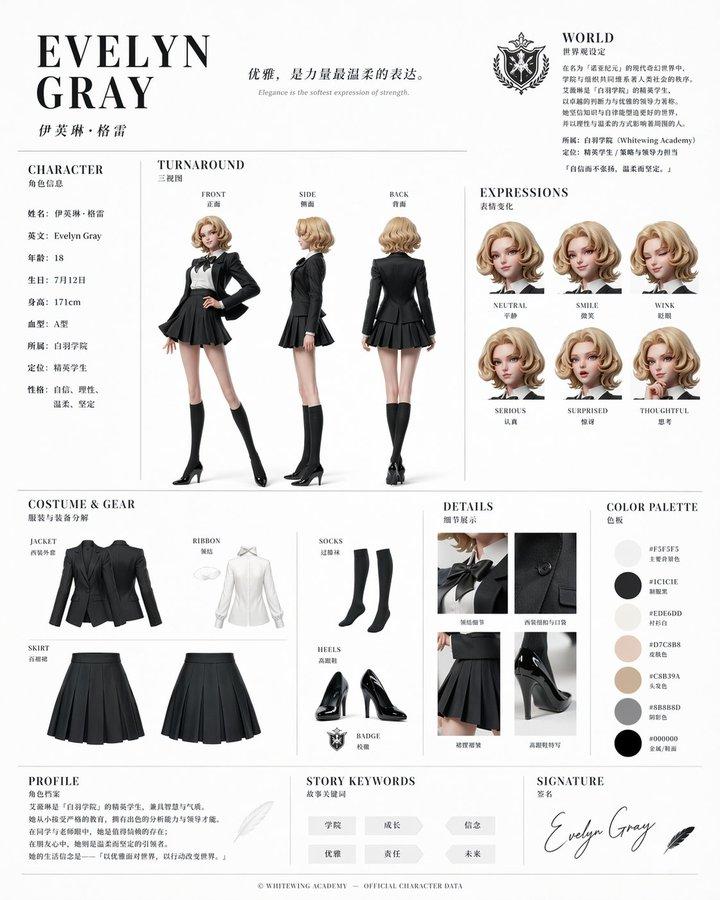
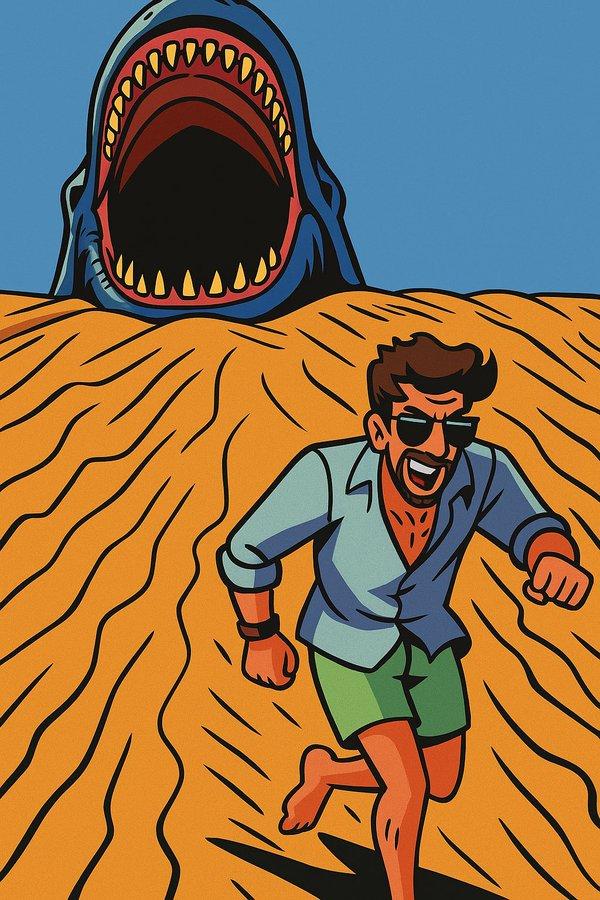
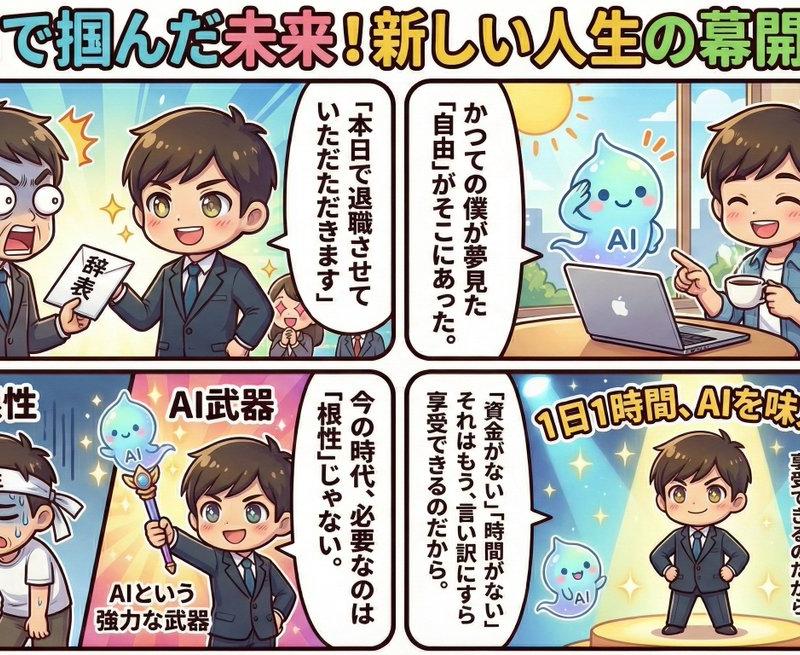
波普可爱风社畜逆袭四格漫画
Enlarge

Example images

波普可爱风社畜逆袭四格漫画

Prompt
Story Creation Prompt ①↓↓ (Gemini 3 “Thought Mode” only, nanobabananapro unnecessary) “Write a story about a busy salaryman who starts a side job for one hour a day and earns 1 million yen a month to quit his corporate job in about 1000 characters.” That’s all. Change the text to your preferred story. Prompt ②↓↓ (Gemini 3 “Thought Mode” + nanobabananapro) “Please create a rich-looking four-panel manga using the following text. The design tone and manner should be pop, cute art style, characters, and panel layout” →Paste the story created by Prompt ① here← *If you want to divide it into four separate 4-panel comics like this post, divide the story into four parts and submit each one to Gemini 3 + nanobabananapro using Prompt ② four times.
Category
Characters & People
Model
Nano banana pro
Creator
@akihitomamiya
Source language
zh-CN
Views0
Source ID
7737
Published
Mar 21, 2026
Studio

Guide

About "波普可爱风社畜逆袭四格漫画"

What is this prompt for?

"波普可爱风社畜逆袭四格漫画" AI image prompt for Nano banana pro (Characters & People). 故事创作提示 ①↓↓ (仅限 Gemini 3 “思维模式”,无需 nanobabananapro) “写一个关于 一个忙碌的上班族,每天兼职一小时,每月赚取 100…

The full copyable prompt and example visuals above are ready for AI image generation or one-click recreate in Picva.

How to use this prompt

  1. Step 1

    Open the prompt detail

    Review the example visuals, category, and full prompt text for "波普可爱风社畜逆袭四格漫画".

  2. Step 2

    Copy the prompt

    Copy the prompt body from this page, or load it directly in Studio.

  3. Step 3

    Pick a model (Nano banana pro)

    Prefer Nano banana pro. If you switch models, keep subject and composition and tweak style terms.

  4. Step 4

    Generate and export

    Recreate the look in Picva, or export into your workflow for editing and publishing.

FAQ

What is the "波普可爱风社畜逆袭四格漫画" prompt?
It is an AI image-generation prompt for Nano banana pro in the Characters & People category. This page includes the full prompt text, example visuals, and a one-click recreate path in Picva.
How do I use this prompt to generate an image?
Copy the prompt from this page, or use Generate / Studio. Paste it into a compatible image model, or recreate the look in Picva with optional reference images.
Which model is this prompt for?
This page lists Nano banana pro. Most descriptive prompts also transfer to nearby image models such as GPT Image, Flux, or Midjourney with light style tweaks.
Can I use the result commercially?
You can usually copy the prompt for creation, but commercial use of the final image depends on the model terms, reference-image rights, and the generated content. Follow the source author and platform rules.