16

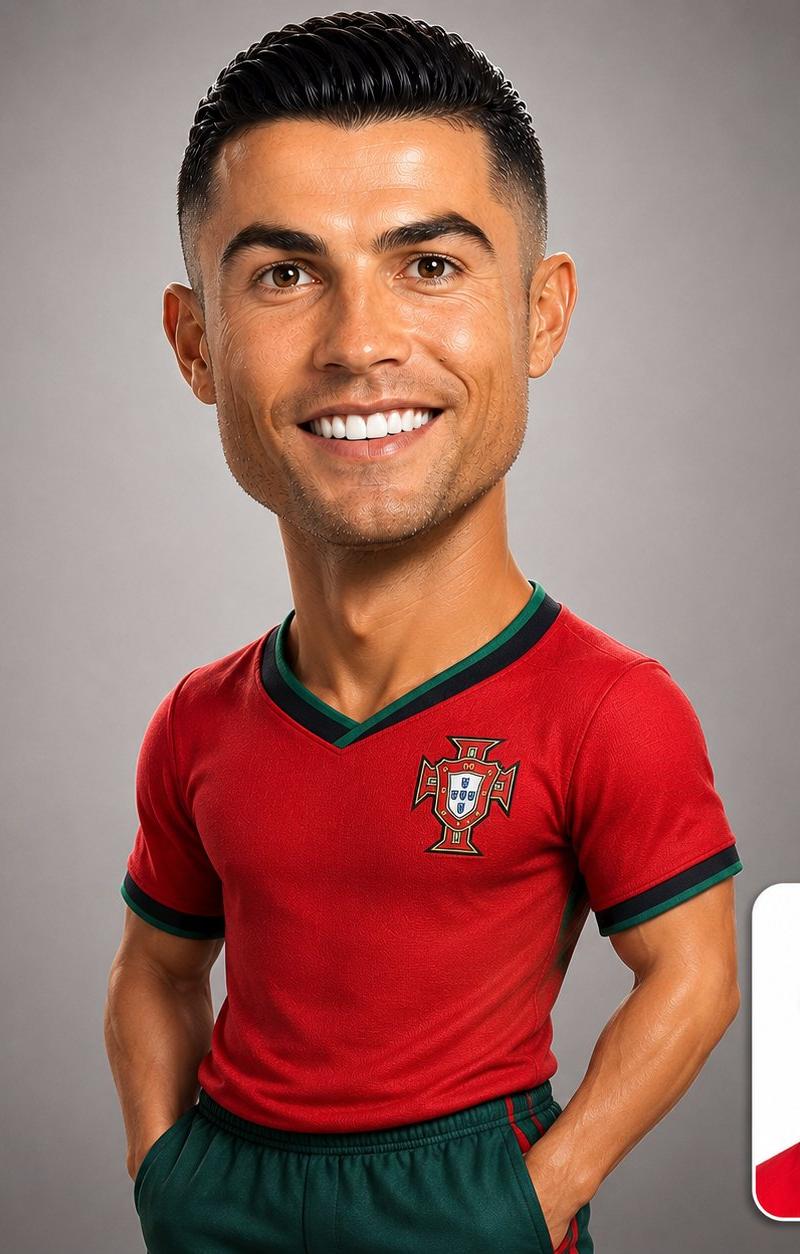
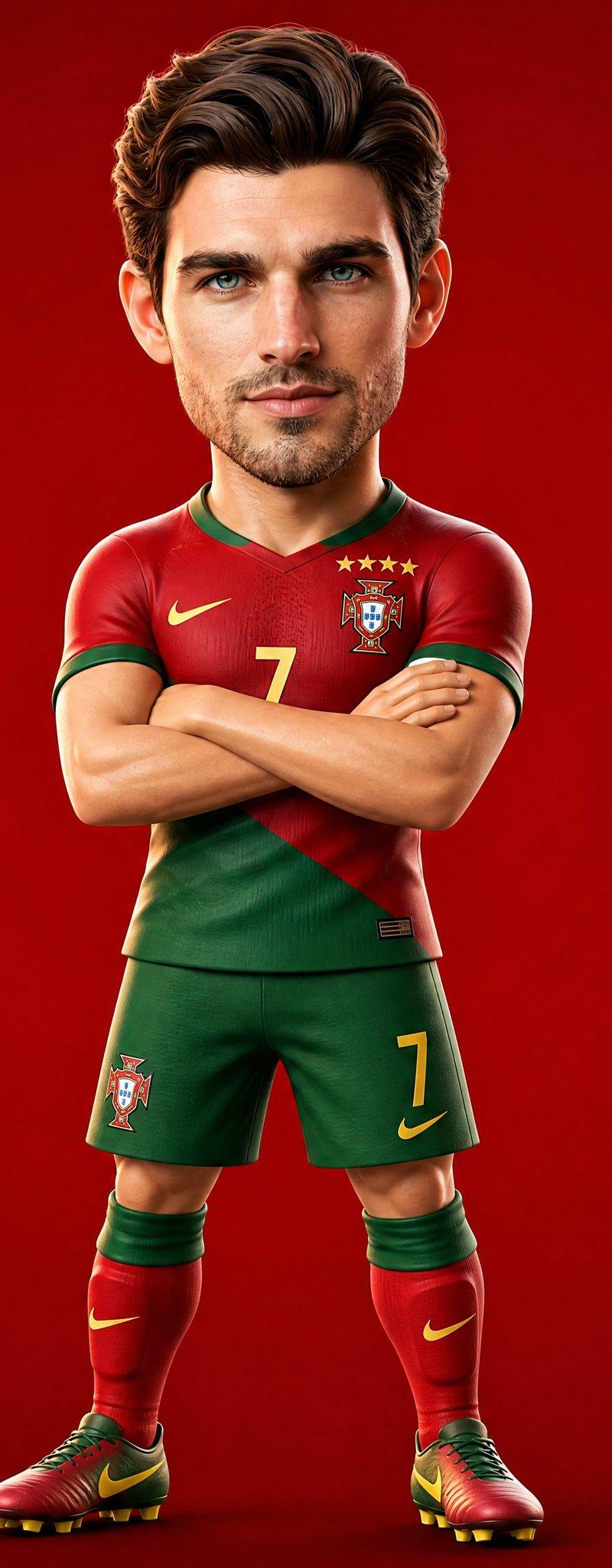
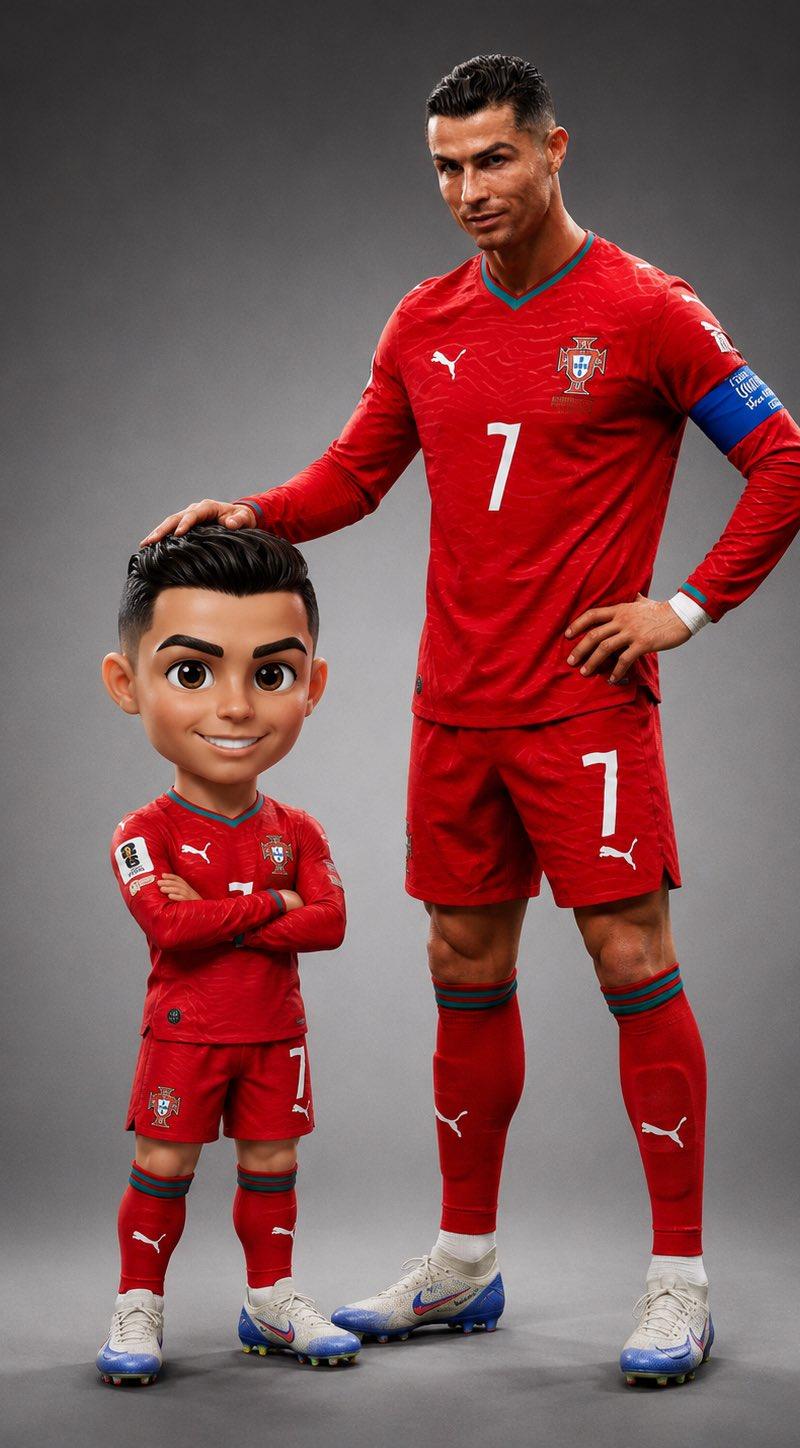
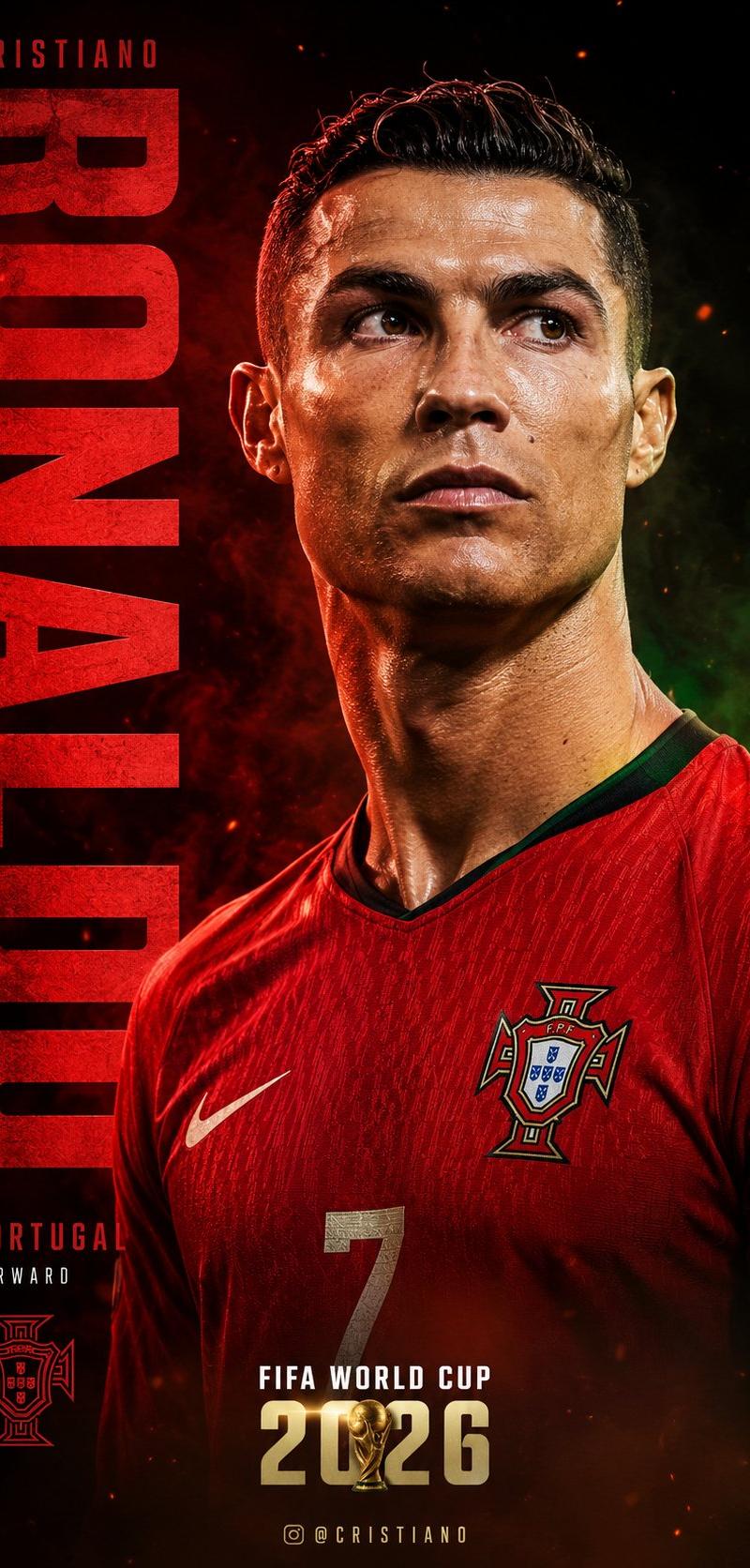
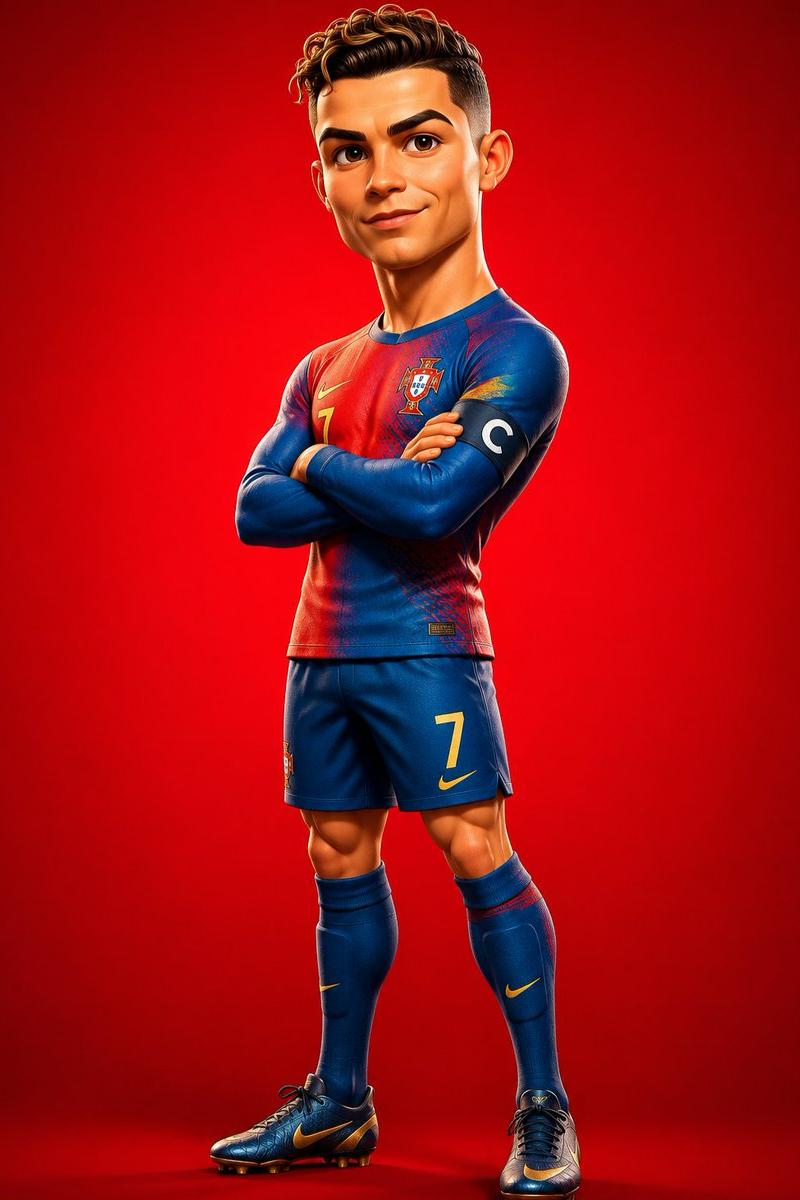
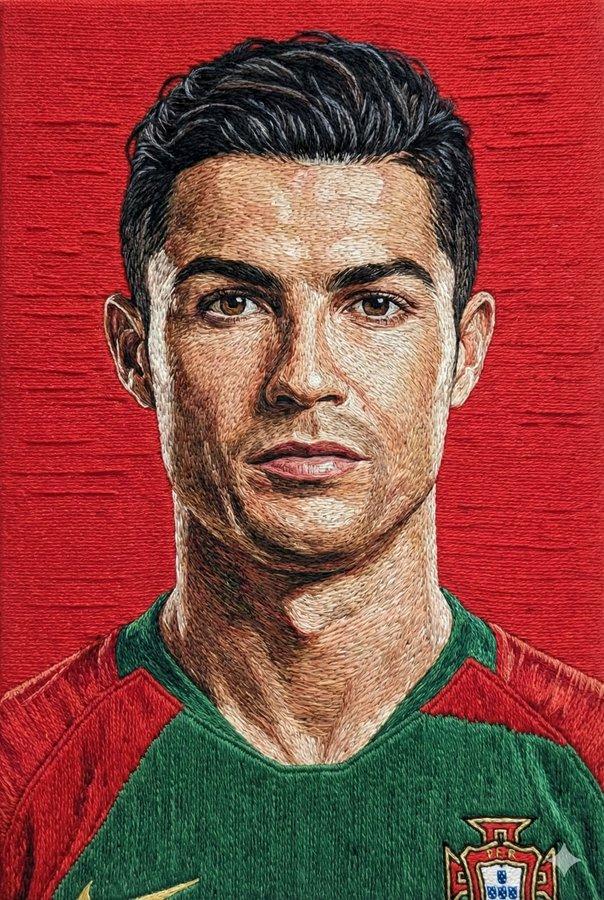
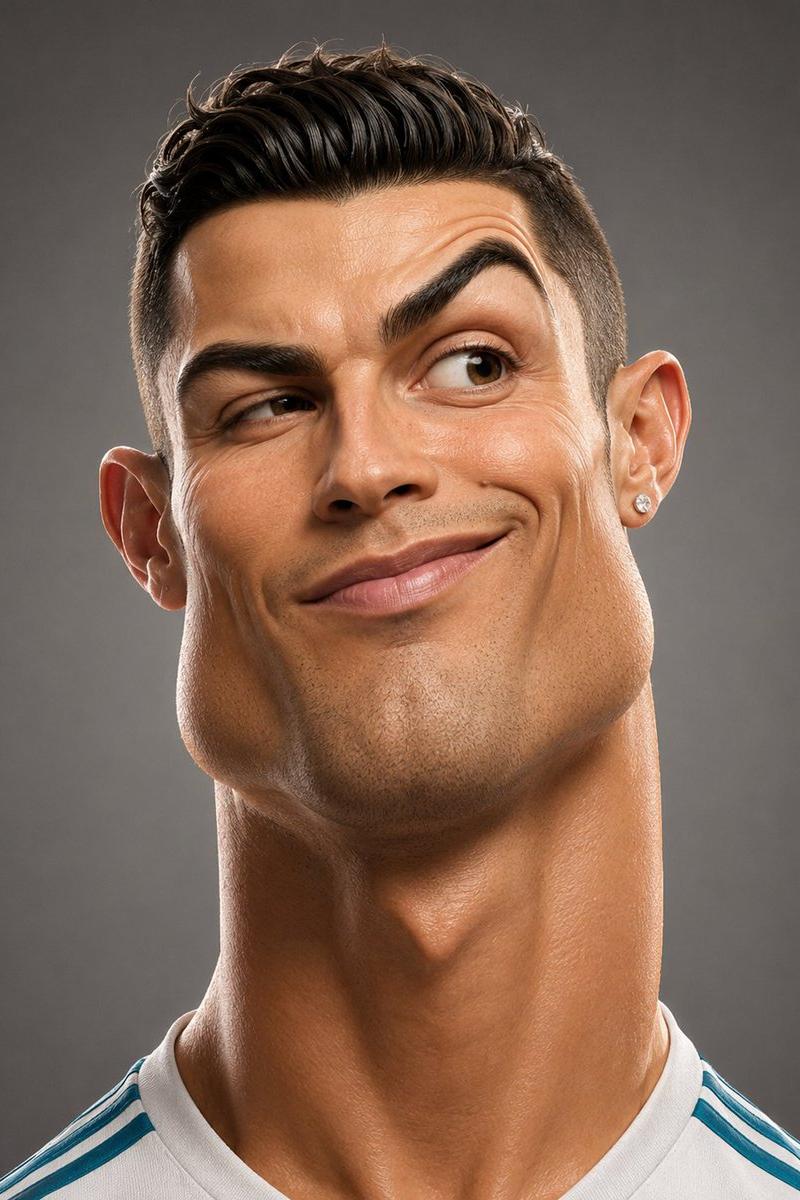
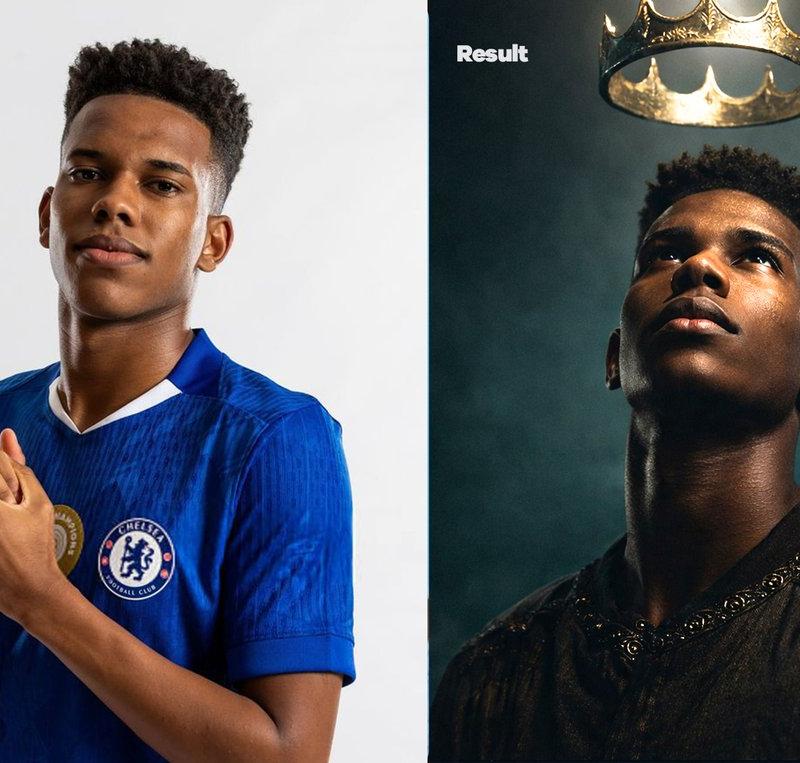
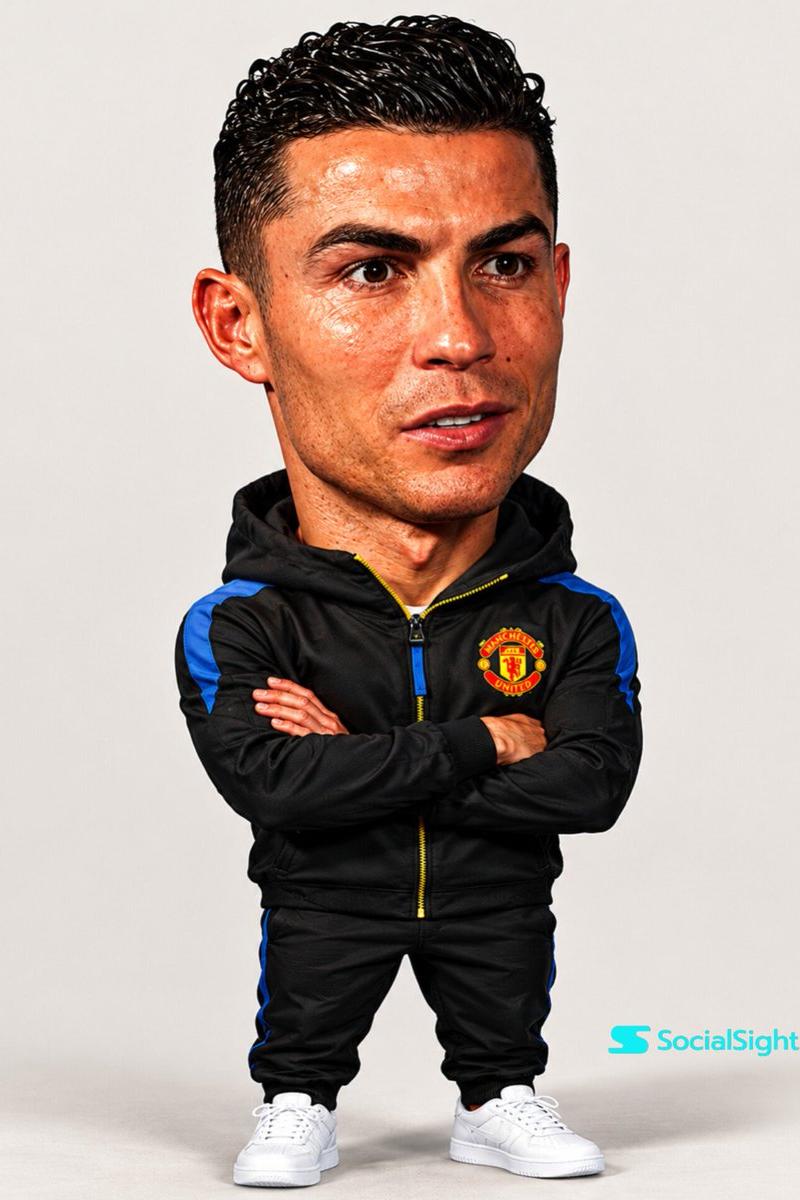
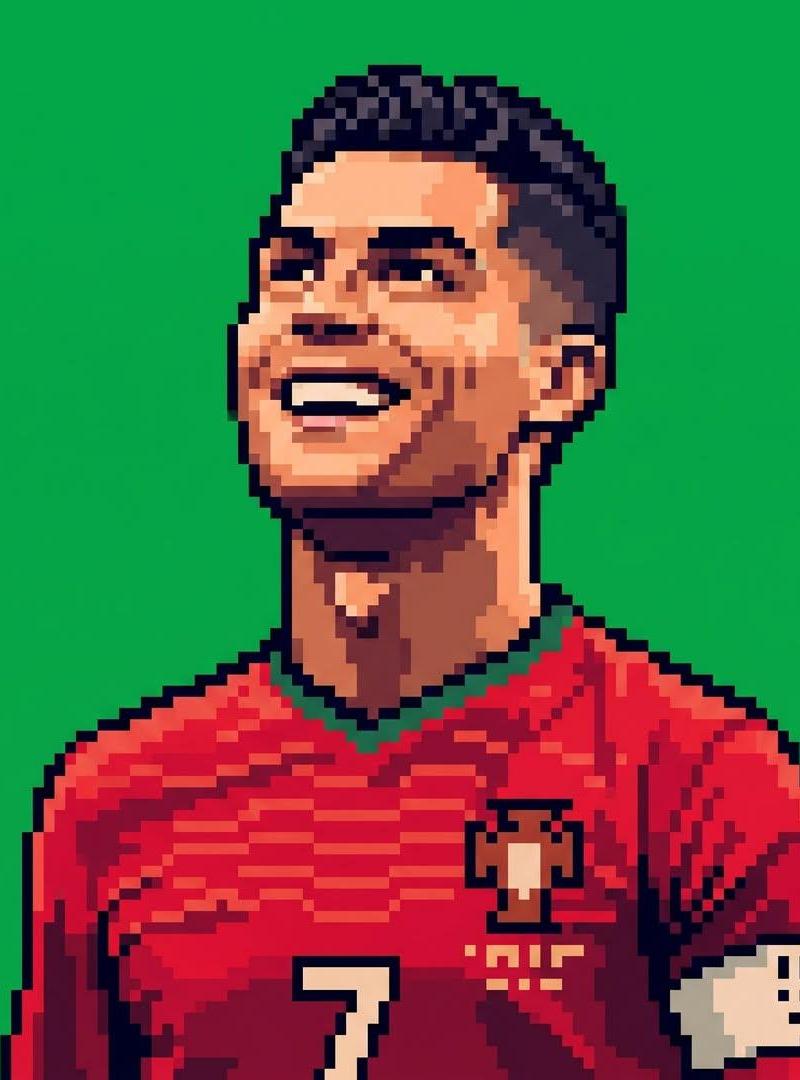
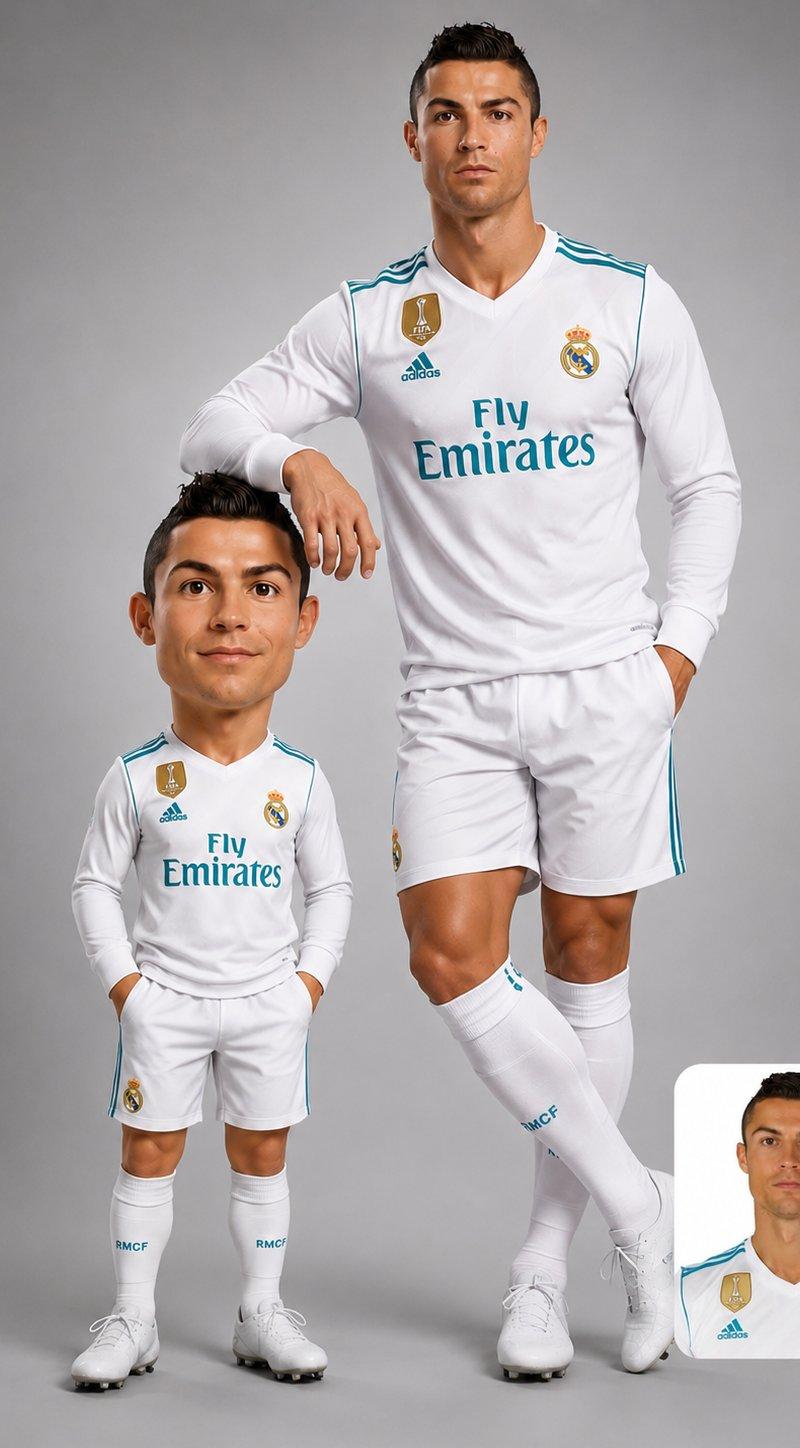
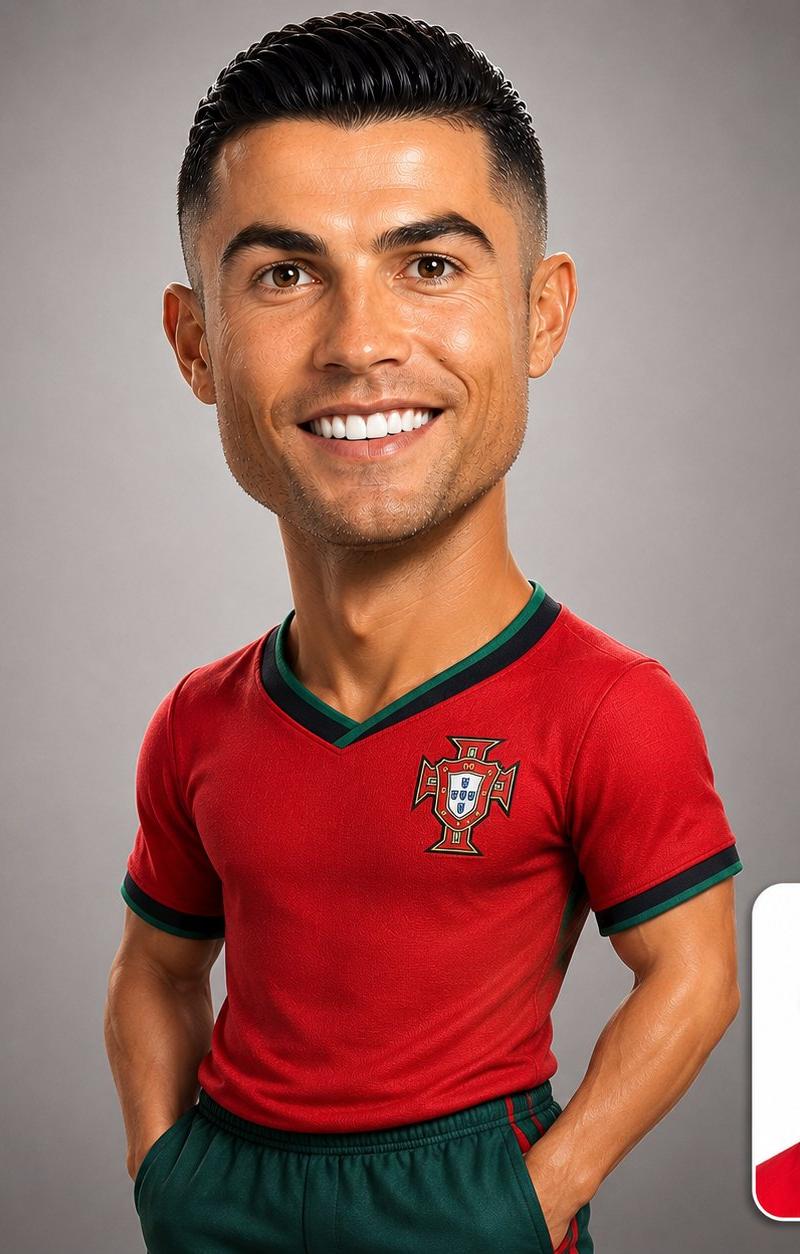
豪华设计玩具风3D写实漫画人像
Enlarge

Example images

豪华设计玩具风3D写实漫画人像

Prompt
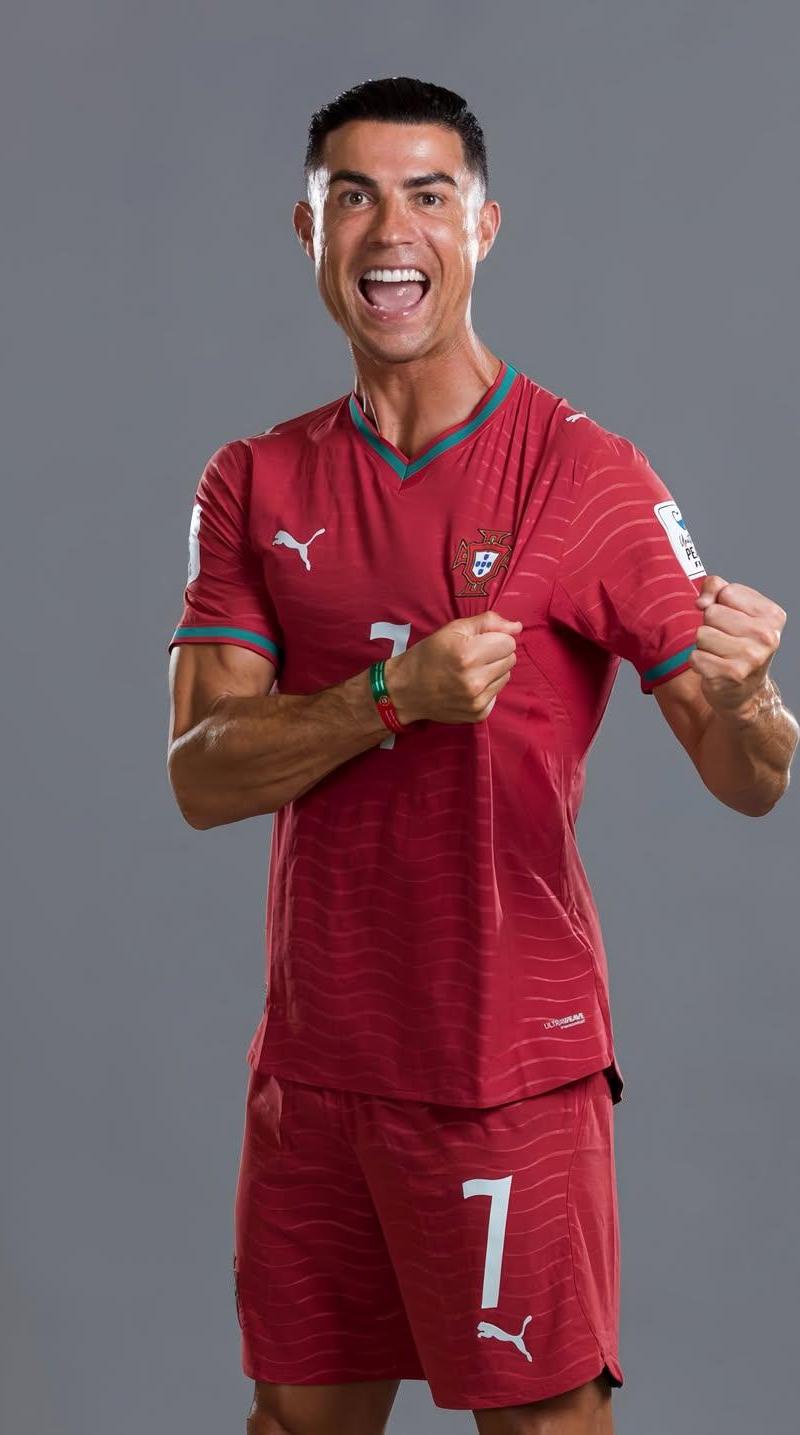
Create a premium stylized 3D caricature of the person in the uploaded image, preserving their exact identity, facial features, hairstyle, skin tone, age, and expression. Oversized head, smaller realistic upper body, luxury designer-toy aesthetic, visible torso and arms, confident natural pose, ultra-detailed CGI, smooth premium materials, soft studio lighting, neutral gray background, hyper-realistic rendering, sharp focus, 1:1 composition.

Include the original uploaded photo as a rounded-corner inset in the bottom-right corner (15–20% of frame) with a subtle white border and soft shadow, creating a clean before-and-after comparison.

Negative prompt: pedestal, base, bust statue, floating head, Pixar, anime, cartoon, low-poly, blurry, distorted face, extra limbs, text, watermark, logo, cluttered background, low quality.
Category
Brand & Logos
Model
ChatGPT
Creator
@AIwithSynthia
Source language
zh-CN
Views3
Source ID
15506
Published
Jun 8, 2026
Studio

Guide

About "豪华设计玩具风3D写实漫画人像"

What is this prompt for?

"豪华设计玩具风3D写实漫画人像" AI image prompt for ChatGPT (Brand & Logos). 为上传图片中的人物创建一个高级风格化的 3D 漫画,保留其确切的身份、面部特征、发型、肤色、年龄和表情。大头,较小的写实上半身,奢华设计师玩具美学,可见躯干和手臂,自信自然的姿势,超精细的 C…

The full copyable prompt and example visuals above are ready for AI image generation or one-click recreate in Picva.

How to use this prompt

  1. Step 1

    Open the prompt detail

    Review the example visuals, category, and full prompt text for "豪华设计玩具风3D写实漫画人像".

  2. Step 2

    Copy the prompt

    Copy the prompt body from this page, or load it directly in Studio.

  3. Step 3

    Pick a model (ChatGPT)

    Prefer ChatGPT. If you switch models, keep subject and composition and tweak style terms.

  4. Step 4

    Generate and export

    Recreate the look in Picva, or export into your workflow for editing and publishing.

FAQ

What is the "豪华设计玩具风3D写实漫画人像" prompt?
It is an AI image-generation prompt for ChatGPT in the Brand & Logos category. This page includes the full prompt text, example visuals, and a one-click recreate path in Picva.
How do I use this prompt to generate an image?
Copy the prompt from this page, or use Generate / Studio. Paste it into a compatible image model, or recreate the look in Picva with optional reference images.
Which model is this prompt for?
This page lists ChatGPT. Most descriptive prompts also transfer to nearby image models such as GPT Image, Flux, or Midjourney with light style tweaks.
Can I use the result commercially?
You can usually copy the prompt for creation, but commercial use of the final image depends on the model terms, reference-image rights, and the generated content. Follow the source author and platform rules.