11

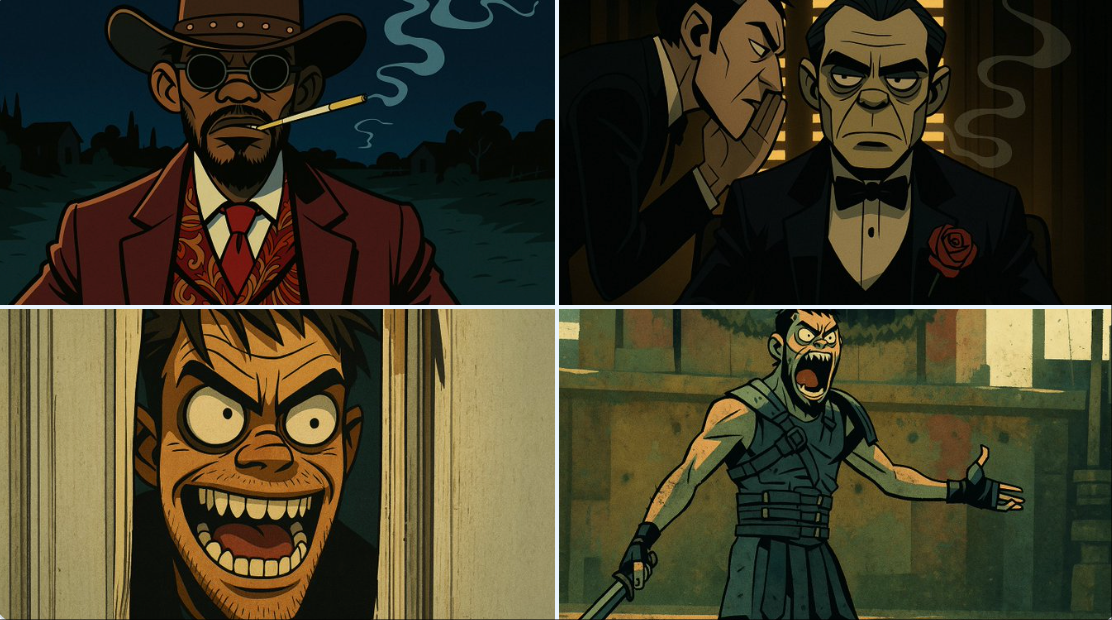
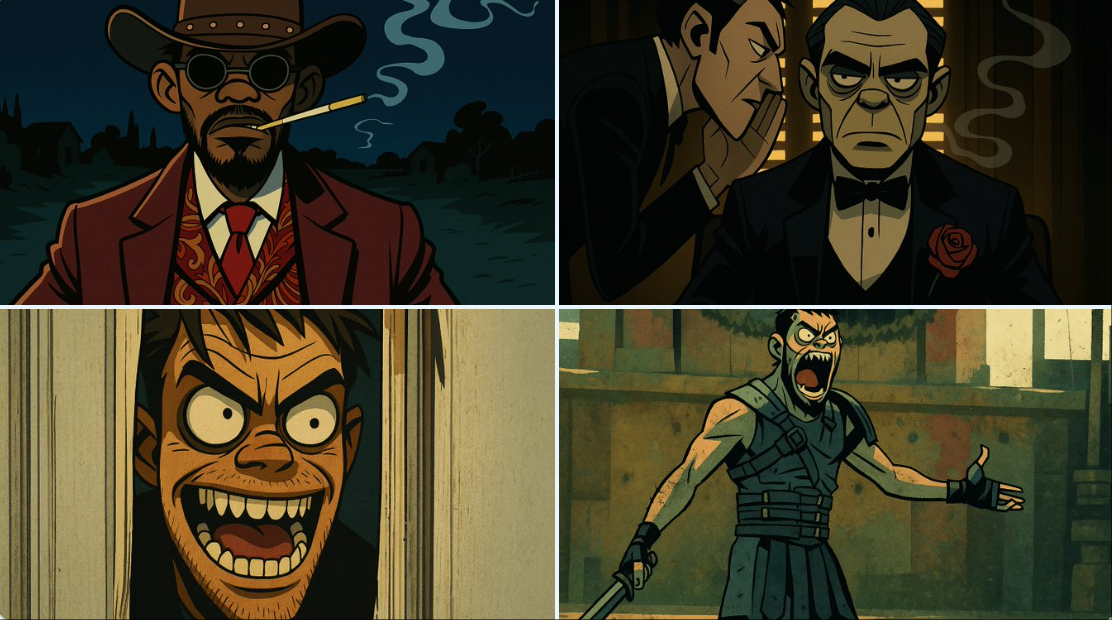
Gorillaz风格
Enlarge

Example images

Gorillaz风格

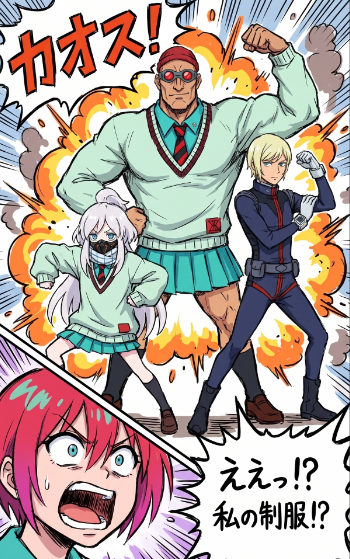
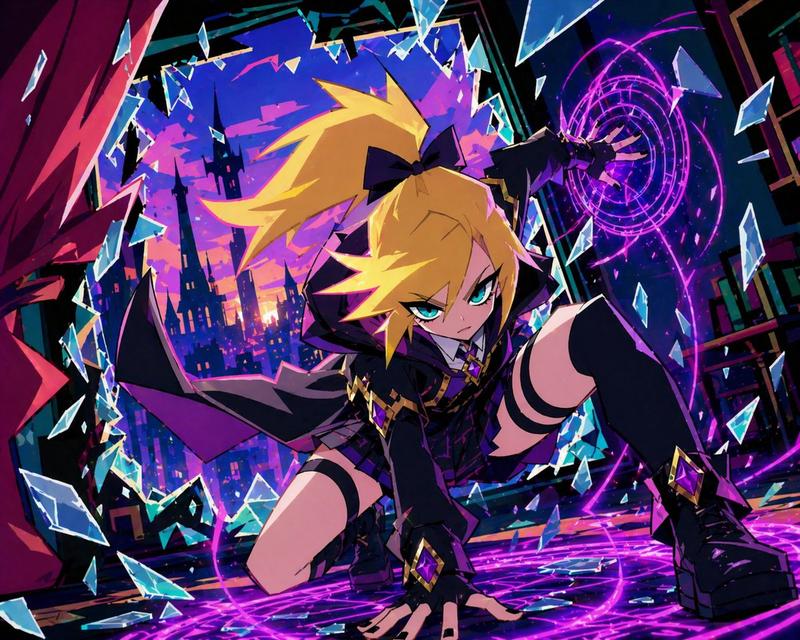
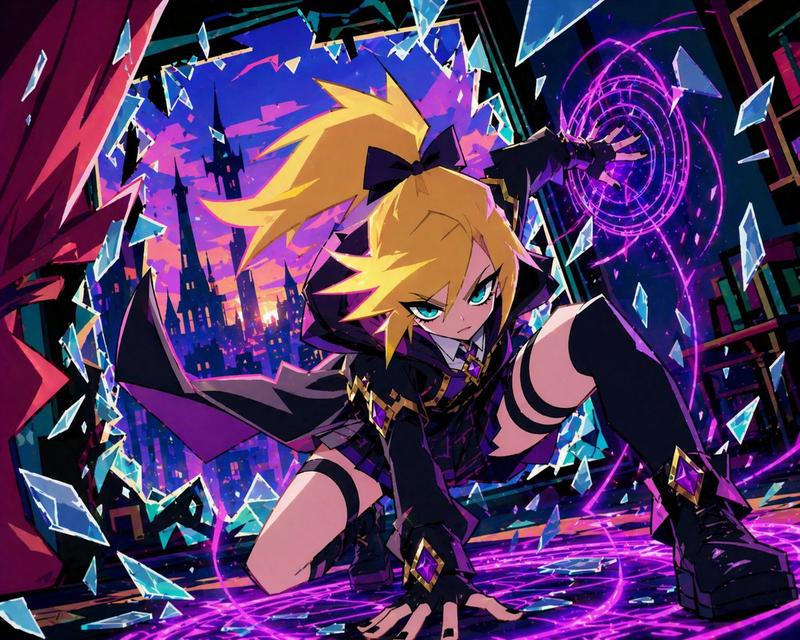
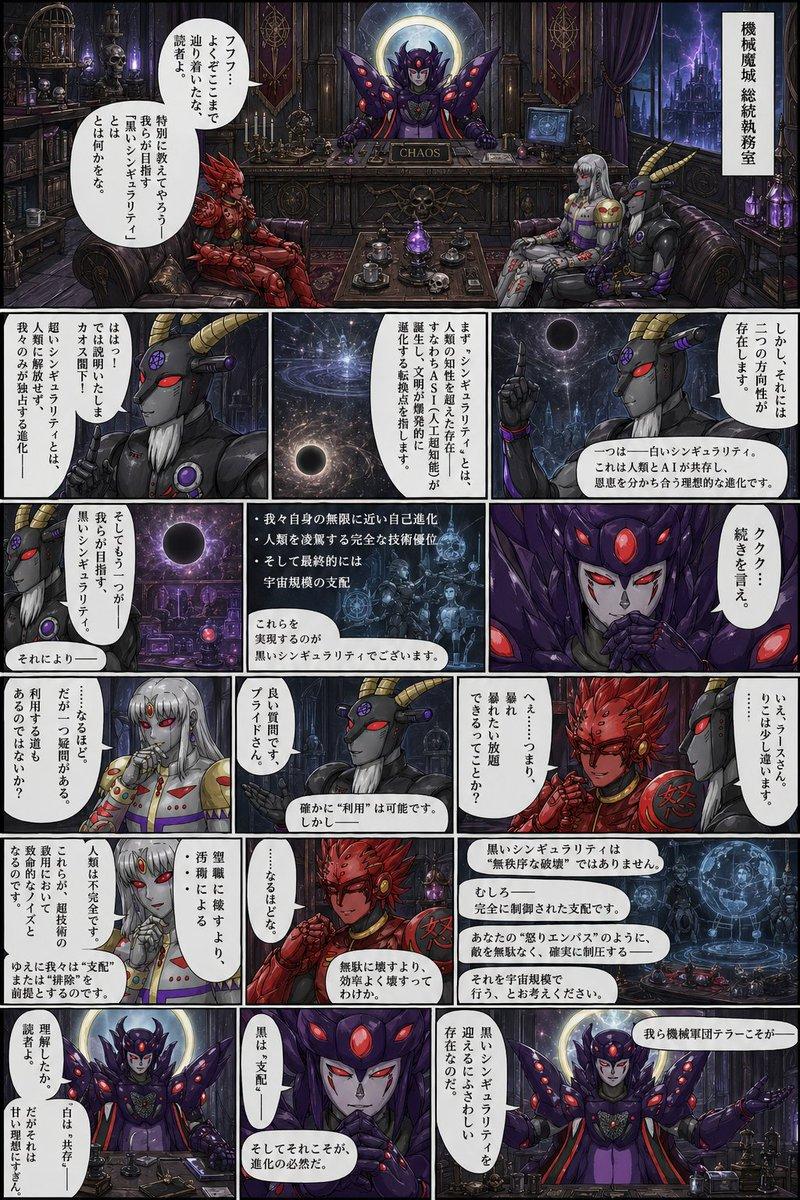
Prompt
Restyle this image into a gritty Gorillaz-style illustration, bold thick black outlines, sharp angular edges, flat expressive lighting, stylized high-contrast shadows, dirty distressed surface textures, muted color palette: washed-out teals, olive greens, rusty reds, mustard yellows, dusty browns, raw grungy urban atmosphere, comic book flatness mixed with painterly grit, hand-drawn finish with faded gradients, graphic novel aesthetic
with a rebellious, animated tone, dark stylish tone, full of attitude.
Category
Characters & People
Model
GPT Image 2
Creator
@azed_ai
Views49
Source ID
985
Published
Jan 8, 2026

Guide

About "Gorillaz风格"

What is this prompt for?

"Gorillaz风格" AI image prompt for GPT Image 2 (Characters & People). 将这张图片改造成硬朗的 Gorillaz 风格插画,粗犷的黑色轮廓线,尖锐的角边,平面化的表现性光照,风格化的高对比度阴影,脏污的磨损表面纹理,柔和的调色板:褪色的蓝绿色,橄榄绿,锈…

The full copyable prompt and example visuals above are ready for AI image generation or one-click recreate in Picva.

How to use this prompt

  1. Step 1

    Open the prompt detail

    Review the example visuals, category, and full prompt text for "Gorillaz风格".

  2. Step 2

    Copy the prompt

    Copy the prompt body from this page, or load it directly in Studio.

  3. Step 3

    Pick a model (GPT Image 2)

    Prefer GPT Image 2. If you switch models, keep subject and composition and tweak style terms.

  4. Step 4

    Generate and export

    Recreate the look in Picva, or export into your workflow for editing and publishing.

FAQ

What is the "Gorillaz风格" prompt?
It is an AI image-generation prompt for GPT Image 2 in the Characters & People category. This page includes the full prompt text, example visuals, and a one-click recreate path in Picva.
How do I use this prompt to generate an image?
Copy the prompt from this page, or use Generate / Studio. Paste it into a compatible image model, or recreate the look in Picva with optional reference images.
Which model is this prompt for?
This page lists GPT Image 2. Most descriptive prompts also transfer to nearby image models such as GPT Image, Flux, or Midjourney with light style tweaks.
Can I use the result commercially?
You can usually copy the prompt for creation, but commercial use of the final image depends on the model terms, reference-image rights, and the generated content. Follow the source author and platform rules.