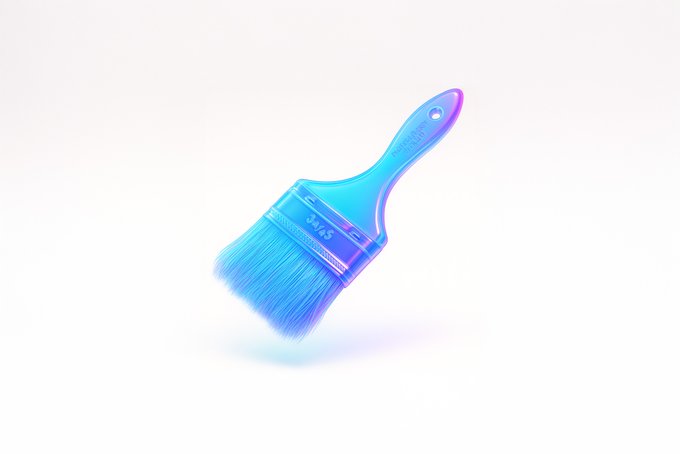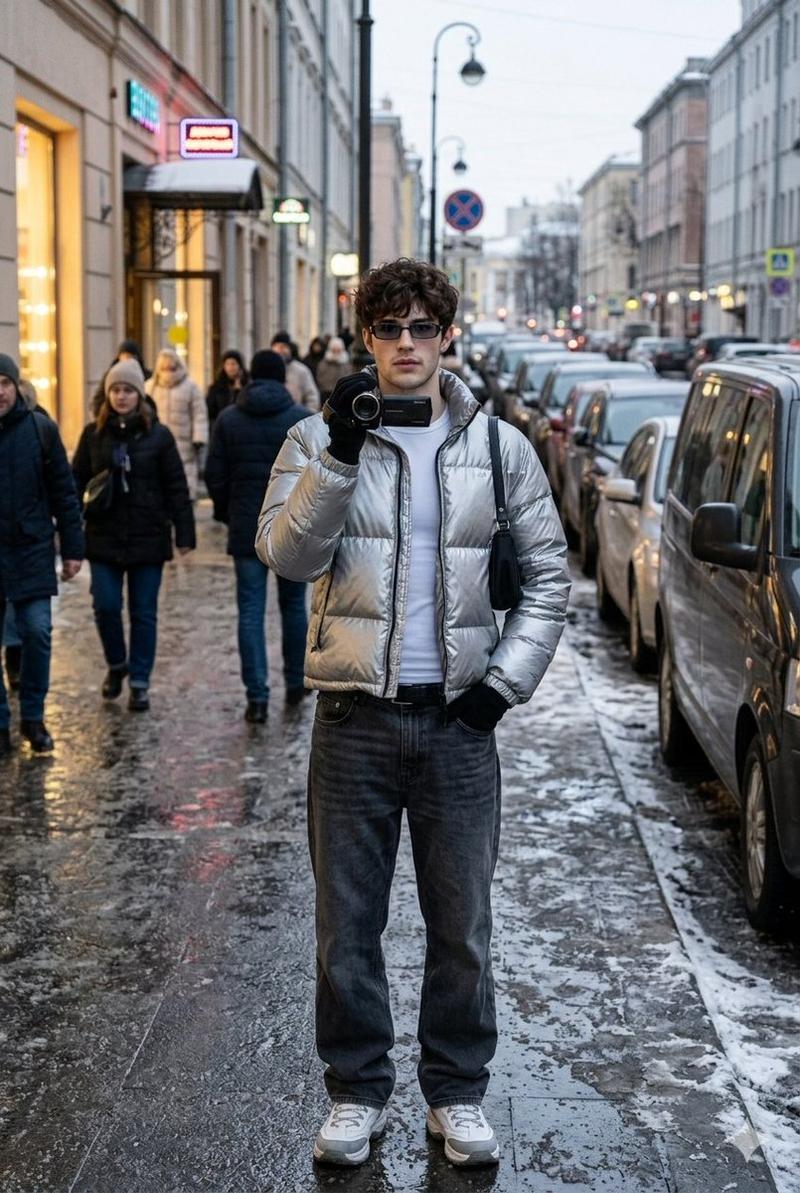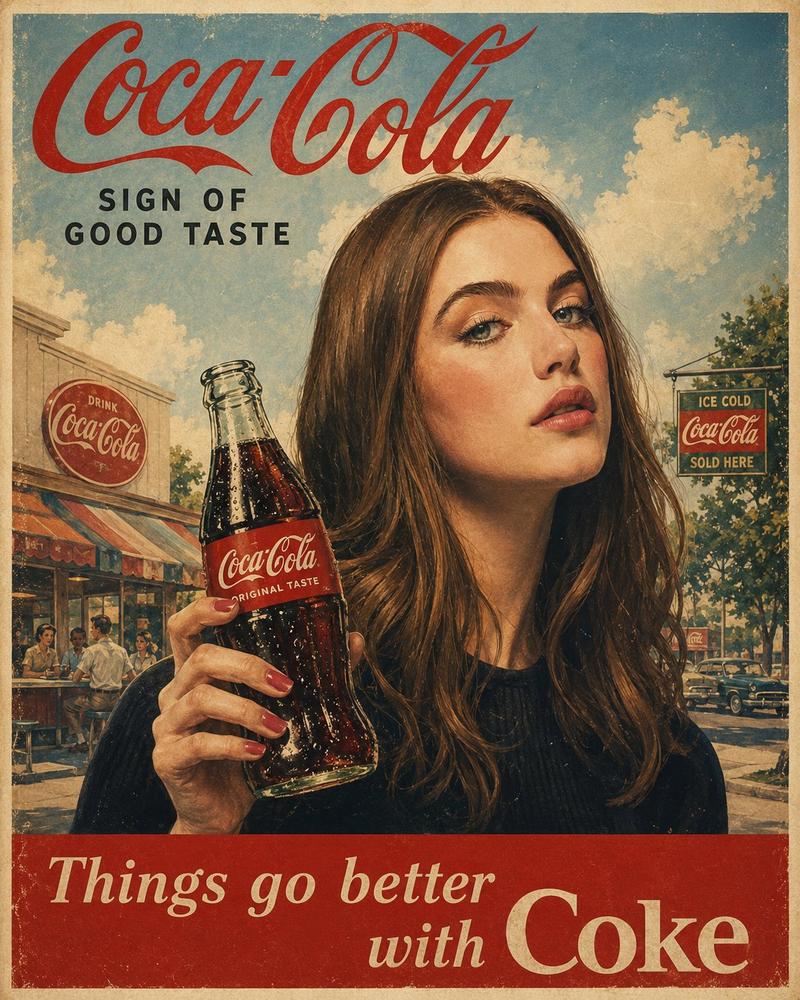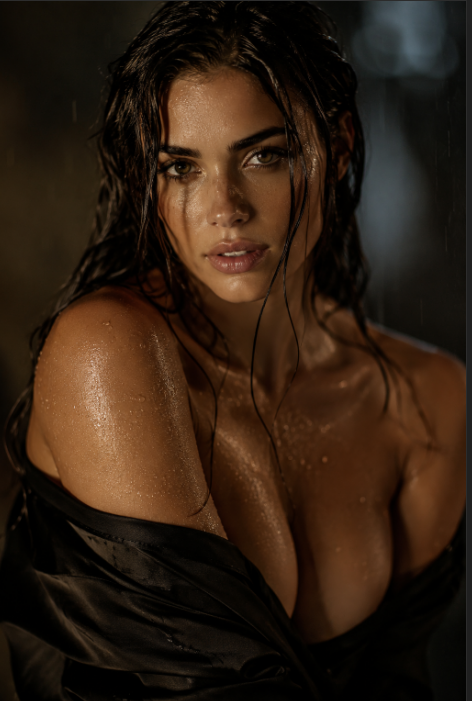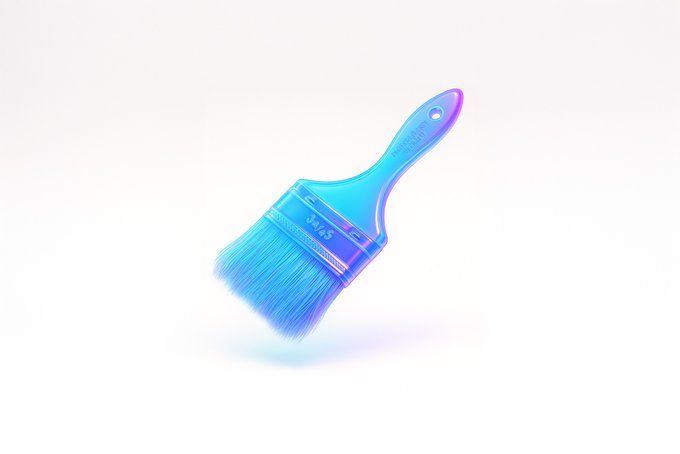
漂浮玻璃霓虹3D
Prompt
retexture the image attached based on the JSON below:

{
  "style_name": "Floating Glassy Neon 3D",
  "retexture_mode": "shape_lock",
  "object_analysis": {
    "preserve_silhouette": true,
    "geometry_sensitive_mapping": true,
    "detail_retention": "maintain contours, volumes, and layering"
  },
  "material_properties": {
    "base_material": "translucent neon glass-gel",
    "surface_finish": "semi-gloss with soft glow edges",
    "transparency": "high, with soft light refraction",
    "refraction": "gentle bend with subtle halo on curves",
    "embedded_effects": "internal light scatter and edge neon glow",
    "color_blend": {
      "primary": ["aqua", "electric blue", "neon violet"],
      "gradient_direction": "top-left to bottom-right",
      "transition_smoothness": "very smooth"
    }
  },
  "lighting": {
    "type": "softbox HDRI",
    "intensity": "soft and bright",
    "source_direction": "overhead and slightly front",
    "highlight_behavior": "gentle bloom with glass sparkle"
  },
  "shadow_behavior": {
    "type": "floating contact shadow",
    "appearance": "extremely soft, blurred ellipse",
    "opacity": 0.07,
    "distance_below_object": "moderate",
    "color": "neutral gray"
  },
  "background": {
    "type": "solid color",
    "color": "#ffffff",
    "glow_effect": "none",
    "gradient": "none"
  },
  "rendering": {
    "depth_of_field": "subtle with slight vignette",
    "focus_point": "center of floating object",
    "ambient_occlusion": "minimal to preserve light feel",
    "render_engine": "3D stylized with light diffusion and high specular detail",
    "camera_angle": "slightly above object, frontal",
    "resolution": "very high for product branding"
  },
  "special_effects": {
    "floating_behavior": true,
    "visual_weightlessness": true,
    "shadow_softness": "maximum"
  }
}- Category
- Posters & Typography
- Model
- GPT Image 2
- Creator
- @egeberkina
- Source ID
- 1026
- Published
- Jan 8, 2026
Views36