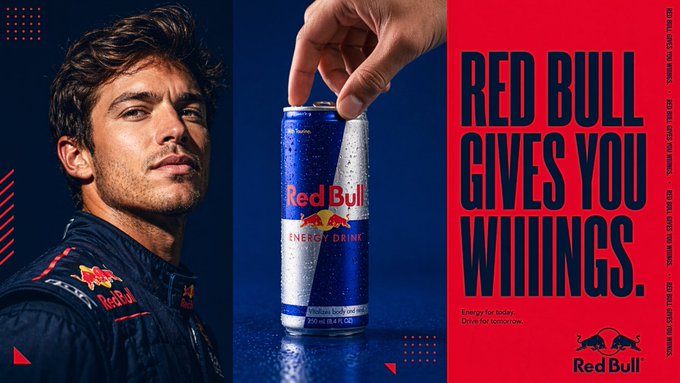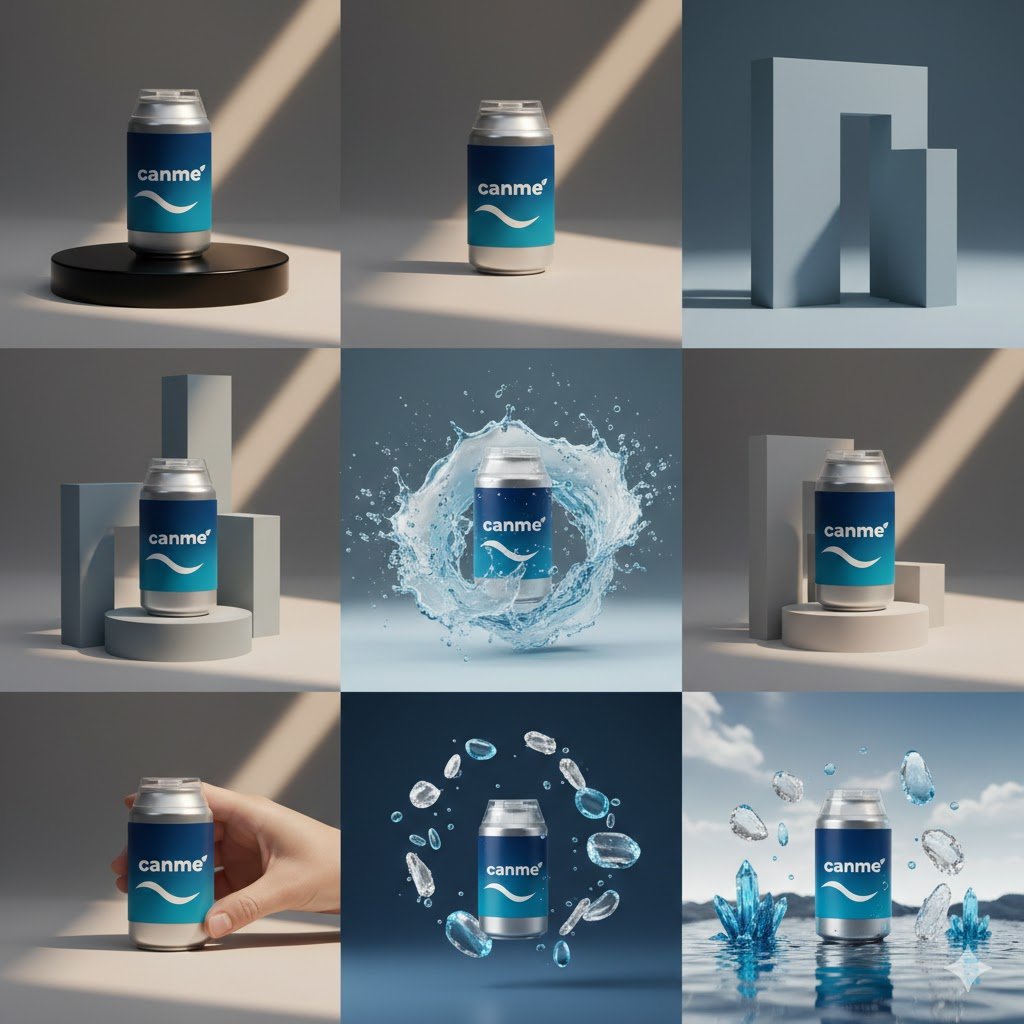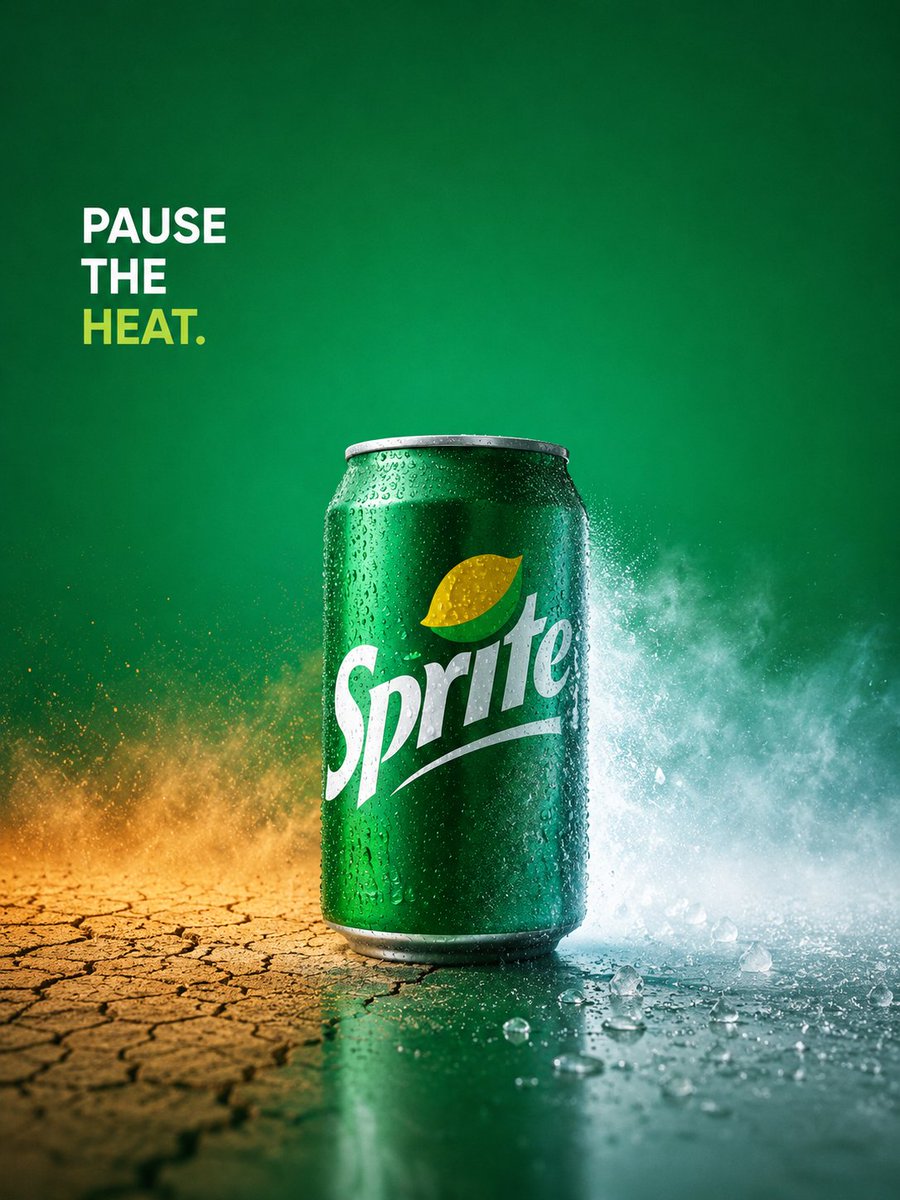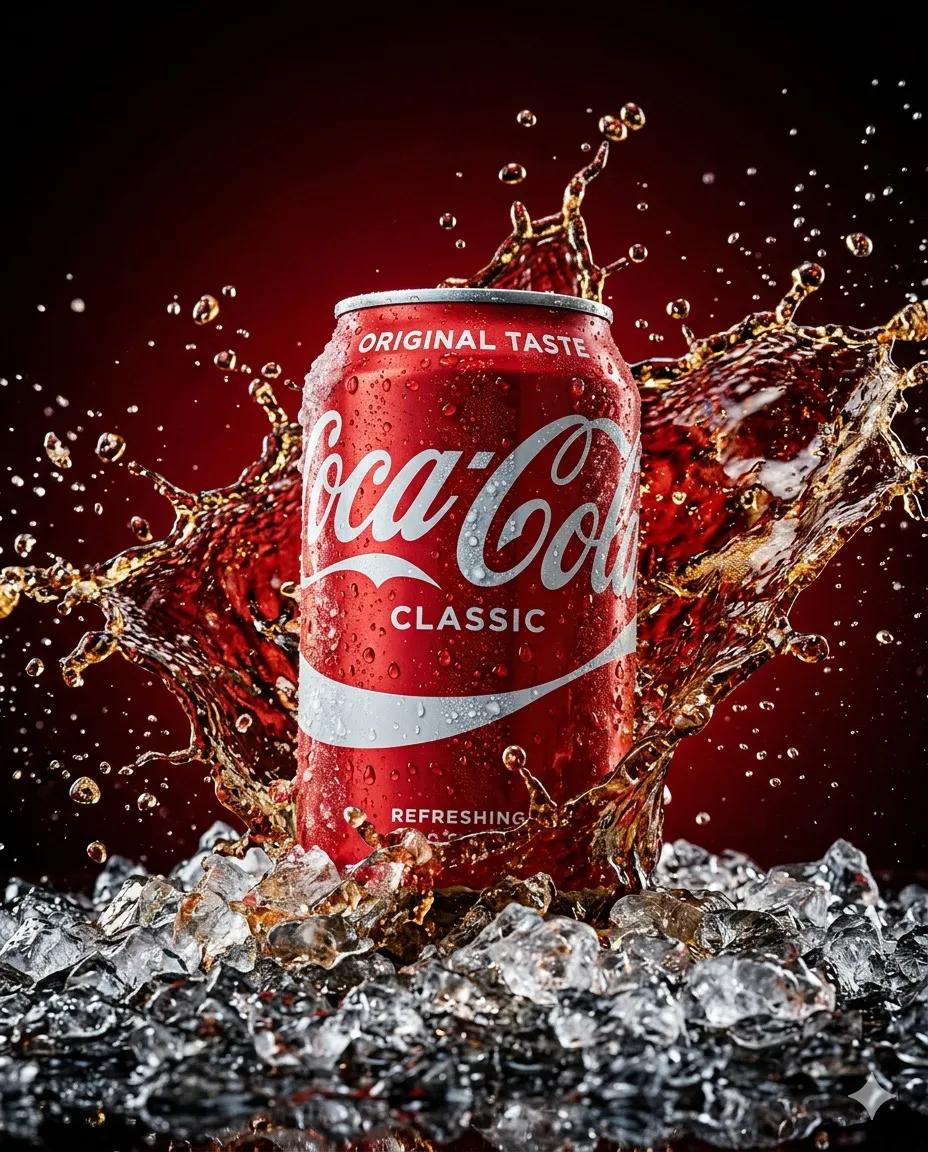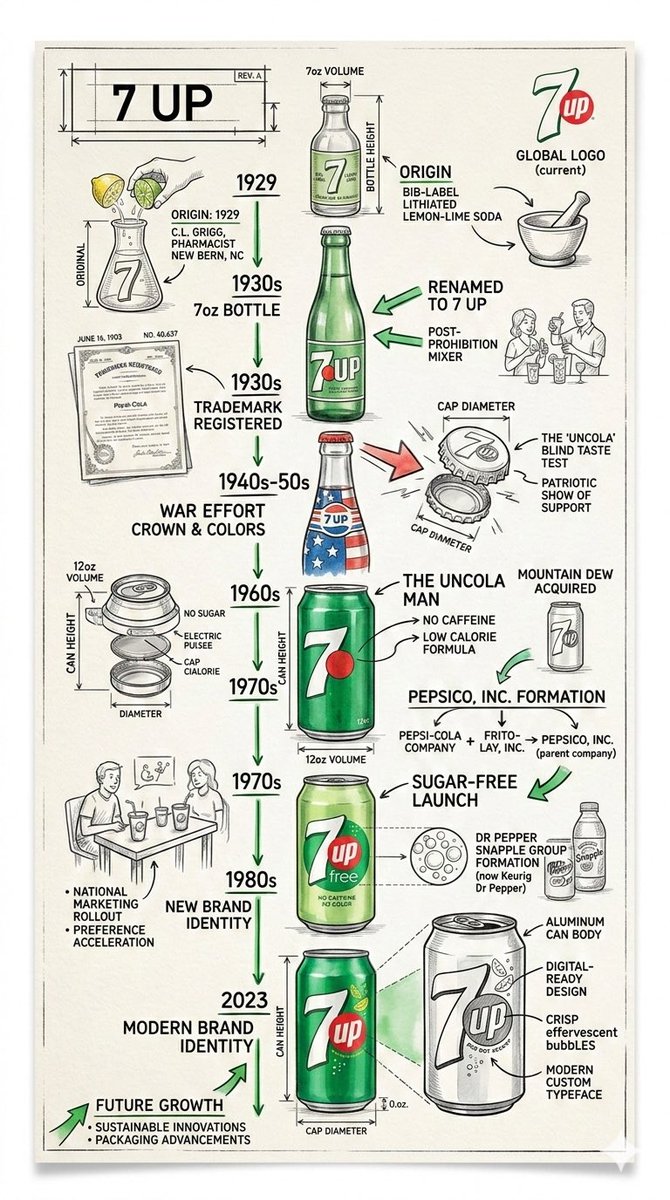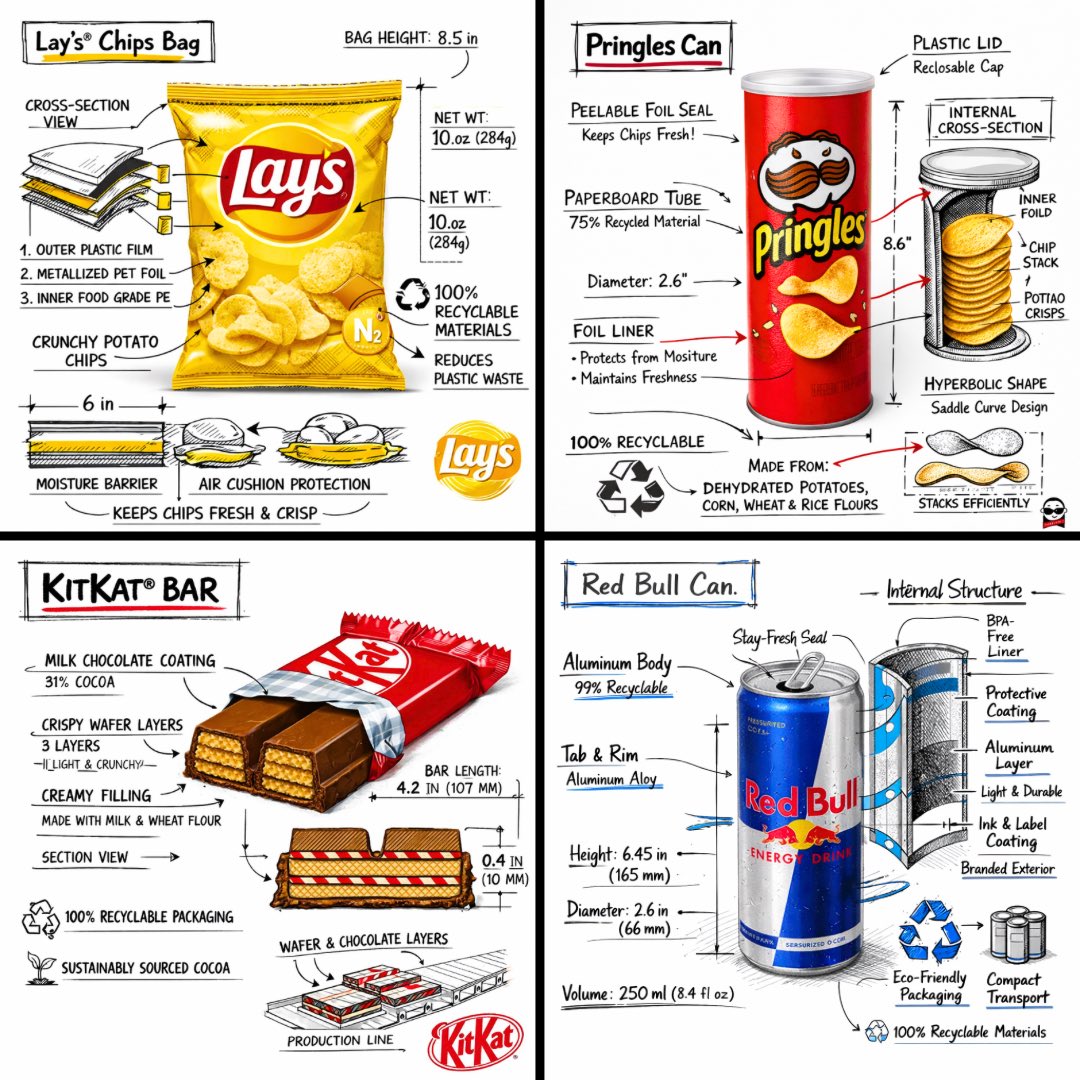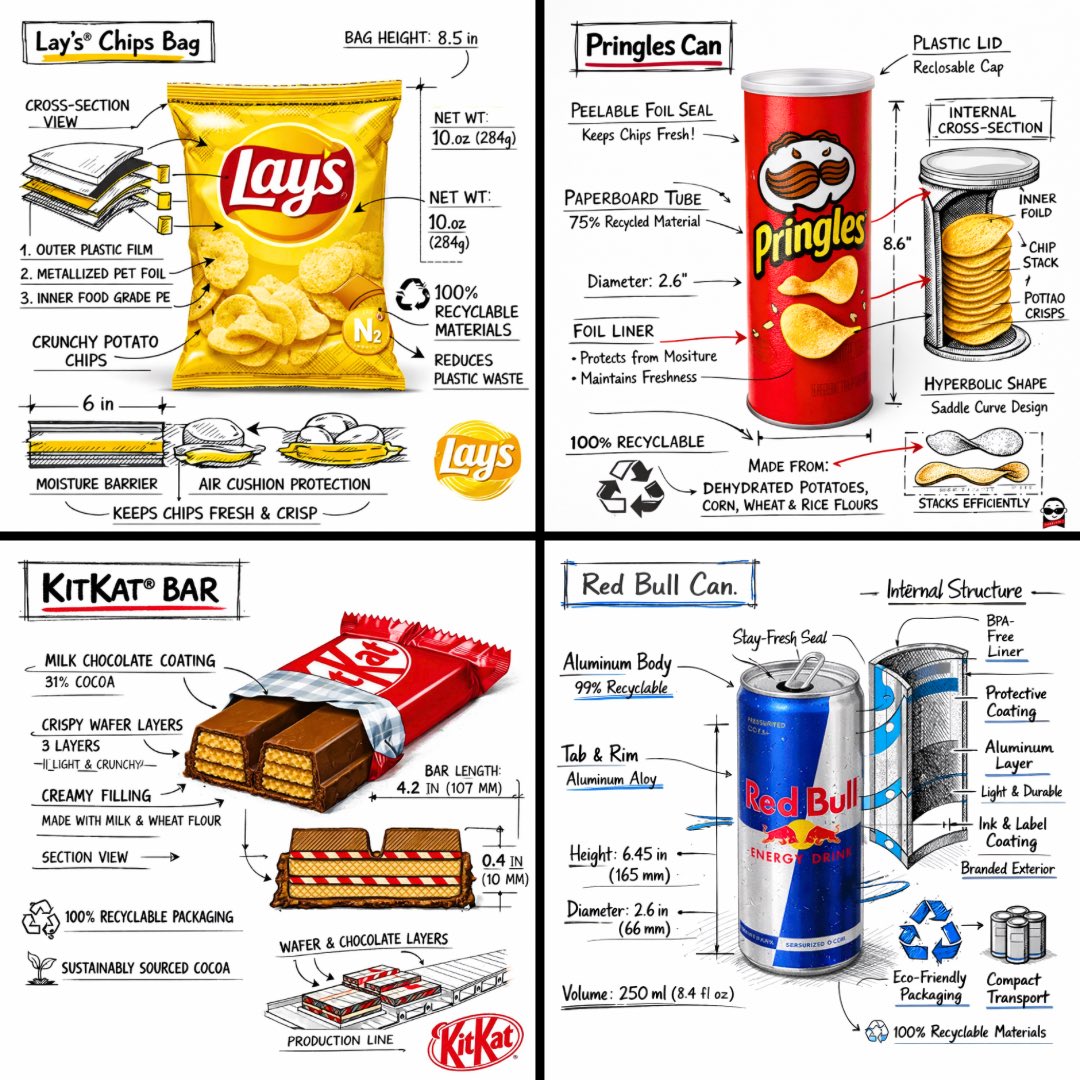
品牌设计指南海报
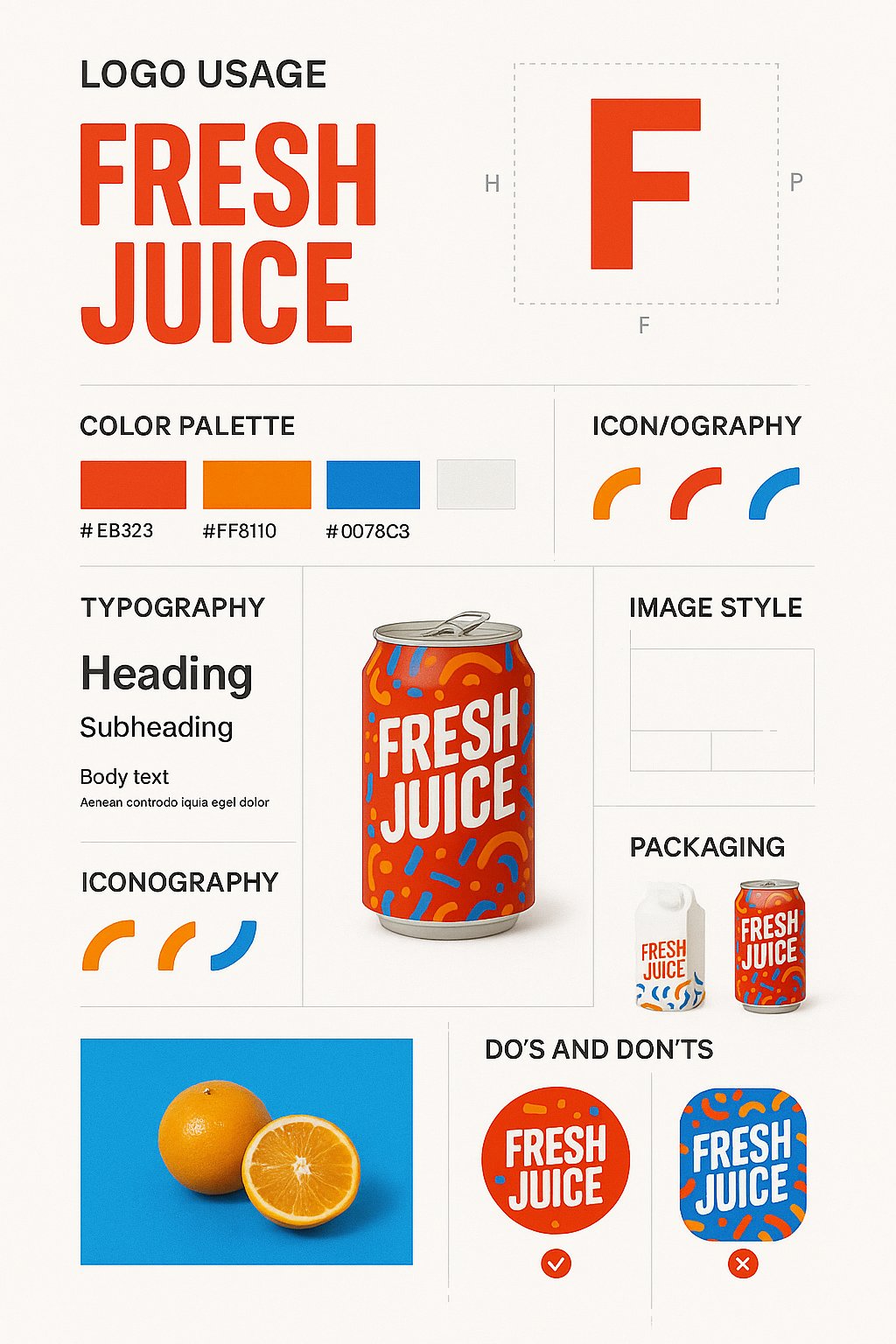
Create a vertical 9:16 brand design guide poster using the uploaded product image. Adapt the design style to match the product’s niche and visual identity. Structure the poster with clear, elegant sections: (1) Large logo display and safe z
- Category
- UI & Interfaces
- Model
- GPT Image 2
- Creator
- @ai4everyday
- Source language
- en
- Source ID
- 832
- Published
- Jan 8, 2026
Full prompt
Create a vertical 9:16 brand design guide poster using the uploaded product image. Adapt the design style to match the product’s niche and visual identity. Structure the poster with clear, elegant sections: (1) Large logo display and safe zone usage, (2) Product mockup centered and highlighted, (3) Primary and secondary color palette swatches with hex codes, (4) Typography guide with heading, subheading, body font samples, and line spacing specs, (5) Iconography or graphic motif examples used by the brand, (6) Image treatment style with sample lifestyle or studio visuals, (7) Grid system or layout rules, (8) Packaging mockups and surface applications, (9) Do’s & Don’ts with annotated visuals. Use minimalist white or soft neutral background with structured layout dividers and drop shadows. The result must be visually rich, clean, and suitable for a printed or digital brand book.
Translations
品牌设计指南海报
enCreate a vertical 9:16 brand design guide poster using the uploaded product image. Adapt the design style to match the product’s niche and visual identity. Structure the poster with clear, elegant sections: (1) Large logo display and safe zone usage, (2) Product mockup centered and highlighted, (3) Primary and secondary color palette swatches with hex codes, (4) Typography guide with heading, subheading, body font samples, and line spacing specs, (5) Iconography or graphic motif examples used by the brand, (6) Image treatment style with sample lifestyle or studio visuals, (7) Grid system or layout rules, (8) Packaging mockups and surface applications, (9) Do’s & Don’ts with annotated visuals. Use minimalist white or soft neutral background with structured layout dividers and drop shadows. The result must be visually rich, clean, and suitable for a printed or digital brand book.