11

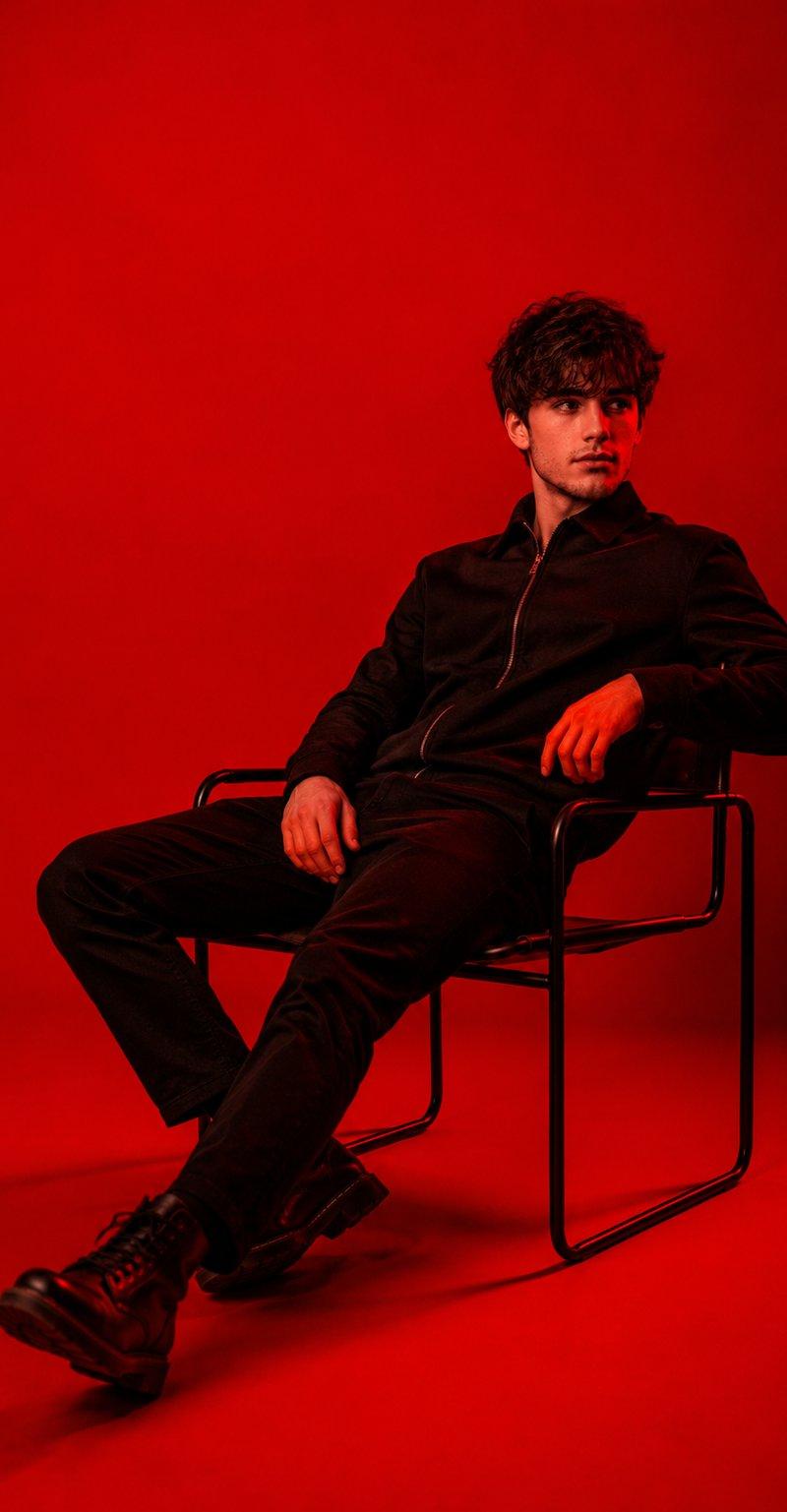
红色光影极简主义时尚人像摄影
Enlarge

Example images

红色光影极简主义时尚人像摄影

Prompt
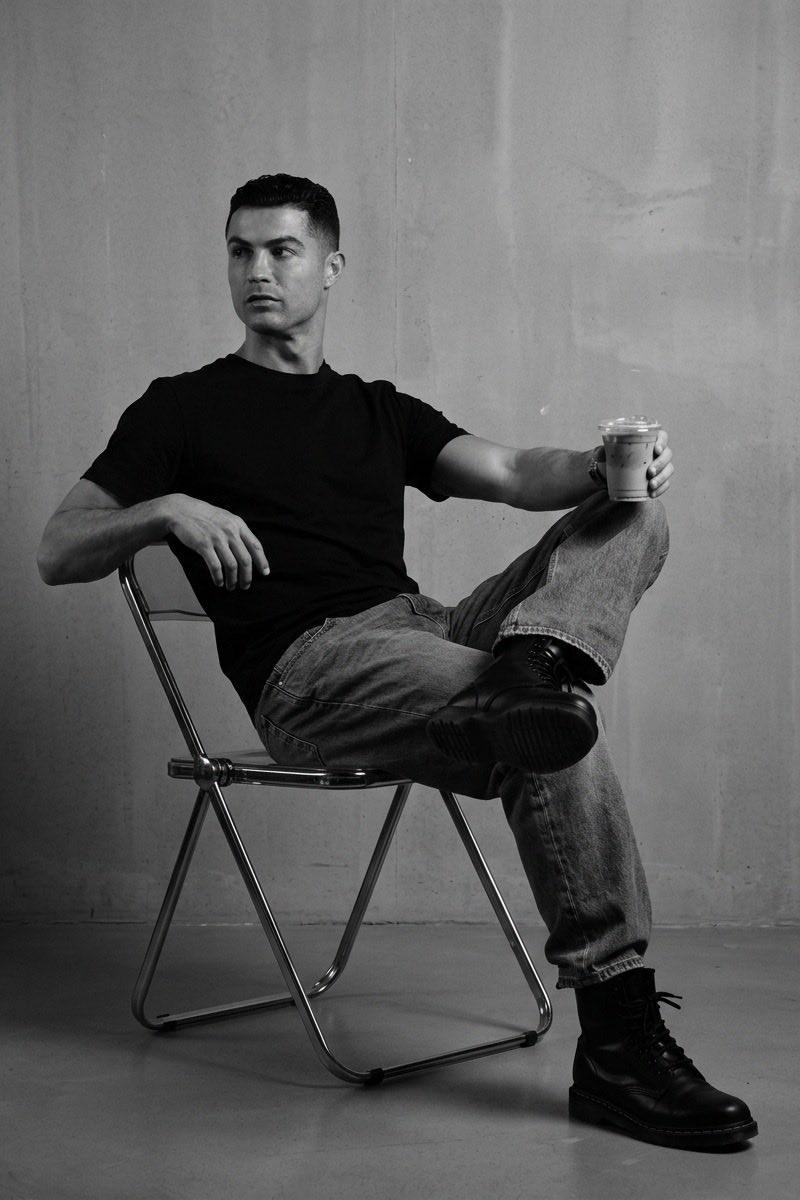
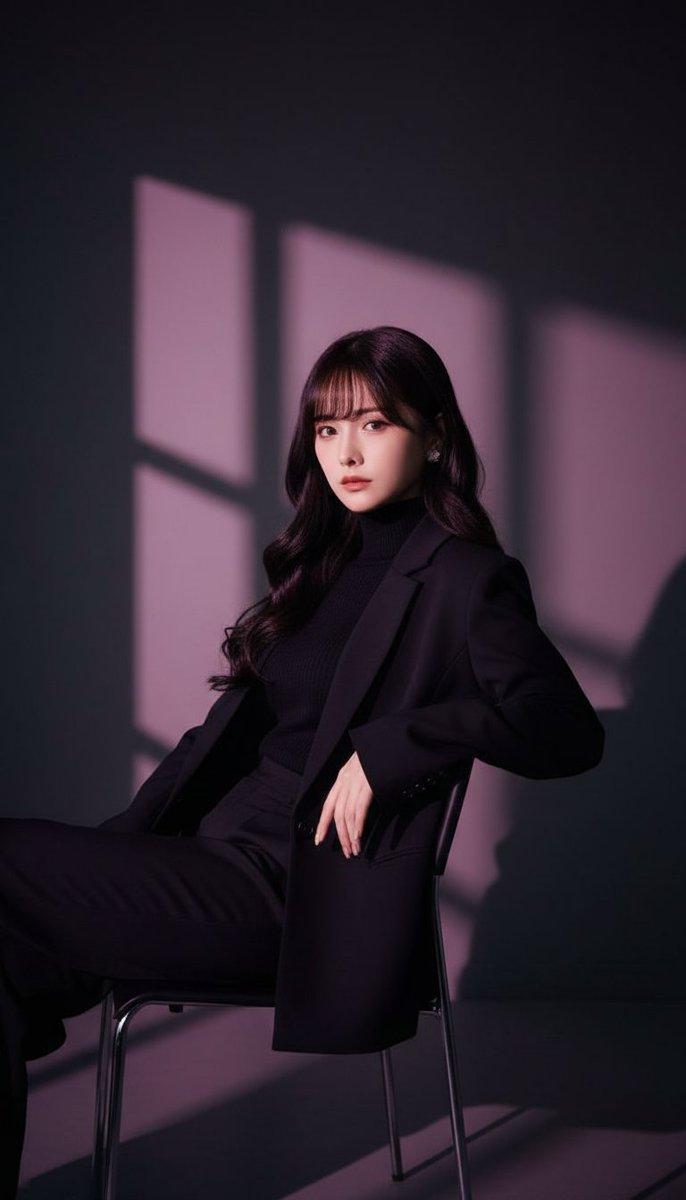
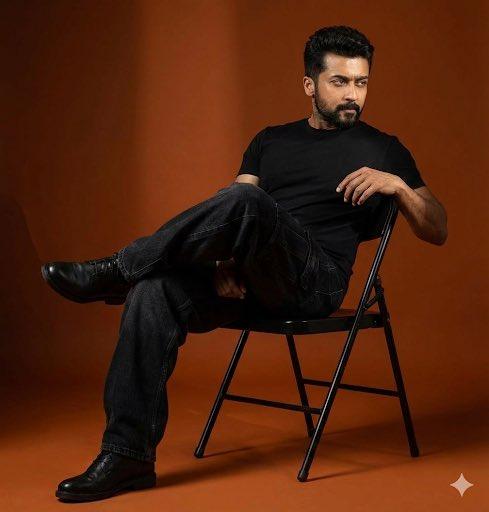
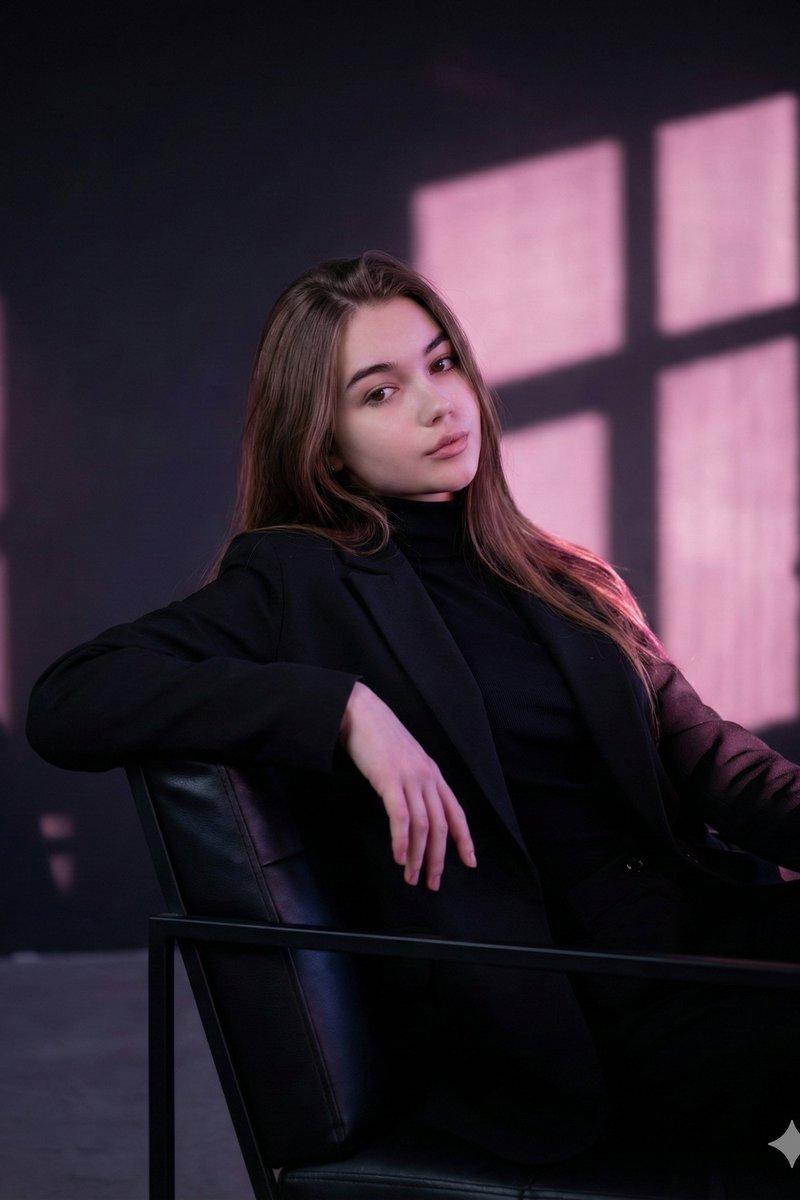
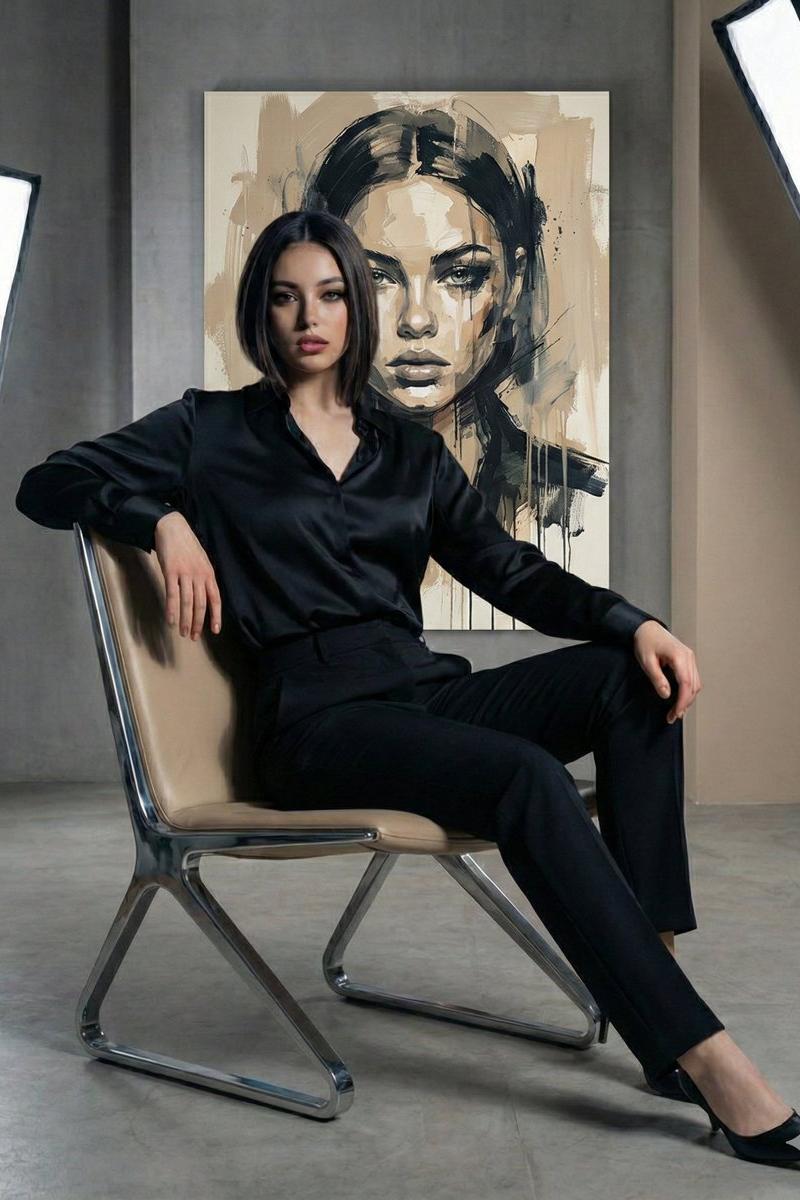
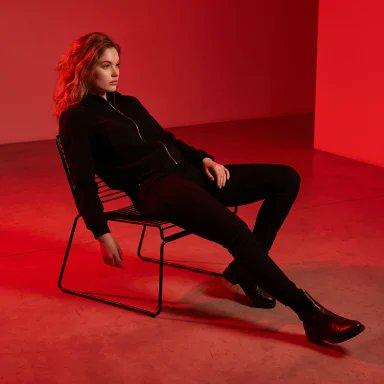
PHOTO OF A CONFIDENT, ELEGANT WOMAN WEARING A BLACK ZIP-UP JACKET, BLACK FITTED PANTS, AND BLACK LEATHER BOOTS, SITTING RELAXED AND RECLINED ON A MODERN THIN METAL-FRAME CHAIR IN A MINIMALIST STUDIO. SHE IS LEANING BACK WITH HER LEGS STRETCHED FORWARD, ONE HAND RESTING ON THE CHAIR ARM AND THE OTHER ON HER THIGH, LOOKING TO THE SIDE WITH A CALM, COMPOSED EXPRESSION. DRAMATIC FULL-SCENE RED LIGHTING ILLUMINATES THE ENTIRE SET, WITH BOTH THE BACKGROUND AND FLOOR BATHED IN AN INTENSE SATURATED RED GLOW. HIGH-CONTRAST CINEMATIC LIGHTING, SUBTLE SHADOWS, ULTRA-REALISTIC DETAILS, SHARP FOCUS, LUXURY EDITORIAL FASHION PHOTOGRAPHY, CLEAN MINIMALIST COMPOSITION, PREMIUM MAGAZINE COVER AESTHETIC, POWERFUL YET SOPHISTICATED PRESENCE, 8K, HYPER-REALISTIC.
Category
Charts & Infographics
Model
Nano Banana 2
Creator
@SimplyAnnisa
Source language
zh-CN
Views15
Source ID
16066
Published
Jun 16, 2026
Studio

Guide

About "红色光影极简主义时尚人像摄影"

What is this prompt for?

"红色光影极简主义时尚人像摄影" AI image prompt for Nano Banana 2 (Charts & Infographics). 一张自信且优雅的女性照片,她穿着黑色拉链夹克、黑色修身长裤和黑色皮靴,在极简主义工作室中轻松地斜靠在现代纤细金属框架椅子上。她身体后仰,双腿向前伸展,一只手搭在椅子扶…

The full copyable prompt and example visuals above are ready for AI image generation or one-click recreate in Picva.

How to use this prompt

  1. Step 1

    Open the prompt detail

    Review the example visuals, category, and full prompt text for "红色光影极简主义时尚人像摄影".

  2. Step 2

    Copy the prompt

    Copy the prompt body from this page, or load it directly in Studio.

  3. Step 3

    Pick a model (Nano Banana 2)

    Prefer Nano Banana 2. If you switch models, keep subject and composition and tweak style terms.

  4. Step 4

    Generate and export

    Recreate the look in Picva, or export into your workflow for editing and publishing.

FAQ

What is the "红色光影极简主义时尚人像摄影" prompt?
It is an AI image-generation prompt for Nano Banana 2 in the Charts & Infographics category. This page includes the full prompt text, example visuals, and a one-click recreate path in Picva.
How do I use this prompt to generate an image?
Copy the prompt from this page, or use Generate / Studio. Paste it into a compatible image model, or recreate the look in Picva with optional reference images.
Which model is this prompt for?
This page lists Nano Banana 2. Most descriptive prompts also transfer to nearby image models such as GPT Image, Flux, or Midjourney with light style tweaks.
Can I use the result commercially?
You can usually copy the prompt for creation, but commercial use of the final image depends on the model terms, reference-image rights, and the generated content. Follow the source author and platform rules.